
 15
15presentation
Flying Saucer History Lesson Deck
Build an engaging World UFO Day session with this flying saucer history lesson deck, featuring retro green-and-brown slides for PowerPoint and Google Slides.
Google SlidesPowerPoint
presentation · English
Turn project results into a clear visual story with this yellow science fair poster layout, editable in PowerPoint and Google Slides for polished displays.
Design notes
Turn observations, measurements, and conclusions into a display that classmates and judges can understand at a glance. This yellow science fair poster layout uses cheerful illustrations, bold section headings, and structured content areas to make complex information approachable. Edit every element in PowerPoint or Google Slides to match a specific experiment, assignment, or exhibition.
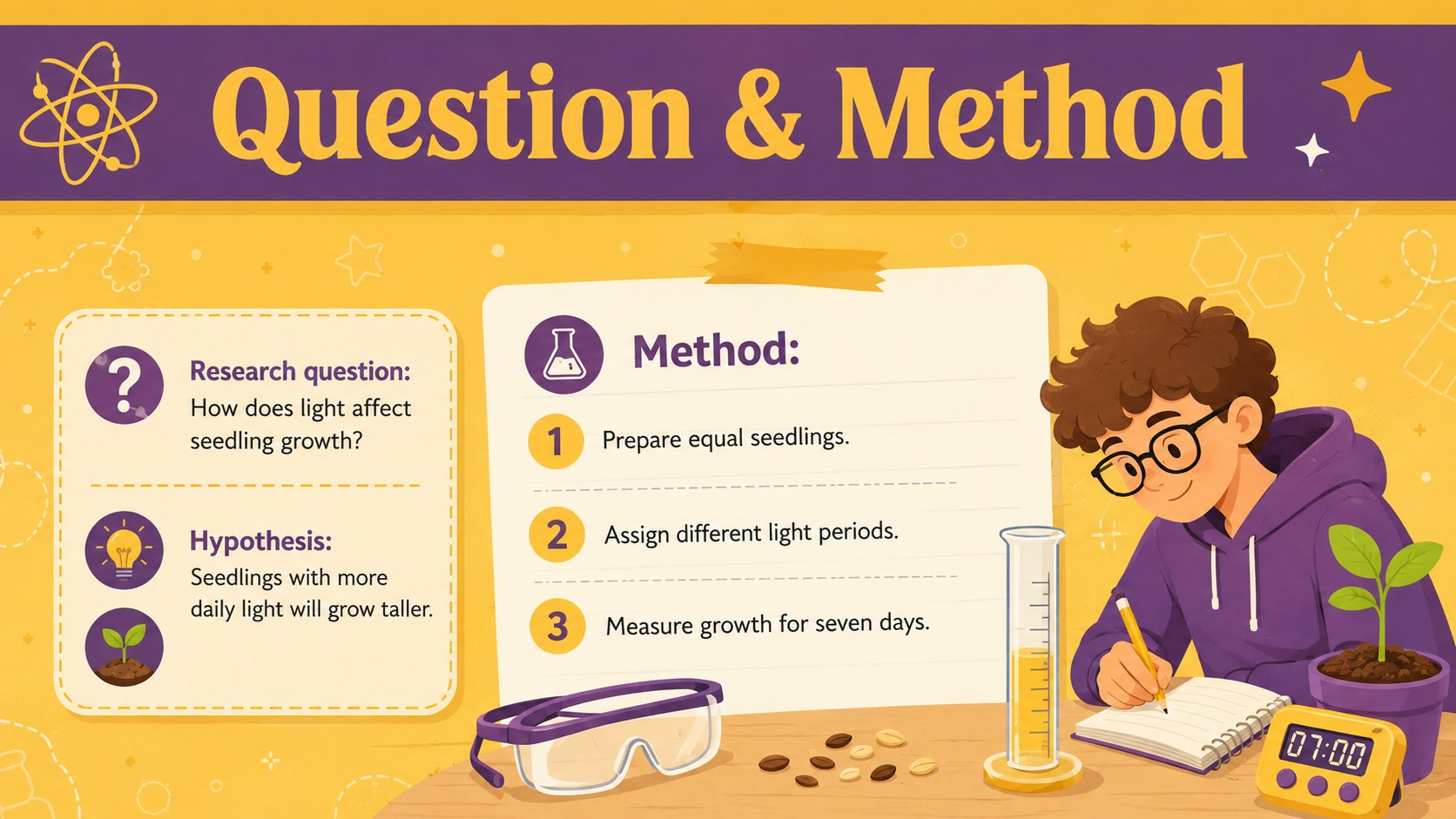
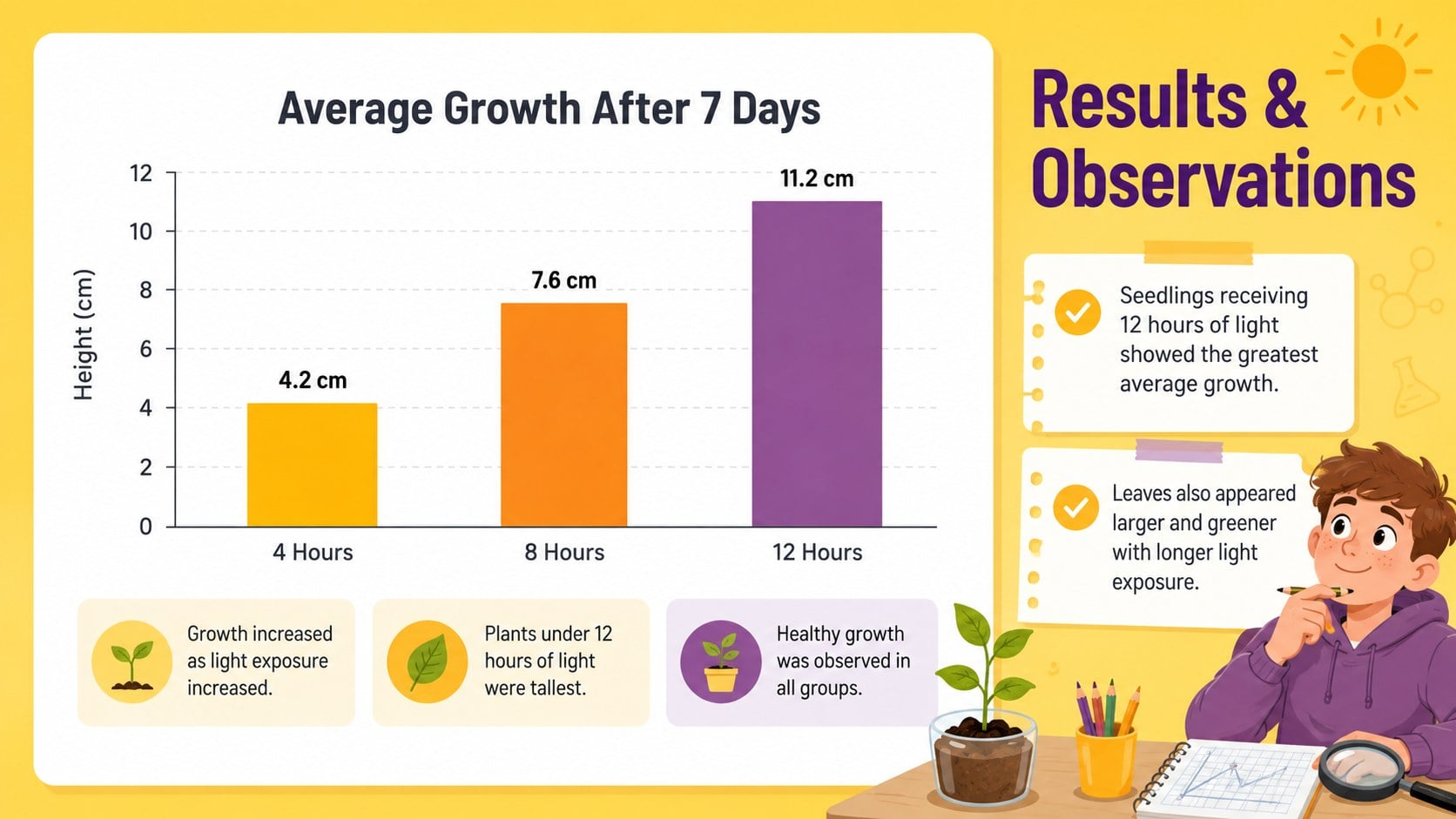
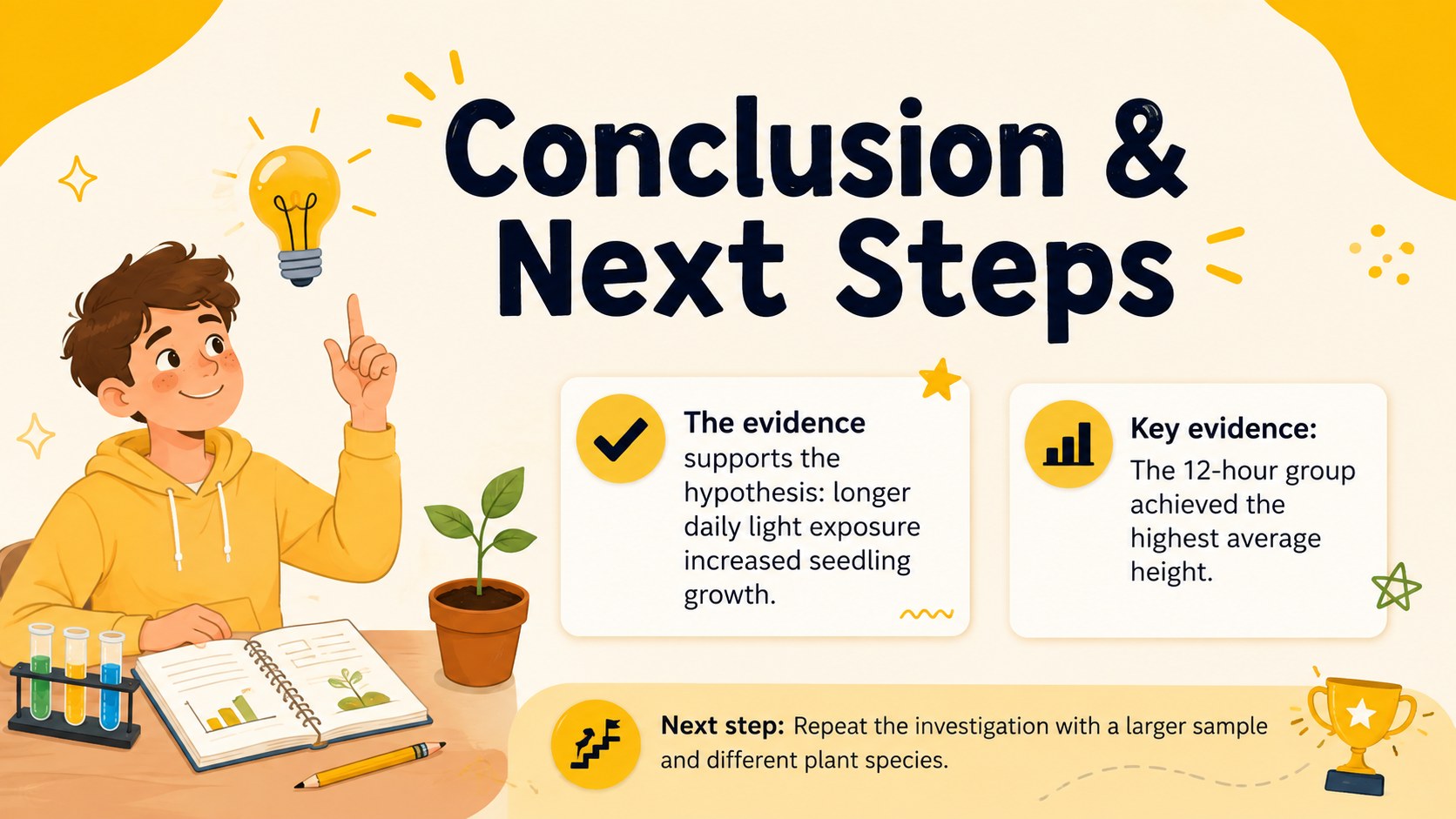
The template includes coordinated layouts for a project introduction, research question and method, results, and final conclusions. Students can replace the sample copy, add photographs, organize evidence, and adapt charts without disrupting the visual hierarchy. The bright yellow palette keeps the presentation energetic, while contrasting accents and spacious text blocks support comfortable reading. Use it as an illustrated STEM project display or build a student experiment results poster with a consistent visual system from start to finish.
Designed for elementary and middle school learners, the layouts also give teachers a practical starting point for classroom modeling and assessment. They work well for science fairs, inquiry units, group investigations, laboratory summaries, and school exhibitions. A PowerPoint science exhibition poster can be prepared for on-screen presenting or adjusted for printing, while Google Slides makes collaborative editing straightforward. Add school colors, experiment-specific diagrams, and student-created visuals to produce a polished presentation that still feels personal.
Perfect for: school science fair exhibit; classroom experiment presentation; STEM competition entry; student laboratory summary; group inquiry project.
Frequently asked questions
Can I edit the poster in PowerPoint and Google Slides? Yes. The layouts are designed for editing in both PowerPoint and Google Slides, including the text, colors, illustrations, shapes, and data areas.
Practical details
Yes. The layouts are designed for editing in both PowerPoint and Google Slides, including the text, colors, illustrations, shapes, and data areas.
Replace the sample headings and copy with your research question, method, observations, results, and conclusion. You can also insert experiment photographs, diagrams, tables, or charts and move the content blocks as needed.
Yes. Set the final page dimensions in your chosen presentation platform before exporting to PDF, and confirm the printer's required size and margins. Review image resolution and text size at full scale before submitting the file.
The illustrated style and clearly separated sections are well suited to elementary and middle school projects. Teachers can simplify the text prompts or remove sections to match the grade level and assignment.
Keep exploring
15Build an engaging World UFO Day session with this flying saucer history lesson deck, featuring retro green-and-brown slides for PowerPoint and Google Slides.
 15
15Plan a lively animal-learning journey with this jungle zoo adventure lesson deck, ready to customize in PowerPoint and Google Slides for young learners.
 16
16Turn environmental research into a clear story with a Watercolor Ecology Presentation Theme for PowerPoint and Google Slides in calming green and blue.
 16
16Build focused fashion, literature, and humanities presentations with the Red Triangle Editorial Theme, editable in PowerPoint and Google Slides.
 15
15Turn streaming stats, favorite tracks, and concert highlights into a bold annual listening recap slide deck for PowerPoint and Google Slides.
 15
15Turn highlights, milestones, and favorite moments into a colorful year in review slide deck with bold 3D graphics for PowerPoint and Google Slides.
 3
3Build a credible endorsement with Standout Colleague Recommendation Letter Slides, featuring colorful prompts for skills, achievements, and team impact.
 4
4Build clear beginner sessions with an ice hockey fundamentals training deck for coaches, PE teachers, and clubs, ready for PowerPoint and Google Slides.