
 15
15presentation
Flying Saucer History Lesson Deck
Build an engaging World UFO Day session with this flying saucer history lesson deck, featuring retro green-and-brown slides for PowerPoint and Google Slides.
Google SlidesPowerPoint
presentation · English
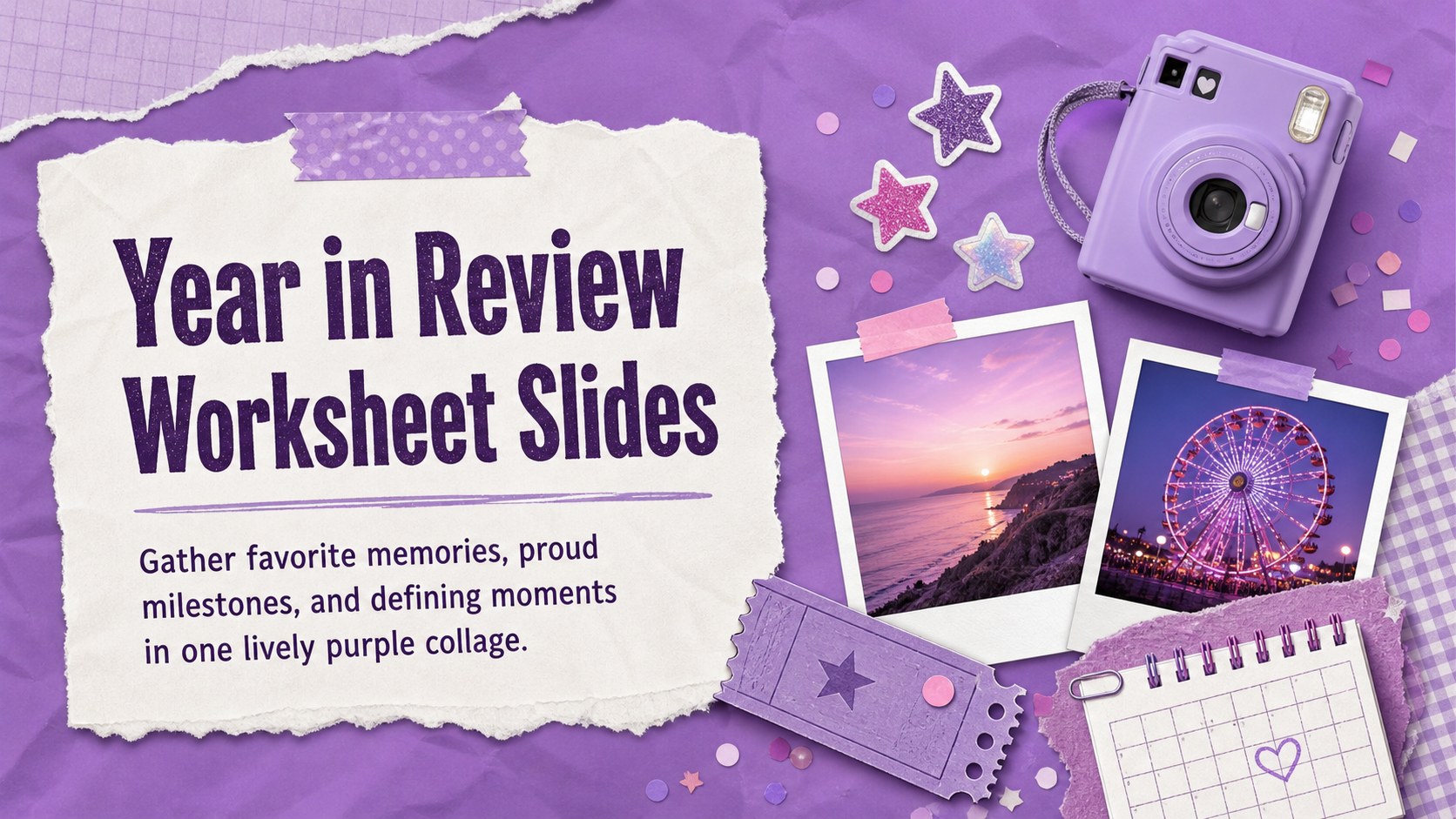
Turn milestones into a vivid keepsake with Year in Review Worksheet Slides, a playful purple collage template for PowerPoint and Google Slides.

Design notes
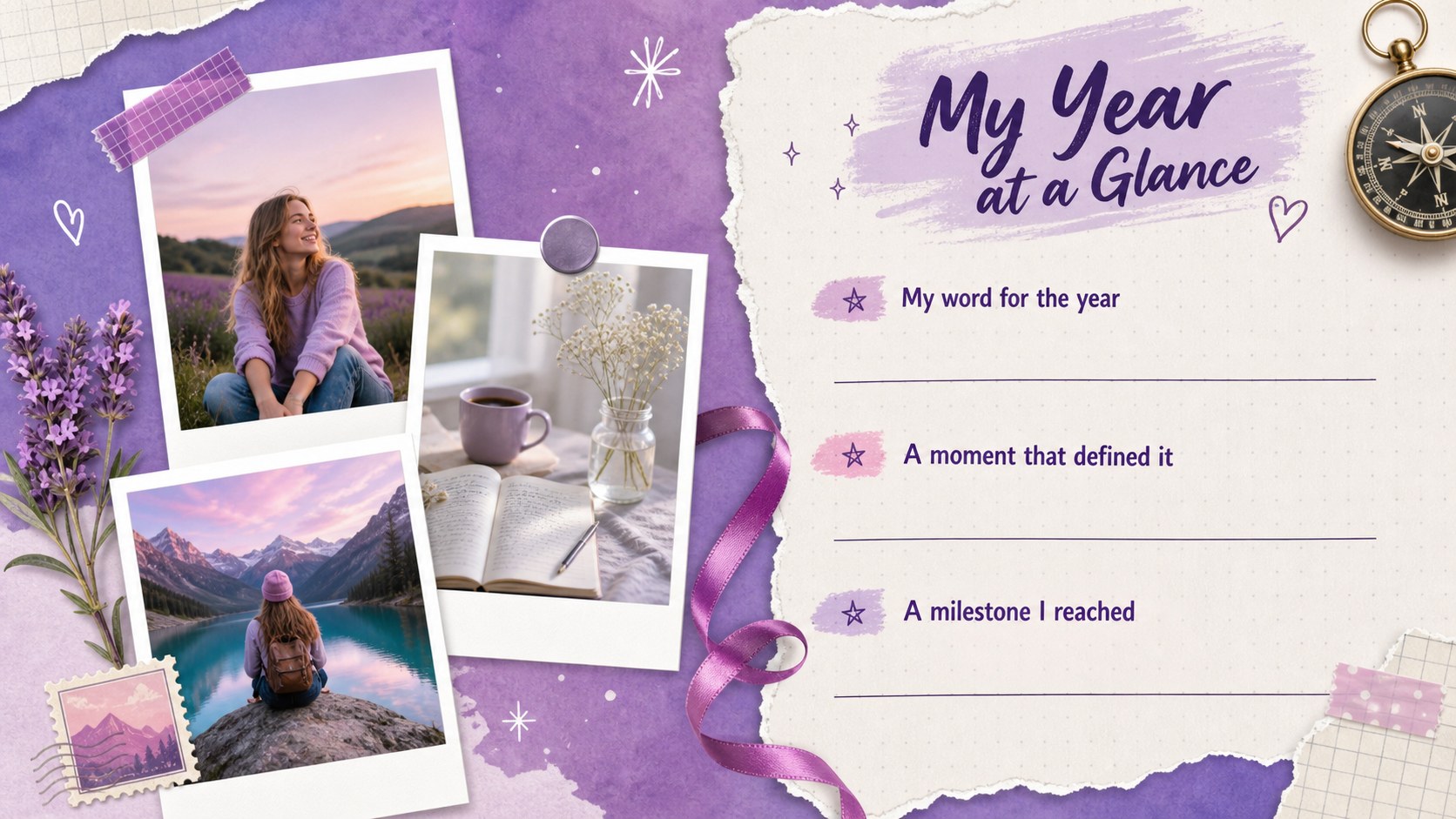
Turn a full year of experiences into a colorful personal story with these Year in Review Worksheet Slides. Designed as a playful purple collage, the template gives memories, achievements, challenges, and favorite moments a clear place to shine. Its energetic scrapbook feel makes reflection approachable without losing the structure needed for a polished presentation.
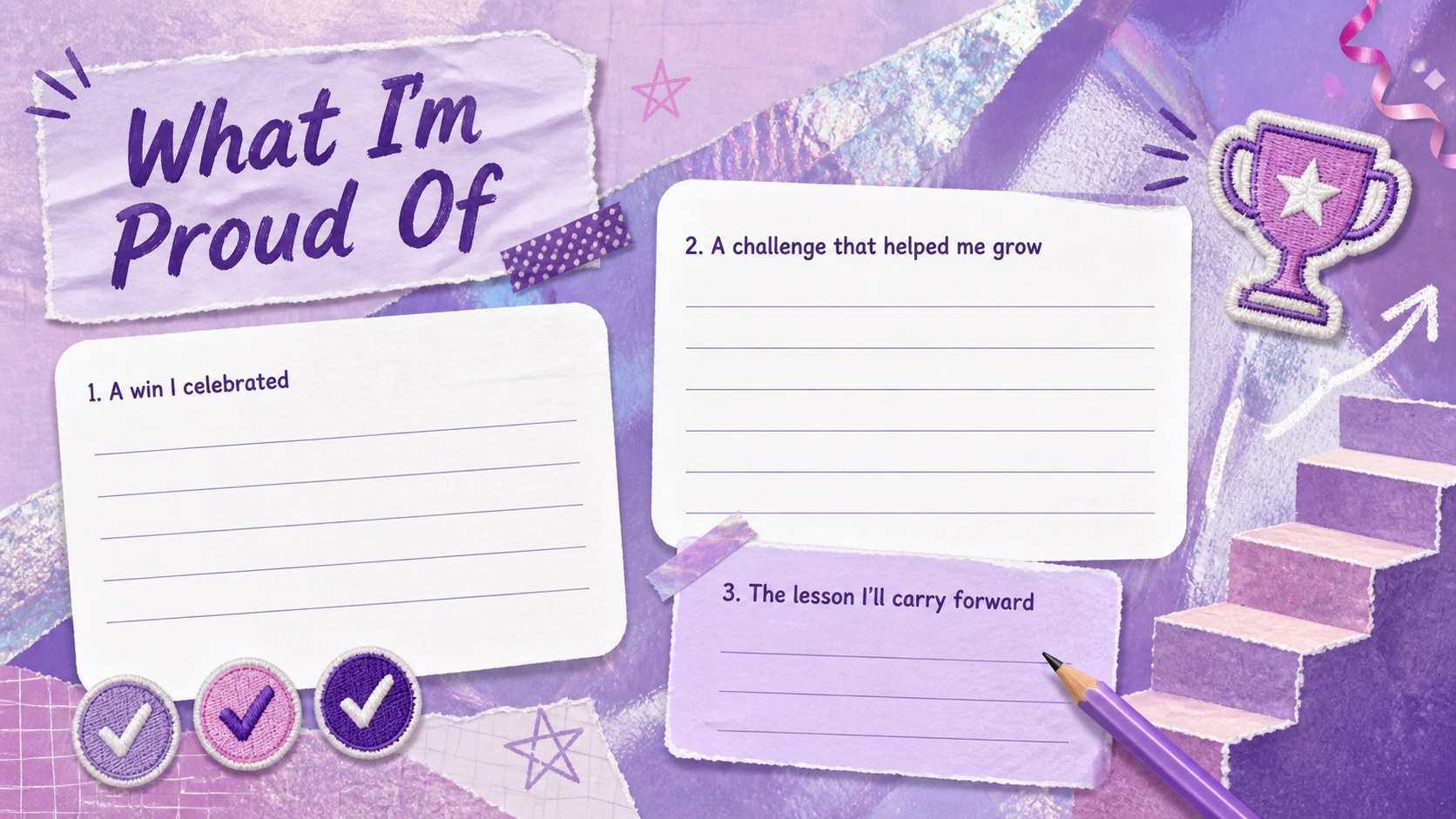
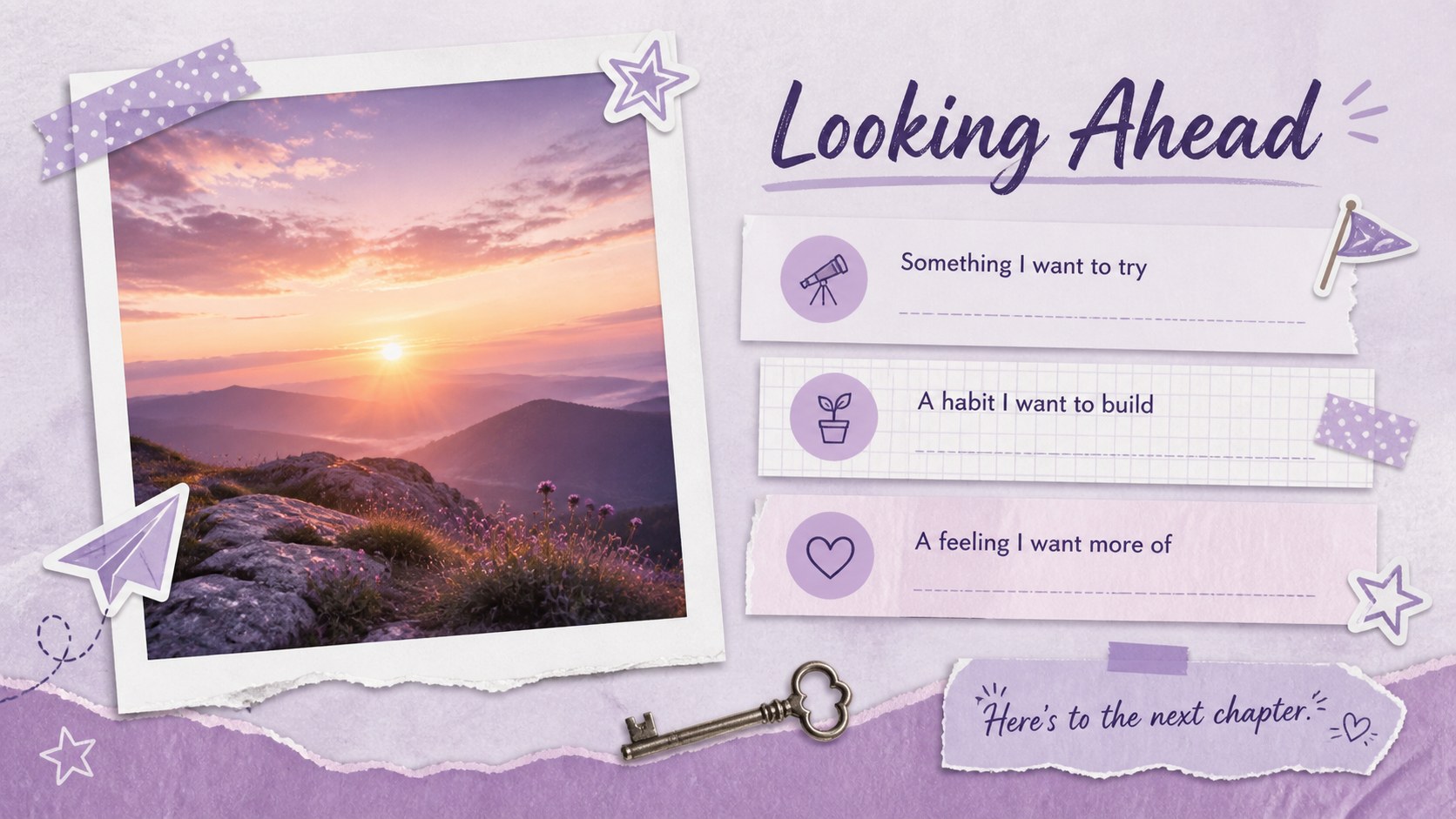
Inside are five coordinated layouts for introducing the year, recording standout memories, celebrating personal wins, capturing lessons, and setting intentions for what comes next. Nostalgic-inspired decorations, bold handwritten accents, layered paper textures, and flexible writing areas create an expressive end of year memory slides experience. Every page can be edited in PowerPoint or Google Slides, including the wording, fonts, colors, photos, shapes, and decorative details.
Use this annual reflection worksheet presentation for a personal journal activity, classroom recap, family gathering, team celebration, or creative New Year exercise. Students can document meaningful school experiences, while adults can build a personal milestones recap template for sharing with friends or preserving privately. The layouts also work well as printable reflection sheets after adjusting the page setup for your preferred paper size. Whether the year brought major accomplishments or quiet moments of growth, this deck helps organize them into a warm, memorable narrative.
Perfect for: personal year-end reflection; student classroom recap; family memory night; team achievement celebration; New Year journaling activity.
Frequently asked questions
Can I edit these worksheet slides in PowerPoint and Google Slides? Yes. You can change the prompts, typography, colors, photos, shapes, and layout elements in both PowerPoint and Google Slides.
Practical details
Yes. You can change the prompts, typography, colors, photos, shapes, and layout elements in both PowerPoint and Google Slides.
Yes. Replace the sample image areas with personal photos, screenshots, or scanned keepsakes, then adjust the captions to match your story.
Yes. Adjust the slide dimensions to your preferred paper size before exporting to PDF or printing. Review the margins and image placement after resizing.
Yes. The short reflection prompts work well for classroom year-end activities and can be simplified for different age groups. Teachers may also add subject-specific questions or school milestones.
Keep exploring
15Build an engaging World UFO Day session with this flying saucer history lesson deck, featuring retro green-and-brown slides for PowerPoint and Google Slides.
 15
15Plan a lively animal-learning journey with this jungle zoo adventure lesson deck, ready to customize in PowerPoint and Google Slides for young learners.
 16
16Turn environmental research into a clear story with a Watercolor Ecology Presentation Theme for PowerPoint and Google Slides in calming green and blue.
 16
16Build focused fashion, literature, and humanities presentations with the Red Triangle Editorial Theme, editable in PowerPoint and Google Slides.
 15
15Turn streaming stats, favorite tracks, and concert highlights into a bold annual listening recap slide deck for PowerPoint and Google Slides.
 15
15Turn highlights, milestones, and favorite moments into a colorful year in review slide deck with bold 3D graphics for PowerPoint and Google Slides.
 3
3Build a credible endorsement with Standout Colleague Recommendation Letter Slides, featuring colorful prompts for skills, achievements, and team impact.
 4
4Build clear beginner sessions with an ice hockey fundamentals training deck for coaches, PE teachers, and clubs, ready for PowerPoint and Google Slides.