
 15
15presentation
Flying Saucer History Lesson Deck
Build an engaging World UFO Day session with this flying saucer history lesson deck, featuring retro green-and-brown slides for PowerPoint and Google Slides.
Google SlidesPowerPoint
presentation · English
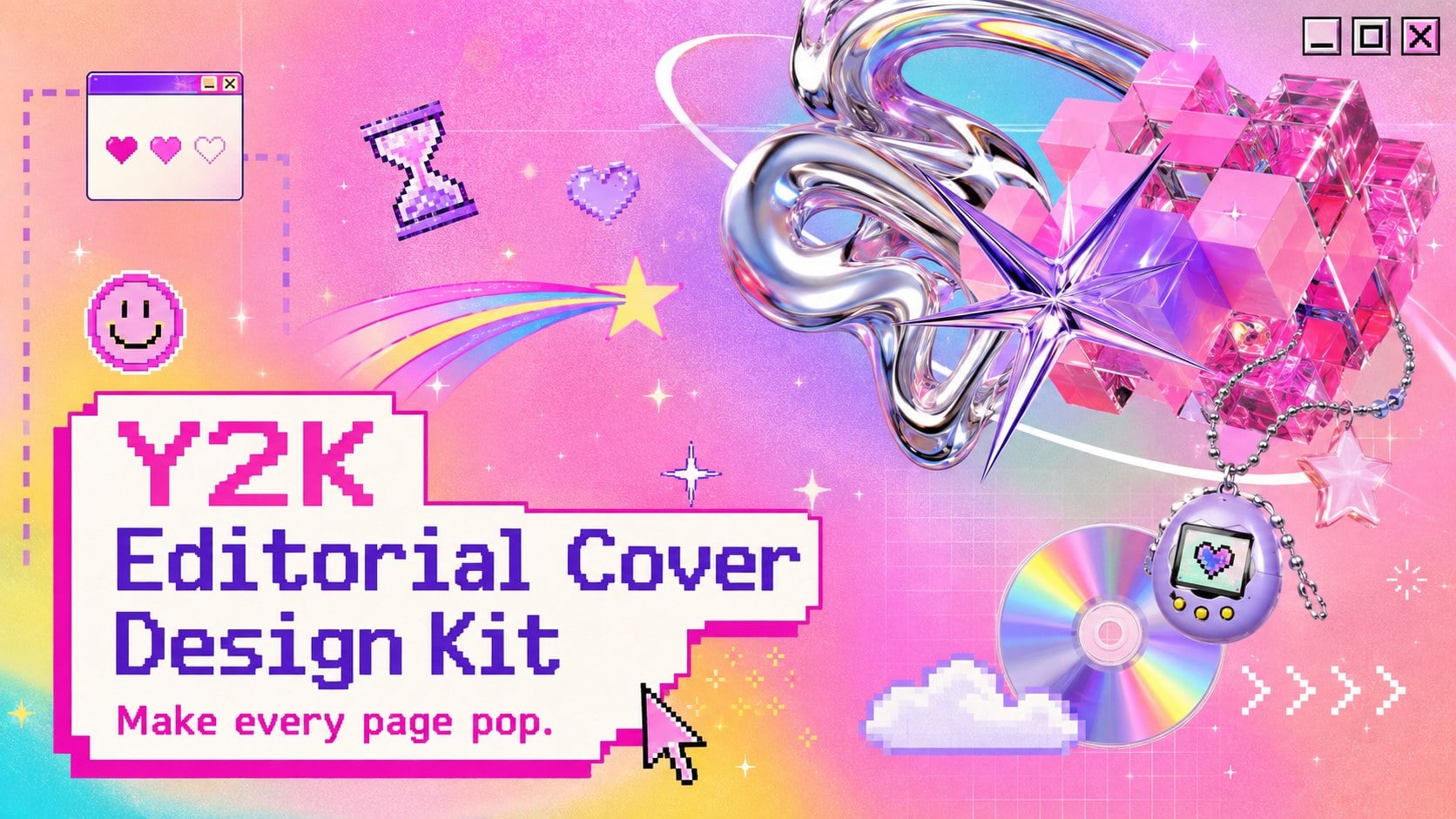
Build a retro digital story with this Y2K editorial cover design kit, featuring vivid gradients, pixel accents, and PowerPoint and Google Slides layouts.
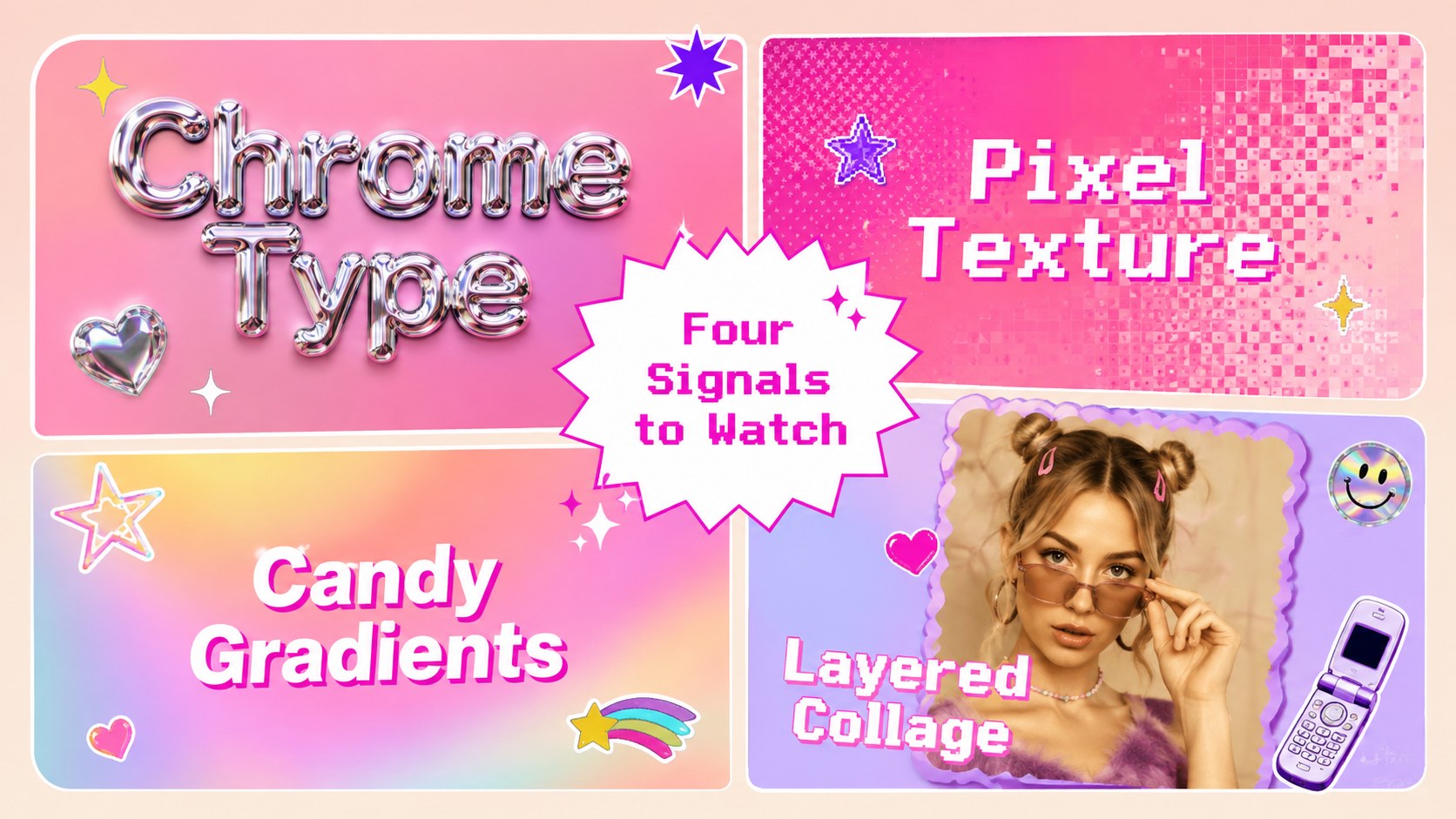
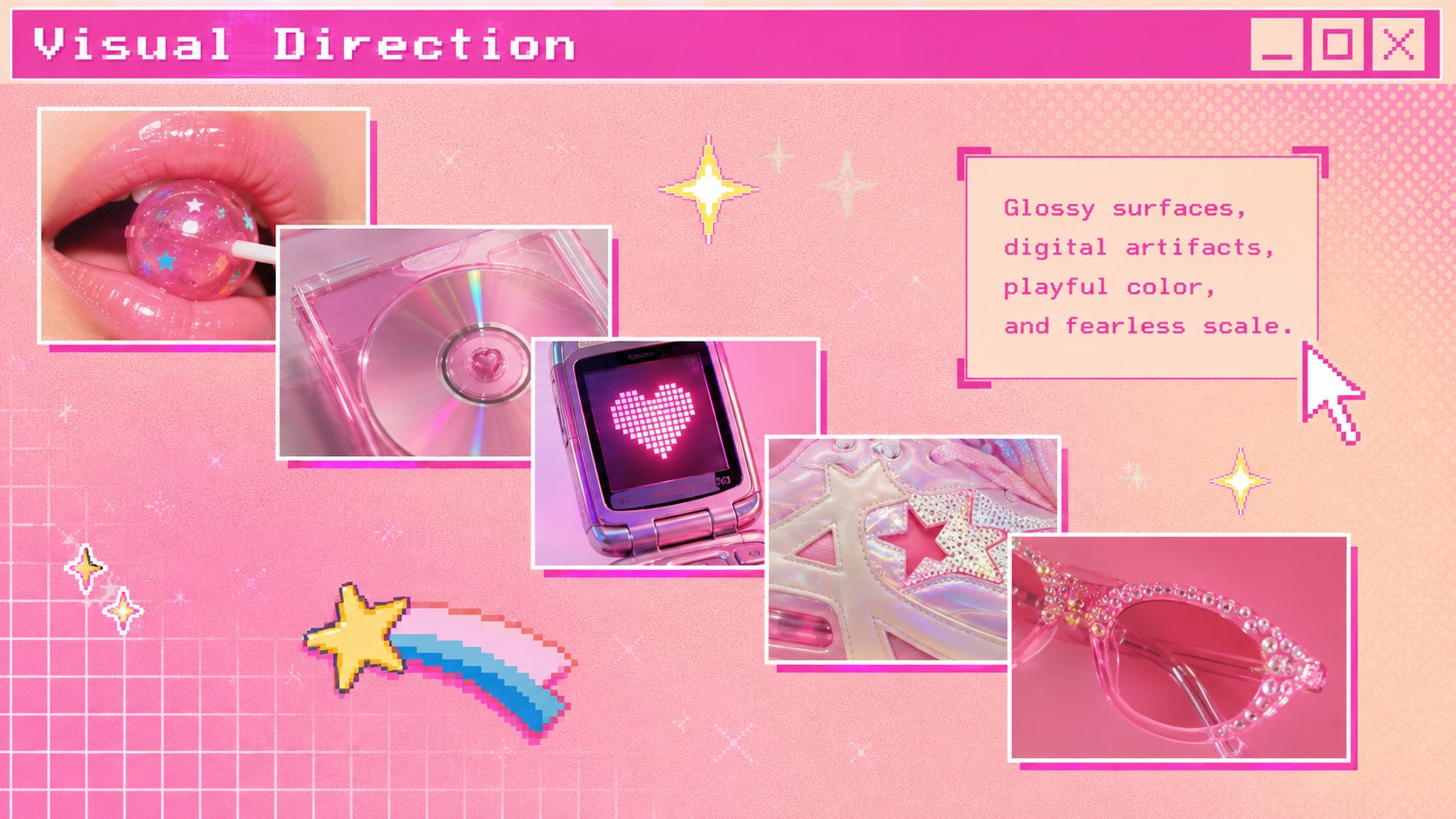
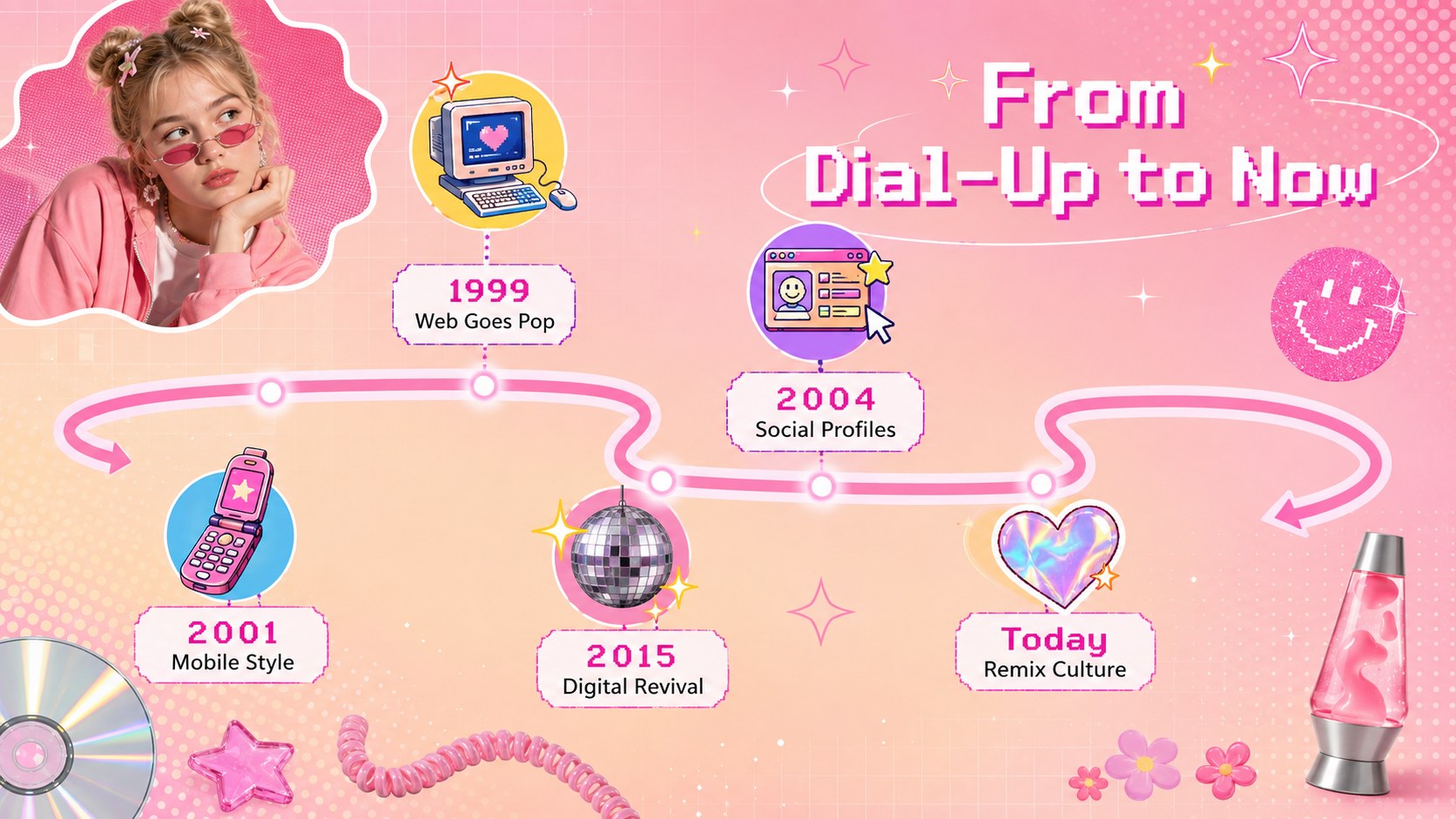
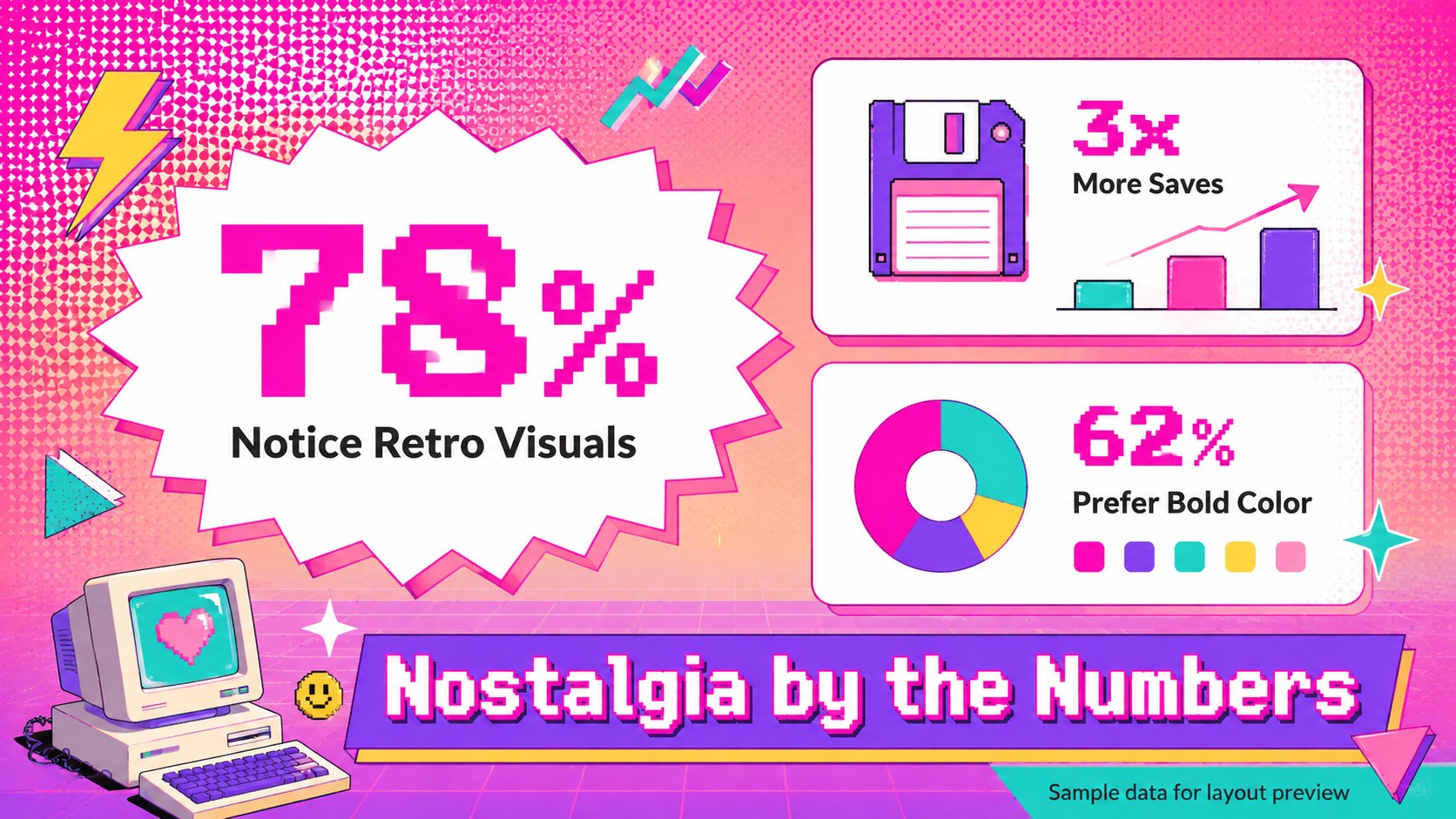
Design notes
Bring the energy of early internet culture to your next visual story. The Y2K editorial cover design kit combines saturated gradients, pixel-inspired accents, playful typography, collage details, and maximalist layouts in a polished format that feels nostalgic without looking dated.
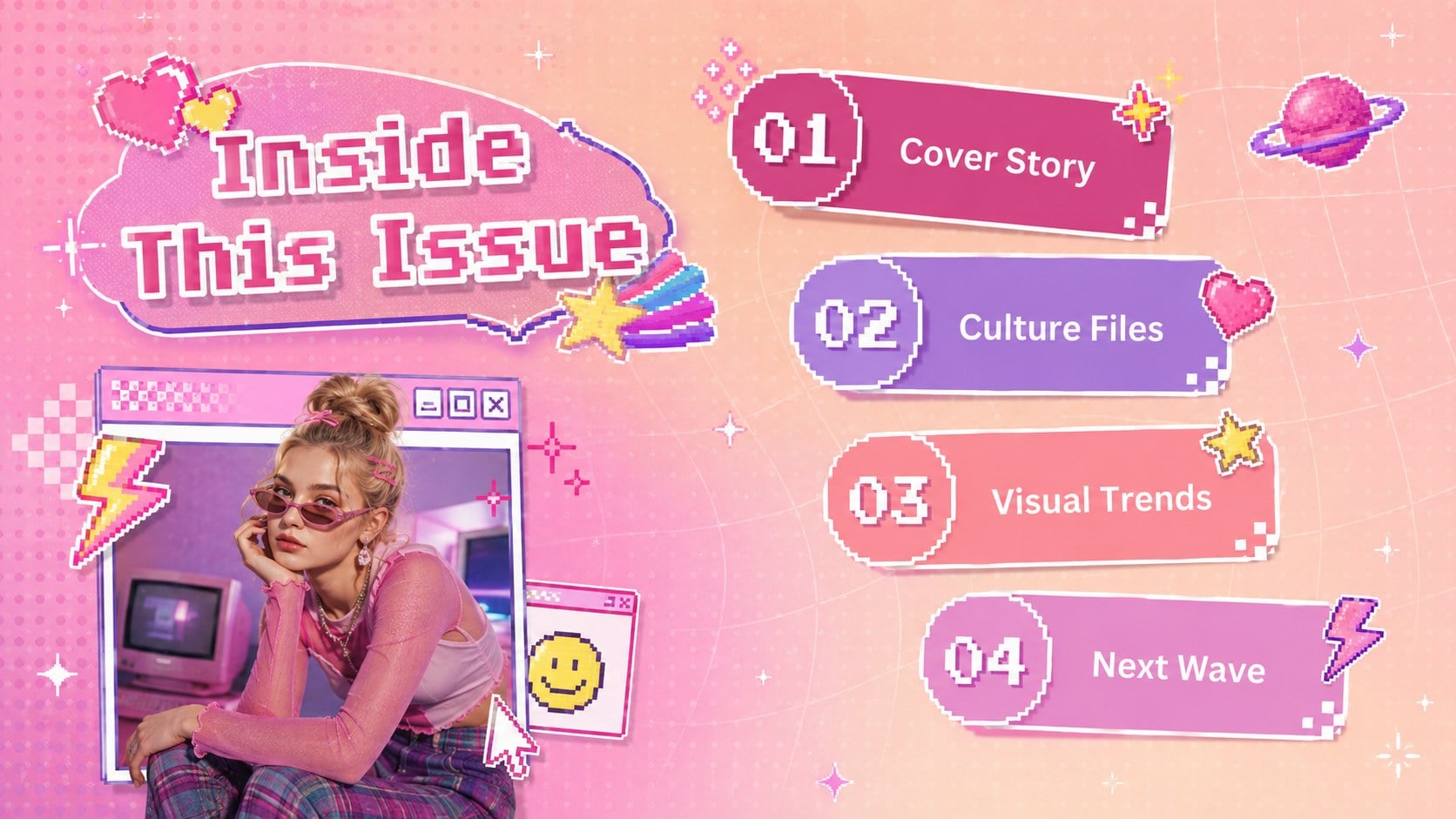
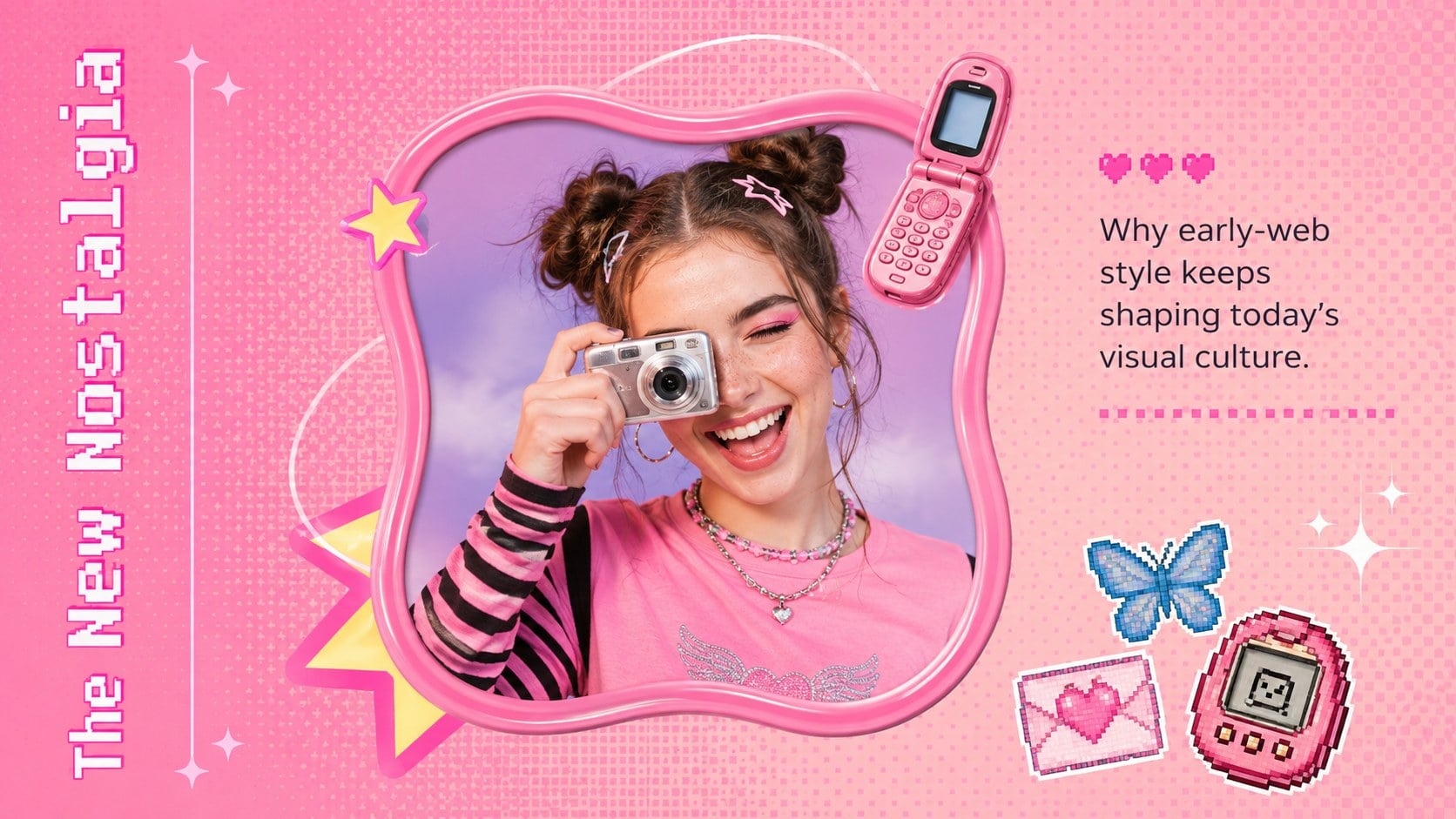
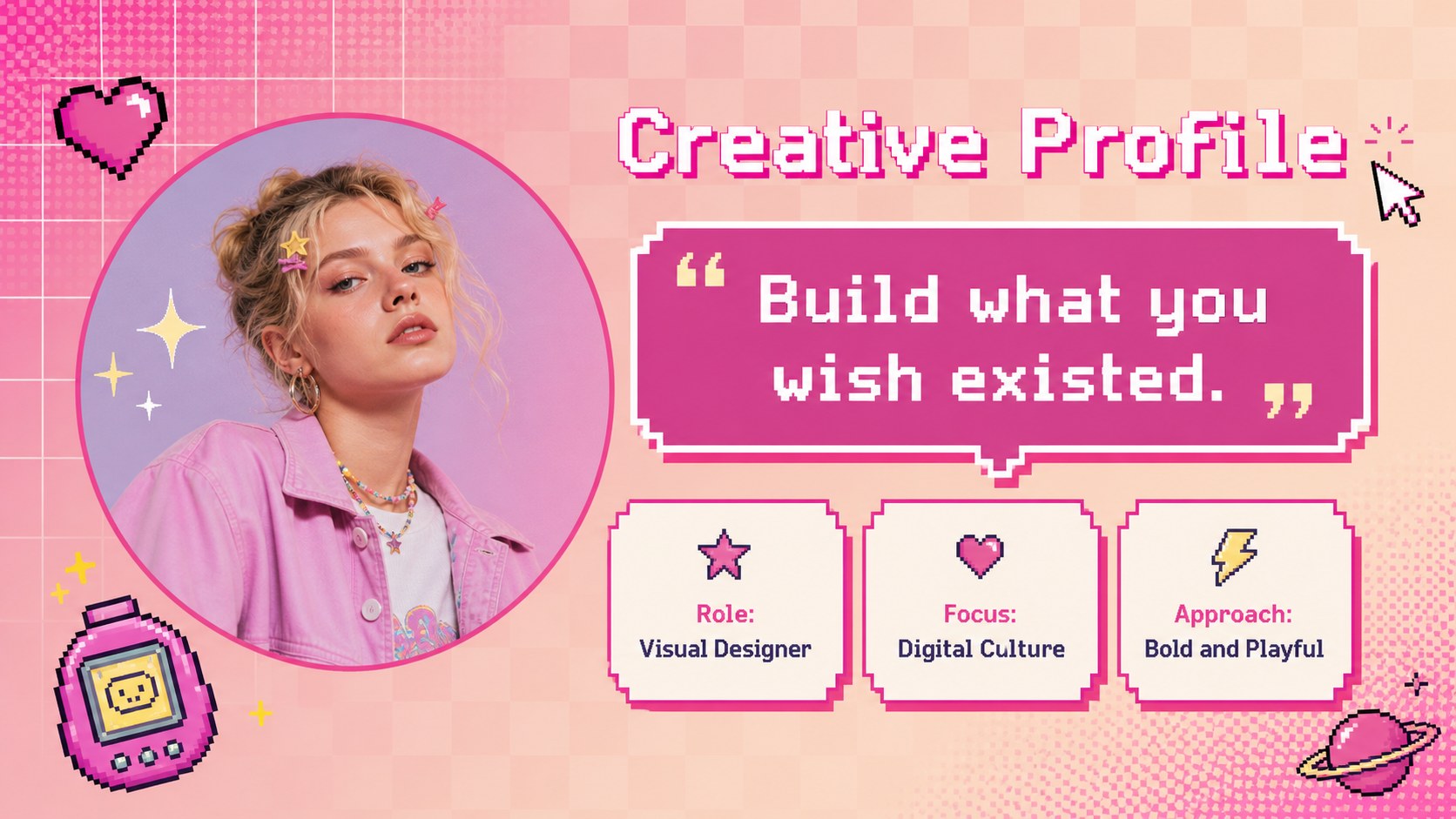
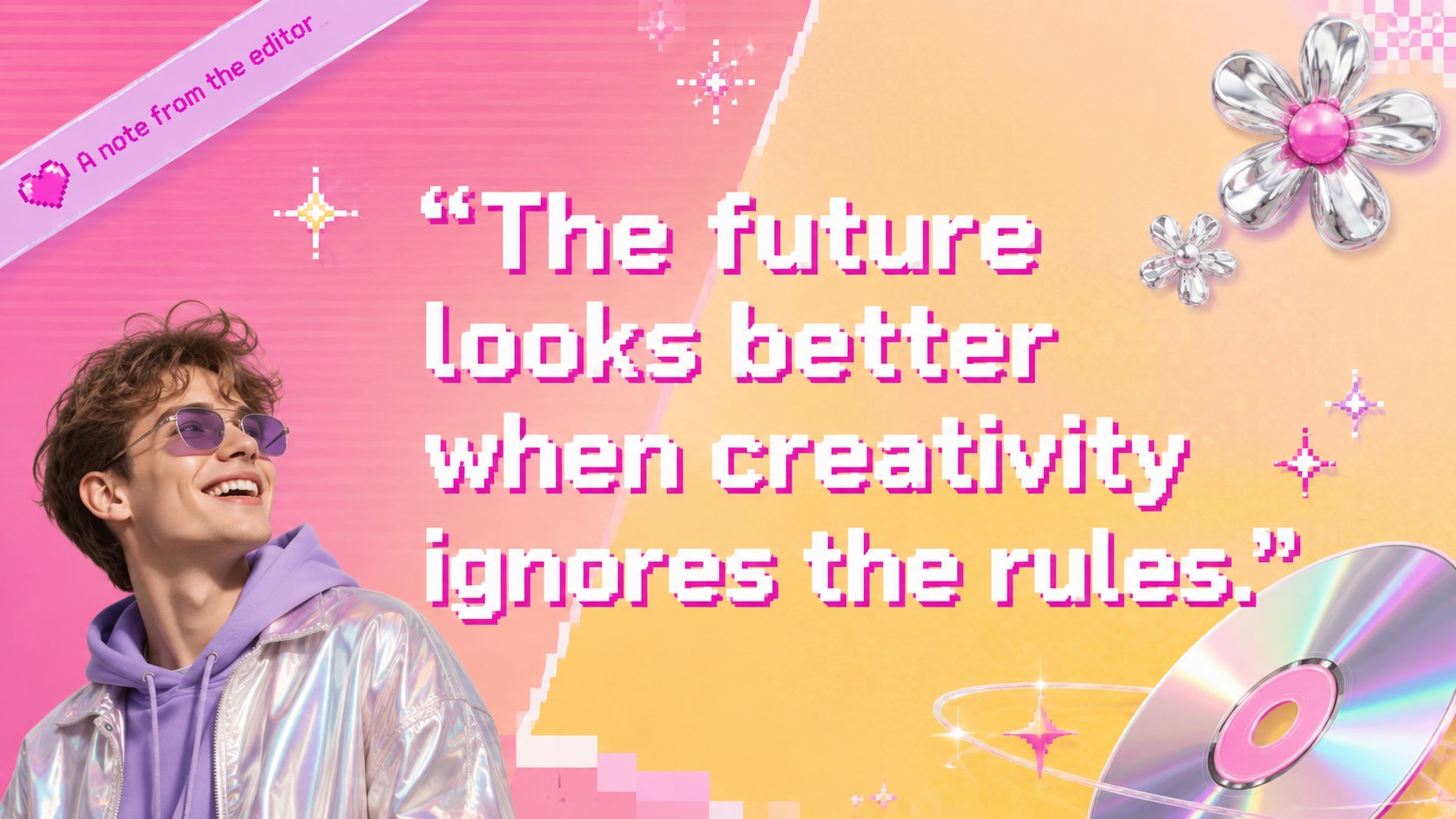
Inside are 15 editable 16:9 slides covering an opening title, issue map, feature introduction, profile, trend roundup, image gallery, timeline, statistics, pull quote, comparison, creative tips, and closing page. Flexible text areas, image frames, graphic shapes, and data displays make the deck easy to adapt while preserving its expressive editorial character. Use the layouts as an early 2000s editorial presentation, a retro magazine layout for PowerPoint, or a colorful framework for digital storytelling.
The kit is designed for creative professionals, students, educators, content teams, designers, and pop culture enthusiasts. It works especially well for portfolio presentations, trend reports, fashion or music projects, classroom showcases, and digital zine concepts. Every slide can be customized in PowerPoint or Google Slides, including the colors, fonts, imagery, charts, transitions, and decorative elements. Replace the sample copy with your own narrative, reorganize the pages, and adjust the visual intensity to suit anything from a playful student project to a bold client presentation.
Perfect for: creative portfolio showcase; fashion trend report; digital zine concept; pop culture class project; music campaign pitch.
Frequently asked questions
Can I edit every element in this presentation? Yes. Text, colors, fonts, image frames, shapes, charts, and decorative accents can be changed to match your project or visual identity.
Practical details
Yes. Text, colors, fonts, image frames, shapes, charts, and decorative accents can be changed to match your project or visual identity.
The kit is designed for Microsoft PowerPoint and Google Slides. Some fonts or transition effects may vary slightly between the two platforms.
Keep body copy concise and place it on solid or lightly textured areas with strong contrast. Reserve dense collage graphics, pixel accents, and brighter gradients for covers, section openers, and image-led pages.
Yes. Swap the placeholders for portraits, product shots, artwork, screenshots, or campaign photography, then crop them within the existing frames for a consistent editorial finish.
Keep exploring
15Build an engaging World UFO Day session with this flying saucer history lesson deck, featuring retro green-and-brown slides for PowerPoint and Google Slides.
 15
15Plan a lively animal-learning journey with this jungle zoo adventure lesson deck, ready to customize in PowerPoint and Google Slides for young learners.
 16
16Turn environmental research into a clear story with a Watercolor Ecology Presentation Theme for PowerPoint and Google Slides in calming green and blue.
 16
16Build focused fashion, literature, and humanities presentations with the Red Triangle Editorial Theme, editable in PowerPoint and Google Slides.
 15
15Turn streaming stats, favorite tracks, and concert highlights into a bold annual listening recap slide deck for PowerPoint and Google Slides.
 15
15Turn highlights, milestones, and favorite moments into a colorful year in review slide deck with bold 3D graphics for PowerPoint and Google Slides.
 3
3Build a credible endorsement with Standout Colleague Recommendation Letter Slides, featuring colorful prompts for skills, achievements, and team impact.
 4
4Build clear beginner sessions with an ice hockey fundamentals training deck for coaches, PE teachers, and clubs, ready for PowerPoint and Google Slides.