
 15
15presentation
Flying Saucer History Lesson Deck
Build an engaging World UFO Day session with this flying saucer history lesson deck, featuring retro green-and-brown slides for PowerPoint and Google Slides.
Google SlidesPowerPoint
presentation · English
Build playful fashion, music, and culture stories with a Y2K blue scrapbook presentation featuring editable PowerPoint and Google Slides layouts.
Design notes
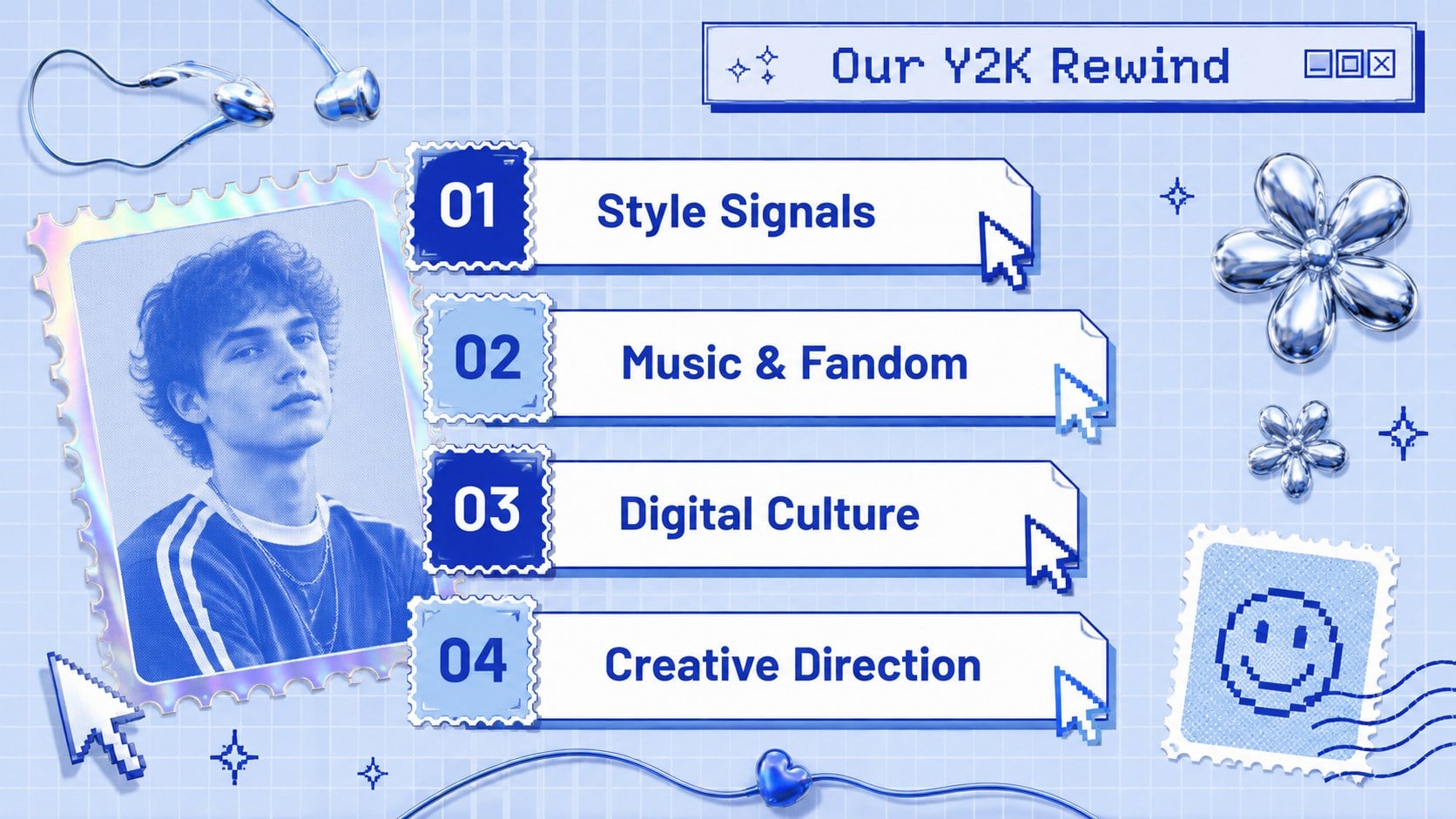
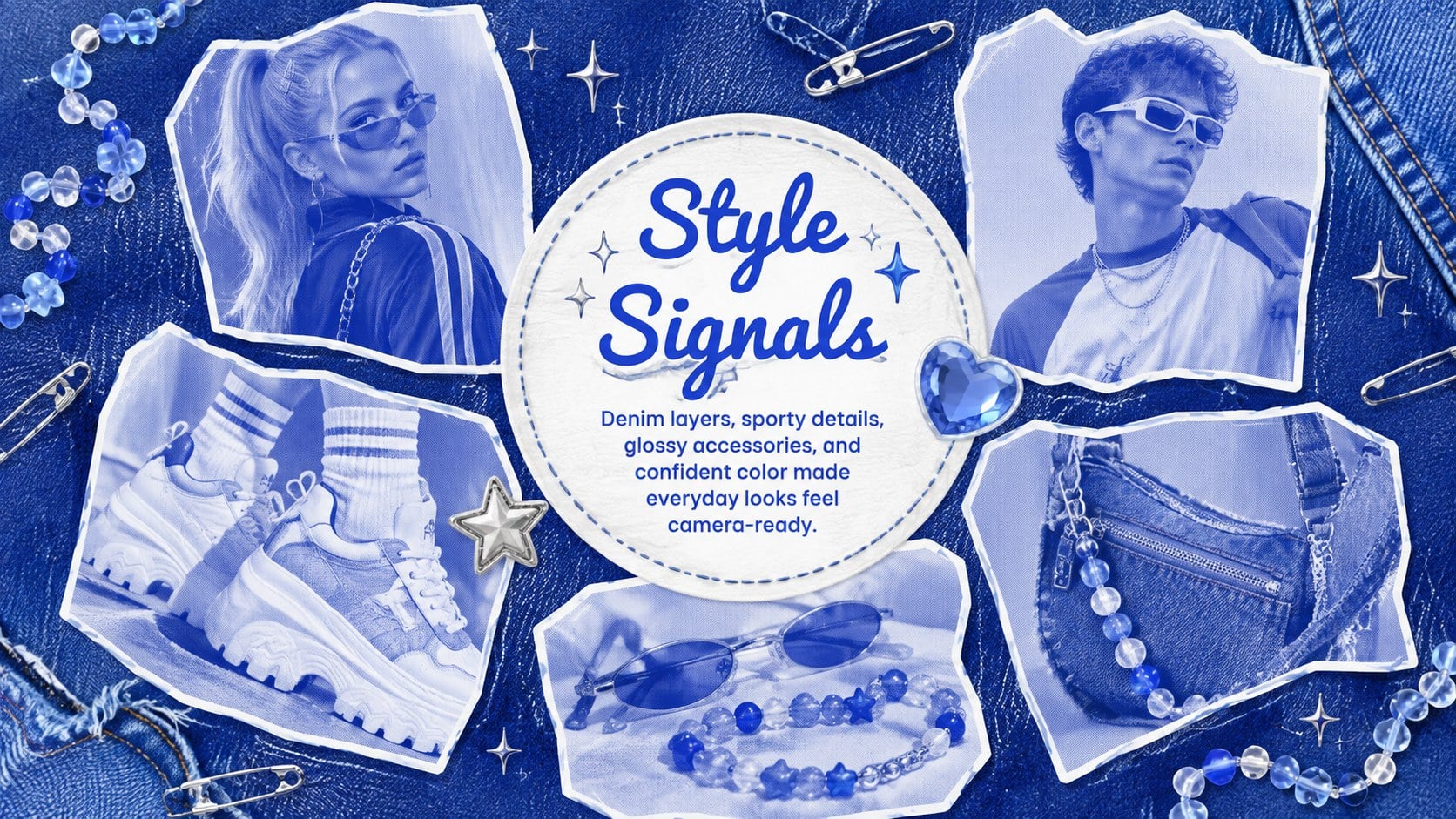
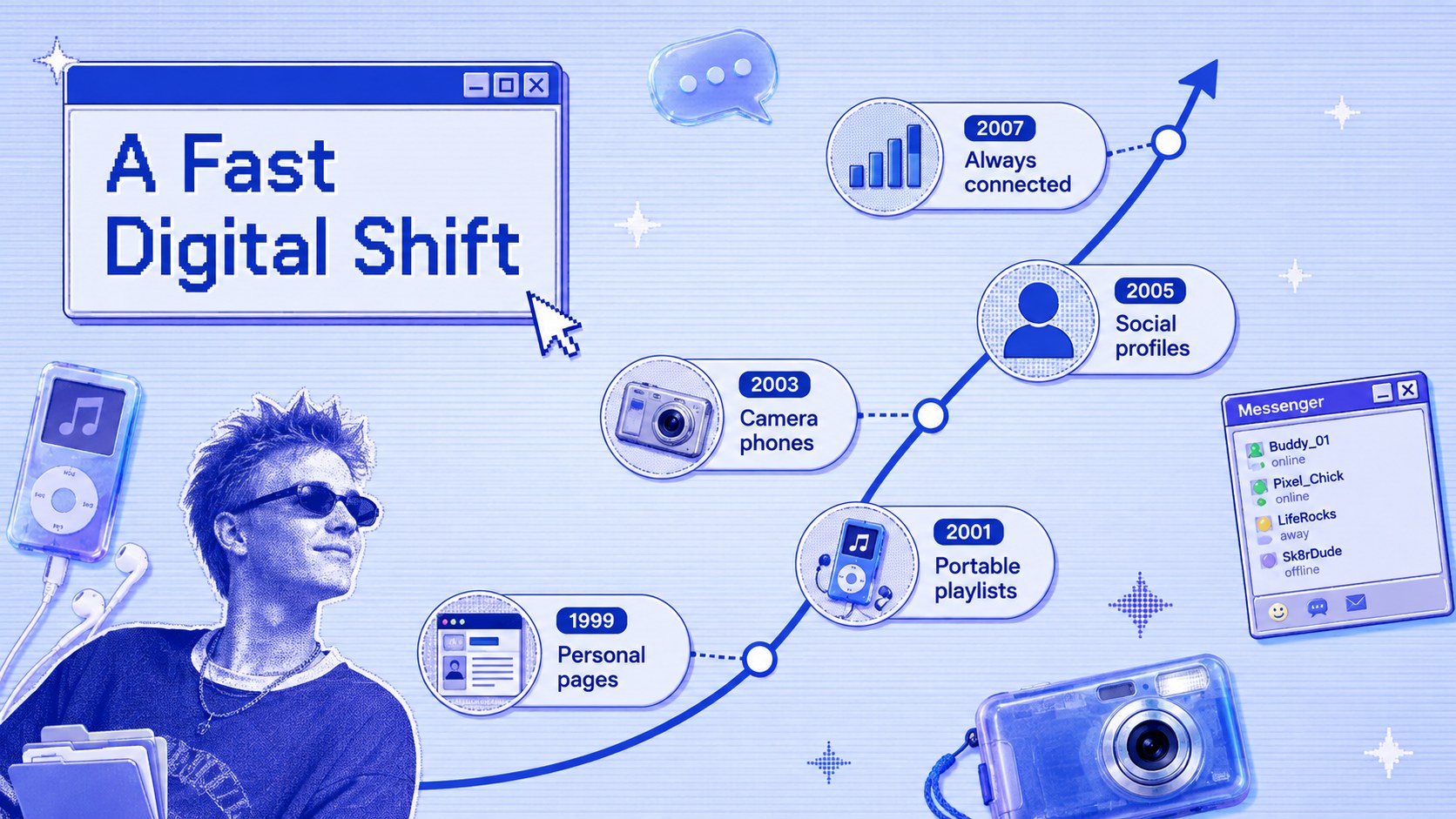
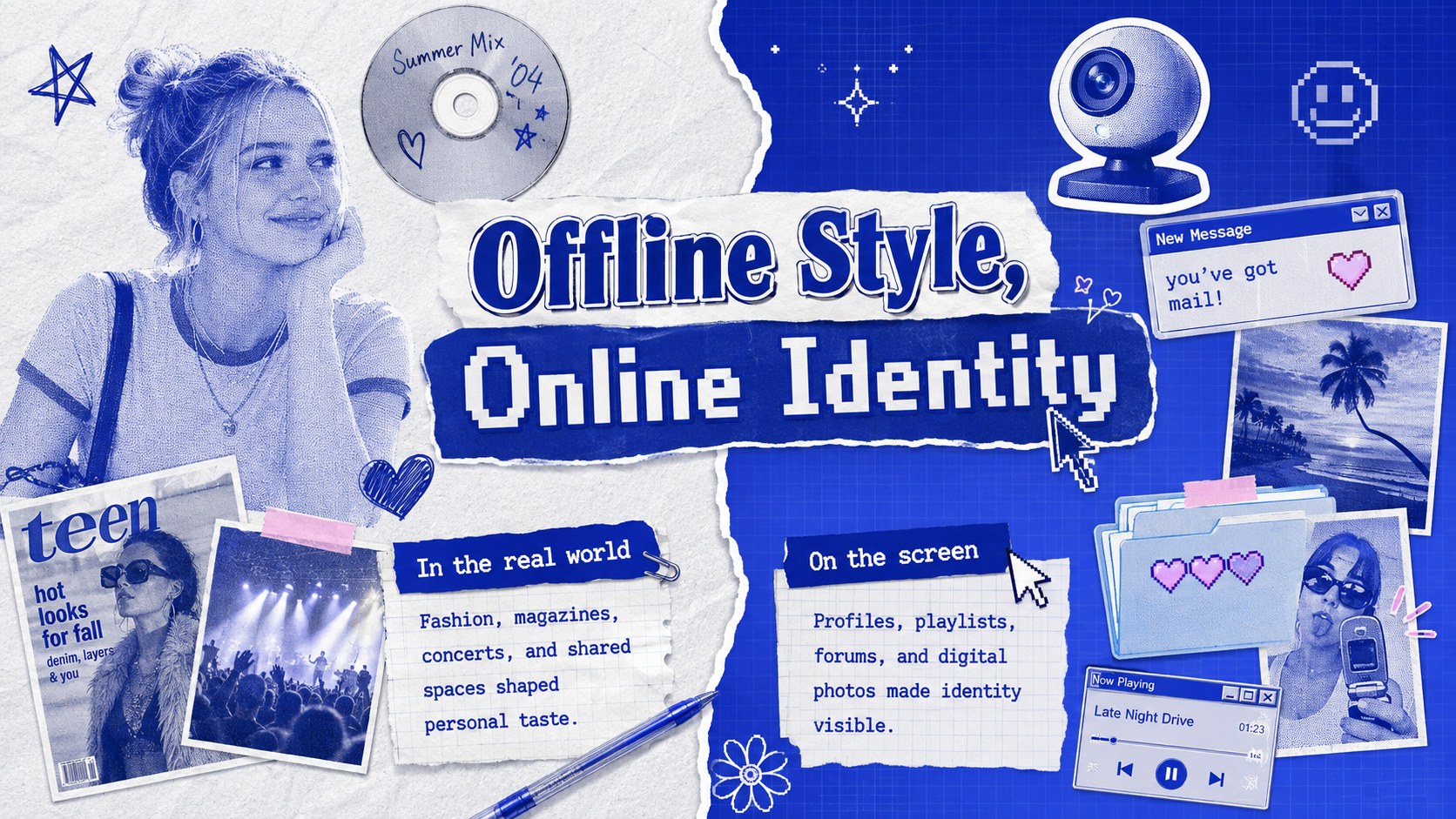
Give trend reports, moodboards, and creative projects a nostalgic digital identity with this Y2K Blue Scrapbook Presentation. Its cool blue palette combines glossy textures, torn-paper details, bubbly lettering, doodles, and playful retro-tech accents. The result feels upbeat and expressive while leaving clear space for headlines, images, and concise storytelling.
Inside, you will find flexible layouts for introductions, visual collages, trend summaries, timelines, image showcases, comparison pages, data highlights, quotes, and closing notes. Use the blue Y2K presentation template as a complete narrative or select individual pages for social media concepts and classroom projects. Each composition can be edited in PowerPoint or Google Slides, including colors, type, photos, icons, charts, and decorative elements. Barlow supports crisp body copy, while Pacifico adds a lively handwritten accent.
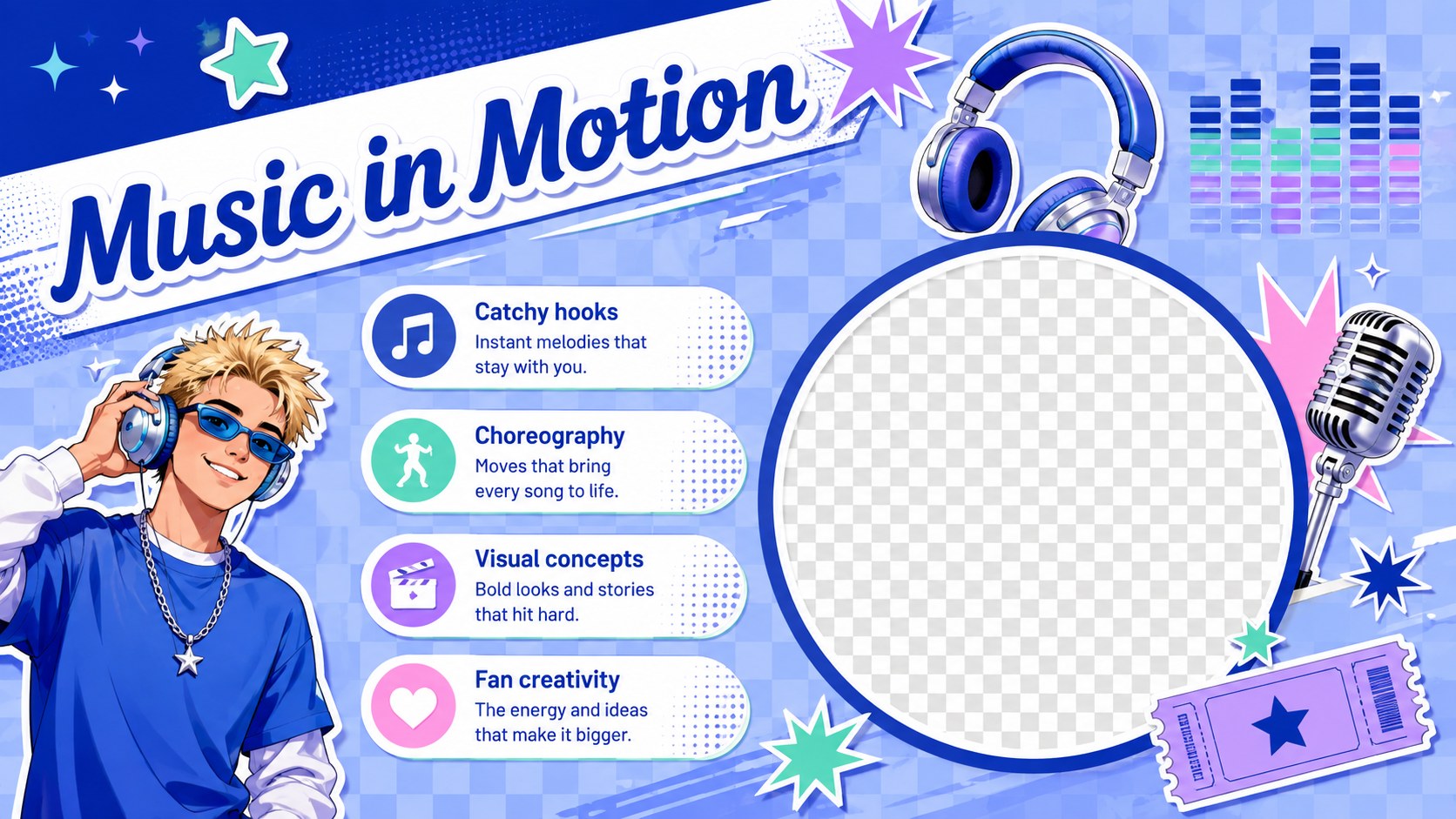
This retro pop culture slide deck suits students, educators, musicians, fashion creators, event planners, and creative teams exploring early digital culture. It also works as kpop-inspired scrapbook slides for artist profiles, fandom projects, album concepts, or choreography presentations without tying the design to a specific performer. Add your own photography and messaging to create a distinctive deck for cultural analysis, style forecasting, music commentary, personal portfolios, or nostalgic campaign ideas.
Perfect for: Y2K fashion moodboard; pop culture classroom project; music artist profile; creative trend report; retro campaign concept; personal visual portfolio.
Frequently asked questions
Can I edit this presentation in PowerPoint and Google Slides? Yes. The layouts, text, colors, images, and decorative elements can be customized in both PowerPoint and Google Slides. Some font rendering or transitions may vary slightly between the two platforms.
Practical details
Yes. The layouts, text, colors, images, and decorative elements can be customized in both PowerPoint and Google Slides. Some font rendering or transitions may vary slightly between the two platforms.
Replace the sample photos with your own images, rewrite the captions, and adjust the blue tones to match your project. You can also move or remove stickers, tape shapes, doodles, and texture layers.
Yes. Its visual layouts work well for projects about fashion history, popular music, media studies, and early digital culture. Keep body copy concise so the collage elements support rather than compete with the lesson.
Yes. The image-led pages can become artist profiles, album moodboards, lookbooks, trend reports, or campaign concepts. Add original photography and project-specific copy to establish your own identity.
Keep exploring
15Build an engaging World UFO Day session with this flying saucer history lesson deck, featuring retro green-and-brown slides for PowerPoint and Google Slides.
 15
15Plan a lively animal-learning journey with this jungle zoo adventure lesson deck, ready to customize in PowerPoint and Google Slides for young learners.
 16
16Turn environmental research into a clear story with a Watercolor Ecology Presentation Theme for PowerPoint and Google Slides in calming green and blue.
 16
16Build focused fashion, literature, and humanities presentations with the Red Triangle Editorial Theme, editable in PowerPoint and Google Slides.
 15
15Turn streaming stats, favorite tracks, and concert highlights into a bold annual listening recap slide deck for PowerPoint and Google Slides.
 15
15Turn highlights, milestones, and favorite moments into a colorful year in review slide deck with bold 3D graphics for PowerPoint and Google Slides.
 3
3Build a credible endorsement with Standout Colleague Recommendation Letter Slides, featuring colorful prompts for skills, achievements, and team impact.
 4
4Build clear beginner sessions with an ice hockey fundamentals training deck for coaches, PE teachers, and clubs, ready for PowerPoint and Google Slides.