
 15
15presentation
Flying Saucer History Lesson Deck
Build an engaging World UFO Day session with this flying saucer history lesson deck, featuring retro green-and-brown slides for PowerPoint and Google Slides.
Google SlidesPowerPoint
presentation · English
Make meetings and class projects more entertaining with workplace reaction meme slides in a bold black photo style for PowerPoint and Google Slides.






Design notes
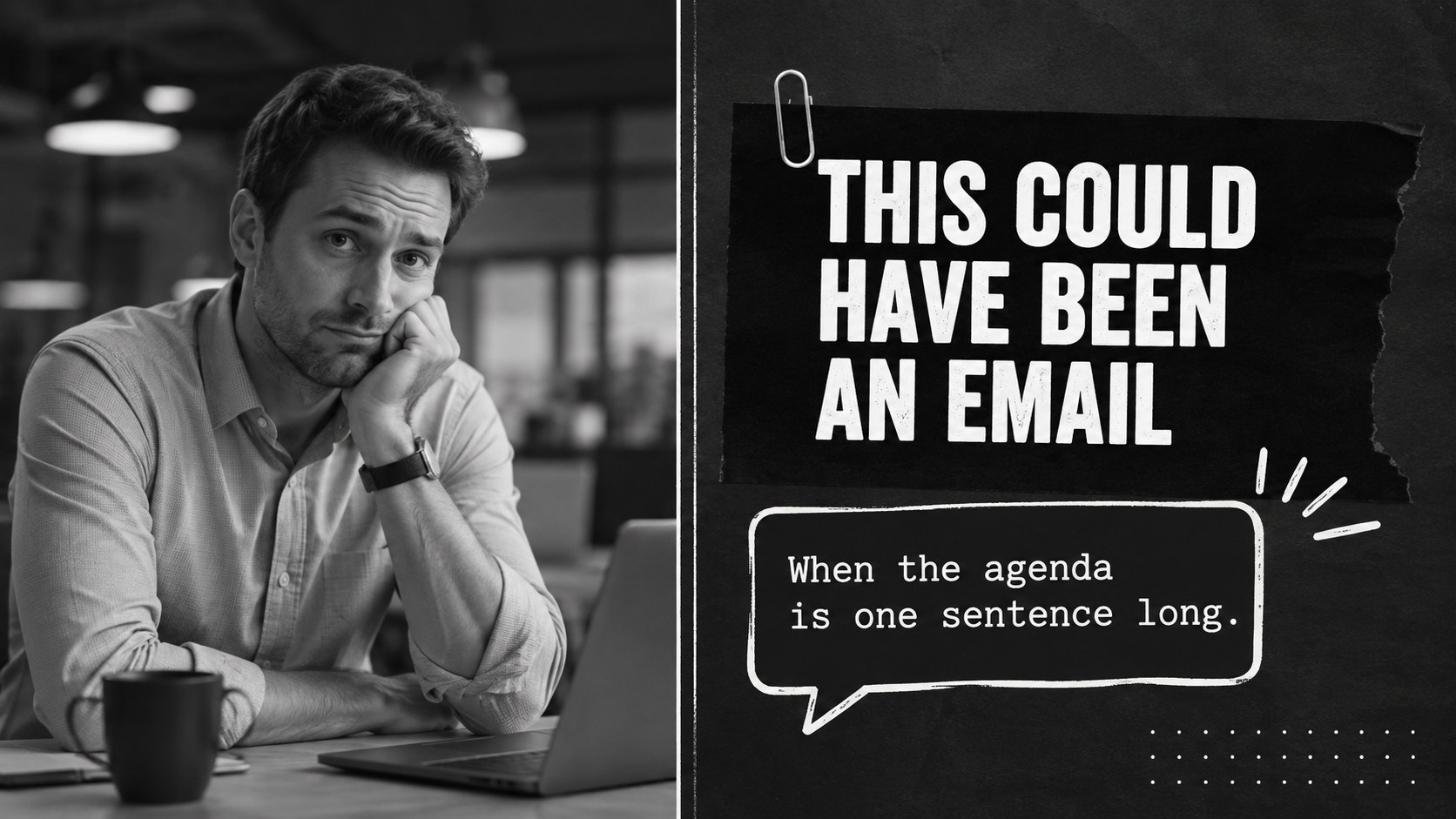
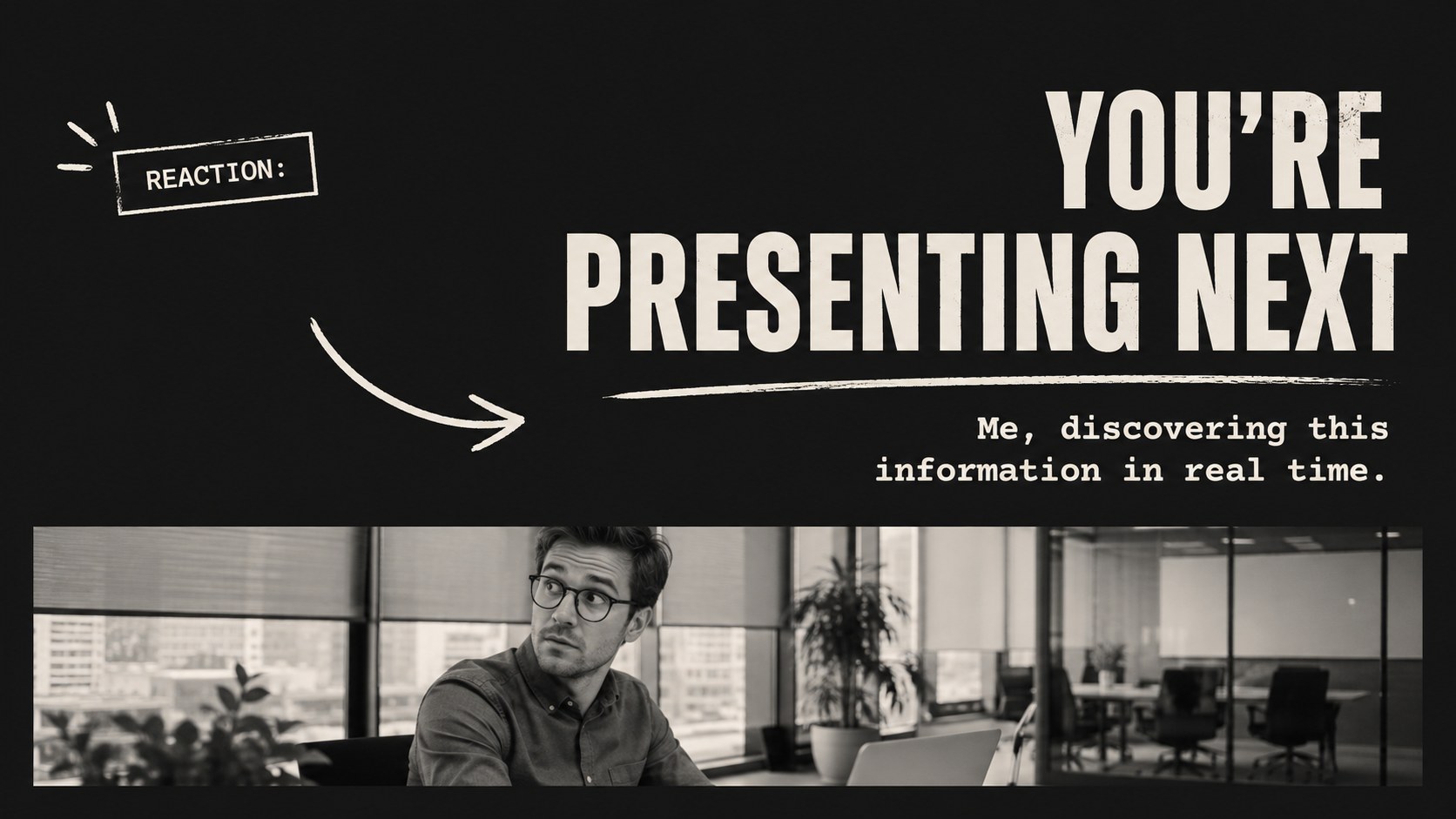
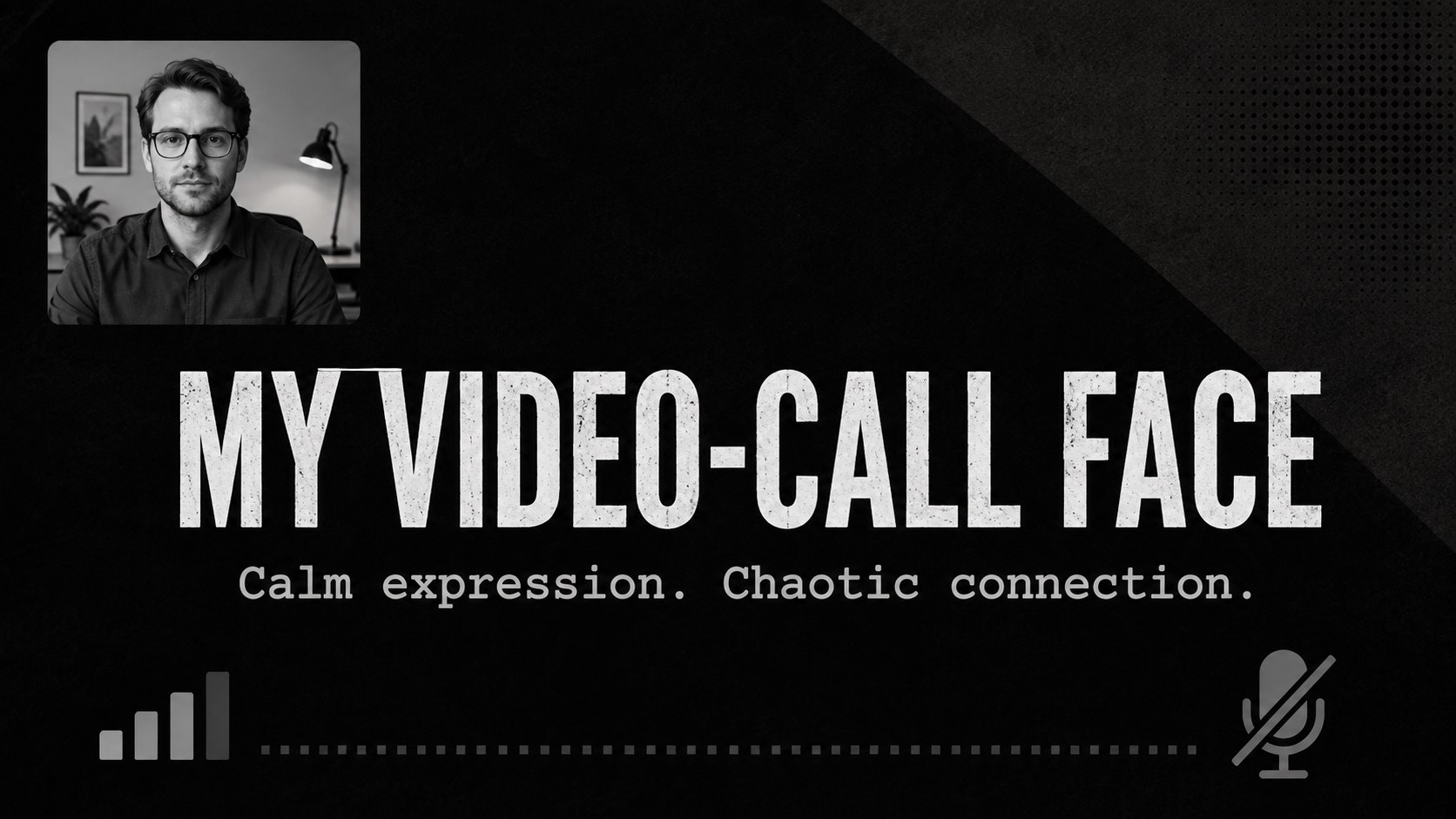
Workplace reaction meme slides bring quick, relatable humor to meetings, classroom projects, internal updates, and informal team events. Built around a bold black palette and expressive photo layouts, this presentation gives jokes and reactions plenty of visual impact without making the overall design feel cluttered. Every page can be adapted in PowerPoint or Google Slides.
The deck includes 13 editable layouts for opening statements, awkward meeting moments, deadline reactions, project updates, team conversations, audience polls, and closing remarks. Use it as a funny meeting presentation template, create an office reaction meme deck for a staff event, or customize the black photo meme slides for a lighthearted lesson. Large captions, high-contrast typography, image frames, graphic accents, and flexible text areas make each joke easy to scan from across the room.
This template is designed for office teams, managers, educators, students, event hosts, and anyone who wants to make routine information more engaging. Replace the sample photos, rewrite the captions, adjust the typography, and reorder the slides to match your story. The layouts work equally well for a complete humorous presentation or for adding one memorable reaction page to a more traditional deck.
Perfect for: lighthearted team meeting; funny project update; classroom presentation; staff awards event; workplace icebreaker; internal training recap.
Frequently asked questions
Can I edit every meme caption and photo? Yes. All captions, image areas, colors, and supporting graphics are editable, so you can replace the examples with workplace jokes or reactions that fit your audience.
Practical details
Yes. All captions, image areas, colors, and supporting graphics are editable, so you can replace the examples with workplace jokes or reactions that fit your audience.
The template is designed for Microsoft PowerPoint and Google Slides. Upload the file to your preferred platform, then edit the layouts using its standard text and image tools.
Yes, particularly for informal updates, icebreakers, internal celebrations, and team recaps. Review every caption and image before presenting to ensure the humor is appropriate for your organization.
Swap in your own photos, update the accent colors, and change the display fonts while keeping strong contrast between captions and backgrounds. You can also duplicate individual layouts to build a longer meme sequence.
Keep exploring
15Build an engaging World UFO Day session with this flying saucer history lesson deck, featuring retro green-and-brown slides for PowerPoint and Google Slides.
 15
15Plan a lively animal-learning journey with this jungle zoo adventure lesson deck, ready to customize in PowerPoint and Google Slides for young learners.
 16
16Turn environmental research into a clear story with a Watercolor Ecology Presentation Theme for PowerPoint and Google Slides in calming green and blue.
 16
16Build focused fashion, literature, and humanities presentations with the Red Triangle Editorial Theme, editable in PowerPoint and Google Slides.
 15
15Turn streaming stats, favorite tracks, and concert highlights into a bold annual listening recap slide deck for PowerPoint and Google Slides.
 15
15Turn highlights, milestones, and favorite moments into a colorful year in review slide deck with bold 3D graphics for PowerPoint and Google Slides.
 3
3Build a credible endorsement with Standout Colleague Recommendation Letter Slides, featuring colorful prompts for skills, achievements, and team impact.
 4
4Build clear beginner sessions with an ice hockey fundamentals training deck for coaches, PE teachers, and clubs, ready for PowerPoint and Google Slides.