
 15
15presentation
Flying Saucer History Lesson Deck
Build an engaging World UFO Day session with this flying saucer history lesson deck, featuring retro green-and-brown slides for PowerPoint and Google Slides.
Google SlidesPowerPoint
presentation · English
Create a workplace injury coverage briefing with editable orange and blue slides for policy reviews, safety training, incident reporting, and claims.

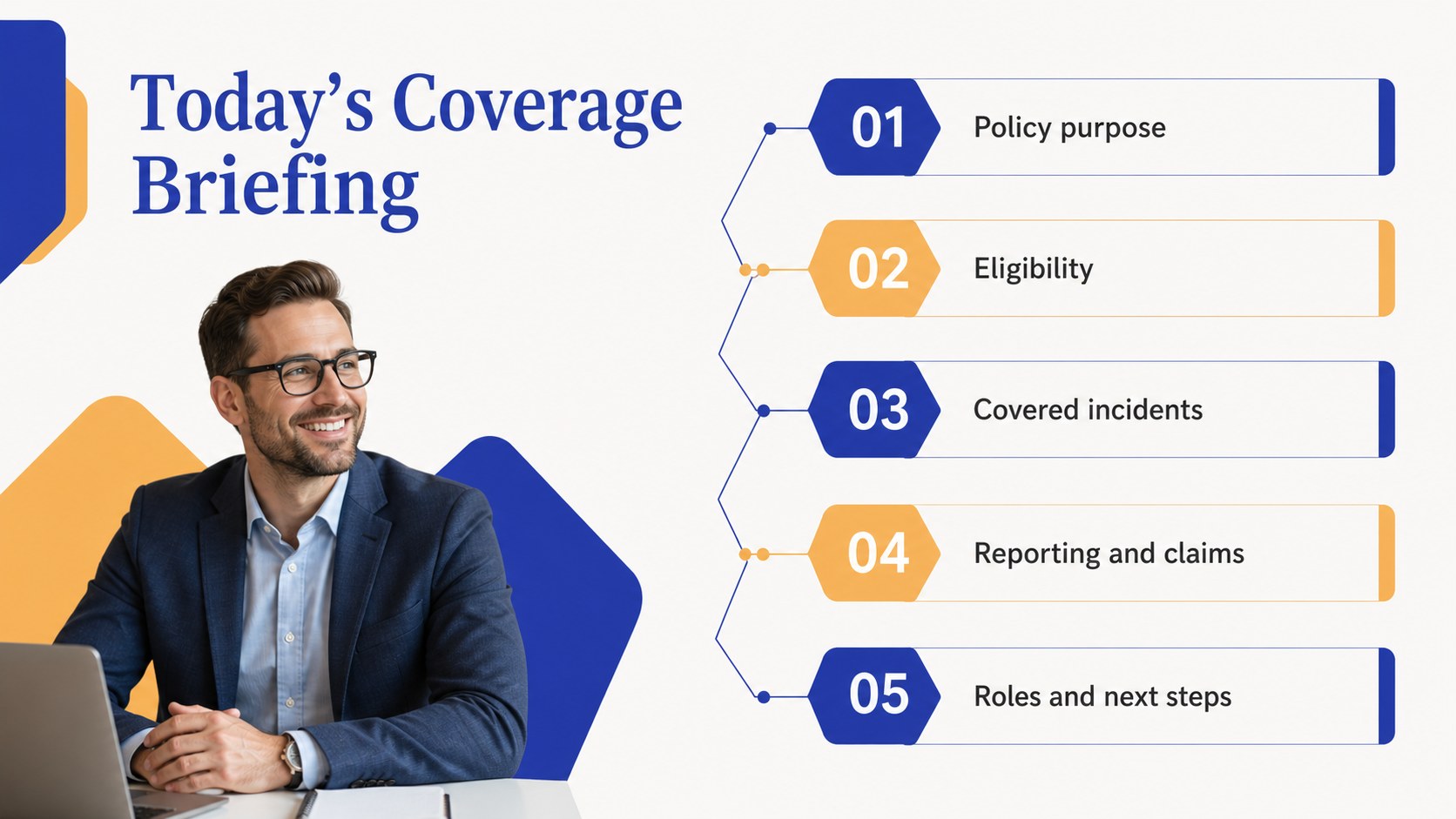
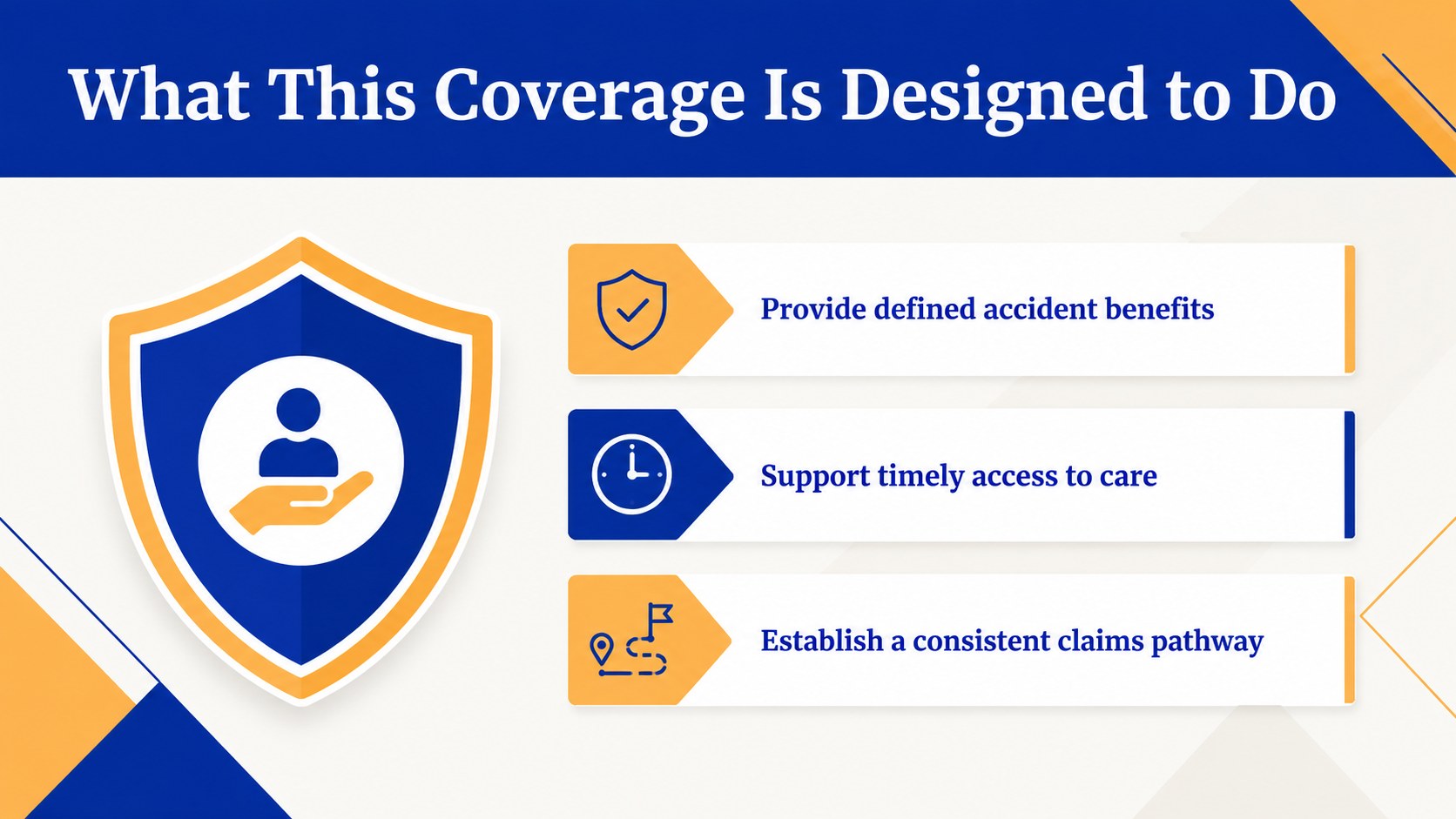
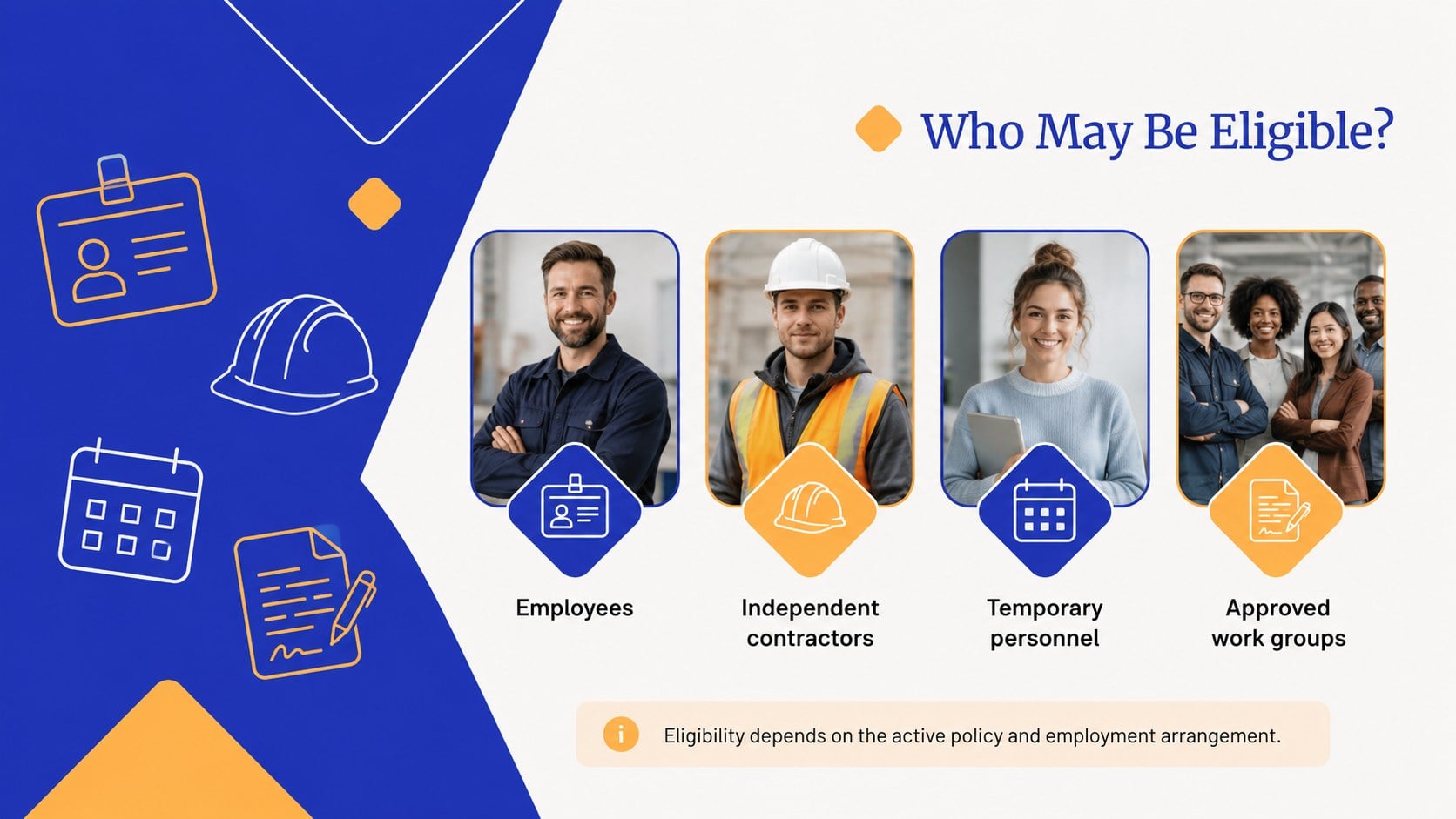
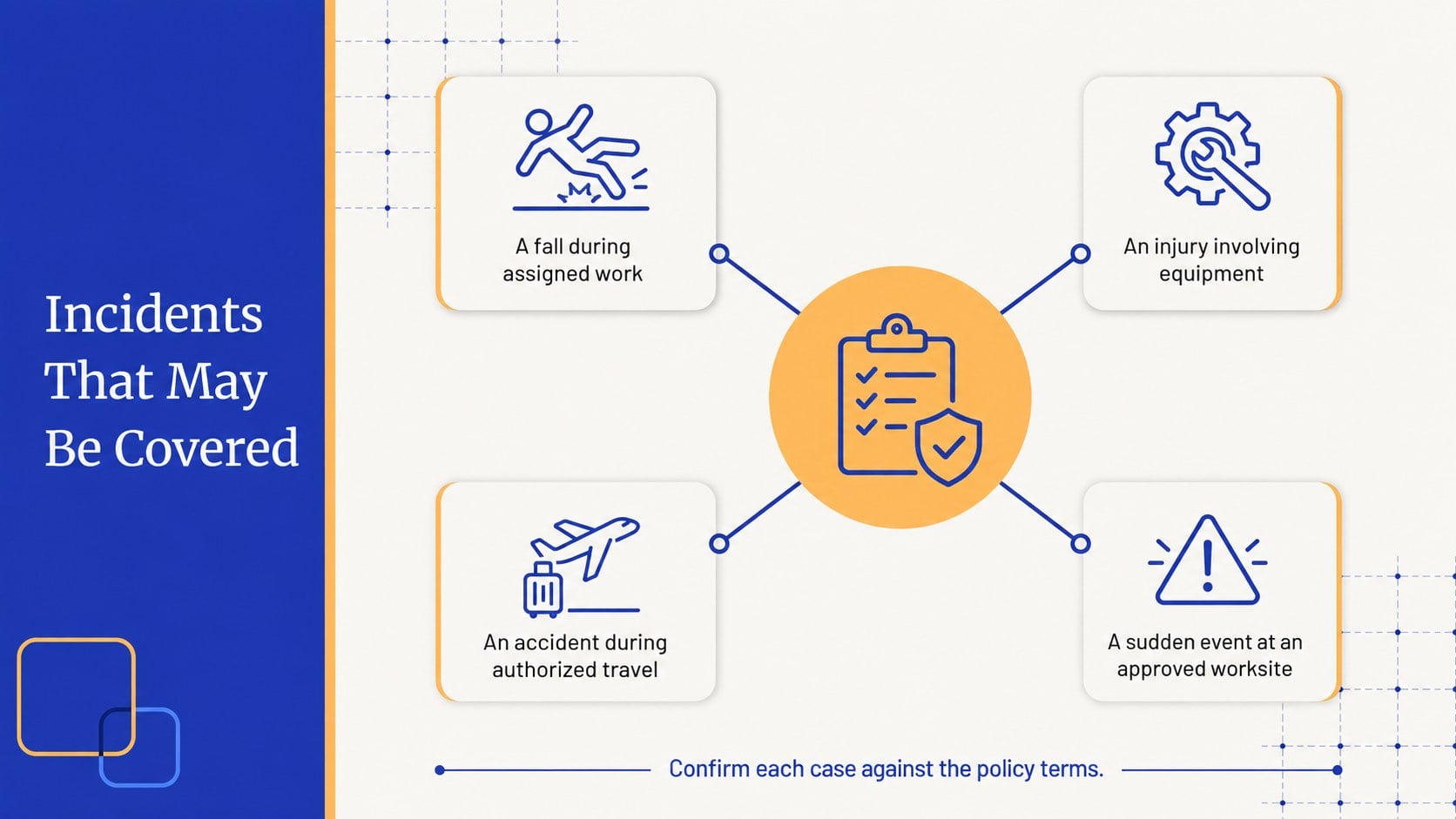

Design notes
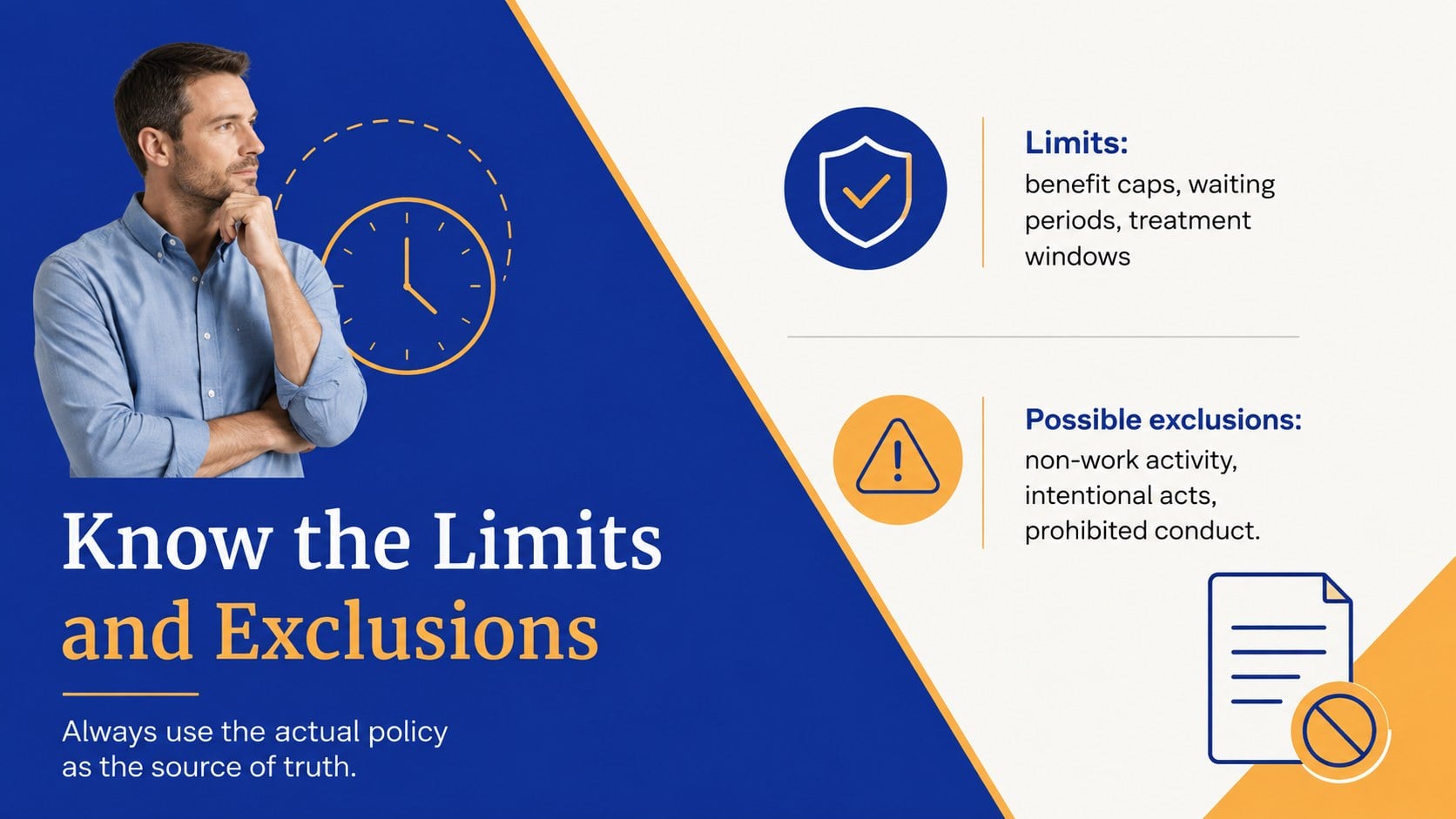
Turn complex protection details into a conversation teams can follow. This workplace injury coverage briefing uses a crisp orange-and-blue geometric system to explain what a policy does, where limits apply, and what happens after an incident. Clear section breaks, simple diagrams, and practical prompts help presenters keep technical material focused without oversimplifying it.
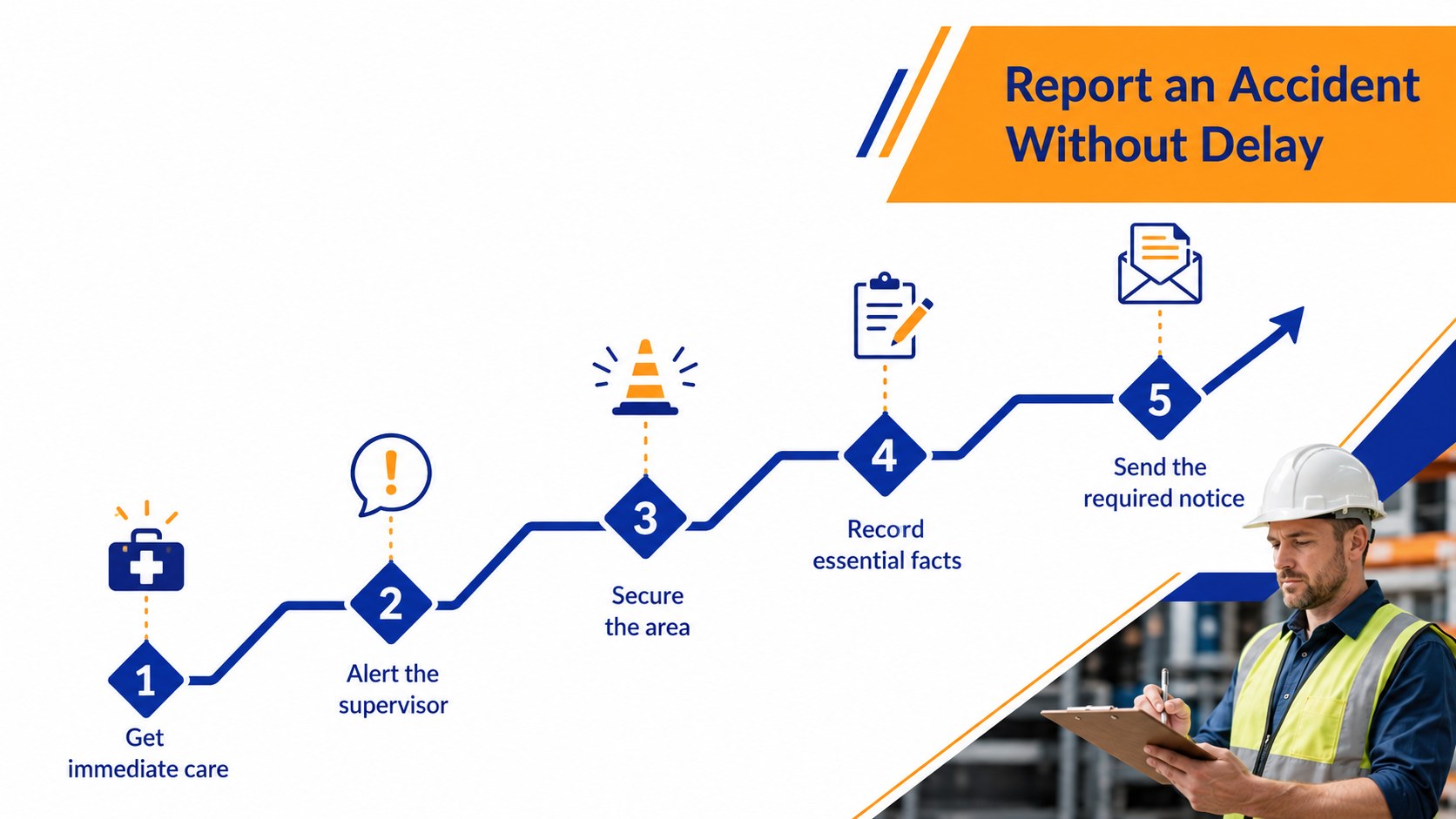
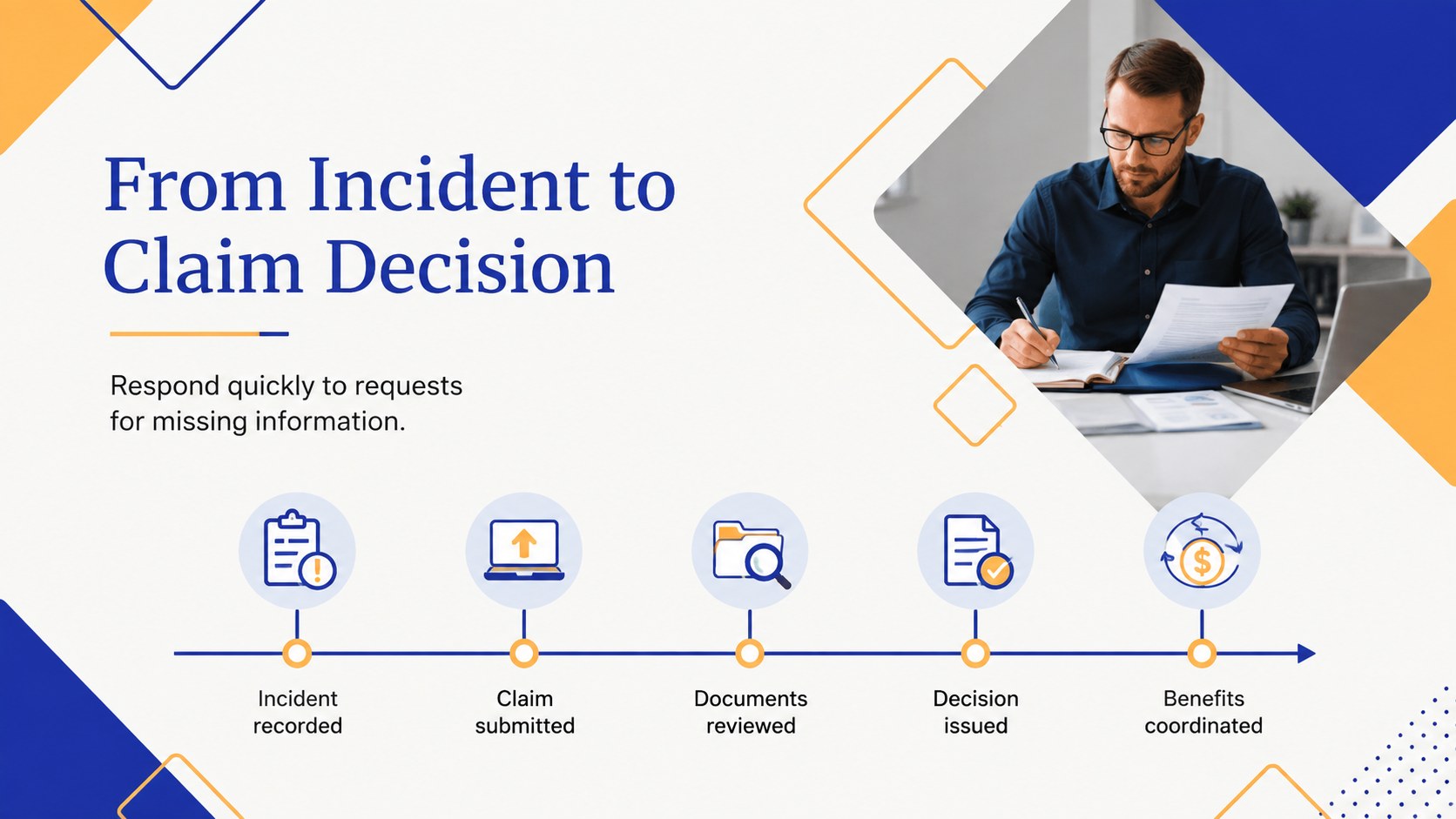
Inside, you will find an agenda, eligibility overview, covered incident examples, exclusions, benefit categories, an accident reporting workflow, and a step-by-step claims timeline. Editable comparison layouts support policy discussions, while role charts clarify responsibilities for employees, supervisors, HR, and claims contacts. A workplace incident claims process template and employee accident coverage slides are also included for scenario reviews and onboarding.
Designed for insurance advisers, risk managers, operations leaders, HR teams, and safety trainers, the deck works well in policy renewals, contractor briefings, staff workshops, and stakeholder meetings. Customize every headline, chart, color accent, and process step in PowerPoint or Google Slides. Use the speaker-ready structure as a complete presentation or select individual pages for a focused occupational accident policy training deck that matches your organization's procedures and terminology.
Perfect for: employee safety orientation; insurance policy review; contractor coverage briefing; incident reporting workshop; claims process training.
Frequently asked questions
Can I edit the policy details and coverage examples? Yes. All headings, examples, diagrams, tables, and process steps can be updated to reflect your insurer, workforce, and policy terms. Review the final wording with a qualified insurance or legal professional before presenting it.
Practical details
Yes. All headings, examples, diagrams, tables, and process steps can be updated to reflect your insurer, workforce, and policy terms. Review the final wording with a qualified insurance or legal professional before presenting it.
The template is designed for Microsoft PowerPoint and Google Slides. Fonts, spacing, and transitions may vary slightly between platforms, so check the finished deck before delivery.
Yes. Replace the accent colors with your organization's approved palette and adjust the geometric shapes as needed. Maintain sufficient contrast so coverage details and claim instructions remain easy to read.
Yes. The layouts cover eligibility, incidents, reporting duties, benefits, exclusions, and claim steps that can be adapted for either audience. Remove sections that do not apply and add jurisdiction-specific requirements where necessary.
Keep exploring
15Build an engaging World UFO Day session with this flying saucer history lesson deck, featuring retro green-and-brown slides for PowerPoint and Google Slides.
 15
15Plan a lively animal-learning journey with this jungle zoo adventure lesson deck, ready to customize in PowerPoint and Google Slides for young learners.
 16
16Turn environmental research into a clear story with a Watercolor Ecology Presentation Theme for PowerPoint and Google Slides in calming green and blue.
 16
16Build focused fashion, literature, and humanities presentations with the Red Triangle Editorial Theme, editable in PowerPoint and Google Slides.
 15
15Turn streaming stats, favorite tracks, and concert highlights into a bold annual listening recap slide deck for PowerPoint and Google Slides.
 15
15Turn highlights, milestones, and favorite moments into a colorful year in review slide deck with bold 3D graphics for PowerPoint and Google Slides.
 3
3Build a credible endorsement with Standout Colleague Recommendation Letter Slides, featuring colorful prompts for skills, achievements, and team impact.
 4
4Build clear beginner sessions with an ice hockey fundamentals training deck for coaches, PE teachers, and clubs, ready for PowerPoint and Google Slides.