
 15
15presentation
Flying Saucer History Lesson Deck
Build an engaging World UFO Day session with this flying saucer history lesson deck, featuring retro green-and-brown slides for PowerPoint and Google Slides.
Google SlidesPowerPoint
presentation · English
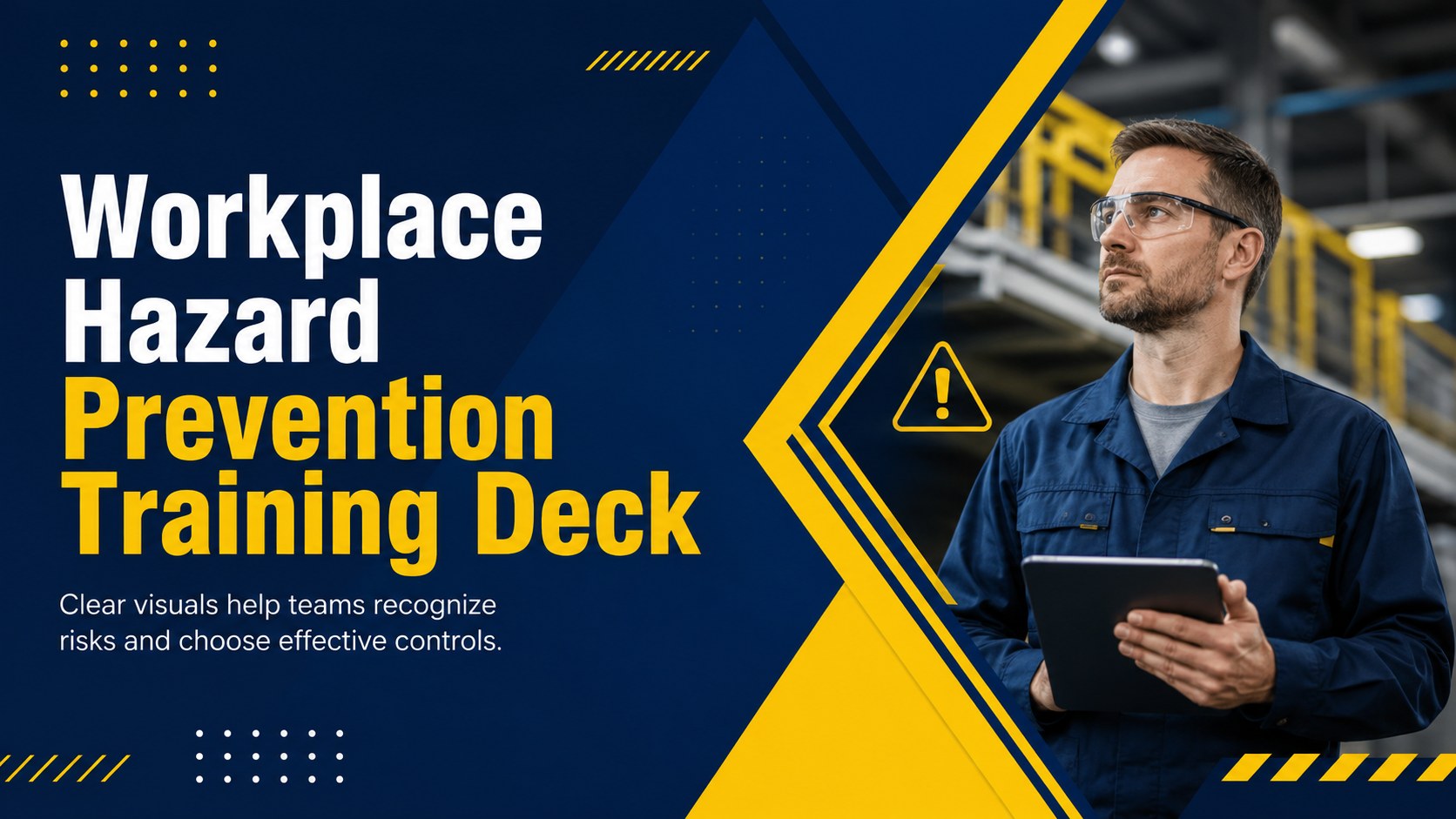
Run clearer safety briefings with a workplace hazard prevention training deck featuring editable blue-and-yellow layouts for PowerPoint and Google Slides.
Design notes
Turn essential safety guidance into a focused learning experience with this workplace hazard prevention training deck. Its modern blue-and-yellow design gives managers, trainers, and safety coordinators a professional framework for discussing everyday risks without overwhelming the audience. Use it for team briefings, contractor inductions, or recurring workplace training.
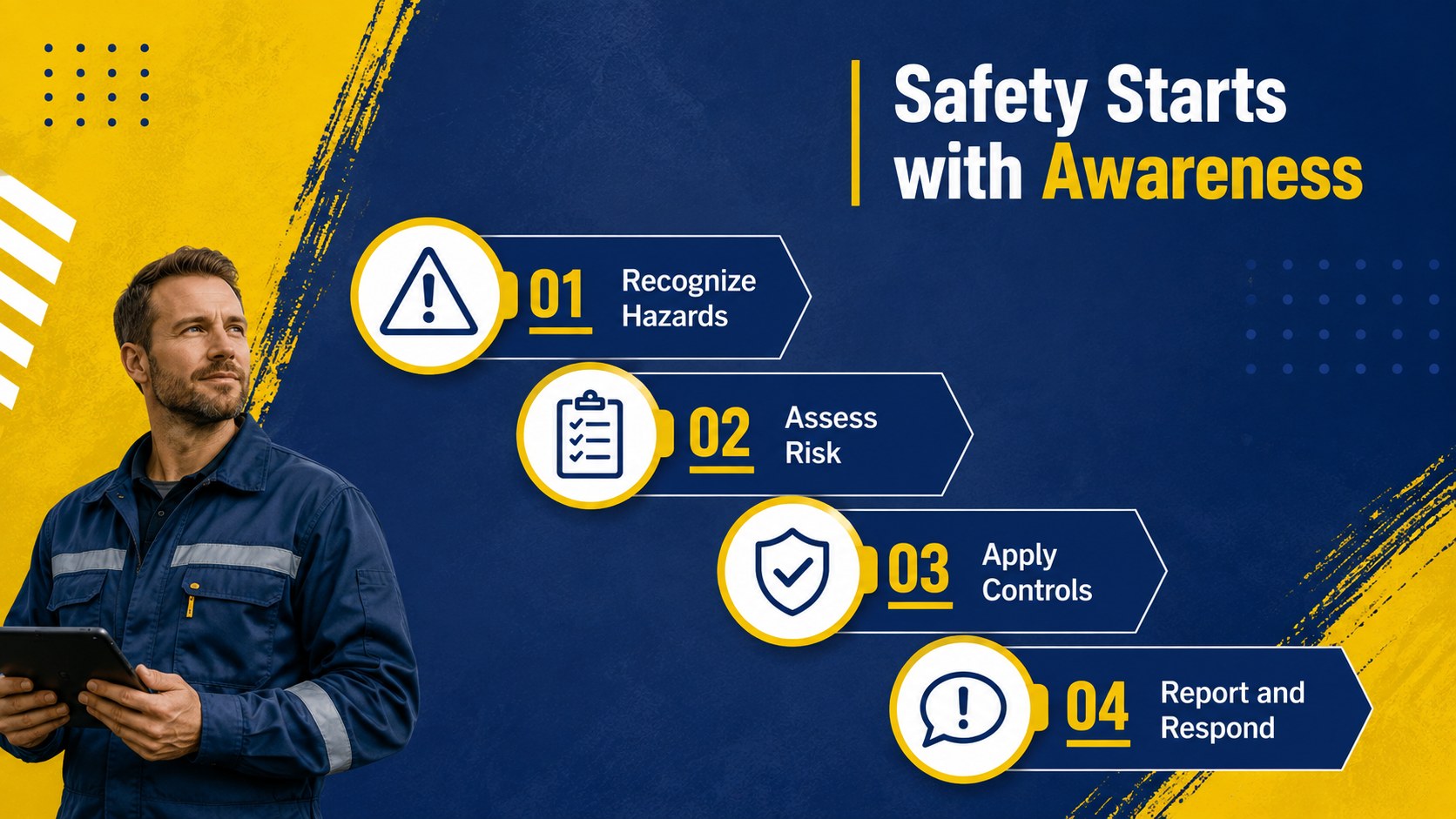
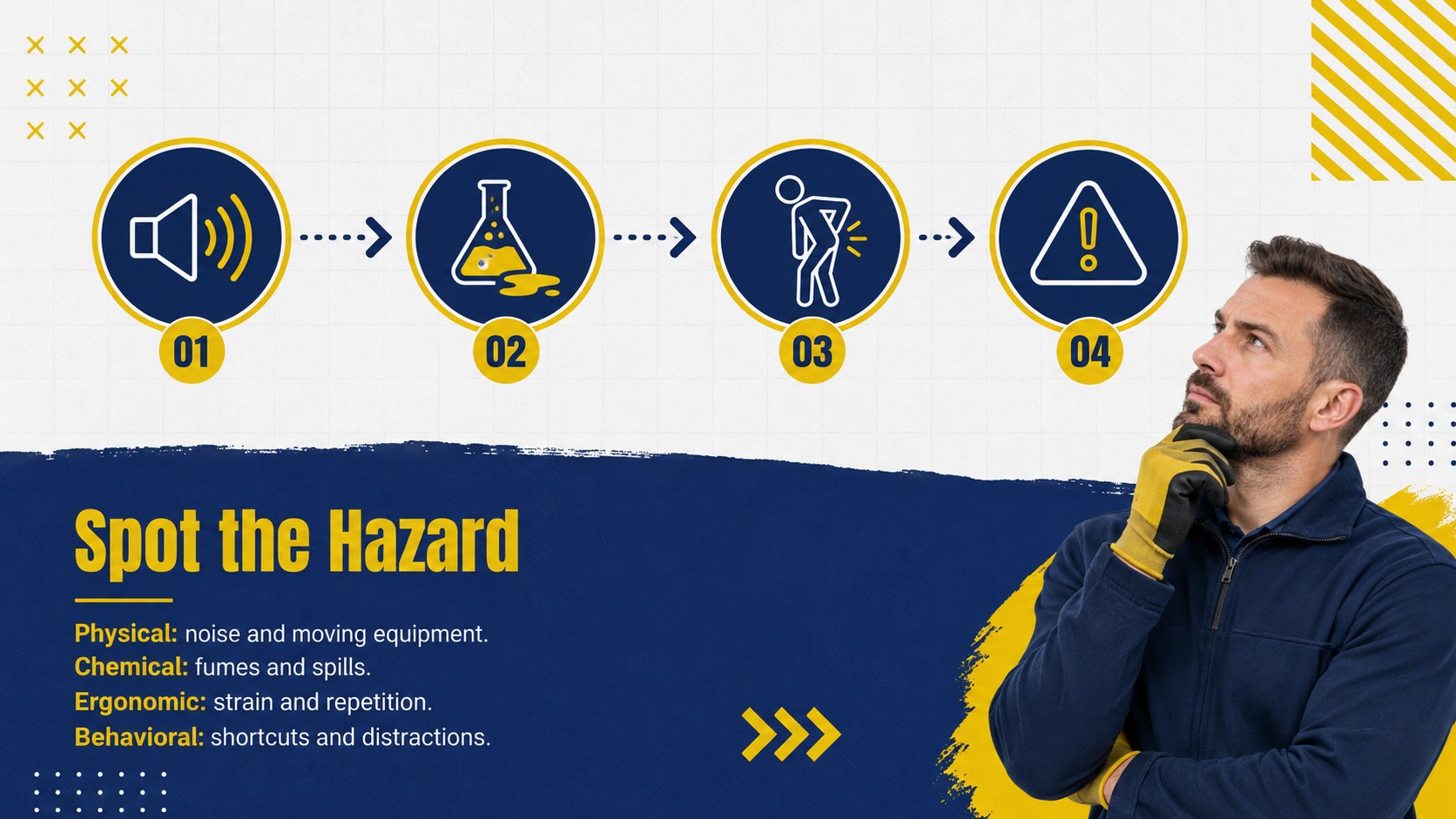
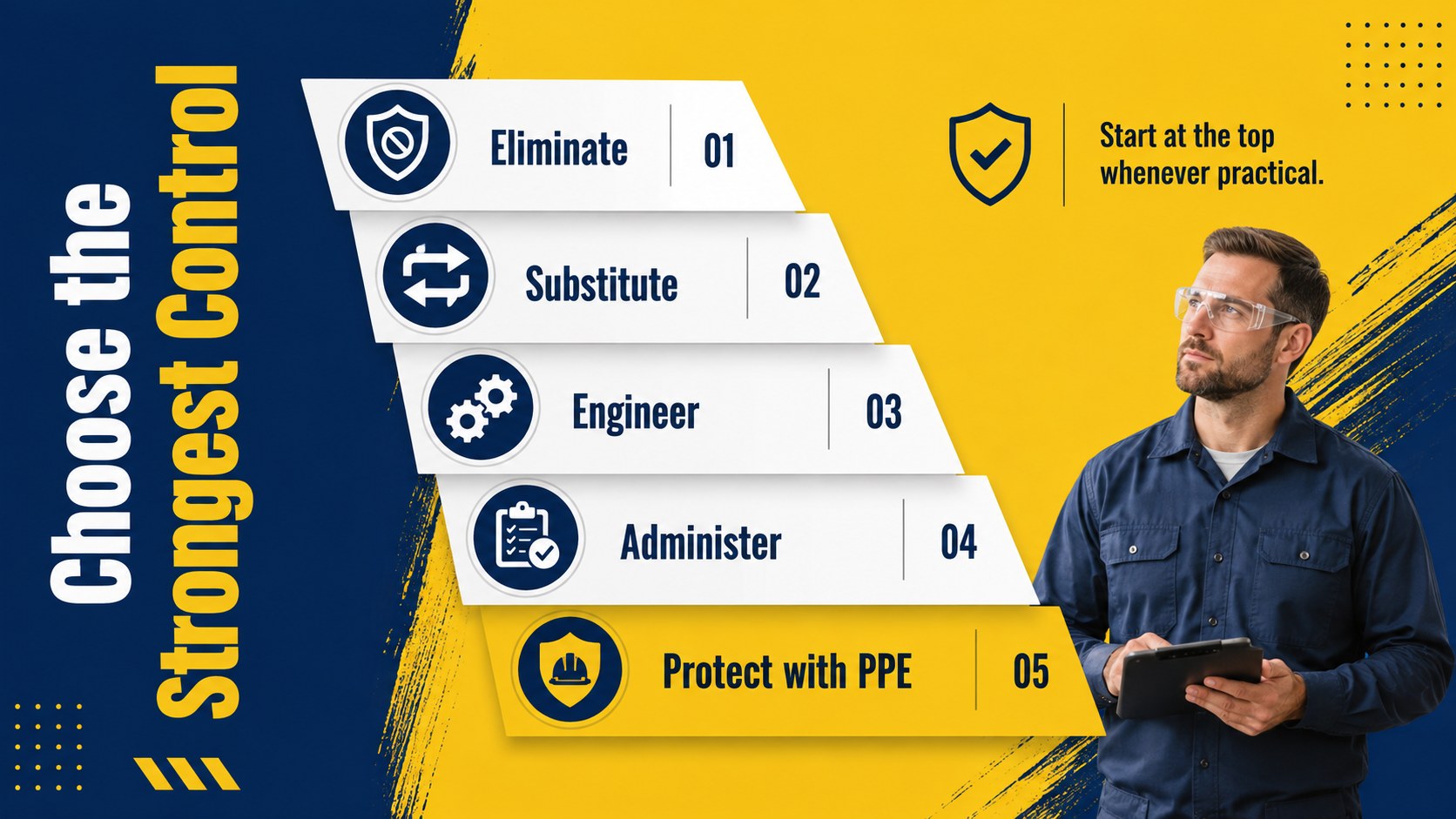
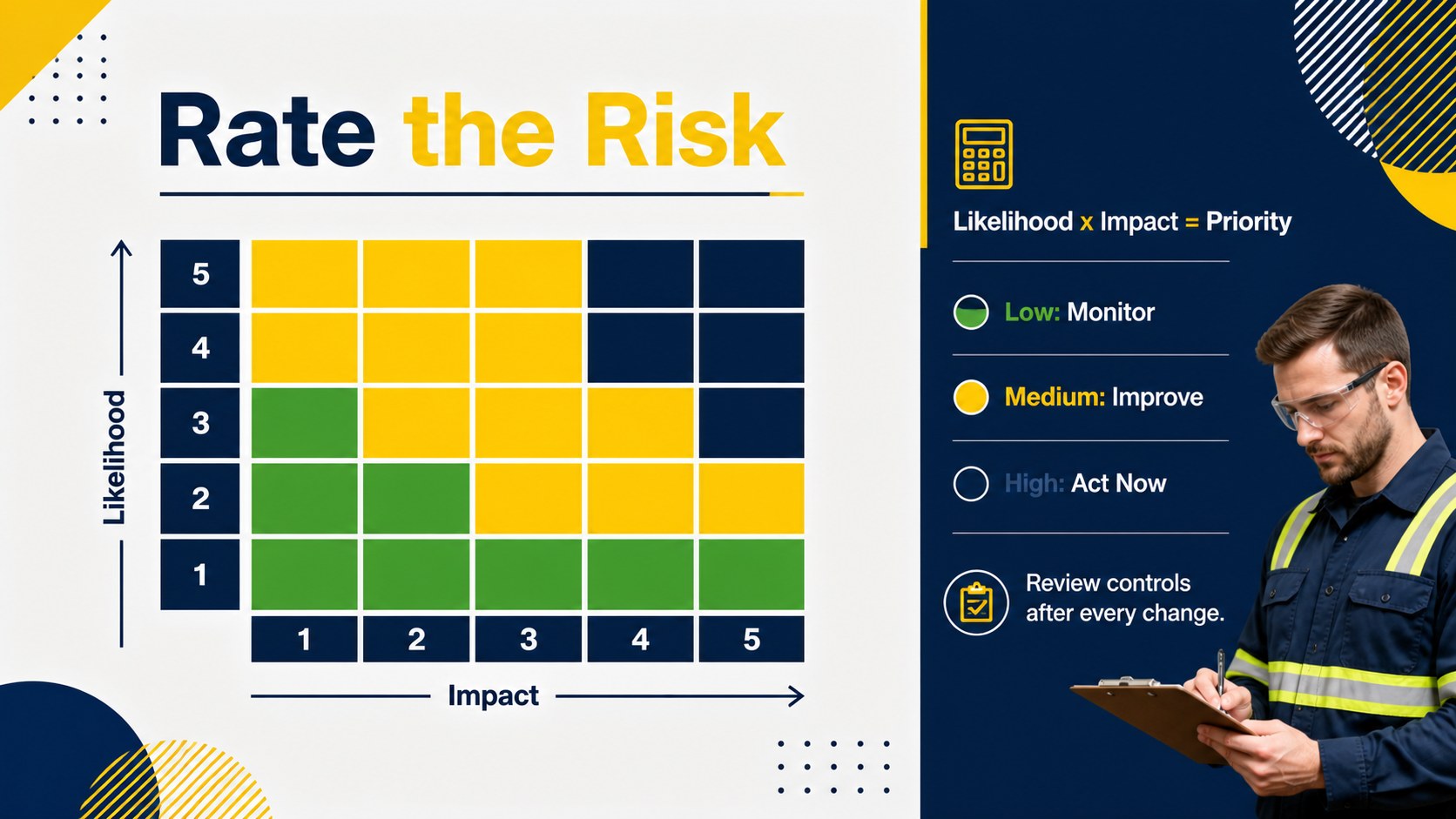
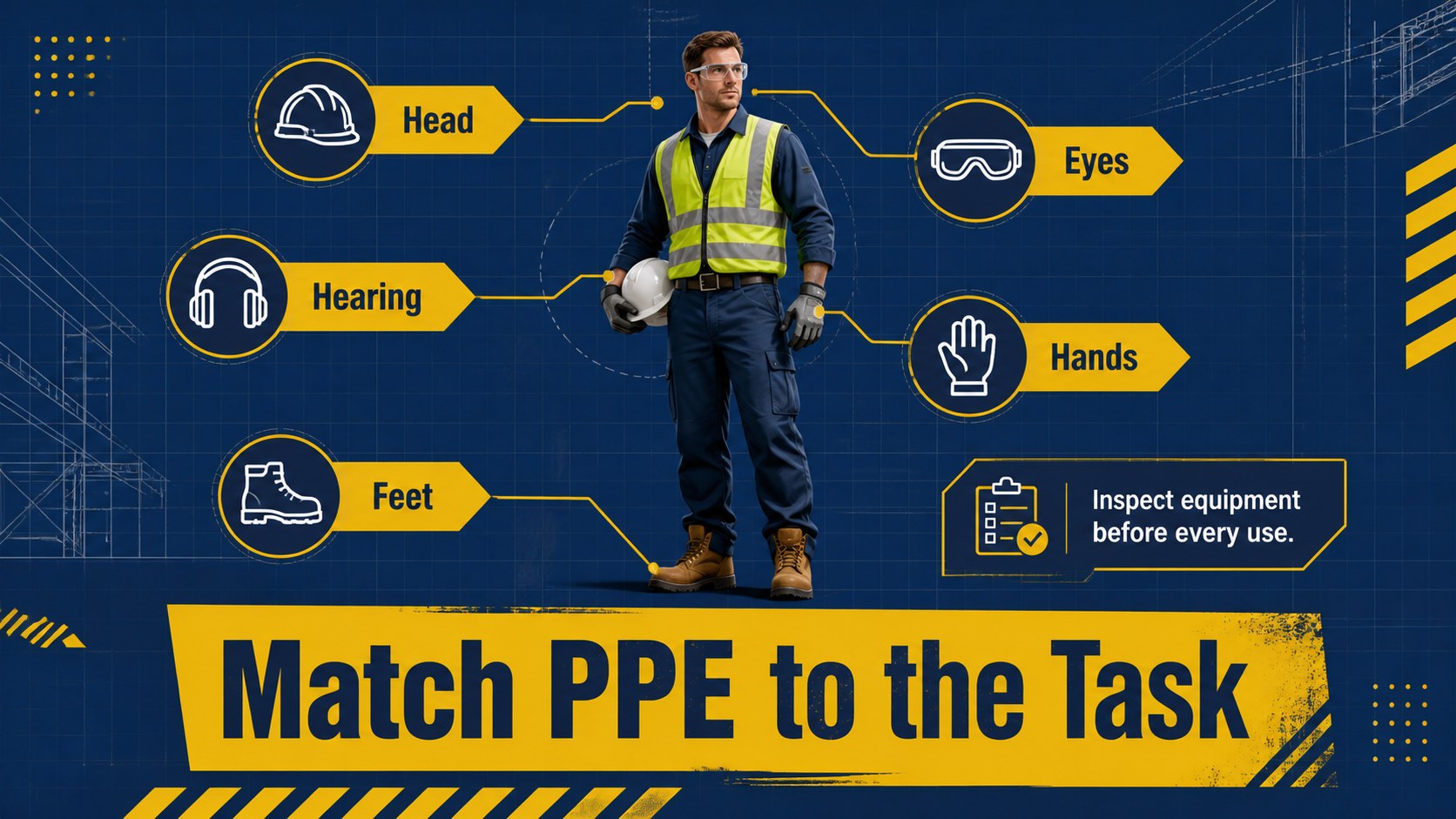
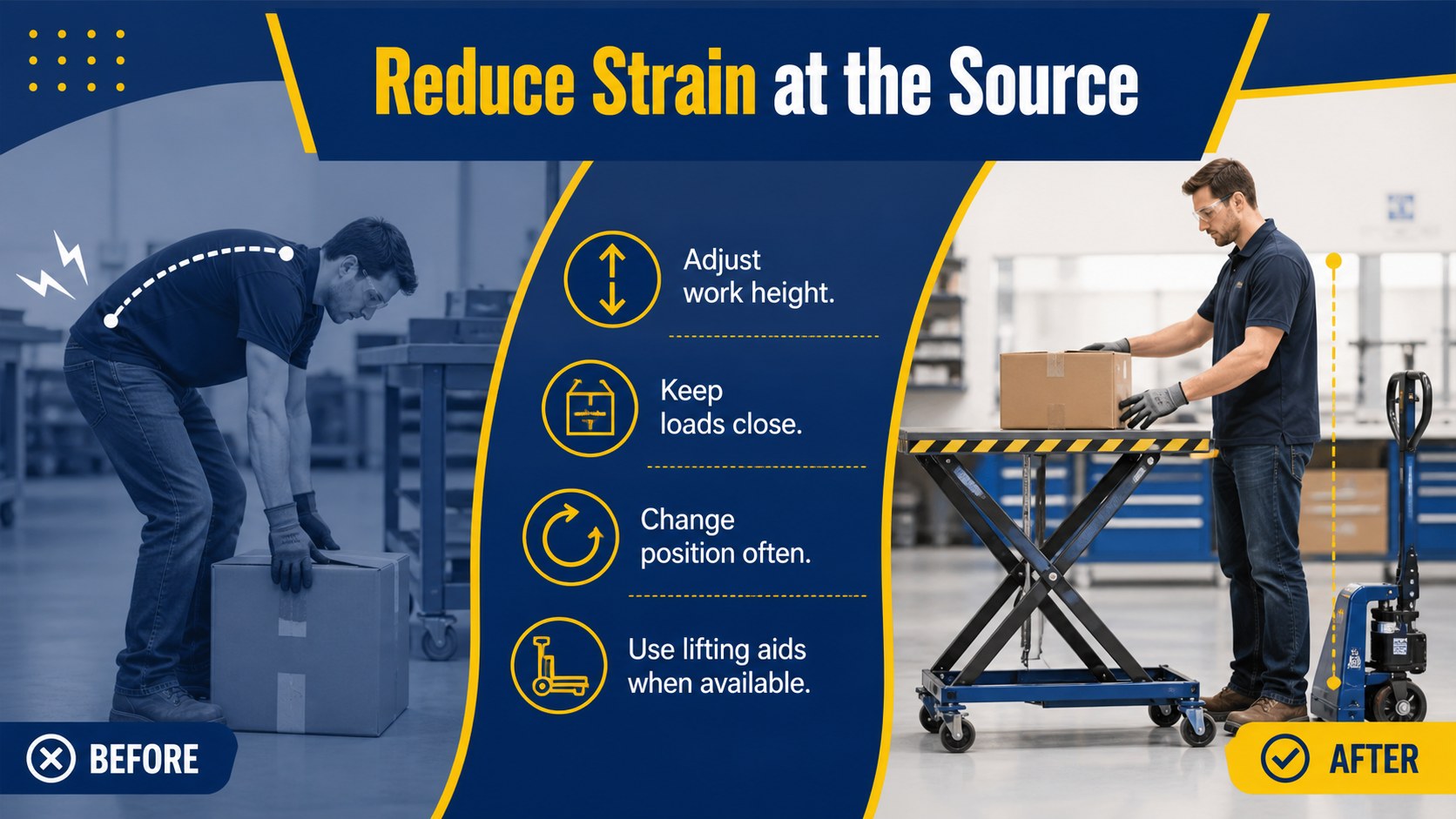
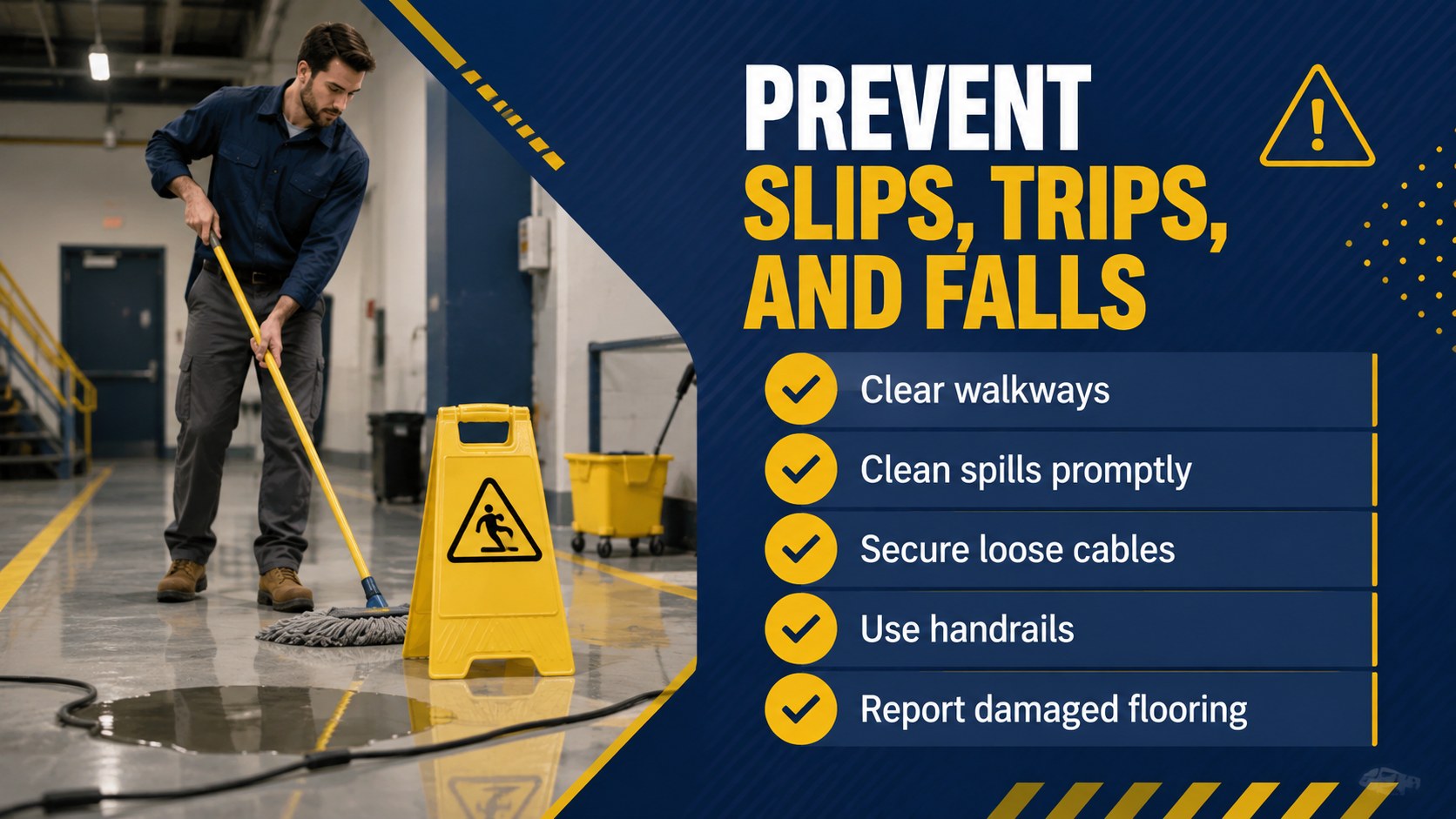
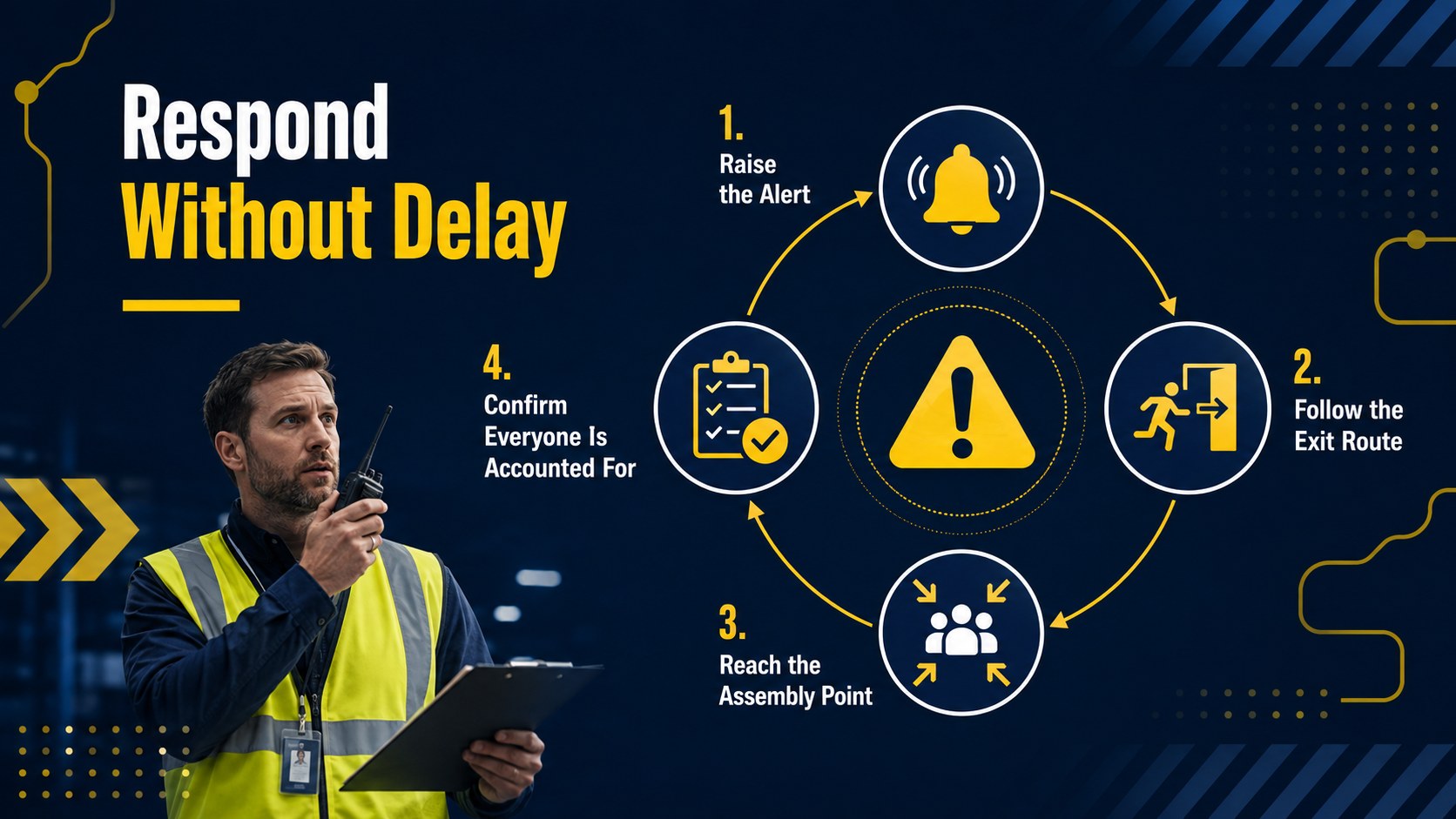
The deck includes layouts for hazard categories, risk assessment, control measures, personal protective equipment, emergency response, incident reporting, employee responsibilities, and safety performance. A clear risk matrix, process diagrams, checklists, and data-focused pages help you build a complete workplace hazard prevention presentation. Every layout can be edited in PowerPoint or Google Slides, allowing you to replace examples, adjust colors, add company procedures, and incorporate site-specific photography.
These employee safety orientation slides suit offices, warehouses, manufacturing facilities, construction teams, and field operations. They can also support an industrial risk assessment PowerPoint for leadership reviews or toolbox talks. The structured layouts make technical information easier to scan while leaving enough room for policies, statistics, and practical examples. Customize the content to reflect local regulations, internal reporting channels, emergency contacts, and the hazards relevant to your organization.
Perfect for: employee safety orientation; warehouse hazard briefing; construction toolbox talk; industrial risk review; incident prevention workshop; annual safety refresher.
Frequently asked questions
Can I edit this training deck in PowerPoint and Google Slides? Yes. The text, colors, images, diagrams, and data layouts can be customized in PowerPoint or Google Slides. You can adapt each page to your organization's procedures and terminology.
Practical details
Yes. The text, colors, images, diagrams, and data layouts can be customized in PowerPoint or Google Slides. You can adapt each page to your organization's procedures and terminology.
Yes. Replace the sample hazards with risks from your office, warehouse, jobsite, factory, or field operation. You can also add emergency contacts, reporting steps, policies, and site photographs.
The layout set includes hazard identification, a risk matrix, control hierarchy, PPE guidance, emergency response, and incident reporting. The content should still be reviewed against your local requirements and internal safety program.
Yes. The concise sections work well for onboarding sessions, contractor inductions, and annual refresher training. Trainers can shorten or expand the presentation based on the audience and work environment.
Keep exploring
15Build an engaging World UFO Day session with this flying saucer history lesson deck, featuring retro green-and-brown slides for PowerPoint and Google Slides.
 15
15Plan a lively animal-learning journey with this jungle zoo adventure lesson deck, ready to customize in PowerPoint and Google Slides for young learners.
 16
16Turn environmental research into a clear story with a Watercolor Ecology Presentation Theme for PowerPoint and Google Slides in calming green and blue.
 16
16Build focused fashion, literature, and humanities presentations with the Red Triangle Editorial Theme, editable in PowerPoint and Google Slides.
 15
15Turn streaming stats, favorite tracks, and concert highlights into a bold annual listening recap slide deck for PowerPoint and Google Slides.
 15
15Turn highlights, milestones, and favorite moments into a colorful year in review slide deck with bold 3D graphics for PowerPoint and Google Slides.
 3
3Build a credible endorsement with Standout Colleague Recommendation Letter Slides, featuring colorful prompts for skills, achievements, and team impact.
 4
4Build clear beginner sessions with an ice hockey fundamentals training deck for coaches, PE teachers, and clubs, ready for PowerPoint and Google Slides.