
 15
15presentation
Flying Saucer History Lesson Deck
Build an engaging World UFO Day session with this flying saucer history lesson deck, featuring retro green-and-brown slides for PowerPoint and Google Slides.
Google SlidesPowerPoint
presentation · English
Handle awkward workplace messages with humor using this workplace email tone guide, a blue pixel-style deck for PowerPoint and Google Slides.

Design notes
Built as a workplace email tone guide, this playful presentation explores the hidden meanings behind familiar office messages. Its bright blue palette, pixel-inspired details, and lighthearted tone make a potentially uncomfortable communication topic approachable without losing sight of professional courtesy.
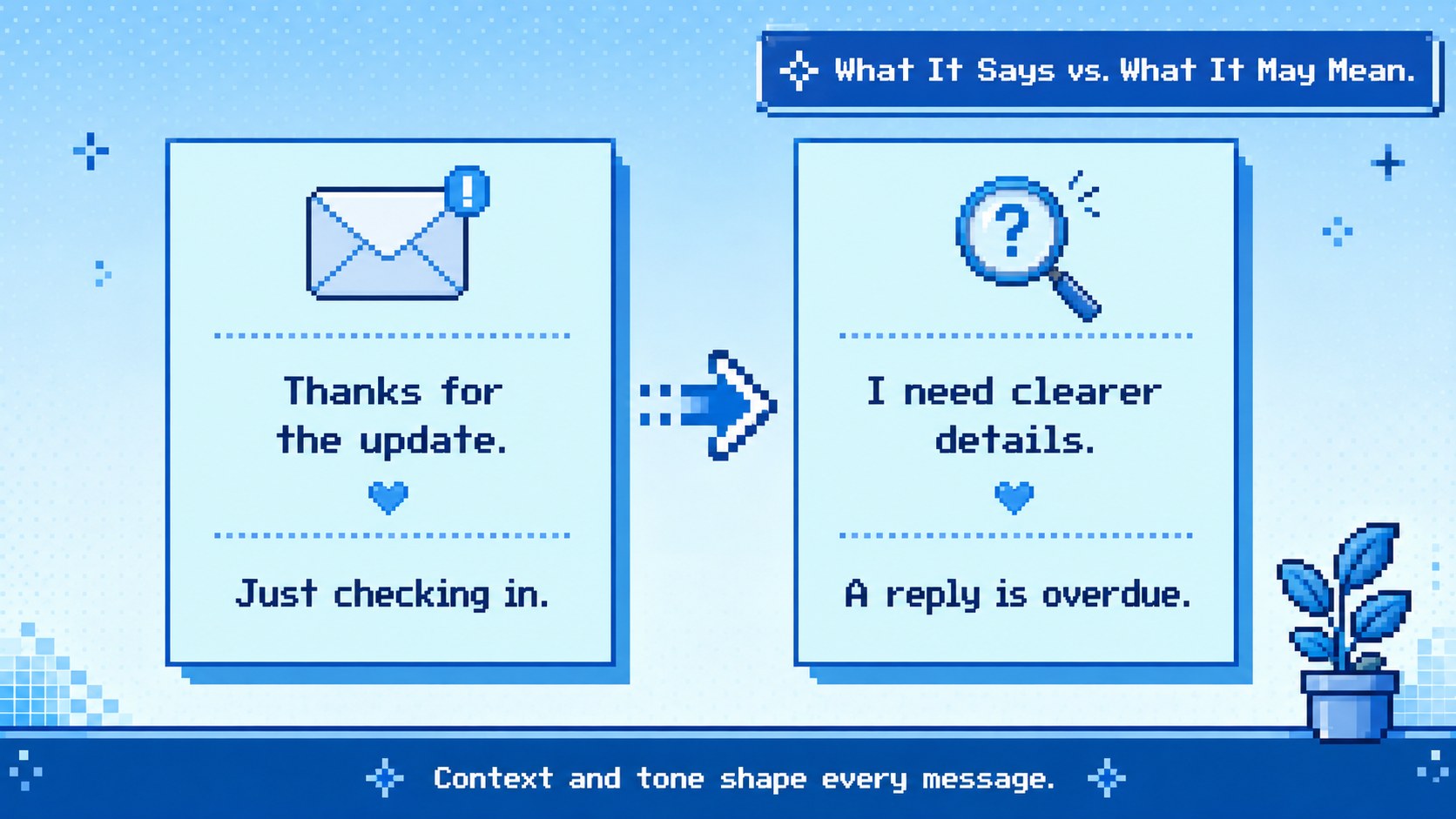
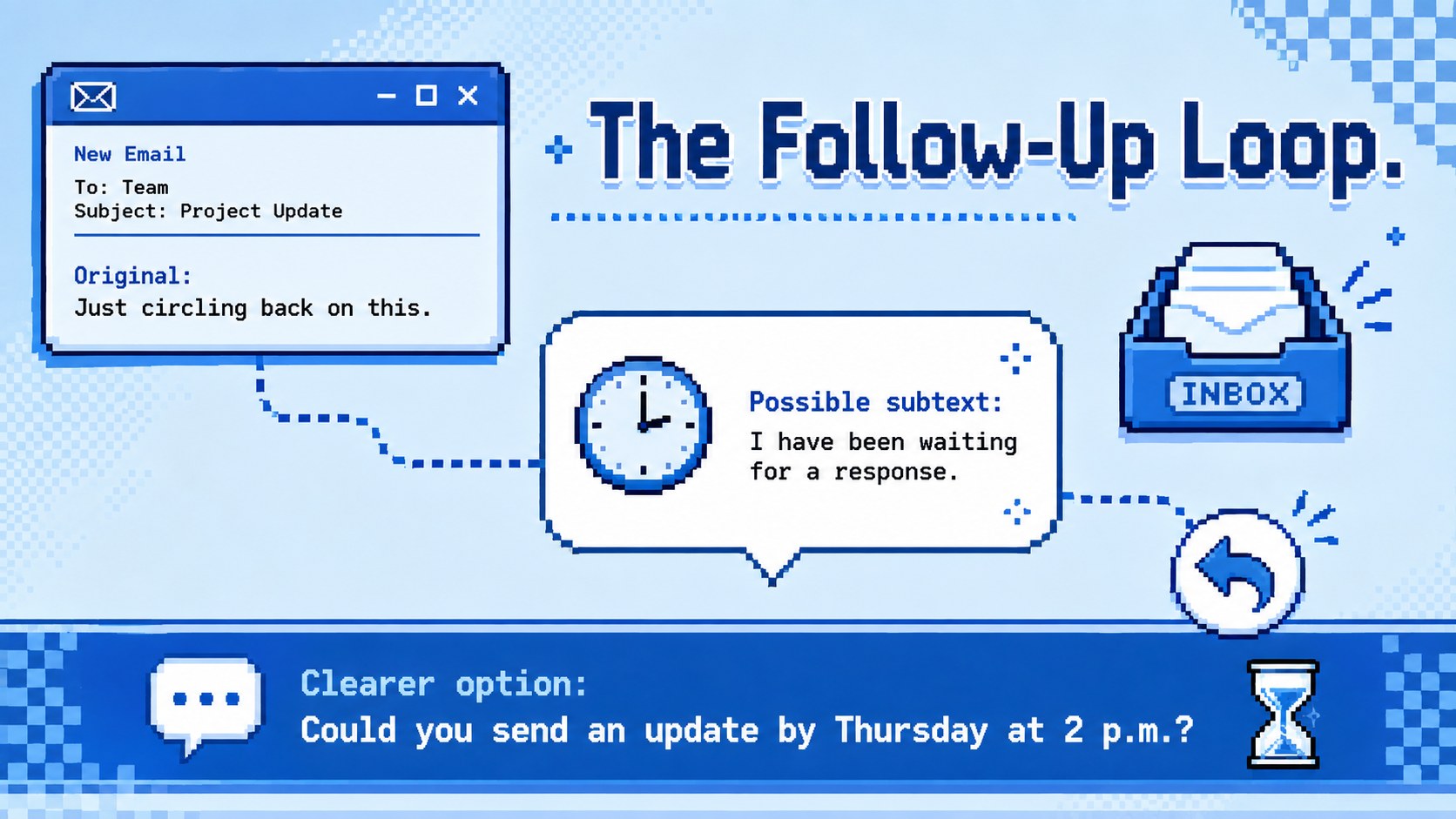
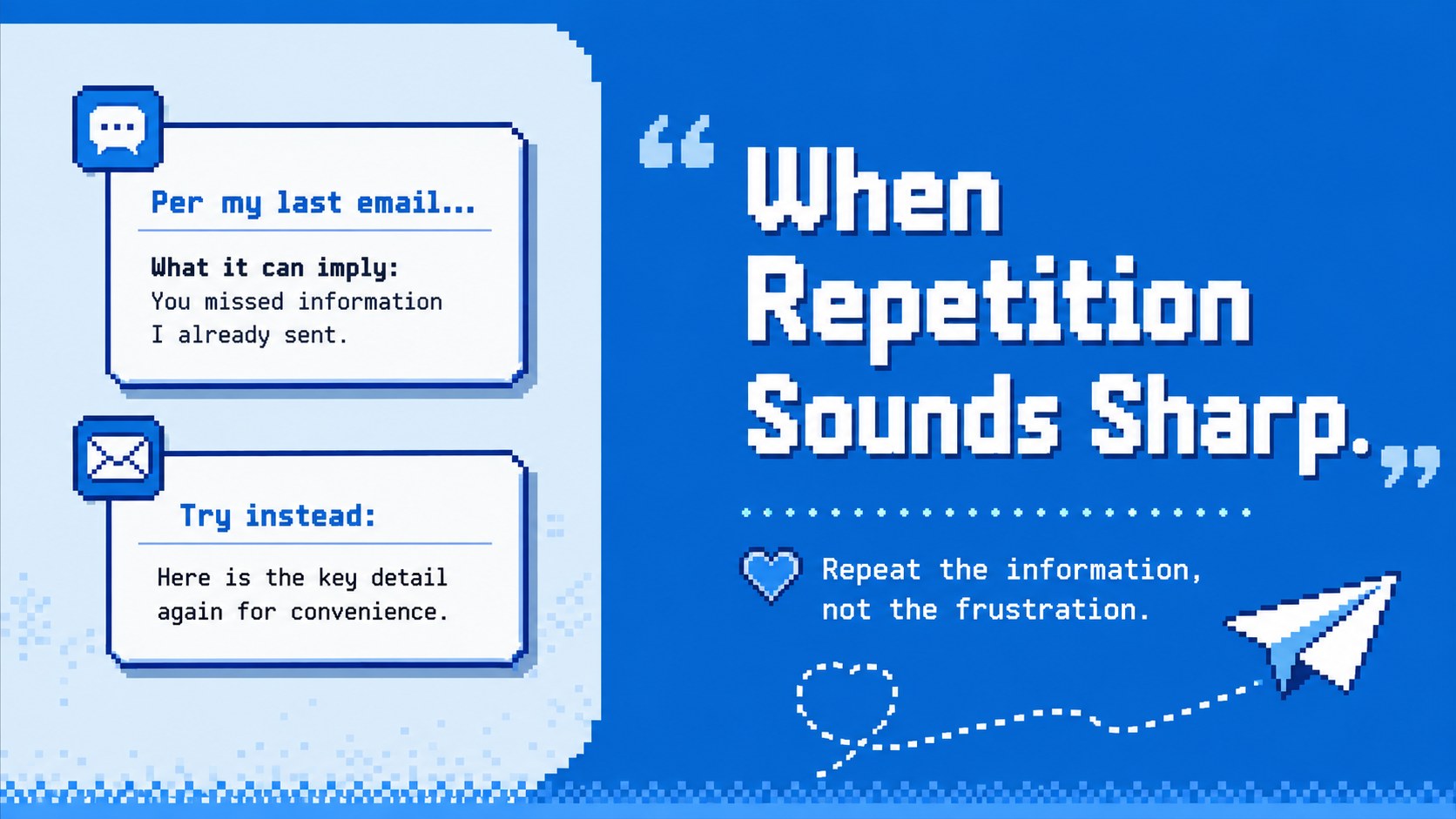
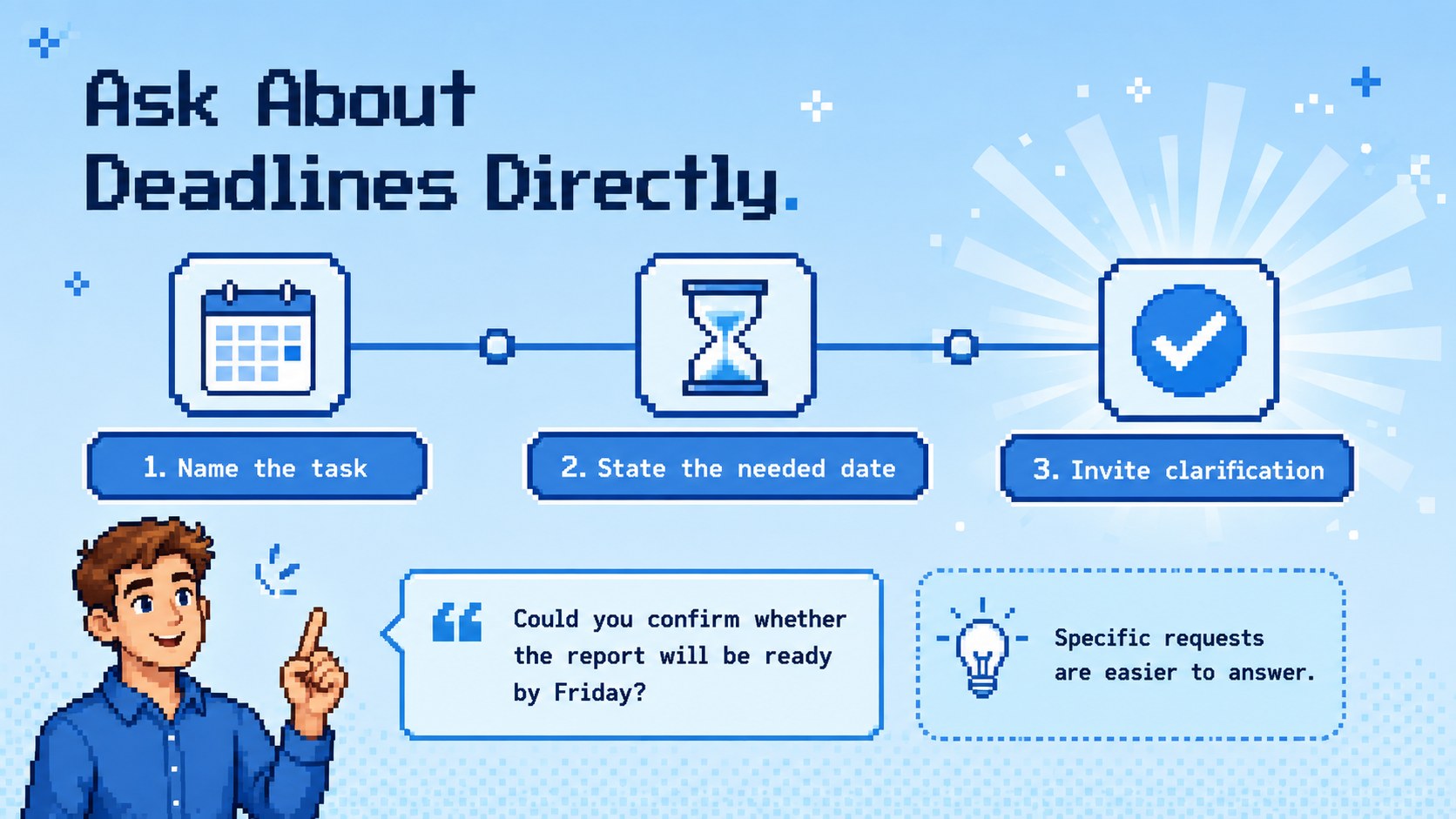
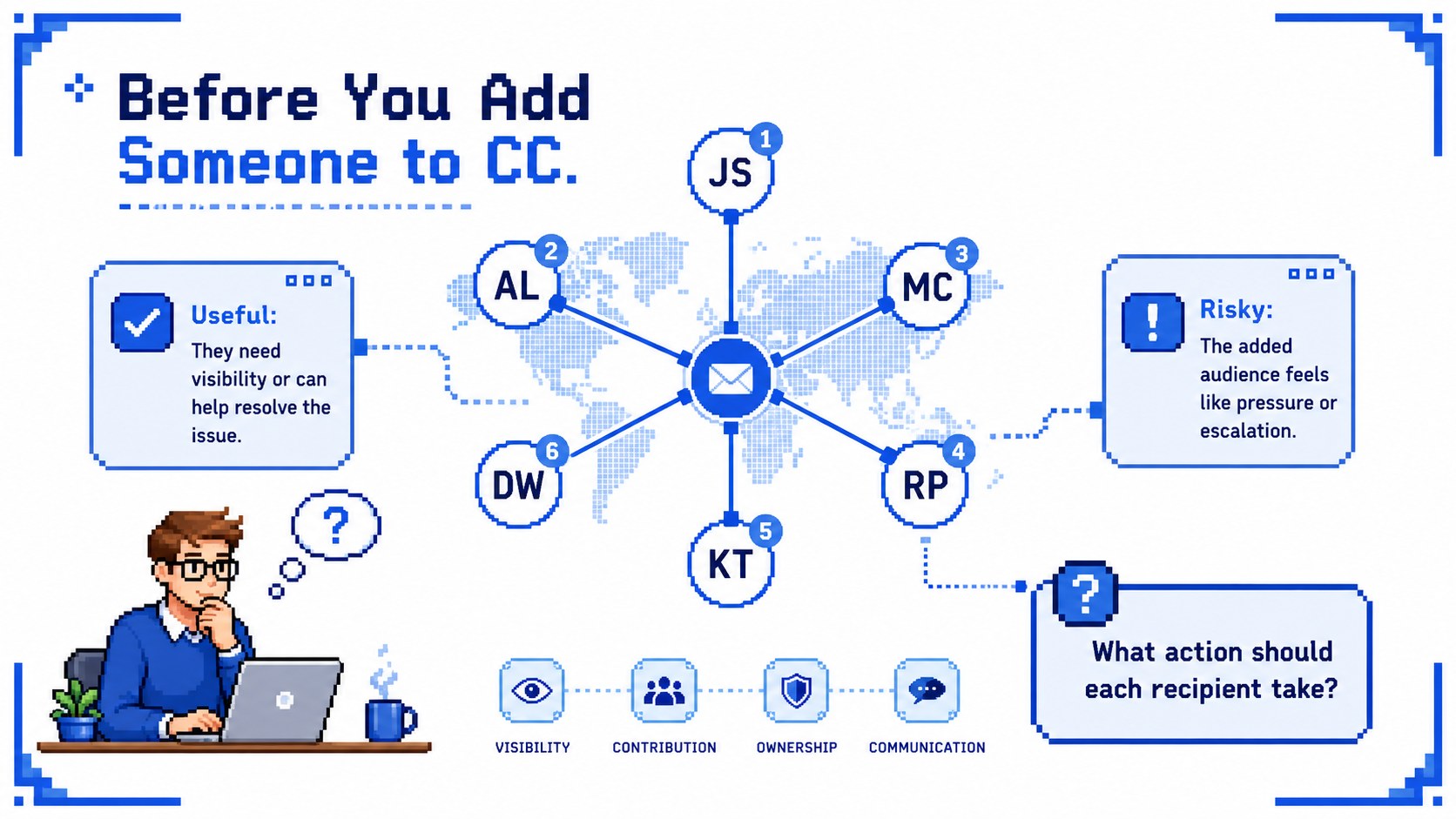
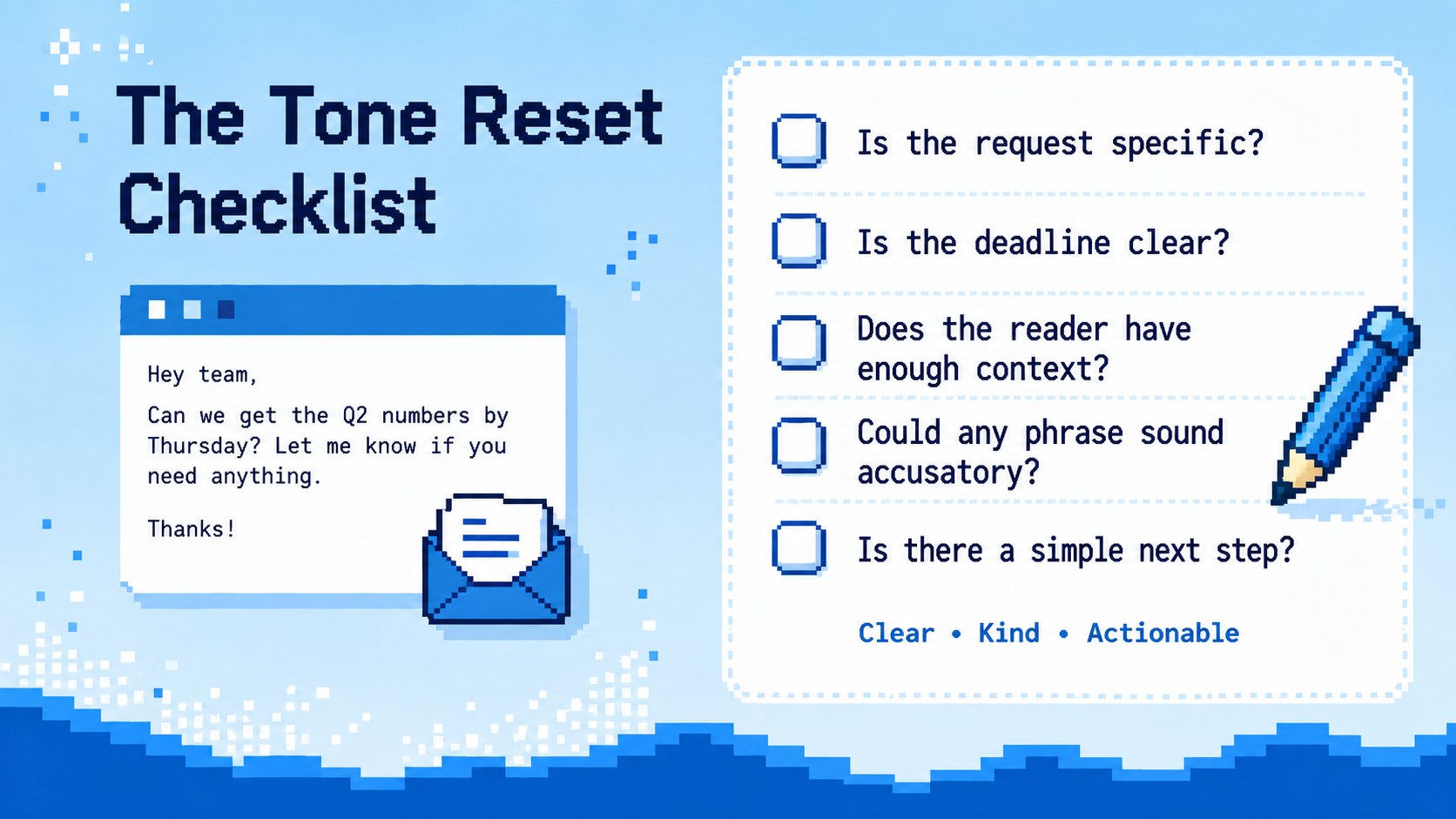
The deck pairs common expressions with possible interpretations, then offers clearer alternatives that reduce confusion and unnecessary tension. Use the included professional email tone examples to discuss follow-ups, deadline reminders, copied recipients, vague requests, and phrases such as “per my last email.” A practical tone-reset checklist and concise before-you-send review help audiences turn indirect wording into specific, respectful communication.
This workplace email etiquette presentation is useful for team training, onboarding, business writing lessons, management workshops, and internal communication sessions. Trainers can adapt the scenarios to match company norms, while educators can use the comparison layouts for discussion or role-play exercises. It also provides polite ways to follow up by email when a reply is late or a task needs clarification.
Every slide can be customized in PowerPoint or Google Slides. Replace the examples, adjust the blue color scheme, add organizational guidance, or reorganize the activities for a short meeting, a classroom lesson, or a longer professional development workshop.
Perfect for: employee communication workshop; new hire etiquette training; business writing lesson; manager coaching session; team email standards review.
Frequently asked questions
Practical details
Yes. Edit every headline, interpretation, and suggested rewrite to reflect your workplace scenarios, communication policy, or lesson objectives.
The template is designed for PowerPoint and Google Slides. Text, colors, layouts, and examples can be adjusted in either platform.
Yes. Replace humorous interpretations with policy-based guidance, industry examples, or formal writing standards while retaining the comparison layouts.
Change the blue shades, fonts, pixel accents, and decorative illustrations directly in the slide editor. Keep strong contrast between original phrases and recommended alternatives for easy scanning.
Keep exploring
15Build an engaging World UFO Day session with this flying saucer history lesson deck, featuring retro green-and-brown slides for PowerPoint and Google Slides.
 15
15Plan a lively animal-learning journey with this jungle zoo adventure lesson deck, ready to customize in PowerPoint and Google Slides for young learners.
 16
16Turn environmental research into a clear story with a Watercolor Ecology Presentation Theme for PowerPoint and Google Slides in calming green and blue.
 16
16Build focused fashion, literature, and humanities presentations with the Red Triangle Editorial Theme, editable in PowerPoint and Google Slides.
 15
15Turn streaming stats, favorite tracks, and concert highlights into a bold annual listening recap slide deck for PowerPoint and Google Slides.
 15
15Turn highlights, milestones, and favorite moments into a colorful year in review slide deck with bold 3D graphics for PowerPoint and Google Slides.
 3
3Build a credible endorsement with Standout Colleague Recommendation Letter Slides, featuring colorful prompts for skills, achievements, and team impact.
 4
4Build clear beginner sessions with an ice hockey fundamentals training deck for coaches, PE teachers, and clubs, ready for PowerPoint and Google Slides.