
 15
15presentation
Flying Saucer History Lesson Deck
Build an engaging World UFO Day session with this flying saucer history lesson deck, featuring retro green-and-brown slides for PowerPoint and Google Slides.
Google SlidesPowerPoint
presentation · English
Turn goals into accountable next steps with a workforce improvement action planner for PowerPoint and Google Slides, styled in beige and red.

Design notes
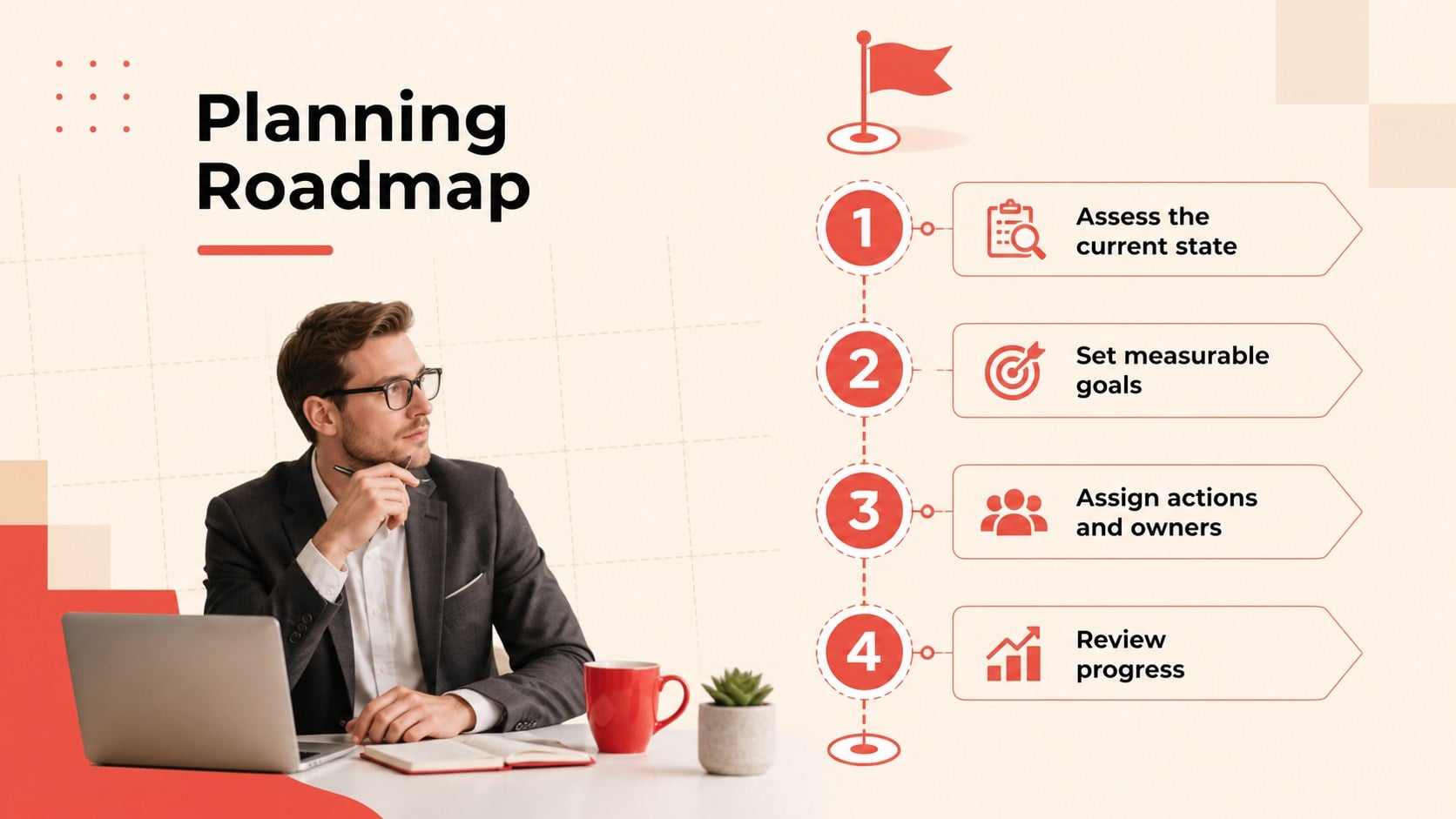
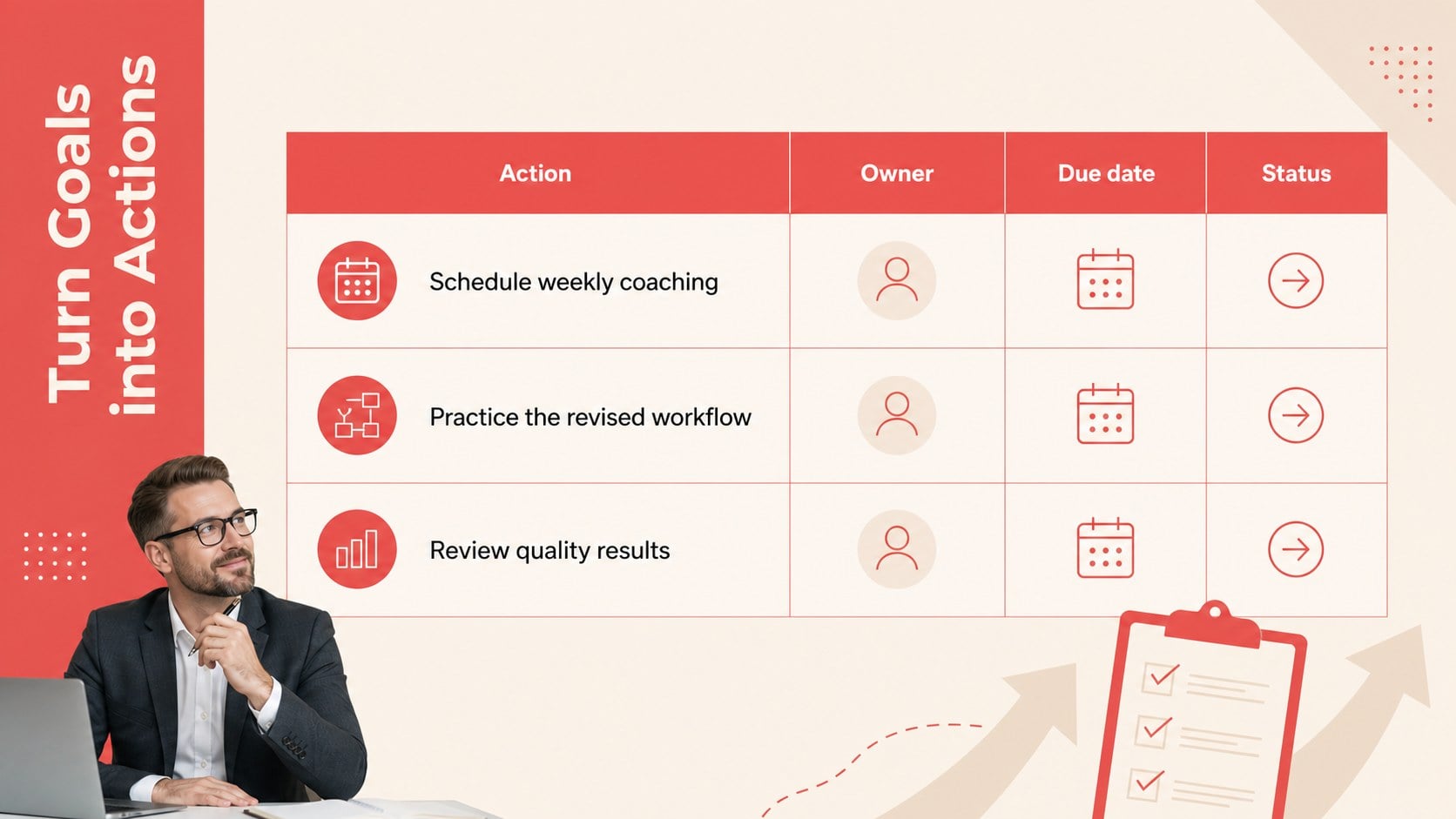
Turn workplace goals into focused, measurable next steps with the Workforce Improvement Action Planner. Designed for PowerPoint and Google Slides, this illustrated beige and red presentation gives managers a clear framework for discussing expectations, assigning responsibilities, and tracking progress without making meetings feel overly formal. Geometric accents, expressive linework, and clean typography create a professional but approachable setting for constructive conversations.
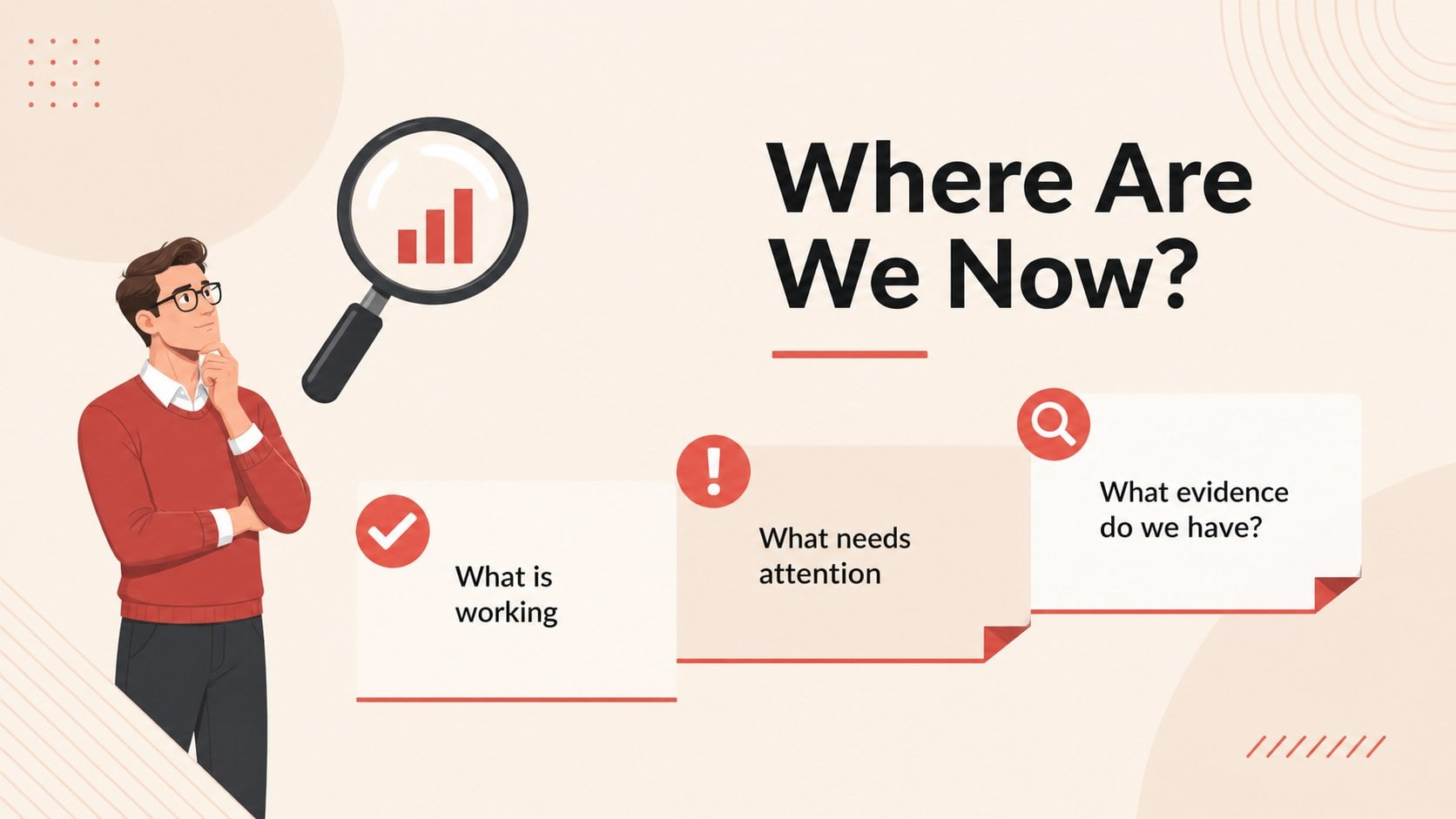
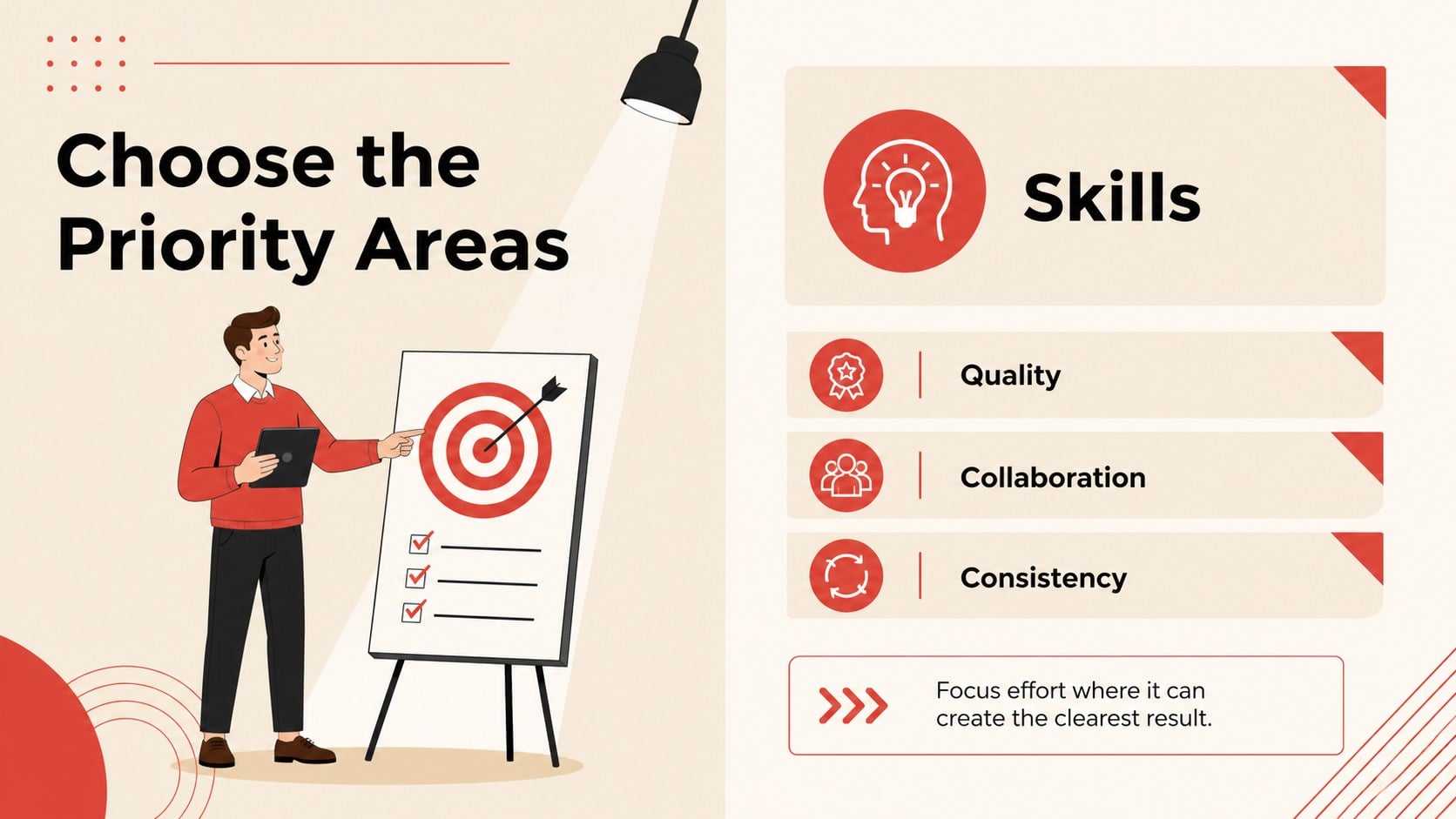
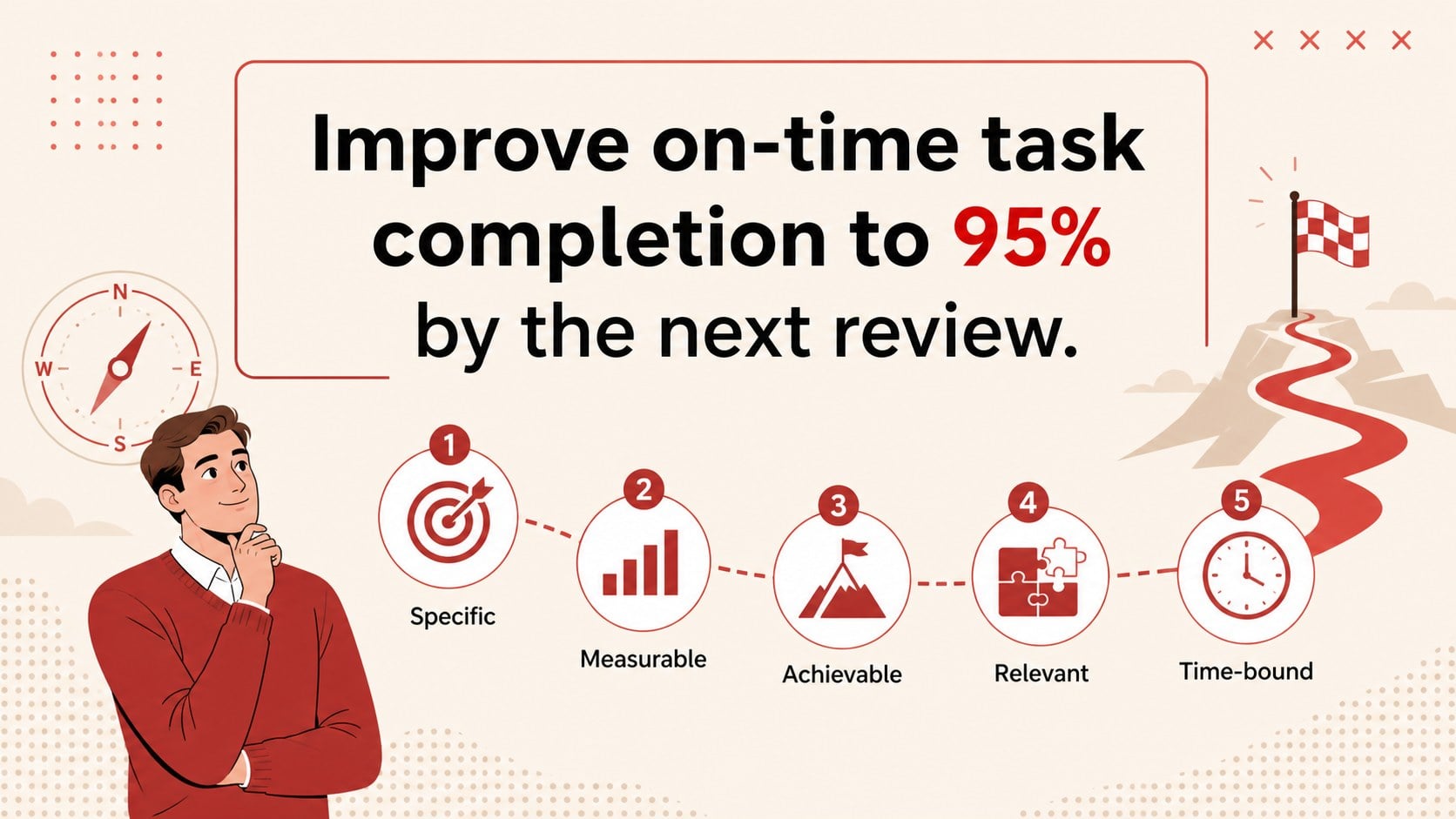
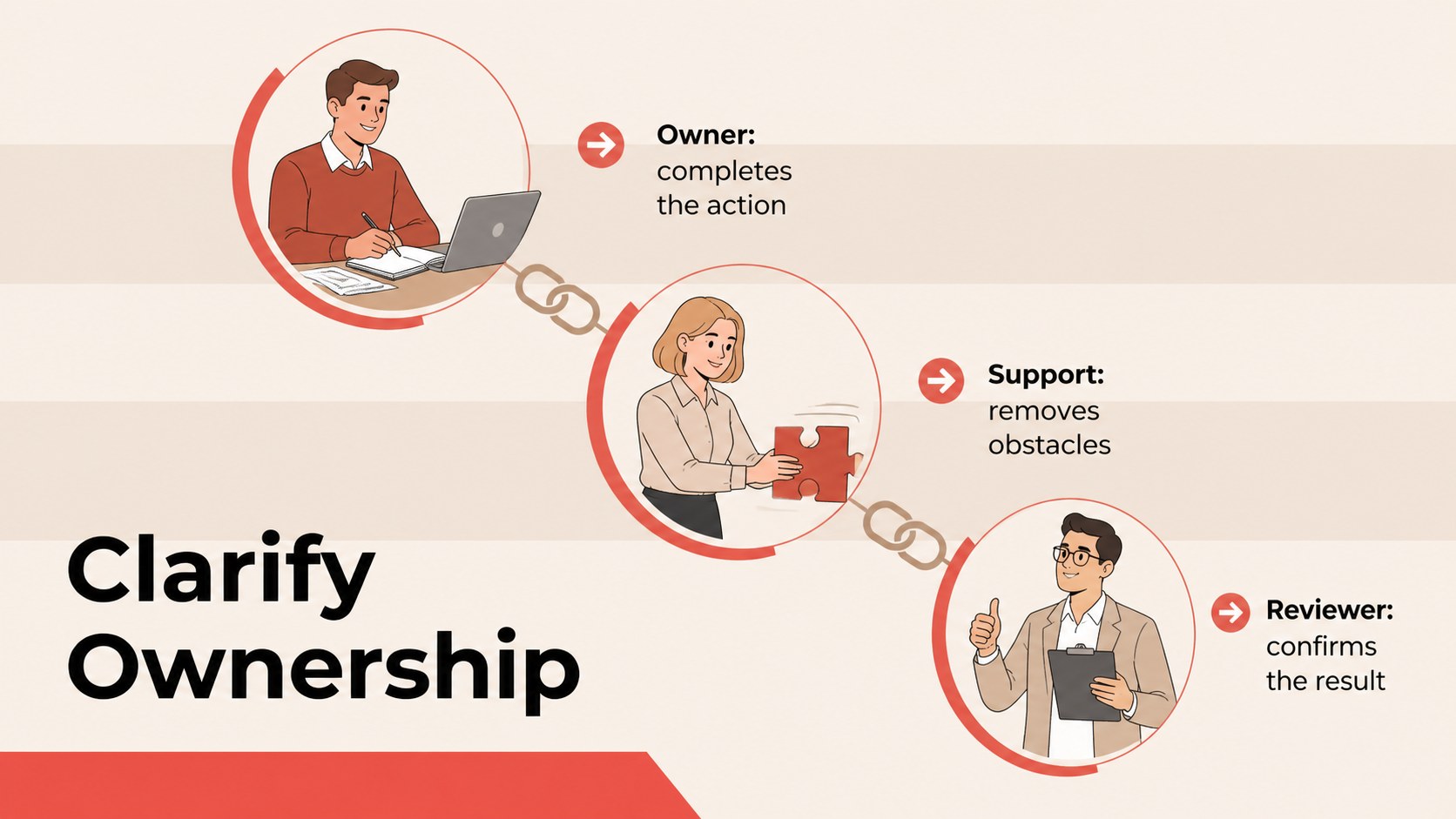
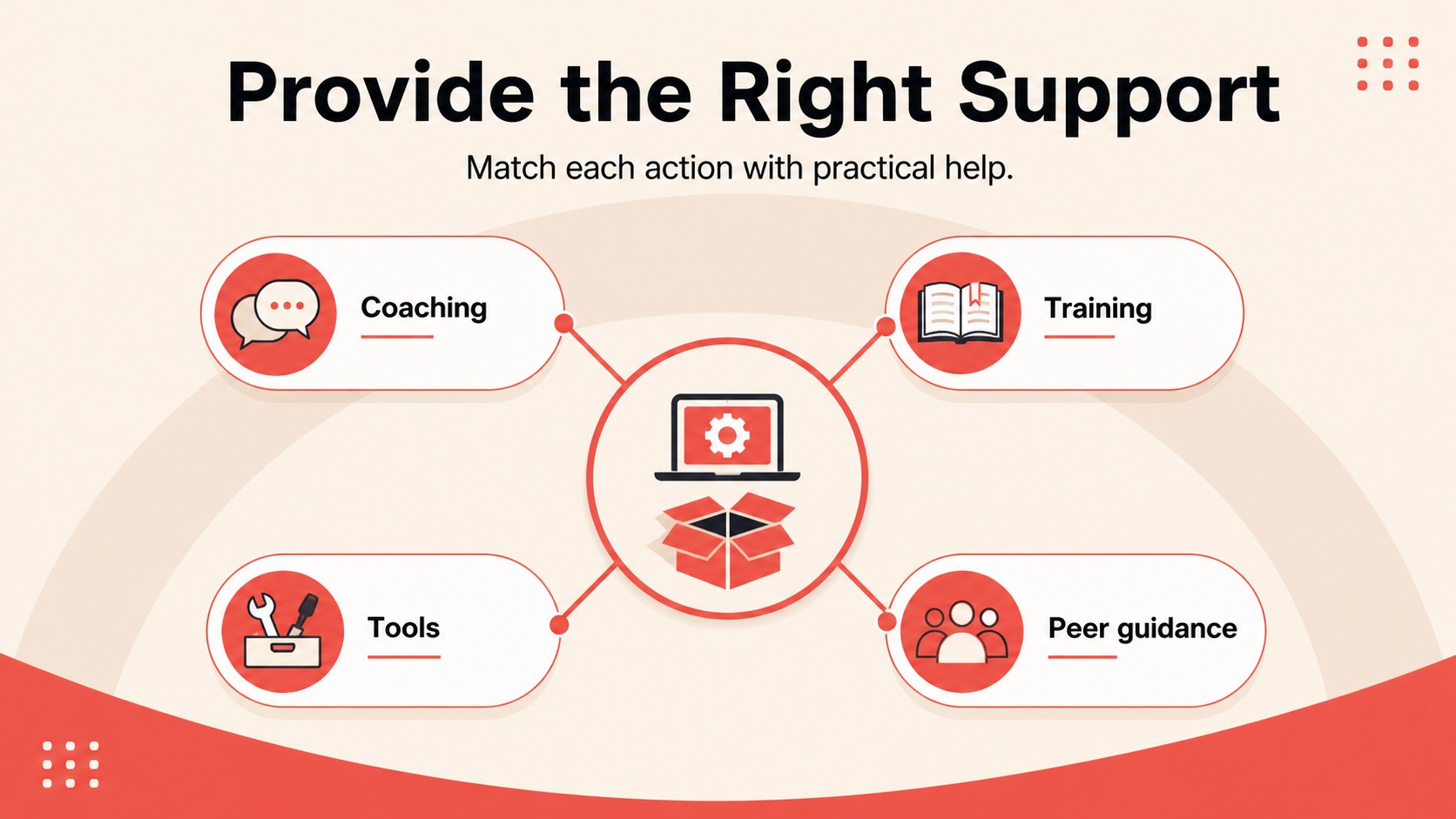
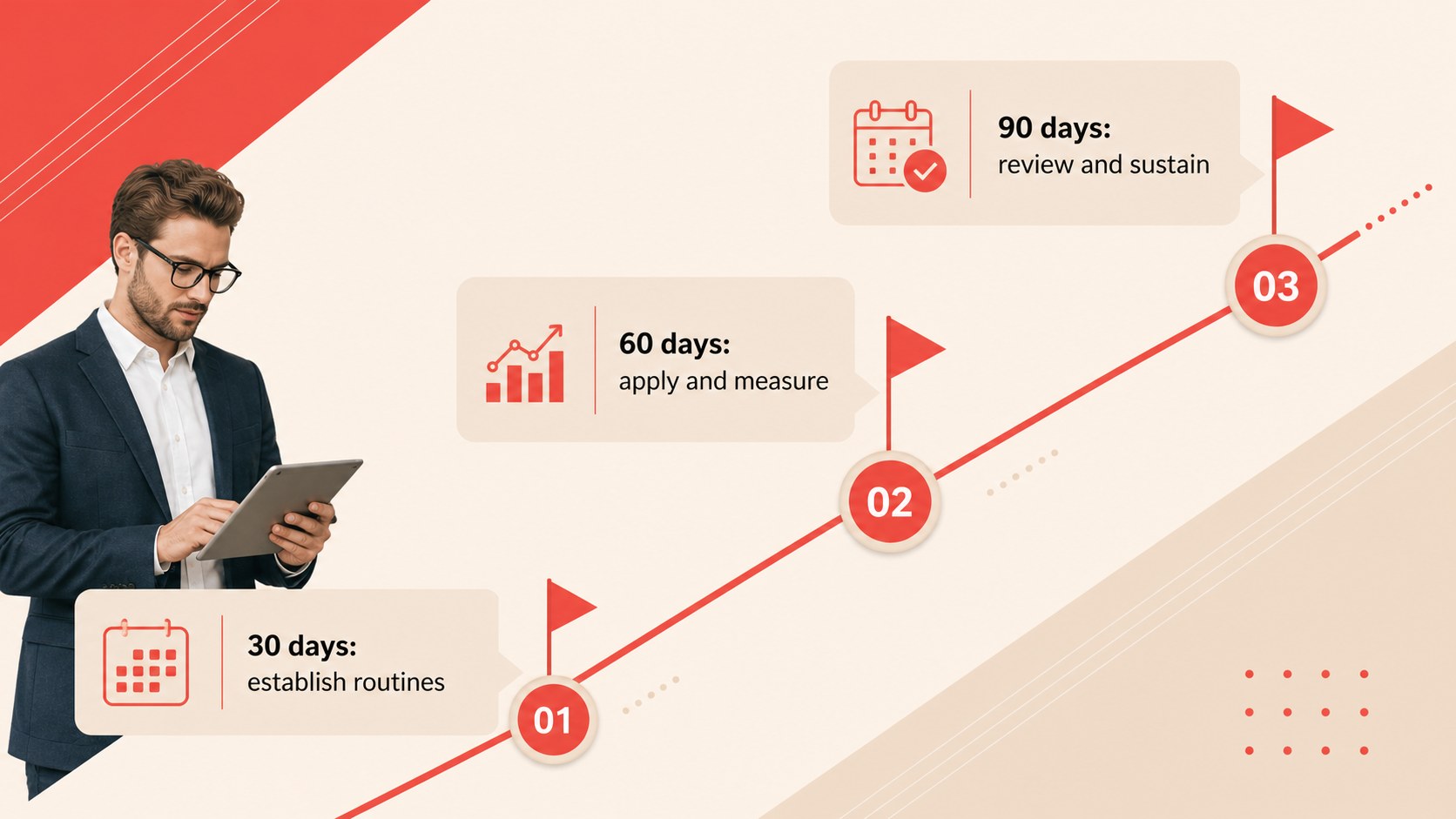
The 15-slide employee performance improvement plan template includes layouts for current-state reviews, priority areas, SMART goals, action steps, ownership, support resources, milestones, success measures, risks, and scheduled check-ins. Use the team accountability planning slides to clarify who is responsible for each task and when results should be reviewed. A dedicated 30 60 90 day workforce plan also helps teams divide longer initiatives into practical phases.
This deck is useful for HR professionals, department leaders, supervisors, project managers, and team coaches. Adapt it for performance reviews, employee development meetings, onboarding follow-ups, operational improvement projects, or cross-functional planning sessions. Every slide can be customized with your own wording, data, colors, charts, and imagery. The widescreen layouts are ready for presenting, sharing internally, or exporting as a PDF handout, making it easier to keep decisions, commitments, and progress visible after the meeting ends.
Perfect for: performance review follow-up; employee development meeting; team accountability workshop; 30 60 90 day planning; department improvement initiative; manager coaching session.
Frequently asked questions
Can I edit every part of this action planner? Yes. Text, colors, shapes, charts, timelines, and illustrations can be adjusted to match your organization and planning process. You can also duplicate or remove slides to fit the length of your meeting.
Practical details
Yes. Text, colors, shapes, charts, timelines, and illustrations can be adjusted to match your organization and planning process. You can also duplicate or remove slides to fit the length of your meeting.
The template is designed for Microsoft PowerPoint and Google Slides. Both versions use a 16:9 widescreen format suitable for monitors, projectors, and virtual meetings.
Yes. The layouts work for one employee, a project group, or an entire department. Replace the sample owners, targets, and milestones with details appropriate to your audience.
Start with the current-state review, then select the goal, action, support, and check-in layouts you need. Add measurable outcomes and review dates so the final presentation functions as a practical follow-up record.
Keep exploring
15Build an engaging World UFO Day session with this flying saucer history lesson deck, featuring retro green-and-brown slides for PowerPoint and Google Slides.
 15
15Plan a lively animal-learning journey with this jungle zoo adventure lesson deck, ready to customize in PowerPoint and Google Slides for young learners.
 16
16Turn environmental research into a clear story with a Watercolor Ecology Presentation Theme for PowerPoint and Google Slides in calming green and blue.
 16
16Build focused fashion, literature, and humanities presentations with the Red Triangle Editorial Theme, editable in PowerPoint and Google Slides.
 15
15Turn streaming stats, favorite tracks, and concert highlights into a bold annual listening recap slide deck for PowerPoint and Google Slides.
 15
15Turn highlights, milestones, and favorite moments into a colorful year in review slide deck with bold 3D graphics for PowerPoint and Google Slides.
 3
3Build a credible endorsement with Standout Colleague Recommendation Letter Slides, featuring colorful prompts for skills, achievements, and team impact.
 4
4Build clear beginner sessions with an ice hockey fundamentals training deck for coaches, PE teachers, and clubs, ready for PowerPoint and Google Slides.