
 4
4document
Clinical Wound Evaluation Slides for Nurses
Document wound findings, treatment decisions, and healing progress with clinical wound evaluation slides for nurses in PowerPoint and Google Slides.
Google Docs
document · English
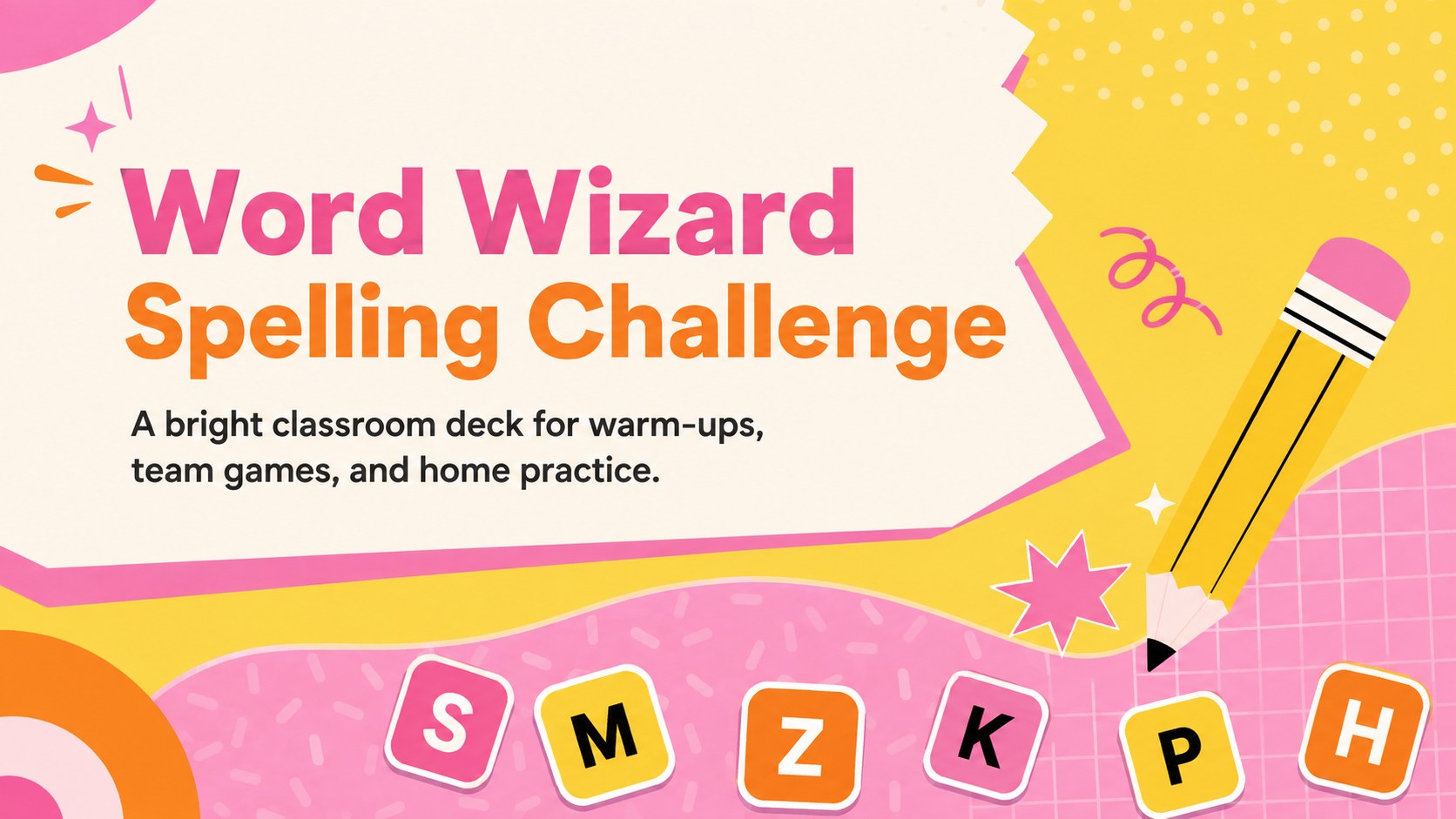
Make vocabulary practice lively with the Word Wizard Spelling Challenge, a colorful classroom deck for quick reviews, team games, and home learning.
Design notes
Turn routine word practice into a cheerful classroom activity with the Word Wizard Spelling Challenge. Designed in energetic pink, yellow, and orange, this editable deck helps young learners listen carefully, recognize letter patterns, and build confidence while working independently or with classmates. Its playful visual style keeps attention on each task without making the pages feel crowded.
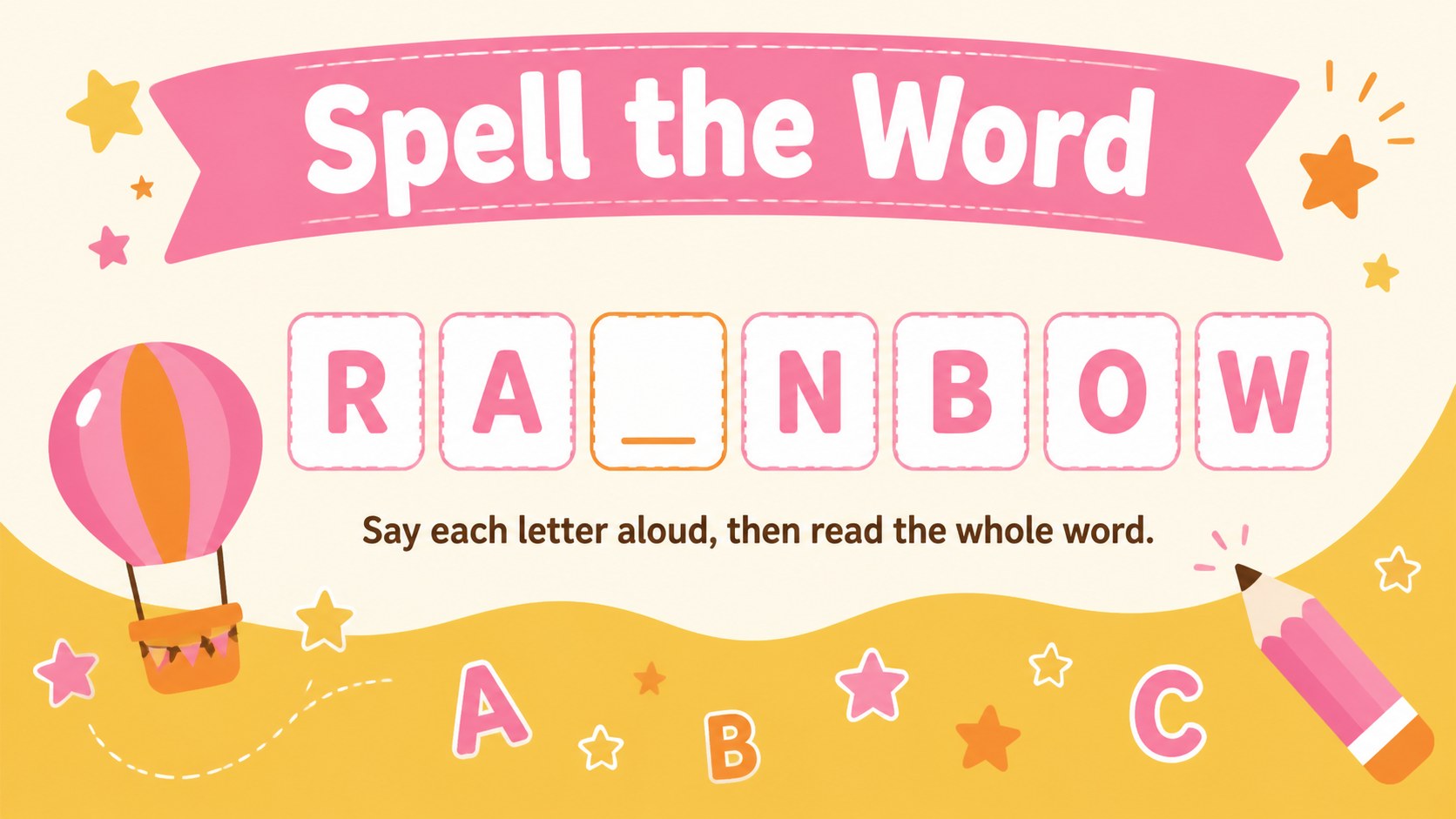
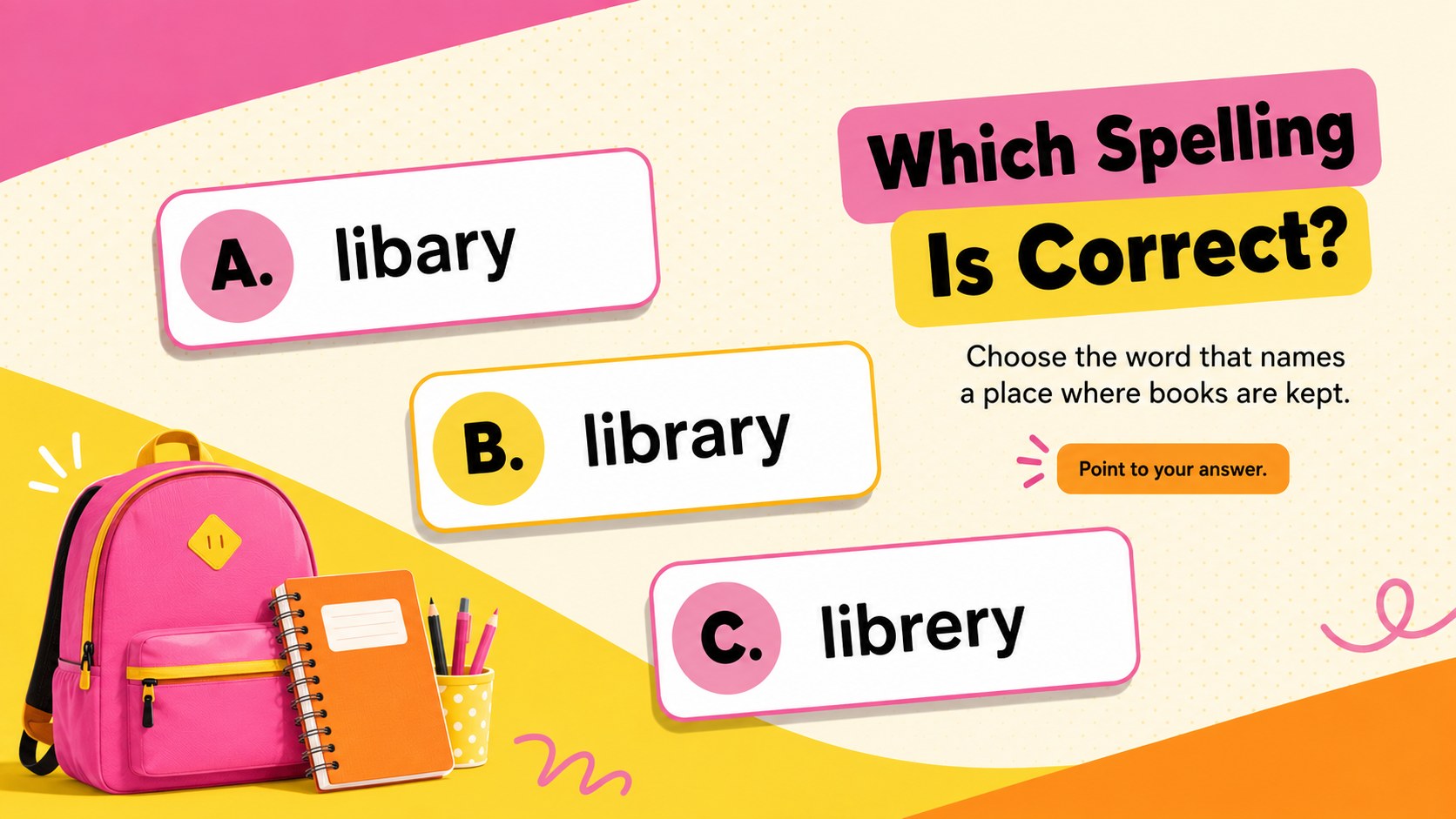
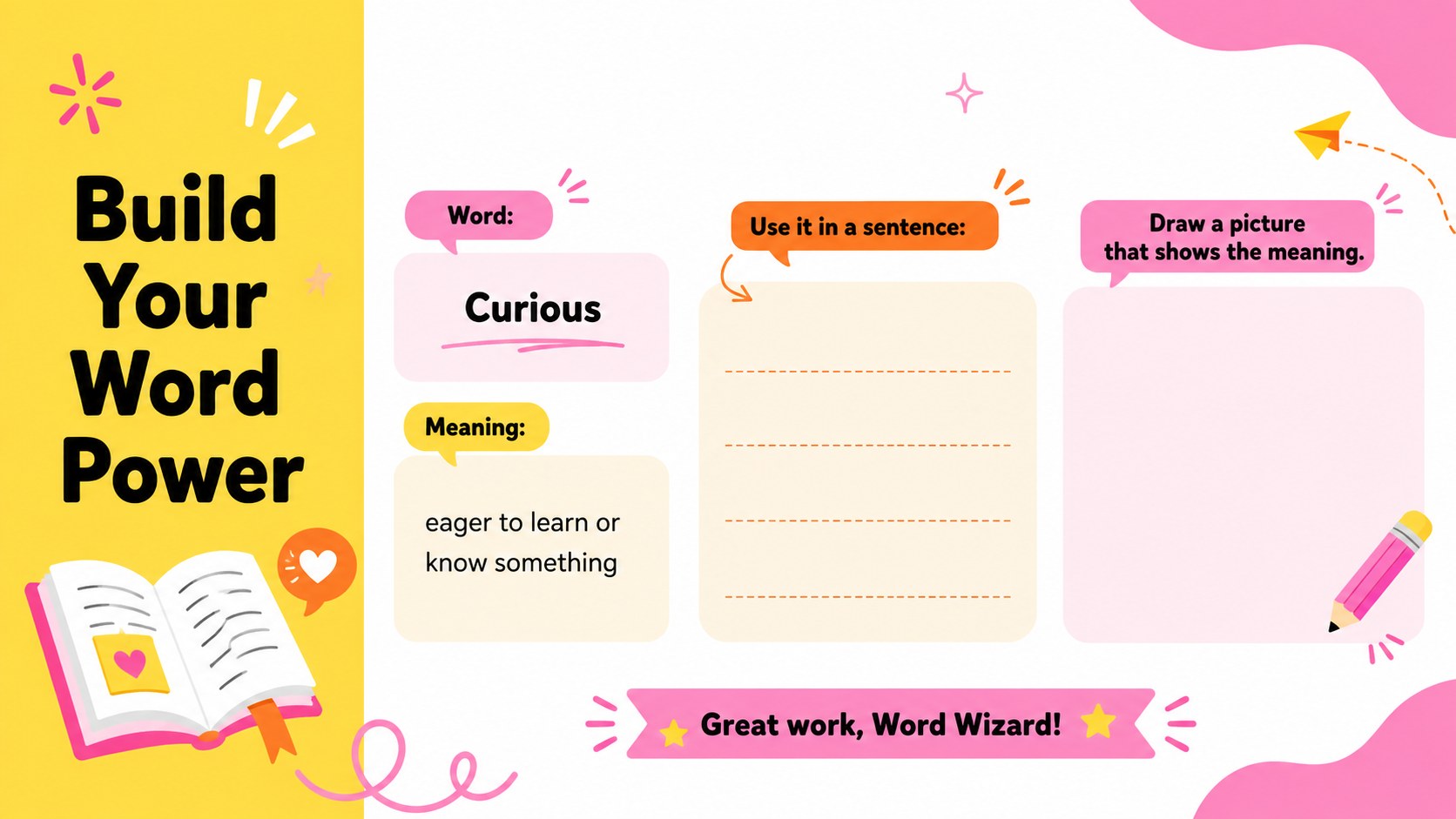
The deck includes an inviting cover, a spell-the-word round, a multiple-choice correction activity, and a vocabulary review page. Teachers can replace the sample prompts with weekly word lists, phonics patterns, commonly confused words, or subject-specific vocabulary. Use it as an elementary spelling game presentation, display it for a whole-class challenge, or print selected pages for individual practice.
This classroom vocabulary review deck is made for elementary teachers, tutors, homeschool families, and learning support staff. Every layout can be edited in PowerPoint or Google Slides, including the wording, colors, type, and activity instructions. It also works well for Google Slides spelling practice during remote lessons, literacy centers, lesson warm-ups, revision sessions, and low-pressure assessments.
Perfect for: weekly spelling review; elementary literacy center; whole-class word game; remote tutoring session; phonics lesson warm-up; home vocabulary practice.
Frequently asked questions
Can I add my own spelling words? Yes. Replace the sample words and clues with a weekly list, phonics pattern, or vocabulary set, then duplicate activity slides when more questions are needed.
Practical details
Yes. Replace the sample words and clues with a weekly list, phonics pattern, or vocabulary set, then duplicate activity slides when more questions are needed.
The deck is designed for PowerPoint and Google Slides. Text, colors, prompts, and decorative elements can be adjusted in either platform.
Yes. Individual slides can be printed as full-page activities or exported as PDF pages for classroom and home practice.
The layouts are best suited to elementary learners, but the editable content makes them adaptable for older students who need vocabulary reinforcement or language support.
Keep exploring
4Document wound findings, treatment decisions, and healing progress with clinical wound evaluation slides for nurses in PowerPoint and Google Slides.
 4
4Turn recurring updates into clear decisions with a weekly operations status briefing for PowerPoint and Google Slides, covering progress, risks, and priorities.
 4
4Turn recurring check-ins into focused decisions with a weekly leadership update deck for KPIs, priorities, blockers, owners, and next actions.
 4
4Use veterinary surgery consent form slides to explain procedures, anesthesia, risks, costs, and emergency decisions clearly before client approval.
 4
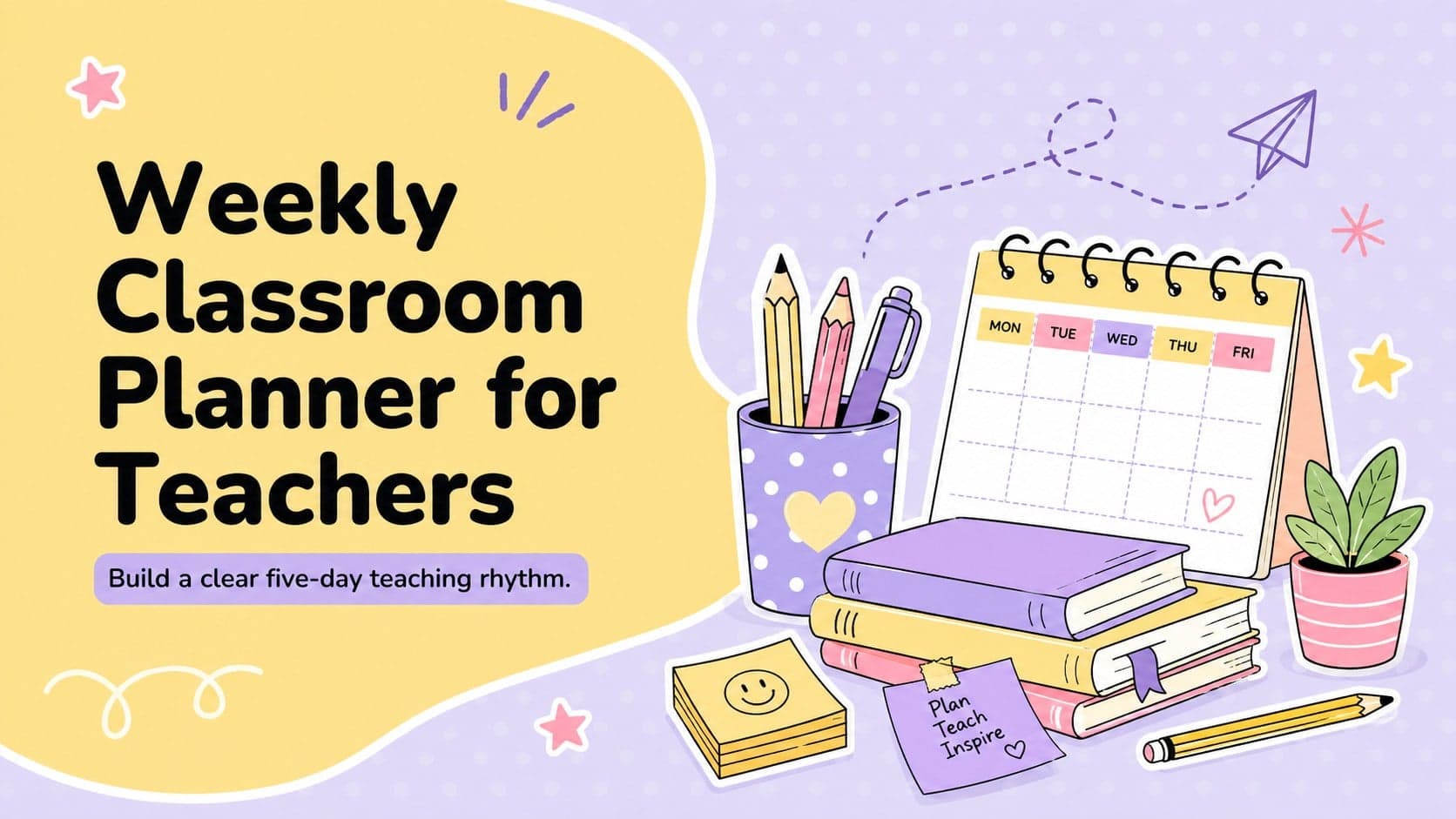
4Organize objectives, activities, and daily notes with this weekly classroom planner for teachers, editable in PowerPoint and Google Slides for easy prep.
 4
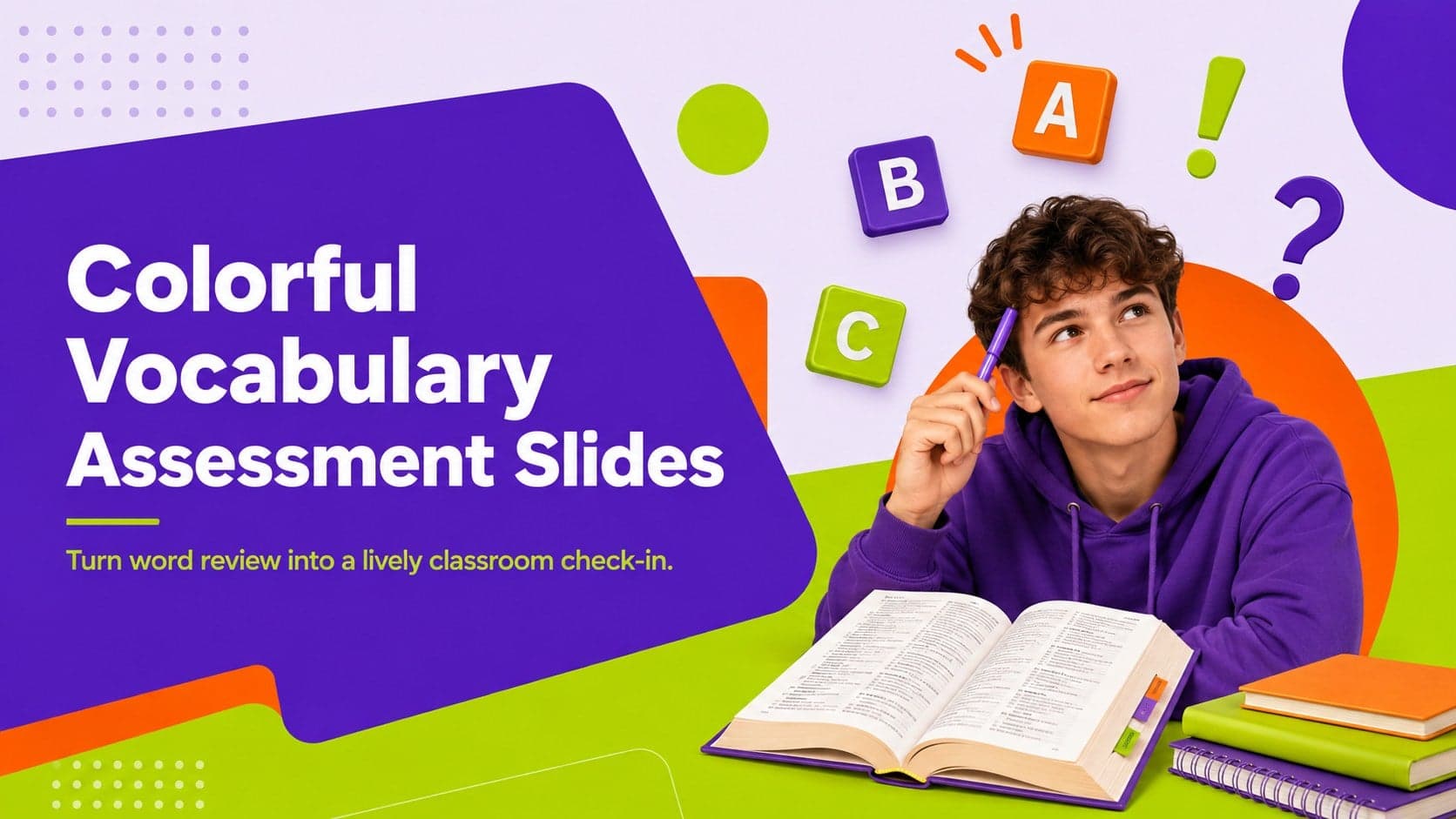
4Create colorful vocabulary assessment slides for lively word checks, review games, and classroom practice in PowerPoint or Google Slides. Easy to personalize.
 4
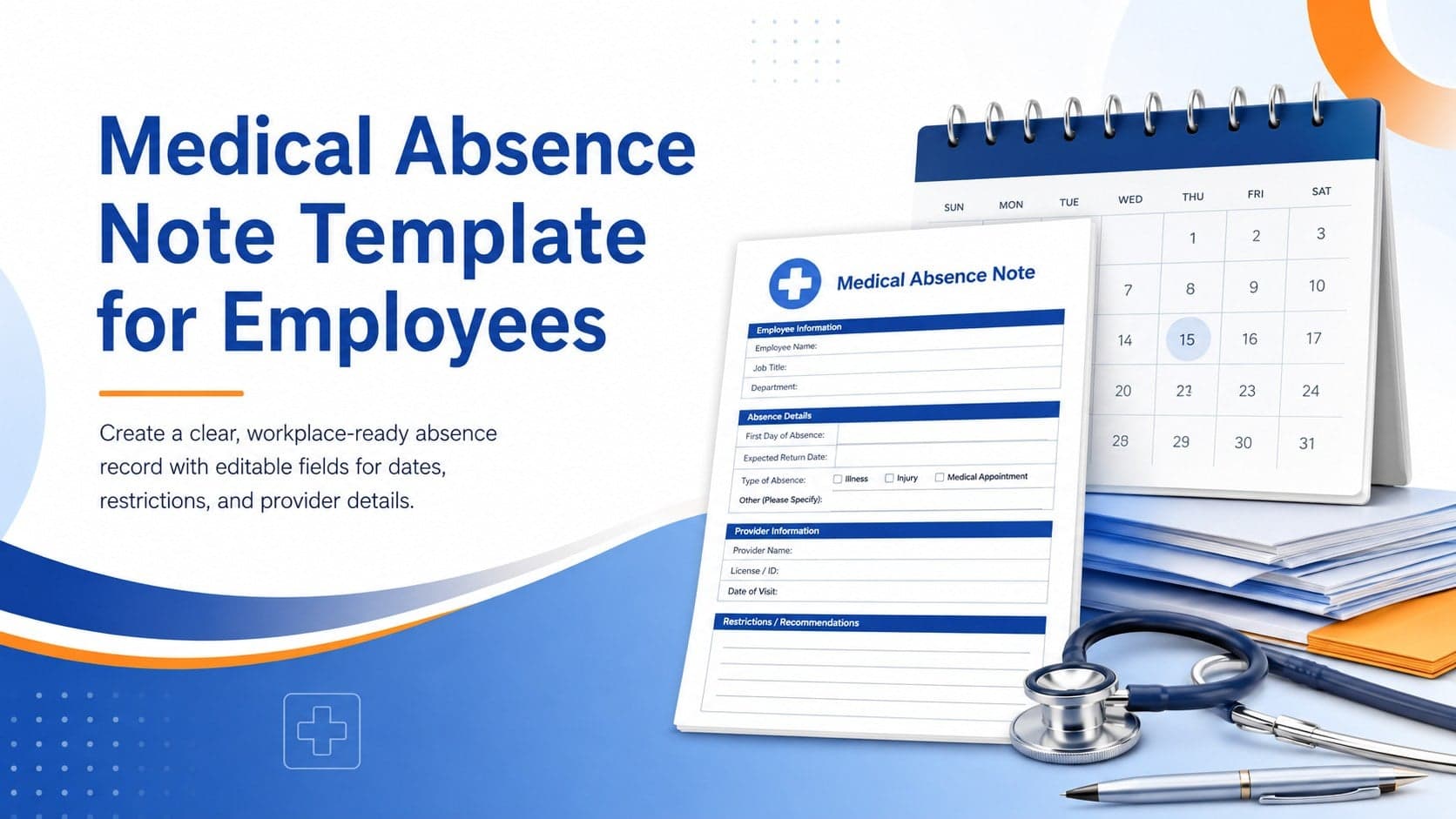
4Prepare a clear medical absence note template for employee records, with editable fields and polished blue-orange slides for PowerPoint and Google Slides.
 4
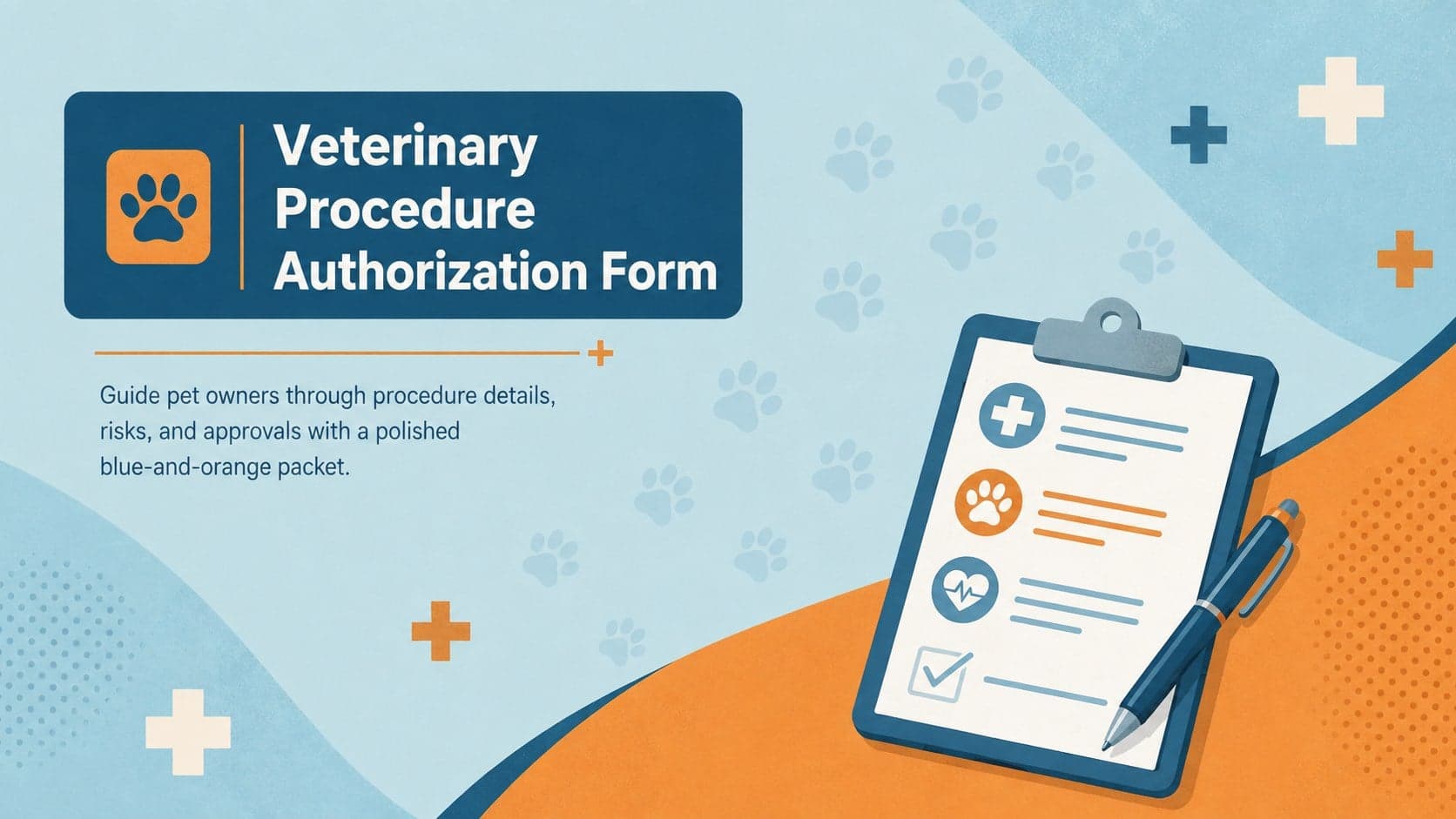
4Prepare pet owners for treatment with a veterinary procedure authorization form covering risks, medication, contacts, and approval details.