
 15
15presentation
Yoga Workshop Marketing Presentation
Promote classes with a yoga workshop marketing presentation featuring playful beige, pink, and purple illustrations for PowerPoint and Google Slides.
Google SlidesPowerPoint
document · English
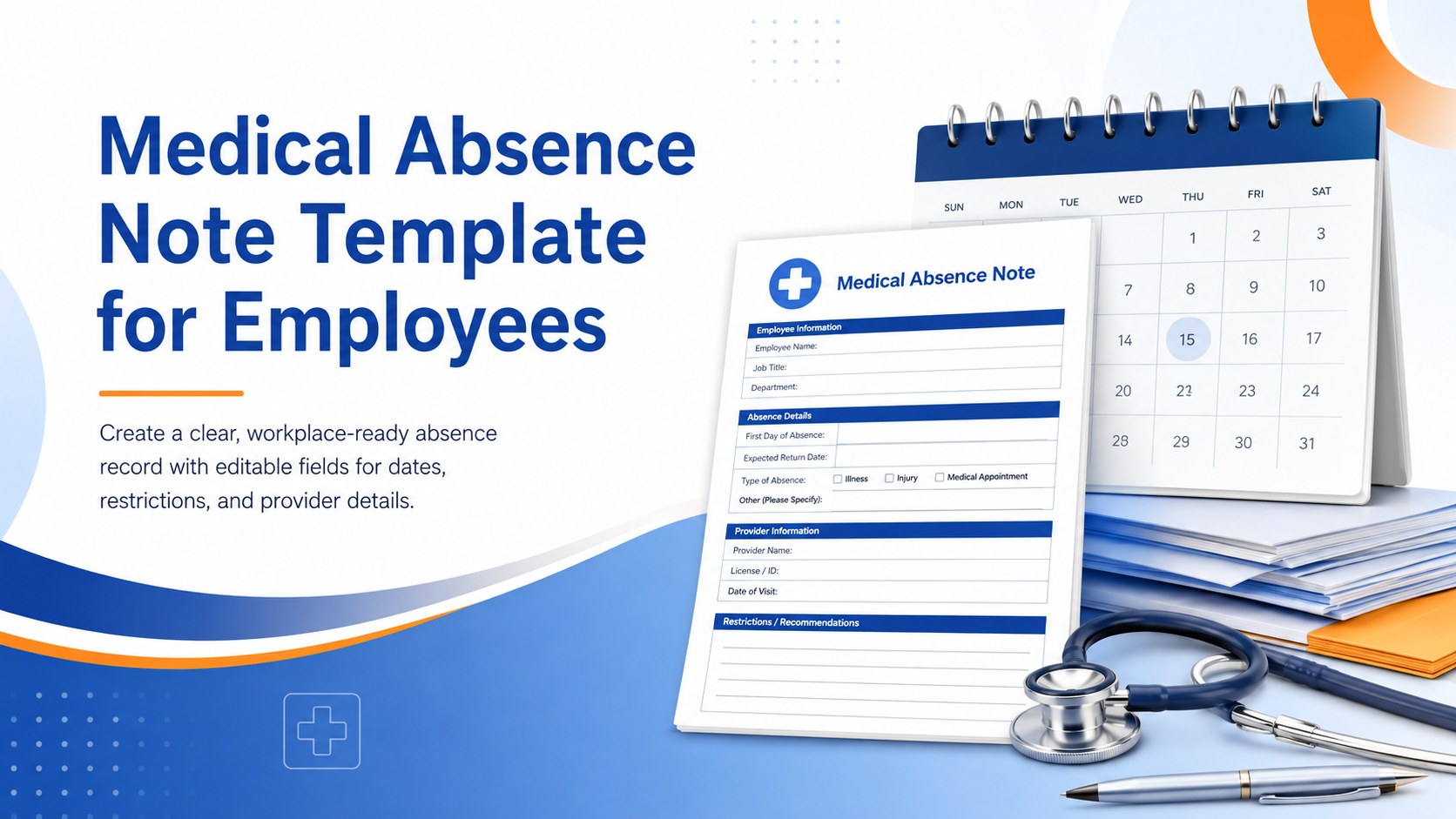
Prepare a clear medical absence note template for employee records, with editable fields and polished blue-orange slides for PowerPoint and Google Slides.

Design notes
Use this medical absence note template to document an employee’s health-related absence in a clear, professional format. The polished blue, orange, and white gradient design helps medical offices, HR teams, and employees present essential information without adding unnecessary clinical details.
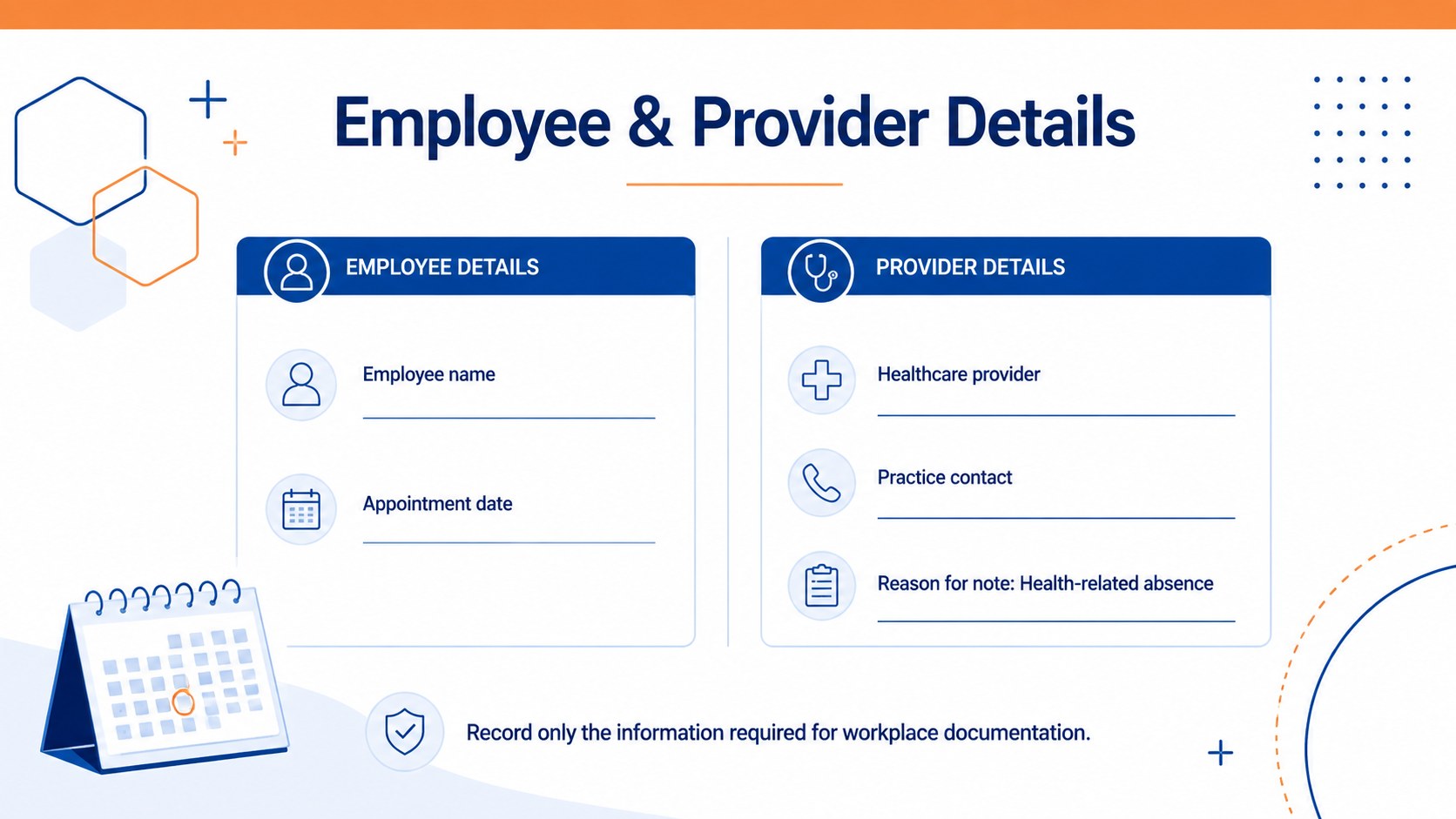
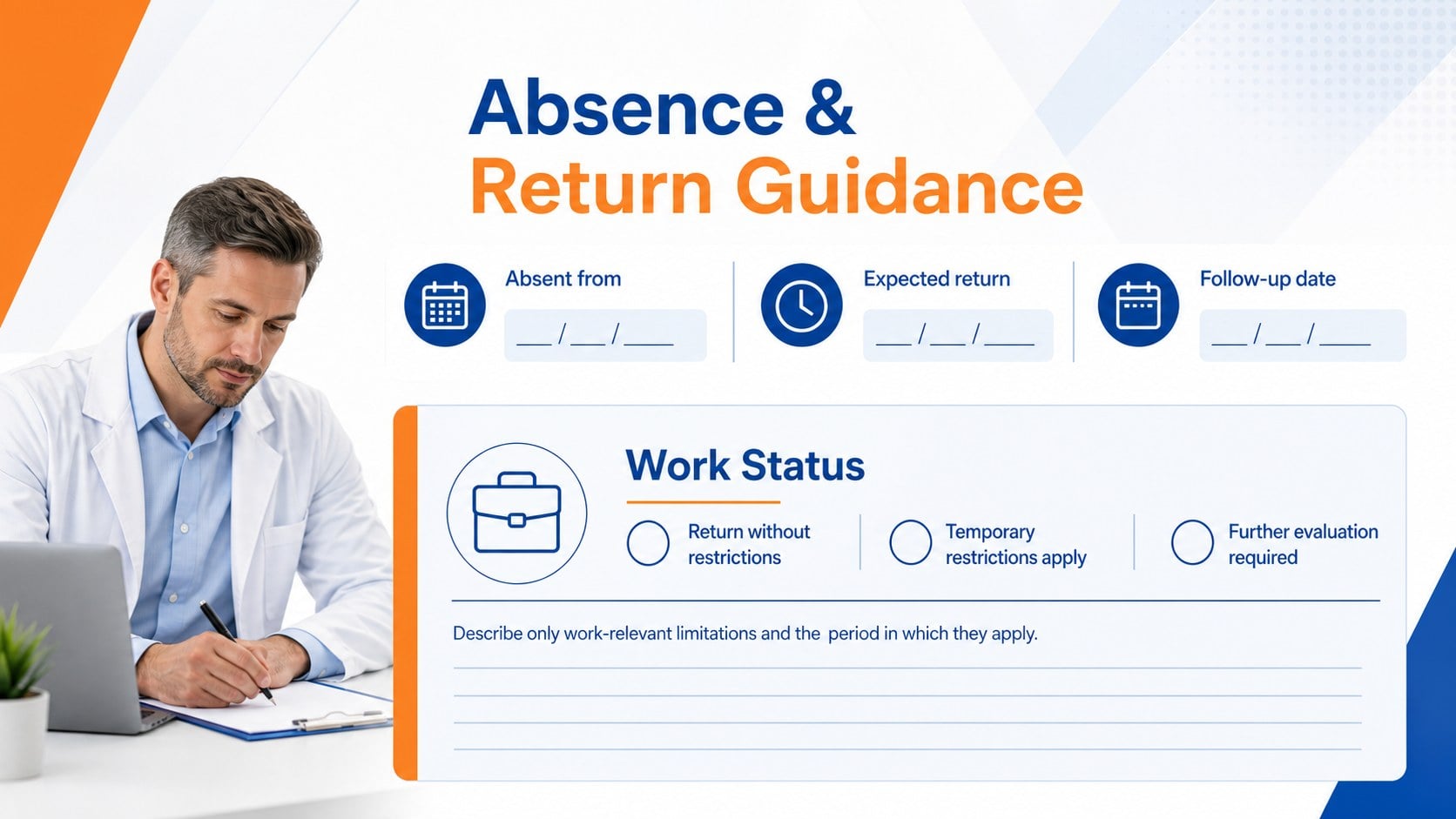
The four-slide layout includes a cover, employee and provider information fields, absence and return guidance, and an authorization checklist. Adapt the placeholders for appointment dates, approved time away, expected return dates, temporary workplace restrictions, contact information, and signatures. The structured format also works as a doctor note for employee absence or an editable medical leave note when completed by an authorized healthcare provider.
Built for PowerPoint and Google Slides, every heading, color, field, and text block can be customized. You can add a clinic logo, adjust the gradient palette, duplicate sections, or export the finished record as a PDF for secure delivery. The presentation format is useful for designing a consistent return to work medical note system across a clinic or organization.
This template is intended for healthcare administrators, licensed providers, employees, supervisors, and HR personnel who need an organized absence record. It should be completed accurately and should not include a diagnosis unless disclosure is necessary, authorized, and permitted by applicable workplace and privacy requirements.
Perfect for: employee sick leave documentation; medical office absence confirmation; return-to-work clearance; temporary work restriction notice; HR attendance records.
Frequently asked questions
Practical details
Yes. All labels, dates, contact fields, restriction details, and signature areas can be edited in PowerPoint or Google Slides. Sections can also be duplicated or removed to match your documentation process.
Yes. Replace the sample colors, fonts, and placeholders with your practice information and approved visual identity. You can also add a clinic logo while keeping the document easy to read.
No. The layout focuses on absence dates, work status, and relevant restrictions rather than diagnostic details. Include health information only when it is necessary, authorized, and appropriate under applicable privacy rules.
The template is designed for PowerPoint and Google Slides. After editing, it can be exported as a PDF for printing or secure digital delivery.
Keep exploring
15Promote classes with a yoga workshop marketing presentation featuring playful beige, pink, and purple illustrations for PowerPoint and Google Slides.
 15
15Build a clear breast cancer awareness bulletin with bold pink-and-red slides for campaign news, screening reminders, impact data, and community updates.
 15
15Build a clear World Cancer Day message with this global cancer awareness campaign deck, featuring editable blue-green layouts for PowerPoint and Google Slides.
 4
4Document wound findings, treatment decisions, and healing progress with clinical wound evaluation slides for nurses in PowerPoint and Google Slides.
 14
14Plan a clear donor campaign with this blood donation awareness presentation, featuring editable beige-and-red visuals for PowerPoint and Google Slides.
 15
15Build a Kidney Health Awareness Campaign Deck with blue illustrated slides for prevention tips, risk education, screening events, and outreach.
 15
15Build an actionable training session with this fitness program workshop deck, using energetic yellow geometry and editable PowerPoint and Google Slides layouts.
 15
15Equip health teams with this malaria prevention education deck for workshops, community outreach, and policy briefings in PowerPoint or Google Slides.