
 15
15presentation
College Essay Thesis Builder Slides
Build stronger academic arguments with a college essay thesis builder featuring guided examples, revision prompts, and editable PowerPoint and Google Slides.
Google SlidesPowerPoint
document · English
Organize objectives, activities, and daily notes with this weekly classroom planner for teachers, editable in PowerPoint and Google Slides for easy prep.
Design notes
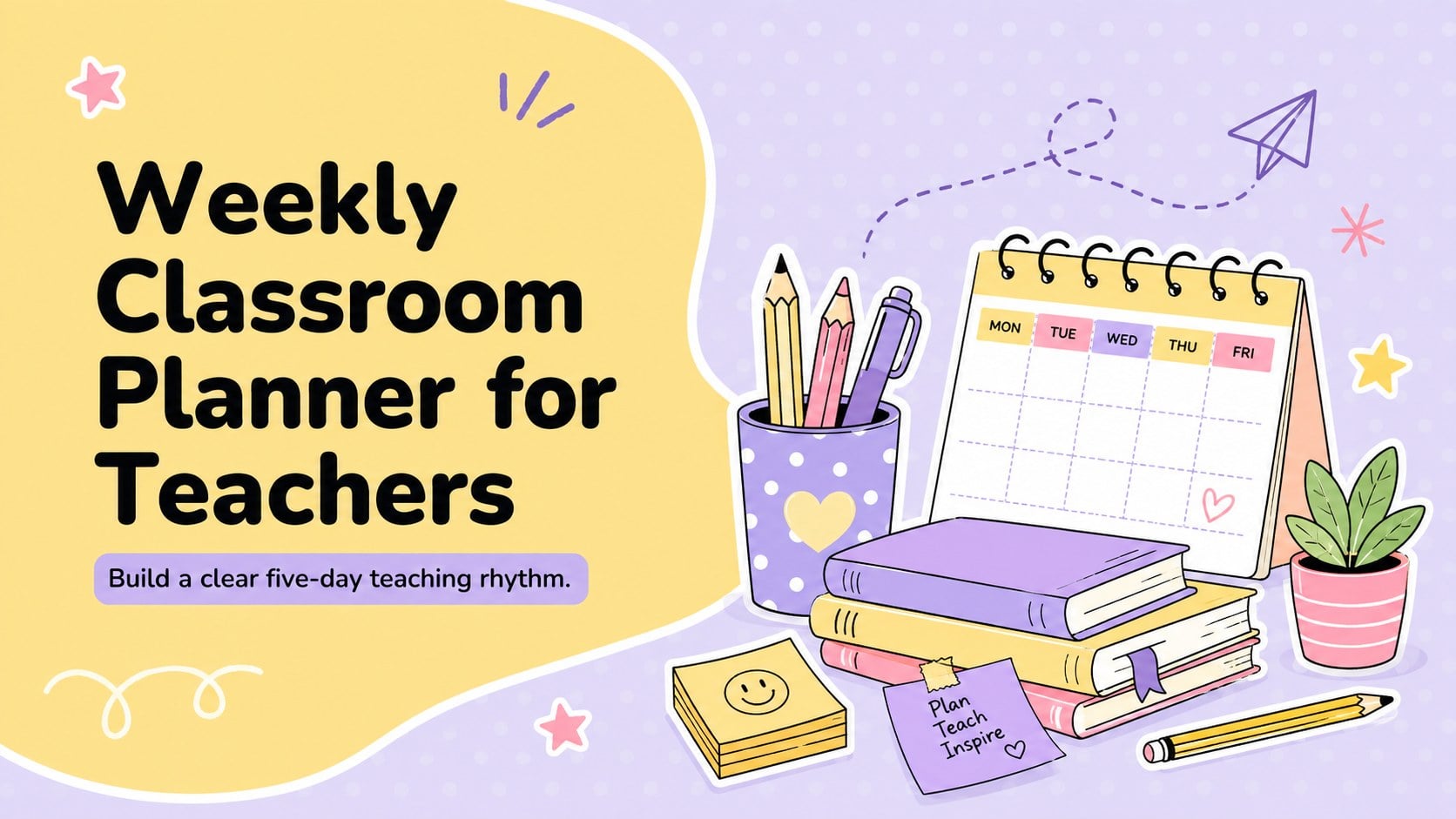
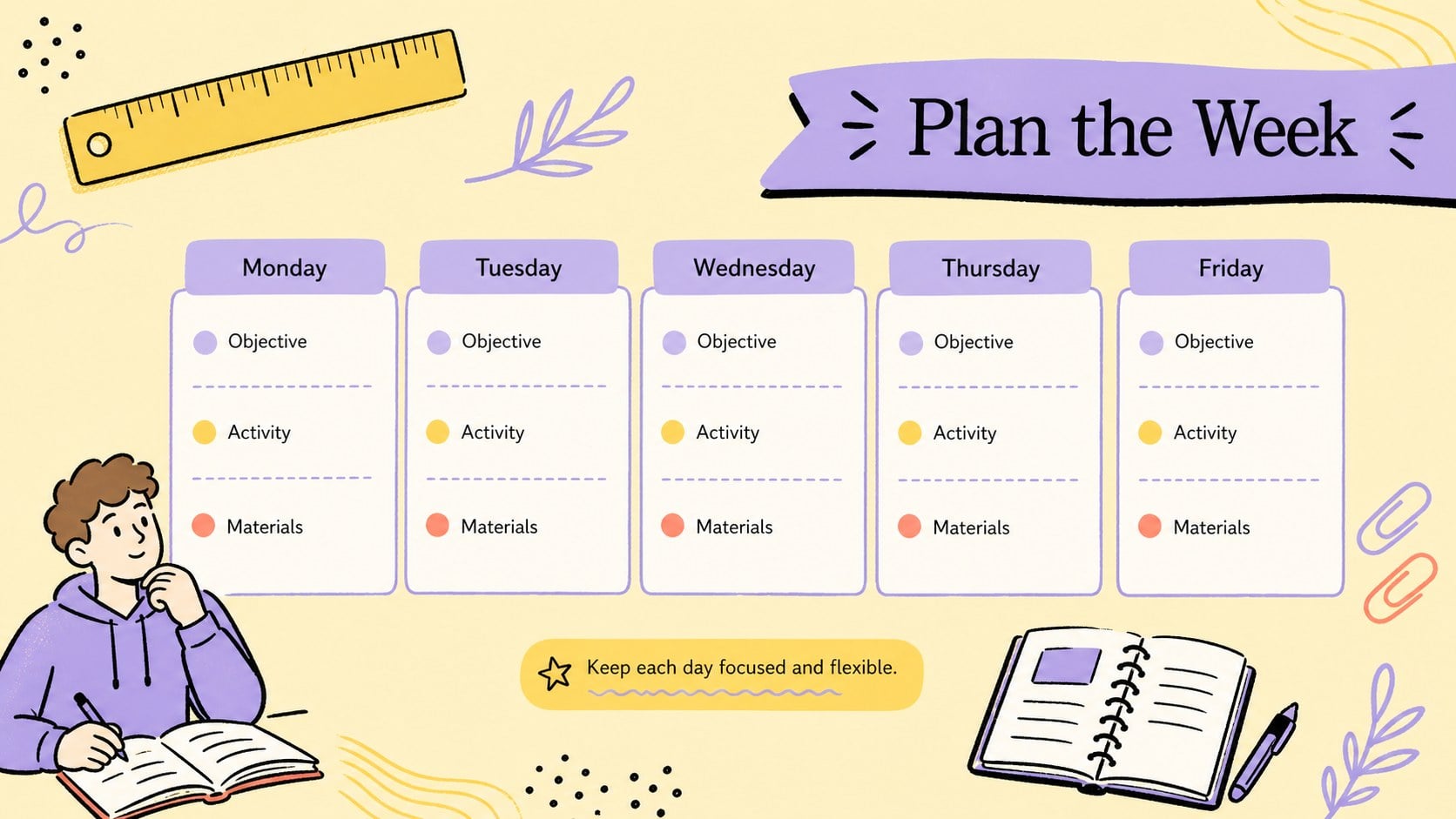
A weekly classroom planner for teachers gives educators a focused place to shape each school day before the week begins. Use the five-day overview to balance subjects, clarify objectives, and pace activities without losing sight of student needs. Bright yellow panels, soft purple accents, and playful classroom doodles keep the layout warm, readable, and kid friendly.
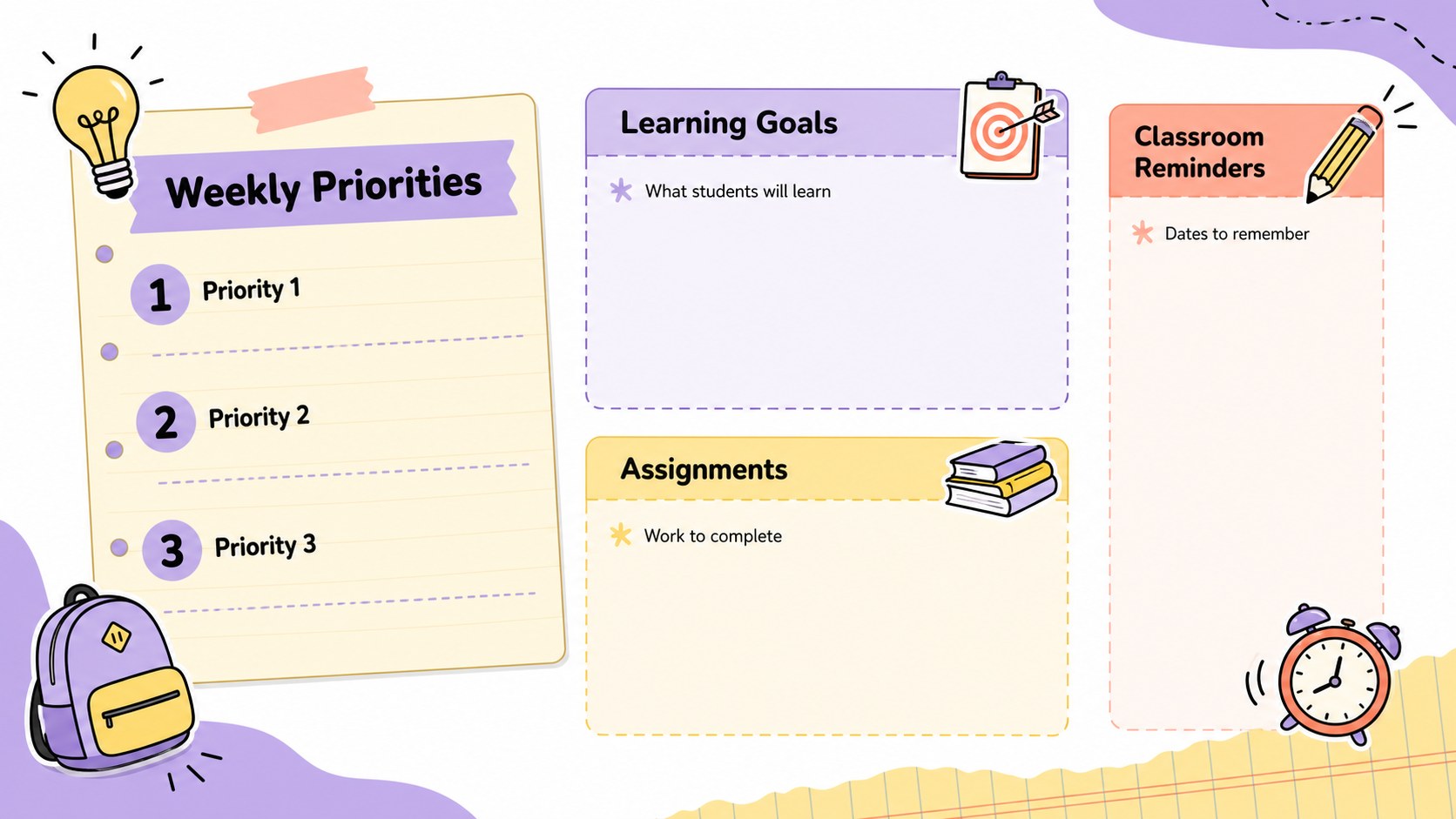
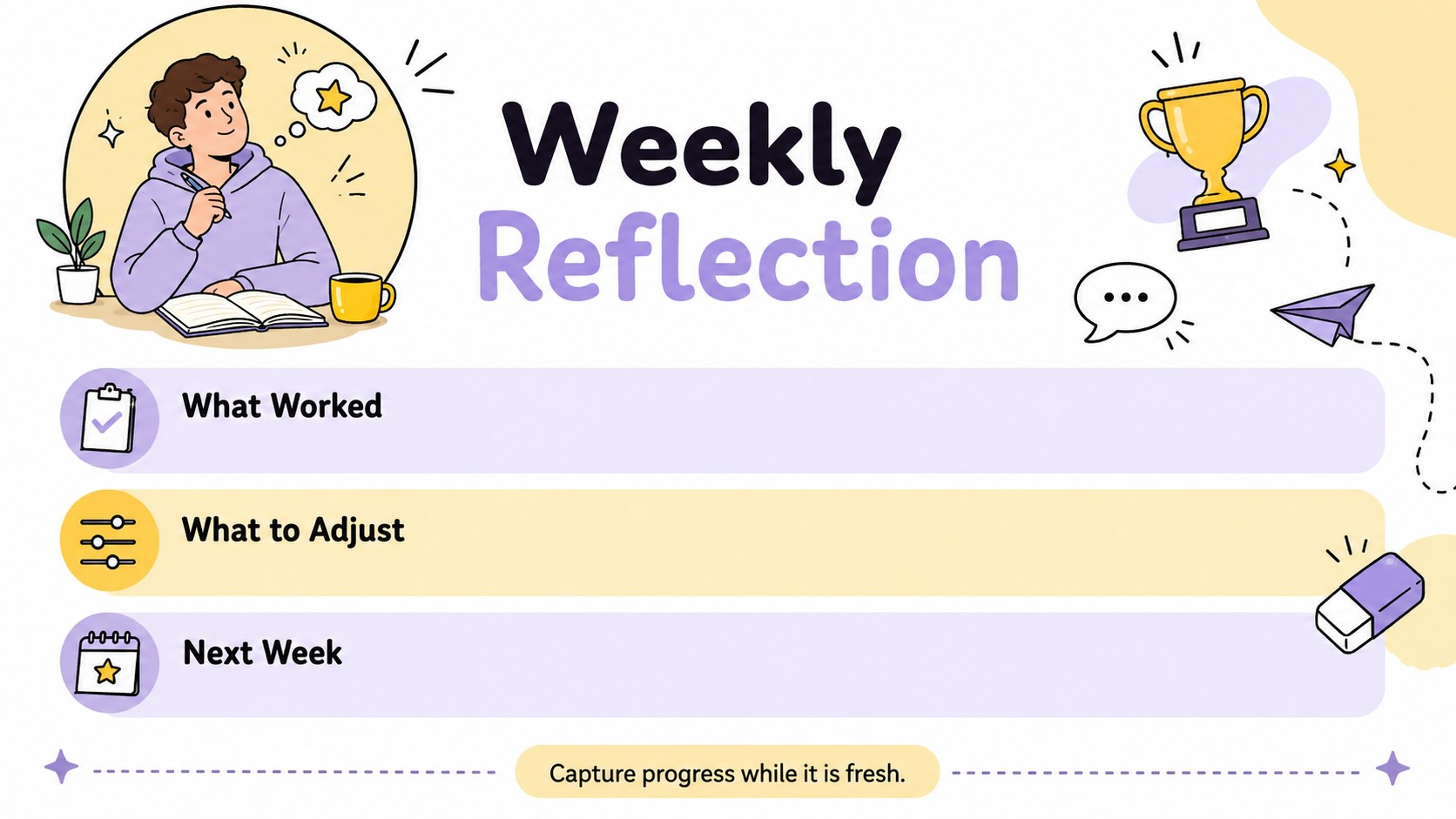
Inside, you will find flexible layouts for weekly priorities, daily lesson blocks, learning goals, materials, assignments, and teacher notes. A dedicated reflection area makes it easier to record what worked and identify lessons that need adjustment. Use the deck as an editable classroom planning deck, a five day curriculum planner, or a visual schedule for team meetings. Every section can be adapted to different subjects, grade levels, and teaching routines.
Designed for classroom teachers, tutors, homeschool educators, and instructional teams, these teacher weekly agenda slides work in PowerPoint and Google Slides. Change the wording, move activity blocks, update the colors, or add icons and photos to match your classroom. Present the plan on screen during staff discussions or export selected pages for printing and desk-side reference.
Perfect for: weekly classroom preparation; daily lesson scheduling; grade-level planning meeting; homeschool week organization; substitute teacher briefing.
Frequently asked questions
Can I edit every section of the planner? Yes. You can replace the sample text, resize planning blocks, rearrange sections, and add your own subjects, objectives, or classroom notes.
Practical details
Yes. You can replace the sample text, resize planning blocks, rearrange sections, and add your own subjects, objectives, or classroom notes.
The template is designed for PowerPoint and Google Slides. Both platforms let you customize the layouts, colors, typography, and visual elements.
Yes. Rename the subject areas, simplify or expand the activity fields, and adjust the amount of detail to suit elementary, middle, or secondary classrooms.
Yes. Export the completed slides as a PDF or print individual pages directly from your presentation software. Review your printer settings first to confirm scaling and orientation.
Keep exploring
15Build stronger academic arguments with a college essay thesis builder featuring guided examples, revision prompts, and editable PowerPoint and Google Slides.
 15
15Build an engaging World UFO Day session with this flying saucer history lesson deck, featuring retro green-and-brown slides for PowerPoint and Google Slides.
 14
14Plan a memorable Lunar New Year campaign with the 2036 Dragon Year Celebration Theme, featuring bold red-and-yellow slides for lessons and events.
 15
15Build a thoughtful classroom discussion with this interfaith awareness lesson deck, featuring editable blue-and-white slides for PowerPoint and Google Slides.
 15
15Use this environmental awareness lesson deck to teach climate action through illustrated activities, discussion prompts, and ready-to-edit visuals.
 15
15Build playful lessons and party stories with a kid-friendly zombie celebration theme in purple, green and pastel blue for PowerPoint and Google Slides.
 15
15Build eerie lessons, campaigns, and story pitches with an undead survival scenario theme featuring editable slides for PowerPoint and Google Slides.
 16
16Turn environmental research into a clear story with a Watercolor Ecology Presentation Theme for PowerPoint and Google Slides in calming green and blue.