
 15
15presentation
Yoga Workshop Marketing Presentation
Promote classes with a yoga workshop marketing presentation featuring playful beige, pink, and purple illustrations for PowerPoint and Google Slides.
Google SlidesPowerPoint
document · English
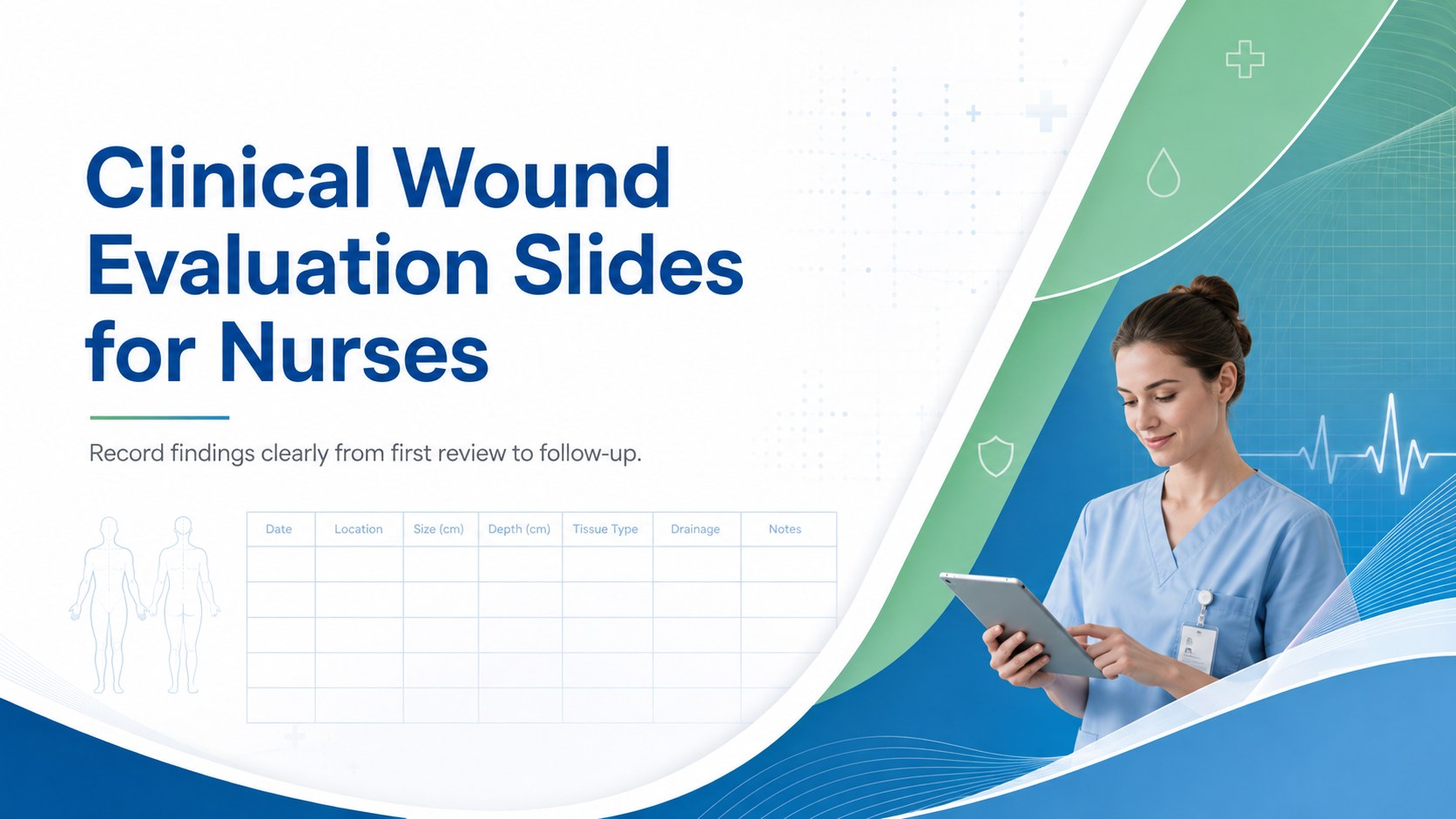
Document wound findings, treatment decisions, and healing progress with clinical wound evaluation slides for nurses in PowerPoint and Google Slides.
Design notes
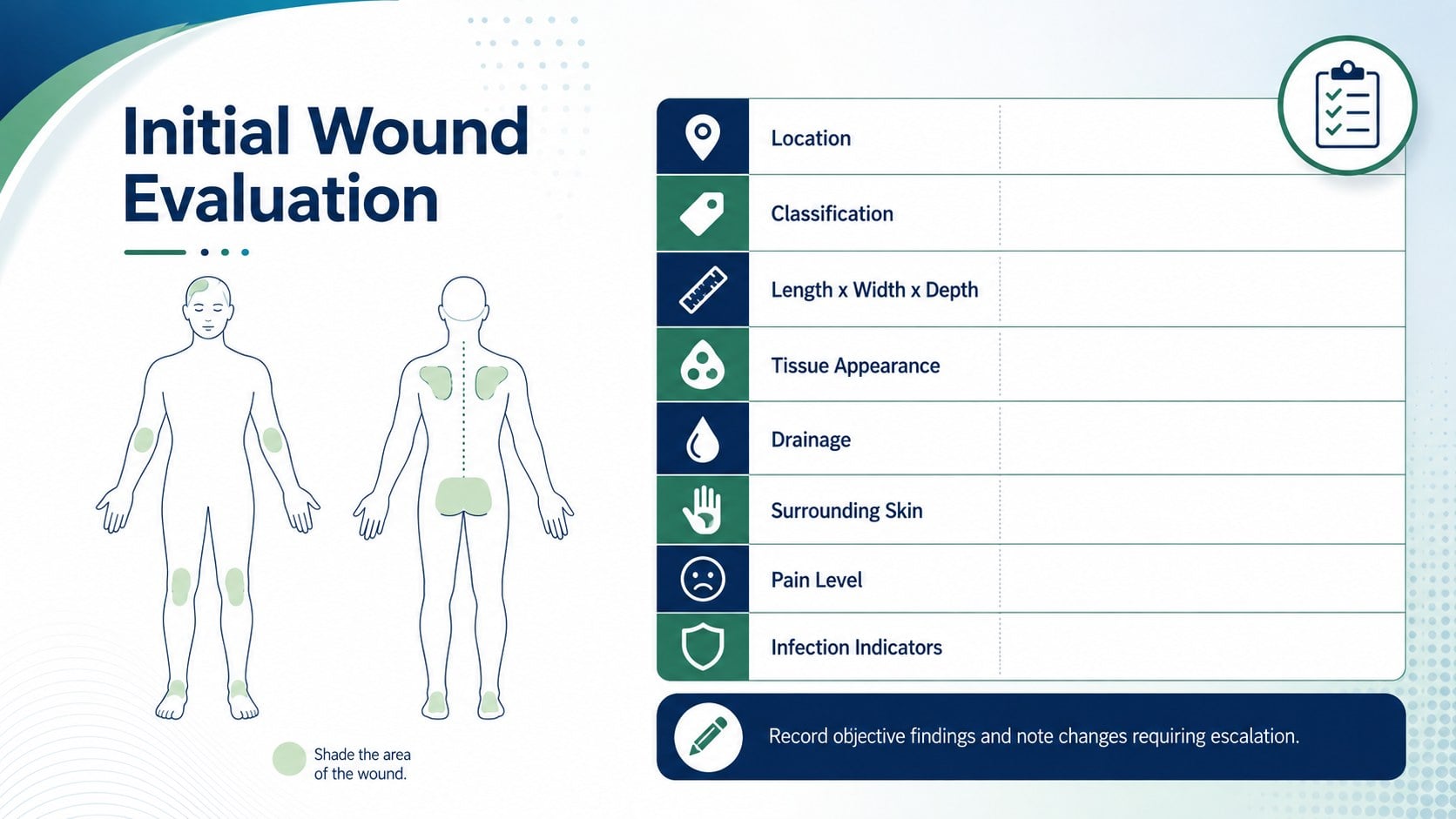
Clinical wound evaluation slides give nursing teams a structured way to present observations, care decisions, and healing progress. Designed in a calm clinical palette of blue, green, and white, the deck supports clear communication without adding visual clutter. Every layout can be adapted in PowerPoint or Google Slides for local documentation practices and patient-specific needs.
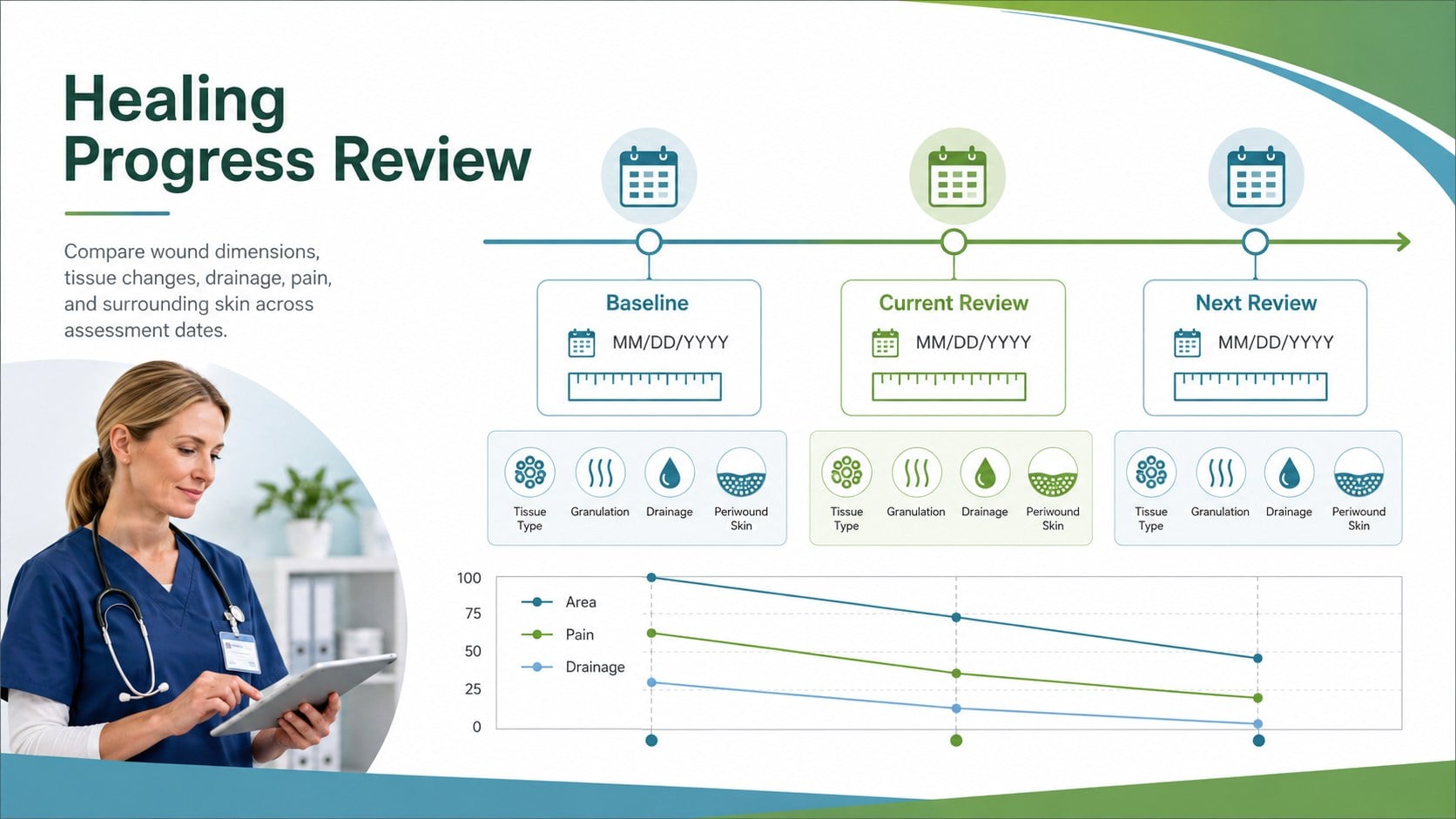
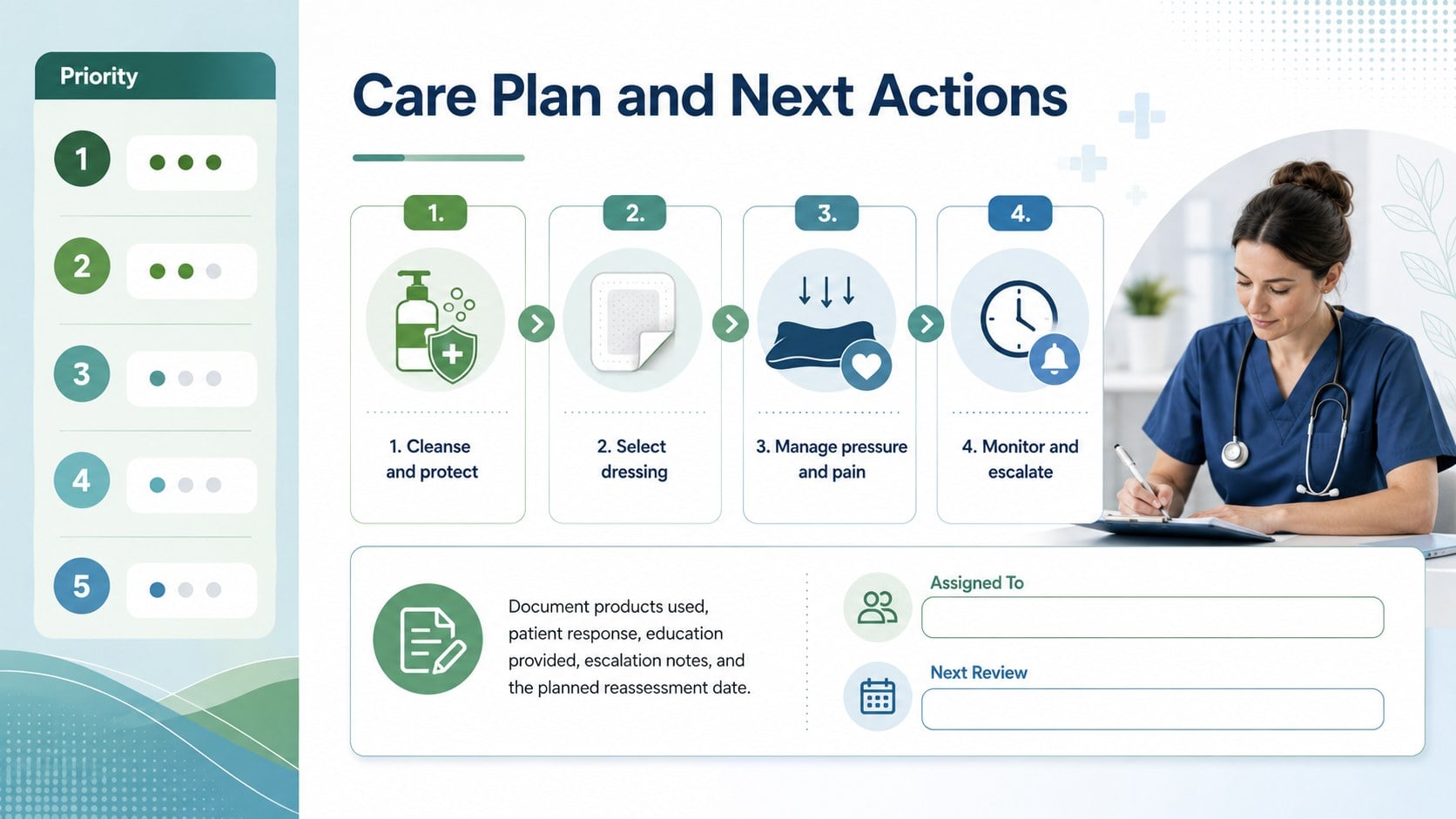
Inside, you will find dedicated layouts for wound location, classification, dimensions, tissue appearance, drainage, surrounding skin, pain level, infection indicators, and treatment actions. A visual body-location panel supports faster orientation, while the wound healing progress tracker makes changes across review dates easier to compare. The nursing wound documentation slides also provide space for photographs, measurements, care products, escalation notes, and planned reassessment dates.
This template is intended for registered nurses, wound care specialists, community health teams, long-term care staff, clinical educators, and nursing students. Use it for bedside reviews, shift handovers, case discussions, training sessions, or multidisciplinary meetings. It can also function as a pressure injury evaluation deck when documenting stage, risk factors, offloading measures, and follow-up priorities. Replace the sample wording, adjust colors and type styles, or duplicate sections to match your facility's workflow and clinical standards.
Perfect for: bedside wound review; nursing shift handover; pressure injury evaluation; multidisciplinary case meeting; wound care training; healing progress update.
Frequently asked questions
Can I edit these wound evaluation slides? Yes. You can replace the sample text, add patient-specific measurements, insert clinical images, and adjust the layout to match your documentation process.
Practical details
Yes. You can replace the sample text, add patient-specific measurements, insert clinical images, and adjust the layout to match your documentation process.
The template is designed for Microsoft PowerPoint and Google Slides. Core layouts, text fields, colors, and graphic elements remain editable on both platforms.
Yes. Rename assessment fields, add staging criteria, and include sections for risk factors, repositioning, support surfaces, or offloading measures. Always align the final content with your organization's approved clinical guidance.
Yes. The layouts include areas that can hold photographs, dimensions, review dates, and comparison notes. Follow applicable consent, privacy, and secure-storage requirements when using patient information.
Keep exploring
15Promote classes with a yoga workshop marketing presentation featuring playful beige, pink, and purple illustrations for PowerPoint and Google Slides.
 15
15Build a clear breast cancer awareness bulletin with bold pink-and-red slides for campaign news, screening reminders, impact data, and community updates.
 15
15Build a clear World Cancer Day message with this global cancer awareness campaign deck, featuring editable blue-green layouts for PowerPoint and Google Slides.
 14
14Plan a clear donor campaign with this blood donation awareness presentation, featuring editable beige-and-red visuals for PowerPoint and Google Slides.
 15
15Build a Kidney Health Awareness Campaign Deck with blue illustrated slides for prevention tips, risk education, screening events, and outreach.
 15
15Build an actionable training session with this fitness program workshop deck, using energetic yellow geometry and editable PowerPoint and Google Slides layouts.
 15
15Equip health teams with this malaria prevention education deck for workshops, community outreach, and policy briefings in PowerPoint or Google Slides.
 15
15Teach, inspire, and celebrate with our Plant-Powered Vegetarian Day Lesson Deck, featuring cheerful editable visuals for PowerPoint and Google Slides.