
 15
15presentation
Flying Saucer History Lesson Deck
Build an engaging World UFO Day session with this flying saucer history lesson deck, featuring retro green-and-brown slides for PowerPoint and Google Slides.
Google SlidesPowerPoint
presentation · English
Build a wildlife science fair display board with vivid purple illustrations, editable research sections, and flexible layouts for Google Slides or PowerPoint.

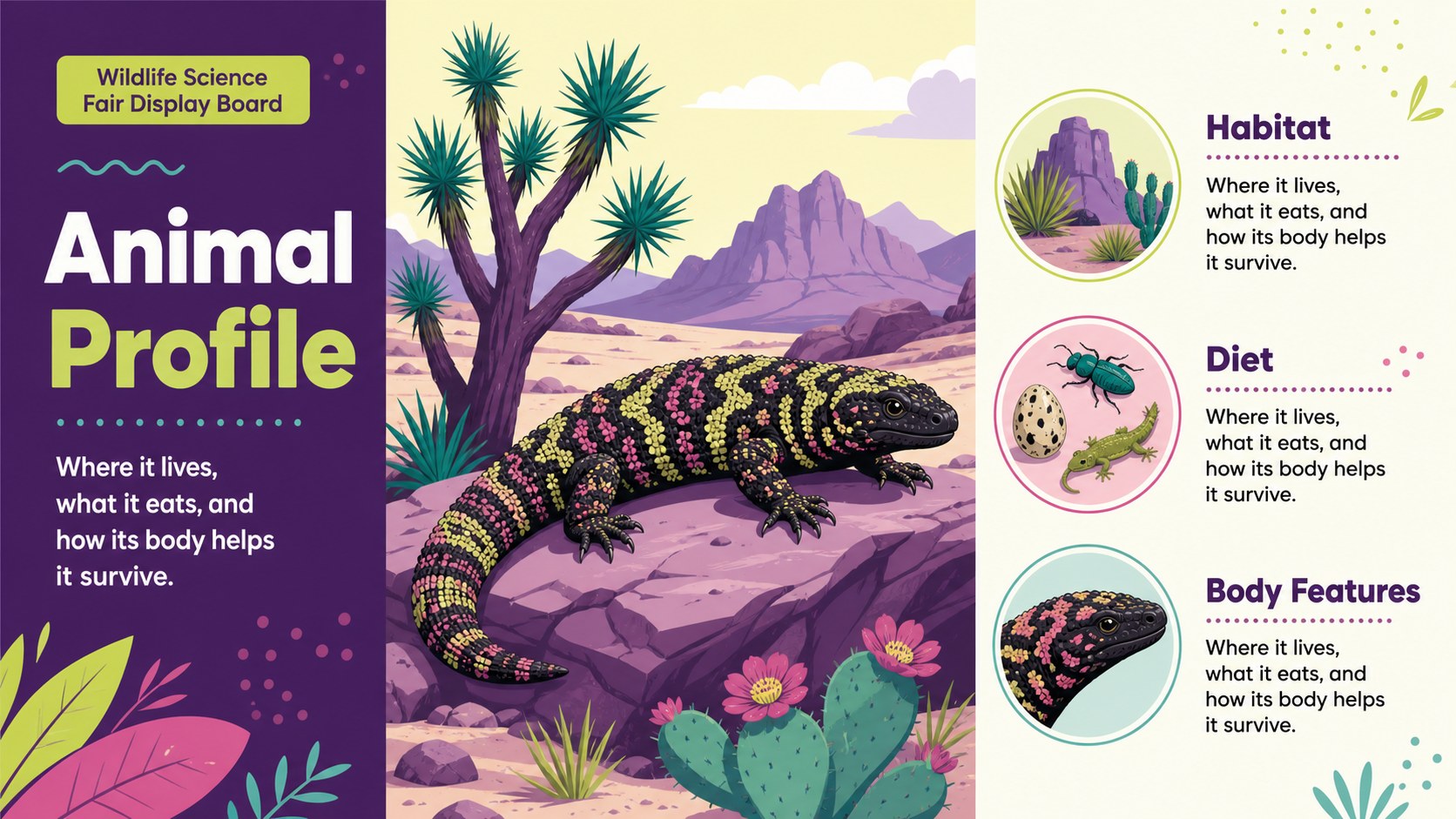
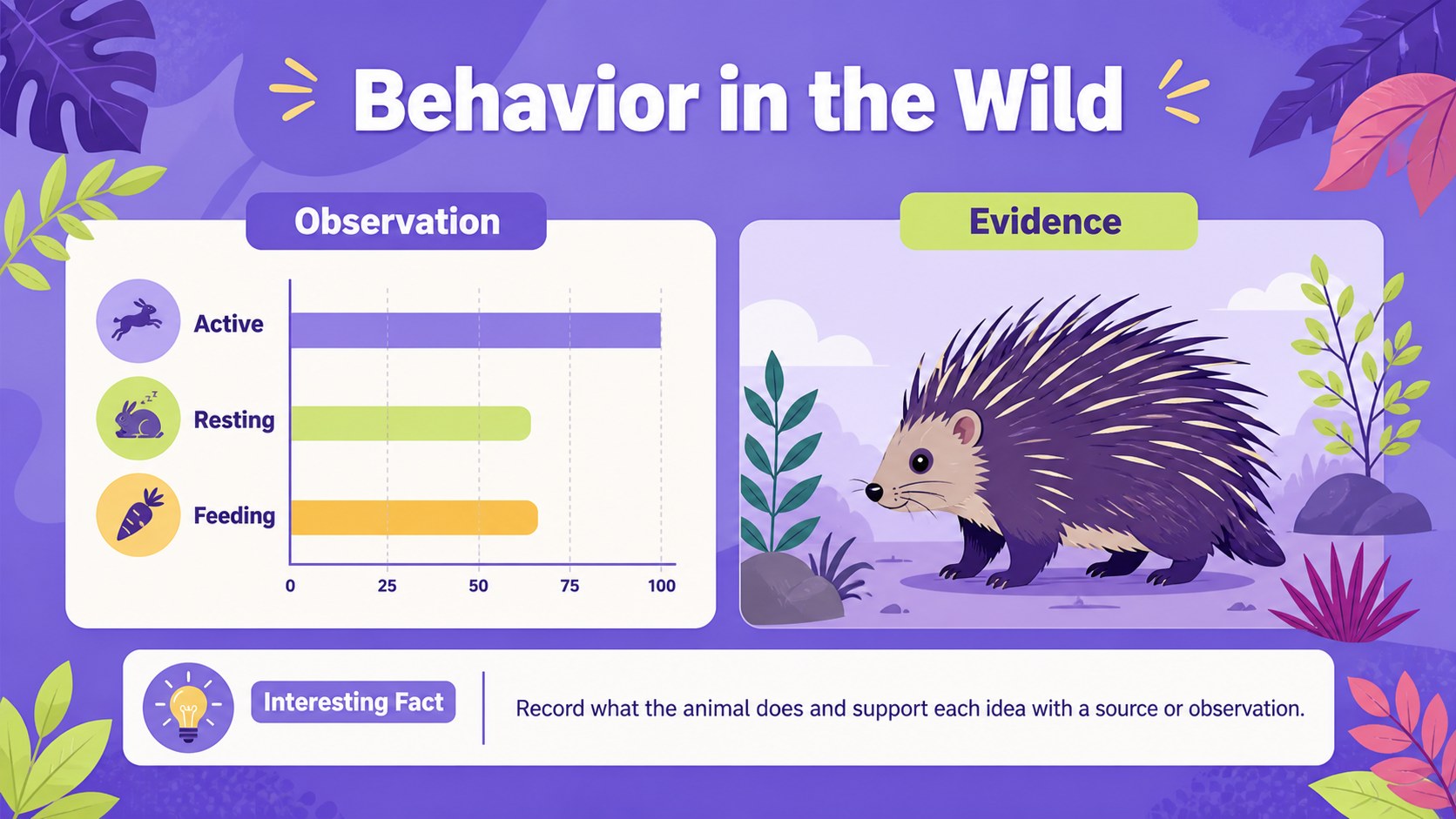
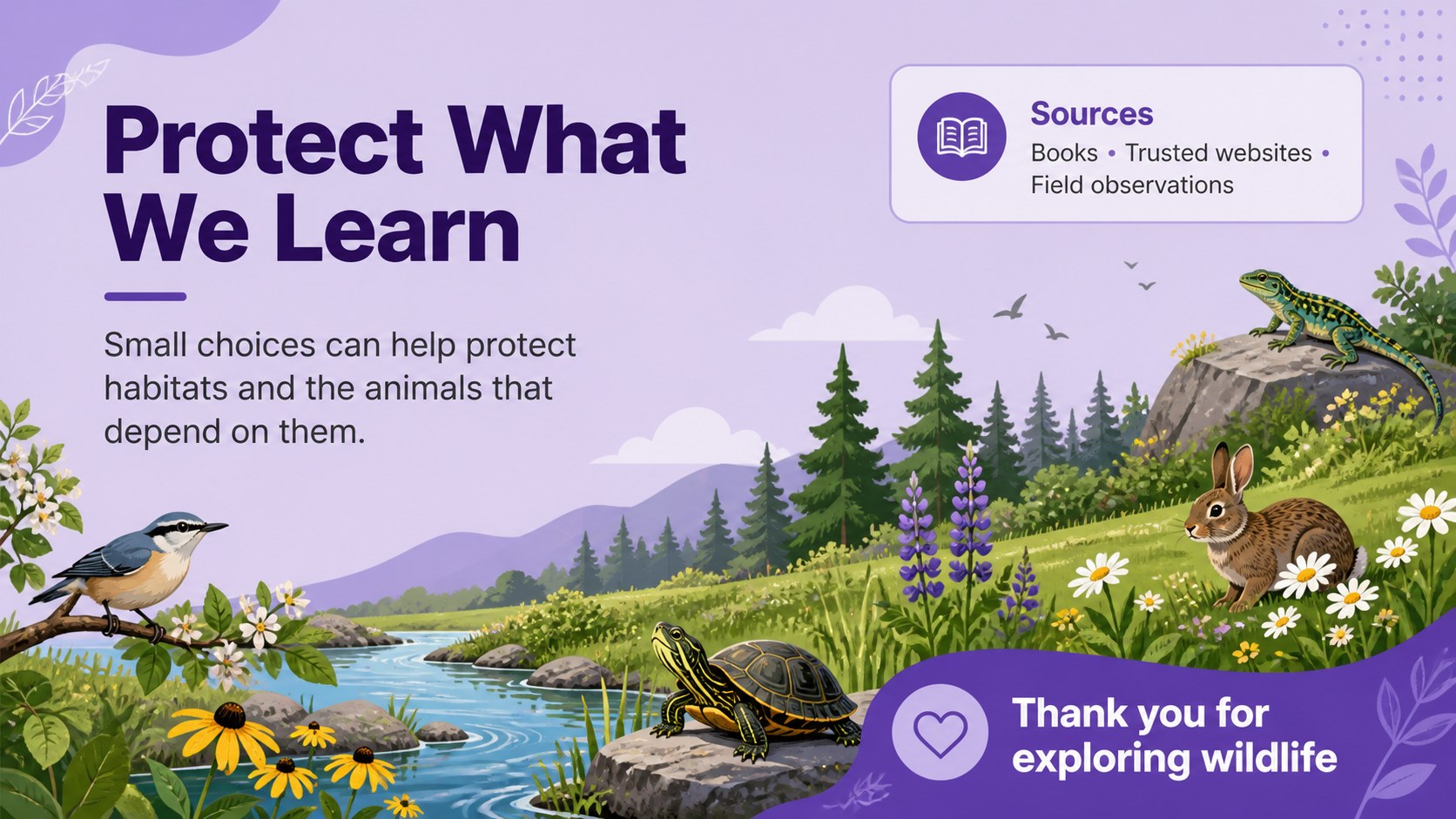
Design notes
Wildlife Science Fair Display Board is a colorful, illustrated presentation template for students who want to turn animal discoveries into an engaging visual project. Its purple-led palette, friendly graphics, and clear information zones help young researchers explain a species without making the display feel crowded.
The set includes four customizable 48 x 36 inch poster layouts for presenting an animal profile, habitat notes, physical features, behavior, diet, conservation facts, and source information. Add diagrams, photos, charts, labels, or short paragraphs with editable frames, lines, shapes, and text areas. The layouts work well for a wildlife science fair display board, an elementary animal report poster, or a classroom research showcase. Animation and transition tools are also available when the design is presented as a digital deck.
Students, teachers, parents, and science fair coordinators can adapt the files in Google Slides or PowerPoint. users can add images, icons, audio, videos, notes, and collaborative editing tools through the platform. The template uses Poppins and a bright purple, colorful visual system that suits elementary and middle school projects while remaining easy to read from a distance.
Perfect for: elementary science fair project; animal habitat classroom display; student wildlife report; school research showcase; digital biology presentation.
Frequently asked questions
Can I edit the wildlife project presentation in Google Slides? Yes. The layouts can be customized in Google Slides, including the text, colors, shapes, images, and diagrams. You can also export the finished project for printing or digital sharing.
Practical details
Yes. The layouts can be customized in Google Slides, including the text, colors, shapes, images, and diagrams. You can also export the finished project for printing or digital sharing.
Yes. The poster layouts are designed around a 48 x 36 inch format and can be adjusted to match your school's printing requirements. Check the document size and image resolution before sending the final file to a printer.
Yes. supports drag-and-drop editing, custom images, icons, font sets, notes, and collaboration. Students can replace the sample content with facts, sources, and visuals about their chosen animal.
Yes. The purple theme is editable, so you can adjust accent colors while keeping the illustrated visual style. Use high-contrast text and labels if the display will be viewed from several feet away.
Keep exploring
15Build an engaging World UFO Day session with this flying saucer history lesson deck, featuring retro green-and-brown slides for PowerPoint and Google Slides.
 15
15Plan a lively animal-learning journey with this jungle zoo adventure lesson deck, ready to customize in PowerPoint and Google Slides for young learners.
 16
16Turn environmental research into a clear story with a Watercolor Ecology Presentation Theme for PowerPoint and Google Slides in calming green and blue.
 16
16Build focused fashion, literature, and humanities presentations with the Red Triangle Editorial Theme, editable in PowerPoint and Google Slides.
 15
15Turn streaming stats, favorite tracks, and concert highlights into a bold annual listening recap slide deck for PowerPoint and Google Slides.
 15
15Turn highlights, milestones, and favorite moments into a colorful year in review slide deck with bold 3D graphics for PowerPoint and Google Slides.
 3
3Build a credible endorsement with Standout Colleague Recommendation Letter Slides, featuring colorful prompts for skills, achievements, and team impact.
 4
4Build clear beginner sessions with an ice hockey fundamentals training deck for coaches, PE teachers, and clubs, ready for PowerPoint and Google Slides.