
 15
15presentation
Flying Saucer History Lesson Deck
Build an engaging World UFO Day session with this flying saucer history lesson deck, featuring retro green-and-brown slides for PowerPoint and Google Slides.
Google SlidesPowerPoint
presentation · English
Present environmental evidence clearly with the Wildfire, Drought and Forest Loss Research Defense Deck for PowerPoint and Google Slides.
Design notes
Build a persuasive academic narrative with the Wildfire, Drought and Forest Loss Research Defense Deck. Designed for environmental research presentations, this classic beige template helps you explain how climate conditions, fire activity and land-use change interact without overwhelming your audience. Its restrained typography, natural textures and structured layouts keep attention on your evidence.
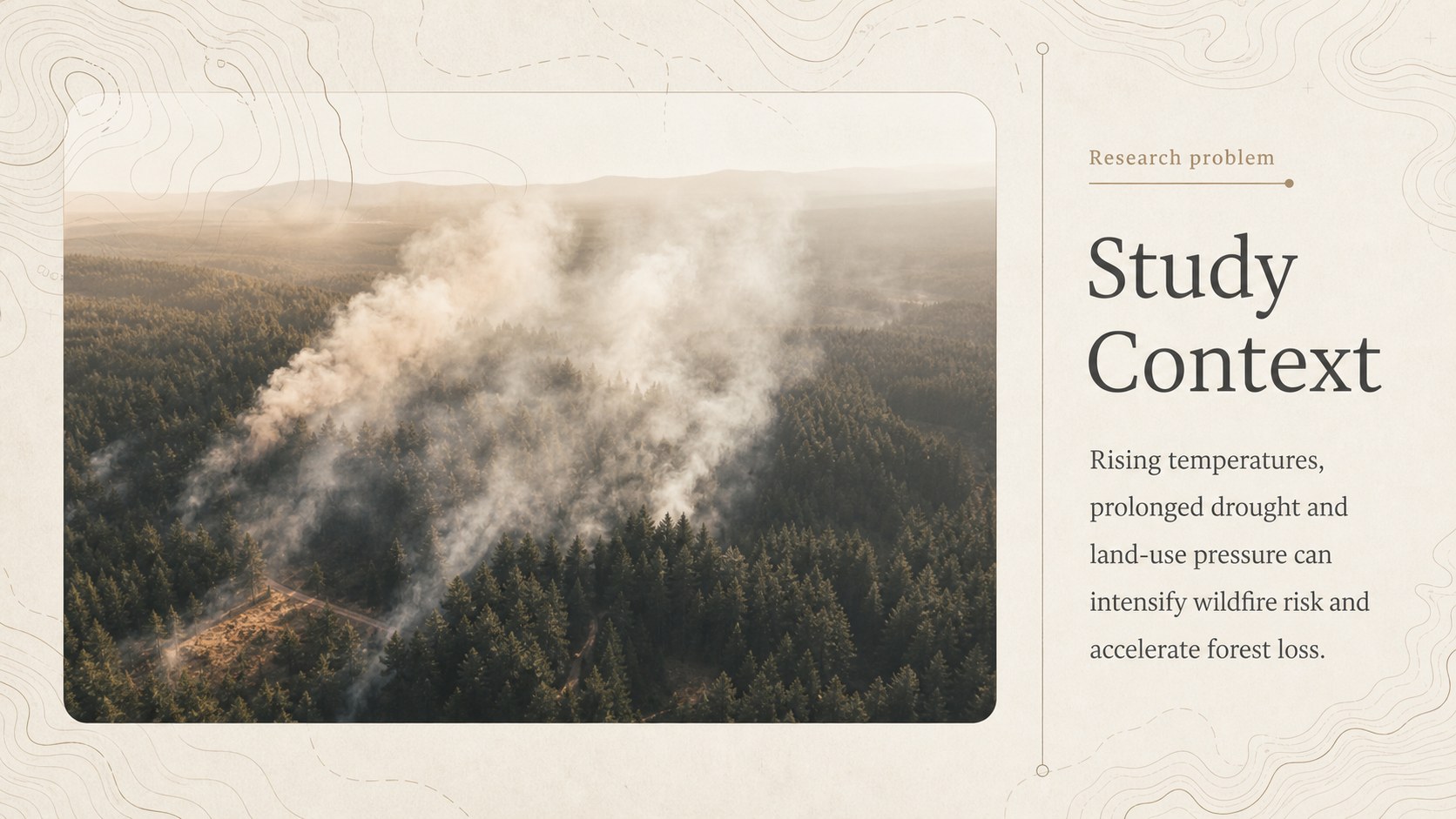
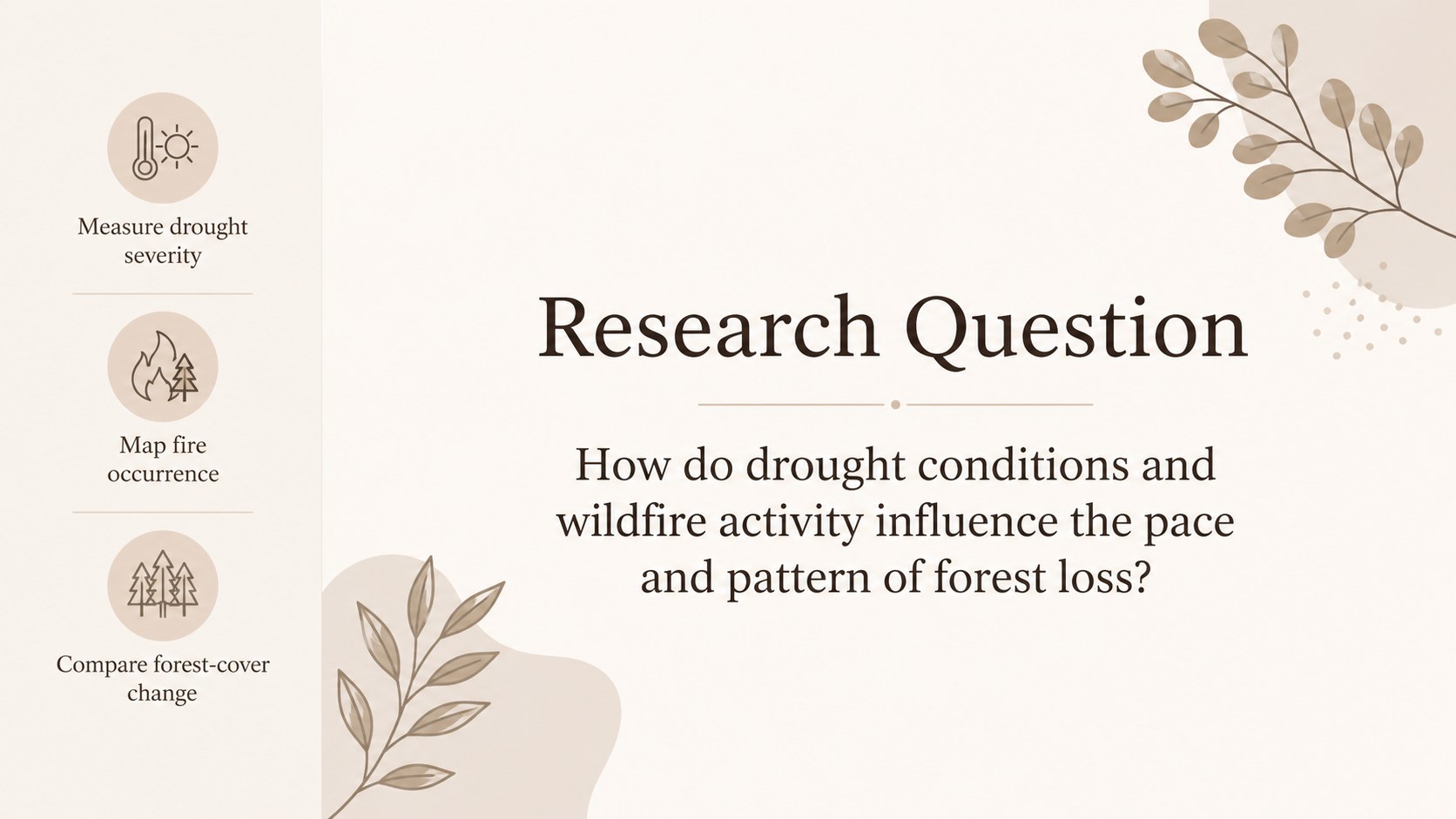
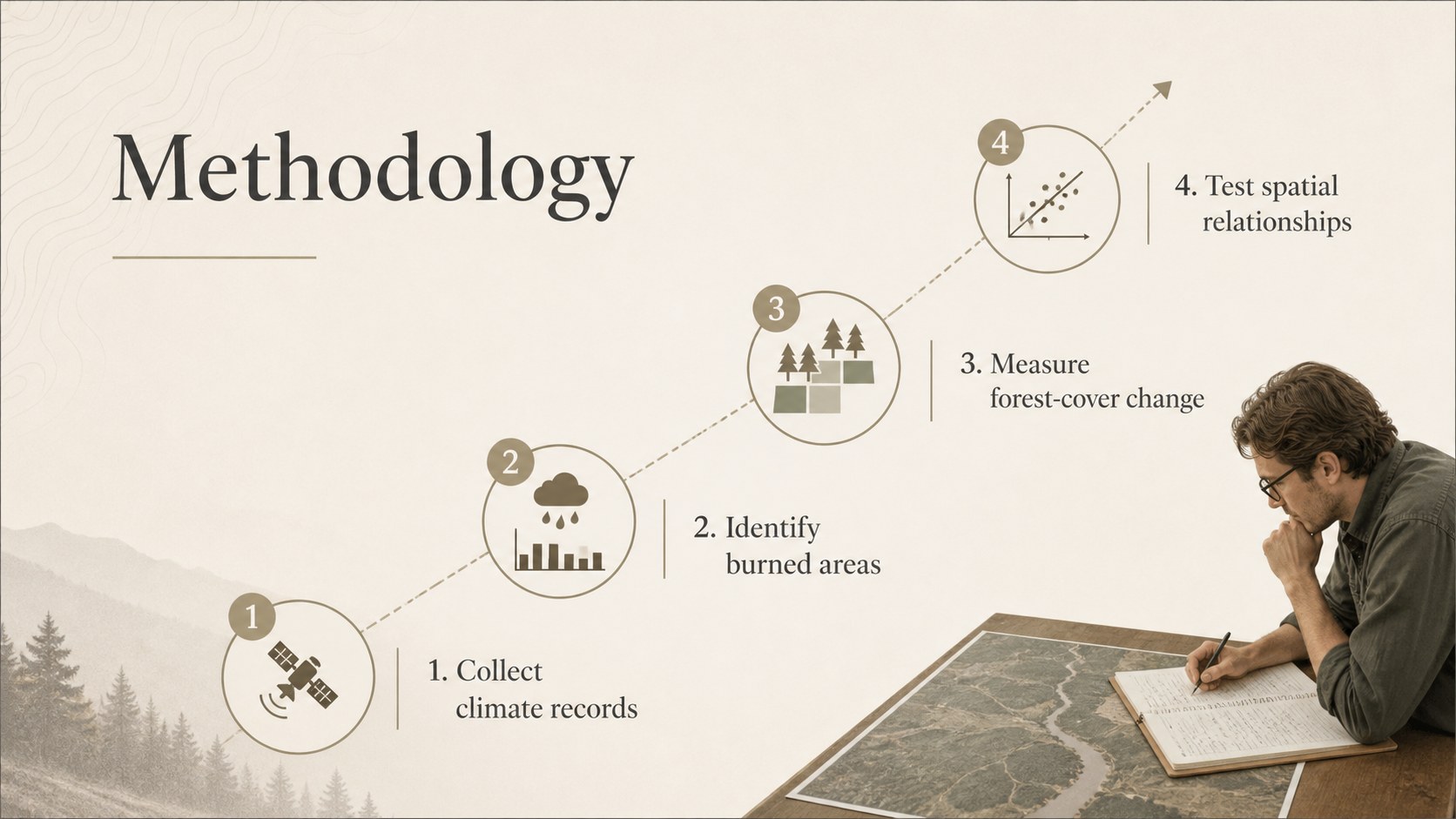
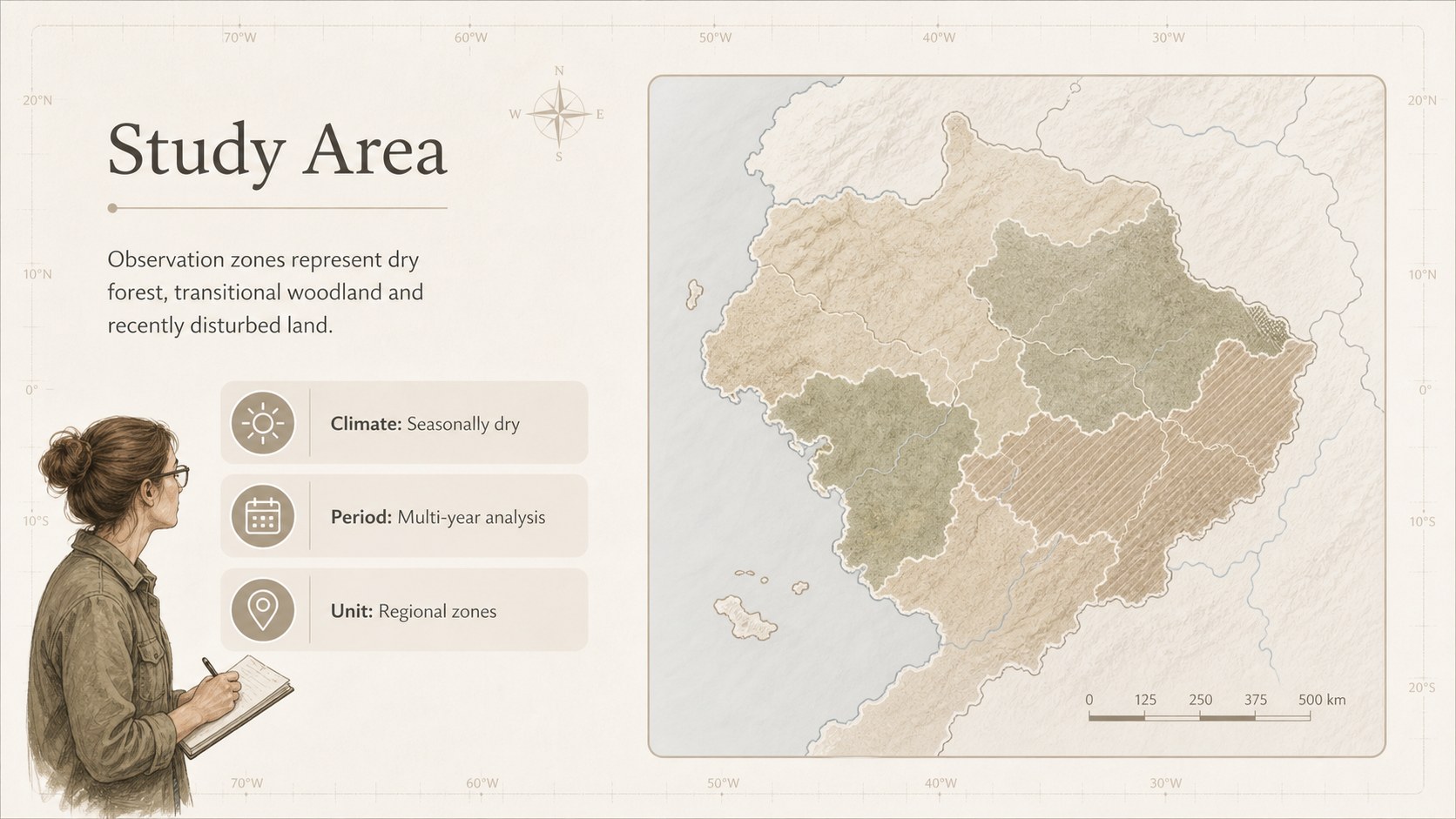
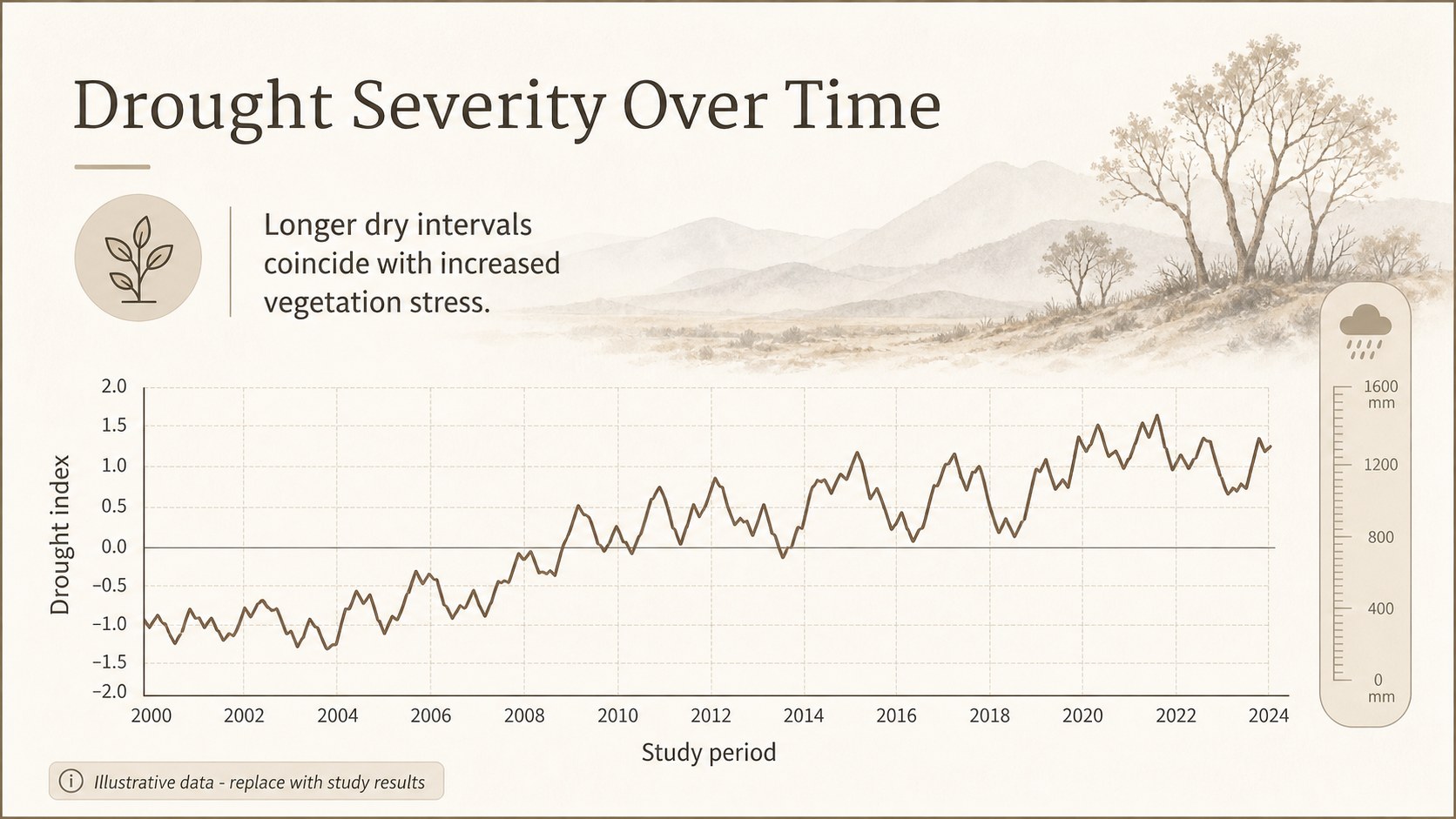
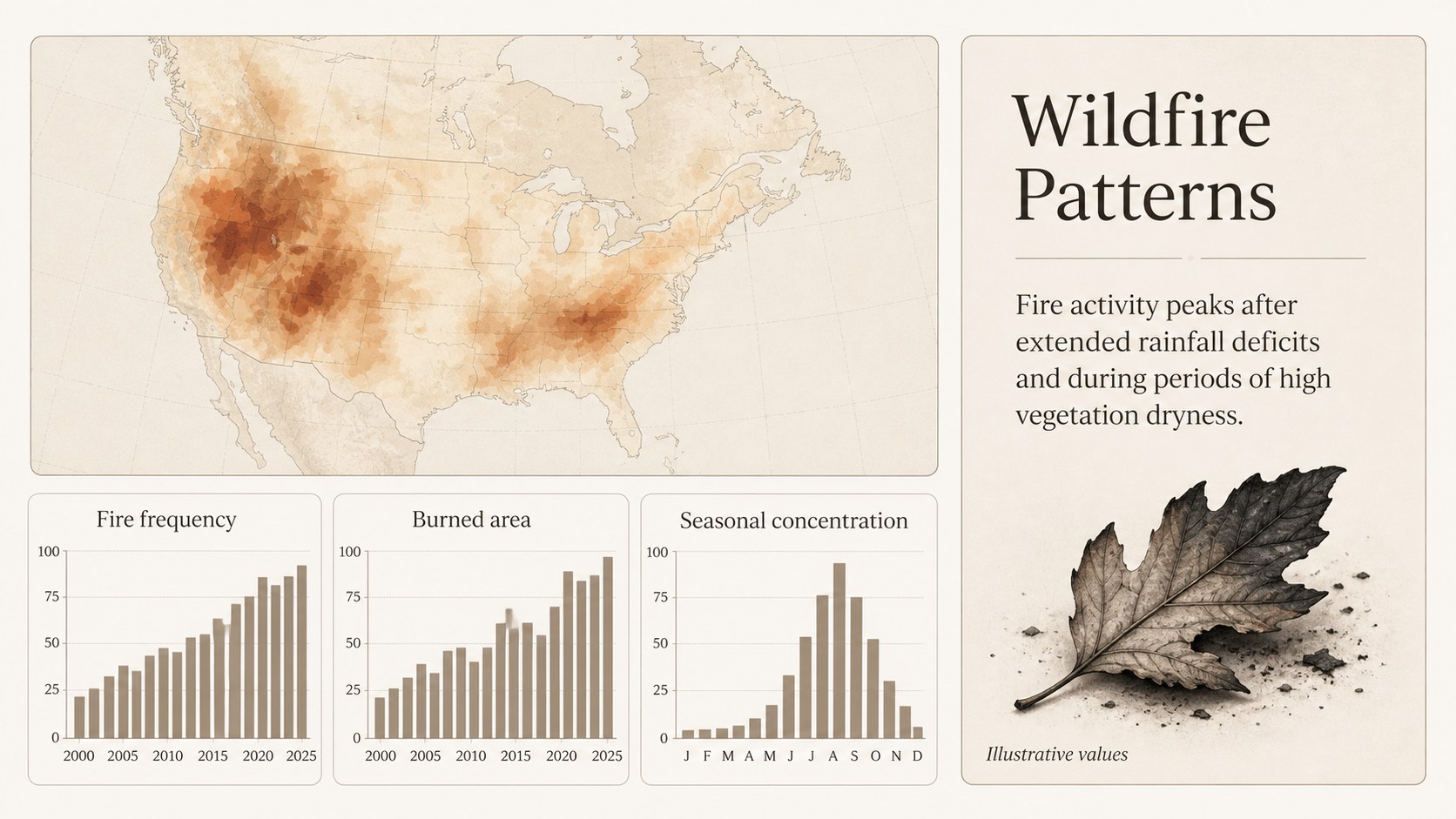
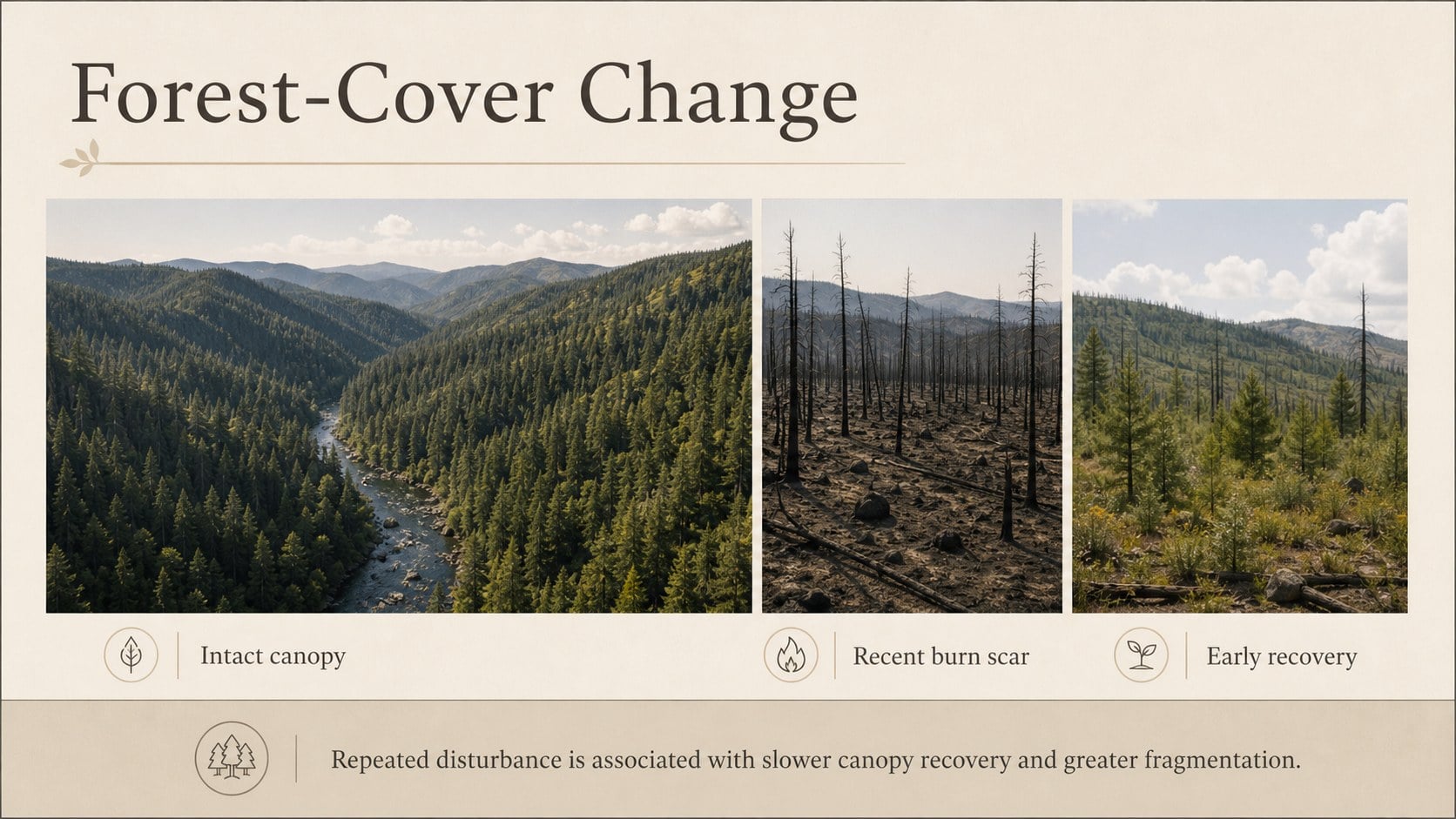
The deck includes 15 editable slides for a research question, study context, literature review, methodology, regional observations, drought indicators, wildfire patterns, forest-cover findings and relationship analysis. Dedicated layouts for an environmental thesis presentation template, climate data visualization slides and a wildfire research defense make it easier to organize maps, charts, comparisons and key conclusions. You can also present study limitations, policy implications and future research priorities in a consistent visual system.
Created for graduate students, university researchers, environmental science instructors and conservation professionals, the template works in both PowerPoint and Google Slides. Replace the sample wording, adjust the beige palette, insert your own field photographs and update charts with your findings. Every slide can be adapted for a thesis defense, dissertation seminar, research conference or classroom discussion while maintaining a calm, credible academic tone.
Perfect for: environmental science thesis defense; wildfire research seminar; climate conference presentation; forest conservation briefing; graduate methodology review.
Frequently asked questions
Can I edit this research defense deck in PowerPoint? Yes. All text, charts, colors, images and layout elements can be edited in PowerPoint to match your research methods and findings.
Practical details
Yes. All text, charts, colors, images and layout elements can be edited in PowerPoint to match your research methods and findings.
Yes. Upload or open the deck in Google Slides to customize it online, present remotely and collaborate with supervisors or research partners.
Replace the sample maps, photographs and data labels with material from your region. Keep the established typography and spacing for a consistent academic presentation.
Yes. The neutral beige scheme can be adjusted to institutional colors or earth-inspired tones while preserving the deck's classic, research-focused character.
Keep exploring
15Build an engaging World UFO Day session with this flying saucer history lesson deck, featuring retro green-and-brown slides for PowerPoint and Google Slides.
 15
15Plan a lively animal-learning journey with this jungle zoo adventure lesson deck, ready to customize in PowerPoint and Google Slides for young learners.
 16
16Turn environmental research into a clear story with a Watercolor Ecology Presentation Theme for PowerPoint and Google Slides in calming green and blue.
 16
16Build focused fashion, literature, and humanities presentations with the Red Triangle Editorial Theme, editable in PowerPoint and Google Slides.
 15
15Turn streaming stats, favorite tracks, and concert highlights into a bold annual listening recap slide deck for PowerPoint and Google Slides.
 15
15Turn highlights, milestones, and favorite moments into a colorful year in review slide deck with bold 3D graphics for PowerPoint and Google Slides.
 3
3Build a credible endorsement with Standout Colleague Recommendation Letter Slides, featuring colorful prompts for skills, achievements, and team impact.
 4
4Build clear beginner sessions with an ice hockey fundamentals training deck for coaches, PE teachers, and clubs, ready for PowerPoint and Google Slides.