
 15
15presentation
Flying Saucer History Lesson Deck
Build an engaging World UFO Day session with this flying saucer history lesson deck, featuring retro green-and-brown slides for PowerPoint and Google Slides.
Google SlidesPowerPoint
presentation · English
Turn any gathering into a lively guessing round with Party Icebreaker Slides, featuring editable prompts and bold animations for PowerPoint and Google Slides.





Design notes
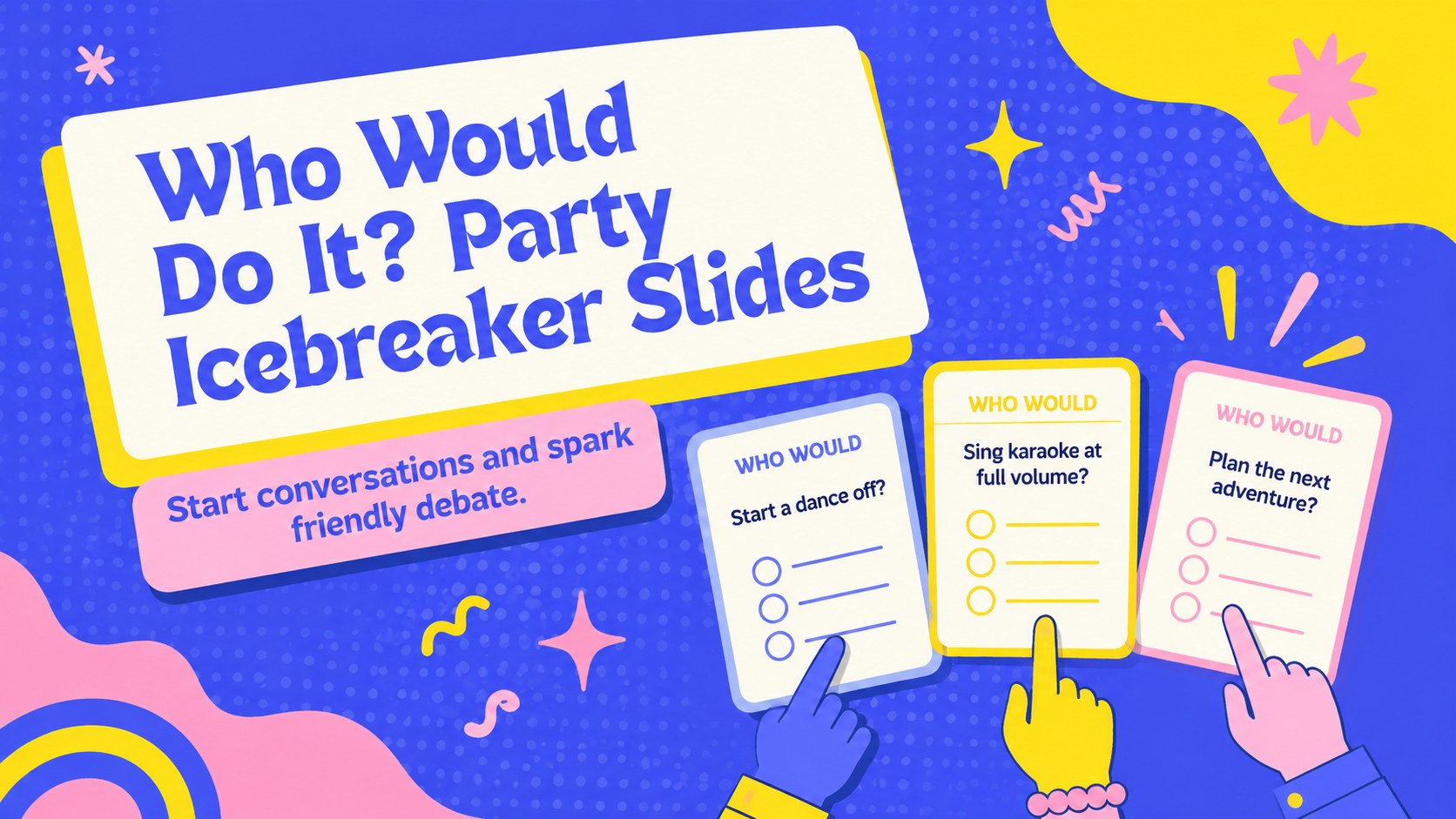
Bring instant energy to the room with Who Would Do It? Party Icebreaker Slides, a playful group activity built around surprising questions and friendly voting. The bold blue, yellow, and pink design combines expressive graphics with animated layouts, helping every prompt feel lively without distracting from the game.
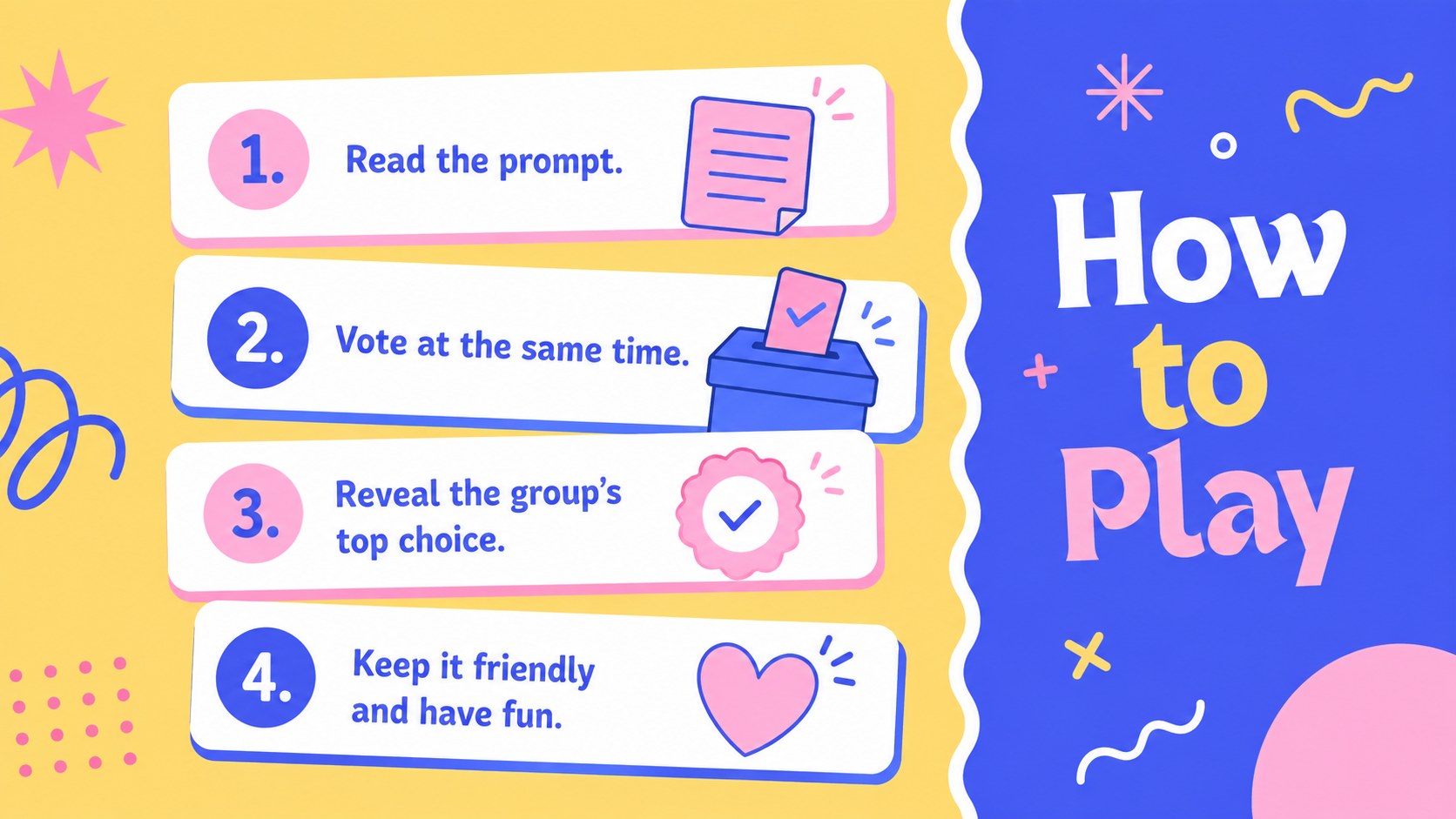
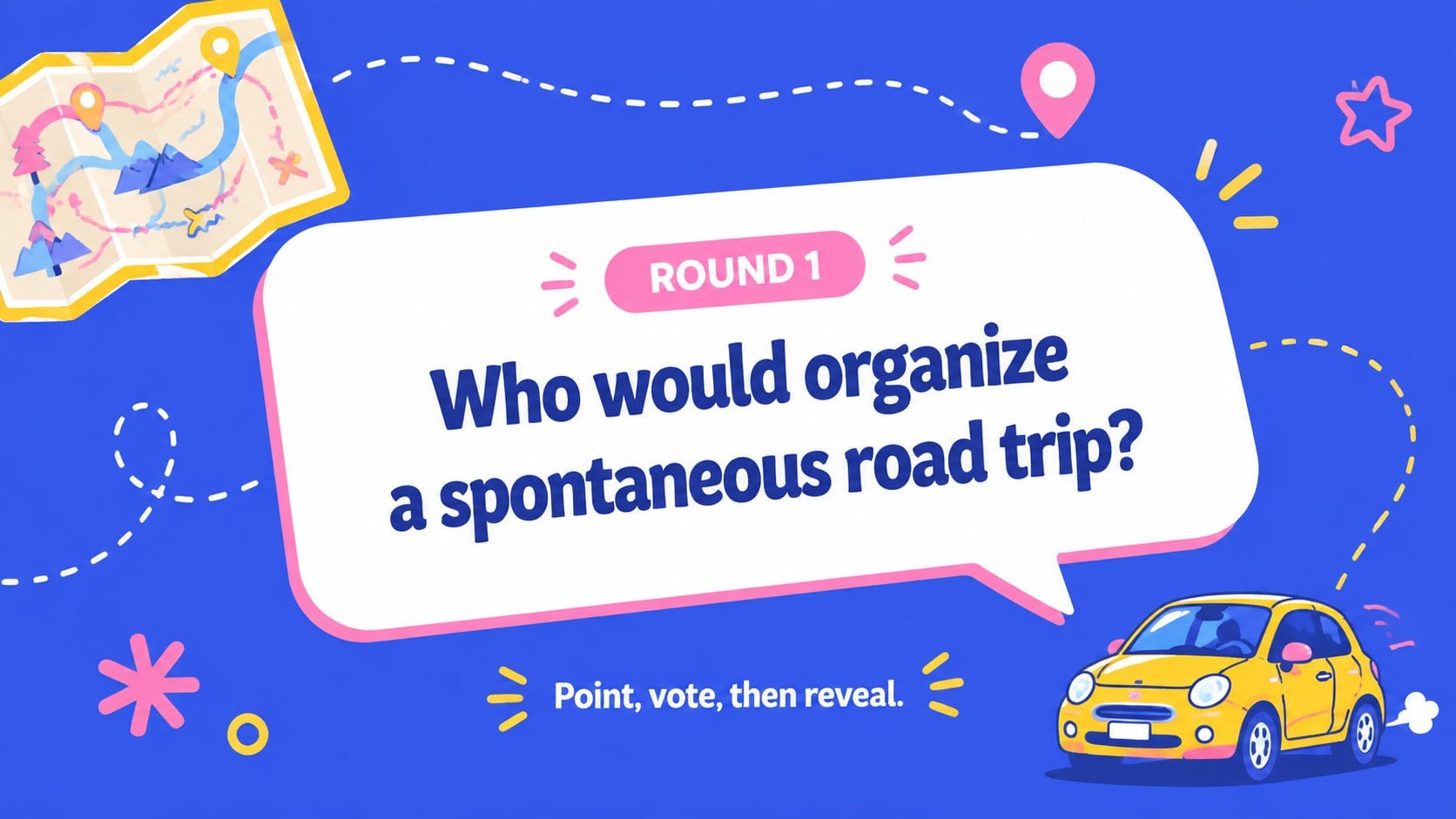
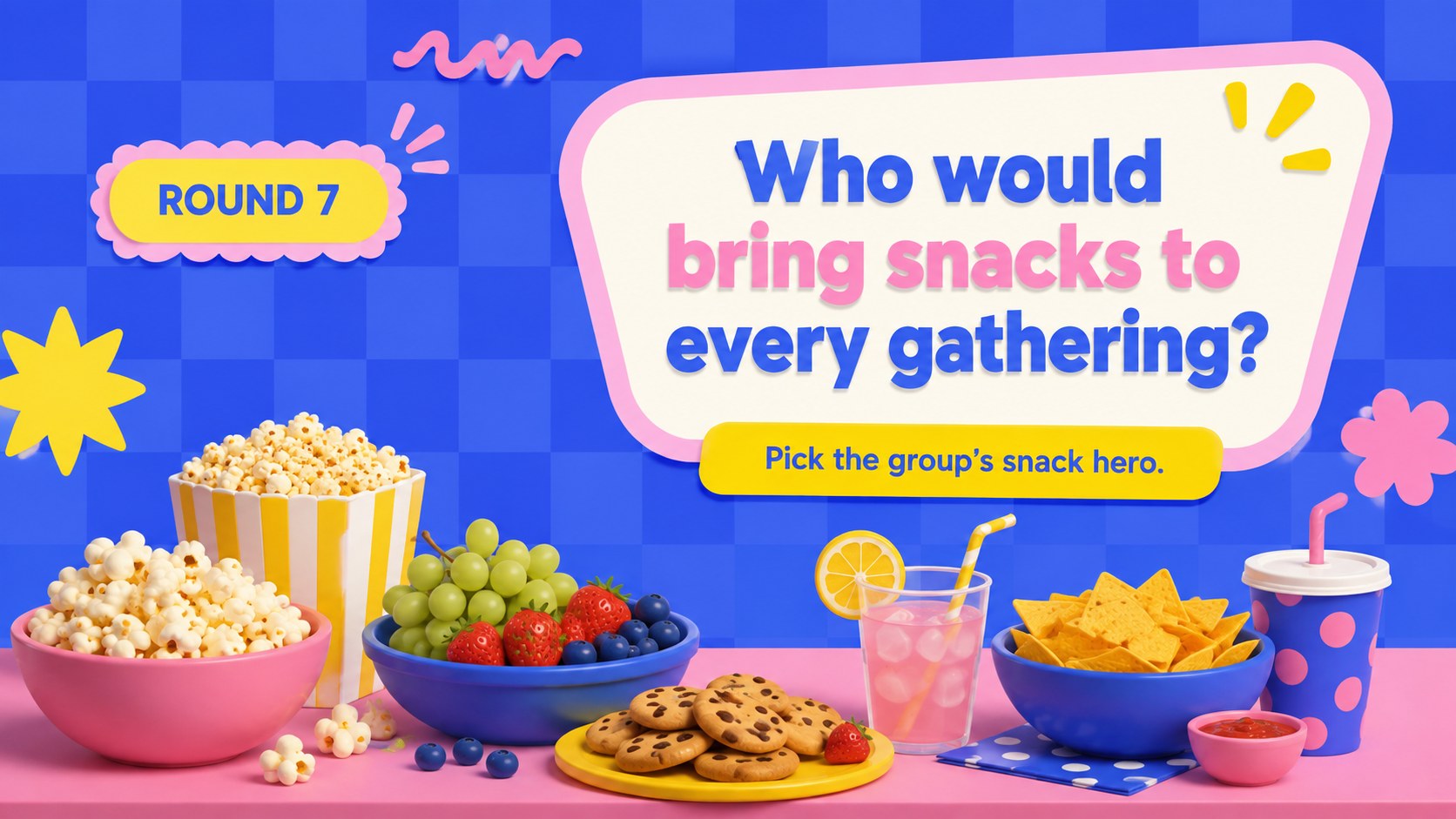
The deck includes an opening screen, simple instructions, ready-to-use question rounds, a score tracker, a tie-breaker, and a closing slide. Edit the names, prompts, colors, or pacing to create an animated group guessing game for your occasion. You can also duplicate question layouts to extend the activity or divide participants into teams for a more competitive round.
These party icebreaker slides work well for birthdays, classroom socials, youth groups, family gatherings, workplace celebrations, and virtual hangouts. Hosts can use the deck as a funny team bonding presentation, while teachers can adapt the questions for an interactive classroom icebreaker. Every slide is editable in PowerPoint and Google Slides, making it straightforward to personalize the game for different ages, group sizes, and event themes. Present it on a shared screen, invite players to point or vote, and reveal each group's most popular choice.
Perfect for: birthday party guessing game; classroom social icebreaker; workplace team celebration; family game night; youth group activity; virtual group hangout.
Frequently asked questions
Can I edit the questions in this game? Yes. Replace any prompt with a question suited to your group, then duplicate the question layouts if you need more rounds. Names, instructions, colors, and scoring labels can also be changed.
Practical details
Yes. Replace any prompt with a question suited to your group, then duplicate the question layouts if you need more rounds. Names, instructions, colors, and scoring labels can also be changed.
Yes. The presentation is designed for editing and presenting in both PowerPoint and Google Slides. Some transitions or animations may vary slightly between the two platforms.
Display one prompt at a time and ask everyone to vote for the person who best matches it. Players can point, raise hands, hold up name cards, or submit answers through a separate polling tool.
Yes. Swap the sample questions for age-appropriate, workplace-friendly, or event-specific prompts. You can also remove scoring to make the activity purely conversational.
Keep exploring
15Build an engaging World UFO Day session with this flying saucer history lesson deck, featuring retro green-and-brown slides for PowerPoint and Google Slides.
 15
15Plan a lively animal-learning journey with this jungle zoo adventure lesson deck, ready to customize in PowerPoint and Google Slides for young learners.
 16
16Turn environmental research into a clear story with a Watercolor Ecology Presentation Theme for PowerPoint and Google Slides in calming green and blue.
 16
16Build focused fashion, literature, and humanities presentations with the Red Triangle Editorial Theme, editable in PowerPoint and Google Slides.
 15
15Turn streaming stats, favorite tracks, and concert highlights into a bold annual listening recap slide deck for PowerPoint and Google Slides.
 15
15Turn highlights, milestones, and favorite moments into a colorful year in review slide deck with bold 3D graphics for PowerPoint and Google Slides.
 3
3Build a credible endorsement with Standout Colleague Recommendation Letter Slides, featuring colorful prompts for skills, achievements, and team impact.
 4
4Build clear beginner sessions with an ice hockey fundamentals training deck for coaches, PE teachers, and clubs, ready for PowerPoint and Google Slides.