
 15
15presentation
Flying Saucer History Lesson Deck
Build an engaging World UFO Day session with this flying saucer history lesson deck, featuring retro green-and-brown slides for PowerPoint and Google Slides.
Google SlidesPowerPoint
presentation · English
Build polished school, work, or client decks with a white red presentation background theme, flexible layouts, and easy, PowerPoint, and Slides editing.



Design notes
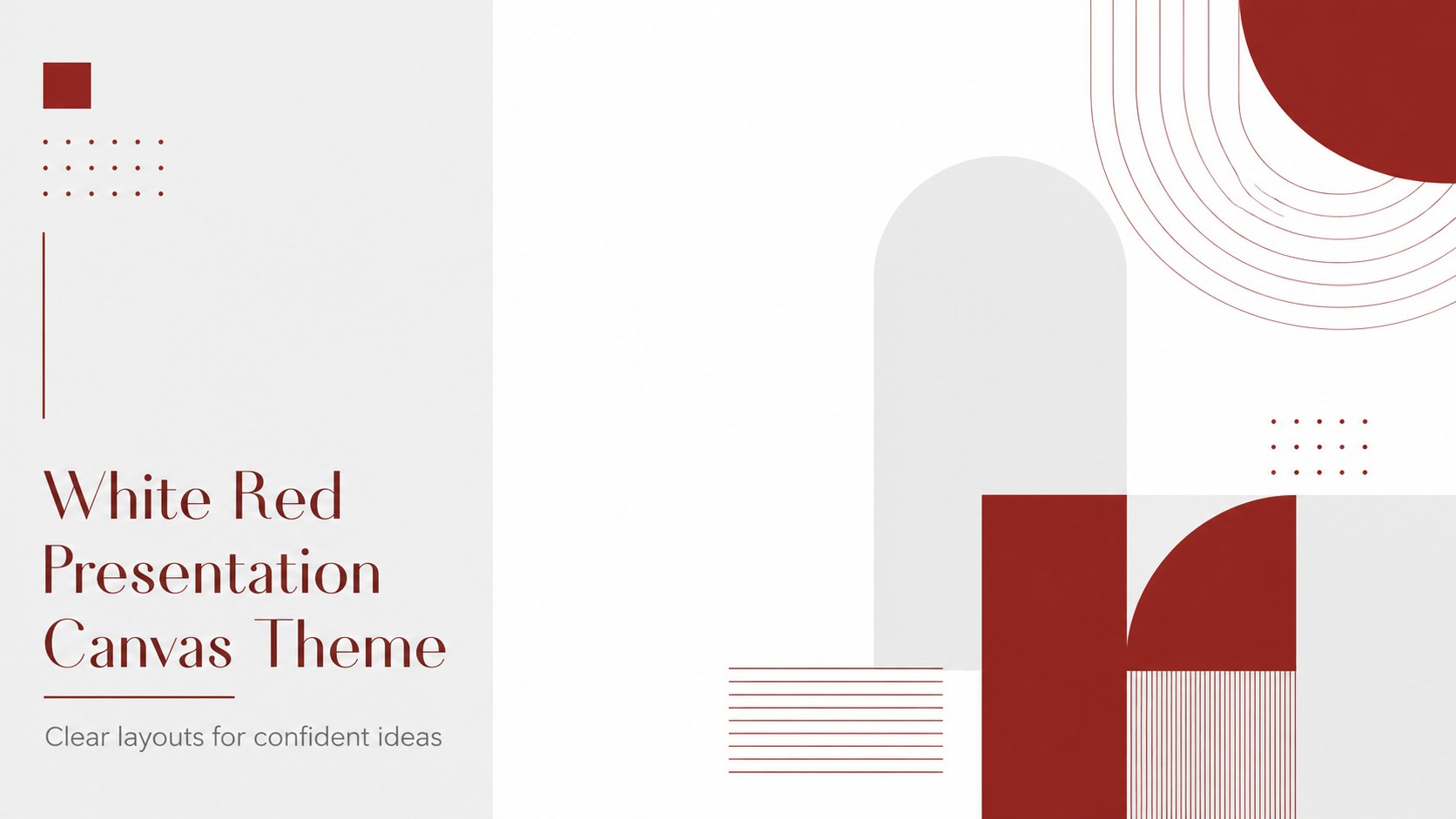
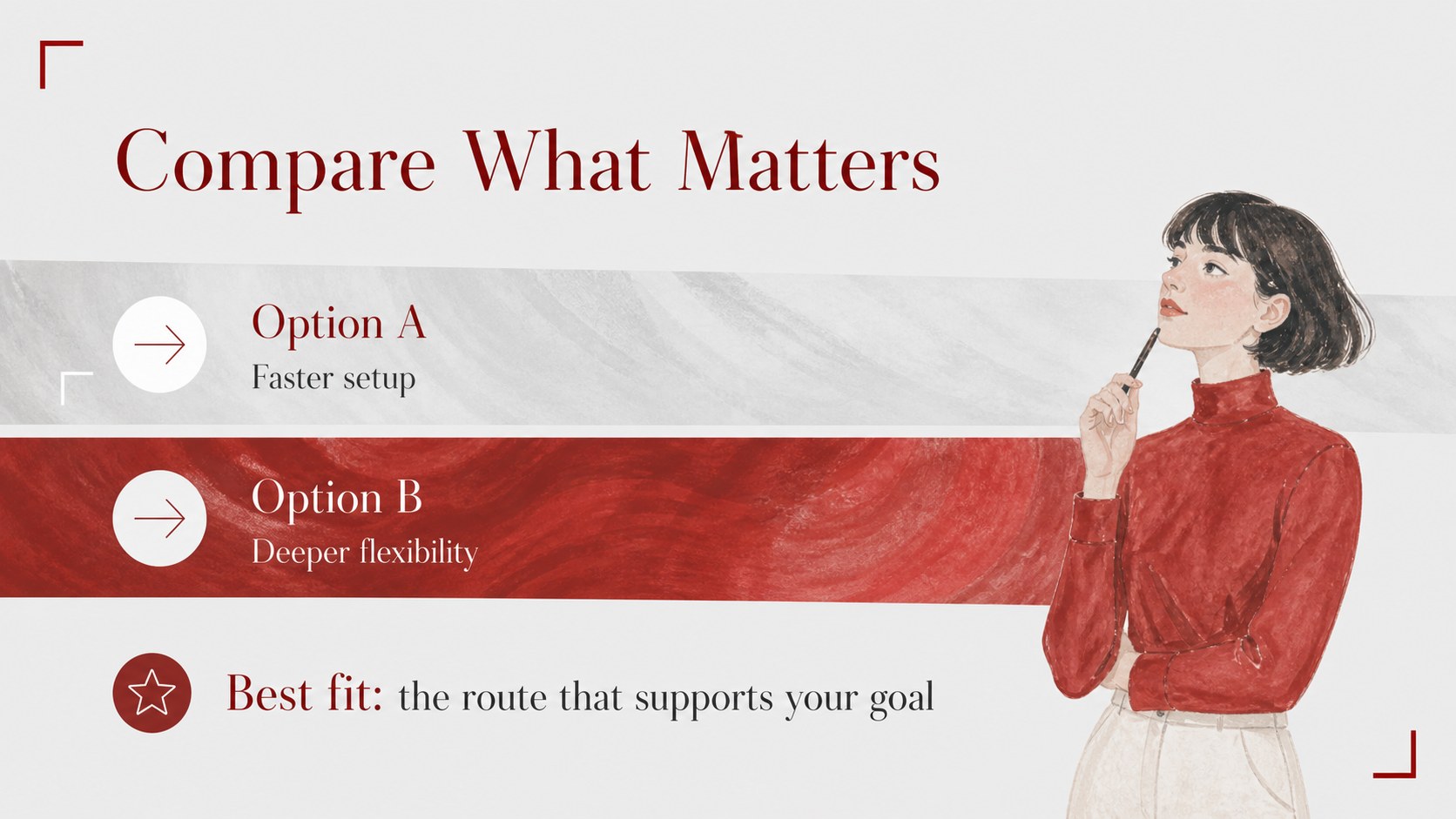
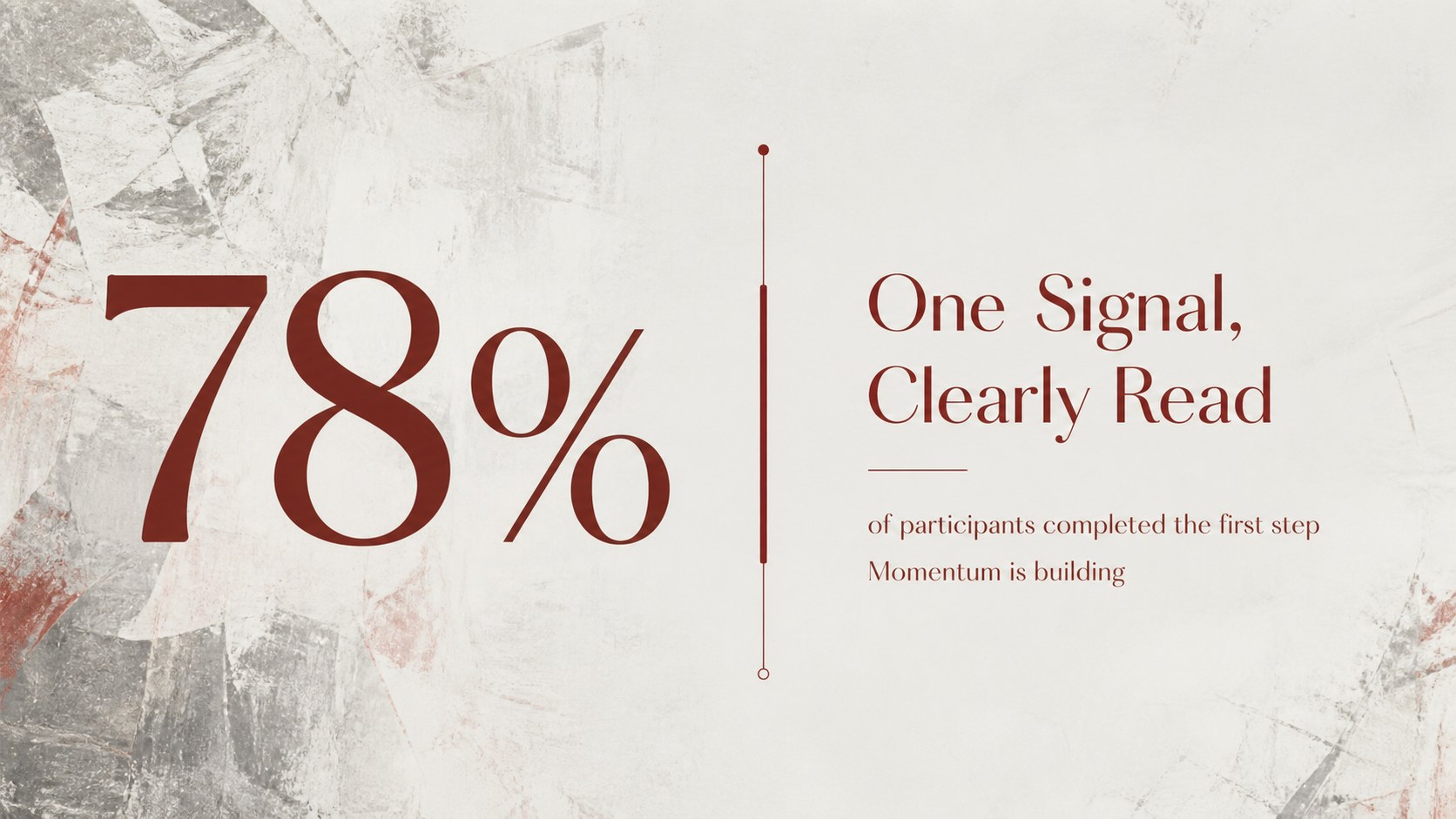
Create a polished deck with a white red presentation background theme built for clarity and flexible storytelling. Clean white space, sharp red accents, and understated grey details help your message stay readable while giving each section a confident visual rhythm. Use it for a classroom report, a marketing proposal, a team update, or a client-facing presentation that needs structure without visual clutter.
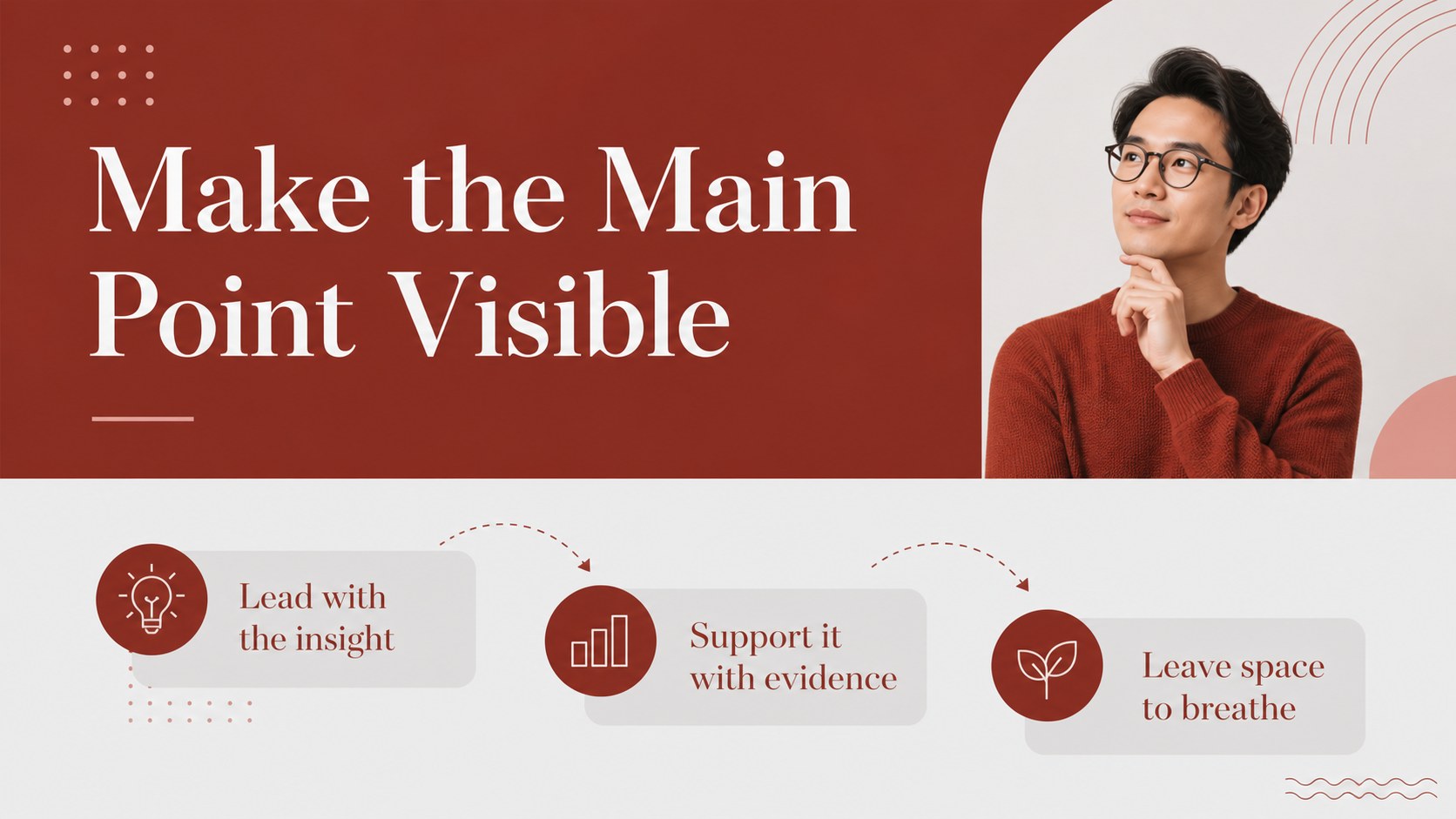
Inside, you’ll find 10 editable 16:9 layouts for opening statements, agendas, section dividers, text comparisons, image-led ideas, data highlights, timelines, and closing remarks. The layouts work well as a modern school presentation design, but their adaptable composition also suits business and creative projects. Replace sample copy, adjust the color balance, and add your own photos, icons, charts, or diagrams. The deck can also be exported for PowerPoint or Google Slides, making handoff and collaboration straightforward.
Use the white red presentation background theme as a starting point rather than a fixed script. Rearrange blocks, duplicate useful pages, and simplify any slide to match your content. The result is a focused, contemporary presentation that supports strong ideas without competing with them.
Perfect for: classroom research report; marketing proposal; team status update; client presentation; creative project review.
Frequently asked questions
Can I edit this deck? Yes. Open the template to replace text, recolor accents, move elements, and add images or charts with drag-and-drop controls. You can also duplicate or delete layouts to fit the length of your presentation.
Practical details
Yes. Open the template to replace text, recolor accents, move elements, and add images or charts with drag-and-drop controls. You can also duplicate or delete layouts to fit the length of your presentation.
Yes. After editing, export the presentation as a PowerPoint file or send it to Google Drive as an editable Google Slides copy. Review fonts and complex animations after export because some features may convert differently.
The white, red, and grey palette can be adjusted to match your project or brand. Update the document colors and individual shapes while preserving the high-contrast structure of the design.
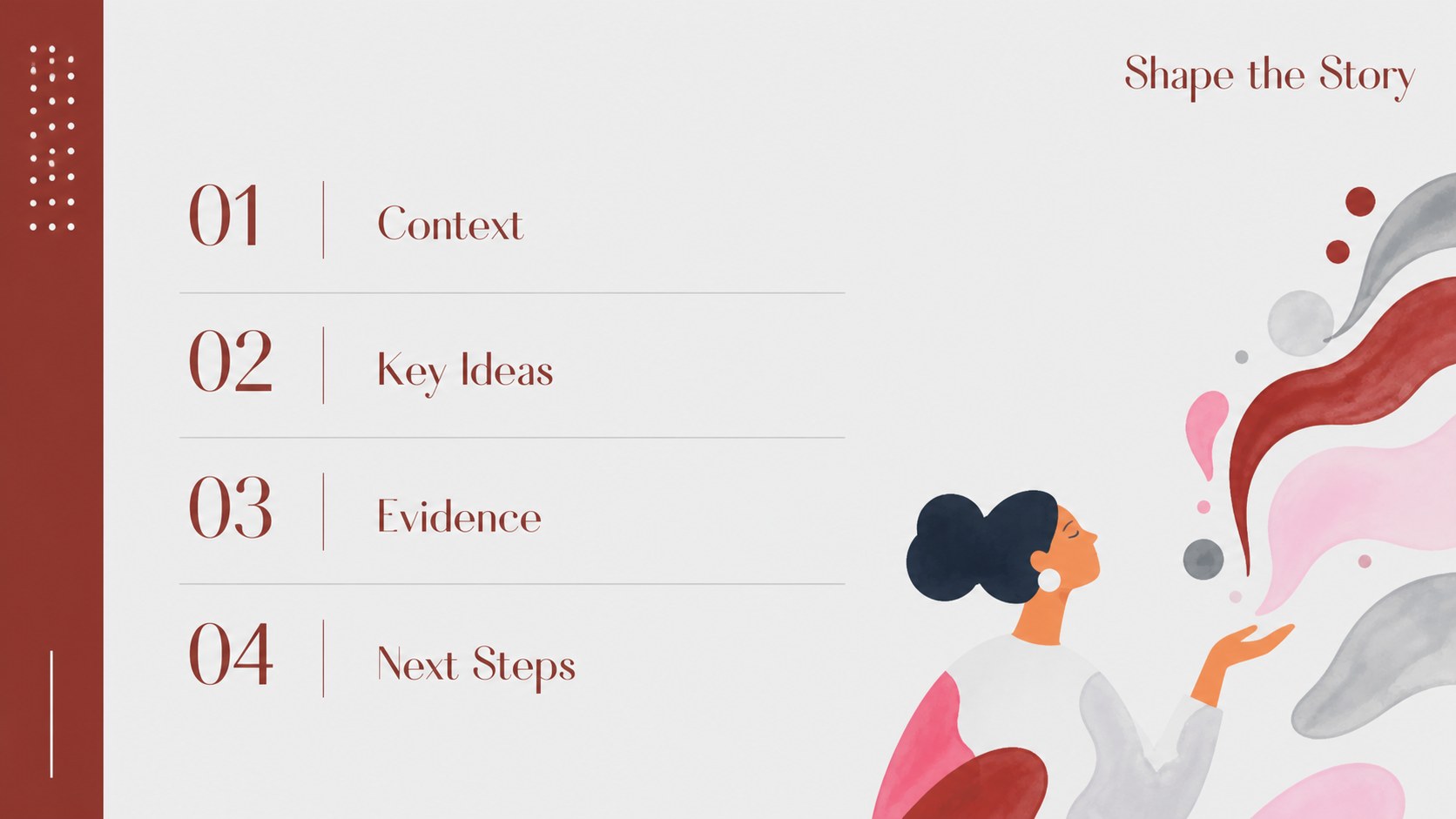
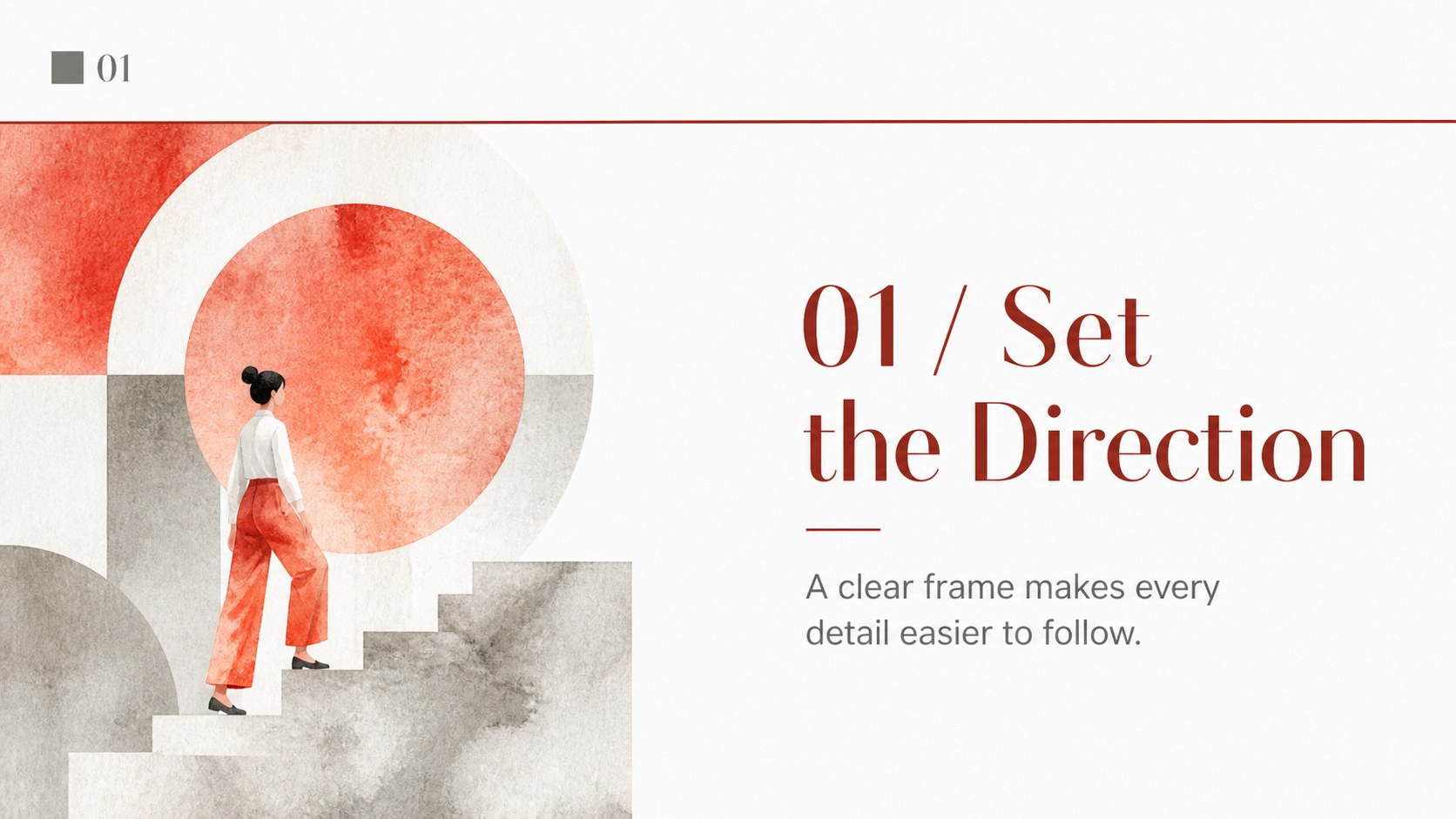
The preview includes 10 16:9 presentation layouts covering a cover, agenda, section divider, content, comparison, image, data, timeline, and closing slide. Add, remove, or rearrange pages as your story develops.
Keep exploring
15Build an engaging World UFO Day session with this flying saucer history lesson deck, featuring retro green-and-brown slides for PowerPoint and Google Slides.
 15
15Plan a lively animal-learning journey with this jungle zoo adventure lesson deck, ready to customize in PowerPoint and Google Slides for young learners.
 16
16Turn environmental research into a clear story with a Watercolor Ecology Presentation Theme for PowerPoint and Google Slides in calming green and blue.
 16
16Build focused fashion, literature, and humanities presentations with the Red Triangle Editorial Theme, editable in PowerPoint and Google Slides.
 15
15Turn streaming stats, favorite tracks, and concert highlights into a bold annual listening recap slide deck for PowerPoint and Google Slides.
 15
15Turn highlights, milestones, and favorite moments into a colorful year in review slide deck with bold 3D graphics for PowerPoint and Google Slides.
 3
3Build a credible endorsement with Standout Colleague Recommendation Letter Slides, featuring colorful prompts for skills, achievements, and team impact.
 4
4Build clear beginner sessions with an ice hockey fundamentals training deck for coaches, PE teachers, and clubs, ready for PowerPoint and Google Slides.