
 15
15presentation
Flying Saucer History Lesson Deck
Build an engaging World UFO Day session with this flying saucer history lesson deck, featuring retro green-and-brown slides for PowerPoint and Google Slides.
Google SlidesPowerPoint
presentation · English
Pitch a nonfiction story with whimsical documentary proposal slides, pairing symmetrical blue-and-yellow layouts with clear sections for teams and funders.
Design notes
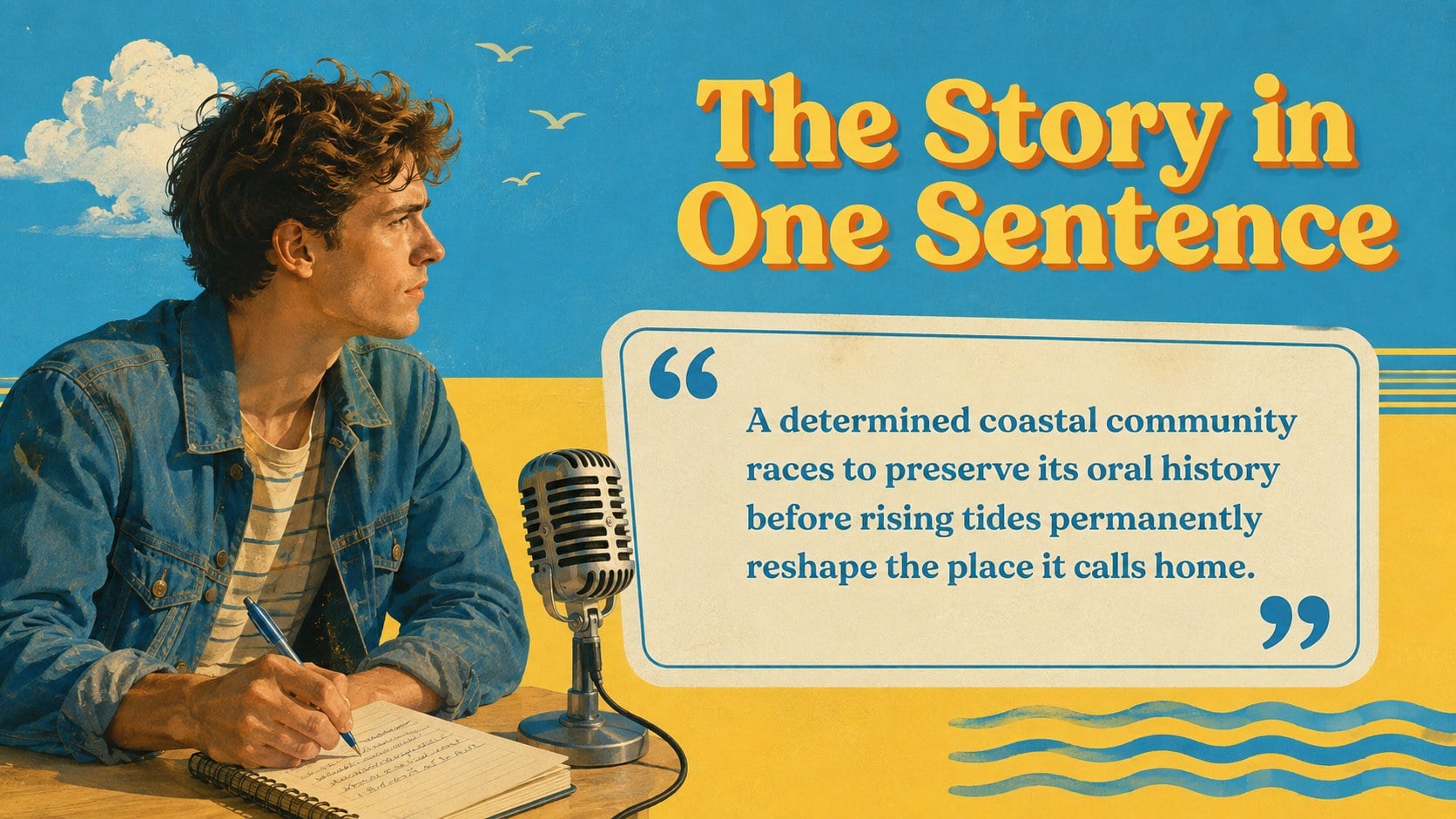
Whimsical documentary proposal slides give nonfiction filmmakers a polished framework for presenting stories with clarity and personality. Inspired by carefully composed cinema, the design combines balanced framing, retro editorial details, minimalist typography, and a refreshing blue-and-yellow palette. The result feels imaginative without distracting from the facts, characters, or purpose behind your project.
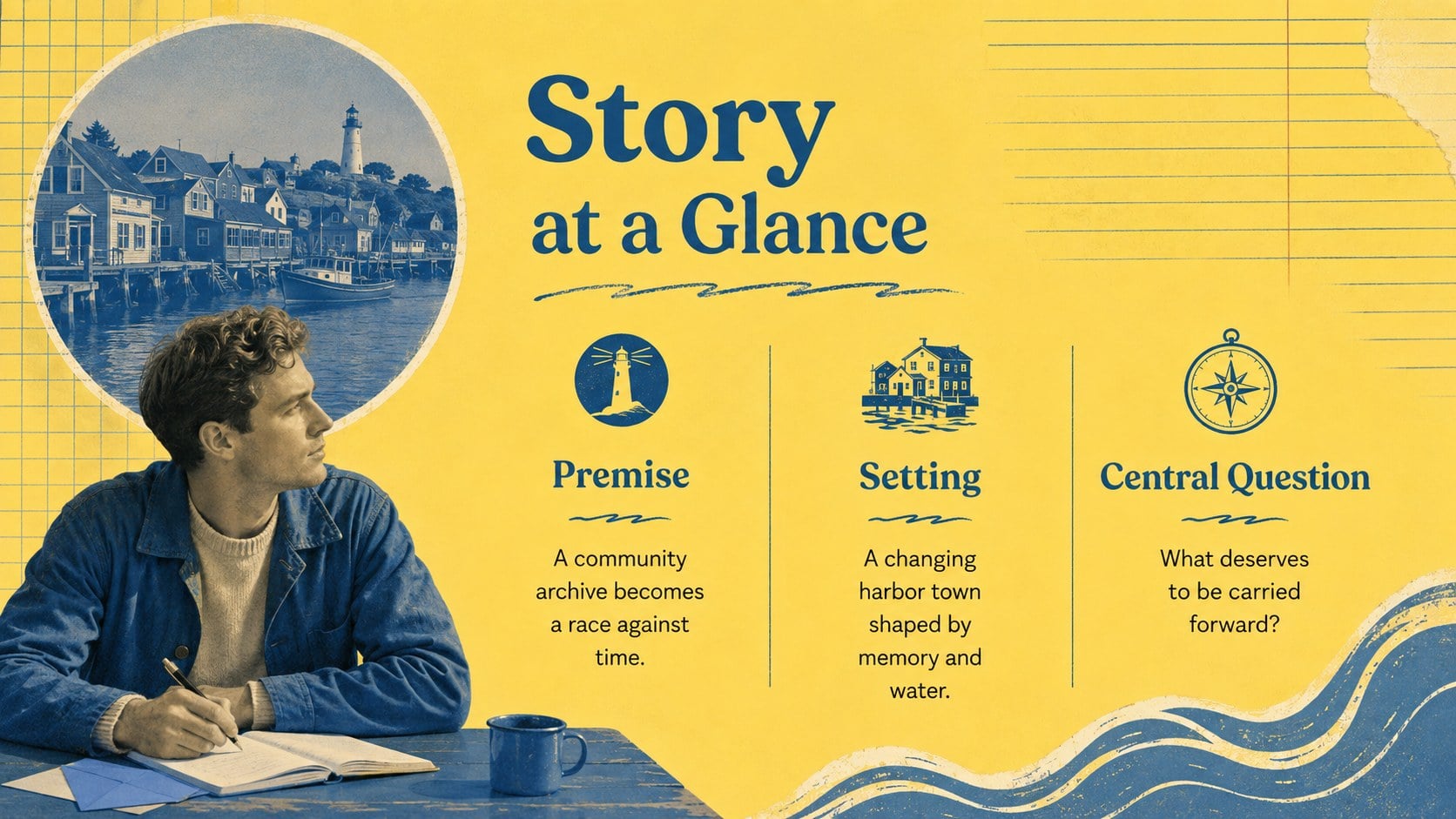
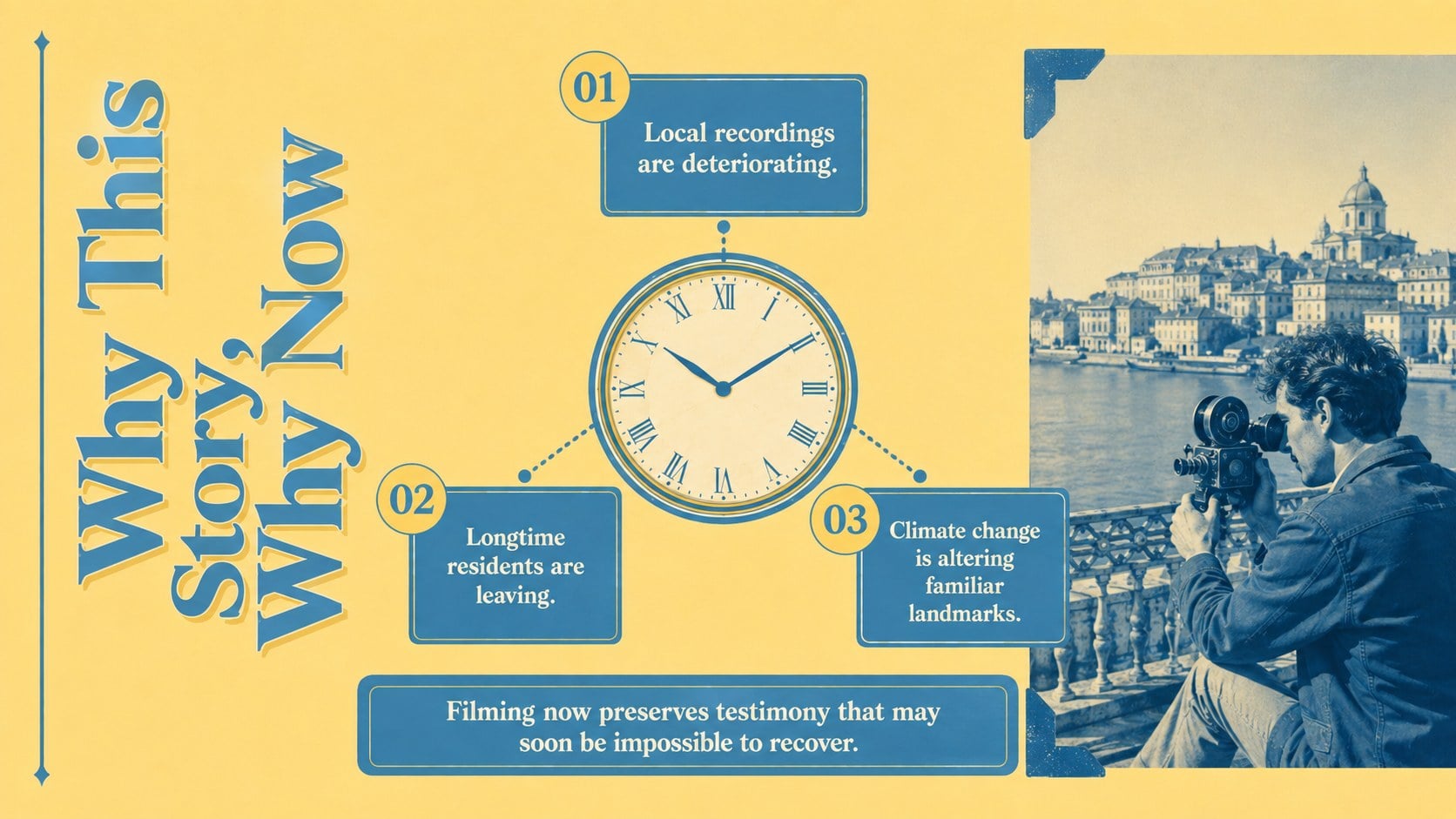
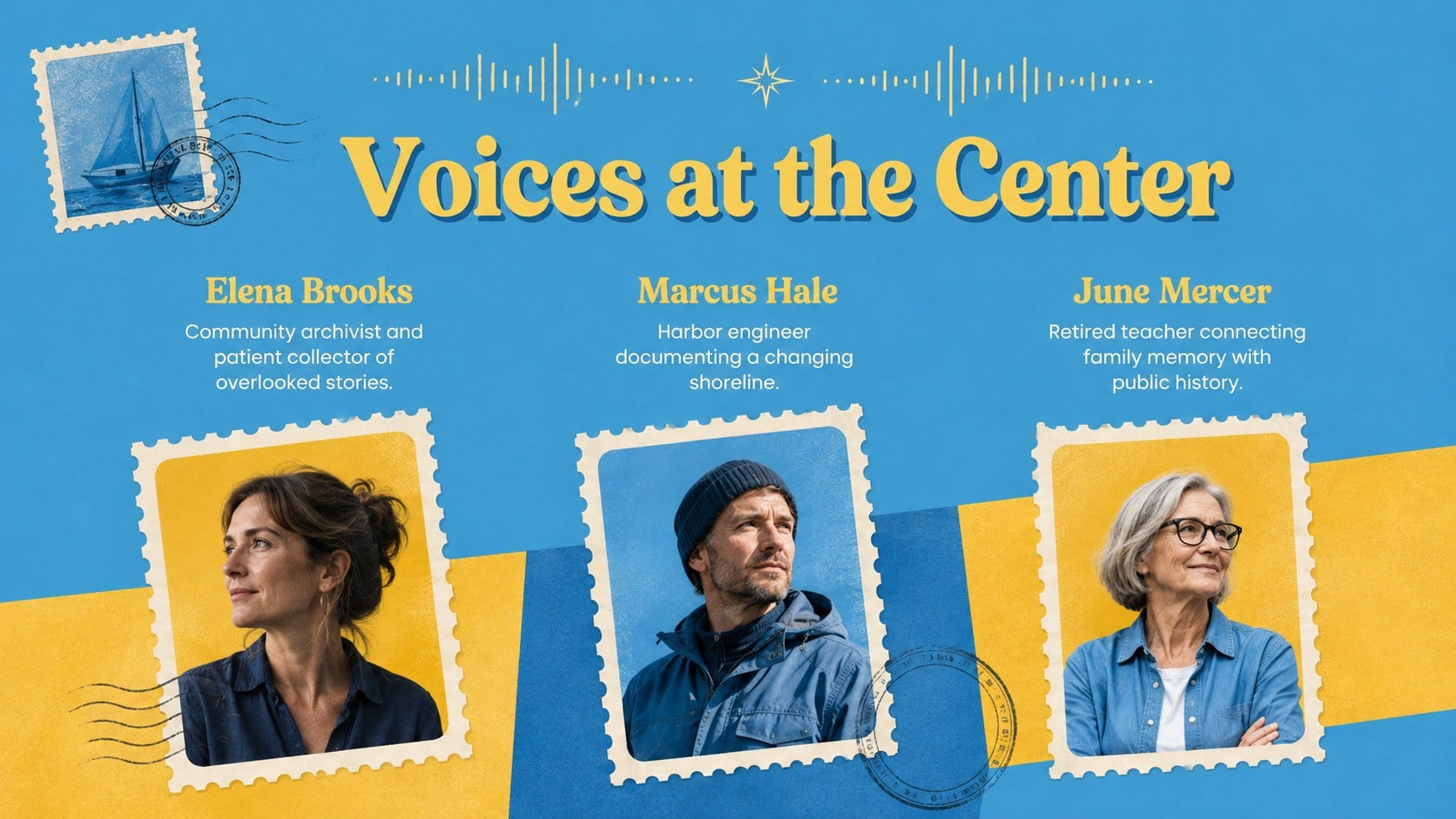
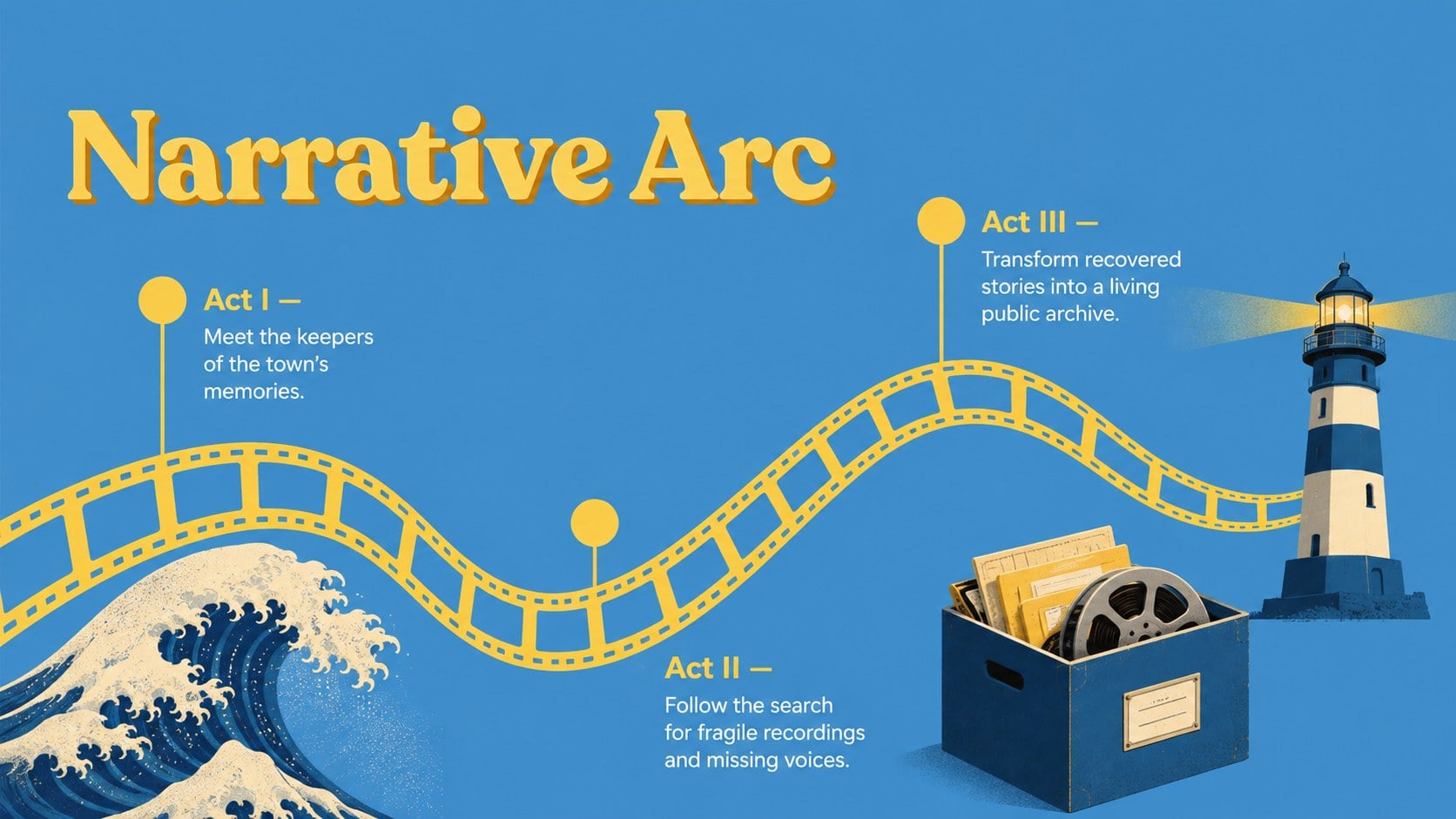
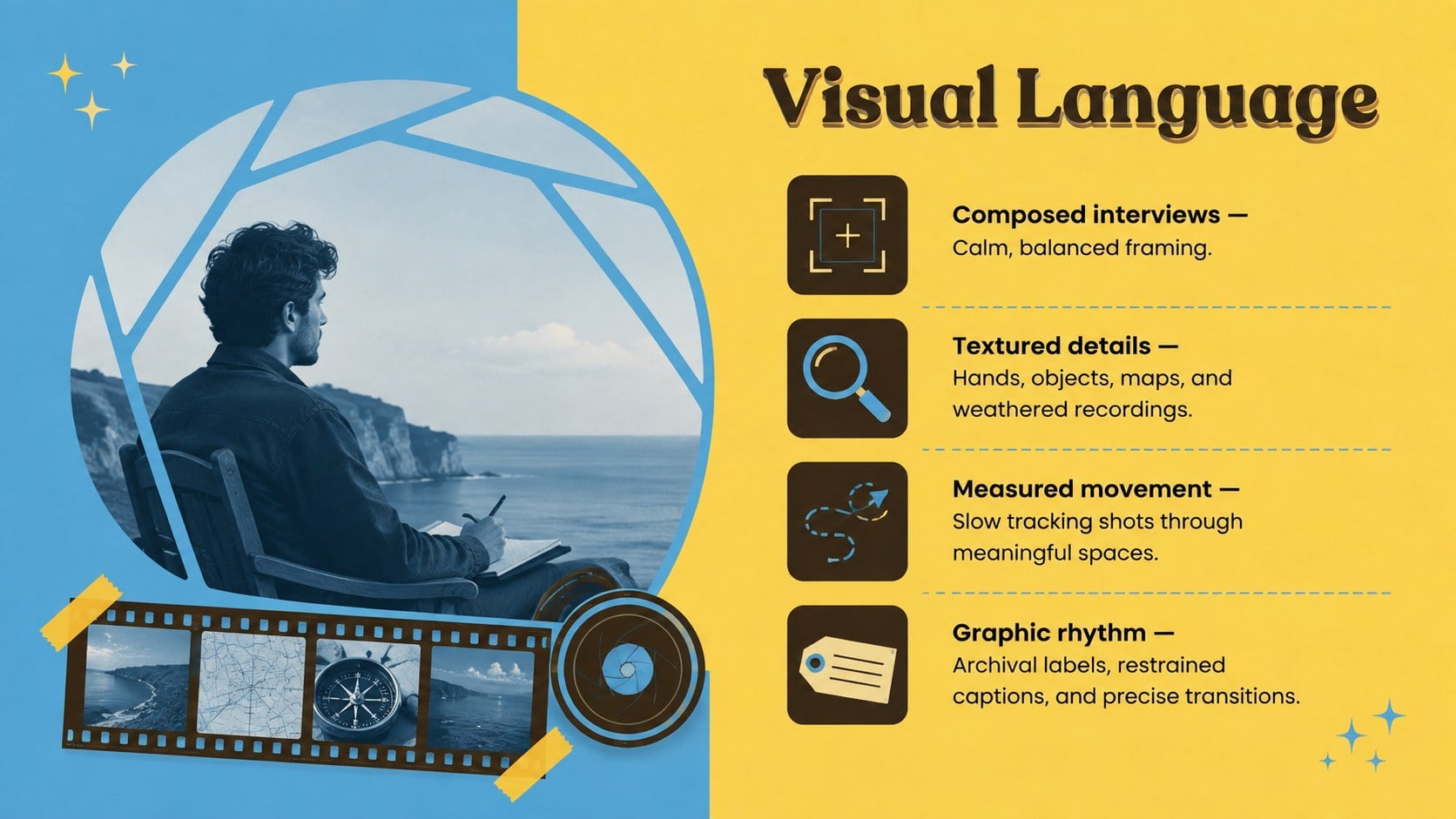
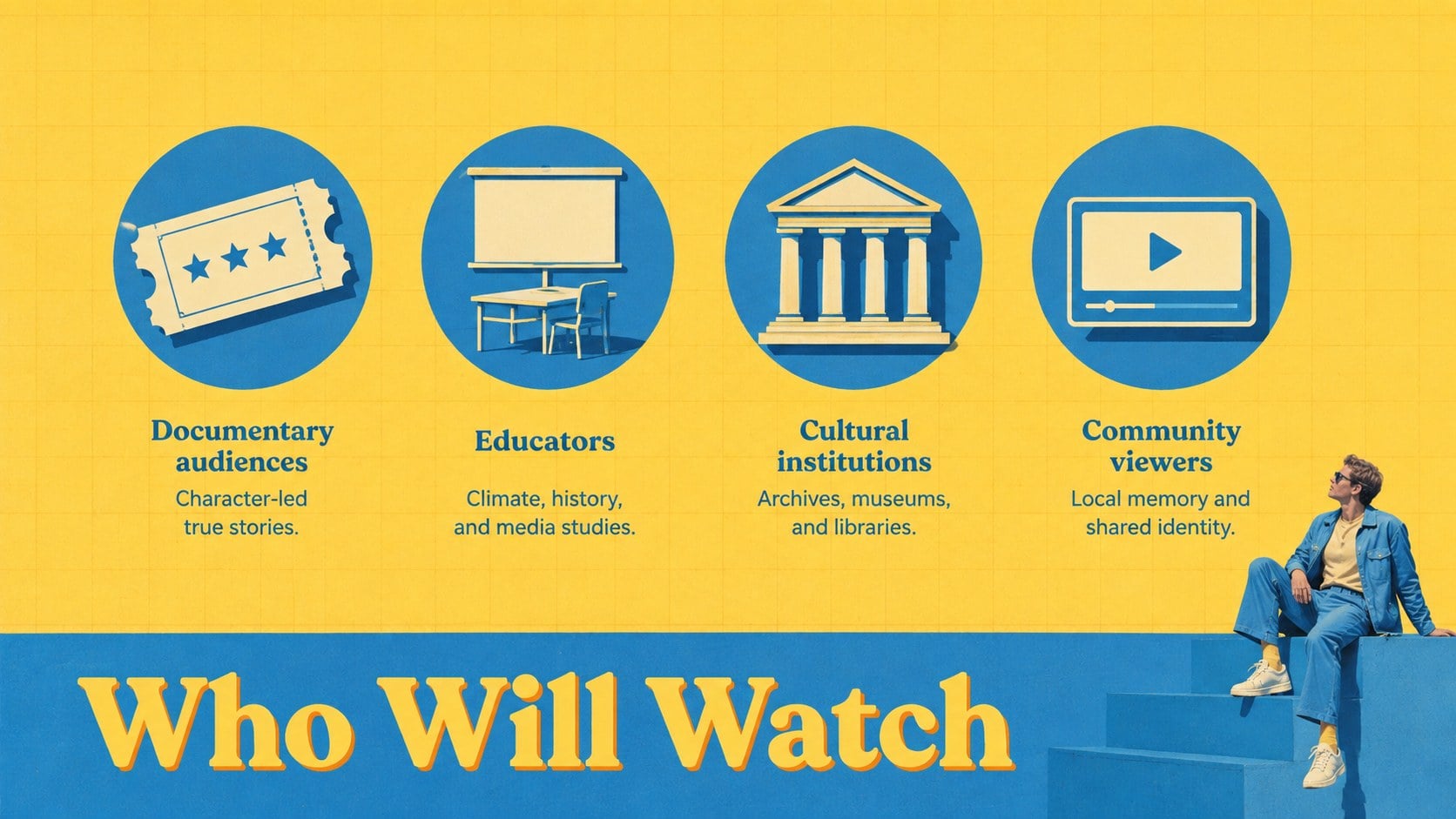
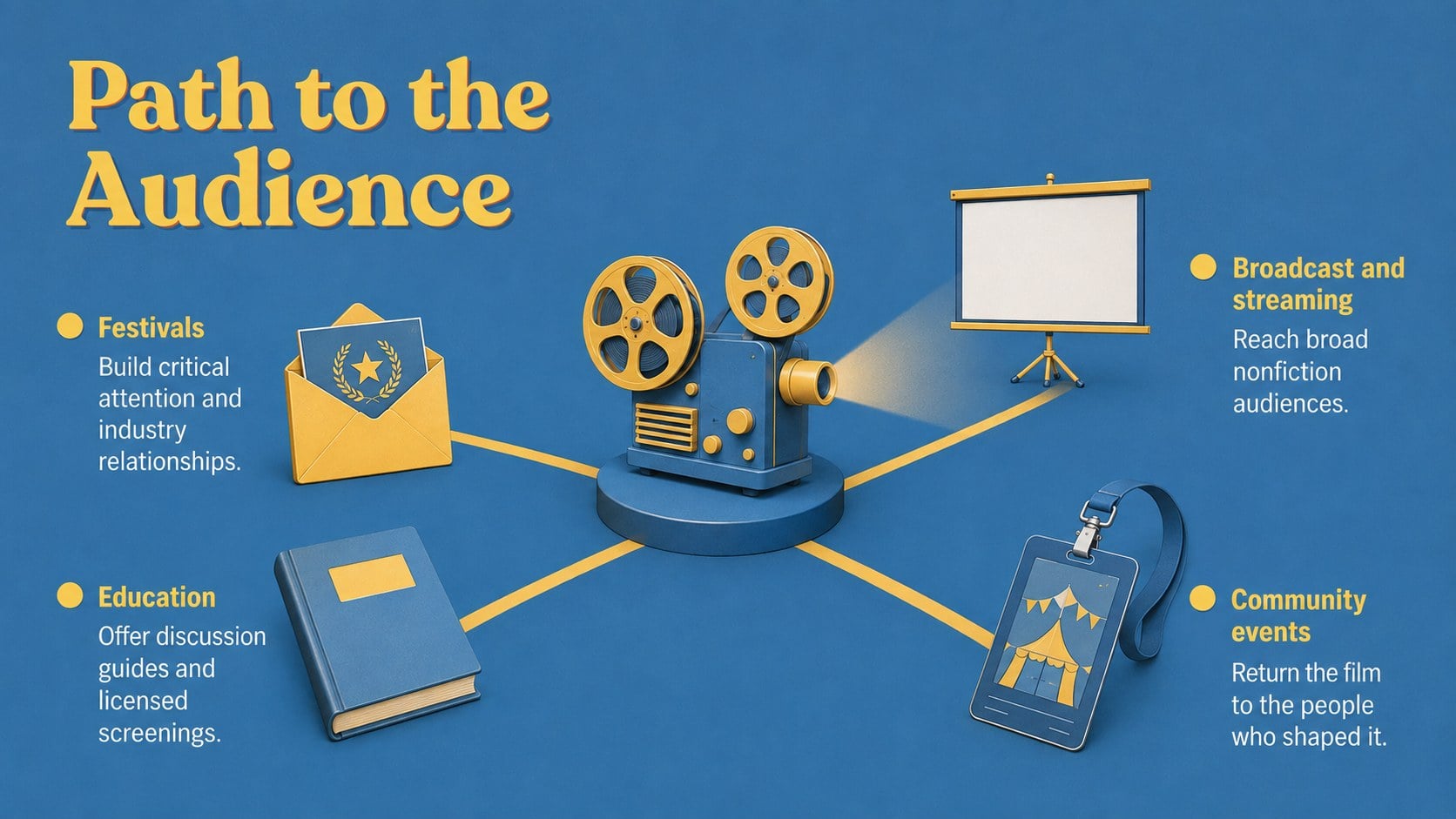
Inside this symmetrical documentary pitch template, you will find layouts for the logline, central question, story overview, featured participants, narrative structure, visual direction, audience profile, production plan, schedule, budget, distribution strategy, and impact campaign. Charts, timelines, image frames, and section dividers make complex information easier to scan. Every slide can be adapted in PowerPoint or Google Slides to match your footage, photography, data, and project identity.
The deck is built for independent directors, producers, creative agencies, nonprofit media teams, educators, and students preparing a documentary funding presentation. It can support an early concept meeting, grant submission, broadcaster pitch, classroom film proposal, or partner briefing. Use the blue and yellow film proposal slides to establish a memorable visual rhythm while keeping practical details organized. Replace the sample copy, adjust the palette, add production stills, and shape the sequence around the story you want stakeholders to understand and support.
Perfect for: documentary funding presentation; independent film producer pitch; nonprofit media grant proposal; broadcaster concept meeting; classroom documentary project; impact campaign briefing.
Frequently asked questions
Can I edit these slides in PowerPoint and Google Slides? Yes. The layouts, text, colors, and image placeholders are designed for editing in both PowerPoint and Google Slides. Some fonts or transitions may vary slightly between platforms.
Practical details
Yes. The layouts, text, colors, and image placeholders are designed for editing in both PowerPoint and Google Slides. Some fonts or transitions may vary slightly between platforms.
Replace the sample text with your logline, research, participant profiles, production details, and funding request. Add original stills or location photography, then adjust the blue-and-yellow palette if your project has an established visual identity.
Yes. The deck includes structured concepts for a production schedule, budget snapshot, distribution plan, and impact campaign. You can expand or duplicate those slides when a funder requires more detail.
It is suitable for documentary filmmakers, producers, creative agencies, nonprofit storytellers, educators, and film students. The format works for funders, commissioners, production partners, classroom reviewers, and community organizations.
Keep exploring
15Build an engaging World UFO Day session with this flying saucer history lesson deck, featuring retro green-and-brown slides for PowerPoint and Google Slides.
 15
15Plan a lively animal-learning journey with this jungle zoo adventure lesson deck, ready to customize in PowerPoint and Google Slides for young learners.
 16
16Turn environmental research into a clear story with a Watercolor Ecology Presentation Theme for PowerPoint and Google Slides in calming green and blue.
 16
16Build focused fashion, literature, and humanities presentations with the Red Triangle Editorial Theme, editable in PowerPoint and Google Slides.
 15
15Turn streaming stats, favorite tracks, and concert highlights into a bold annual listening recap slide deck for PowerPoint and Google Slides.
 15
15Turn highlights, milestones, and favorite moments into a colorful year in review slide deck with bold 3D graphics for PowerPoint and Google Slides.
 3
3Build a credible endorsement with Standout Colleague Recommendation Letter Slides, featuring colorful prompts for skills, achievements, and team impact.
 4
4Build clear beginner sessions with an ice hockey fundamentals training deck for coaches, PE teachers, and clubs, ready for PowerPoint and Google Slides.