
 15
15presentation
Flying Saucer History Lesson Deck
Build an engaging World UFO Day session with this flying saucer history lesson deck, featuring retro green-and-brown slides for PowerPoint and Google Slides.
Google SlidesPowerPoint
presentation · English
Plan your week with a weekly retro planner deck for habits, notes, and creative ideas, using flexible PowerPoint and Google Slides layouts in a crisp white…
Design notes
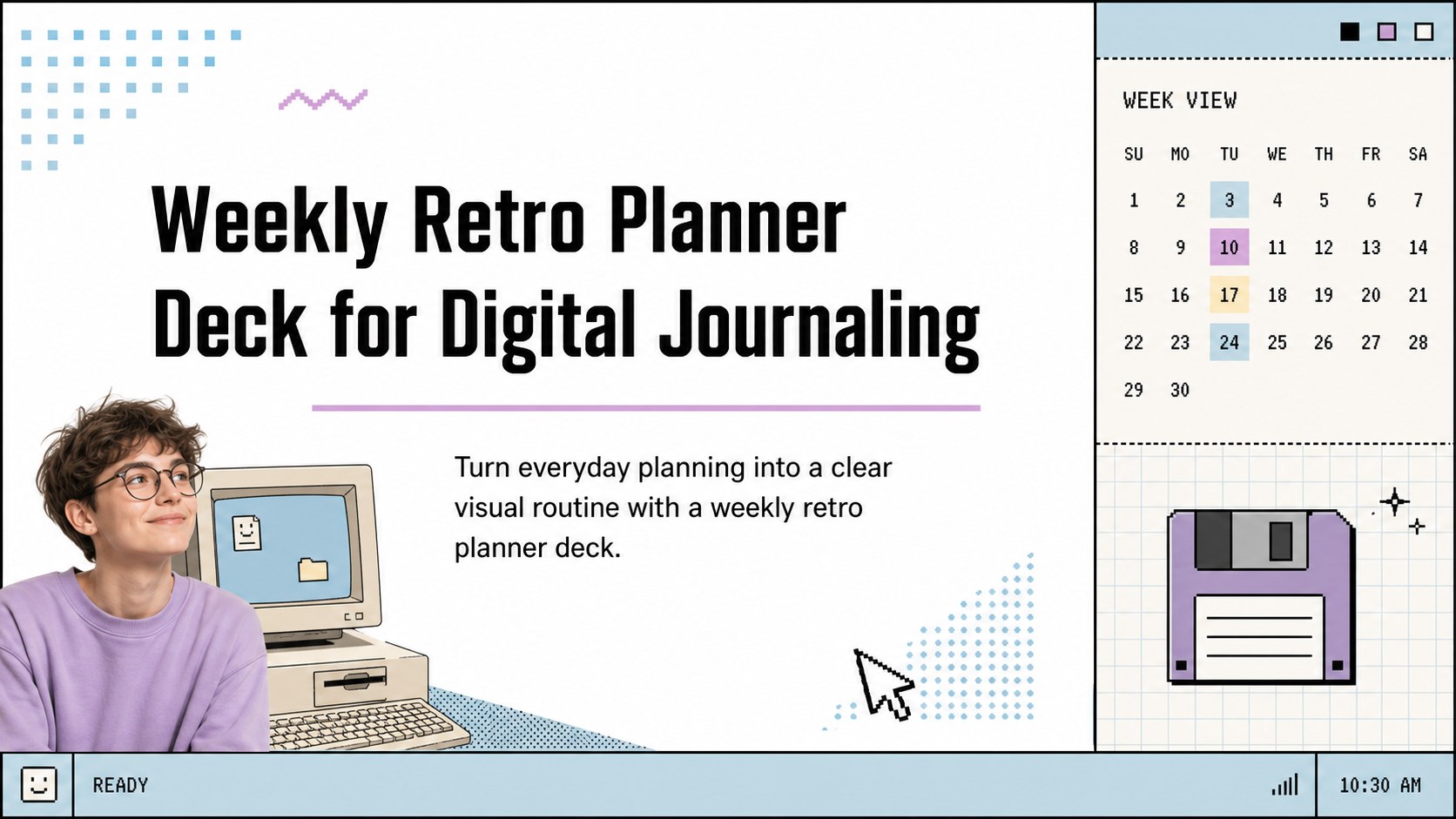
Turn everyday planning into a clear visual routine with a weekly retro planner deck for schedules, habits, reflections, and creative notes. The crisp white layout, nostalgic computer-inspired details, and restrained decorative graphics make this digital journal presentation easy to scan and simple to personalize.
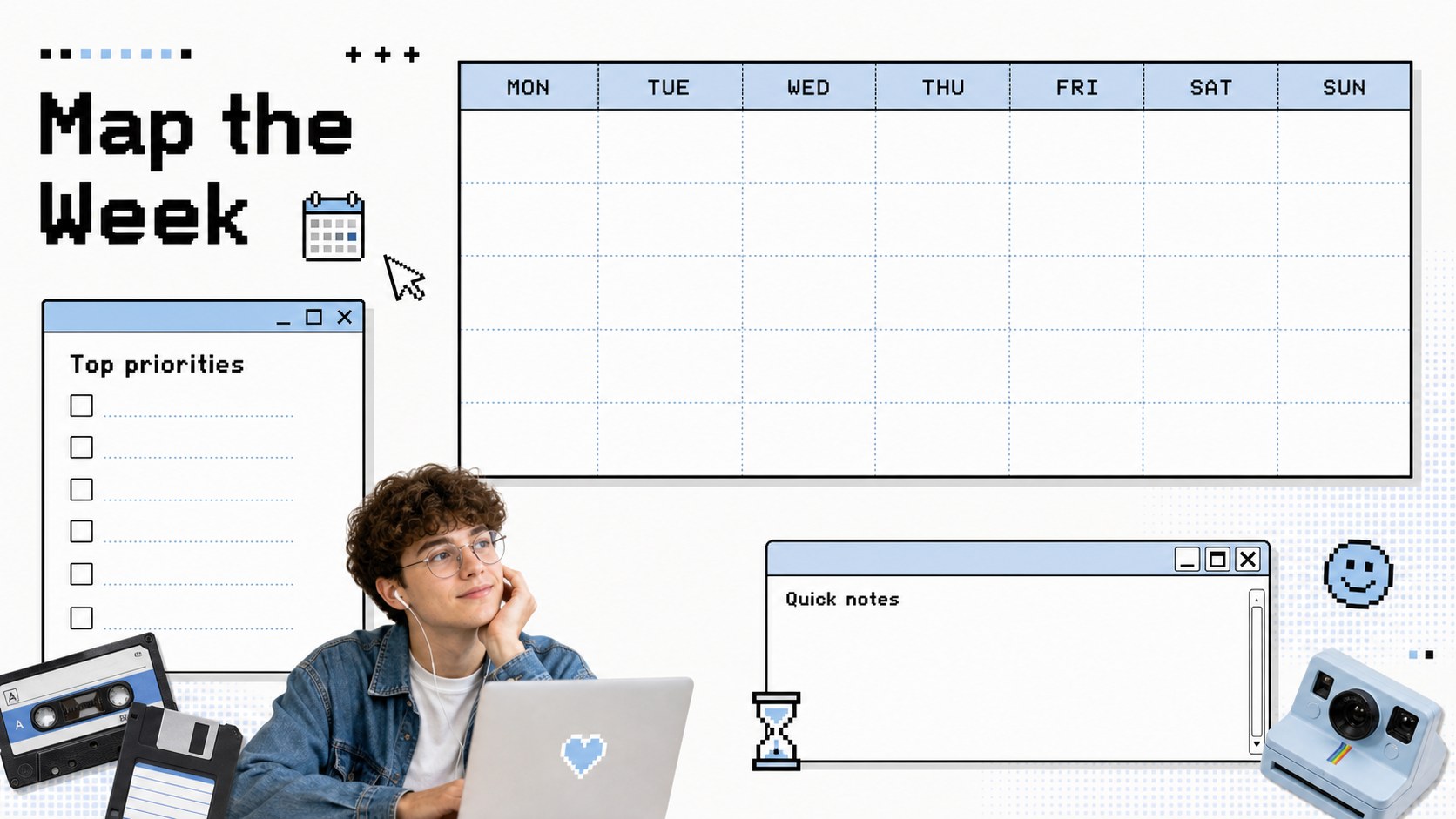
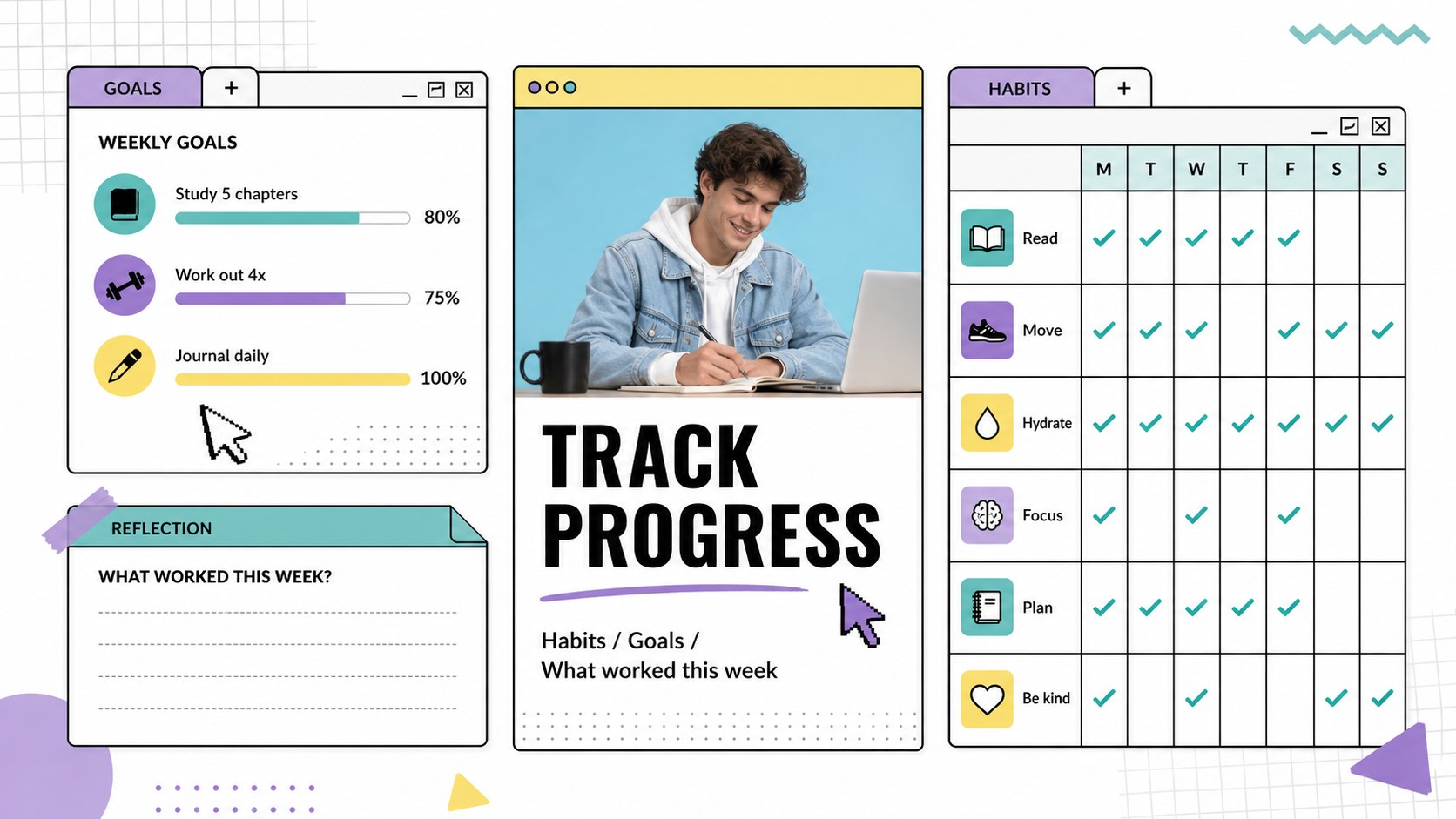
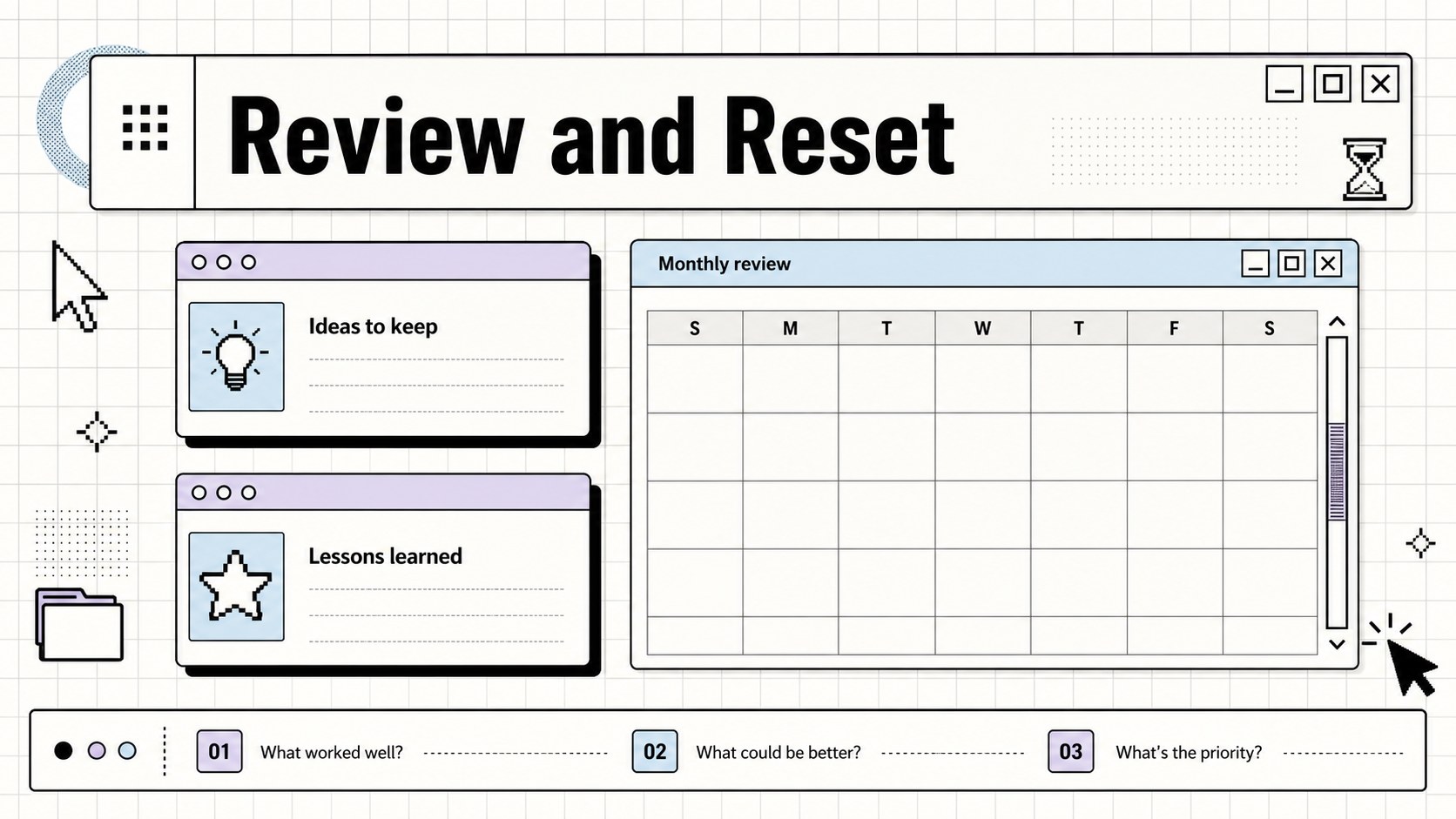
Inside, you will find layouts for weekly priorities, monthly overviews, daily checklists, habit tracking, goal setting, project milestones, meeting notes, study planning, and idea capture. Use the modular blocks to record deadlines, sort tasks, review progress, or build a visual archive of personal and creative work. The deck can also function as a 90s productivity planner for students, professionals, freelancers, and content creators who want structure without a corporate appearance.
Edit the text, colors, fonts, icons, and layout proportions in PowerPoint or Google Slides. Duplicate pages for longer routines, remove sections that do not fit your workflow, and rearrange panels to create a custom weekly habit tracker slides set. The white base keeps the design bright and adaptable, while retro interface cues bring energy to otherwise routine planning. Download and share the finished deck for personal organization, team check-ins, classroom planning, or creative project management.
Perfect for: student study planning; freelance content scheduling; personal habit tracking; team weekly check-in; creative project management.
Frequently asked questions
Which platforms can I use to edit this planner deck? The template is designed for PowerPoint and Google Slides. You can edit text, resize layout elements, change colors, and rearrange or duplicate pages in either platform.
Practical details
The template is designed for PowerPoint and Google Slides. You can edit text, resize layout elements, change colors, and rearrange or duplicate pages in either platform.
Yes. Duplicate the weekly, checklist, or reflection layouts and rename the sections for your workflow. You can combine daily planning, habit tracking, project notes, and monthly reviews in one customized deck.
The white foundation and modular interface details make customization straightforward. Replace the accent colors, fonts, icons, and decorative elements while keeping the 90s-inspired structure.
Yes. The layouts work for team check-ins, meeting preparation, study schedules, classroom assignments, and personal productivity. Remove private sections or add duplicated pages to fit a shared planning workflow.
Keep exploring
15Build an engaging World UFO Day session with this flying saucer history lesson deck, featuring retro green-and-brown slides for PowerPoint and Google Slides.
 15
15Plan a lively animal-learning journey with this jungle zoo adventure lesson deck, ready to customize in PowerPoint and Google Slides for young learners.
 16
16Turn environmental research into a clear story with a Watercolor Ecology Presentation Theme for PowerPoint and Google Slides in calming green and blue.
 16
16Build focused fashion, literature, and humanities presentations with the Red Triangle Editorial Theme, editable in PowerPoint and Google Slides.
 15
15Turn streaming stats, favorite tracks, and concert highlights into a bold annual listening recap slide deck for PowerPoint and Google Slides.
 15
15Turn highlights, milestones, and favorite moments into a colorful year in review slide deck with bold 3D graphics for PowerPoint and Google Slides.
 3
3Build a credible endorsement with Standout Colleague Recommendation Letter Slides, featuring colorful prompts for skills, achievements, and team impact.
 4
4Build clear beginner sessions with an ice hockey fundamentals training deck for coaches, PE teachers, and clubs, ready for PowerPoint and Google Slides.