
 15
15presentation
Flying Saucer History Lesson Deck
Build an engaging World UFO Day session with this flying saucer history lesson deck, featuring retro green-and-brown slides for PowerPoint and Google Slides.
Google SlidesPowerPoint
presentation · English
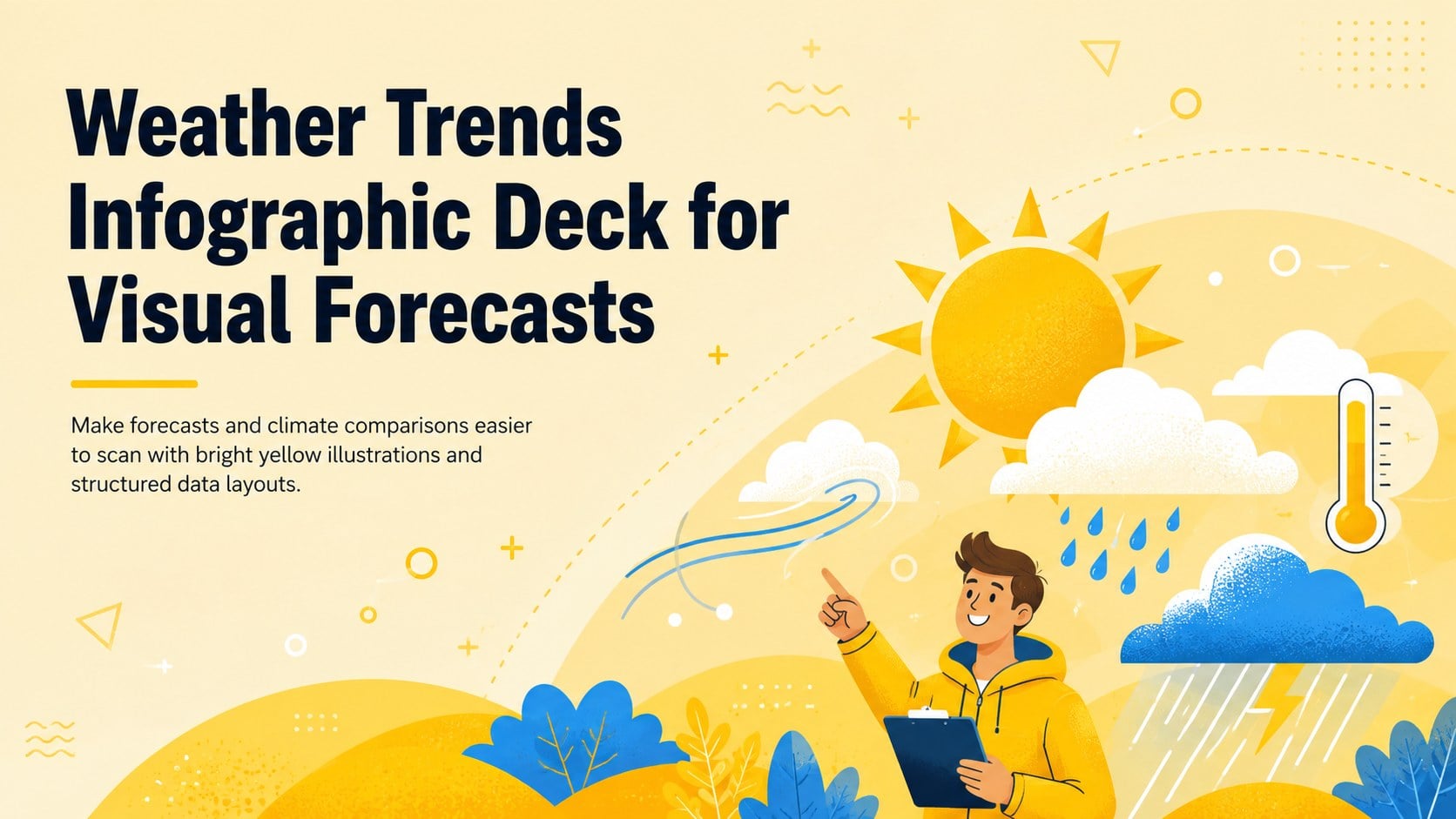
Turn forecasts and climate findings into clear visuals with a weather trends infographic deck for PowerPoint and Google Slides in a bright yellow style.
Design notes
The Weather Trends Infographic Deck for Visual Forecasts turns atmospheric information into an approachable visual story. Its bright yellow palette, playful scientific illustrations, and organized layouts help audiences understand conditions, patterns, and comparisons without working through dense tables. Edit the design in PowerPoint or Google Slides to create a polished report for class, work, or public communication.
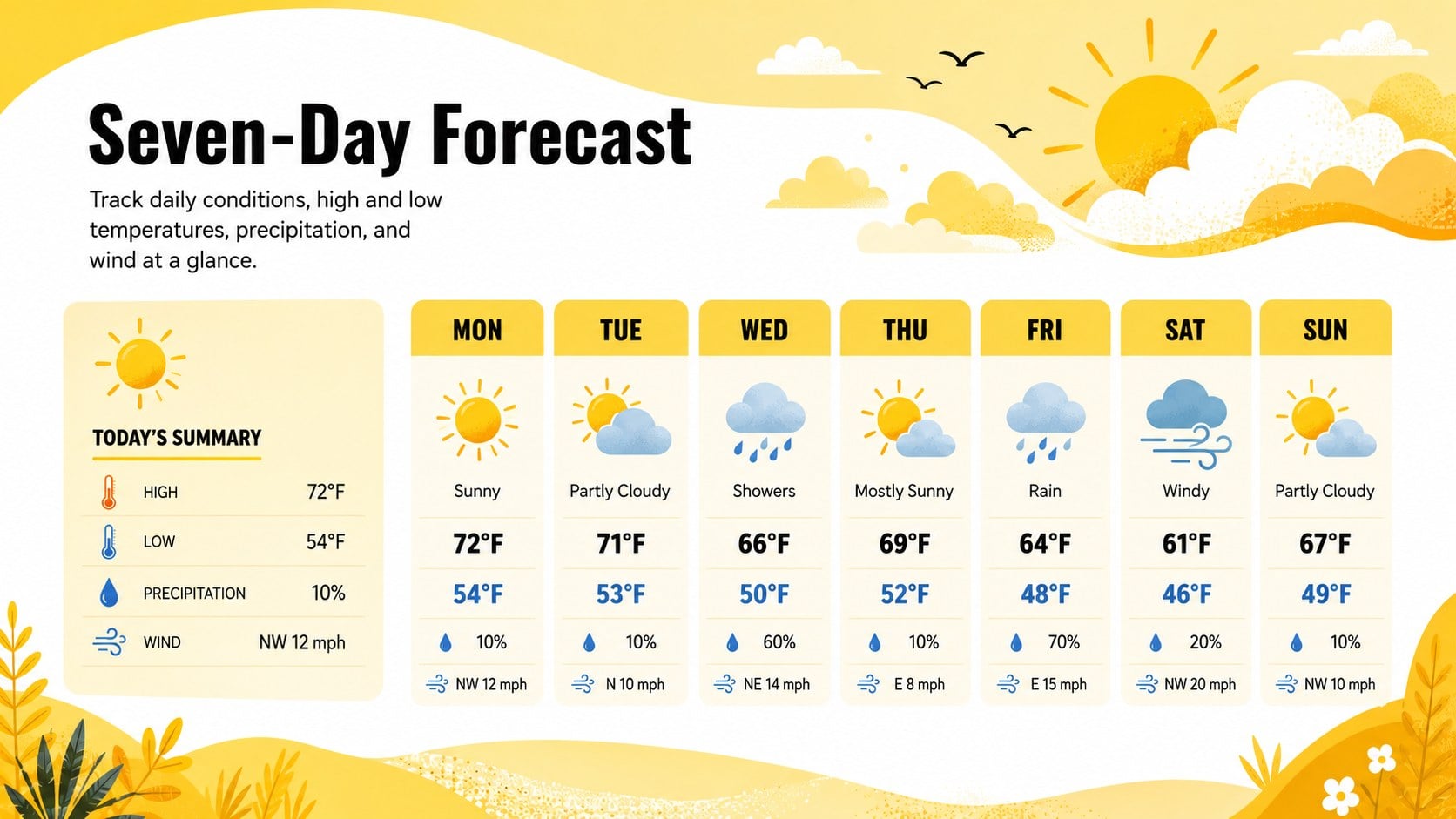
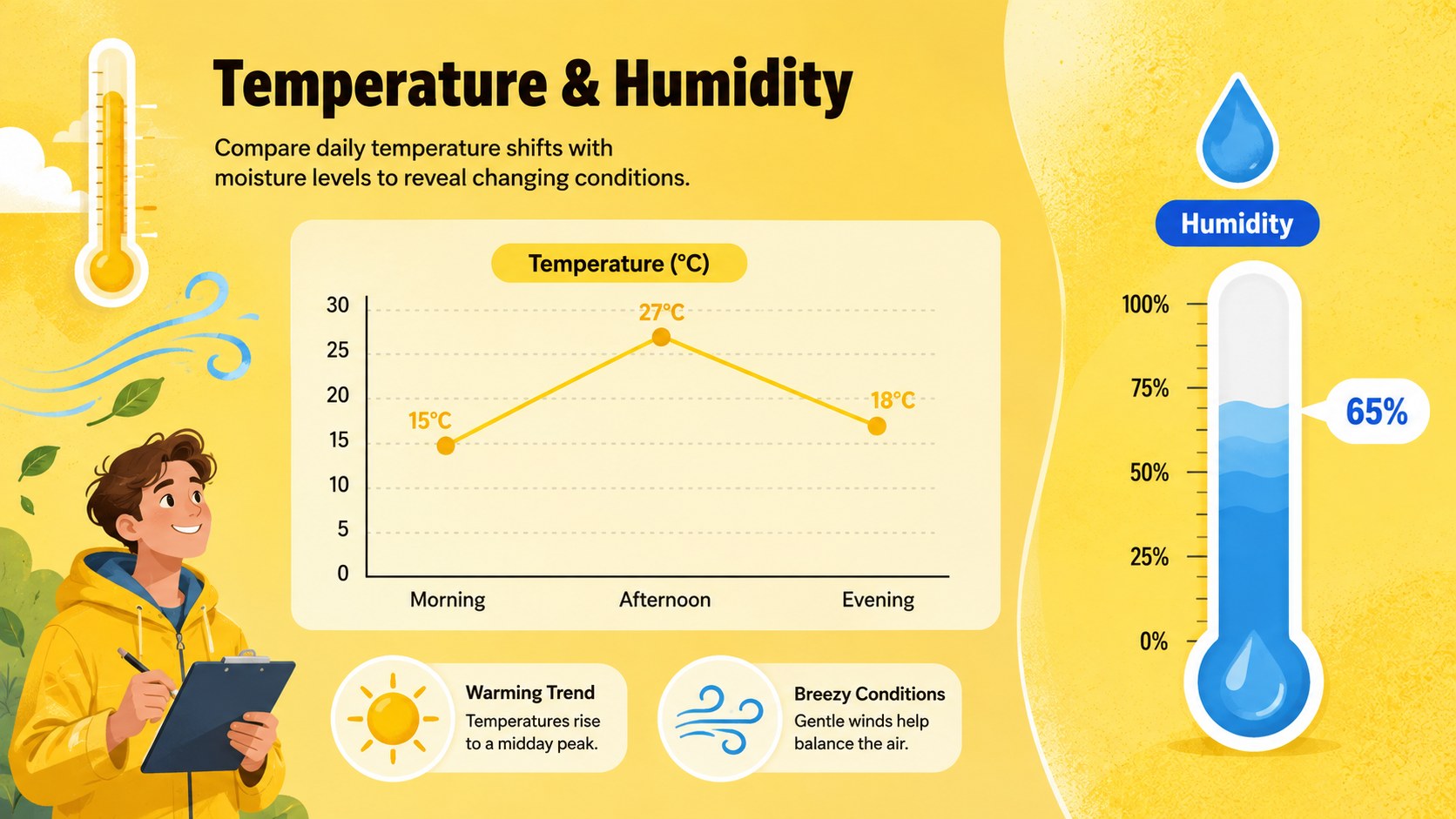
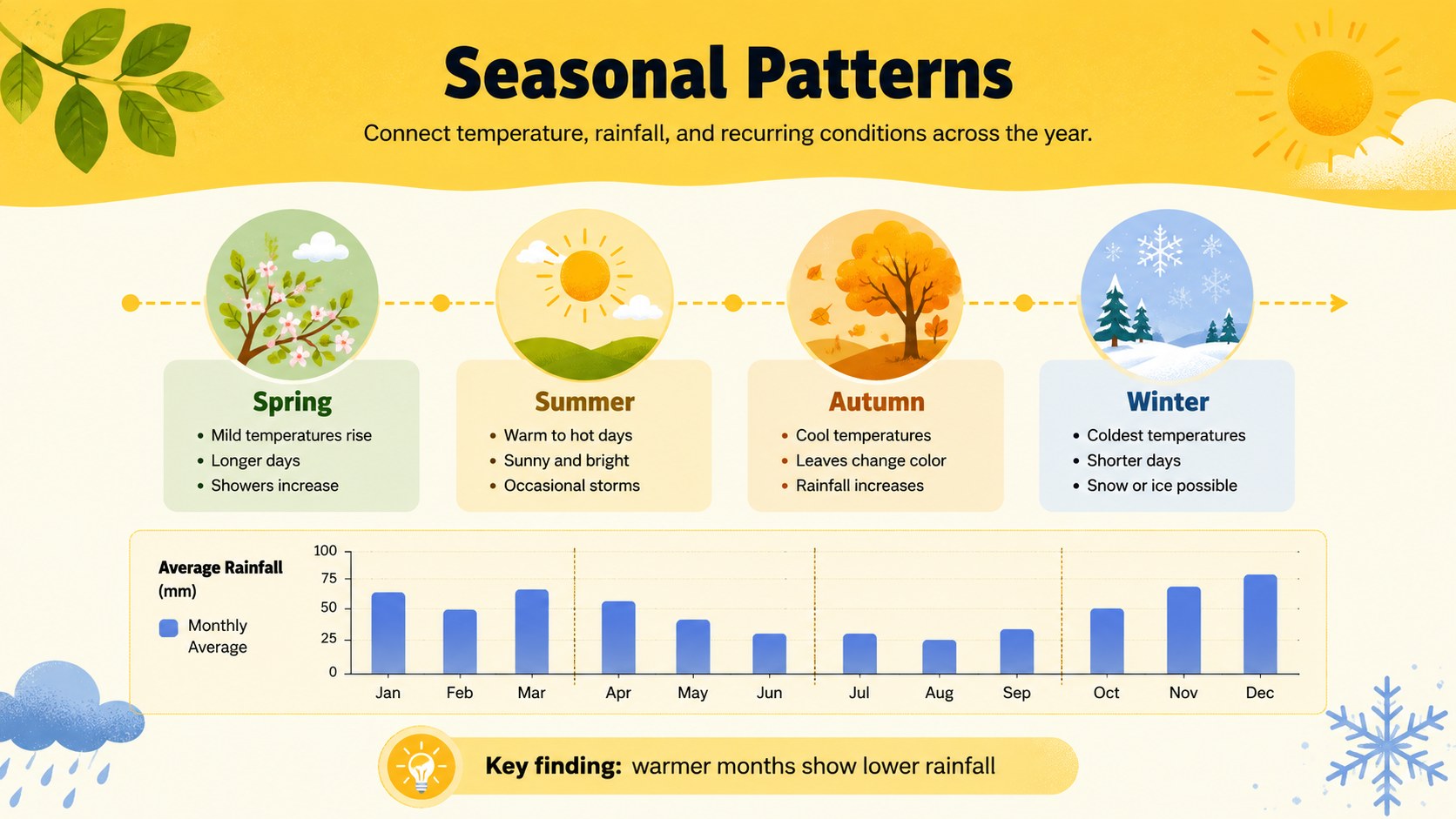
Inside, you will find coordinated layouts for a weekly forecast data visualization, temperature and humidity comparison layout, seasonal observations, and long-term climate findings. Use the editable text areas, icons, charts, labels, and data callouts to present local conditions or broader research. Colors, type, graphics, and values can be adjusted to match a school subject, organization, campaign, or geographic region while preserving the cheerful illustrated style.
This weather trends infographic deck is useful for science teachers, students, meteorology clubs, environmental teams, analysts, marketing groups, and content creators. It works particularly well as a climate trend infographic for students, a concise weather briefing, or a visual companion to a research presentation. The layouts are designed for quick reading, making them suitable for lessons, forecast summaries, temperature comparisons, seasonal reports, and climate awareness projects. Download the template, add your own findings, and tailor every element in PowerPoint or Google Slides.
Perfect for: weekly weather briefing; meteorology classroom lesson; seasonal climate report; temperature and humidity comparison; student science project; environmental awareness presentation.
Frequently asked questions
Can I edit the weather data and forecast labels? Yes. Replace the sample temperatures, conditions, dates, chart values, and explanatory text with your own information. Icons, colors, typefaces, and layout elements are also editable.
Practical details
Yes. Replace the sample temperatures, conditions, dates, chart values, and explanatory text with your own information. Icons, colors, typefaces, and layout elements are also editable.
The deck is designed for PowerPoint and Google Slides. Review font availability after opening it on a new device and substitute a similar typeface when necessary.
Yes. The layouts can present weather vocabulary, forecast exercises, seasonal comparisons, or introductory climate research. Teachers can simplify the labels for younger learners or add detailed measurements for advanced classes.
Change the accent colors while retaining strong contrast between labels, charts, and the background. You can also replace the illustrated weather symbols and adjust the data hierarchy to suit a school, organization, or campaign.
Keep exploring
15Build an engaging World UFO Day session with this flying saucer history lesson deck, featuring retro green-and-brown slides for PowerPoint and Google Slides.
 15
15Plan a lively animal-learning journey with this jungle zoo adventure lesson deck, ready to customize in PowerPoint and Google Slides for young learners.
 16
16Turn environmental research into a clear story with a Watercolor Ecology Presentation Theme for PowerPoint and Google Slides in calming green and blue.
 16
16Build focused fashion, literature, and humanities presentations with the Red Triangle Editorial Theme, editable in PowerPoint and Google Slides.
 15
15Turn streaming stats, favorite tracks, and concert highlights into a bold annual listening recap slide deck for PowerPoint and Google Slides.
 15
15Turn highlights, milestones, and favorite moments into a colorful year in review slide deck with bold 3D graphics for PowerPoint and Google Slides.
 3
3Build a credible endorsement with Standout Colleague Recommendation Letter Slides, featuring colorful prompts for skills, achievements, and team impact.
 4
4Build clear beginner sessions with an ice hockey fundamentals training deck for coaches, PE teachers, and clubs, ready for PowerPoint and Google Slides.