
 15
15presentation
Flying Saucer History Lesson Deck
Build an engaging World UFO Day session with this flying saucer history lesson deck, featuring retro green-and-brown slides for PowerPoint and Google Slides.
Google SlidesPowerPoint
presentation · English
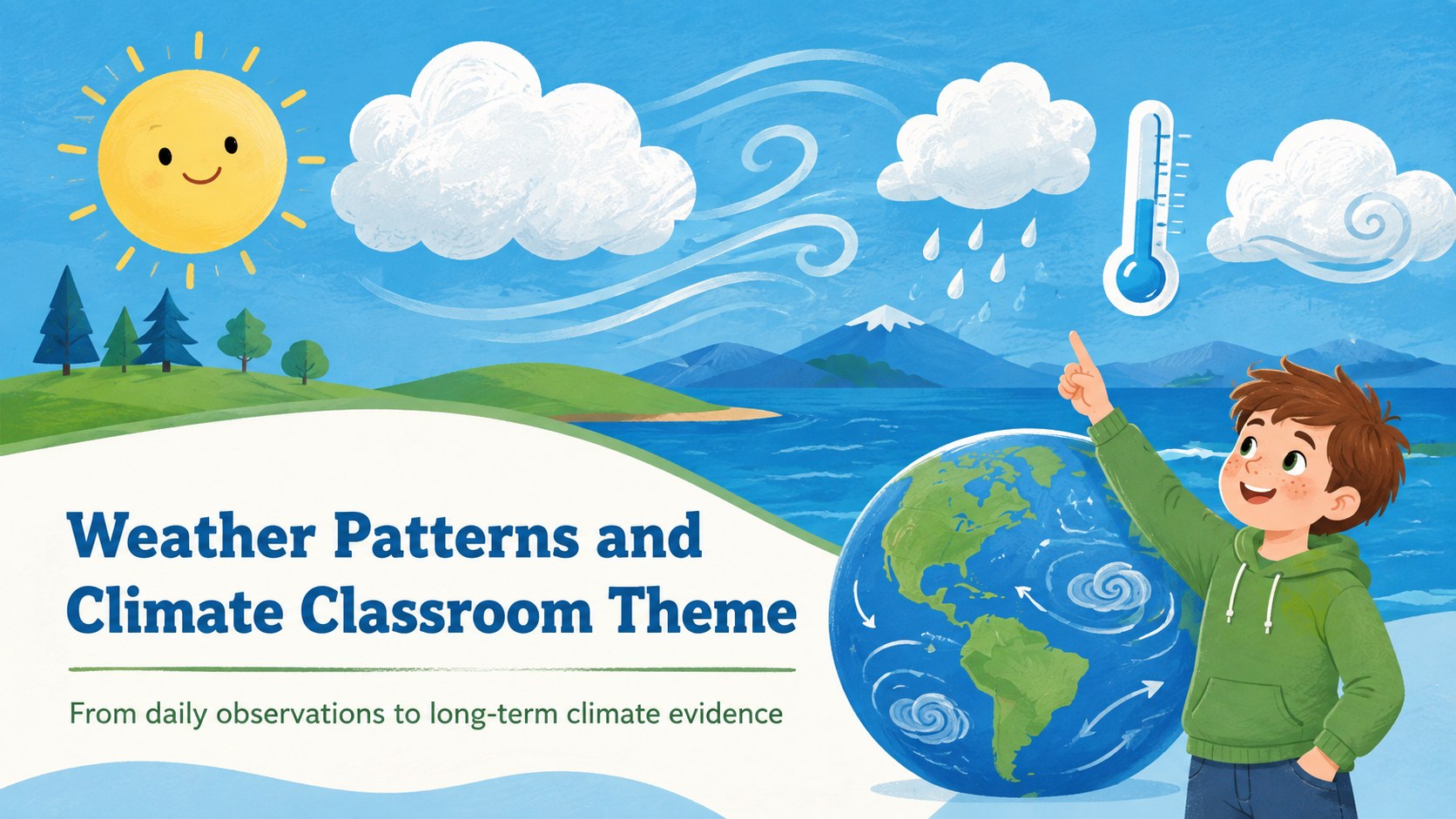
Teach atmospheric systems with a Weather Patterns and Climate Classroom Theme featuring illustrated blue-green layouts for PowerPoint and Google Slides.
Design notes
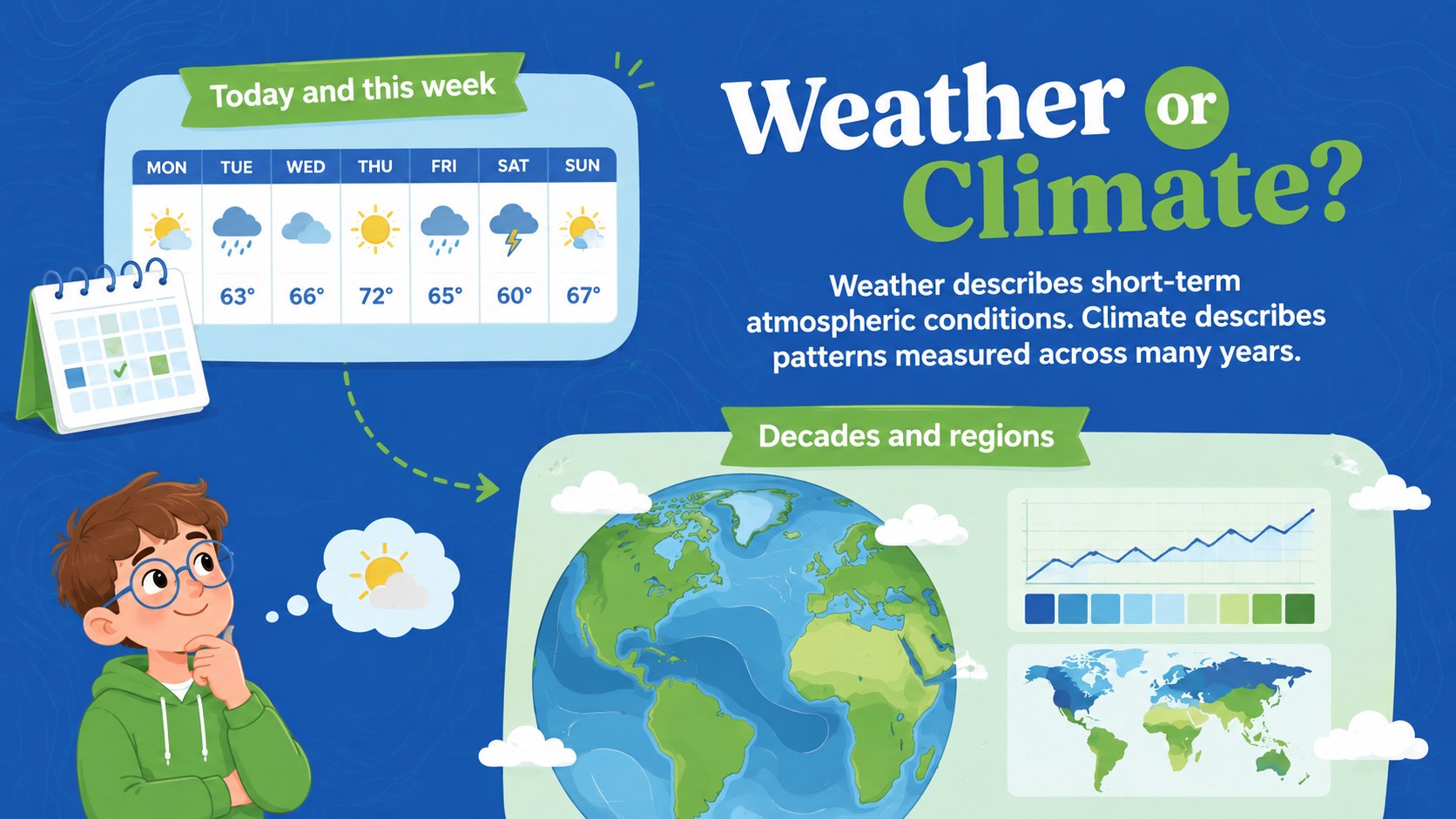
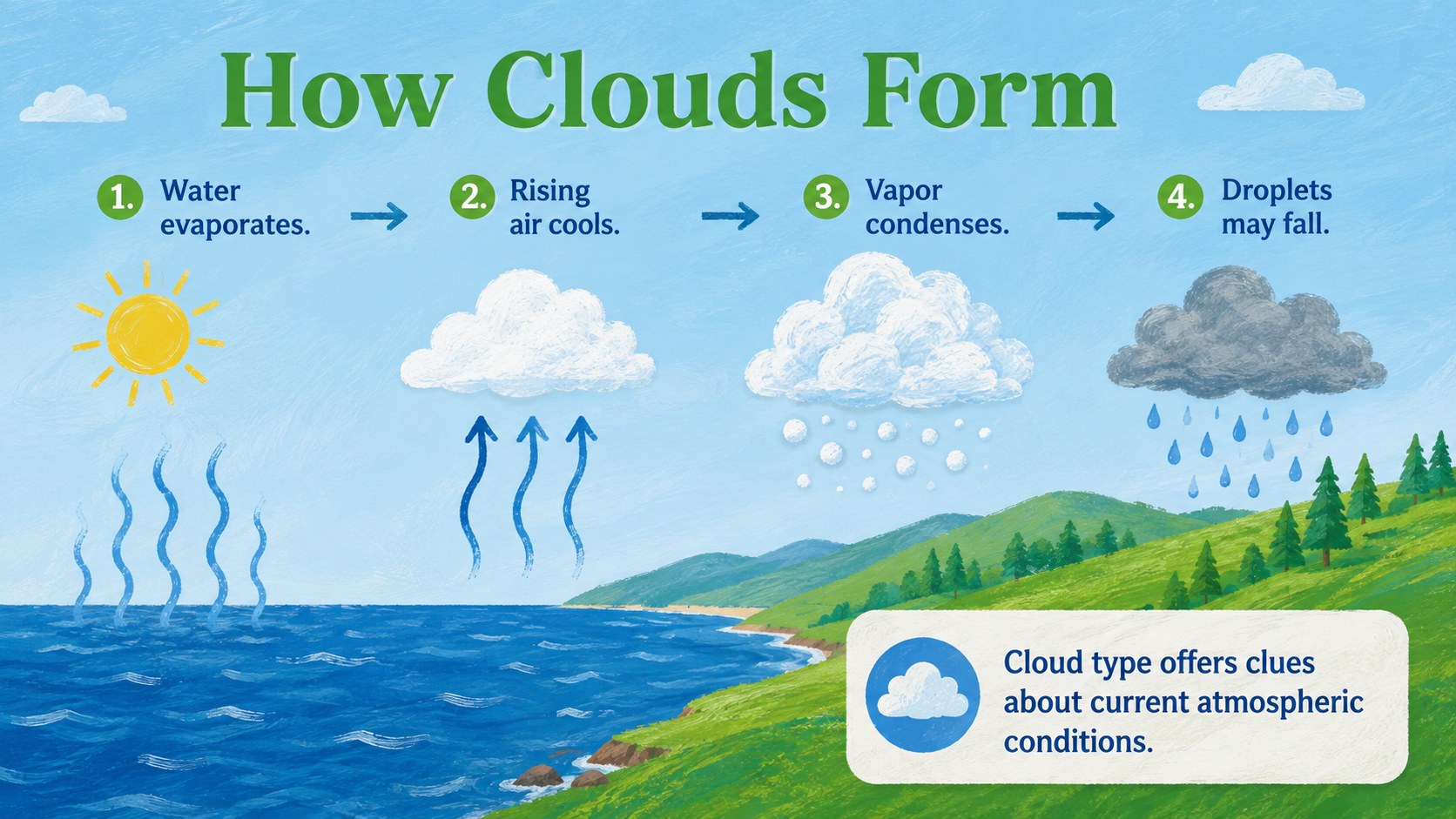
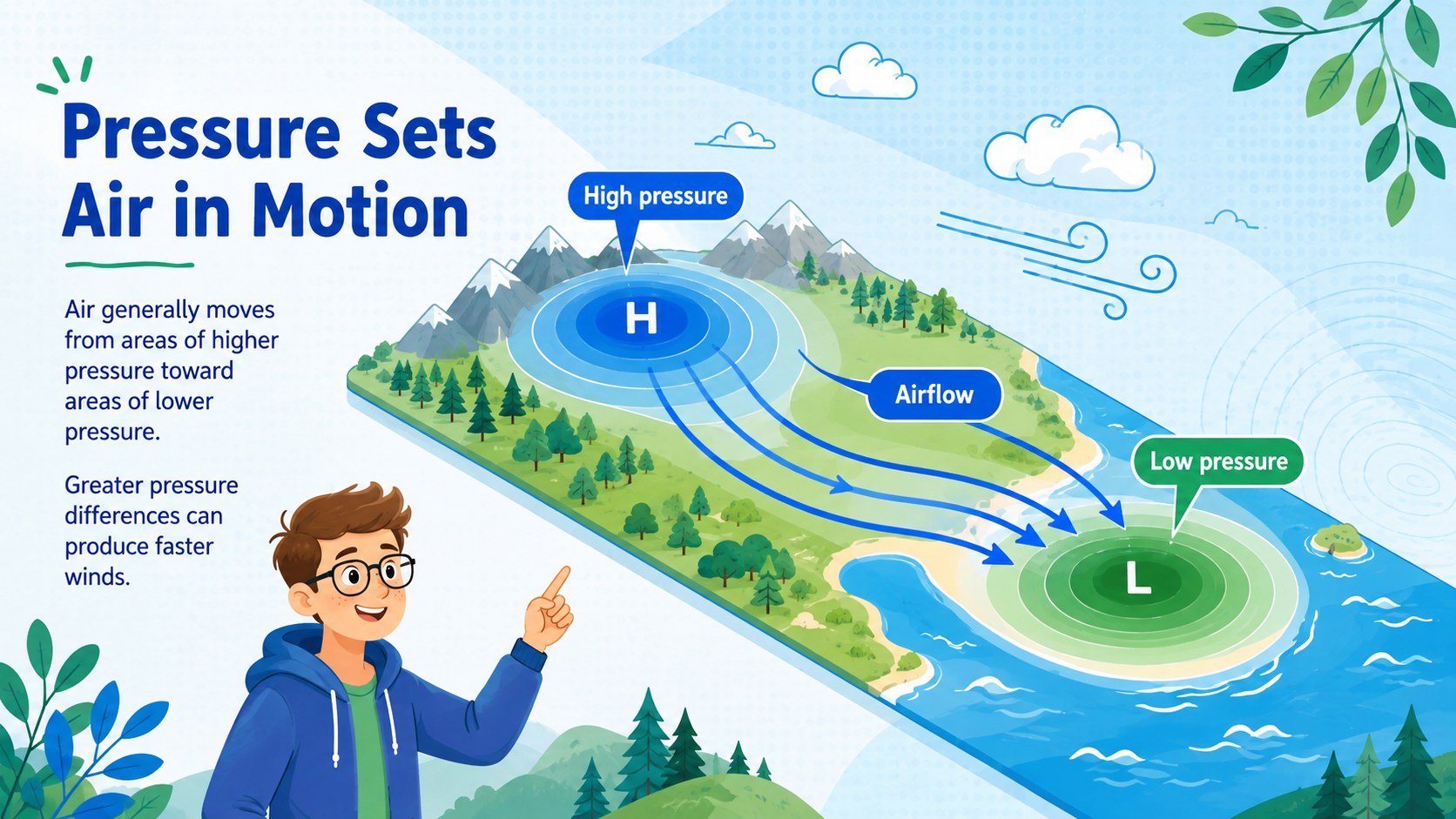
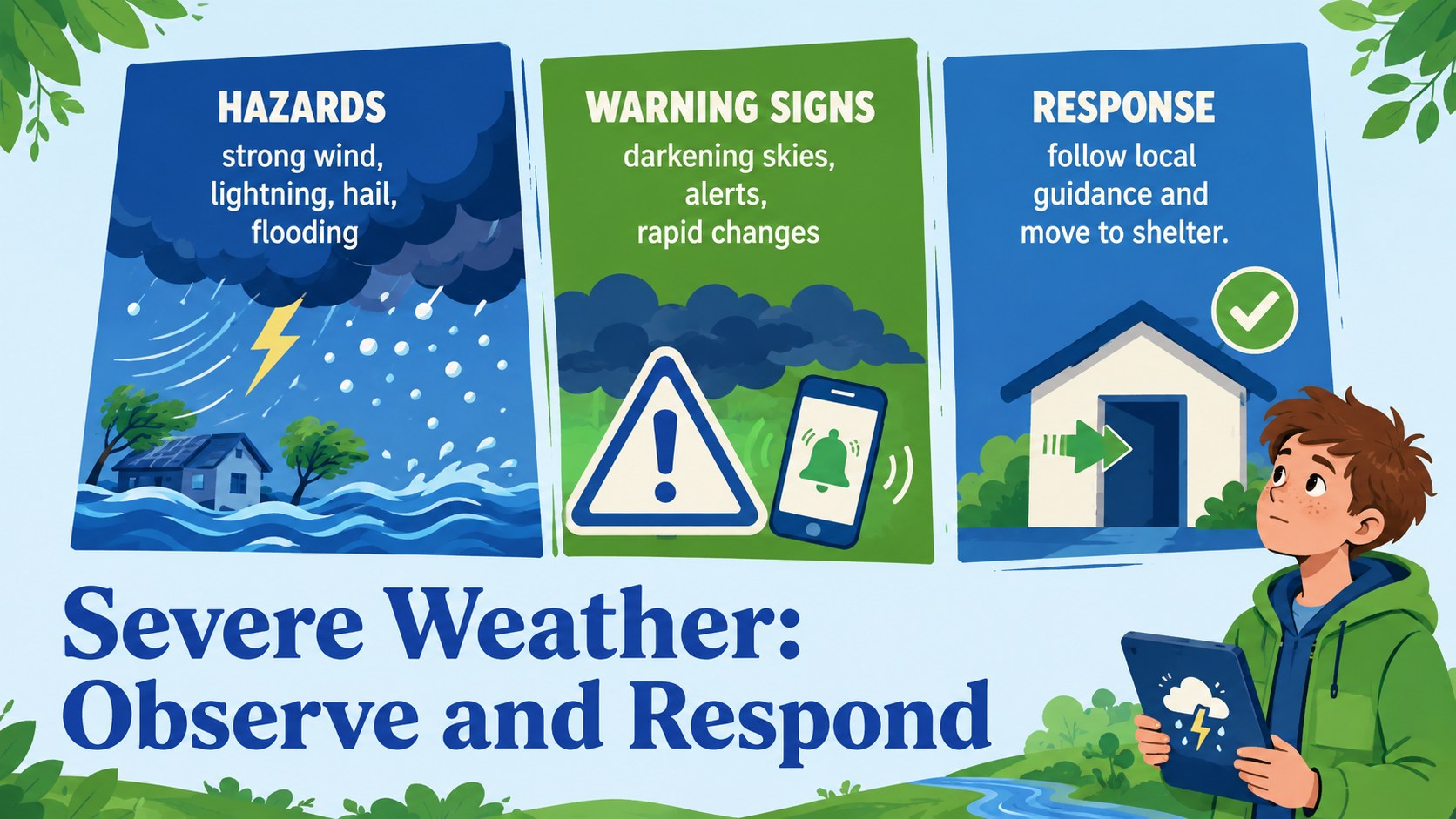
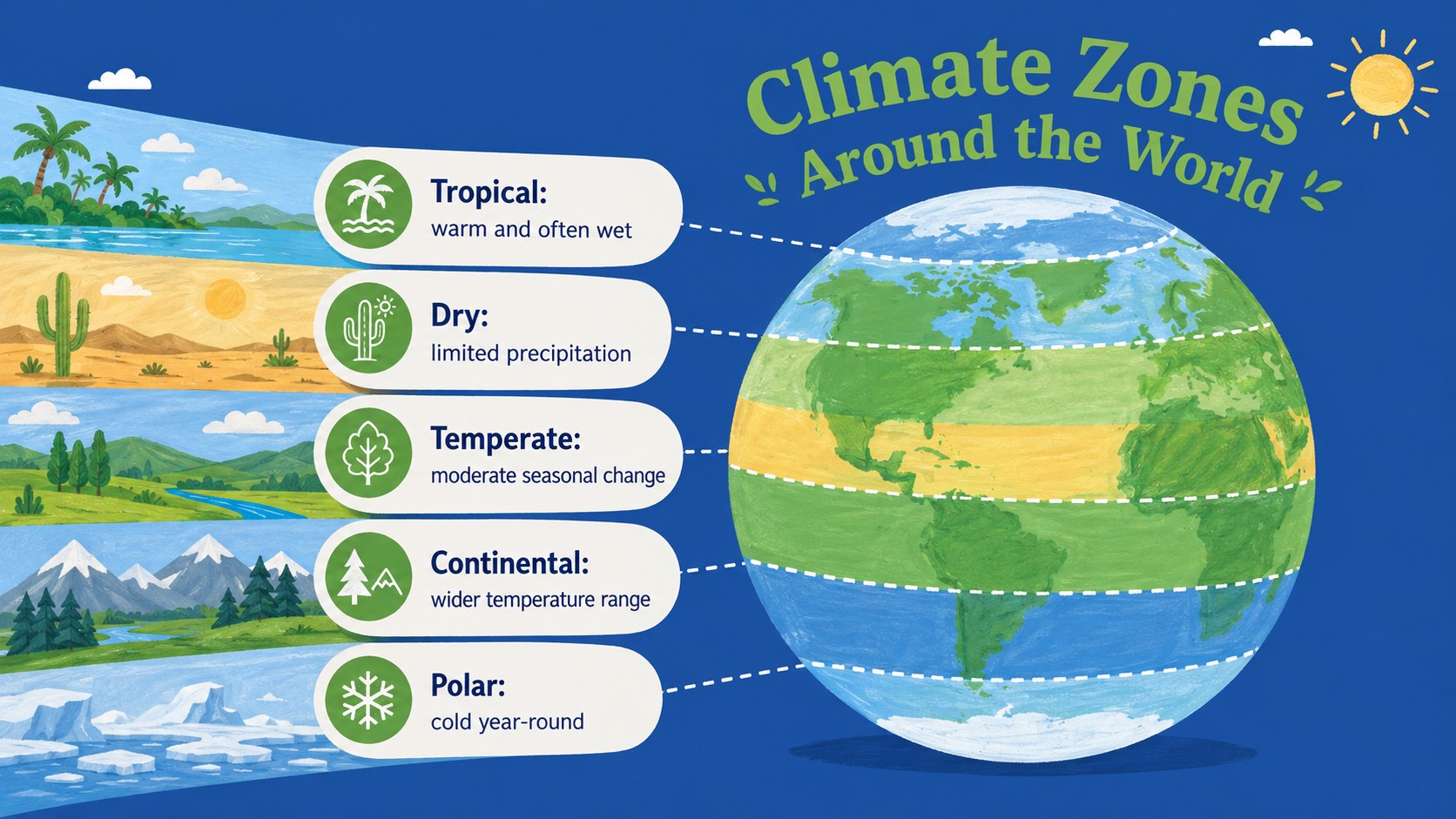
Weather Patterns and Climate Classroom Theme turns atmospheric science into a clear visual journey for grades 6-8. Soft blue and green backgrounds, playful illustrations, and approachable diagrams help teachers compare short-term conditions with long-term trends without making the topic feel overly technical. Built as a middle school atmospheric science presentation, it supports direct instruction, guided discussion, and independent review.
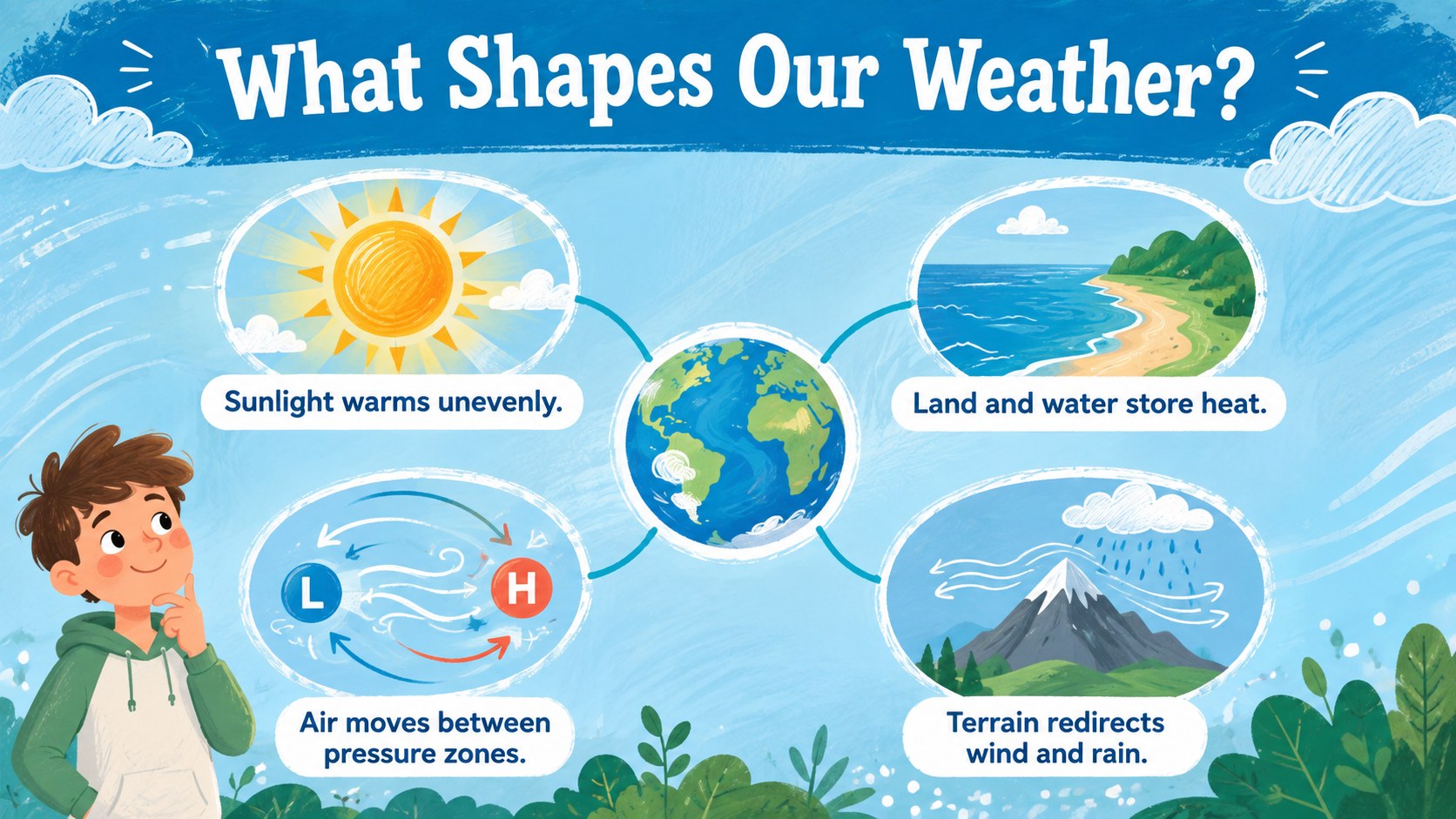
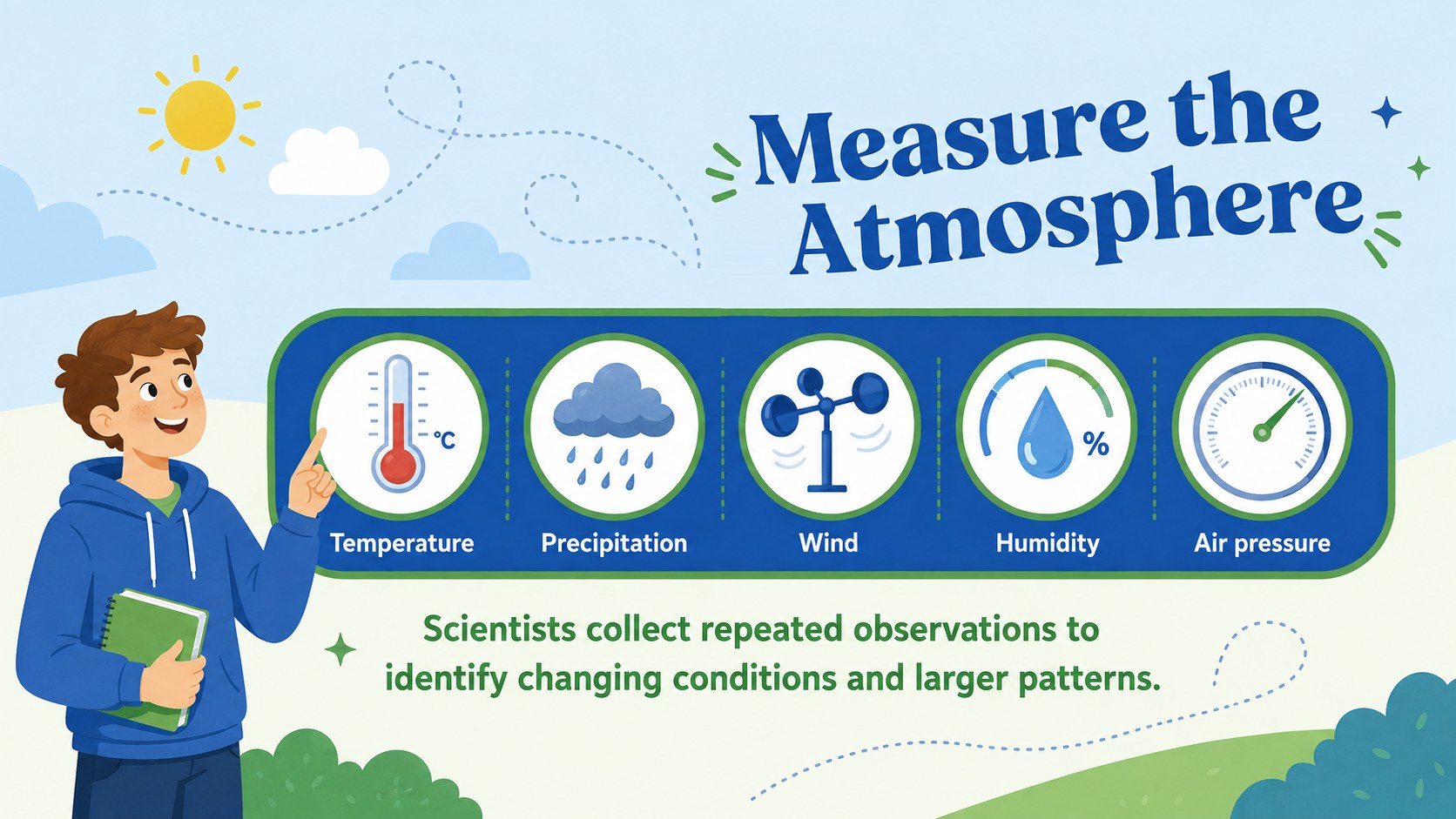
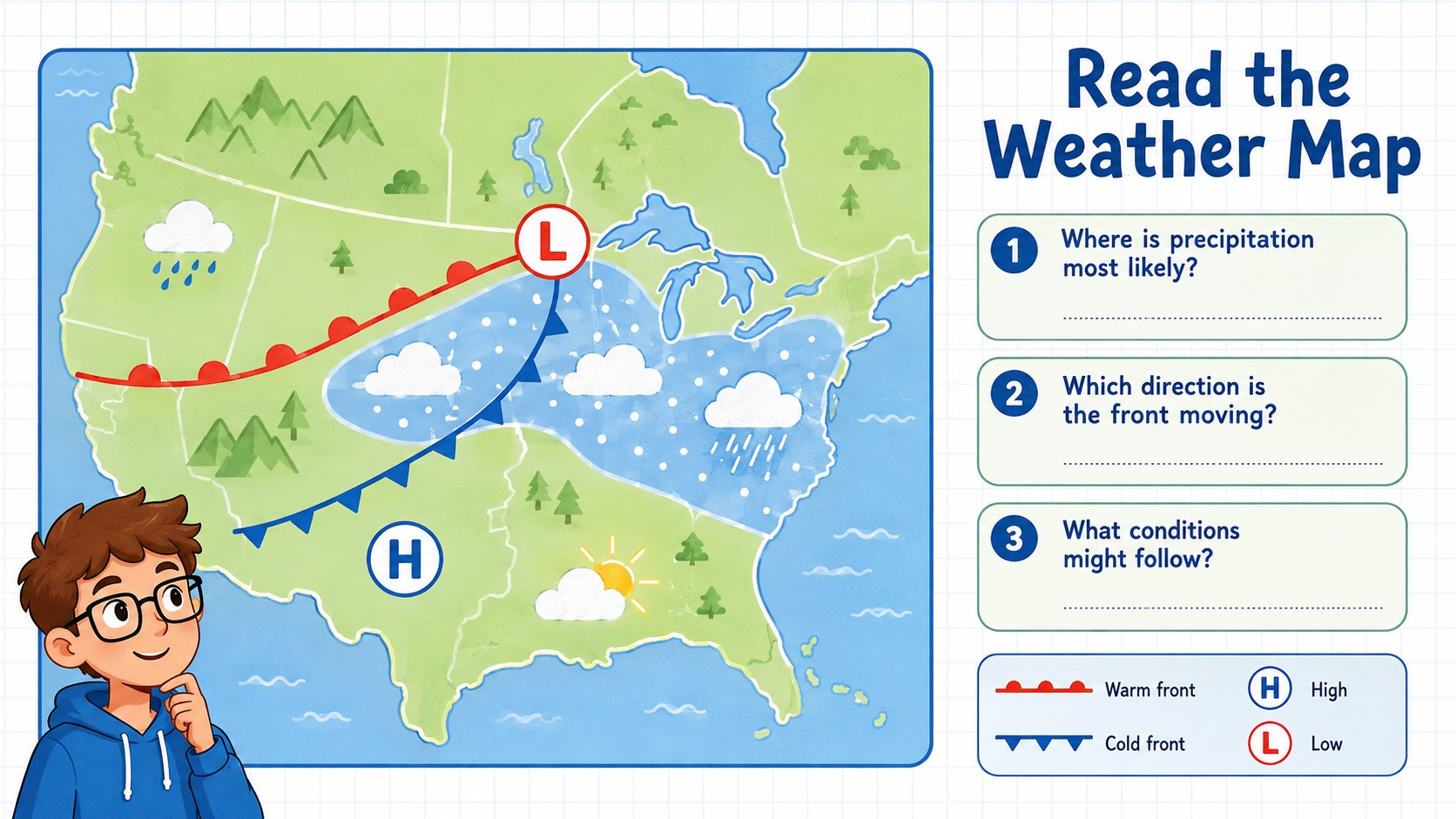
The deck includes layouts for weather variables, air pressure, wind, clouds, climate zones, ocean currents, the greenhouse effect, and evidence of climate change. Teachers can also adapt the weather map reading classroom activity, data charts, comparison pages, discussion prompts, and exit ticket. Organized information blocks make it easy to introduce vocabulary, explain cause and effect, or examine regional patterns using familiar visual cues.
Designed for science teachers, homeschooling families, curriculum teams, and environmental education programs, this illustrated climate science slide deck works in both PowerPoint and Google Slides. Edit the wording, replace examples, add local observations, or adjust the sequence to suit a single lesson or a broader unit. The cheerful aesthetic keeps the material approachable while leaving enough structure for evidence-based explanations and meaningful student participation.
Perfect for: middle school weather unit; climate zones lesson; weather map analysis activity; greenhouse effect discussion; environmental science review.
Frequently asked questions
Can I edit the lesson content and examples? Yes. All headings, explanations, diagrams, and activity prompts can be edited so you can add local weather data, regional examples, or curriculum-specific vocabulary.
Practical details
Yes. All headings, explanations, diagrams, and activity prompts can be edited so you can add local weather data, regional examples, or curriculum-specific vocabulary.
Yes. The presentation is designed for editing and presenting in Microsoft PowerPoint and Google Slides, although minor font or animation differences may occur between platforms.
Yes. You can replace the theme colors, adjust backgrounds, and recolor shapes to match your classroom materials while keeping the illustrated layout structure.
The content and visual style are intended primarily for grades 6-8. Teachers can simplify the terminology for younger learners or add more detailed evidence and data for introductory high school classes.
Keep exploring
15Build an engaging World UFO Day session with this flying saucer history lesson deck, featuring retro green-and-brown slides for PowerPoint and Google Slides.
 15
15Plan a lively animal-learning journey with this jungle zoo adventure lesson deck, ready to customize in PowerPoint and Google Slides for young learners.
 16
16Turn environmental research into a clear story with a Watercolor Ecology Presentation Theme for PowerPoint and Google Slides in calming green and blue.
 16
16Build focused fashion, literature, and humanities presentations with the Red Triangle Editorial Theme, editable in PowerPoint and Google Slides.
 15
15Turn streaming stats, favorite tracks, and concert highlights into a bold annual listening recap slide deck for PowerPoint and Google Slides.
 15
15Turn highlights, milestones, and favorite moments into a colorful year in review slide deck with bold 3D graphics for PowerPoint and Google Slides.
 3
3Build a credible endorsement with Standout Colleague Recommendation Letter Slides, featuring colorful prompts for skills, achievements, and team impact.
 4
4Build clear beginner sessions with an ice hockey fundamentals training deck for coaches, PE teachers, and clubs, ready for PowerPoint and Google Slides.