
 15
15presentation
Flying Saucer History Lesson Deck
Build an engaging World UFO Day session with this flying saucer history lesson deck, featuring retro green-and-brown slides for PowerPoint and Google Slides.
Google SlidesPowerPoint
presentation · English
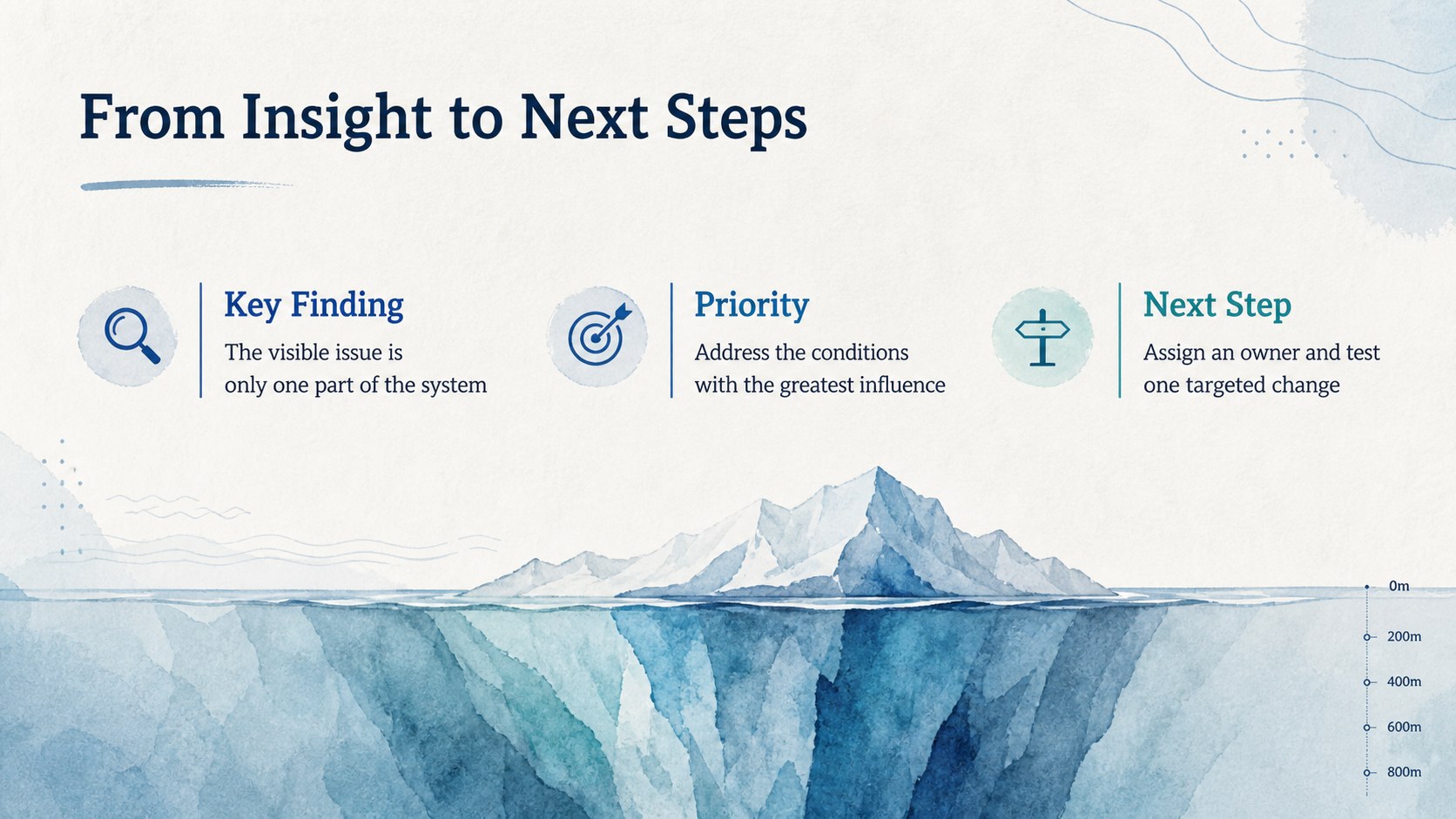
Reveal surface observations and deeper drivers with a watercolor iceberg analysis deck for clear strategy discussions in PowerPoint and Google Slides.
Design notes
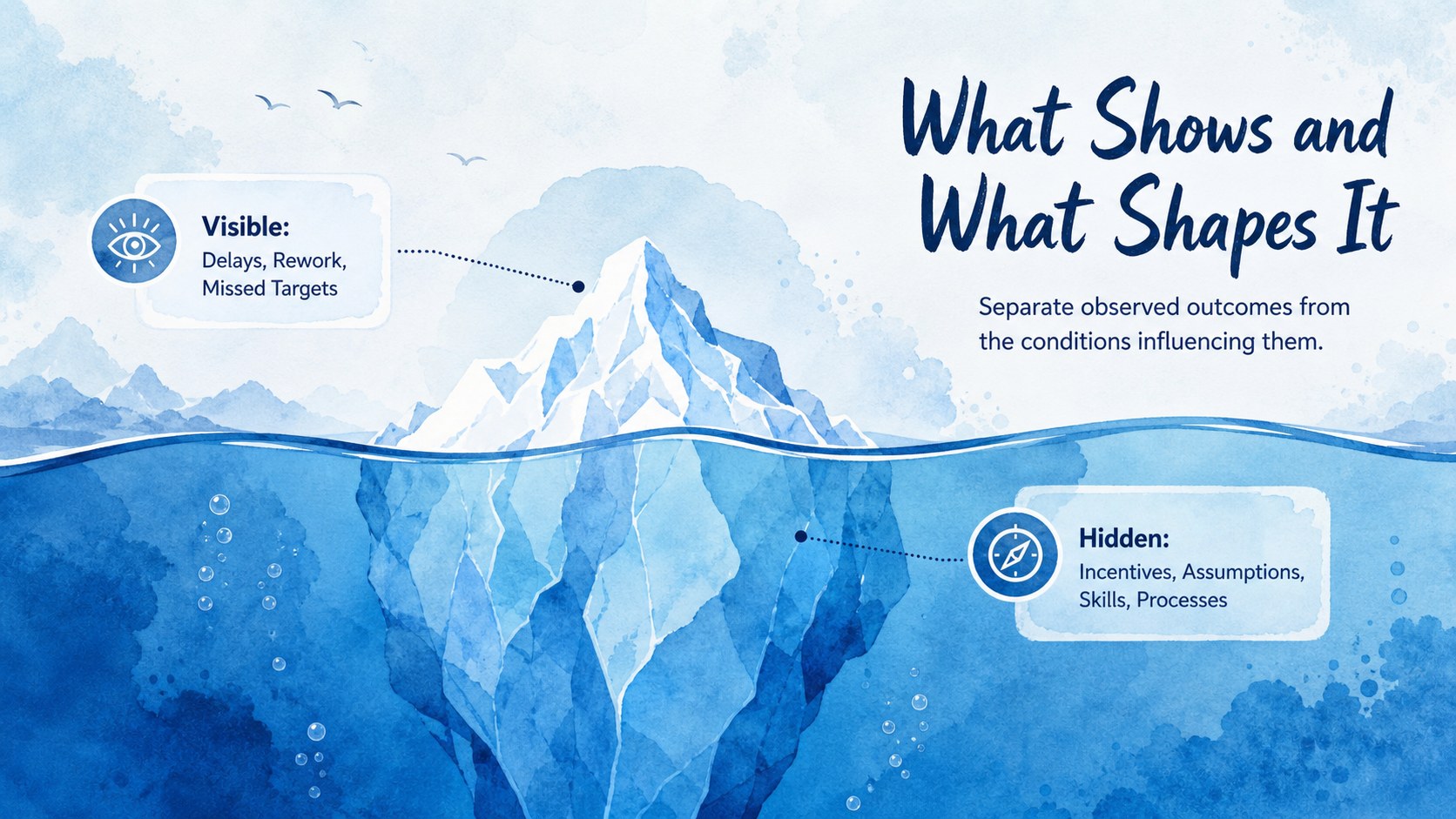
Bring clarity to problems that extend beyond what is immediately visible with this watercolor iceberg analysis deck. Designed for structured conversations, the slides separate surface observations from deeper influences, helping an audience understand how hidden conditions shape measurable outcomes. The calm blue watercolor style adds visual interest while keeping the presentation polished and suitable for professional settings.
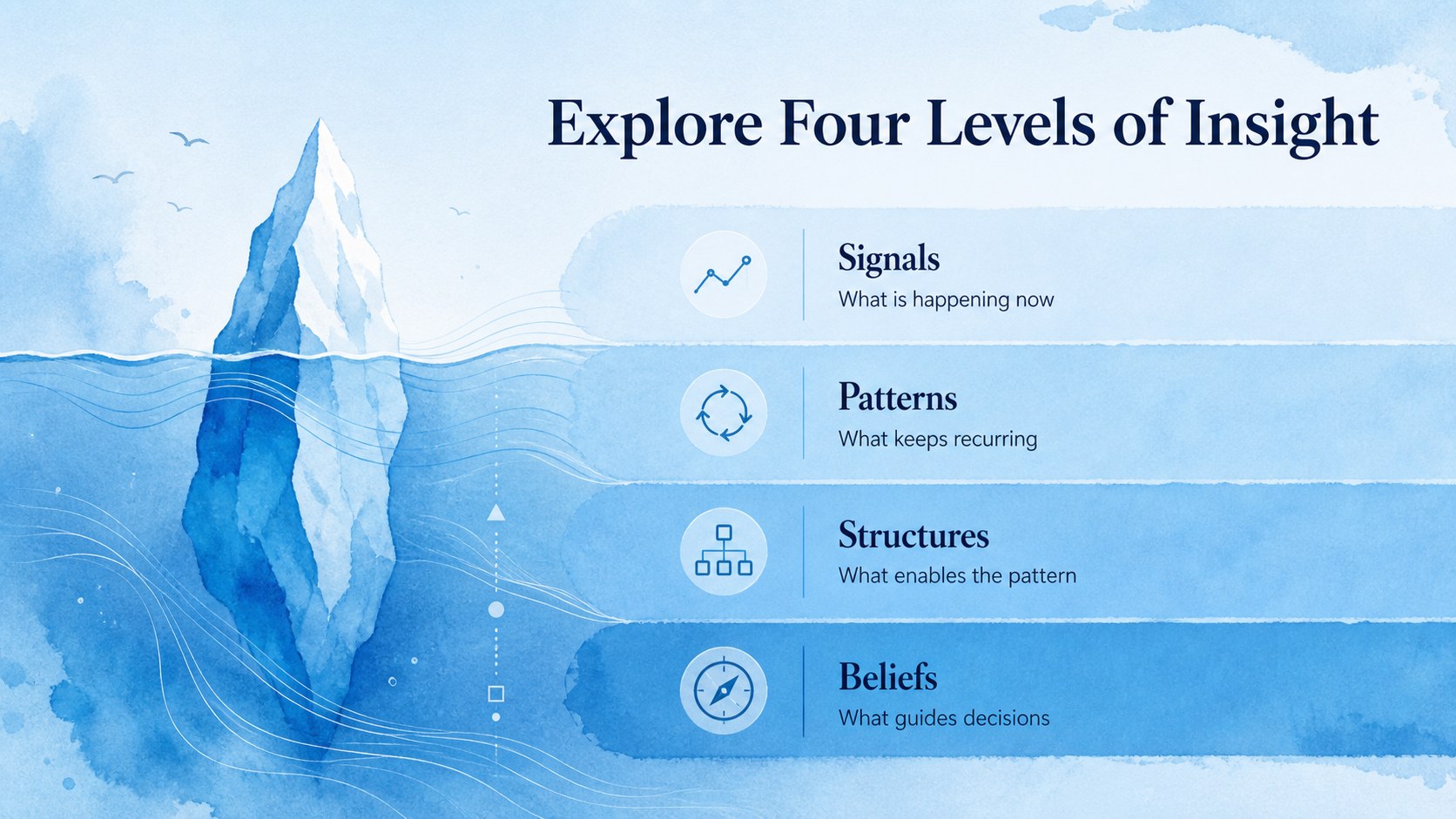
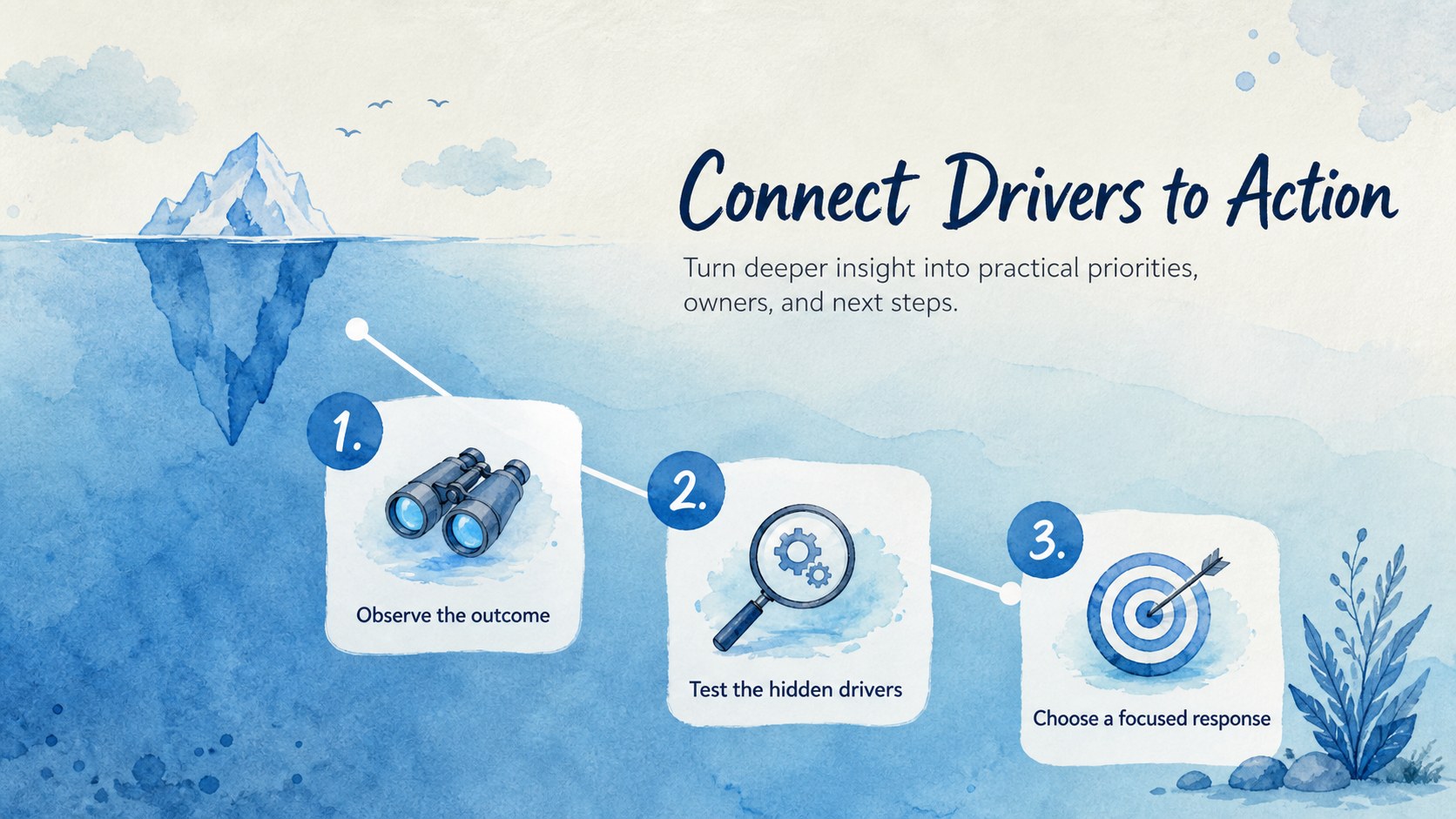
Inside, you will find layouts for introducing an issue, comparing visible and hidden factors, tracing contributing conditions, and summarizing practical responses. Use the iceberg model for strategic planning when a team needs to move from symptoms toward underlying patterns. A visible vs hidden issues slide can organize findings into clear levels, while supporting text areas provide room for evidence, assumptions, risks, and next steps. Every 16:9 layout can be edited in PowerPoint or Google Slides, including the wording, colors, typography, shapes, and diagram labels.
This hidden factors analysis presentation is useful for business leaders, consultants, project managers, educators, researchers, and workshop facilitators. Apply it during strategy reviews, organizational assessments, risk discussions, process evaluations, or classroom lessons about systems thinking. The deck works equally well as a guided presentation or a collaborative discussion aid, giving teams a memorable visual structure for examining what is happening above the surface and what may be driving it below.
Perfect for: strategy review meeting; organizational problem analysis; systems thinking workshop; project risk discussion; business process evaluation.
Frequently asked questions
Can I edit the iceberg levels and labels? Yes. You can replace every label, adjust the number of ideas shown above or below the waterline, and edit the supporting text. Shapes, colors, and typography can also be adapted to your topic.
Practical details
Yes. You can replace every label, adjust the number of ideas shown above or below the waterline, and edit the supporting text. Shapes, colors, and typography can also be adapted to your topic.
The deck is designed for Microsoft PowerPoint and Google Slides. Minor spacing or font adjustments may be needed when moving between platforms.
Yes. Recolor the diagram, backgrounds, accents, and text to match your organization or subject. Keeping a contrast between the surface and underwater sections will preserve the visual hierarchy.
Yes. Educators, researchers, and facilitators can use it to explain systems, behaviors, social issues, or any topic with visible effects and less obvious influences. Simply replace the sample wording with context-specific observations.
Keep exploring
15Build an engaging World UFO Day session with this flying saucer history lesson deck, featuring retro green-and-brown slides for PowerPoint and Google Slides.
 15
15Plan a lively animal-learning journey with this jungle zoo adventure lesson deck, ready to customize in PowerPoint and Google Slides for young learners.
 16
16Turn environmental research into a clear story with a Watercolor Ecology Presentation Theme for PowerPoint and Google Slides in calming green and blue.
 16
16Build focused fashion, literature, and humanities presentations with the Red Triangle Editorial Theme, editable in PowerPoint and Google Slides.
 15
15Turn streaming stats, favorite tracks, and concert highlights into a bold annual listening recap slide deck for PowerPoint and Google Slides.
 15
15Turn highlights, milestones, and favorite moments into a colorful year in review slide deck with bold 3D graphics for PowerPoint and Google Slides.
 3
3Build a credible endorsement with Standout Colleague Recommendation Letter Slides, featuring colorful prompts for skills, achievements, and team impact.
 4
4Build clear beginner sessions with an ice hockey fundamentals training deck for coaches, PE teachers, and clubs, ready for PowerPoint and Google Slides.