
 15
15presentation
Flying Saucer History Lesson Deck
Build an engaging World UFO Day session with this flying saucer history lesson deck, featuring retro green-and-brown slides for PowerPoint and Google Slides.
Google SlidesPowerPoint
presentation · English
Run a lively classroom or party challenge with this watercolor Halloween party game deck, featuring editable rounds for PowerPoint and Google Slides.
Design notes
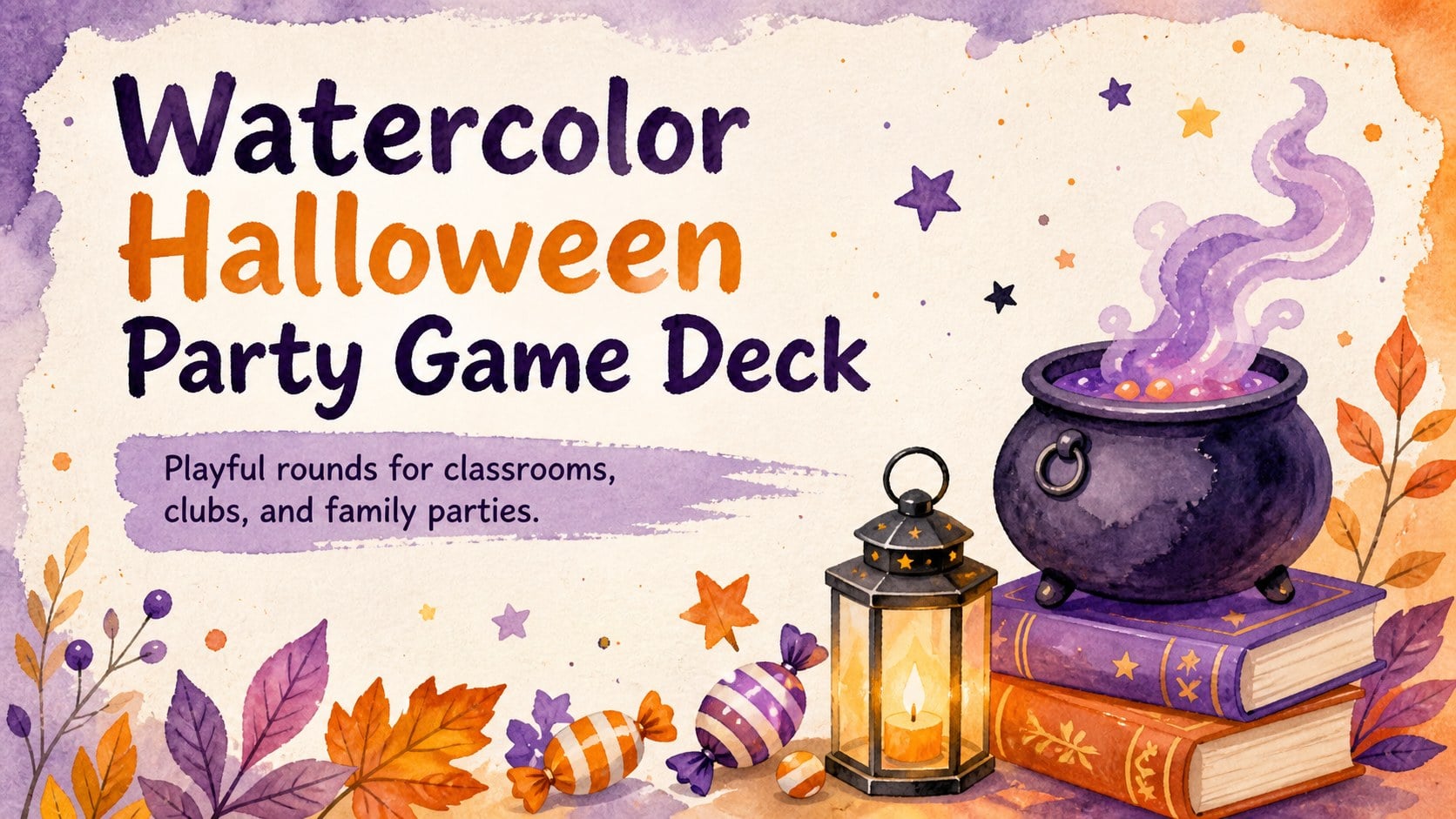
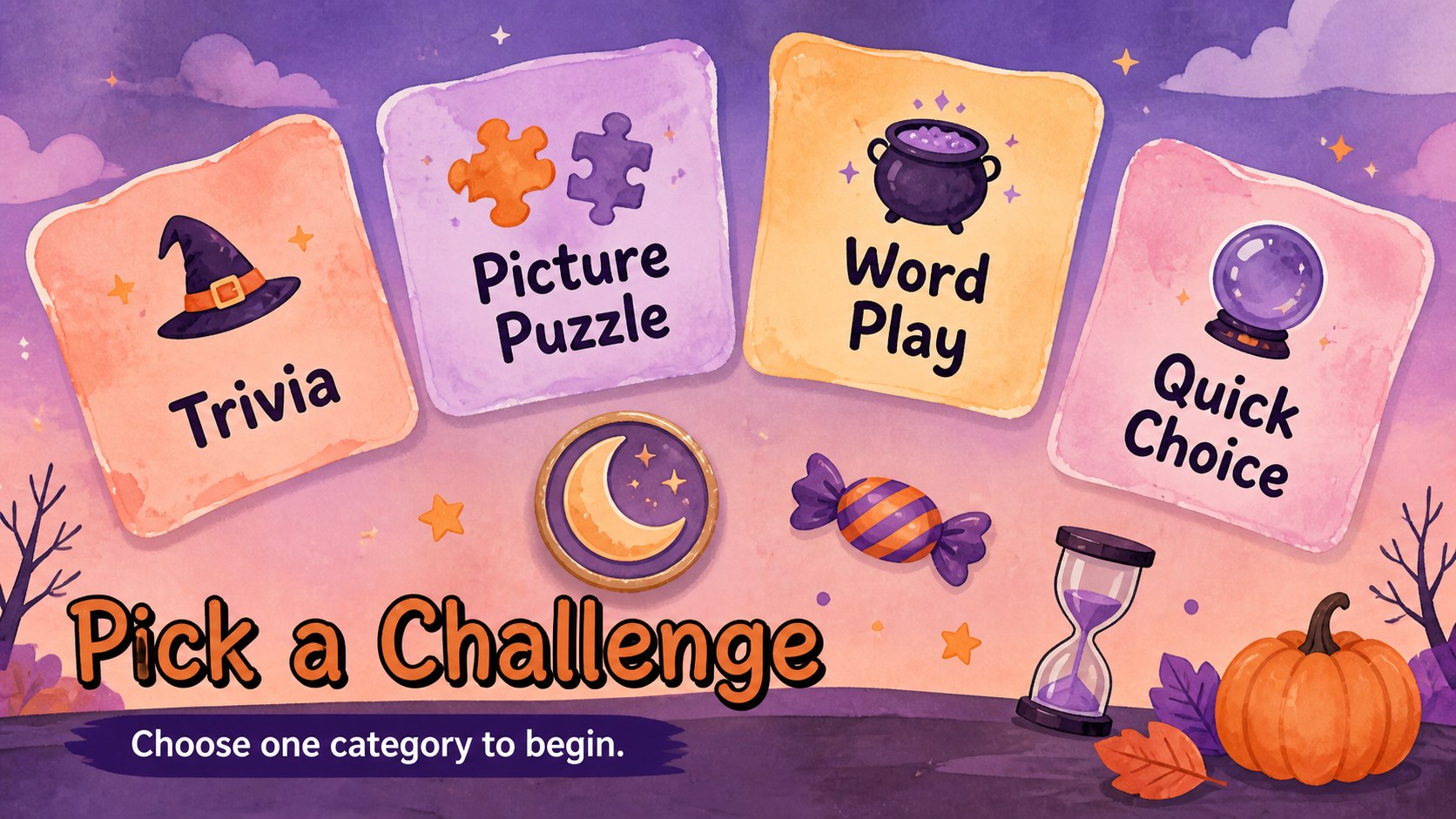
Turn an ordinary October gathering into an interactive challenge with this watercolor Halloween party game deck. Designed for PowerPoint and Google Slides, it combines cheerful seasonal artwork with clear game layouts that students, teachers, youth leaders, and party hosts can adapt in minutes. The colorful watercolor style feels festive and playful without becoming too frightening for younger audiences.
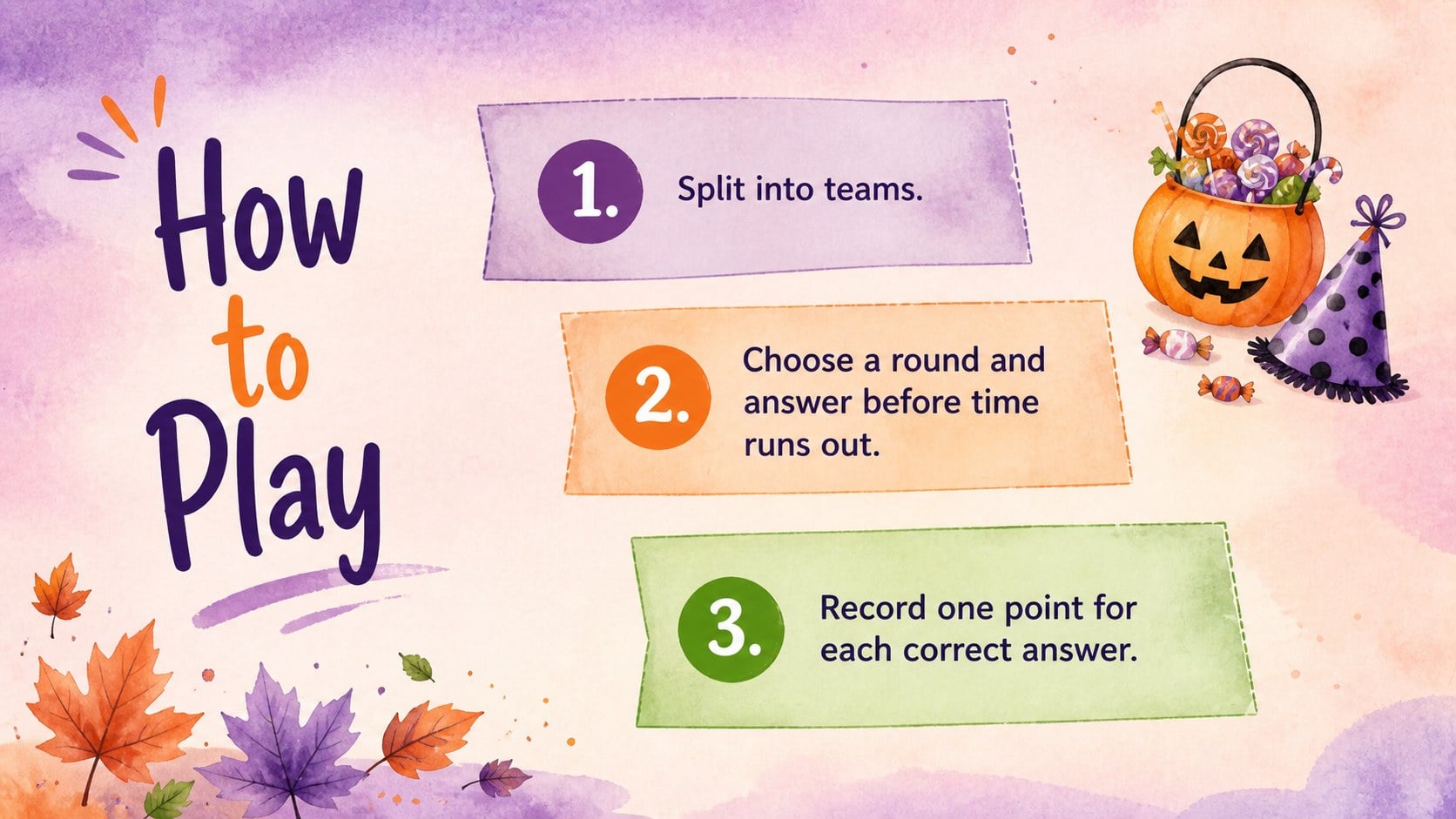
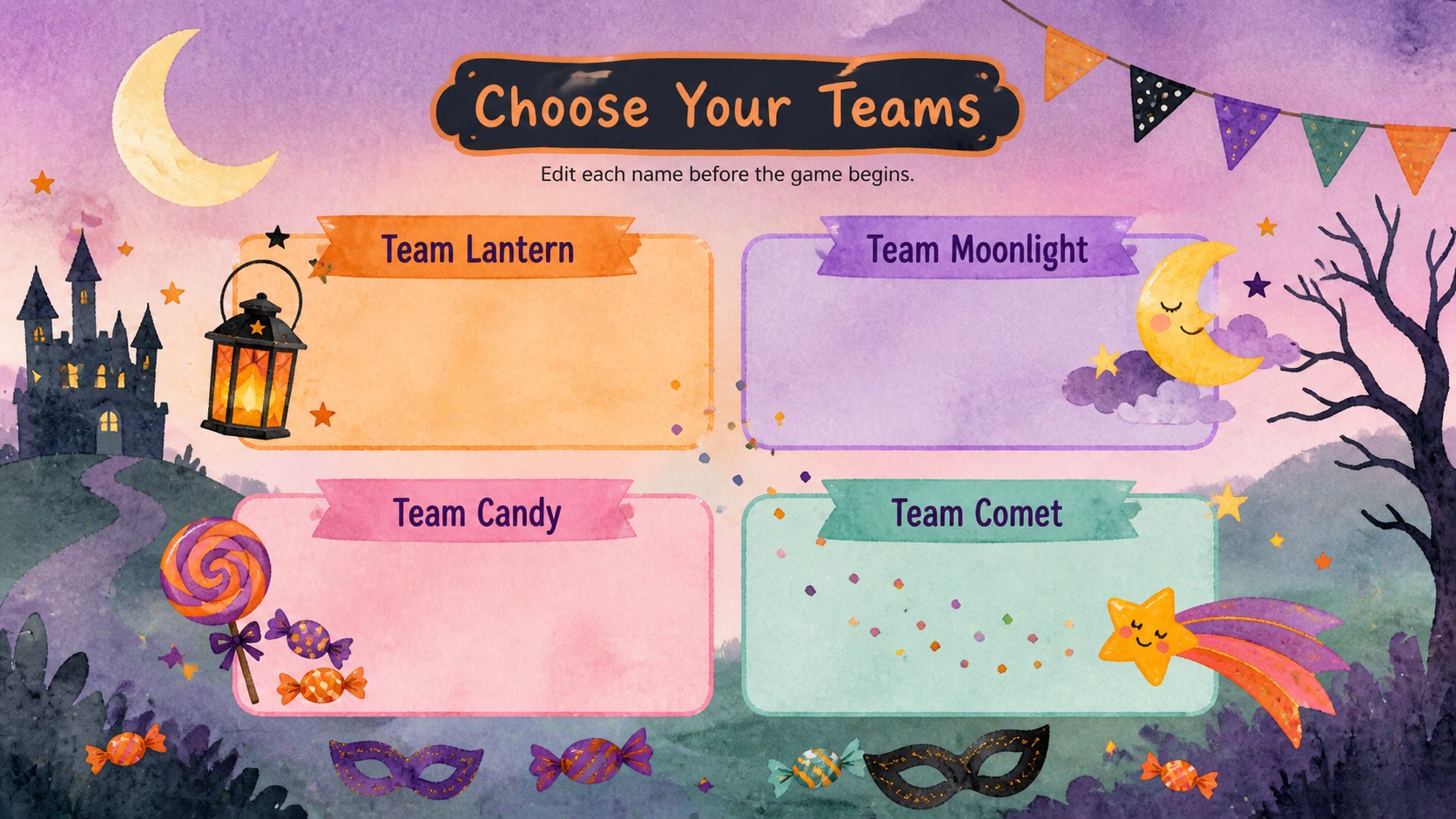
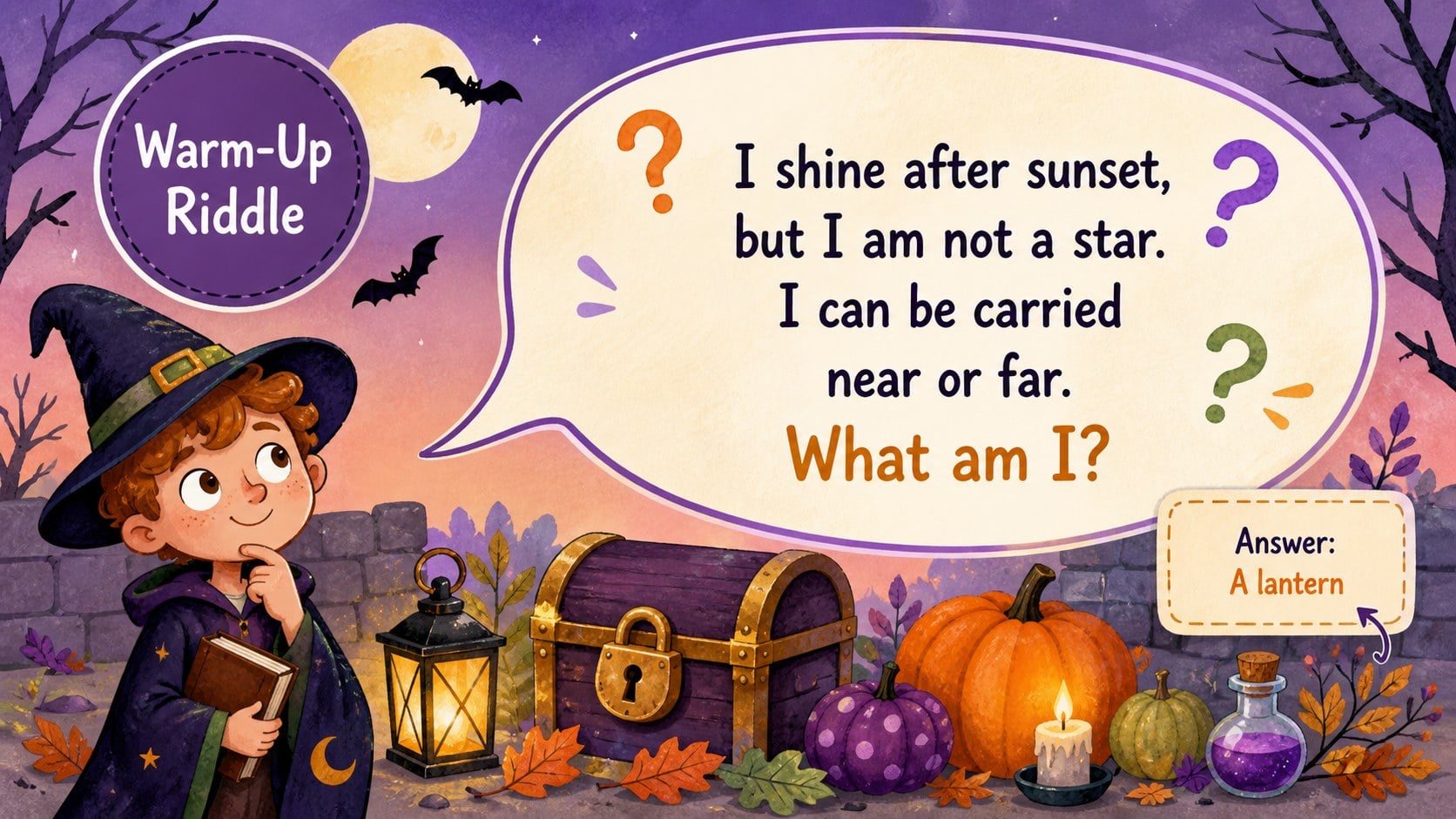
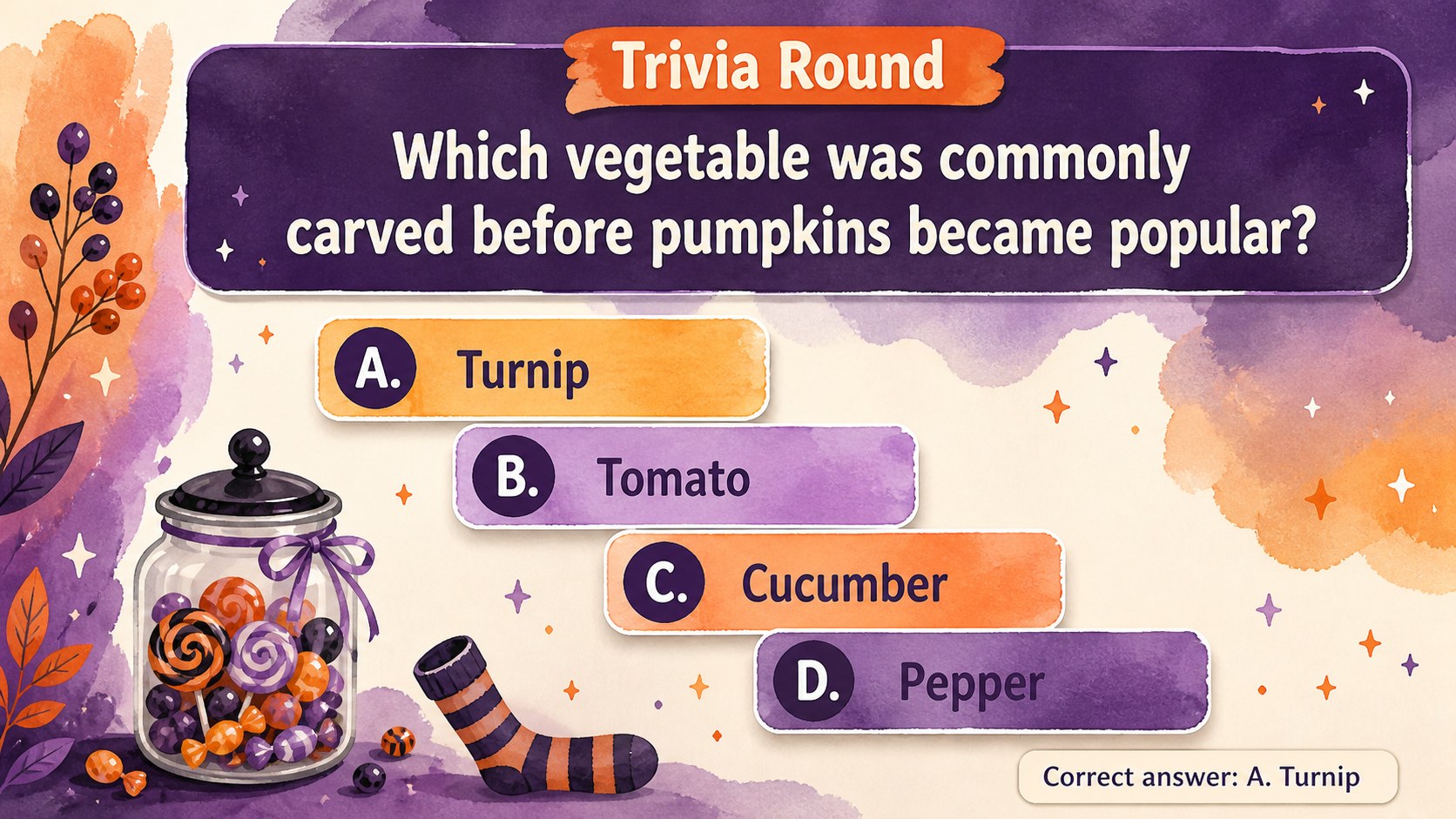
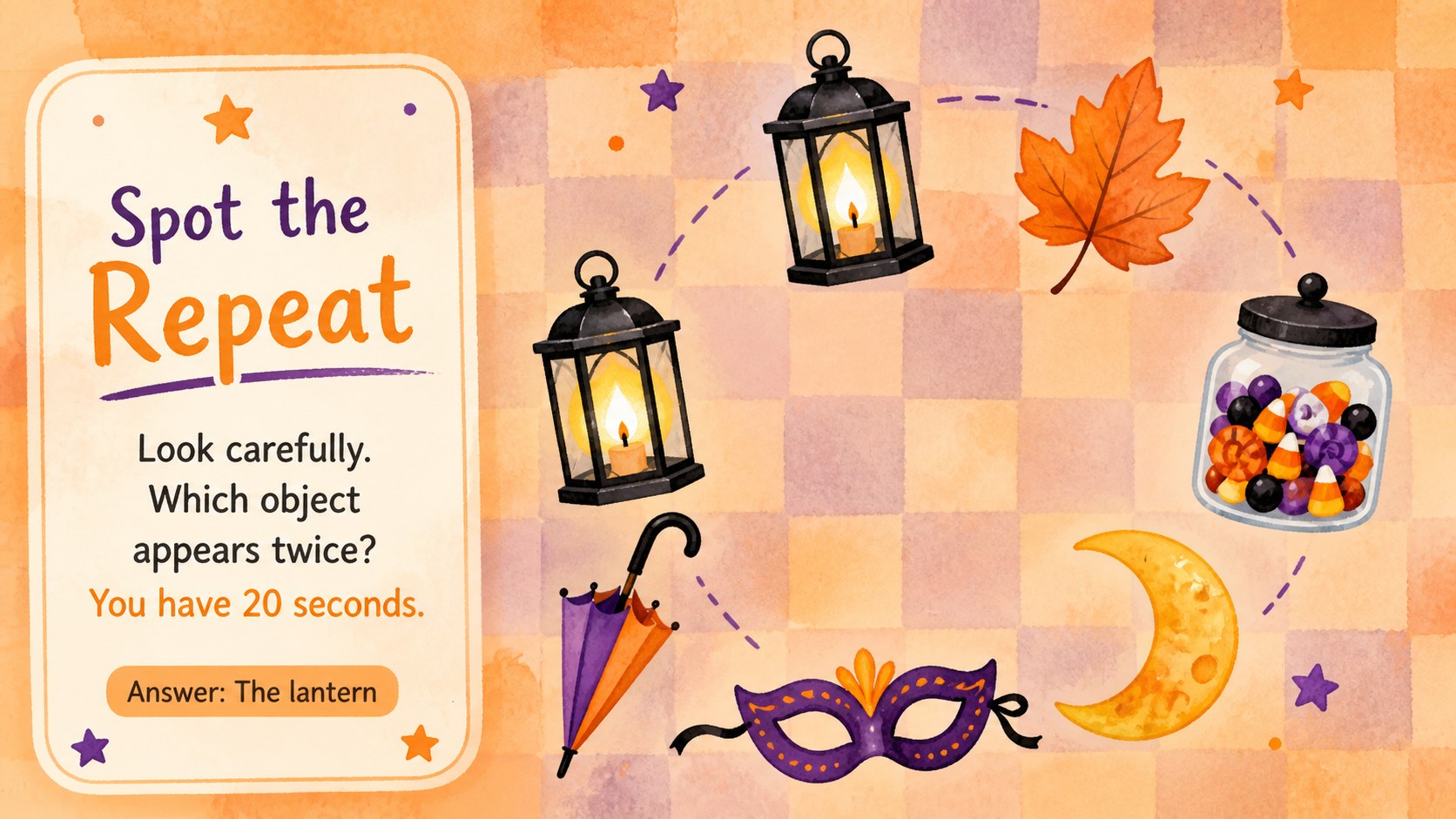
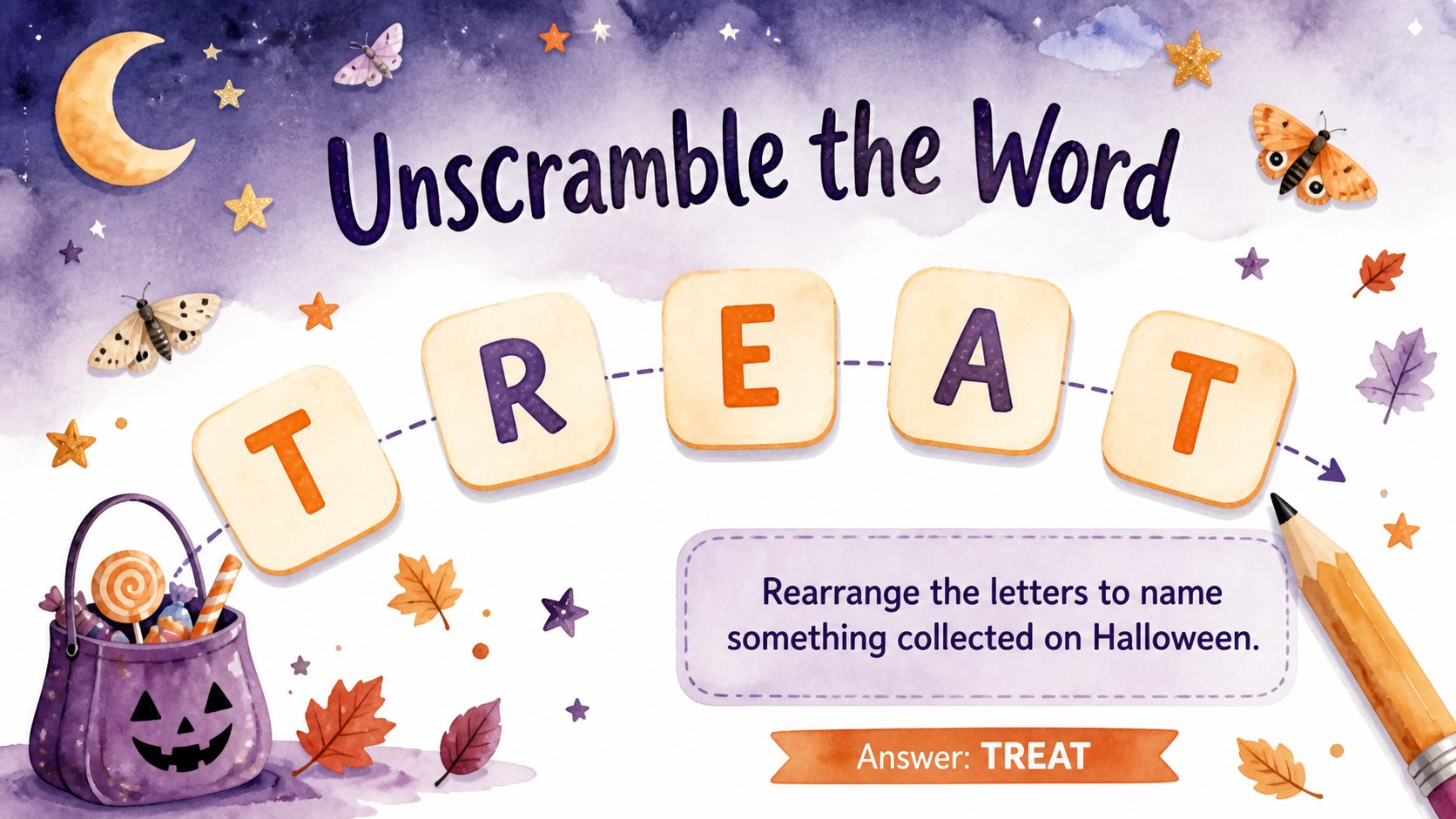
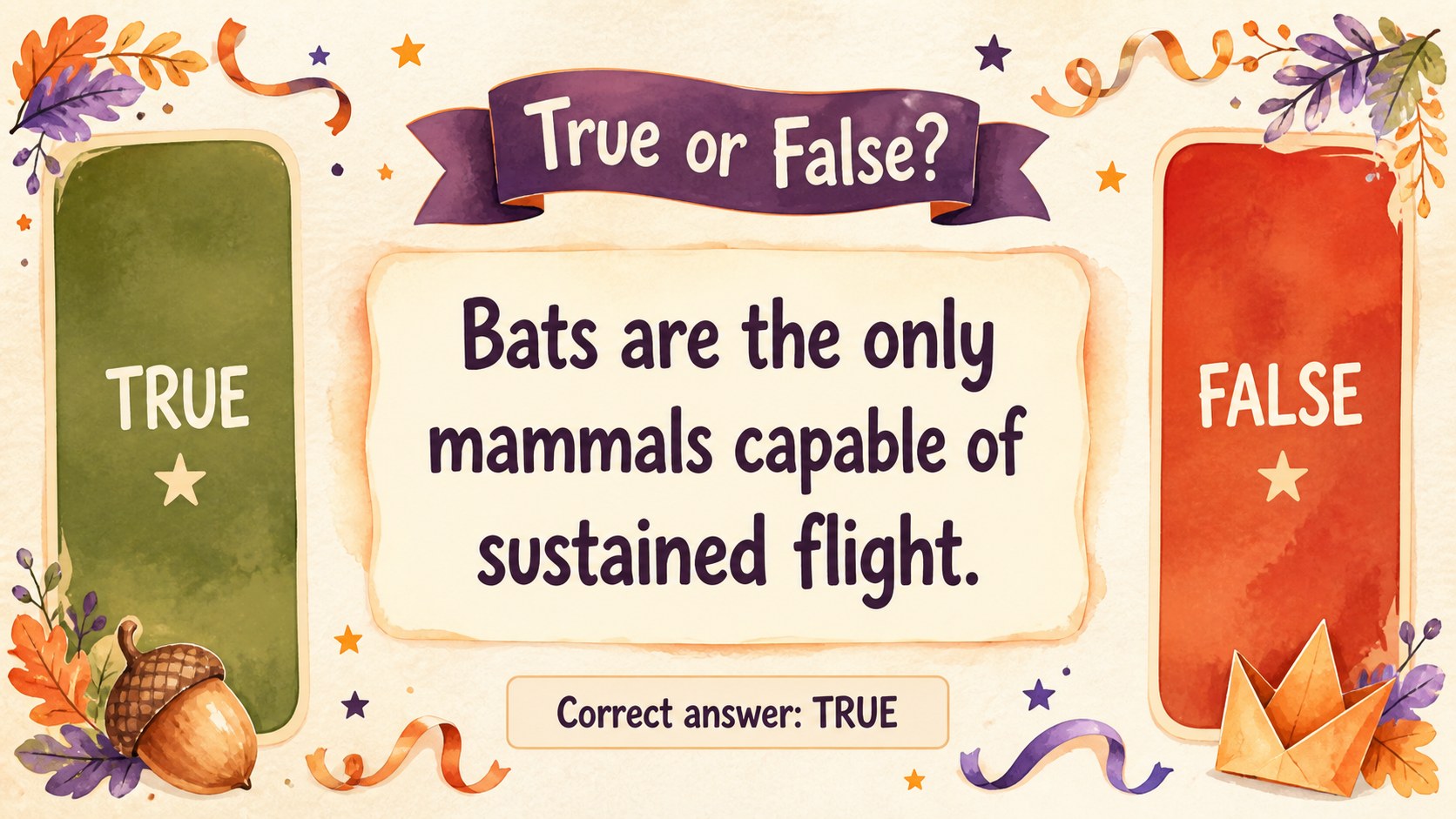
Inside the deck, you will find instructions, team setup pages, Halloween trivia rounds, picture puzzles, a word scramble, true-or-false questions, a scavenger hunt, score tracking, and a tie-breaker challenge. Use it as a classroom Halloween game presentation, build a printable Halloween quiz presentation from selected pages, or customize the prompts for a themed club event. Every slide uses a widescreen 16:9 layout with editable text, colors, shapes, and answer choices.
The watercolor Halloween party game deck works especially well for elementary and middle school celebrations, community groups, library programs, family game nights, and seasonal youth events. Hosts can shorten the activity to a quick warm-up or combine every round into a complete Halloween party quiz for kids. Add your own questions, replace the illustrations, adjust difficulty levels, and enter team scores directly on the slides. The result is a flexible activity deck that keeps instructions easy to follow while giving every participant a chance to join the fun.
Perfect for: elementary classroom Halloween party; family Halloween game night; library seasonal activity; youth club team challenge; middle school October celebration.
Frequently asked questions
Can I edit the questions and answers? Yes. All question prompts, answer choices, instructions, and score fields can be edited in PowerPoint or Google Slides. You can also duplicate or remove rounds to fit your event schedule.
Practical details
Yes. All question prompts, answer choices, instructions, and score fields can be edited in PowerPoint or Google Slides. You can also duplicate or remove rounds to fit your event schedule.
The deck is designed for Microsoft PowerPoint and Google Slides. Both platforms support the widescreen layout, editable text, shapes, and presentation flow.
Yes. Replace the supplied questions with simpler clues for younger children or more challenging trivia for older students and adults. The artwork and layout can remain unchanged while you adjust the difficulty.
Selected puzzle and quiz slides can be exported as PDF files and printed. Review the answer areas first and enlarge them when participants need space to write by hand.
Keep exploring
15Build an engaging World UFO Day session with this flying saucer history lesson deck, featuring retro green-and-brown slides for PowerPoint and Google Slides.
 15
15Plan a lively animal-learning journey with this jungle zoo adventure lesson deck, ready to customize in PowerPoint and Google Slides for young learners.
 16
16Turn environmental research into a clear story with a Watercolor Ecology Presentation Theme for PowerPoint and Google Slides in calming green and blue.
 16
16Build focused fashion, literature, and humanities presentations with the Red Triangle Editorial Theme, editable in PowerPoint and Google Slides.
 15
15Turn streaming stats, favorite tracks, and concert highlights into a bold annual listening recap slide deck for PowerPoint and Google Slides.
 15
15Turn highlights, milestones, and favorite moments into a colorful year in review slide deck with bold 3D graphics for PowerPoint and Google Slides.
 3
3Build a credible endorsement with Standout Colleague Recommendation Letter Slides, featuring colorful prompts for skills, achievements, and team impact.
 4
4Build clear beginner sessions with an ice hockey fundamentals training deck for coaches, PE teachers, and clubs, ready for PowerPoint and Google Slides.