
 15
15presentation
Flying Saucer History Lesson Deck
Build an engaging World UFO Day session with this flying saucer history lesson deck, featuring retro green-and-brown slides for PowerPoint and Google Slides.
Google SlidesPowerPoint
presentation · English
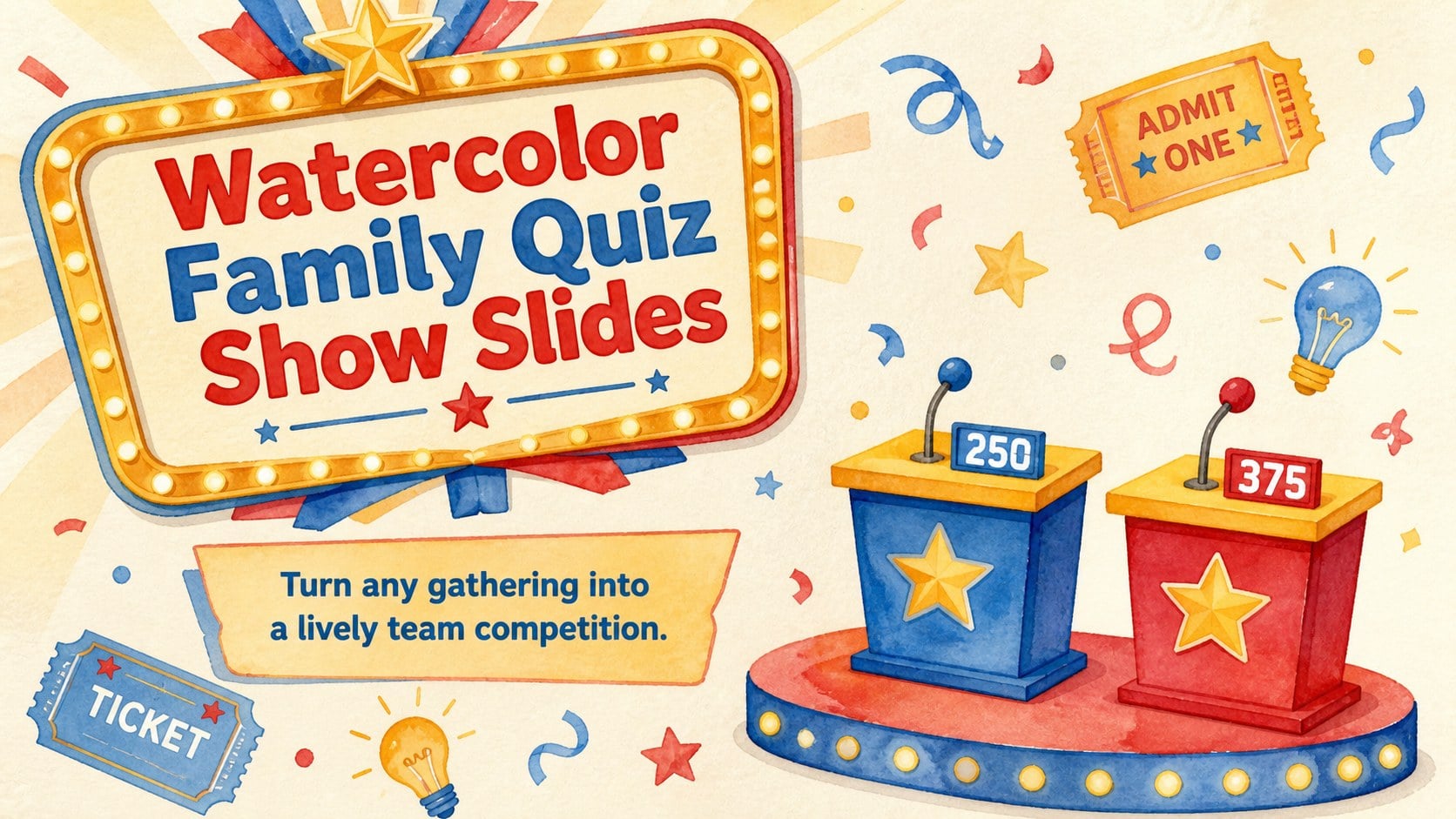
Bring game-night energy to any event with Watercolor Family Quiz Show Slides, a playful circus-inspired deck for PowerPoint and Google Slides.
Design notes
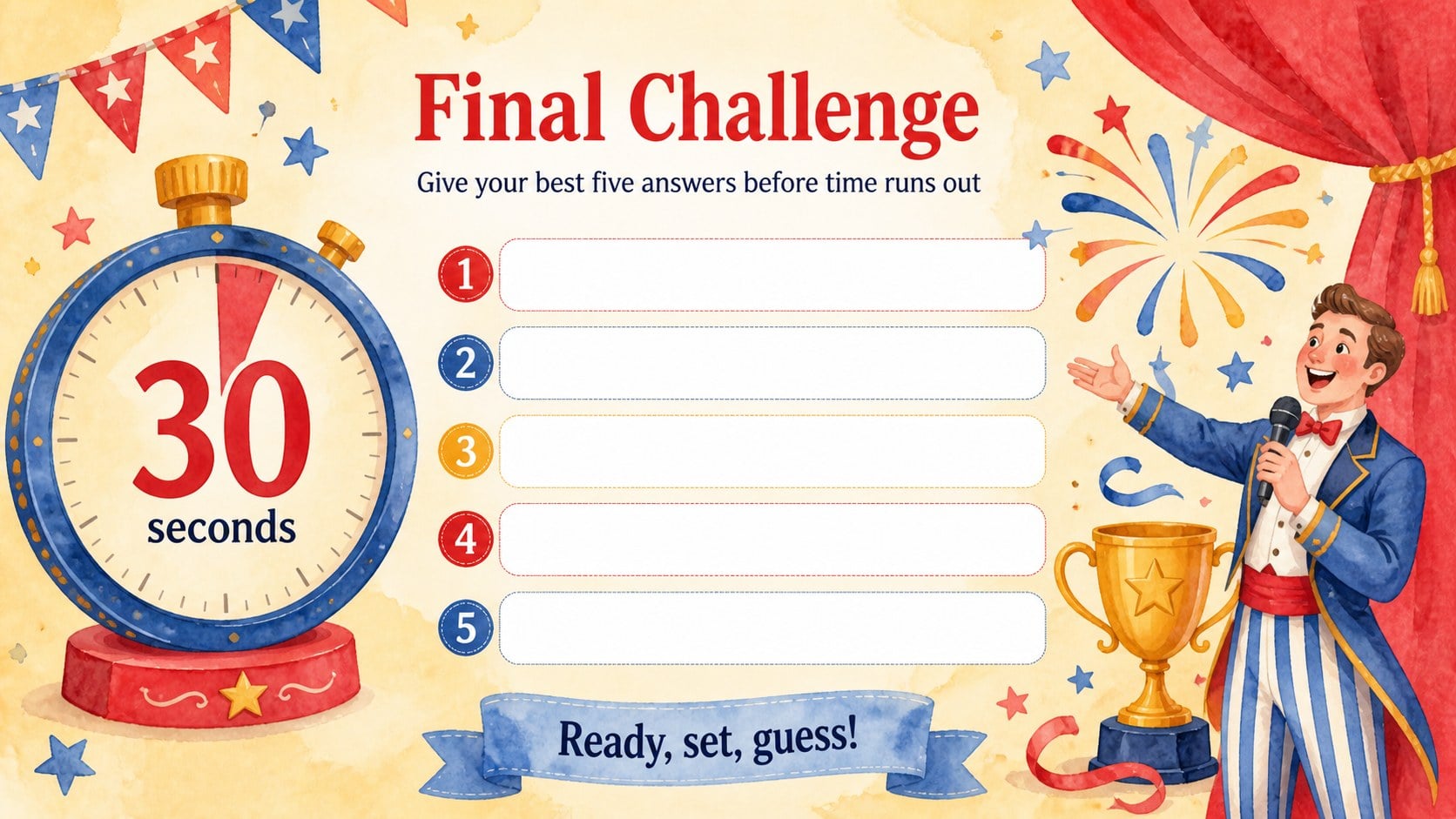
Watercolor Family Quiz Show Slides bring the excitement of a television-style guessing game to parties, classrooms, and community events. The vivid watercolor artwork, vintage circus details, and cheerful colors create a playful setting for team challenges without overwhelming the questions or scores. Use the deck in PowerPoint or Google Slides to build a family quiz night presentation that feels polished, energetic, and welcoming.
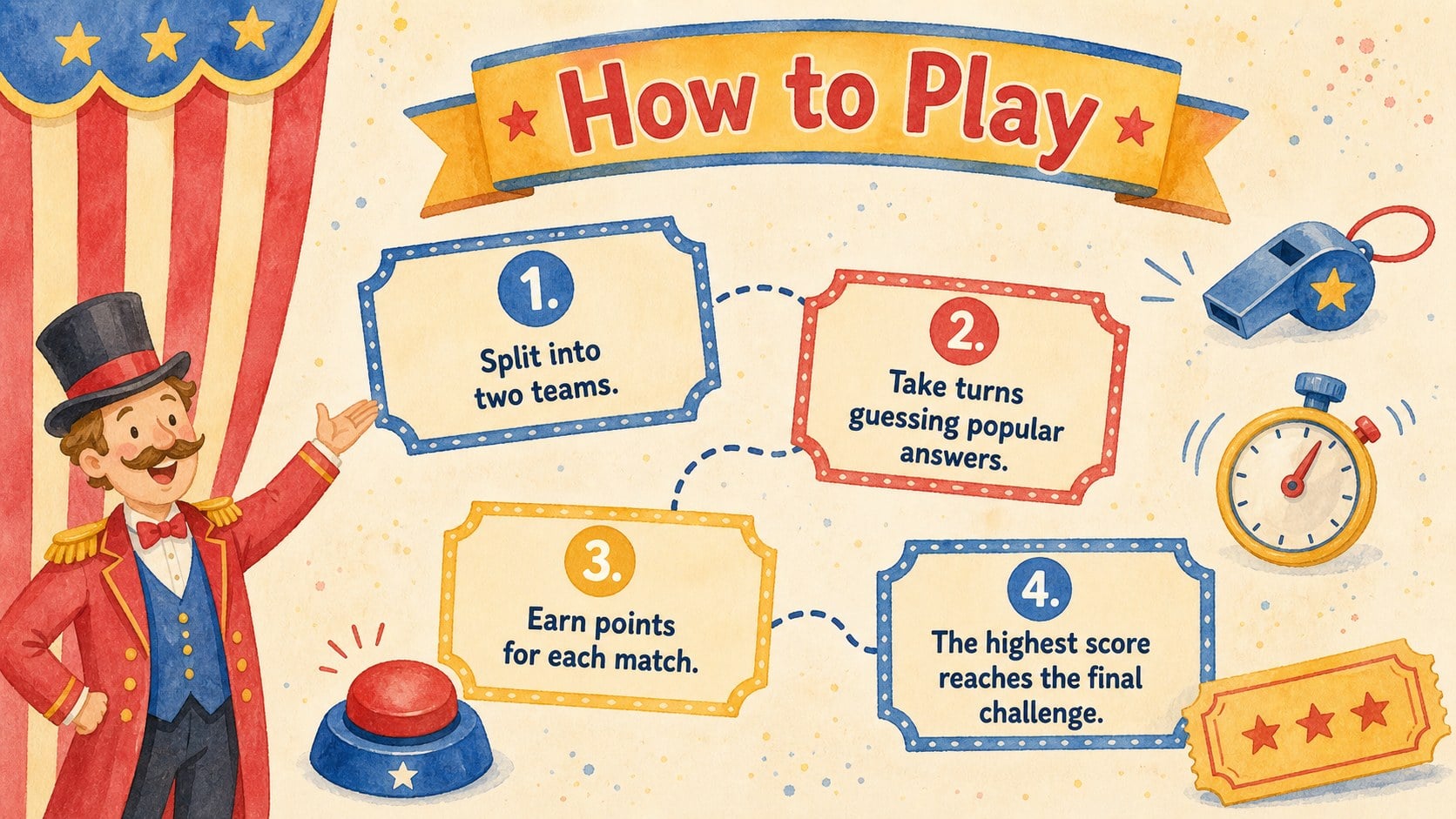
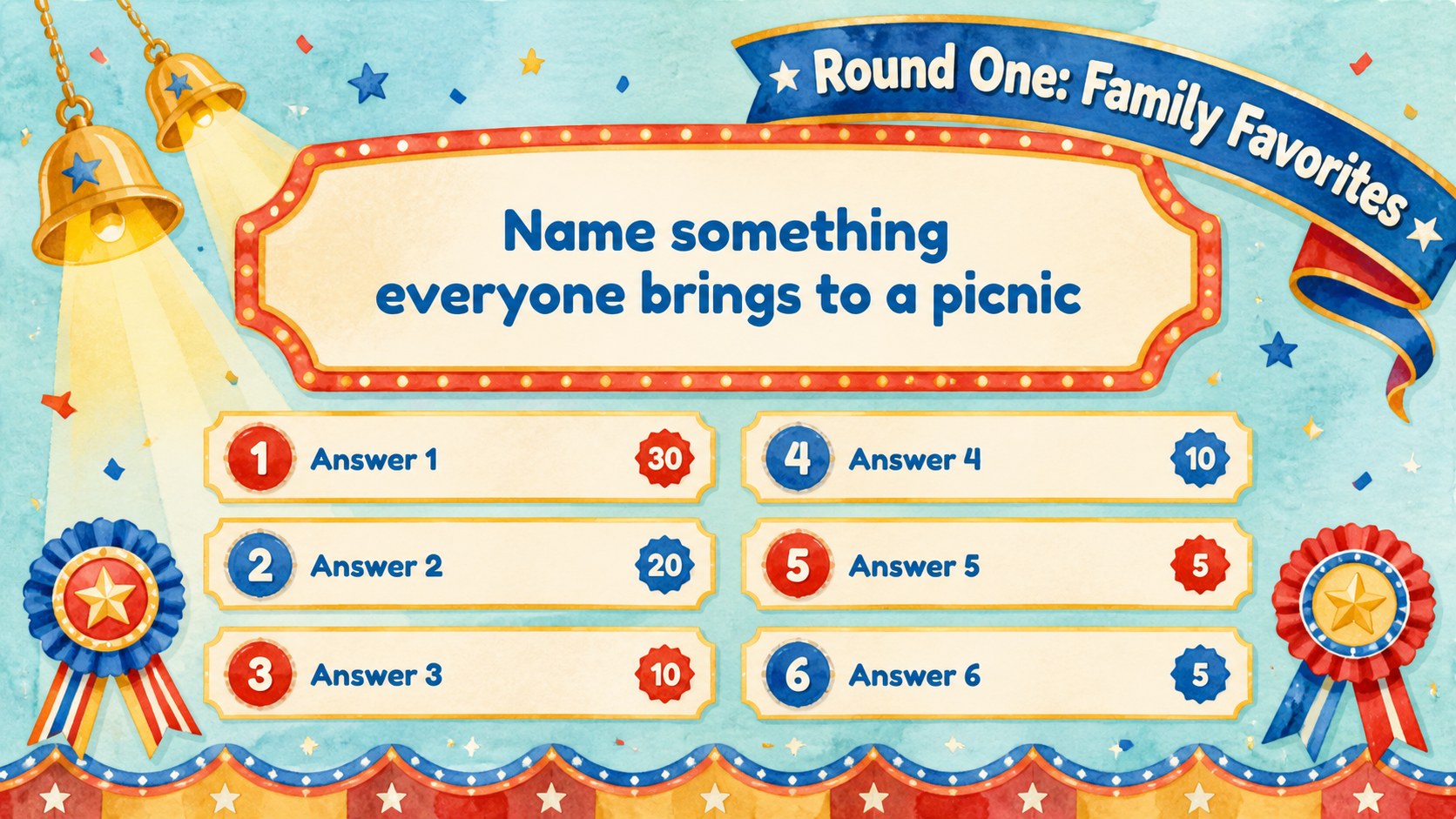
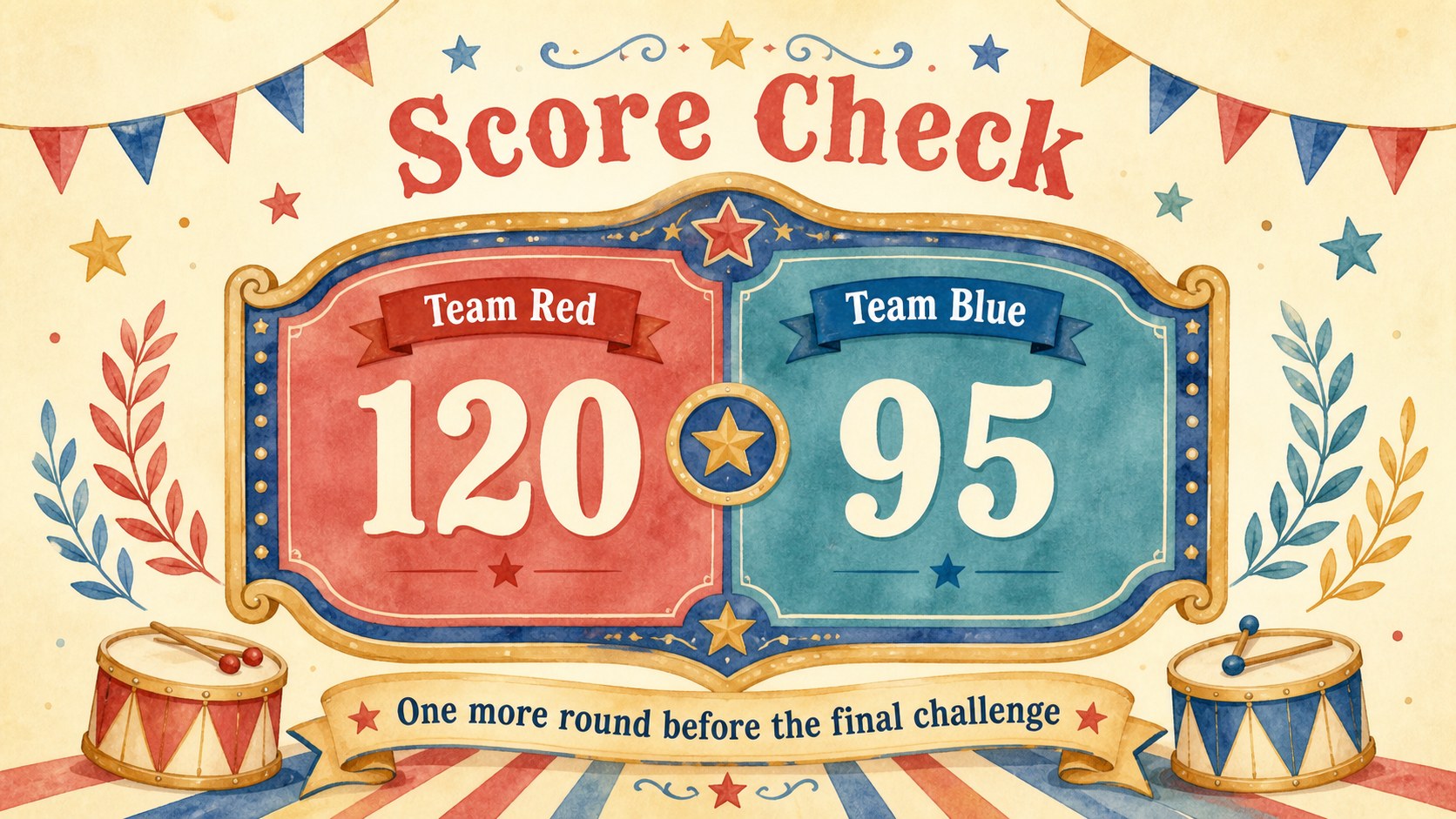
Inside are five coordinated layouts covering the opening screen, game rules, question board, team scoreboard, and final challenge. Each slide can be adapted with your own prompts, answers, point values, team names, and event details. The spacious typography and clearly separated content areas help hosts present a classroom survey game template or an interactive party quiz slide deck that participants can understand at a glance. Add transitions, duplicate rounds, or rearrange the layouts to match the length of your activity.
This template is designed for families planning game nights, teachers creating review activities, youth leaders organizing group competitions, and event hosts looking for a colorful audience game. Its friendly illustrated style works especially well for children and mixed-age groups, while the structured layouts keep gameplay organized. Customize the Fredoka-style display lettering, watercolor decorations, and multicolor palette to coordinate with birthdays, school celebrations, reunions, or club events.
Perfect for: family game night; classroom review competition; birthday party quiz; family reunion activity; youth group challenge; community event icebreaker.
Frequently asked questions
Can I edit the questions and point values? Yes. Replace the sample wording with your own questions, answers, round names, and scores, then duplicate the question layout whenever you need additional rounds.
Practical details
Yes. Replace the sample wording with your own questions, answers, round names, and scores, then duplicate the question layout whenever you need additional rounds.
The slides are designed for Microsoft PowerPoint and Google Slides. Fonts, positioning, or transitions may vary slightly between the two platforms, so review the deck before presenting.
Change the team names, colors, headings, and decorative graphics to suit your occasion. You can also remove circus elements or substitute your own illustrations while preserving the practical game layouts.
It provides editable structures for rules, questions, scores, and a final round rather than a fixed question set. This makes it suitable for school subjects, family surveys, trivia topics, and custom event games.
Keep exploring
15Build an engaging World UFO Day session with this flying saucer history lesson deck, featuring retro green-and-brown slides for PowerPoint and Google Slides.
 15
15Plan a lively animal-learning journey with this jungle zoo adventure lesson deck, ready to customize in PowerPoint and Google Slides for young learners.
 16
16Turn environmental research into a clear story with a Watercolor Ecology Presentation Theme for PowerPoint and Google Slides in calming green and blue.
 16
16Build focused fashion, literature, and humanities presentations with the Red Triangle Editorial Theme, editable in PowerPoint and Google Slides.
 15
15Turn streaming stats, favorite tracks, and concert highlights into a bold annual listening recap slide deck for PowerPoint and Google Slides.
 15
15Turn highlights, milestones, and favorite moments into a colorful year in review slide deck with bold 3D graphics for PowerPoint and Google Slides.
 3
3Build a credible endorsement with Standout Colleague Recommendation Letter Slides, featuring colorful prompts for skills, achievements, and team impact.
 4
4Build clear beginner sessions with an ice hockey fundamentals training deck for coaches, PE teachers, and clubs, ready for PowerPoint and Google Slides.