
 15
15presentation
Flying Saucer History Lesson Deck
Build an engaging World UFO Day session with this flying saucer history lesson deck, featuring retro green-and-brown slides for PowerPoint and Google Slides.
Google SlidesPowerPoint
presentation · English
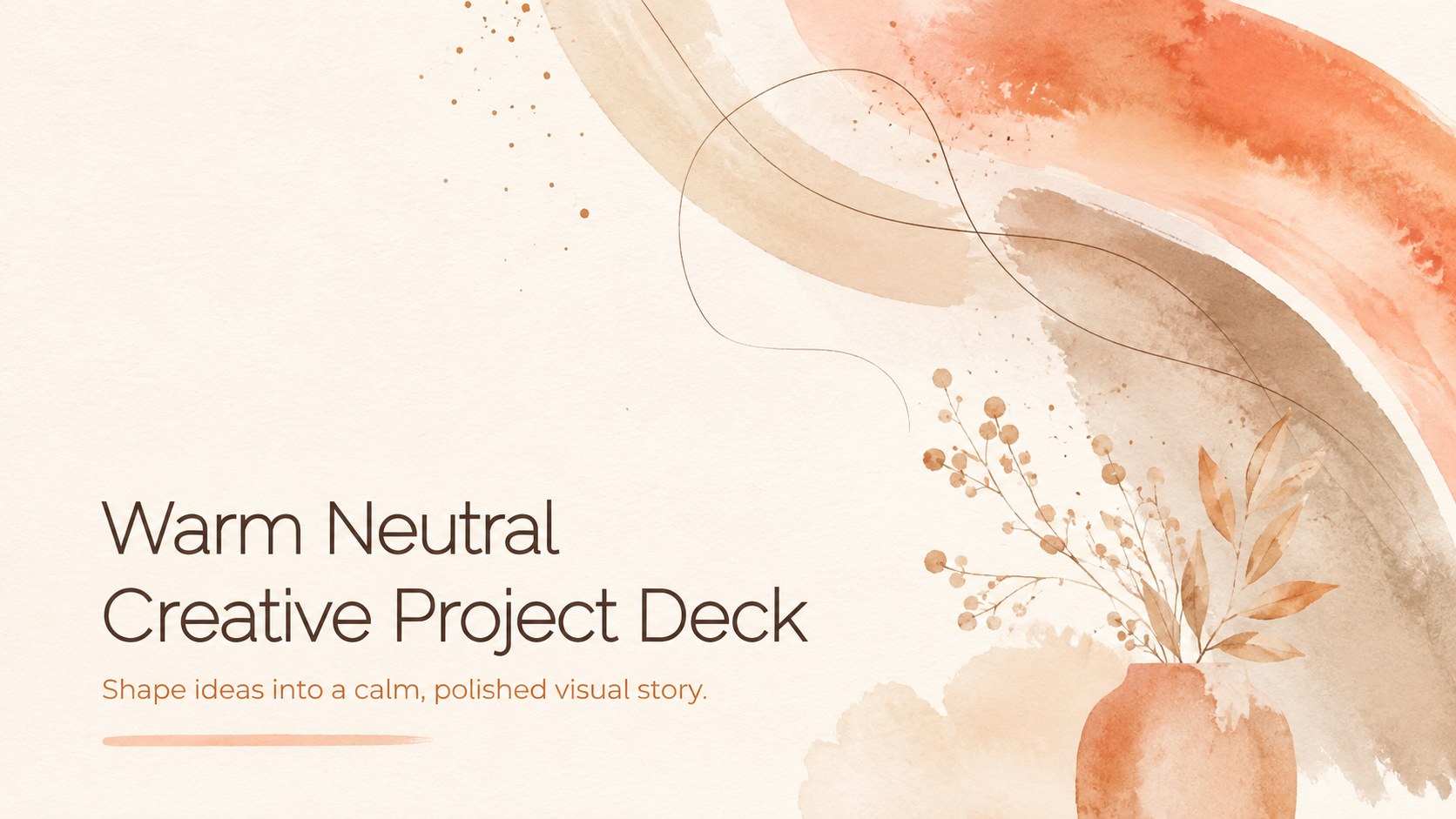
Build a polished story with the Warm Neutral Creative Project Deck, a flexible orange, beige, and brown presentation for PowerPoint and Google Slides.


Design notes
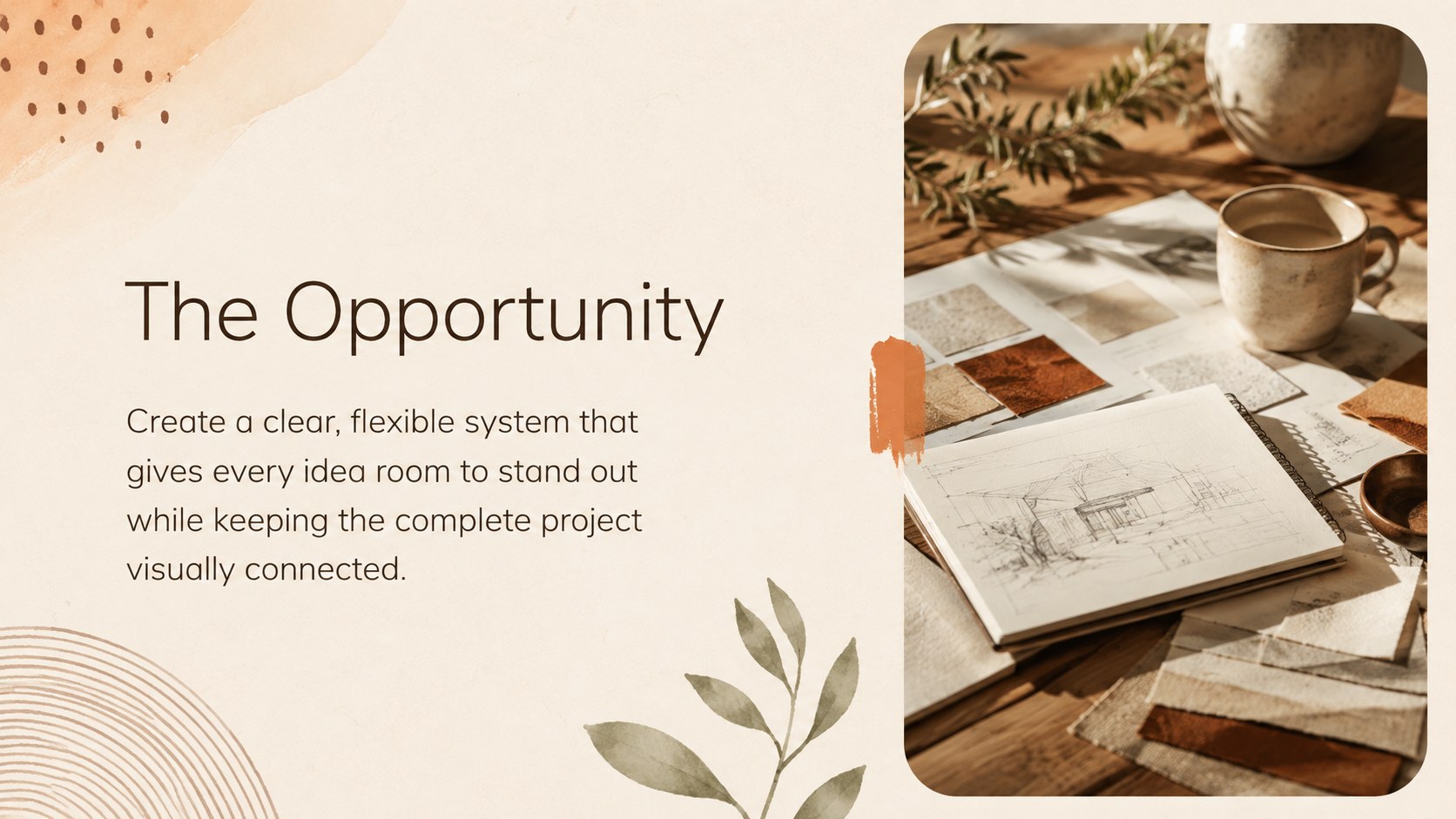
The Warm Neutral Creative Project Deck turns concepts, plans, and finished work into a refined visual narrative. Its soft beige foundations, earthy brown details, orange accents, and painterly forms create an inviting atmosphere without distracting from your message. Use this neutral creative project presentation in PowerPoint or Google Slides for client meetings, classroom work, studio reviews, and internal planning.
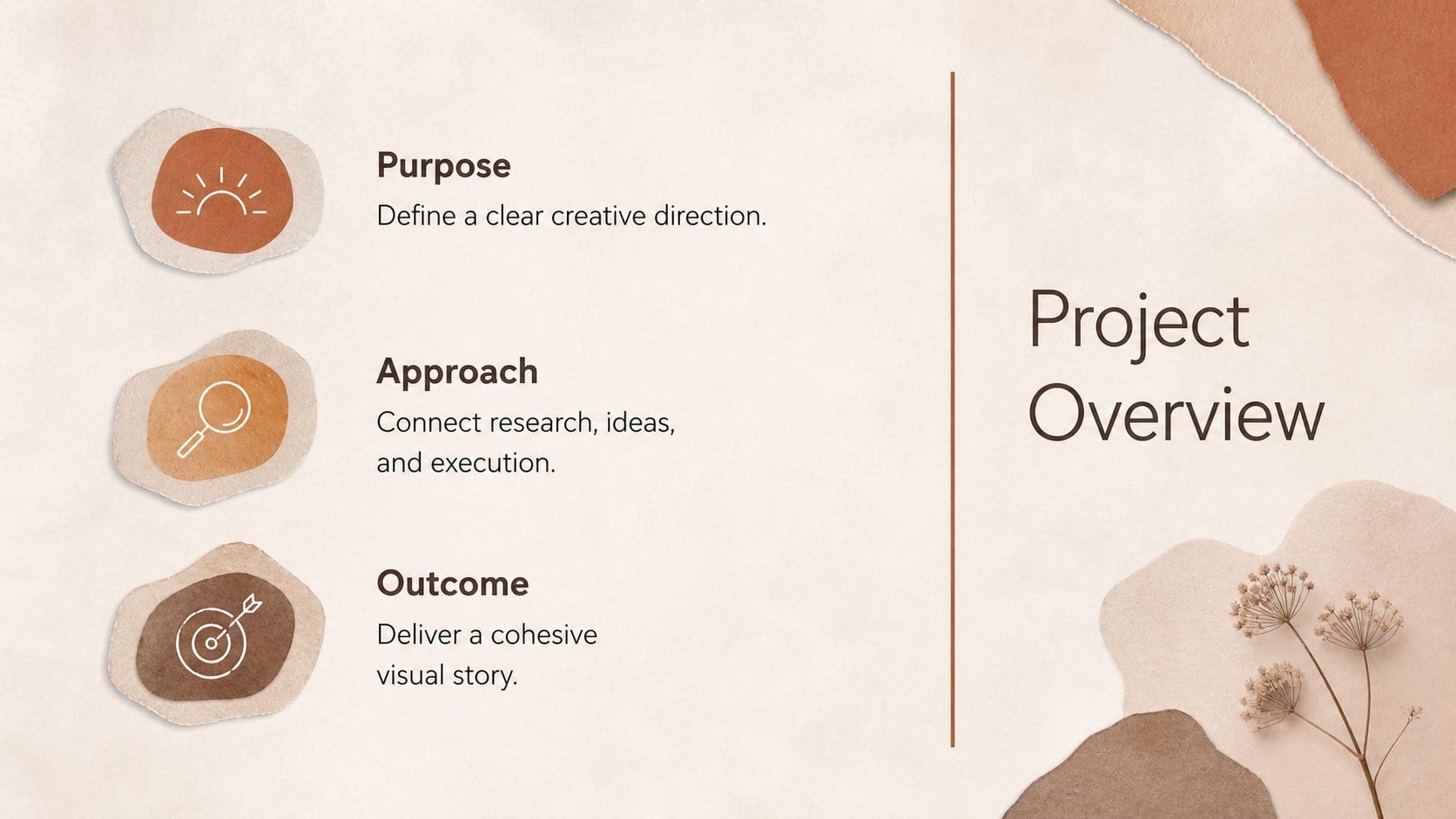
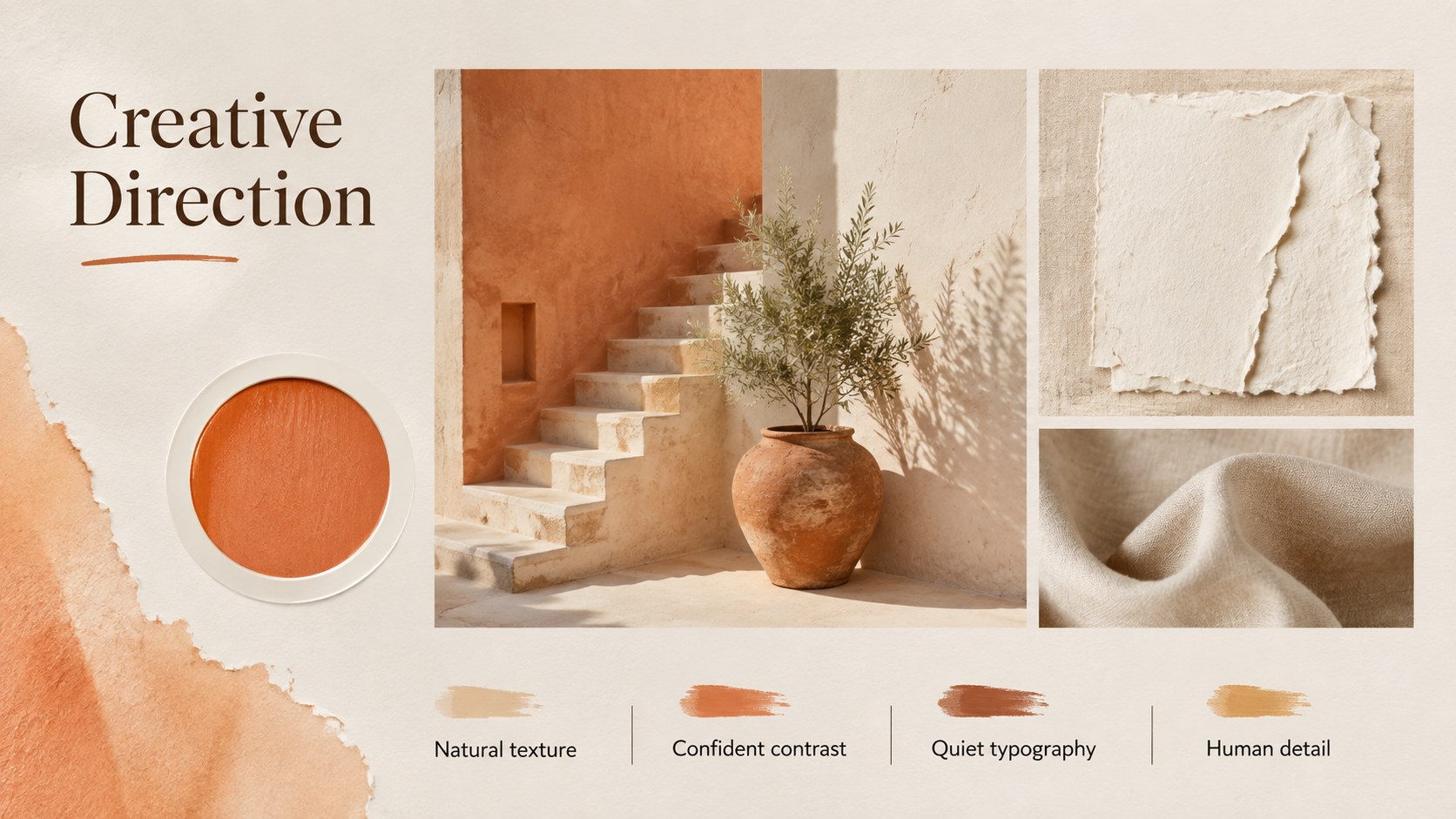
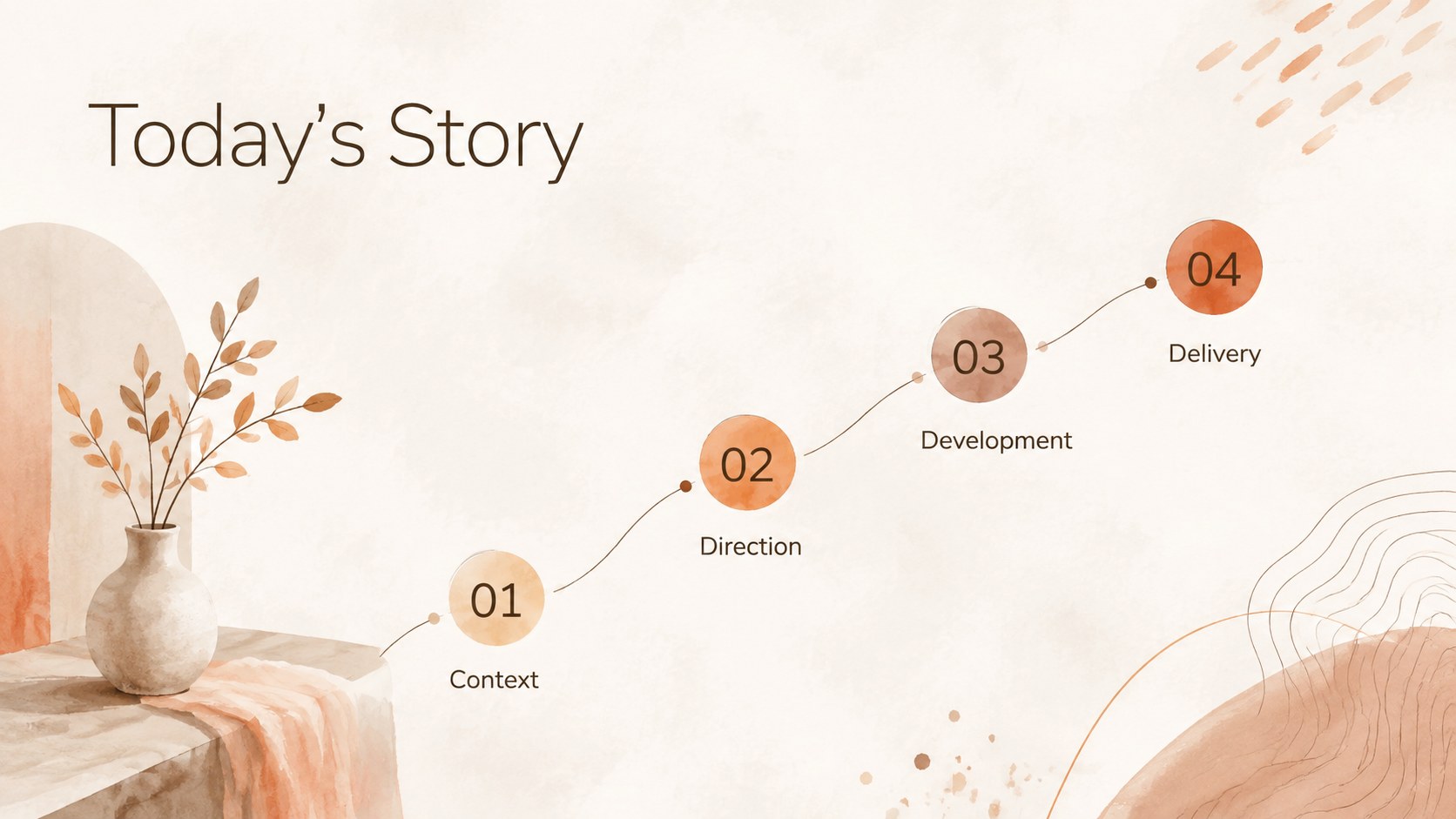
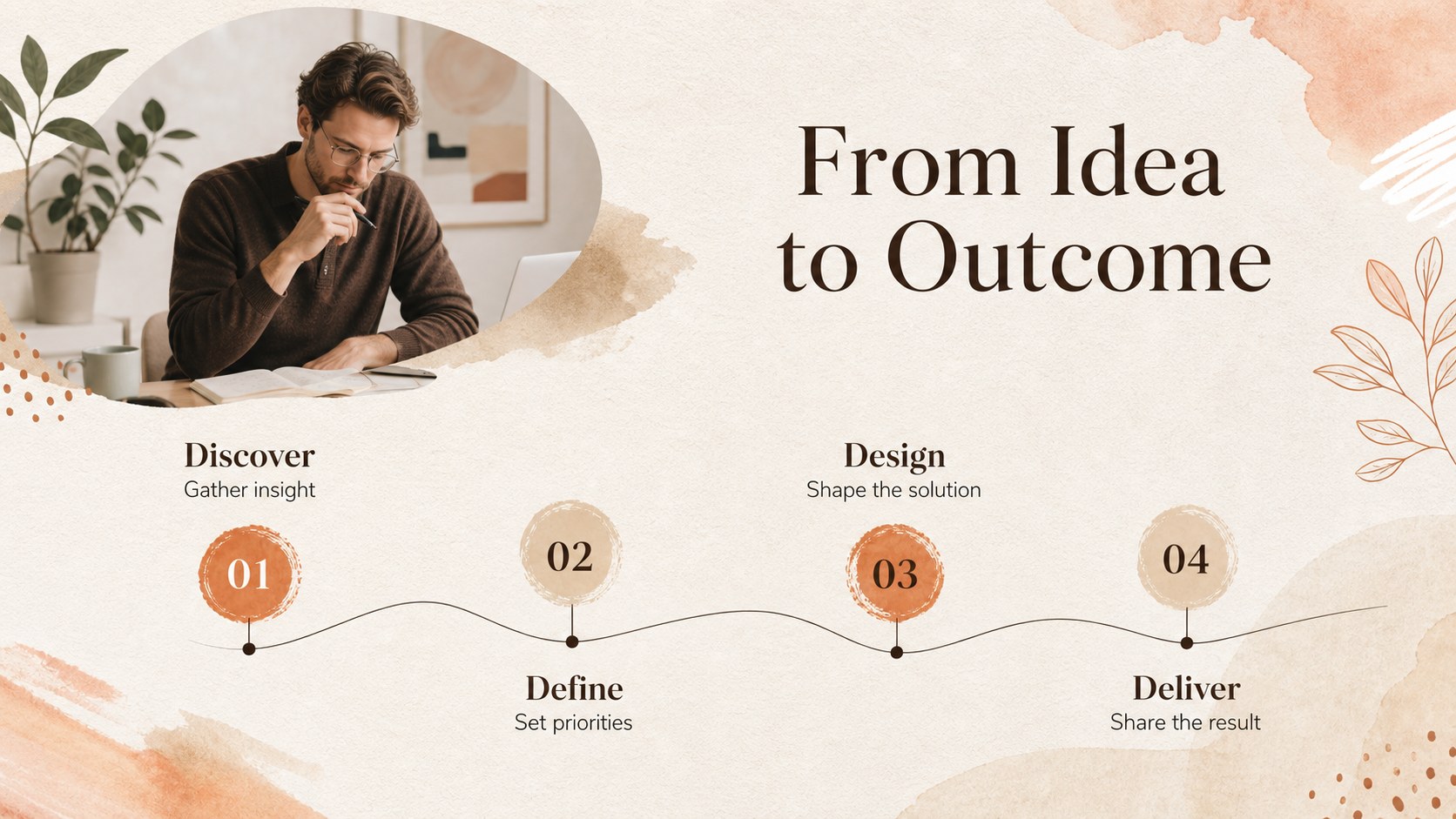
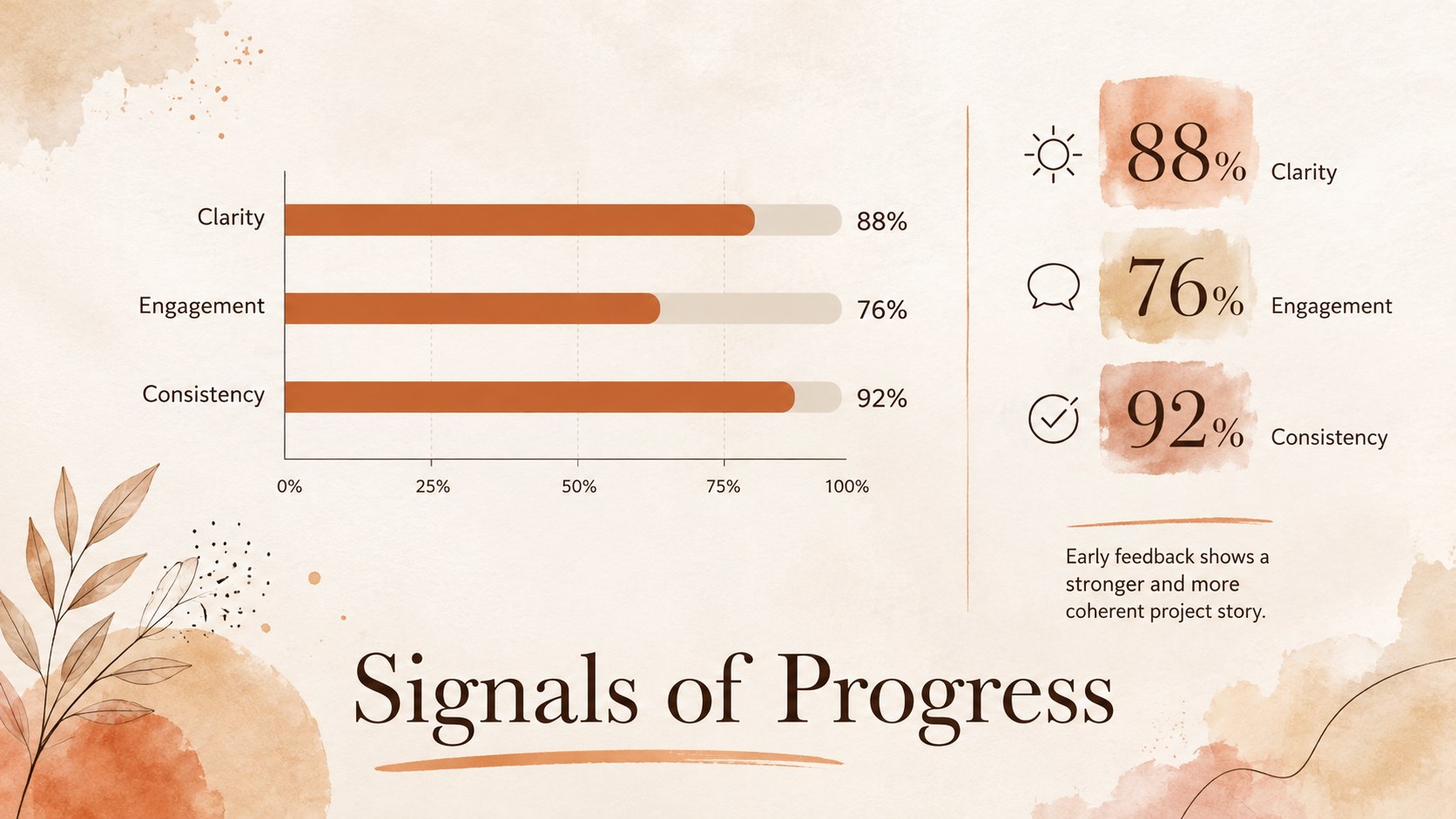
Inside, you will find more than 25 adaptable layouts for project summaries, agendas, mood boards, inspirational quotes, team profiles, timelines, image galleries, comparisons, charts, and next steps. The balanced typography and modular compositions make it easy to create a warm beige portfolio presentation or an orange brown project showcase with your own photographs, illustrations, icons, and data. Built-in visual hierarchy helps audiences follow the story from the opening idea to the final recommendation.
This deck is suited to designers, photographers, artists, educators, students, consultants, and small creative teams seeking an understated alternative to a conventional business theme. Adjust the palette, replace sample text, rearrange content blocks, and apply your preferred transitions directly in the supported presentation software. Whether you are presenting a campaign concept, documenting a creative process, introducing collaborators, or sharing a personal portfolio, the layouts provide a cohesive framework that remains flexible enough for different subjects and presentation styles.
Perfect for: creative project proposal; designer portfolio review; campaign concept presentation; student art showcase; studio project update; photography mood board.
Frequently asked questions
Can I edit every part of this presentation? Yes. Text, colors, images, shapes, charts, and layout elements can be adjusted to suit your project. You can also duplicate, remove, or reorder slides as your narrative develops.
Practical details
Yes. Text, colors, images, shapes, charts, and layout elements can be adjusted to suit your project. You can also duplicate, remove, or reorder slides as your narrative develops.
The deck is designed for Microsoft PowerPoint and Google Slides. Some font rendering, transitions, or spacing may vary slightly between the two platforms, so review the finished presentation before sharing it.
Replace the beige, orange, and brown theme colors through the presentation's theme or master-slide controls. Using a limited set of coordinated colors will keep charts, headings, and decorative artwork visually consistent.
Yes. The deck includes structures for project introductions, process summaries, image showcases, team profiles, timelines, results, and next steps. Replace the sample content with your own work while preserving the established spacing and hierarchy.
Keep exploring
15Build an engaging World UFO Day session with this flying saucer history lesson deck, featuring retro green-and-brown slides for PowerPoint and Google Slides.
 15
15Plan a lively animal-learning journey with this jungle zoo adventure lesson deck, ready to customize in PowerPoint and Google Slides for young learners.
 16
16Turn environmental research into a clear story with a Watercolor Ecology Presentation Theme for PowerPoint and Google Slides in calming green and blue.
 16
16Build focused fashion, literature, and humanities presentations with the Red Triangle Editorial Theme, editable in PowerPoint and Google Slides.
 15
15Turn streaming stats, favorite tracks, and concert highlights into a bold annual listening recap slide deck for PowerPoint and Google Slides.
 15
15Turn highlights, milestones, and favorite moments into a colorful year in review slide deck with bold 3D graphics for PowerPoint and Google Slides.
 3
3Build a credible endorsement with Standout Colleague Recommendation Letter Slides, featuring colorful prompts for skills, achievements, and team impact.
 4
4Build clear beginner sessions with an ice hockey fundamentals training deck for coaches, PE teachers, and clubs, ready for PowerPoint and Google Slides.