
 15
15presentation
Flying Saucer History Lesson Deck
Build an engaging World UFO Day session with this flying saucer history lesson deck, featuring retro green-and-brown slides for PowerPoint and Google Slides.
Google SlidesPowerPoint
presentation · English
Present your venture clearly with a warm minimal startup funding deck featuring editable yellow and brown slides for PowerPoint and Google Slides.




Design notes
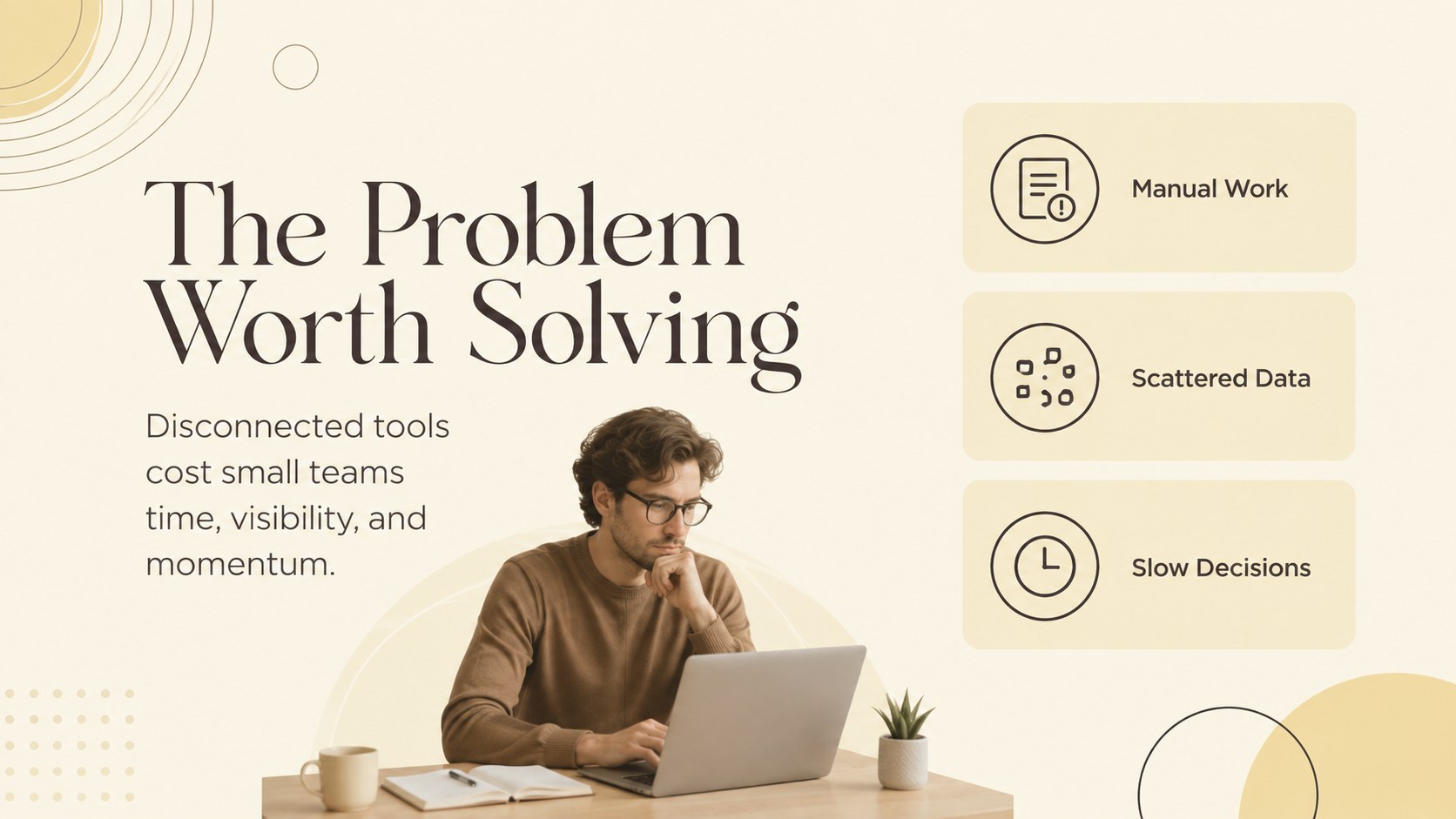
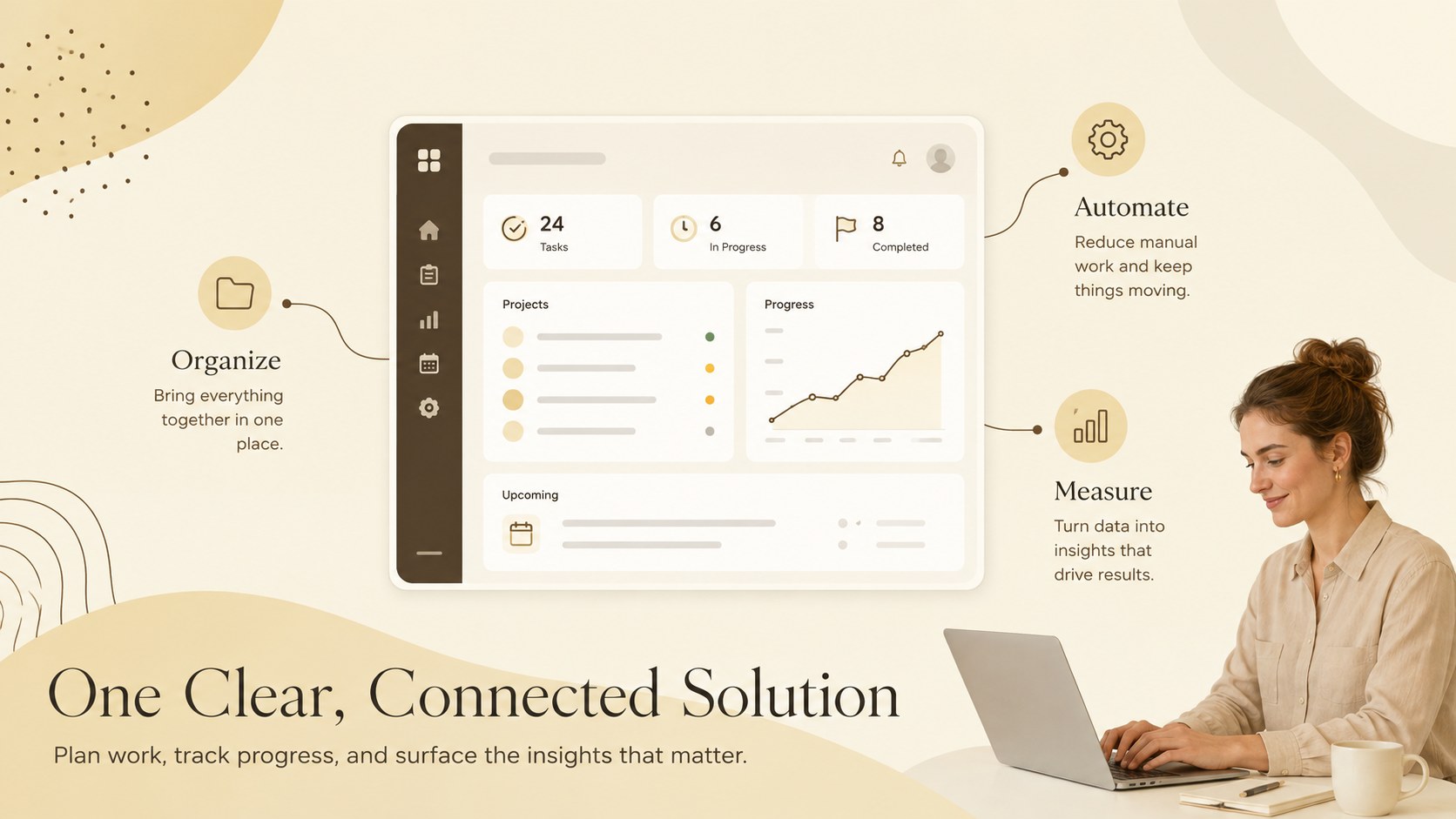
Build a focused investment story with this warm minimal startup funding deck. Its soft yellow, pastel, and earthy brown palette brings confidence and personality to your message without distracting from the numbers. Clean typography, generous spacing, and restrained graphic details help audiences follow your venture from the opening vision to the final funding request.
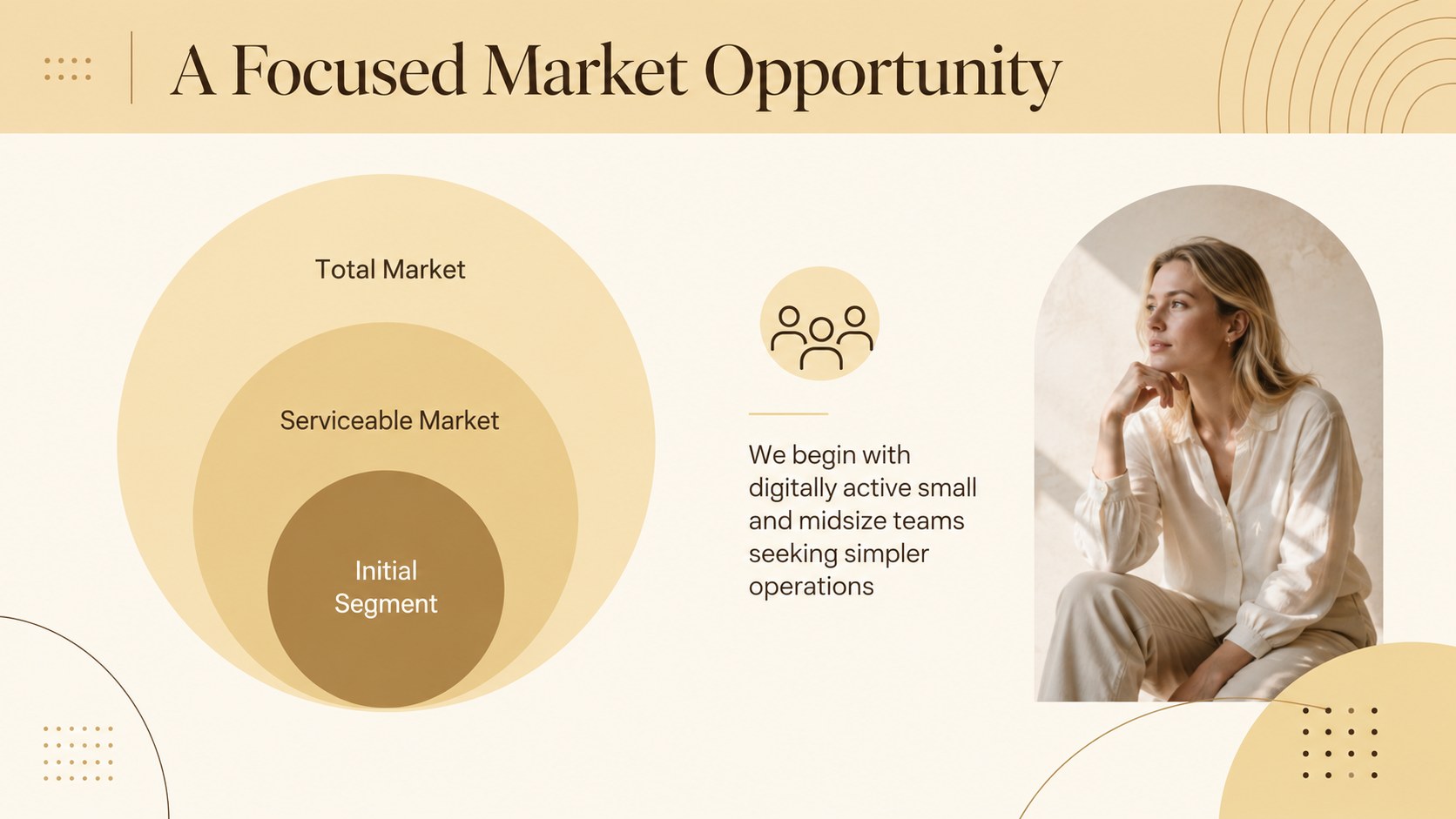
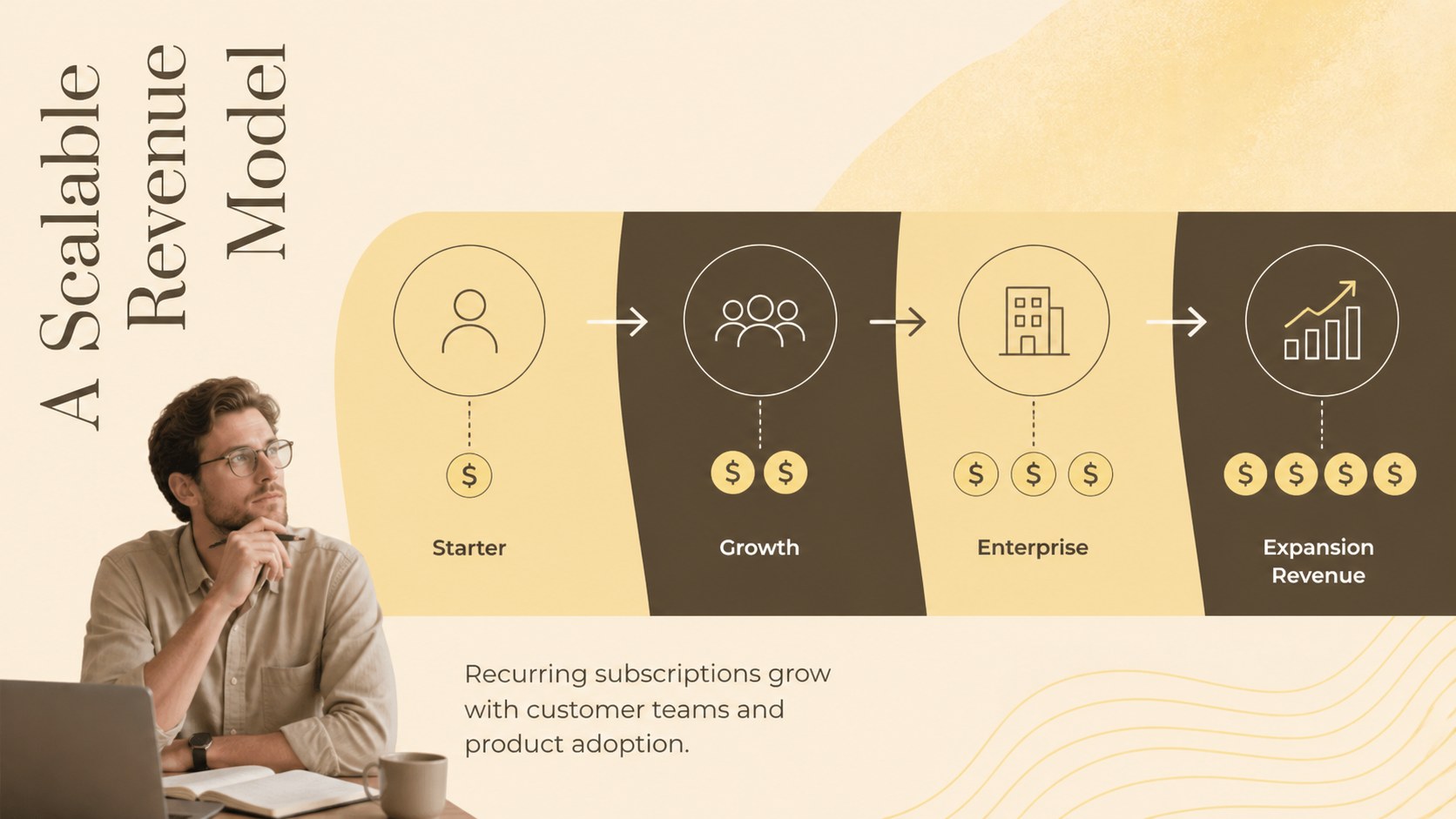
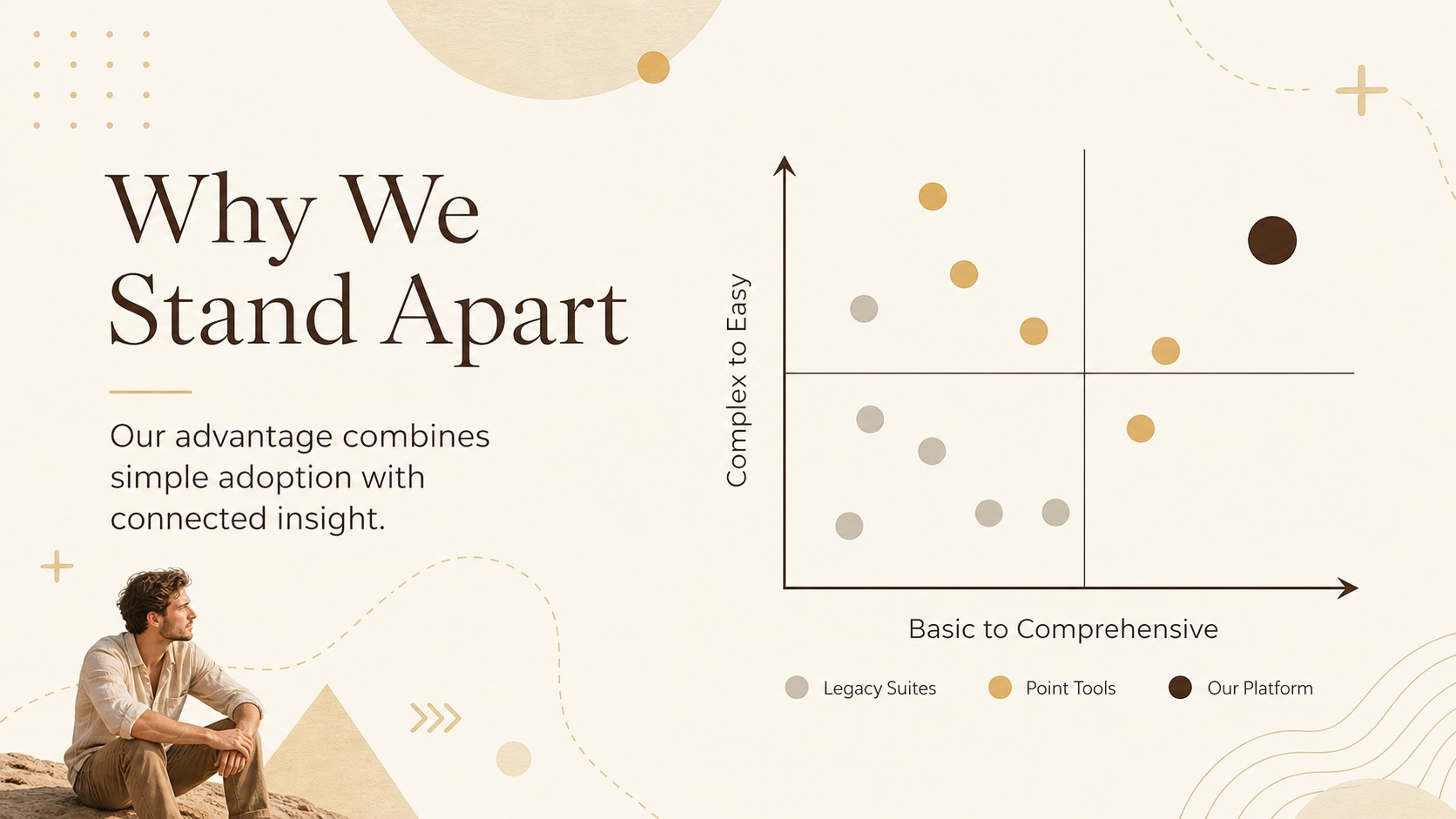
The deck includes layouts for your company overview, customer problem, proposed solution, product benefits, target market, business model, competitor landscape, traction, financial outlook, team, roadmap, and use of funds. Flexible charts, comparison tables, timelines, image areas, and key-metric callouts make it suitable as an early stage investor presentation or a simple startup fundraising deck. Every page can be edited in PowerPoint or Google Slides, including text, colors, images, shapes, and data.
Designed for founders, small business owners, accelerator participants, and student entrepreneurs, this yellow and brown investor deck works well for demo days, private investor meetings, pitch competitions, and internal planning sessions. Use the existing structure as a complete narrative or rearrange individual slides for a shorter introduction. The warm visual system is polished enough for formal funding conversations while remaining friendly and accessible for first-time presenters.
Perfect for: seed funding meeting; startup demo day; accelerator pitch session; business plan presentation; investor update meeting; student venture competition.
Frequently asked questions
Can I edit this deck in PowerPoint and Google Slides? Yes. The presentation is designed for both PowerPoint and Google Slides, with editable text, colors, shapes, charts, and image areas. Minor font substitutions may occur if a typeface is not installed on your device.
Practical details
Yes. The presentation is designed for both PowerPoint and Google Slides, with editable text, colors, shapes, charts, and image areas. Minor font substitutions may occur if a typeface is not installed on your device.
Replace the sample colors, typography, logo area, and photography with your own brand assets. Keep the restrained layout and consistent spacing to preserve the deck's minimal visual style.
Yes. For a concise pitch, retain the problem, solution, market, business model, traction, financial outlook, team, and funding request slides. The remaining layouts can support longer meetings or follow-up discussions.
Yes. Update the sample values and labels with verified company data, then adjust chart colors to match your brand. Review all calculations before presenting them to investors or stakeholders.
Keep exploring
15Build an engaging World UFO Day session with this flying saucer history lesson deck, featuring retro green-and-brown slides for PowerPoint and Google Slides.
 15
15Plan a lively animal-learning journey with this jungle zoo adventure lesson deck, ready to customize in PowerPoint and Google Slides for young learners.
 16
16Turn environmental research into a clear story with a Watercolor Ecology Presentation Theme for PowerPoint and Google Slides in calming green and blue.
 16
16Build focused fashion, literature, and humanities presentations with the Red Triangle Editorial Theme, editable in PowerPoint and Google Slides.
 15
15Turn streaming stats, favorite tracks, and concert highlights into a bold annual listening recap slide deck for PowerPoint and Google Slides.
 15
15Turn highlights, milestones, and favorite moments into a colorful year in review slide deck with bold 3D graphics for PowerPoint and Google Slides.
 3
3Build a credible endorsement with Standout Colleague Recommendation Letter Slides, featuring colorful prompts for skills, achievements, and team impact.
 4
4Build clear beginner sessions with an ice hockey fundamentals training deck for coaches, PE teachers, and clubs, ready for PowerPoint and Google Slides.