
 15
15presentation
Flying Saucer History Lesson Deck
Build an engaging World UFO Day session with this flying saucer history lesson deck, featuring retro green-and-brown slides for PowerPoint and Google Slides.
Google SlidesPowerPoint
presentation · English
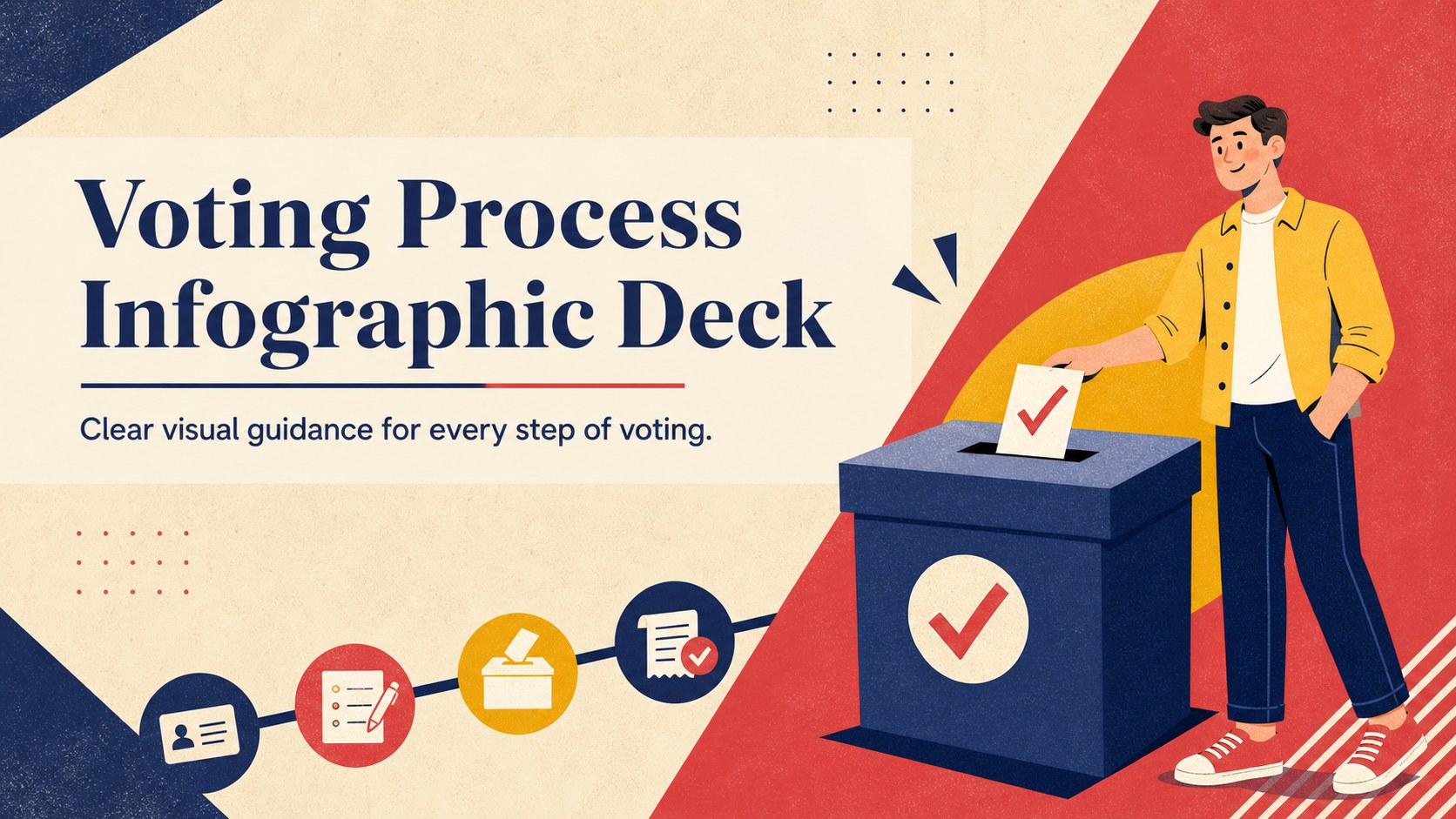
Build a clear voting process infographic deck with bold geometric visuals, editable election steps, and ready-to-share layouts for civic education in…
Design notes
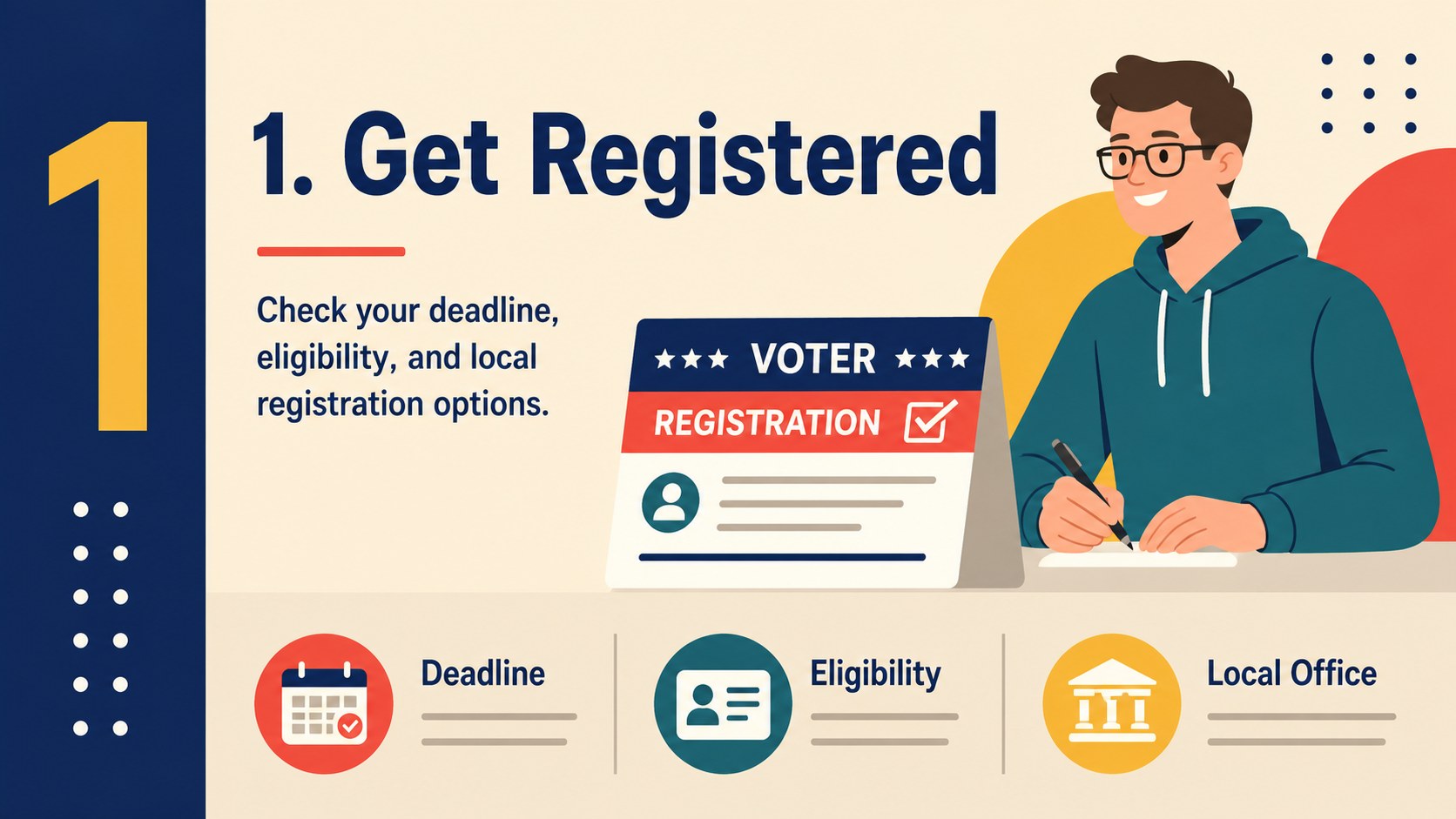
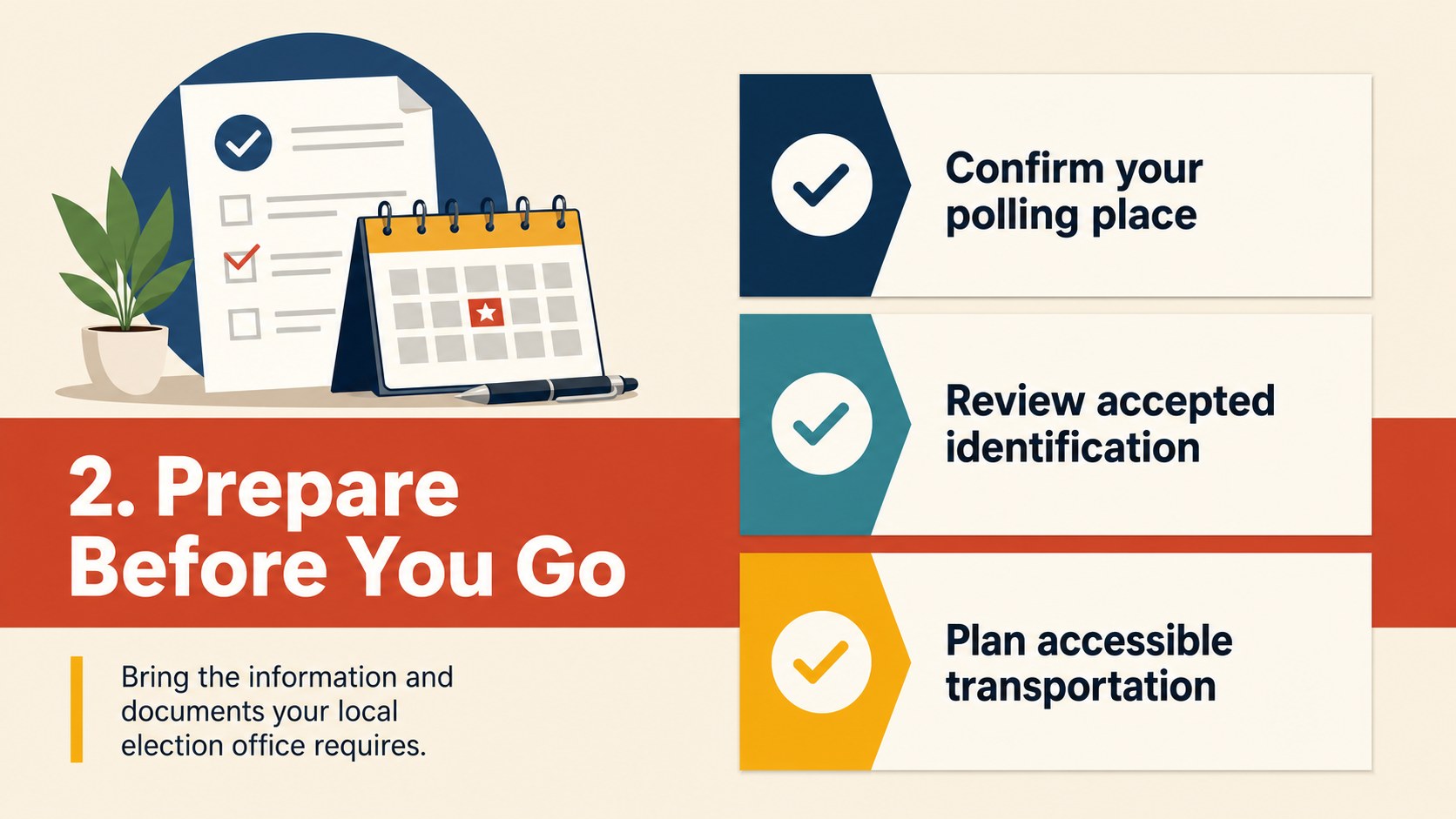
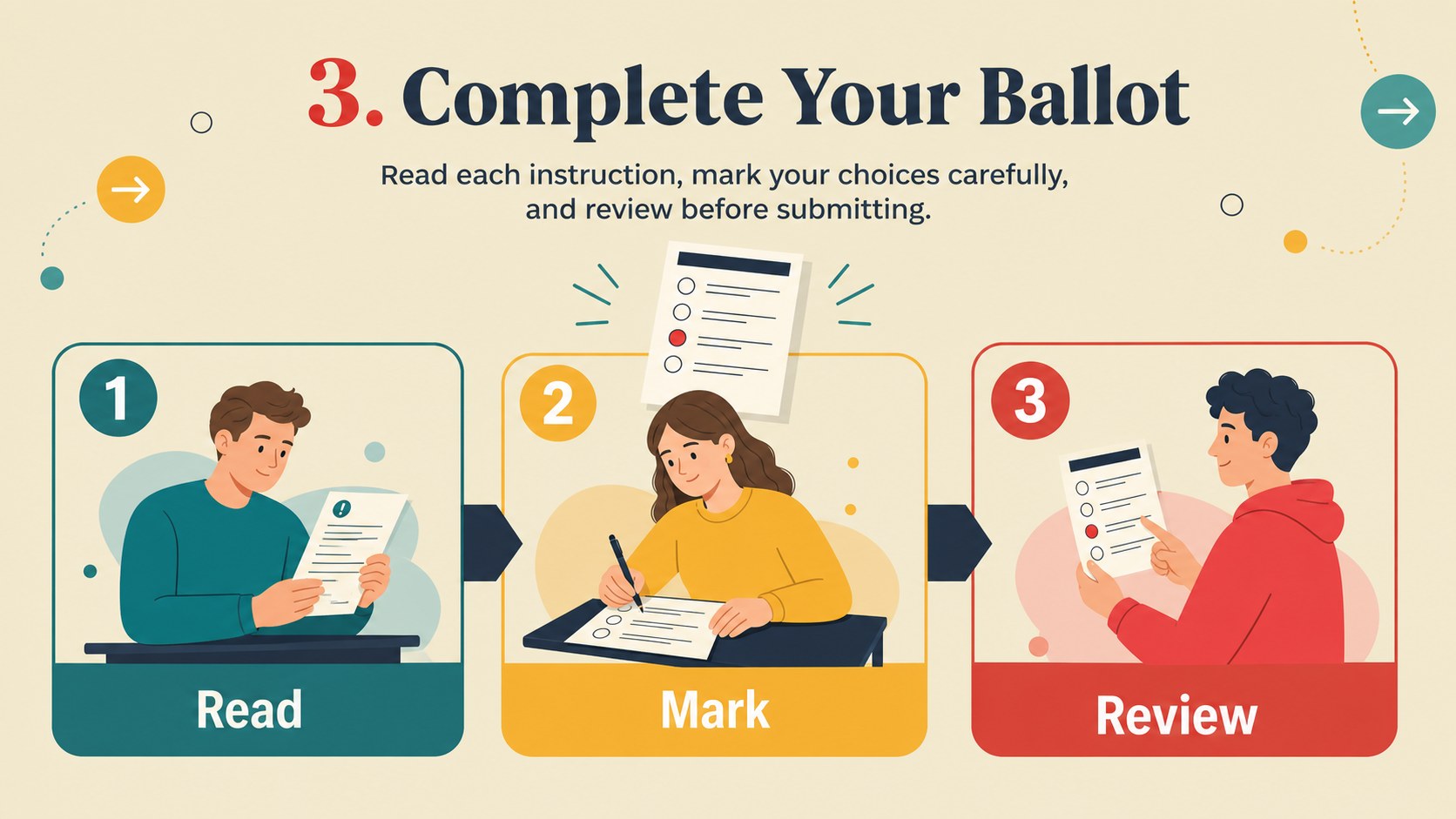
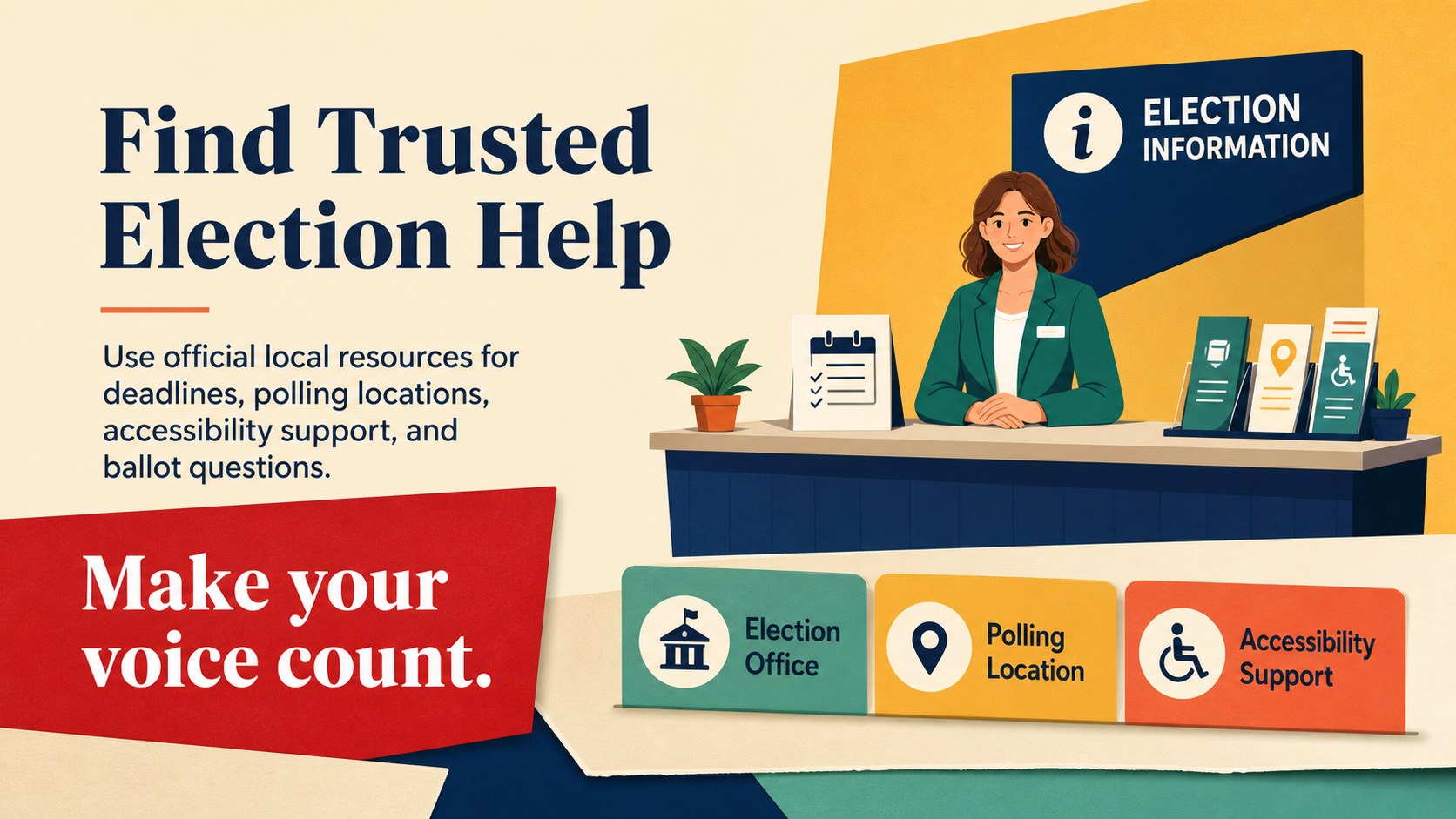
Make election information easier to understand with a voting process infographic deck designed for civic education, classroom instruction, and community outreach. Its colorful geometric style uses a warm beige foundation, strong contrasting accents, and illustrated visual cues to guide viewers through essential voting steps without overwhelming them.
Inside, you’ll find five editable portrait-inspired layouts adapted for widescreen presentations. Use them to explain voter registration, polling-place preparation, ballot completion, accessibility options, and post-election information. The layouts can also be repurposed as an election steps poster series, a voter information slideshow, or a concise civic education presentation for public displays and online sharing.
This template is useful for teachers, nonprofit teams, local organizations, public information staff, and anyone preparing straightforward election materials for a Western audience. Edit the wording, colors, diagrams, icons, and illustrations in PowerPoint or Google Slides. The deck includes flexible charts, frames, lines, shapes, and transition-ready layouts, so you can adapt each page to local rules and audience needs. Use the included Amiko, DM Sans, DM Serif Display, and Noto Sans font pairing to maintain its confident editorial feel while tailoring the message to your event or campaign.
Perfect for: middle school civics lesson; community voter information session; nonprofit election outreach; public library information display; local government briefing.
Frequently asked questions
Can I edit the voting instructions in PowerPoint? Yes. Text, colors, shapes, illustrations, diagrams, and page layouts are editable in PowerPoint. Replace the sample instructions with rules and deadlines relevant to your location.
Practical details
Yes. Text, colors, shapes, illustrations, diagrams, and page layouts are editable in PowerPoint. Replace the sample instructions with rules and deadlines relevant to your location.
Yes, the deck is compatible with Google Slides as well as PowerPoint. Upload the presentation, then update the text and visual elements directly in your browser.
You can customize the deck for municipal, regional, or national elections. Add local registration links, polling details, accessibility information, ballot examples, and contact resources.
The layouts are presentation-first, but they can be exported as PDF or image files for handouts and public displays. Review the text size and margins before printing at a different page format.
Keep exploring
15Build an engaging World UFO Day session with this flying saucer history lesson deck, featuring retro green-and-brown slides for PowerPoint and Google Slides.
 15
15Plan a lively animal-learning journey with this jungle zoo adventure lesson deck, ready to customize in PowerPoint and Google Slides for young learners.
 16
16Turn environmental research into a clear story with a Watercolor Ecology Presentation Theme for PowerPoint and Google Slides in calming green and blue.
 16
16Build focused fashion, literature, and humanities presentations with the Red Triangle Editorial Theme, editable in PowerPoint and Google Slides.
 15
15Turn streaming stats, favorite tracks, and concert highlights into a bold annual listening recap slide deck for PowerPoint and Google Slides.
 15
15Turn highlights, milestones, and favorite moments into a colorful year in review slide deck with bold 3D graphics for PowerPoint and Google Slides.
 3
3Build a credible endorsement with Standout Colleague Recommendation Letter Slides, featuring colorful prompts for skills, achievements, and team impact.
 4
4Build clear beginner sessions with an ice hockey fundamentals training deck for coaches, PE teachers, and clubs, ready for PowerPoint and Google Slides.