
 15
15presentation
Flying Saucer History Lesson Deck
Build an engaging World UFO Day session with this flying saucer history lesson deck, featuring retro green-and-brown slides for PowerPoint and Google Slides.
Google SlidesPowerPoint
presentation · English
Build a clear voting process explainer slides deck for classrooms and civic outreach, with bold blue-yellow visuals and editable PowerPoint and Google…
Design notes
Voting process explainer slides make the journey from registration to final results easier to understand at a glance. This bright illustrated presentation uses a confident blue and yellow palette, clean line graphics, and portrait-friendly layouts to turn civic information into a memorable visual story. It is designed for neutral, educational communication rather than campaign messaging.
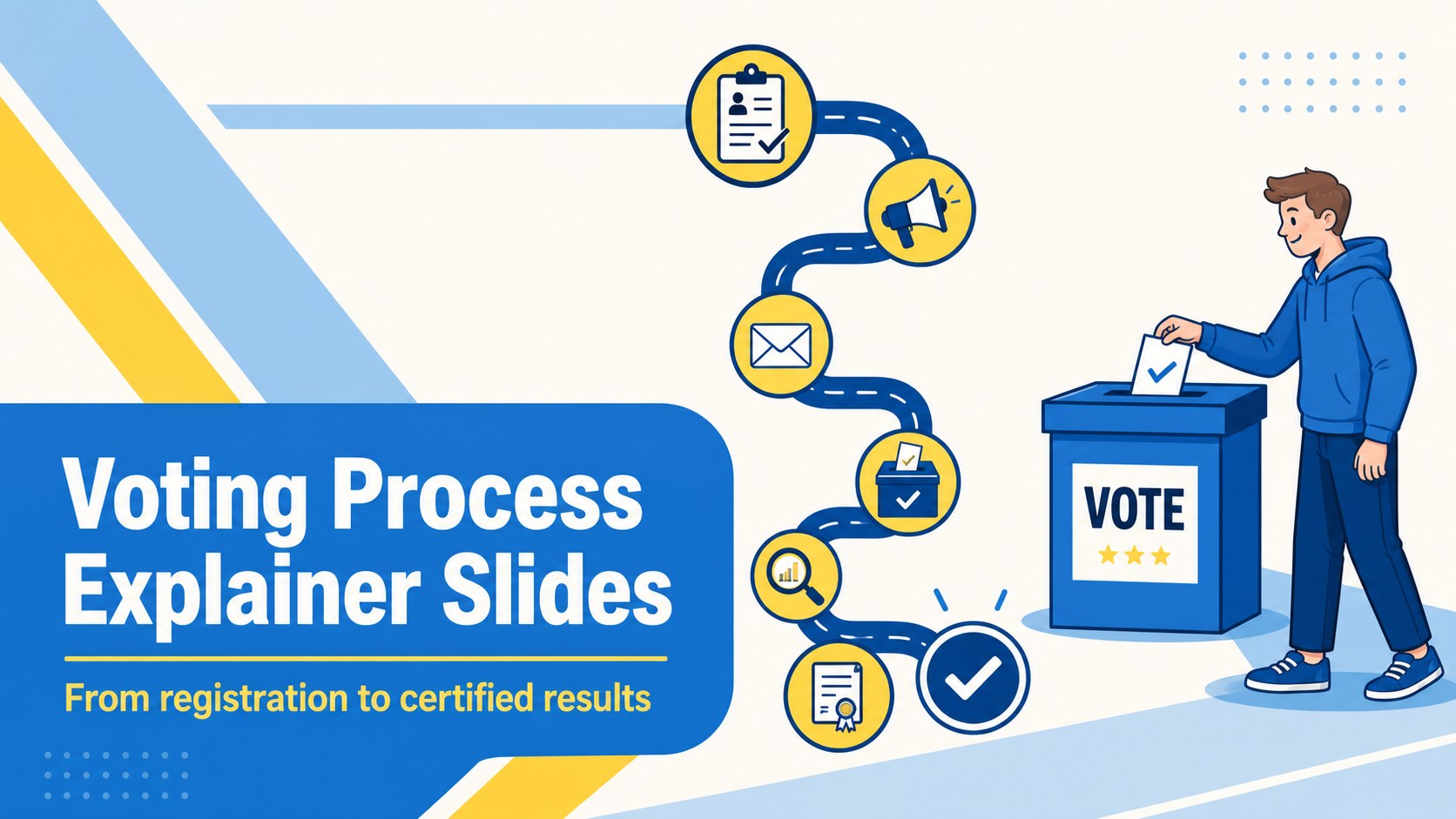
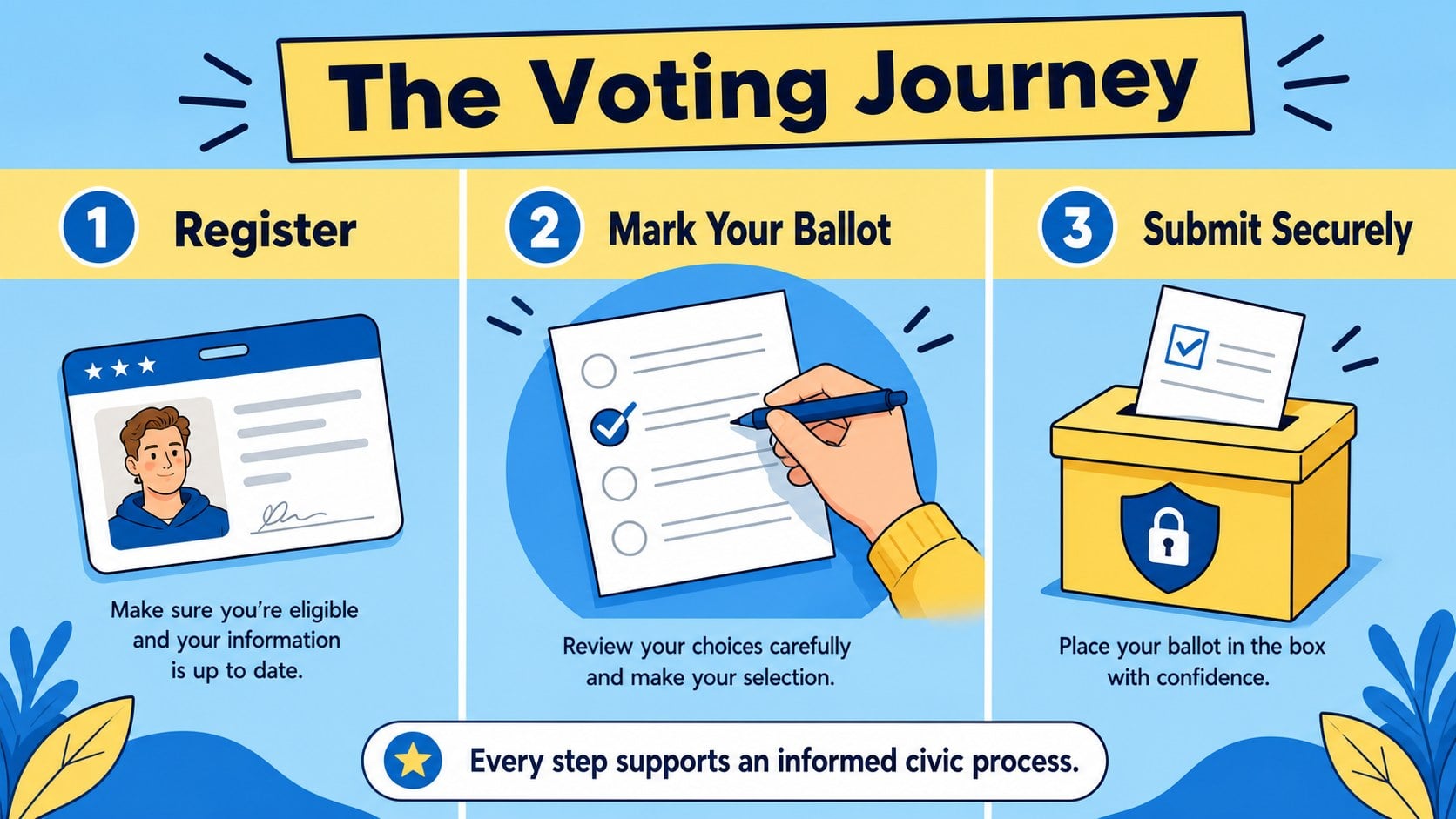
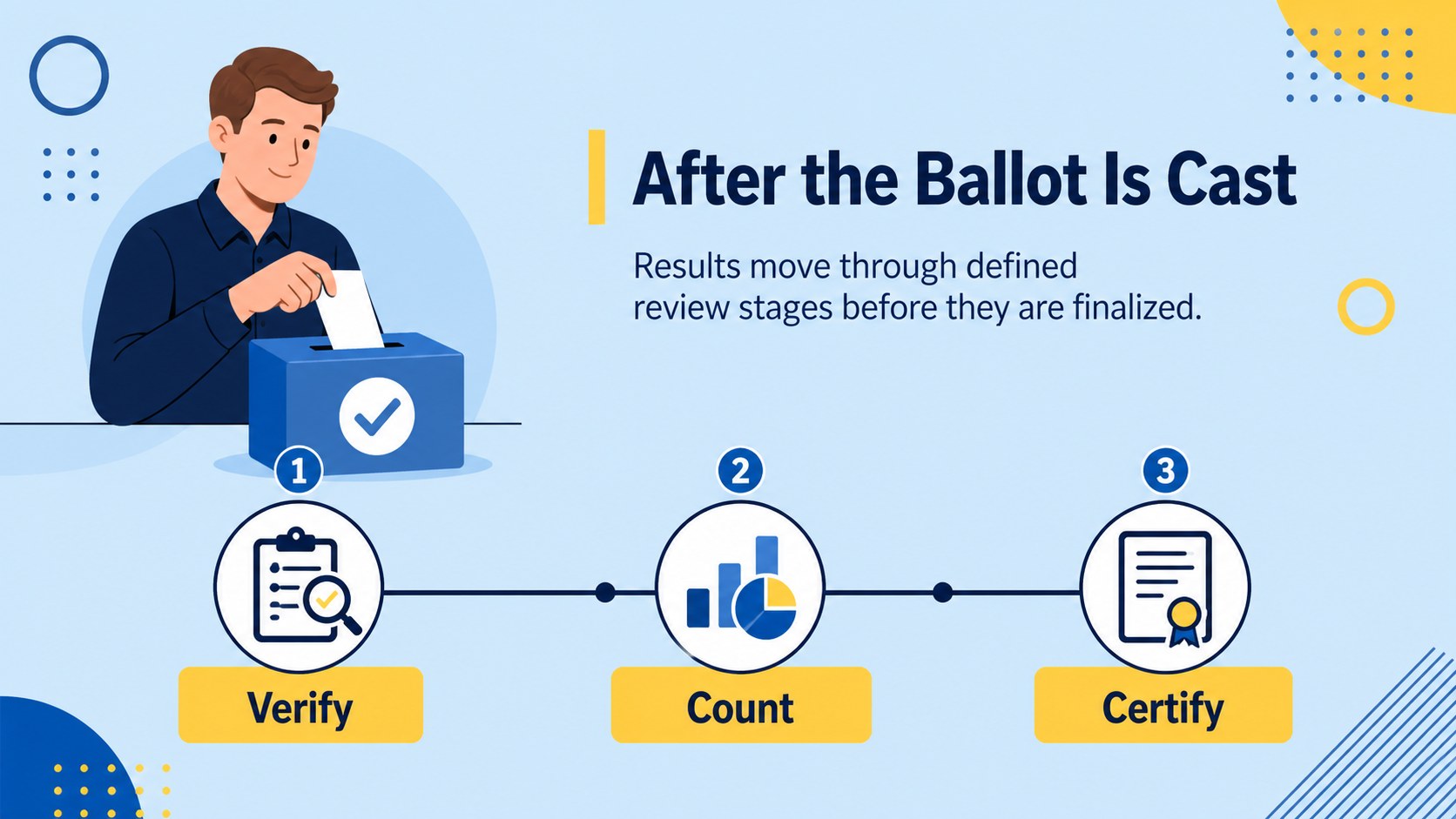
Inside the deck, you will find a cover slide, a step-by-step voting journey, and a concise overview of how ballots move through verification, counting, and certification. Editable text areas, shapes, lines, and infographic components make it simple to adapt the material for local rules, age groups, or public information events. The layout can also support an explainer about how an election works, a voter education presentation, or a classroom discussion about civic participation.
Use the template for middle and high school lessons, library workshops, nonprofit outreach, community orientation sessions, or public-service presentations. It works in PowerPoint and Google Slides, with space for notes, labels, timelines, and supporting statistics. Adjust the wording, reorder the stages, and apply your organization’s approved information while keeping the bold illustrated style intact. The result is a practical voting process explainer slides deck for presenting essential information clearly and responsibly.
Perfect for: middle school civics lesson; high school government class; library voter education workshop; nonprofit community outreach; public information briefing.
Frequently asked questions
Can I edit these slides in PowerPoint? Yes. The presentation is structured for PowerPoint editing, including text, colors, shapes, lines, and infographic elements. You can update the stages to reflect the procedures relevant to your audience.
Practical details
Yes. The presentation is structured for PowerPoint editing, including text, colors, shapes, lines, and infographic elements. You can update the stages to reflect the procedures relevant to your audience.
Yes, you can use the deck in Google Slides and revise its text, layout, and visual components. Check fonts and spacing after importing to ensure everything displays as intended.
The blue-and-yellow palette is part of the template’s visual identity, but editable color elements let you adapt the presentation to an organization or classroom style. Keep strong contrast between labels, backgrounds, and body text for readability.
You can include registration, identification requirements, early voting, polling-place steps, ballot verification, counting, and certification. Replace the sample wording with accurate, nonpartisan information for the specific location and audience.
Keep exploring
15Build an engaging World UFO Day session with this flying saucer history lesson deck, featuring retro green-and-brown slides for PowerPoint and Google Slides.
 15
15Plan a lively animal-learning journey with this jungle zoo adventure lesson deck, ready to customize in PowerPoint and Google Slides for young learners.
 16
16Turn environmental research into a clear story with a Watercolor Ecology Presentation Theme for PowerPoint and Google Slides in calming green and blue.
 16
16Build focused fashion, literature, and humanities presentations with the Red Triangle Editorial Theme, editable in PowerPoint and Google Slides.
 15
15Turn streaming stats, favorite tracks, and concert highlights into a bold annual listening recap slide deck for PowerPoint and Google Slides.
 15
15Turn highlights, milestones, and favorite moments into a colorful year in review slide deck with bold 3D graphics for PowerPoint and Google Slides.
 3
3Build a credible endorsement with Standout Colleague Recommendation Letter Slides, featuring colorful prompts for skills, achievements, and team impact.
 4
4Build clear beginner sessions with an ice hockey fundamentals training deck for coaches, PE teachers, and clubs, ready for PowerPoint and Google Slides.