
 15
15presentation
Flying Saucer History Lesson Deck
Build an engaging World UFO Day session with this flying saucer history lesson deck, featuring retro green-and-brown slides for PowerPoint and Google Slides.
Google SlidesPowerPoint
presentation · English
Build a clear voting day civic flyer with bold blue and red artwork. Edit this free PowerPoint and Google Slides template for events and outreach.


Design notes
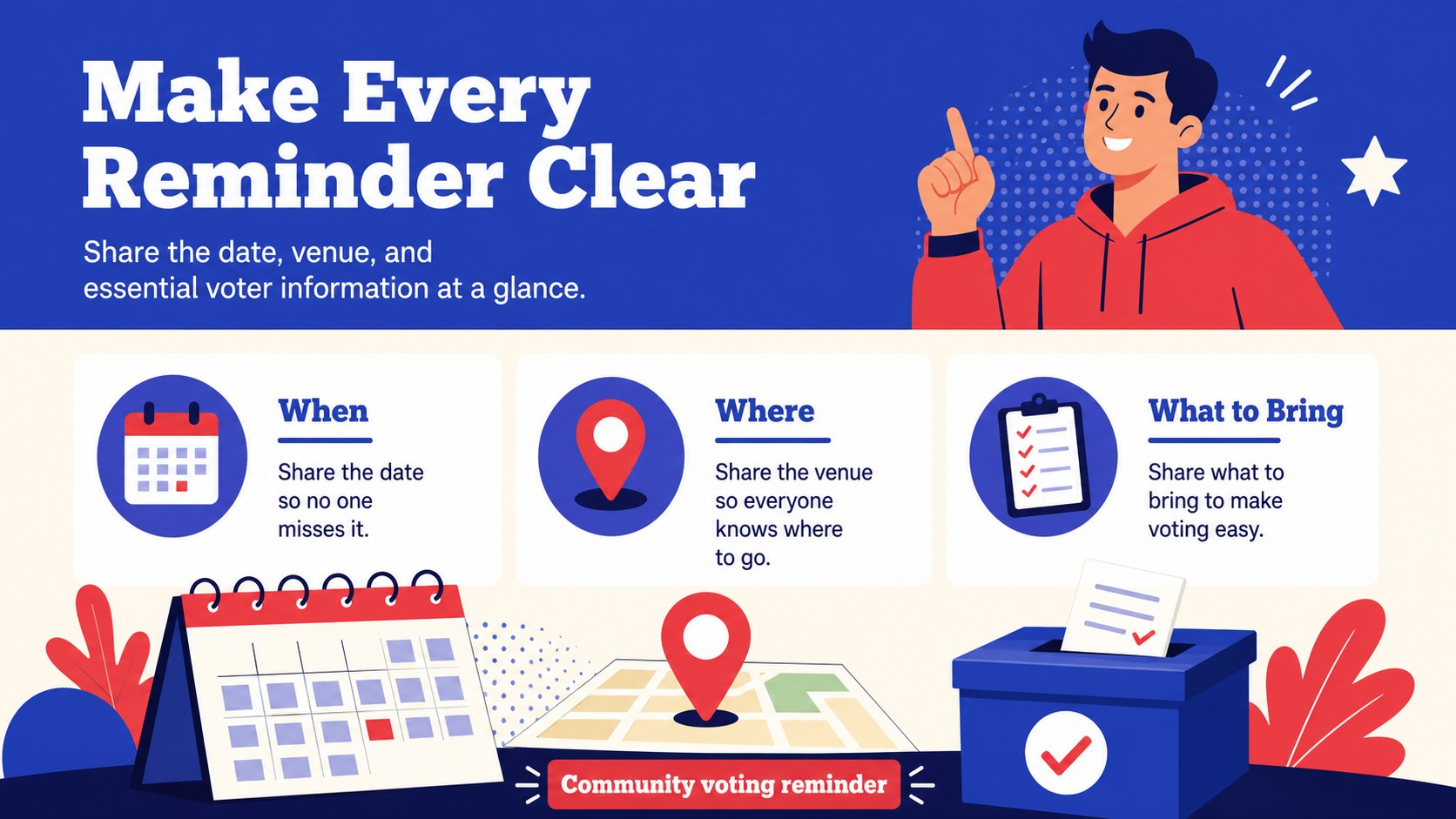
Make civic announcements easier to notice with the Voting Day Civic Flyer Kit, a bold illustrated presentation template for public information and outreach. Its energetic blue and red palette, strong typography, and poster-inspired layouts help turn essential event details into clear visual communication.
Inside, you’ll find five editable A4 flyer layouts that can be adapted for voting reminders, registration drives, polling-place information, community gatherings, or nonpartisan awareness campaigns. The design system combines Barlow and Oswald fonts with flexible shapes, frames, lines, and graphic accents. Use the layouts as a voting day flyer template, or repurpose them as civic engagement event slides for screens, newsletters, digital signage, and social announcements.
This kit suits municipal teams, nonprofit organizers, educators, community groups, public affairs professionals, and campaign communications staff. Every element can be adjusted in PowerPoint and Google Slides, including text, colors, images, and spacing. Add a QR code, contact details, accessibility information, or a clear call to action while keeping the visual style consistent. It is especially useful for political outreach poster design when the message needs to be direct, readable, and ready to share across print and digital channels.
Perfect for: voter registration drive; community voting reminder; polling place information session; nonprofit civic outreach; municipal public announcement.
Frequently asked questions
Can I edit the flyer layouts in PowerPoint? Yes. The text, colors, shapes, images, and layout elements are editable in PowerPoint. You can also resize or duplicate pages for additional announcements.
Practical details
Yes. The text, colors, shapes, images, and layout elements are editable in PowerPoint. You can also resize or duplicate pages for additional announcements.
Yes, the presentation is designed for Google Slides as well as PowerPoint. Upload the file to Google Drive, open it with Google Slides, and customize the content in your browser.
Yes. The layouts are prepared in an A4 poster format, making them suitable for printing as flyers or notices. Review margins, image resolution, and local print settings before production.
You can add dates, opening hours, registration instructions, polling locations, QR codes, contact details, and accessibility notes. Keep key information short and use high-contrast text for readability.
Keep exploring
15Build an engaging World UFO Day session with this flying saucer history lesson deck, featuring retro green-and-brown slides for PowerPoint and Google Slides.
 15
15Plan a lively animal-learning journey with this jungle zoo adventure lesson deck, ready to customize in PowerPoint and Google Slides for young learners.
 16
16Turn environmental research into a clear story with a Watercolor Ecology Presentation Theme for PowerPoint and Google Slides in calming green and blue.
 16
16Build focused fashion, literature, and humanities presentations with the Red Triangle Editorial Theme, editable in PowerPoint and Google Slides.
 15
15Turn streaming stats, favorite tracks, and concert highlights into a bold annual listening recap slide deck for PowerPoint and Google Slides.
 15
15Turn highlights, milestones, and favorite moments into a colorful year in review slide deck with bold 3D graphics for PowerPoint and Google Slides.
 3
3Build a credible endorsement with Standout Colleague Recommendation Letter Slides, featuring colorful prompts for skills, achievements, and team impact.
 4
4Build clear beginner sessions with an ice hockey fundamentals training deck for coaches, PE teachers, and clubs, ready for PowerPoint and Google Slides.