
 15
15presentation
Flying Saucer History Lesson Deck
Build an engaging World UFO Day session with this flying saucer history lesson deck, featuring retro green-and-brown slides for PowerPoint and Google Slides.
Google SlidesPowerPoint
presentation · English
Build a voter registration outreach deck in a crisp blue and black geometric style for nonprofits, civic groups, workshops, and community events.



Design notes
A voter registration outreach deck for teams that need to explain the registration process, coordinate public engagement, and motivate communities to take action. Its bold blue and black geometric design gives civic presentations a focused, professional look while keeping information easy to scan.
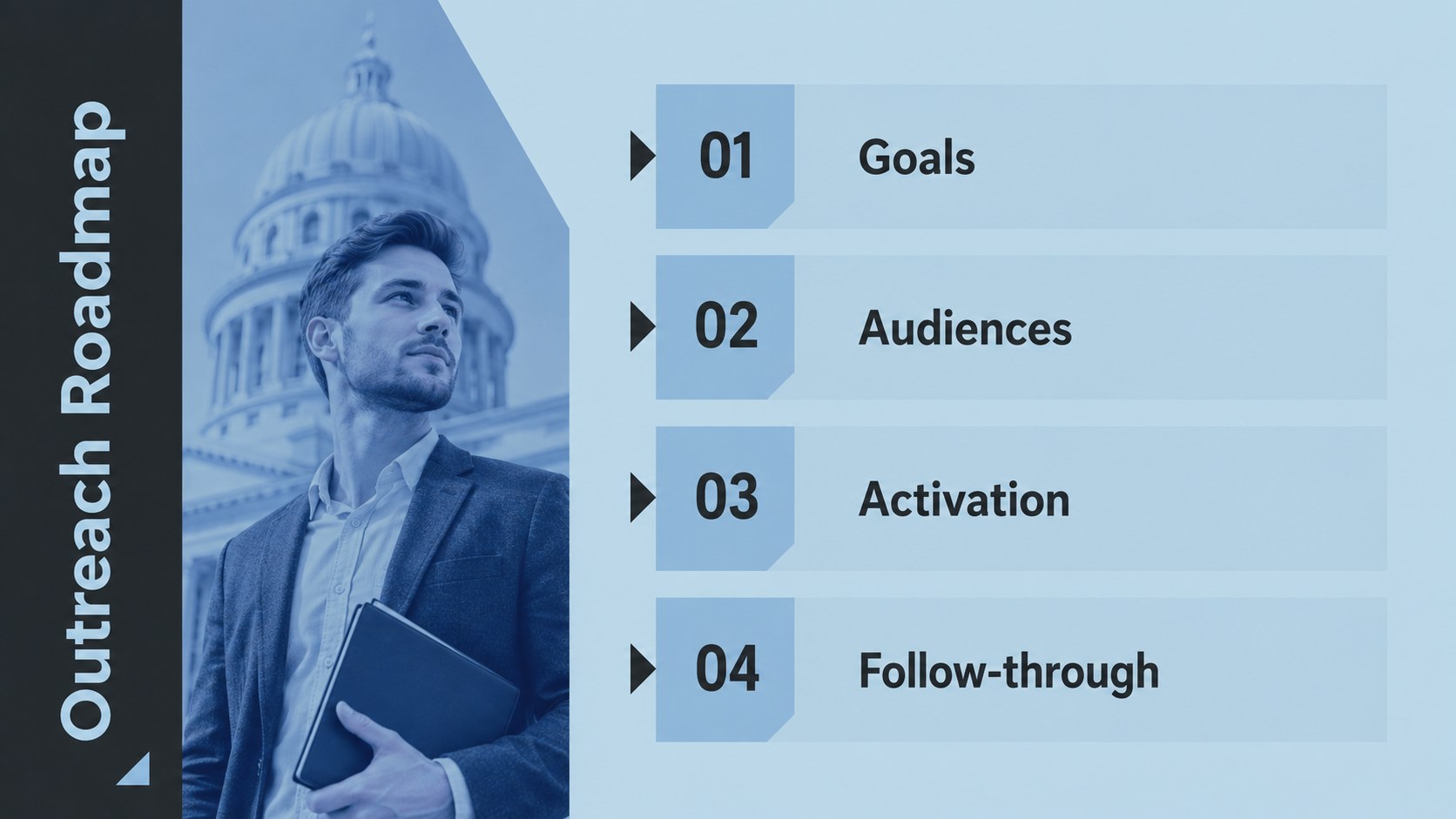
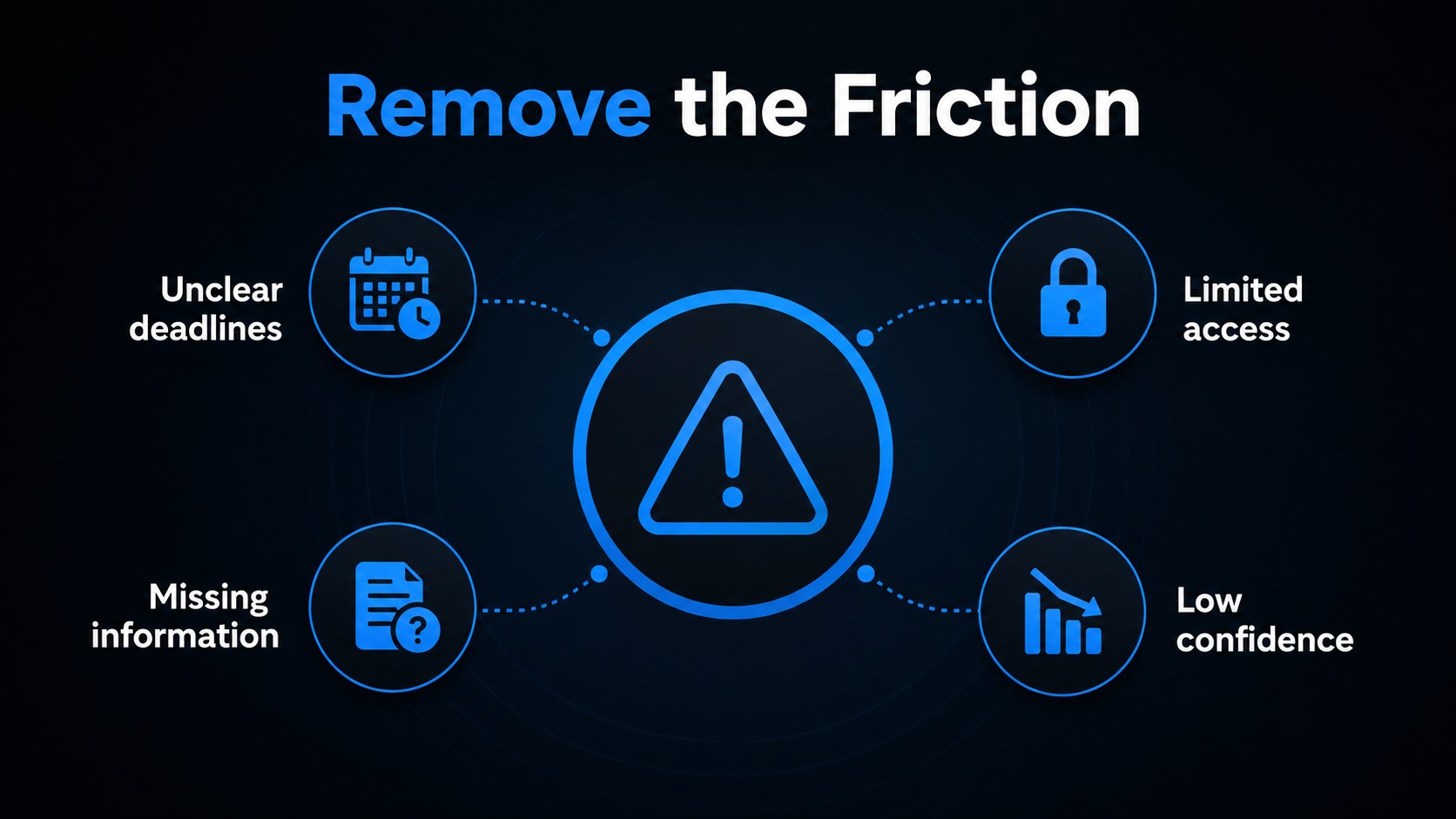
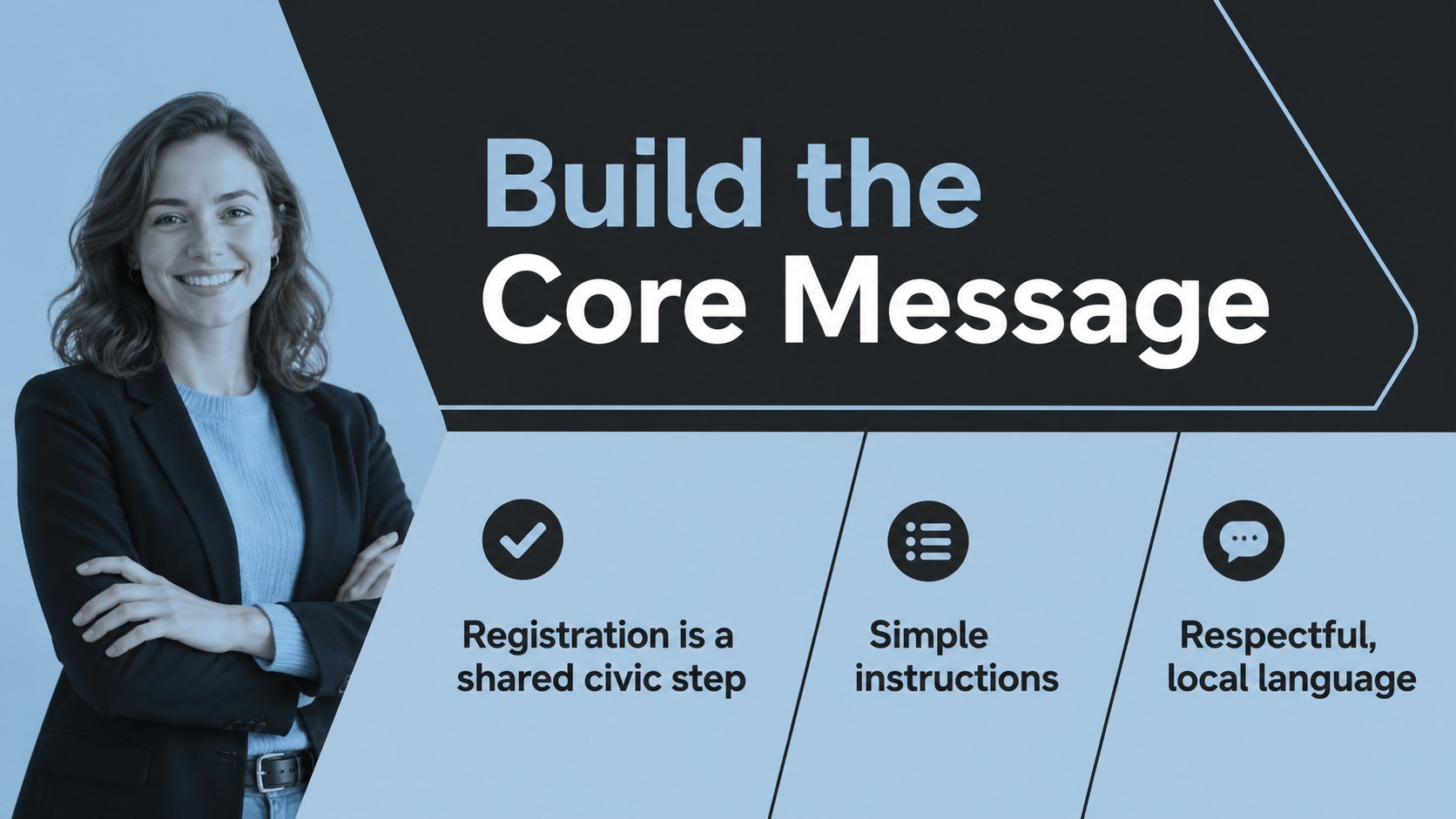
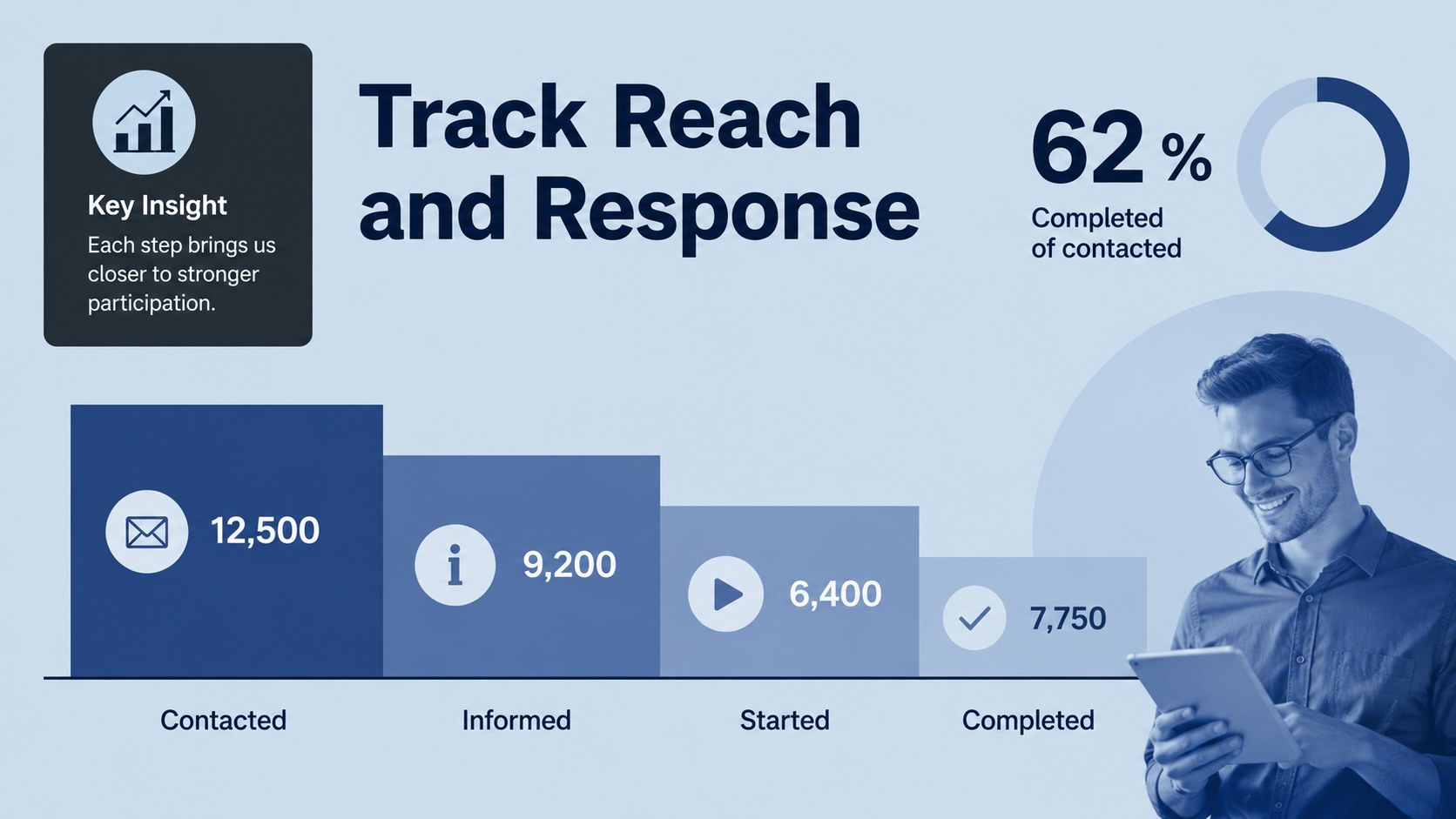
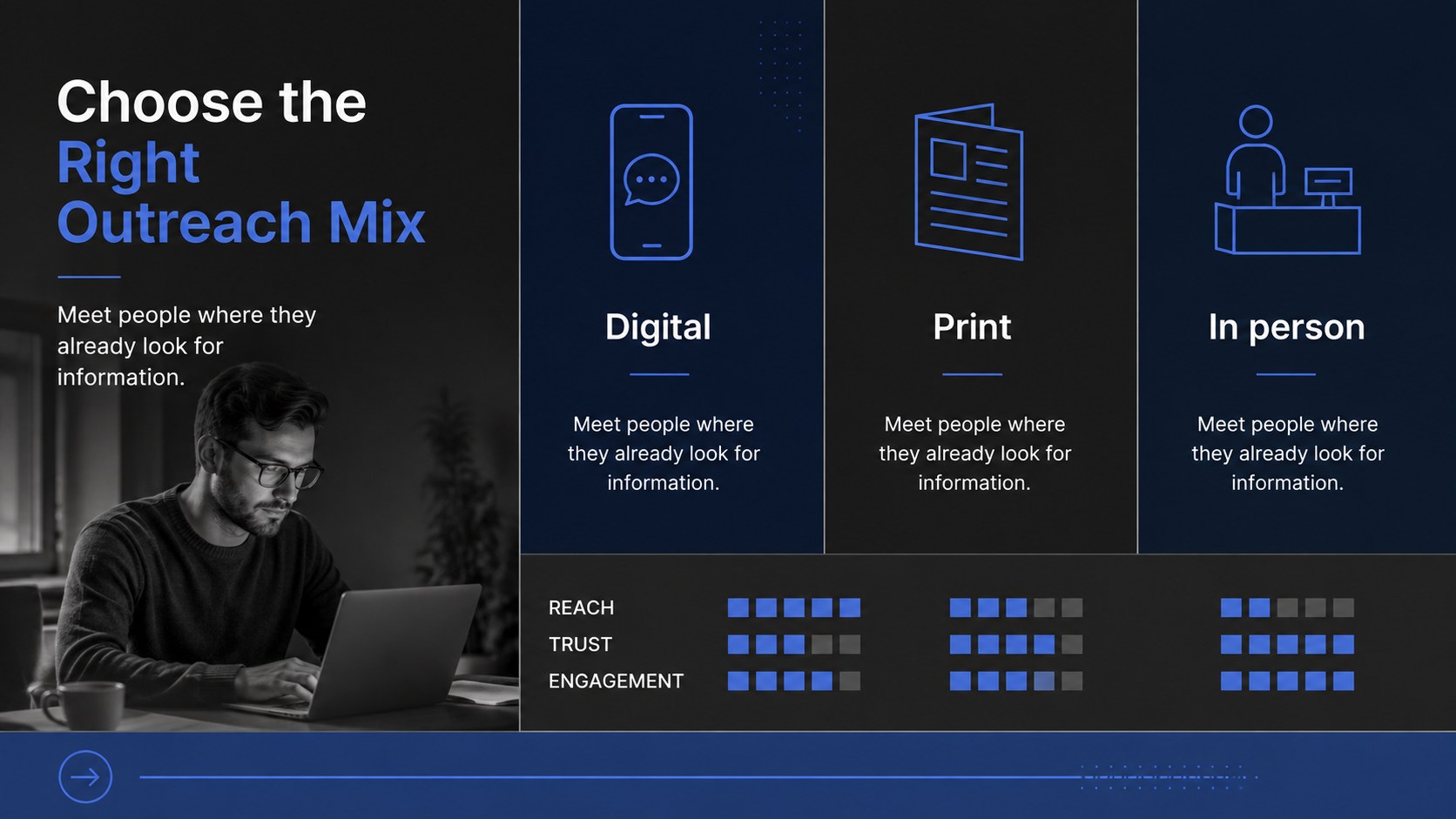
Inside, you will find 15 editable 16:9 slides for campaign objectives, audience insights, key messages, registration barriers, outreach channels, event planning, volunteer roles, timelines, and calls to action. The layouts can support a voter registration presentation for nonprofits, a community voter engagement strategy, or an election information workshop. Use charts, timelines, icons, and modular text areas to adapt the deck to local rules, target audiences, and campaign milestones.
This template is suited to nonprofit communications teams, civic education groups, student organizations, public affairs professionals, and local event coordinators. Edit the presentation in PowerPoint or Google Slides, update the copy and data, and apply your own campaign details while preserving the modern geometric visual system. The Vollkorn typeface and blue palette create a recognizable, energetic presentation without distracting from the information.
Perfect for: nonprofit voter registration briefing; community outreach workshop; campus civic engagement campaign; volunteer training session; local election information event.
Frequently asked questions
Can I edit this deck in PowerPoint? Yes. The presentation is designed for PowerPoint and can be edited as a PPTX file. Replace the text, colors, charts, and imagery with details for your organization or campaign.
Practical details
Yes. The presentation is designed for PowerPoint and can be edited as a PPTX file. Replace the text, colors, charts, and imagery with details for your organization or campaign.
Yes, you can open or import the deck in Google Slides and customize the editable layouts there. Check the Vollkorn font availability and substitute a similar typeface if your workspace does not include it.
Use the slides for registration steps, eligibility notes, outreach goals, audience segments, event schedules, volunteer assignments, and campaign metrics. Always verify local requirements and deadlines before publishing election-related information.
Yes. The layouts are flexible, so you can update the palette to match an organization or event identity. Keeping strong contrast between text and background will preserve the deck's clear, professional style.
Keep exploring
15Build an engaging World UFO Day session with this flying saucer history lesson deck, featuring retro green-and-brown slides for PowerPoint and Google Slides.
 15
15Plan a lively animal-learning journey with this jungle zoo adventure lesson deck, ready to customize in PowerPoint and Google Slides for young learners.
 16
16Turn environmental research into a clear story with a Watercolor Ecology Presentation Theme for PowerPoint and Google Slides in calming green and blue.
 16
16Build focused fashion, literature, and humanities presentations with the Red Triangle Editorial Theme, editable in PowerPoint and Google Slides.
 15
15Turn streaming stats, favorite tracks, and concert highlights into a bold annual listening recap slide deck for PowerPoint and Google Slides.
 15
15Turn highlights, milestones, and favorite moments into a colorful year in review slide deck with bold 3D graphics for PowerPoint and Google Slides.
 3
3Build a credible endorsement with Standout Colleague Recommendation Letter Slides, featuring colorful prompts for skills, achievements, and team impact.
 4
4Build clear beginner sessions with an ice hockey fundamentals training deck for coaches, PE teachers, and clubs, ready for PowerPoint and Google Slides.