
 15
15presentation
Flying Saucer History Lesson Deck
Build an engaging World UFO Day session with this flying saucer history lesson deck, featuring retro green-and-brown slides for PowerPoint and Google Slides.
Google SlidesPowerPoint
presentation · English
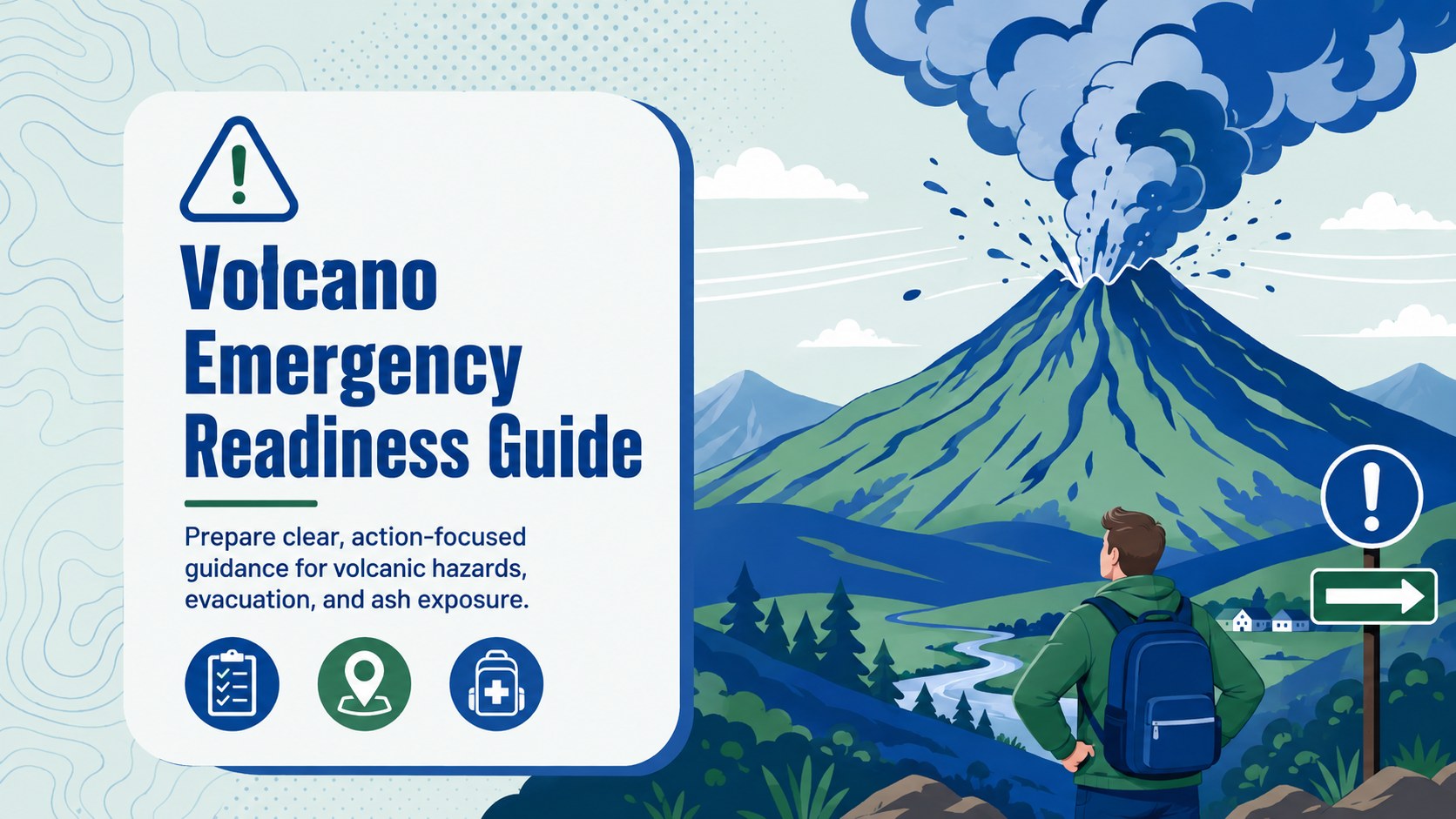
Build a practical volcano emergency readiness guide for lessons, drills, and community briefings, with editable green and blue PowerPoint and Google Slides.
Design notes
Turn complex safety instructions into a clear volcano emergency readiness guide for classrooms, workplaces, and public information sessions. Bold illustrations, structured content blocks, and a fresh blue-and-green palette help audiences recognize essential actions without working through dense paragraphs.
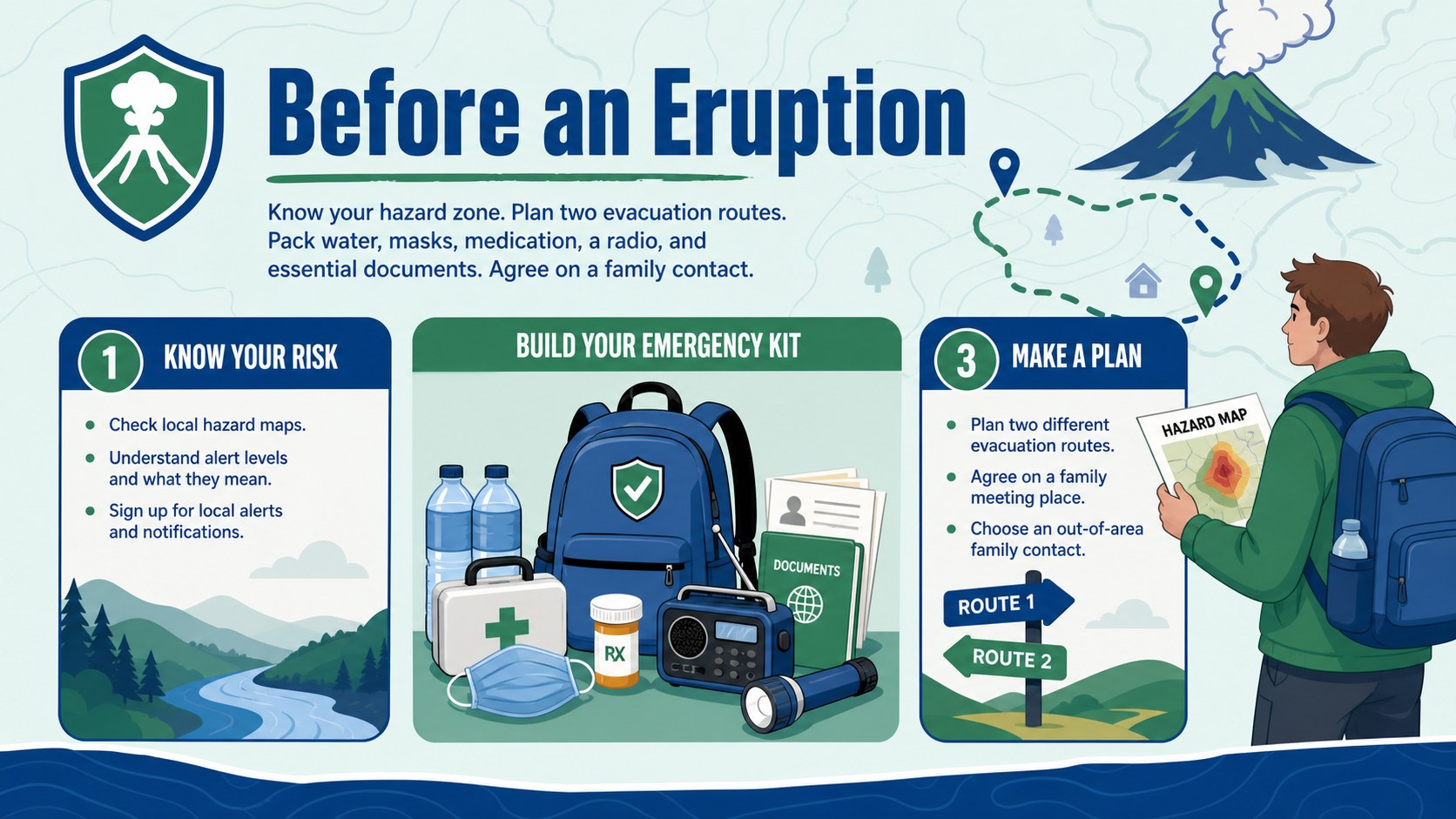
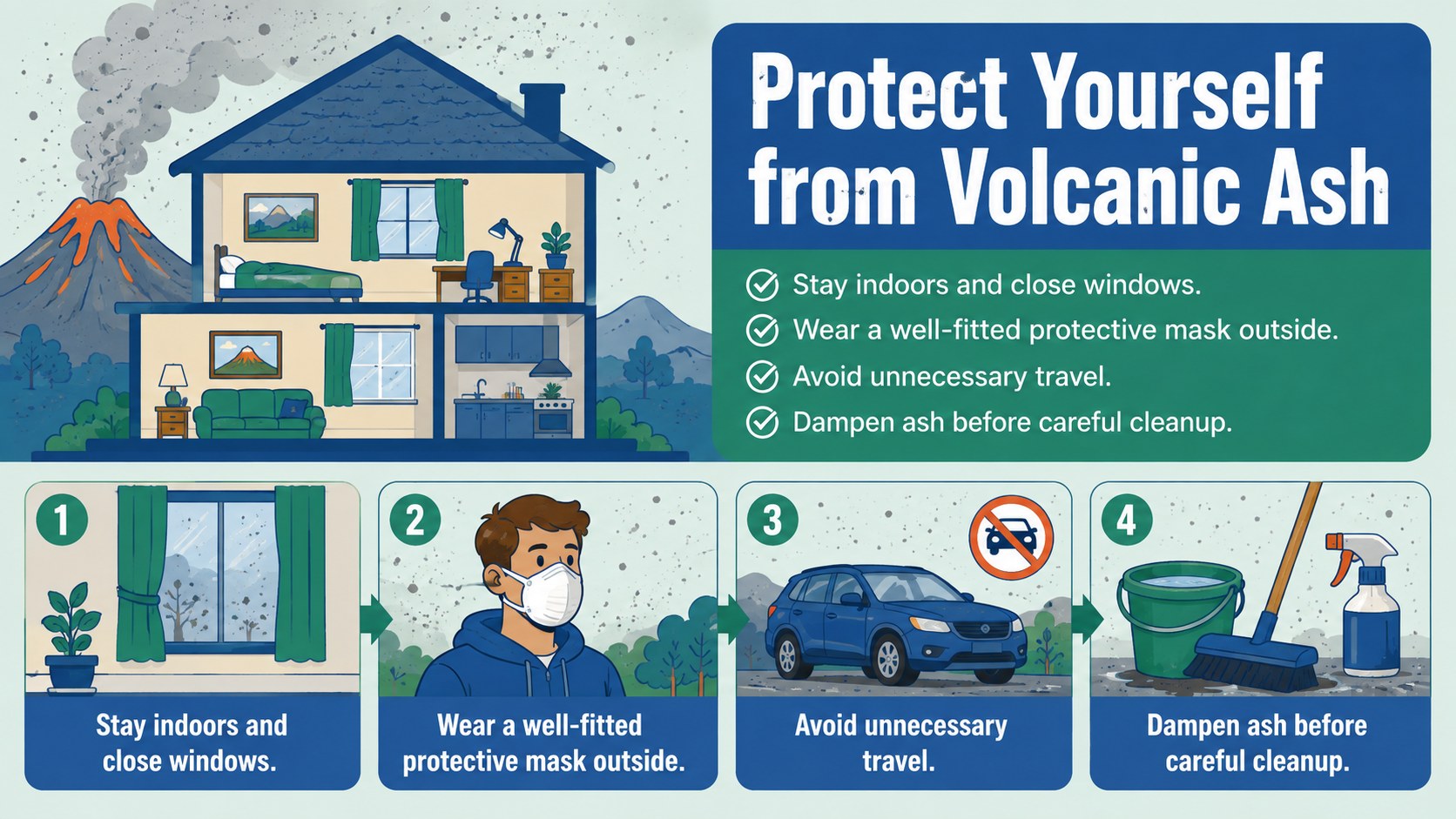
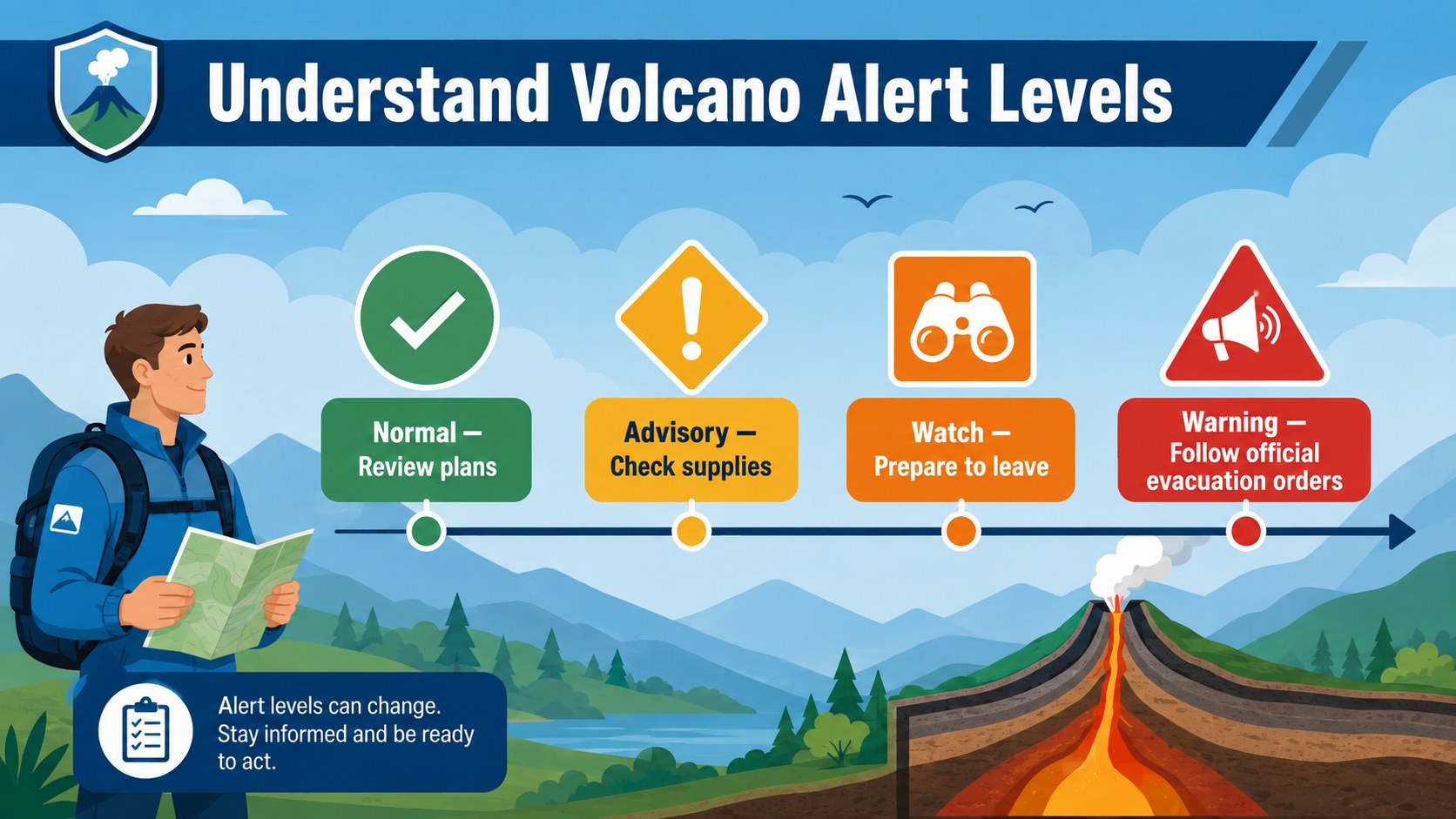
The deck covers preparation before an eruption, immediate steps during an event, evacuation procedures, alert levels, ash protection, and recommended emergency supplies. Use the layouts to create a volcano evacuation plan presentation tailored to local routes and assembly points. A dedicated volcanic ash safety classroom slide can explain masks, indoor protection, safe cleanup, and risks to water or machinery. Additional visual sections support contact details, hazard-zone maps, checklists, timelines, and concise reminders.
This template suits teachers, students, emergency coordinators, local authorities, workplace safety teams, and community organizers. It can support geography lessons, preparedness workshops, staff briefings, public meetings, and an eruption preparedness training deck. Replace the sample wording with regional advice, add official warning systems, and adapt the illustrated diagrams to match your audience. Every slide is editable in PowerPoint and Google Slides, making it straightforward to update colors, icons, text, and layouts while preserving the bold, approachable visual style.
Perfect for: school volcano safety lesson; community evacuation briefing; workplace emergency training; civil protection workshop; volcanic ash awareness session.
Frequently asked questions
Can I customize the safety advice for my region? Yes. Replace the sample instructions with local evacuation routes, alert terminology, emergency contacts, shelter locations, and guidance issued by the relevant authorities.
Practical details
Yes. Replace the sample instructions with local evacuation routes, alert terminology, emergency contacts, shelter locations, and guidance issued by the relevant authorities.
The deck is designed for PowerPoint and Google Slides. Text, colors, illustrations, icons, and content blocks can be edited in either platform.
Yes. The visual layouts are suitable for geography, earth science, and emergency preparedness lessons, and the wording can be simplified for different age groups.
Edit each checklist to reflect local hazards, recommended supplies, transport arrangements, and designated meeting points. Keep the items brief so they remain easy to scan during a lesson or drill.
Keep exploring
15Build an engaging World UFO Day session with this flying saucer history lesson deck, featuring retro green-and-brown slides for PowerPoint and Google Slides.
 15
15Plan a lively animal-learning journey with this jungle zoo adventure lesson deck, ready to customize in PowerPoint and Google Slides for young learners.
 16
16Turn environmental research into a clear story with a Watercolor Ecology Presentation Theme for PowerPoint and Google Slides in calming green and blue.
 16
16Build focused fashion, literature, and humanities presentations with the Red Triangle Editorial Theme, editable in PowerPoint and Google Slides.
 15
15Turn streaming stats, favorite tracks, and concert highlights into a bold annual listening recap slide deck for PowerPoint and Google Slides.
 15
15Turn highlights, milestones, and favorite moments into a colorful year in review slide deck with bold 3D graphics for PowerPoint and Google Slides.
 3
3Build a credible endorsement with Standout Colleague Recommendation Letter Slides, featuring colorful prompts for skills, achievements, and team impact.
 4
4Build clear beginner sessions with an ice hockey fundamentals training deck for coaches, PE teachers, and clubs, ready for PowerPoint and Google Slides.