
 15
15presentation
Flying Saucer History Lesson Deck
Build an engaging World UFO Day session with this flying saucer history lesson deck, featuring retro green-and-brown slides for PowerPoint and Google Slides.
Google SlidesPowerPoint
presentation · English
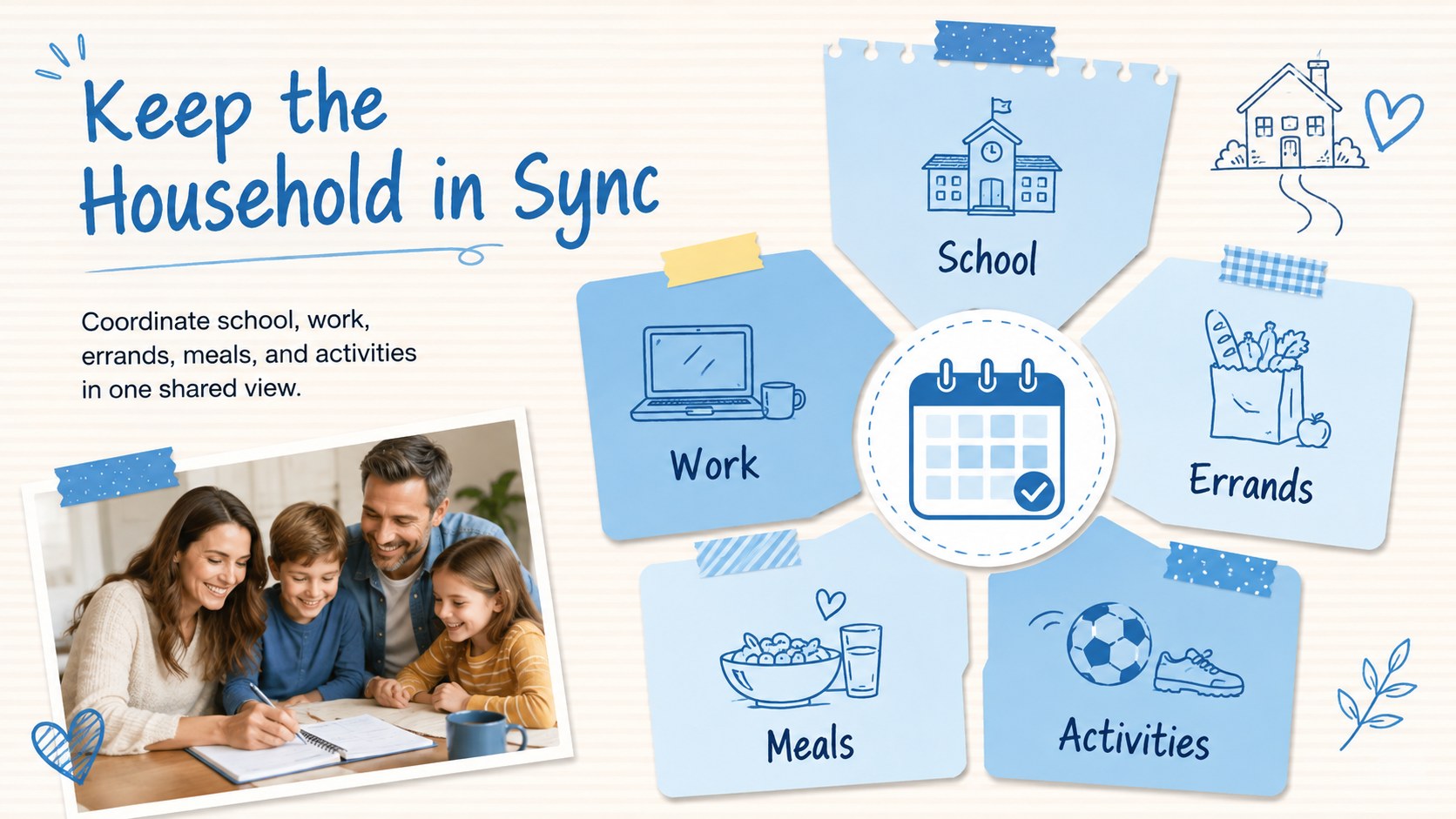
Build a clearer week with a Visual Weekly Schedule Deck for PowerPoint and Google Slides, featuring blue collage layouts for tasks, goals, and progress.
Design notes
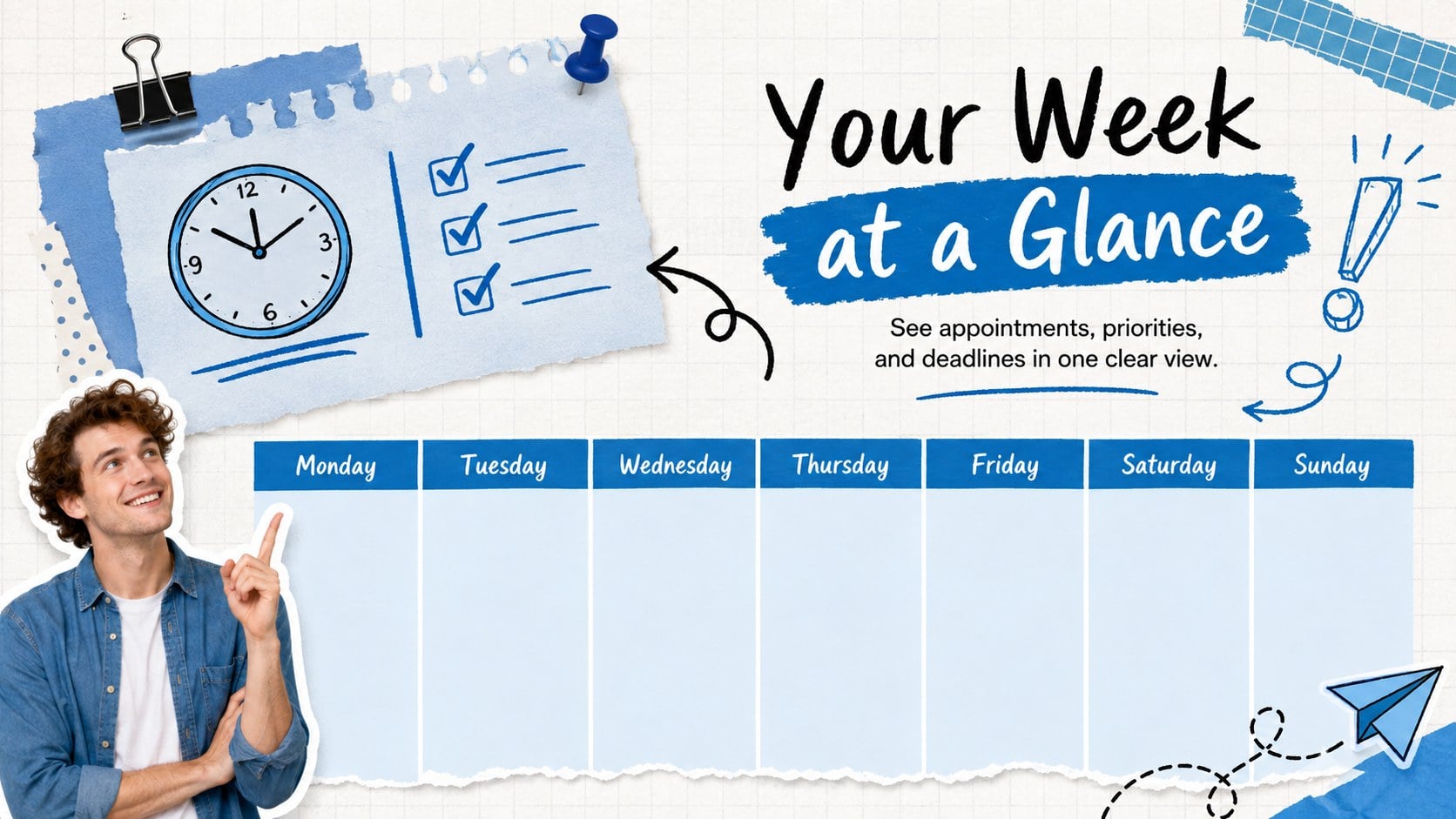
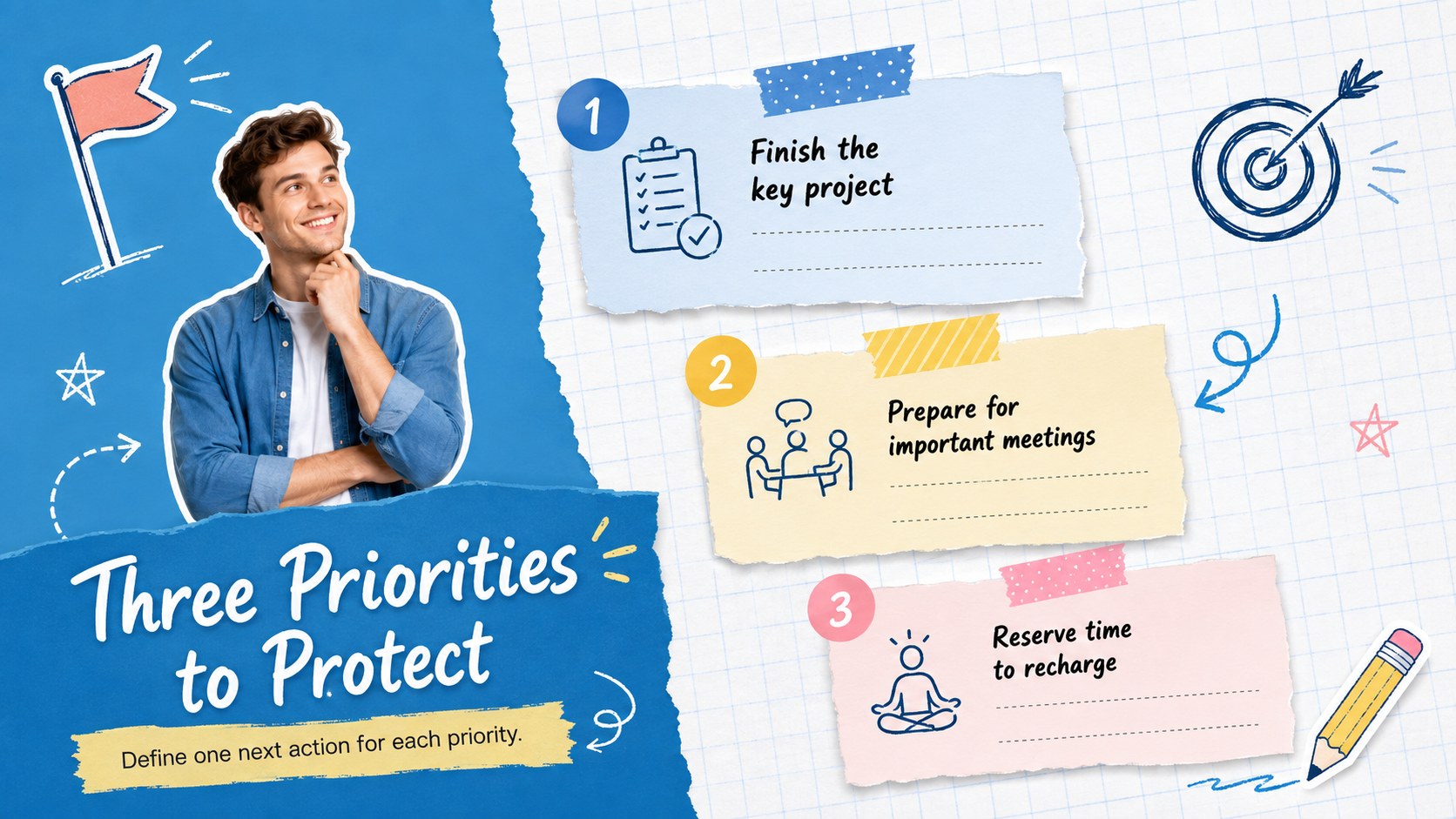
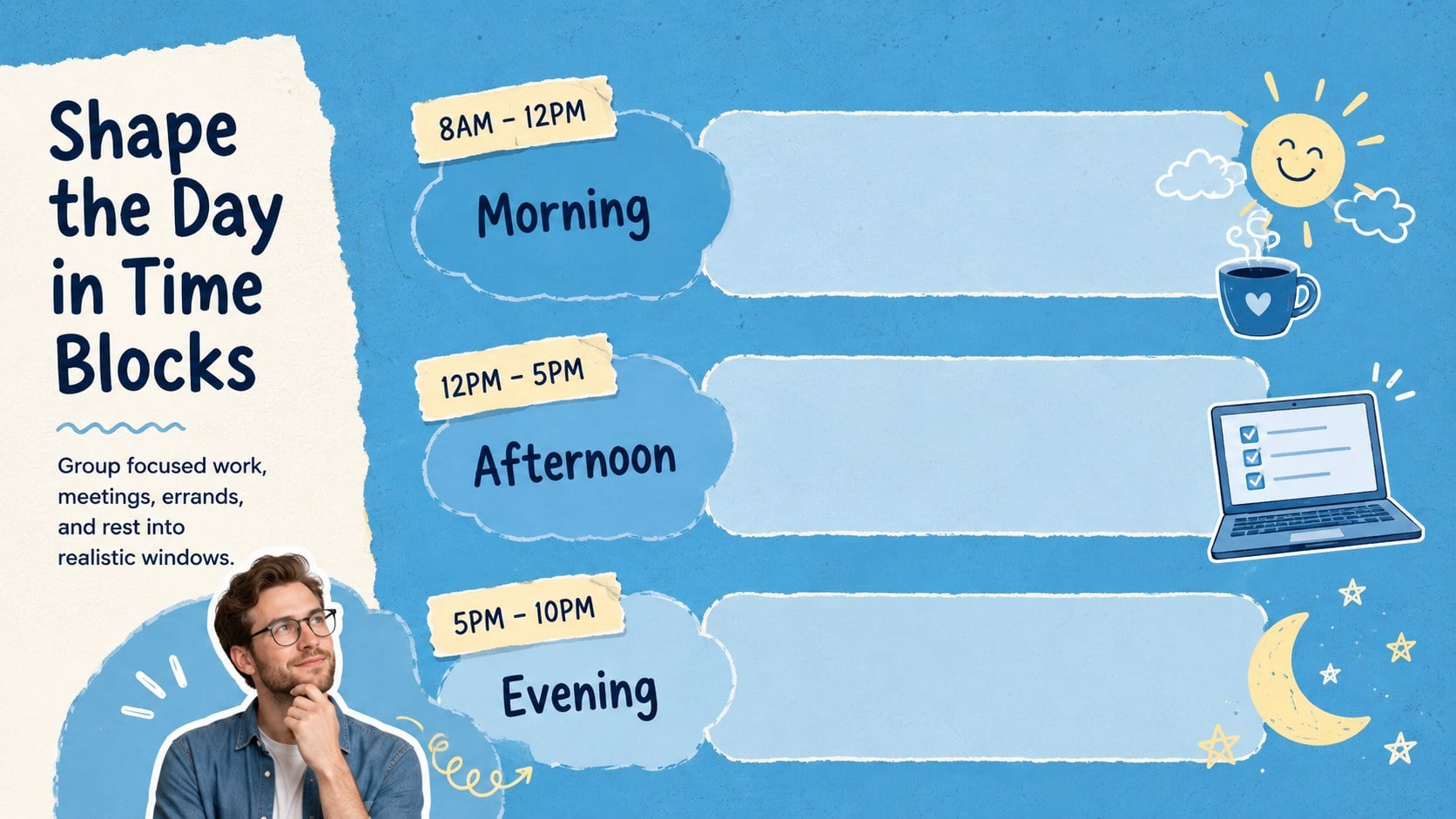
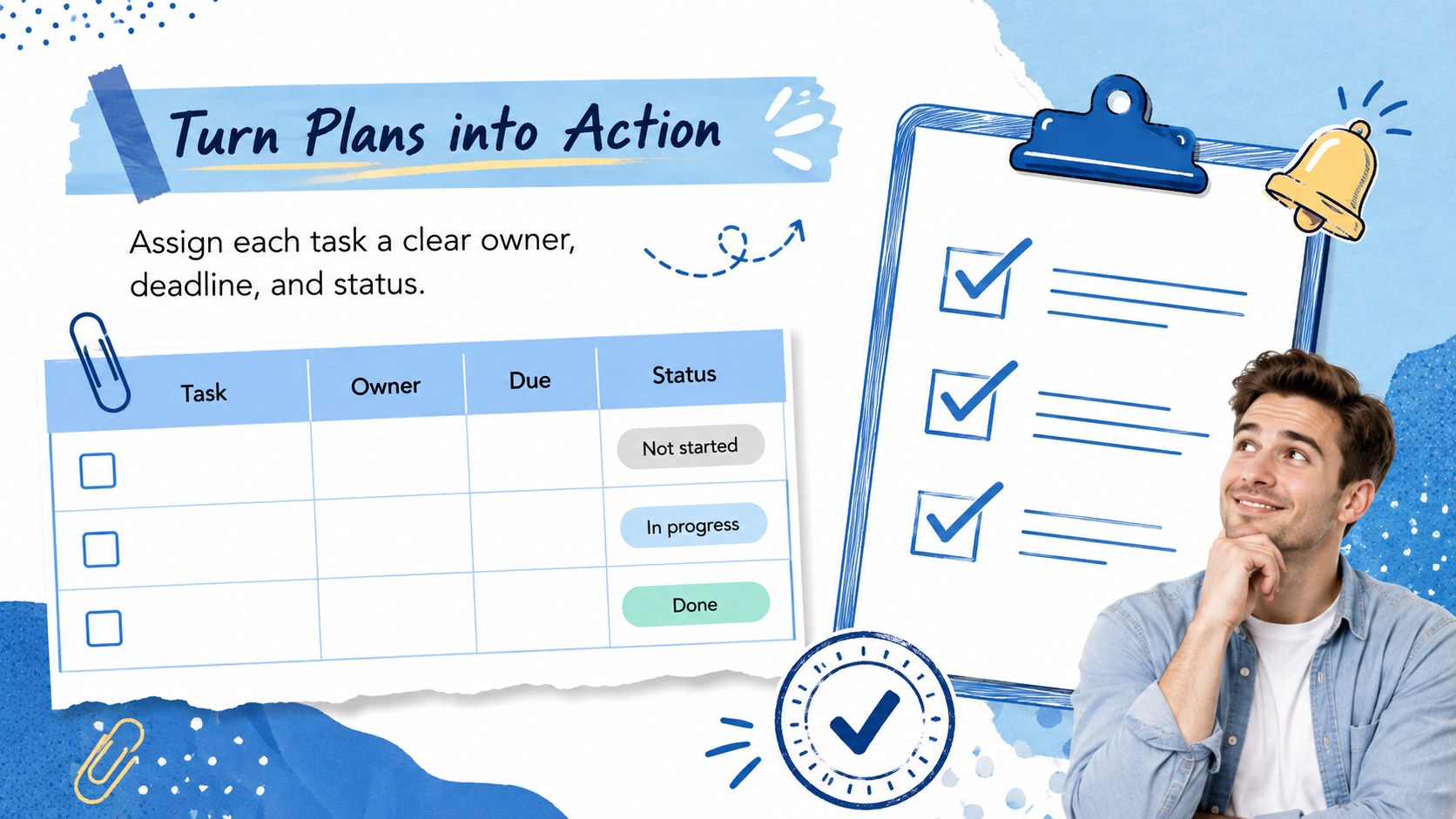
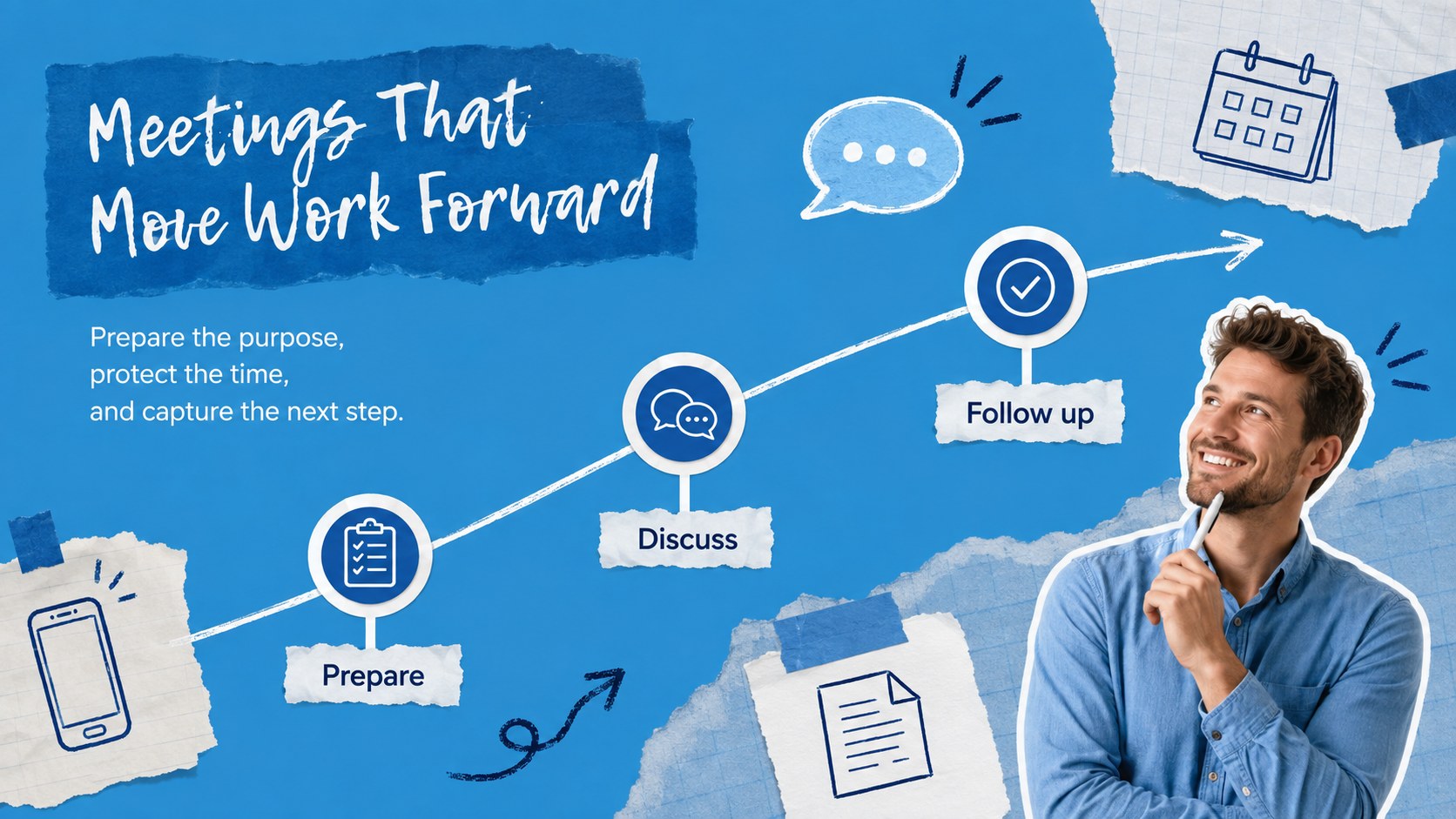
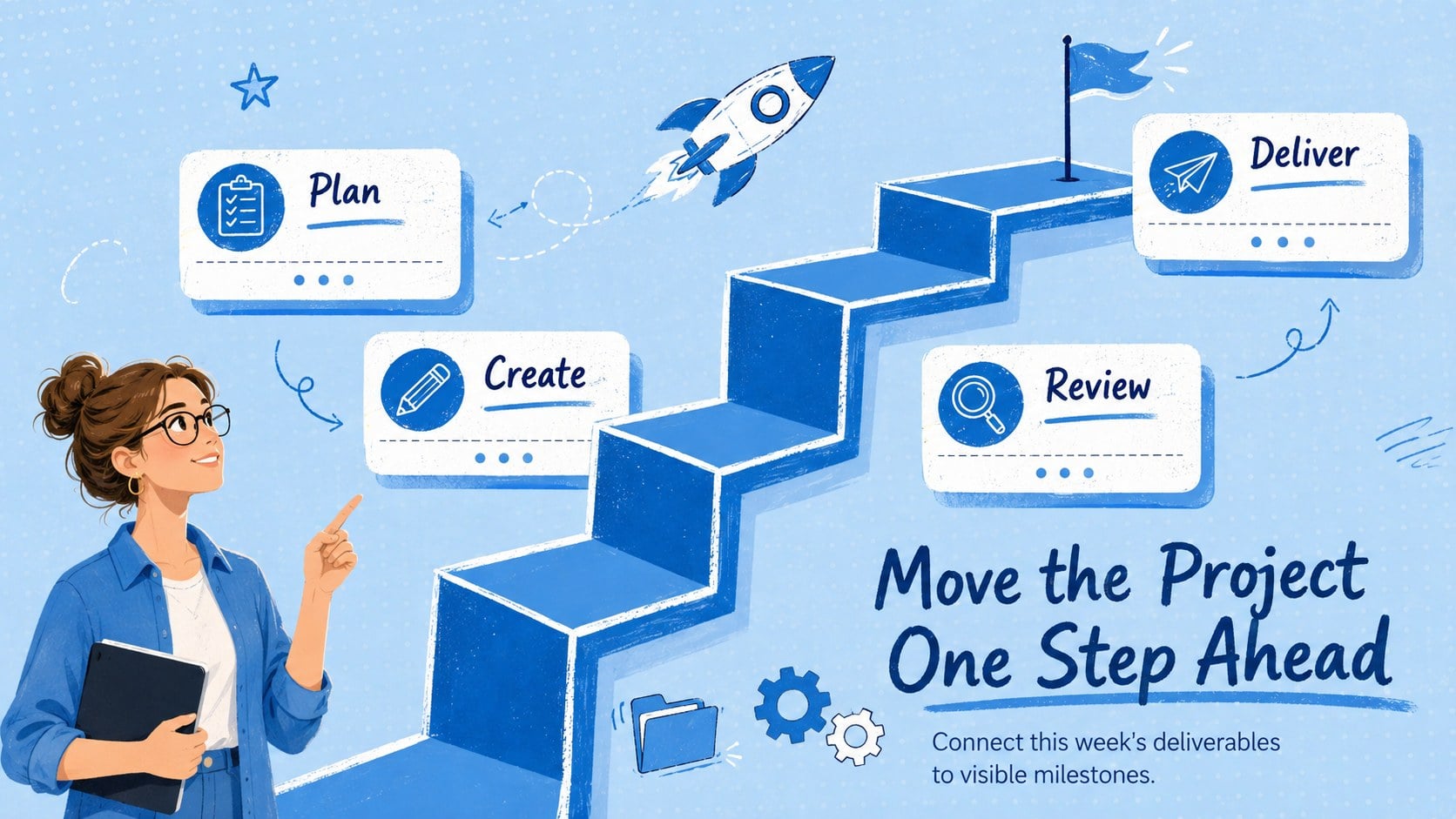
Bring structure to busy routines with a visual weekly schedule deck designed for quick updates and easy scanning. Layered blue collage details, lively doodles, and clean planning areas give each page an upbeat scrapbook character without sacrificing clarity. Use it to map appointments, divide projects into manageable actions, and keep important goals visible throughout the week.
Inside, you will find layouts for weekly overviews, daily time blocks, priority lists, task tracking, deadlines, habits, progress checks, and end-of-week reflection. The blue collage weekly planner slides combine practical tables, checklists, timelines, and simple data displays. Subtle animation and transition options can help presenters reveal information in a logical sequence while maintaining a consistent visual rhythm.
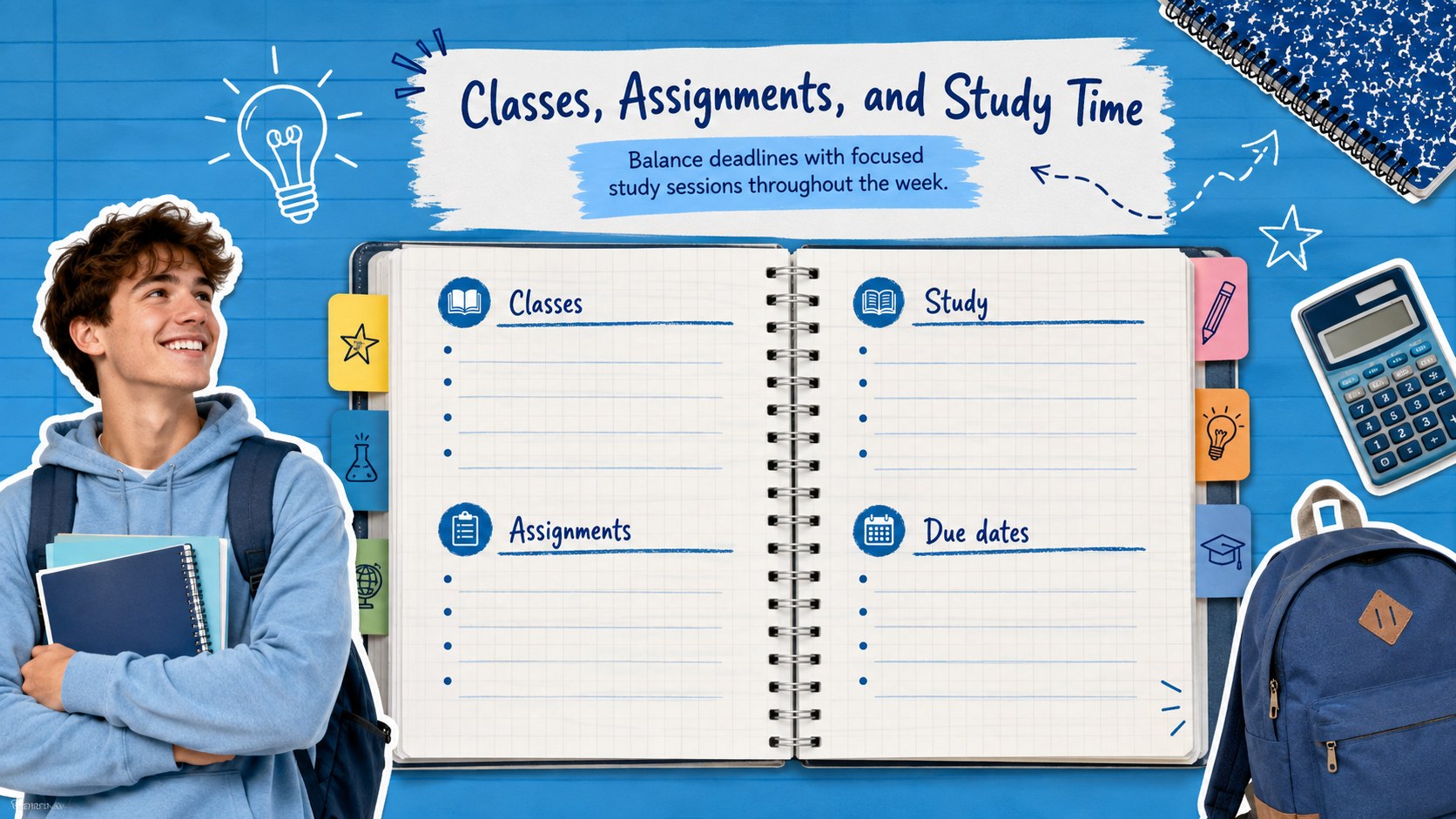
Professionals can turn the deck into an editable weekly agenda for PowerPoint, while students can organize classes, assignments, and study sessions. It also works as a Google Slides weekly task organizer for families, project groups, teachers, and community teams. Replace the sample wording, adjust colors and fonts, move collage elements, or duplicate individual layouts to match your routine. Every slide uses a widescreen format and remains editable in both PowerPoint and Google Slides, making the template suitable for personal planning, collaborative check-ins, or projected weekly briefings.
Perfect for: weekly team check-in; student assignment planning; family activity scheduling; personal time blocking; project task tracking; classroom week overview.
Frequently asked questions
Can I edit every part of the schedule? Yes. The headings, task labels, tables, colors, fonts, and decorative elements can be edited or repositioned to fit your routine.
Practical details
Yes. The headings, task labels, tables, colors, fonts, and decorative elements can be edited or repositioned to fit your routine.
Yes. The presentation is designed for both PowerPoint and Google Slides, although minor differences in fonts, animation timing, or object placement may occur between platforms.
Yes. Duplicate the planning slides, replace the dates and tasks, and keep completed weeks as an archive for reviewing progress.
Change the accent colors, swap fonts, resize the doodles, and remove decorative pieces when you need a simpler look. Keep strong contrast between text and backgrounds so each schedule remains easy to scan.
Keep exploring
15Build an engaging World UFO Day session with this flying saucer history lesson deck, featuring retro green-and-brown slides for PowerPoint and Google Slides.
 15
15Plan a lively animal-learning journey with this jungle zoo adventure lesson deck, ready to customize in PowerPoint and Google Slides for young learners.
 16
16Turn environmental research into a clear story with a Watercolor Ecology Presentation Theme for PowerPoint and Google Slides in calming green and blue.
 16
16Build focused fashion, literature, and humanities presentations with the Red Triangle Editorial Theme, editable in PowerPoint and Google Slides.
 15
15Turn streaming stats, favorite tracks, and concert highlights into a bold annual listening recap slide deck for PowerPoint and Google Slides.
 15
15Turn highlights, milestones, and favorite moments into a colorful year in review slide deck with bold 3D graphics for PowerPoint and Google Slides.
 3
3Build a credible endorsement with Standout Colleague Recommendation Letter Slides, featuring colorful prompts for skills, achievements, and team impact.
 4
4Build clear beginner sessions with an ice hockey fundamentals training deck for coaches, PE teachers, and clubs, ready for PowerPoint and Google Slides.