
 15
15presentation
Flying Saucer History Lesson Deck
Build an engaging World UFO Day session with this flying saucer history lesson deck, featuring retro green-and-brown slides for PowerPoint and Google Slides.
Google SlidesPowerPoint
presentation · English
Organize routes, budgets, lodging, and packing with Visual Travel Organizer Slides, a modern white-and-blue deck for PowerPoint and Google Slides.
Design notes
Visual Travel Organizer Slides turn scattered journey details into a polished, easy-to-follow plan. Built around a crisp white-and-blue palette with modern abstract shapes, the deck helps you explain where you are going, when each activity happens, and what travelers need to prepare. Every layout can be edited in PowerPoint or Google Slides to suit a short city break, group tour, field trip, or extended vacation.
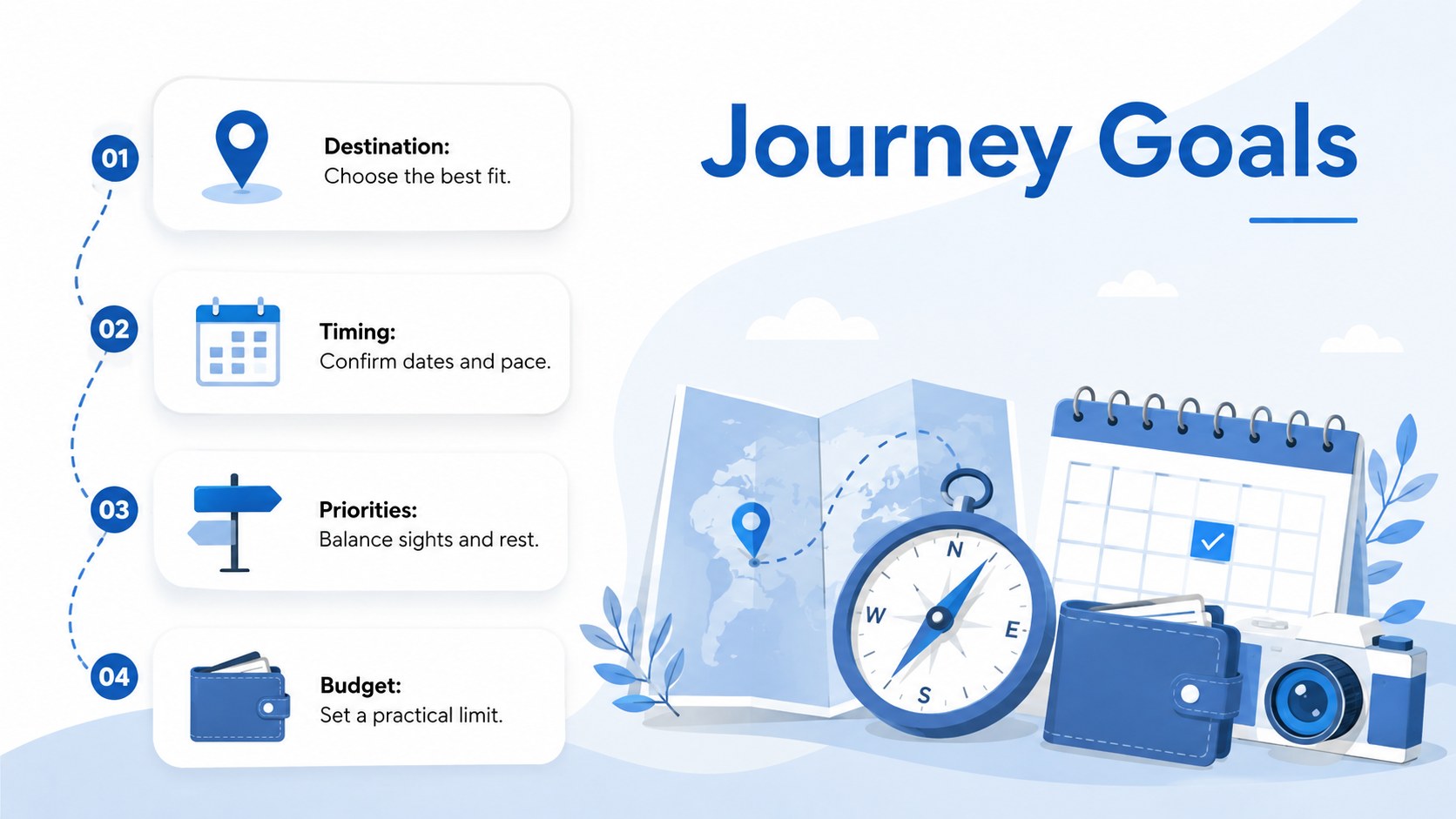
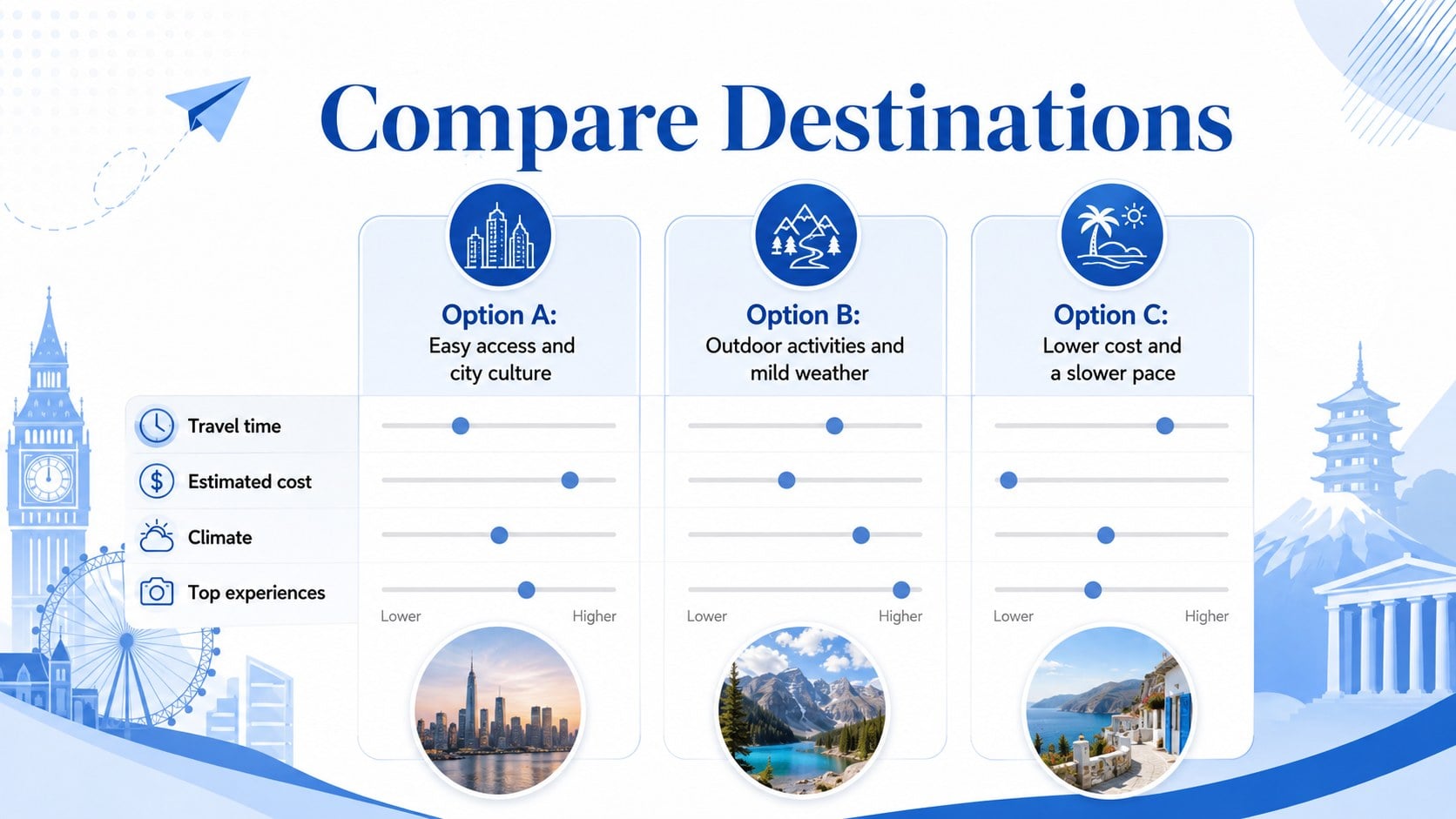
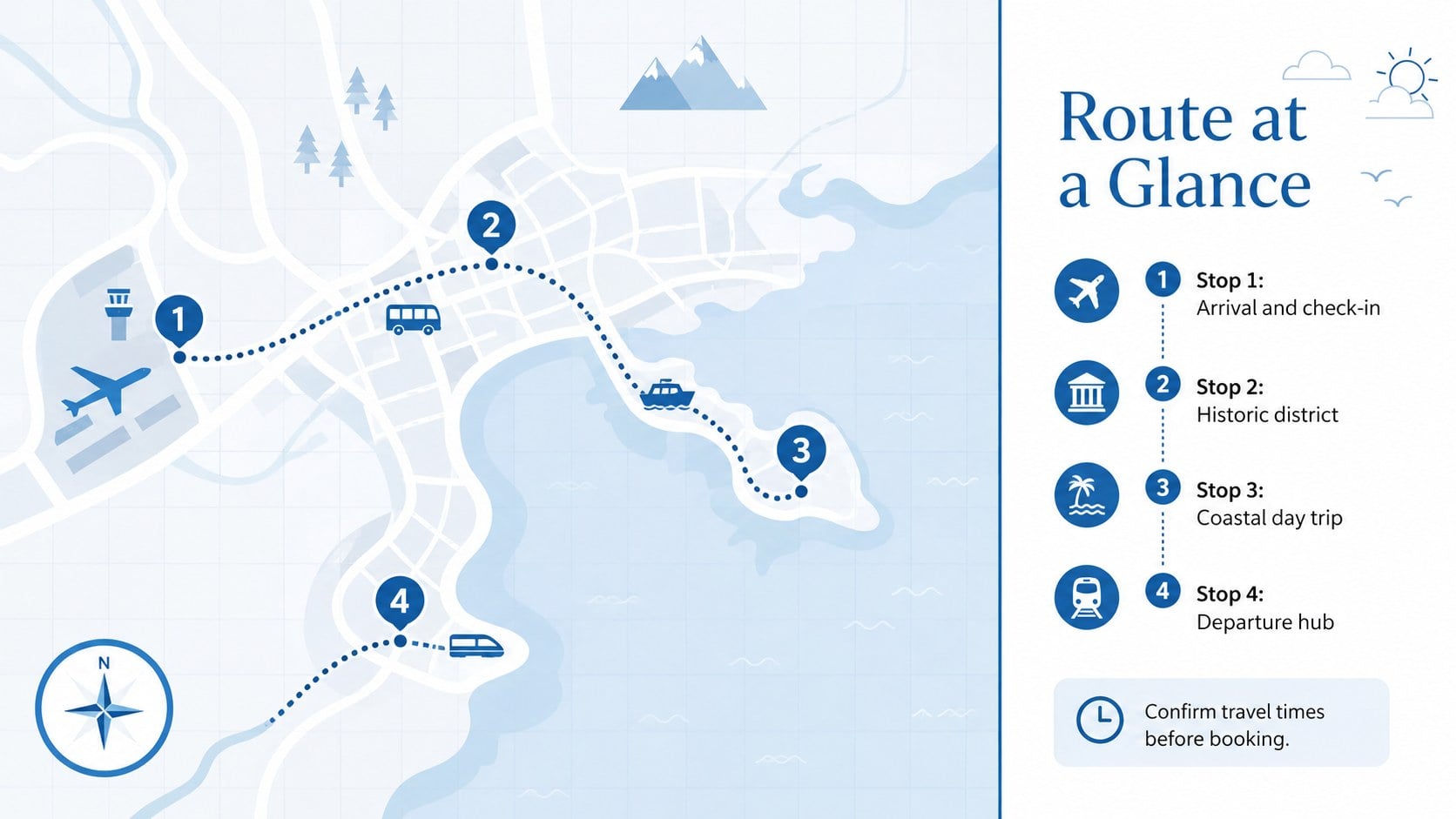
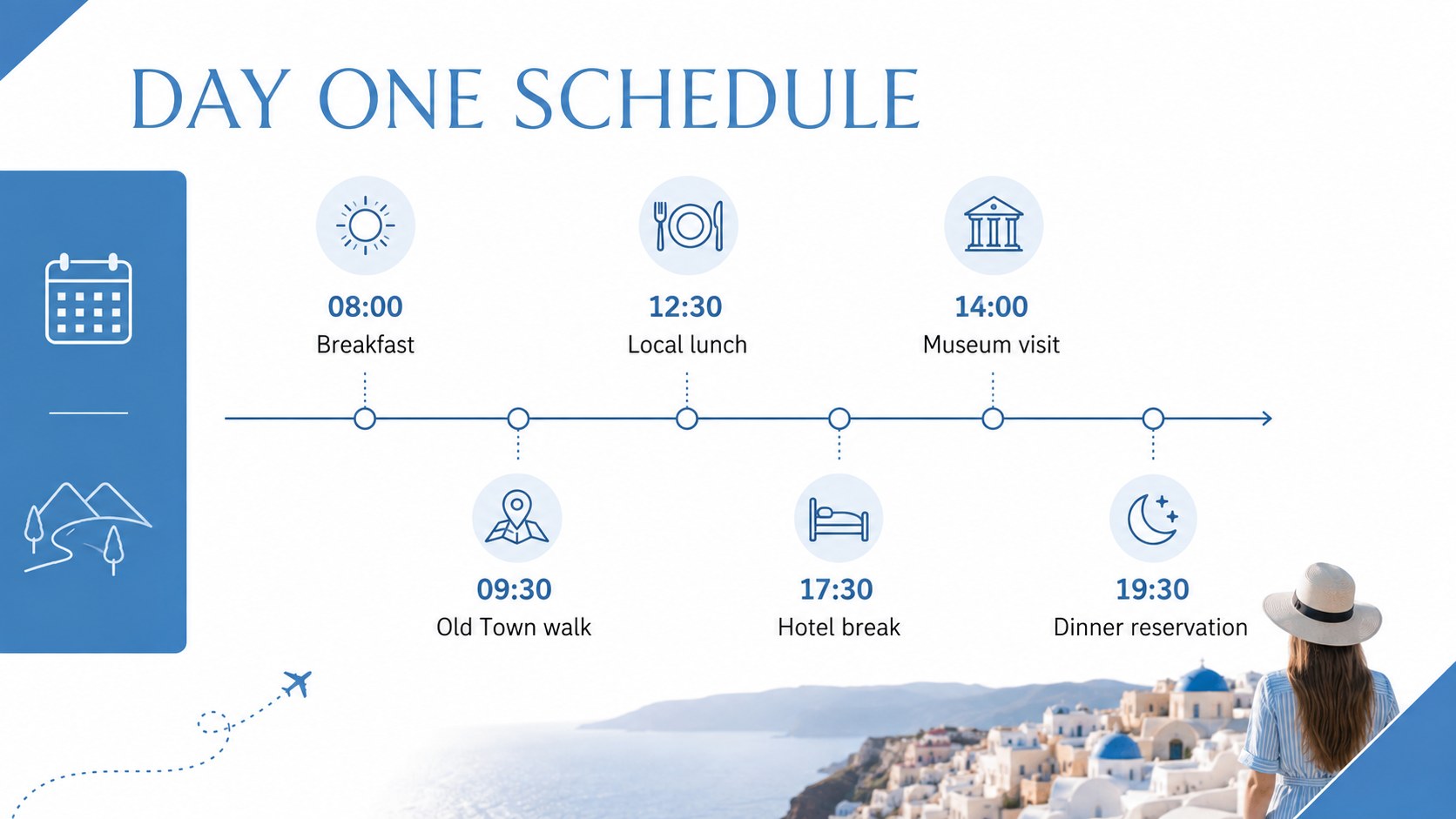
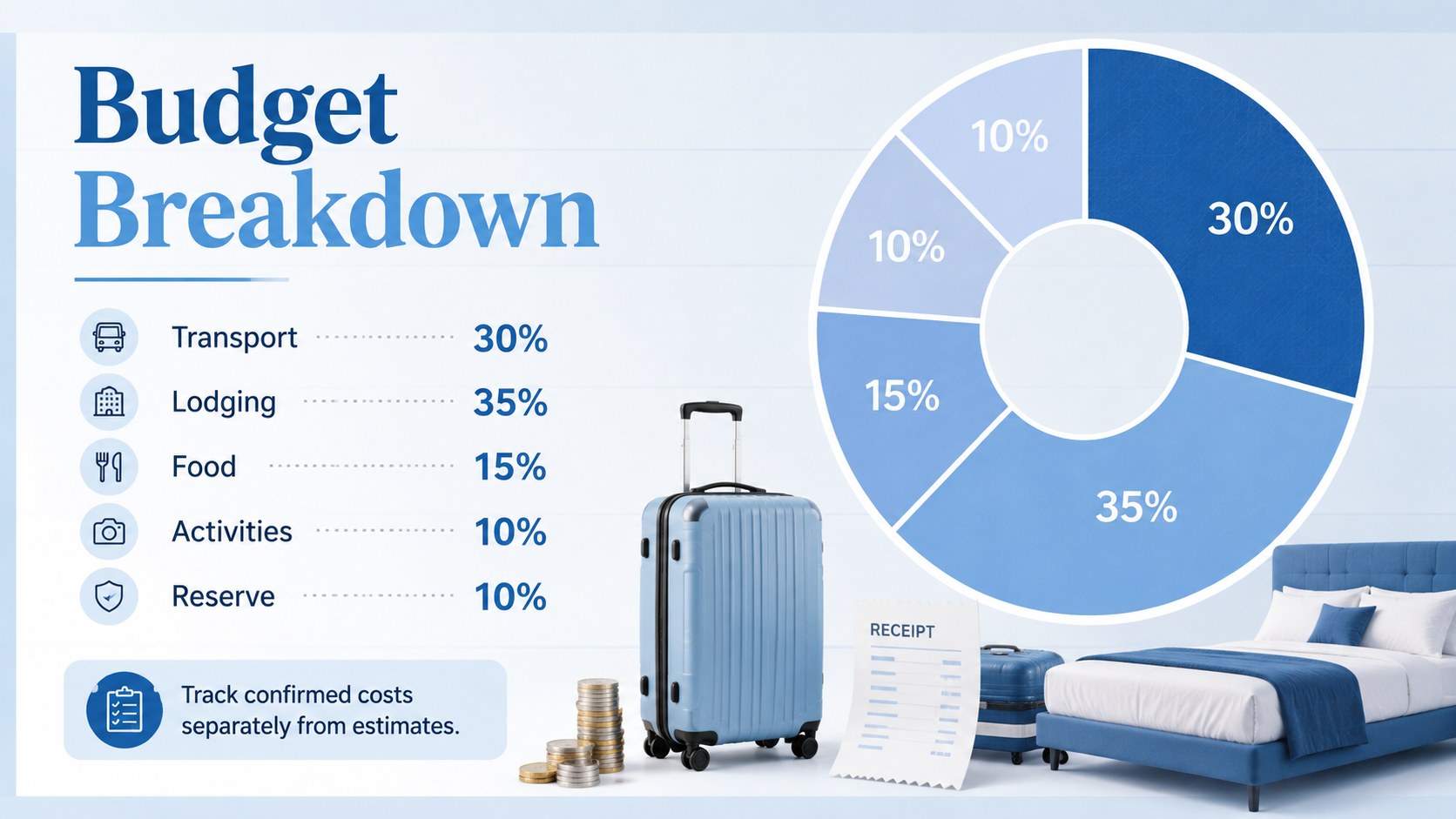
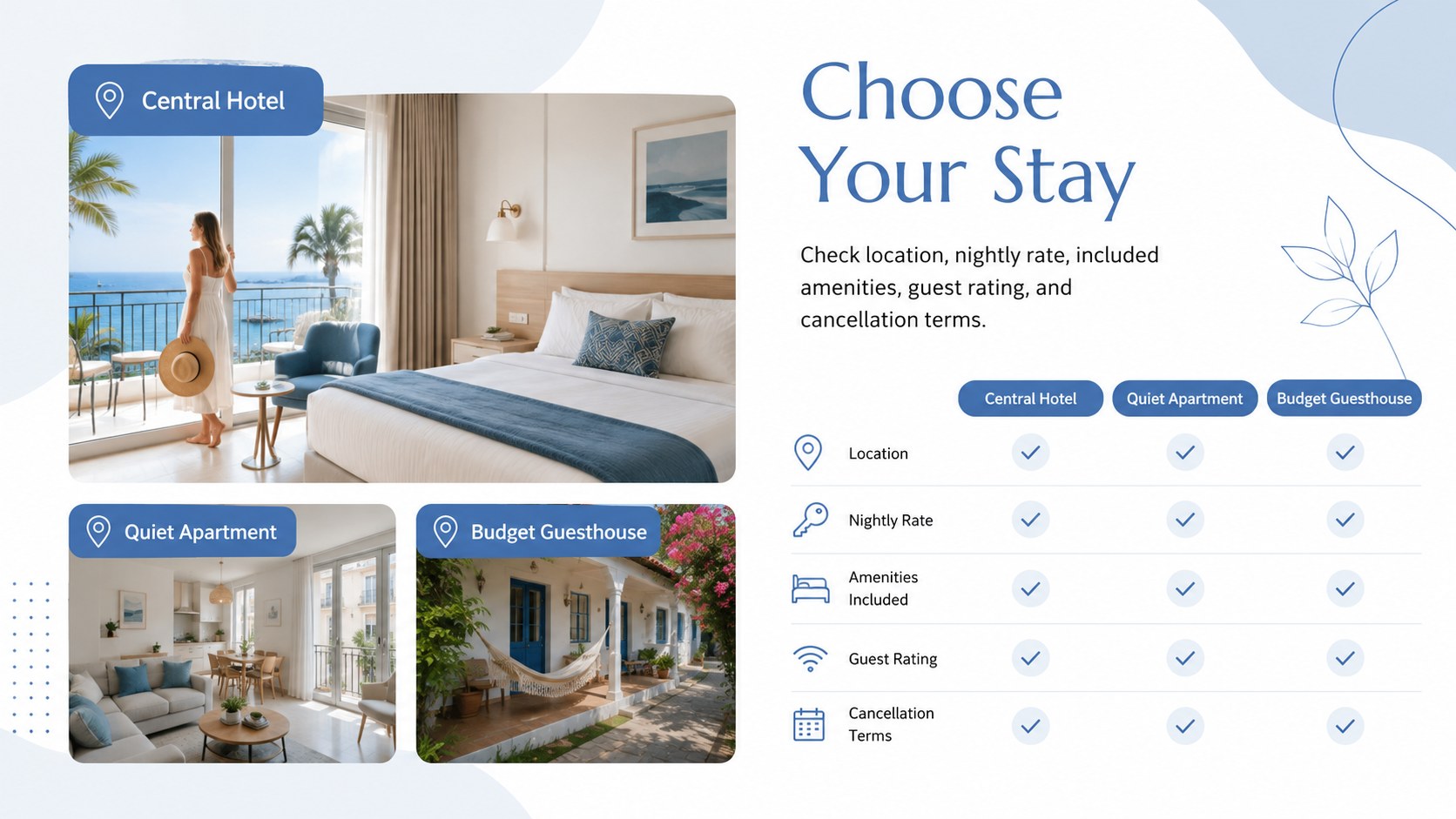
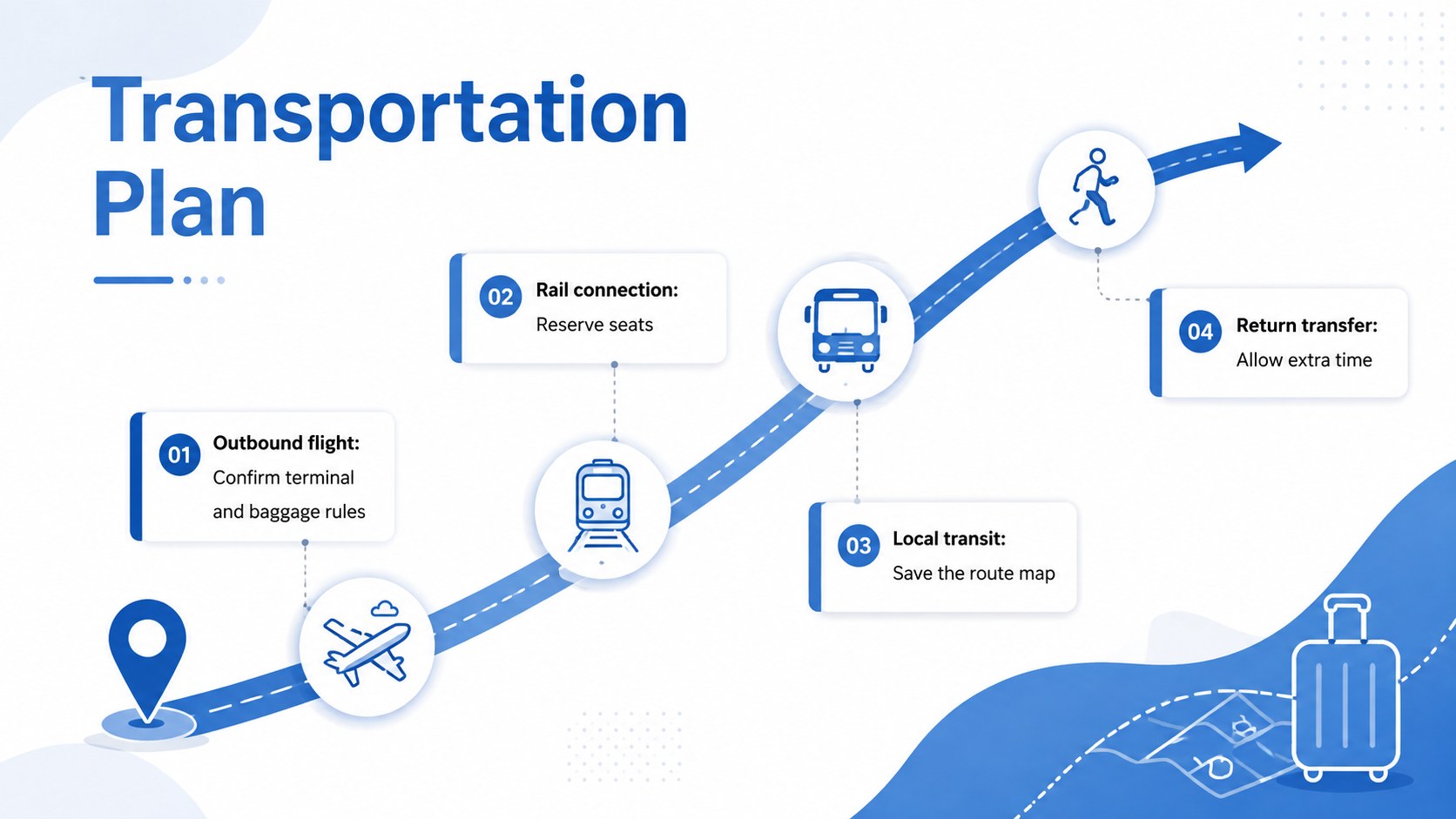
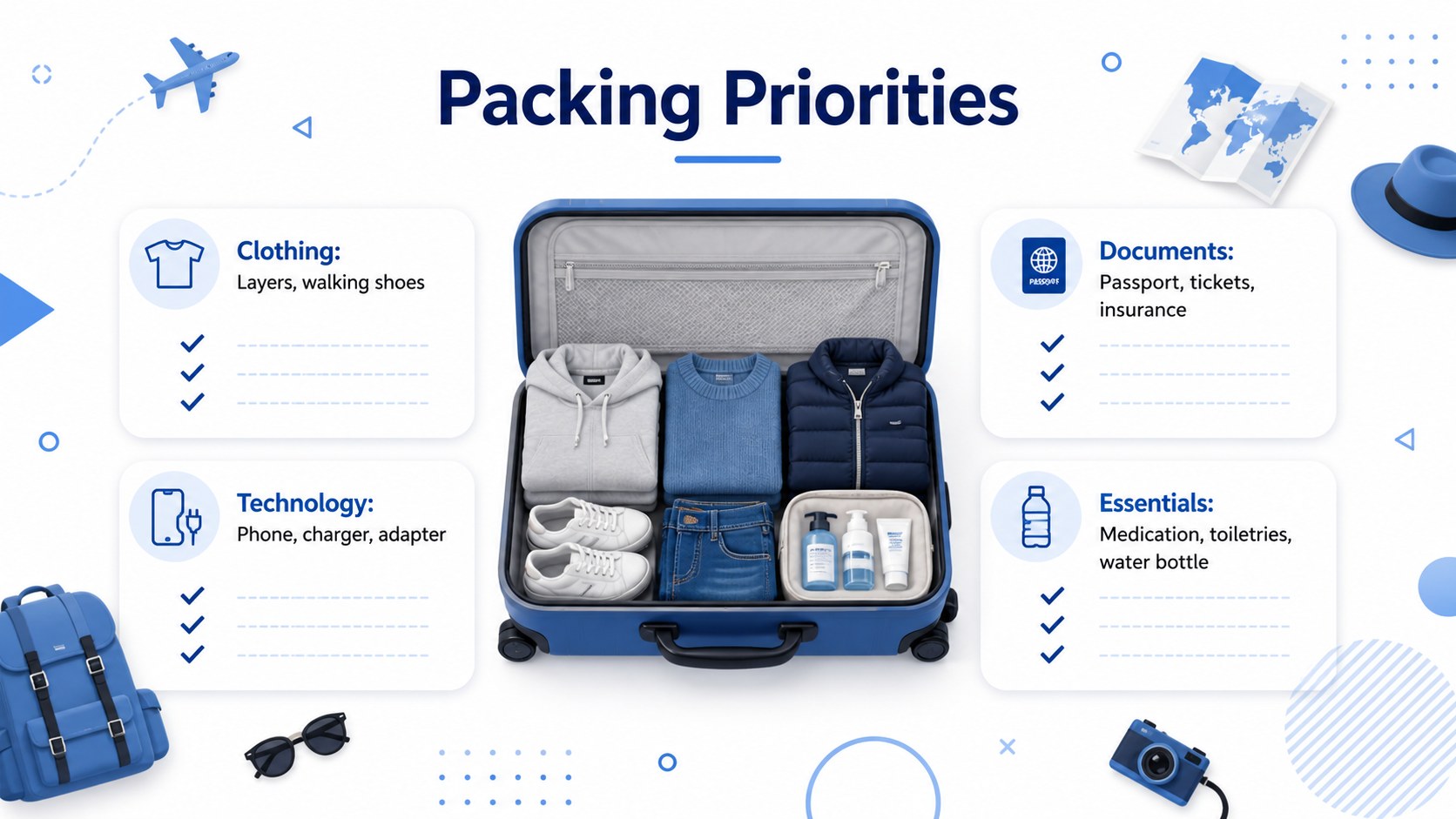
Inside, you will find 14 coordinated slides for destination research, itinerary planning, route mapping, accommodation details, transportation, daily schedules, budgets, packing priorities, reservations, and emergency information. A visual vacation planning presentation can be adapted with your own dates, photos, icons, costs, and notes. Flexible charts and infographic layouts also make the deck useful as a travel itinerary presentation template or a trip budget and packing planner.
The template is designed for independent travelers, families, tour coordinators, teachers, event planners, and travel professionals who need to communicate practical information without crowding the screen. Use it to compare destinations, brief a group before departure, present an organized itinerary to clients, or keep personal plans in one place. The clean typography, spacious composition, and simple geometric accents provide a modern structure while leaving plenty of room for customization.
Perfect for: family vacation planning; group tour briefing; school field trip schedule; client itinerary proposal; travel budget overview; weekend getaway planning.
Frequently asked questions
Can I edit every part of the travel organizer? Yes. You can change the text, colors, photos, icons, charts, dates, and itinerary details to match your journey. Layout elements can also be moved or removed as needed.
Practical details
Yes. You can change the text, colors, photos, icons, charts, dates, and itinerary details to match your journey. Layout elements can also be moved or removed as needed.
The deck is designed for Microsoft PowerPoint and Google Slides. Import behavior can vary slightly, so review fonts and spacing after opening it on your preferred platform.
Yes. The layouts cover schedules, routes, accommodations, costs, packing, and practical travel notes. They work for personal trips as well as tour briefings, school excursions, and client proposals.
Replace the accent blue with a destination or organization color while keeping the white background for readability. Add your own travel photos and use a consistent icon style throughout the deck.
Keep exploring
15Build an engaging World UFO Day session with this flying saucer history lesson deck, featuring retro green-and-brown slides for PowerPoint and Google Slides.
 15
15Plan a lively animal-learning journey with this jungle zoo adventure lesson deck, ready to customize in PowerPoint and Google Slides for young learners.
 16
16Turn environmental research into a clear story with a Watercolor Ecology Presentation Theme for PowerPoint and Google Slides in calming green and blue.
 16
16Build focused fashion, literature, and humanities presentations with the Red Triangle Editorial Theme, editable in PowerPoint and Google Slides.
 15
15Turn streaming stats, favorite tracks, and concert highlights into a bold annual listening recap slide deck for PowerPoint and Google Slides.
 15
15Turn highlights, milestones, and favorite moments into a colorful year in review slide deck with bold 3D graphics for PowerPoint and Google Slides.
 3
3Build a credible endorsement with Standout Colleague Recommendation Letter Slides, featuring colorful prompts for skills, achievements, and team impact.
 4
4Build clear beginner sessions with an ice hockey fundamentals training deck for coaches, PE teachers, and clubs, ready for PowerPoint and Google Slides.