
 15
15presentation
Flying Saucer History Lesson Deck
Build an engaging World UFO Day session with this flying saucer history lesson deck, featuring retro green-and-brown slides for PowerPoint and Google Slides.
Google SlidesPowerPoint
presentation · English
Build a visual thinking workshop slide deck for design lessons, creative briefs, and team training with bold geometric layouts in PowerPoint and Google…
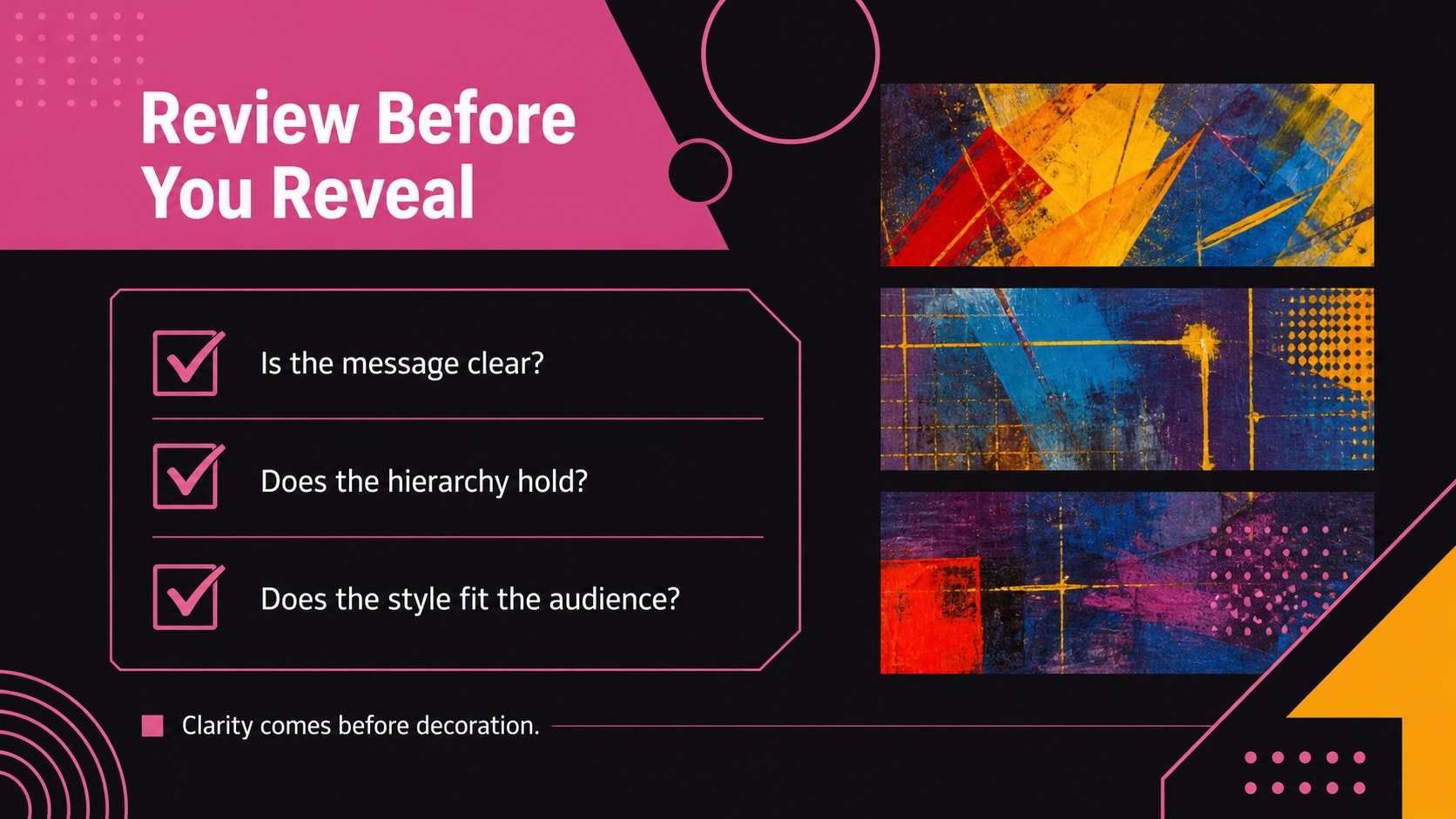
Design notes
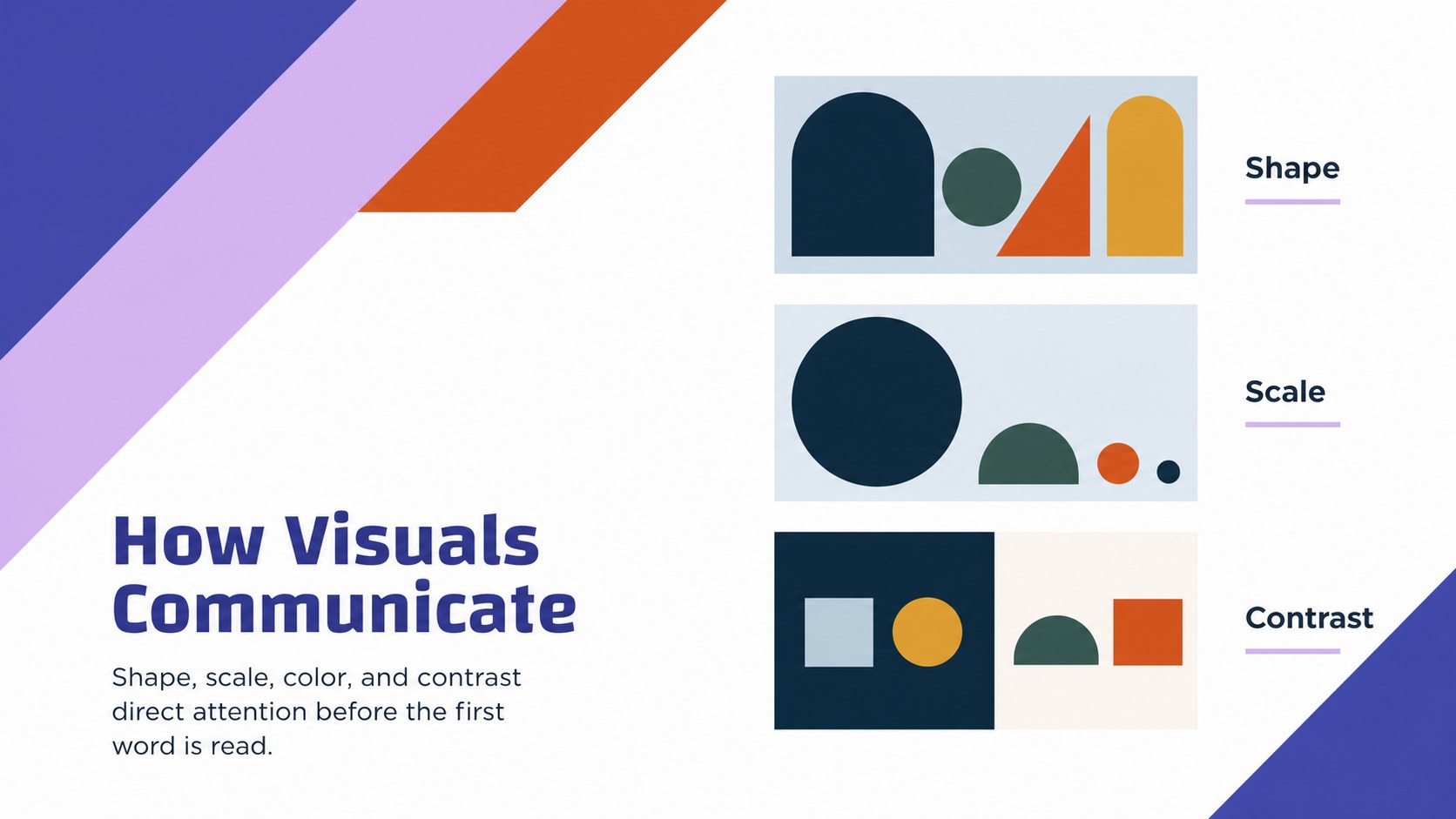
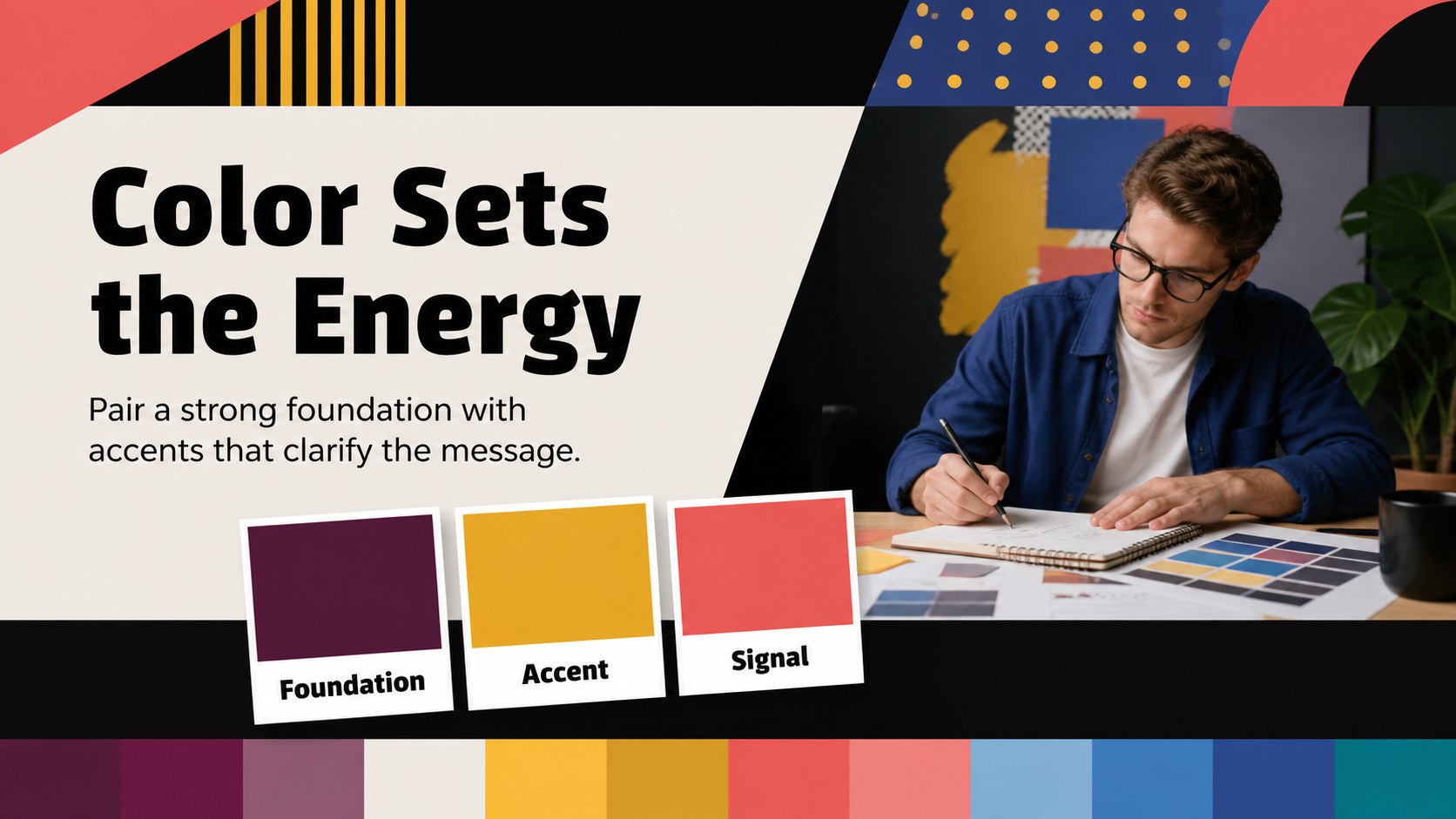
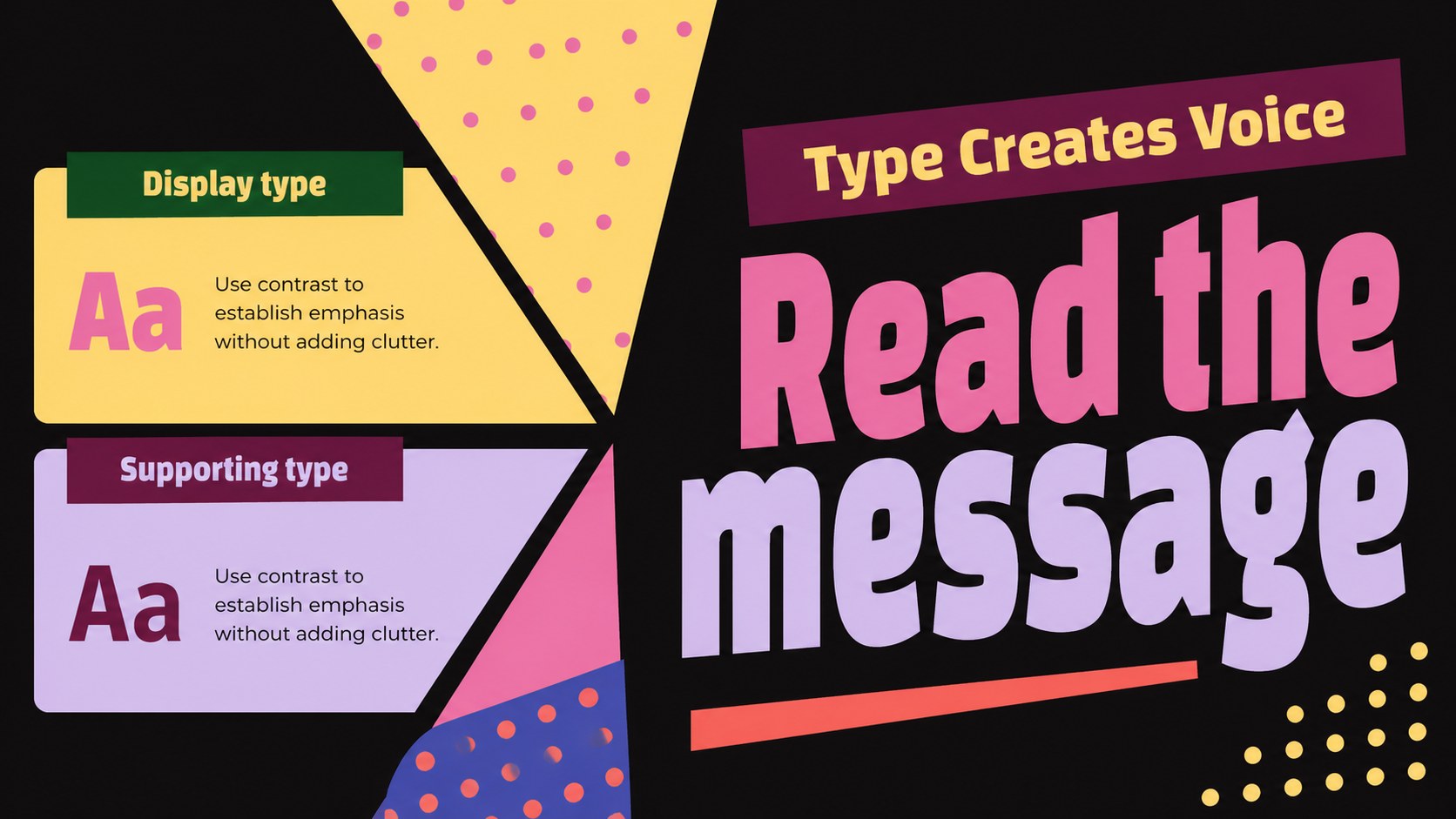
Visual Thinking Workshop Slide Deck helps instructors, creative teams, and business presenters explain how visual choices shape meaning. Bright color blocks, crisp black accents, geometric forms, and clean typography create an energetic learning environment while keeping each message easy to scan. The visual system is expressive enough for design education and structured enough for professional communication.
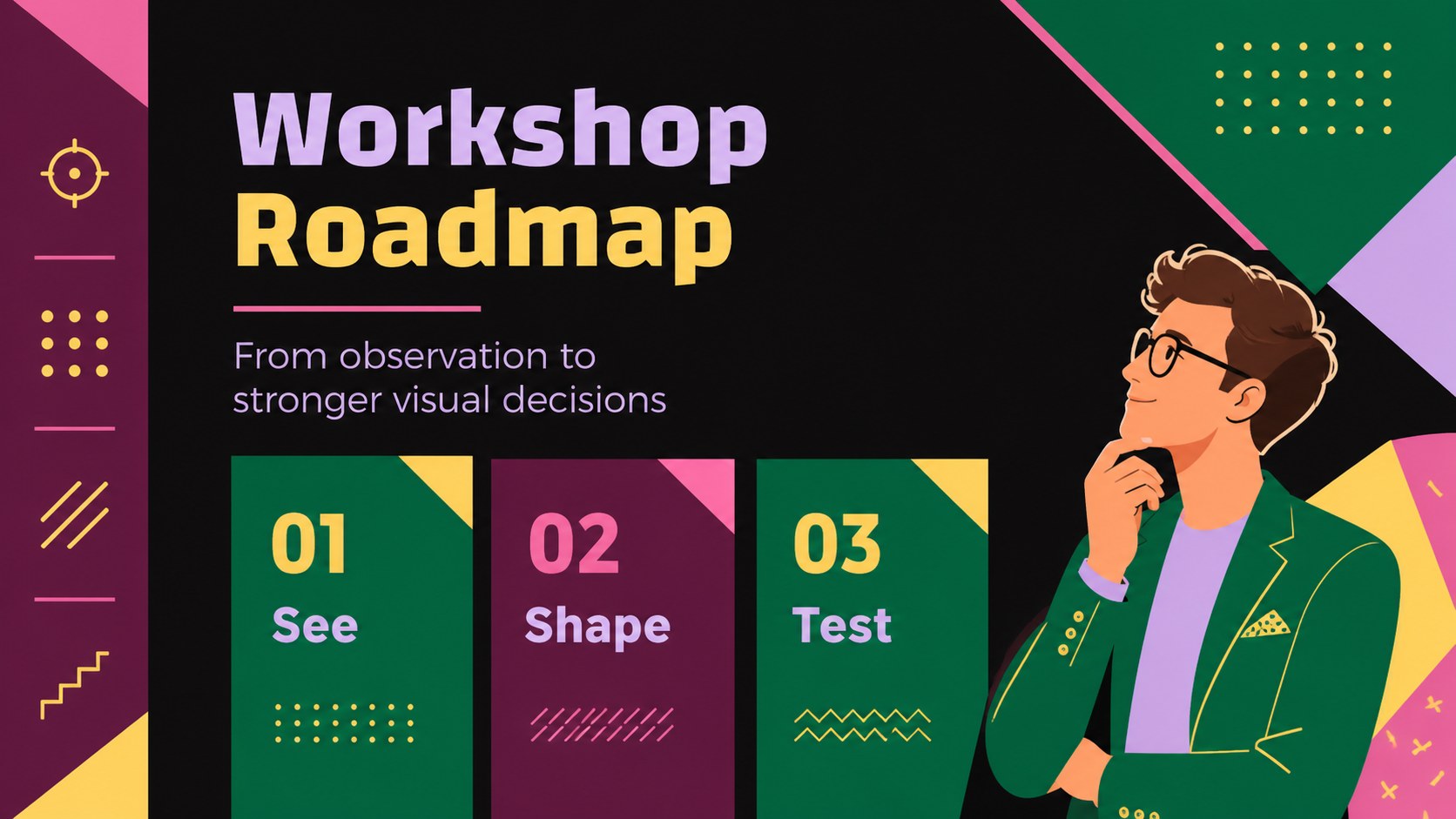
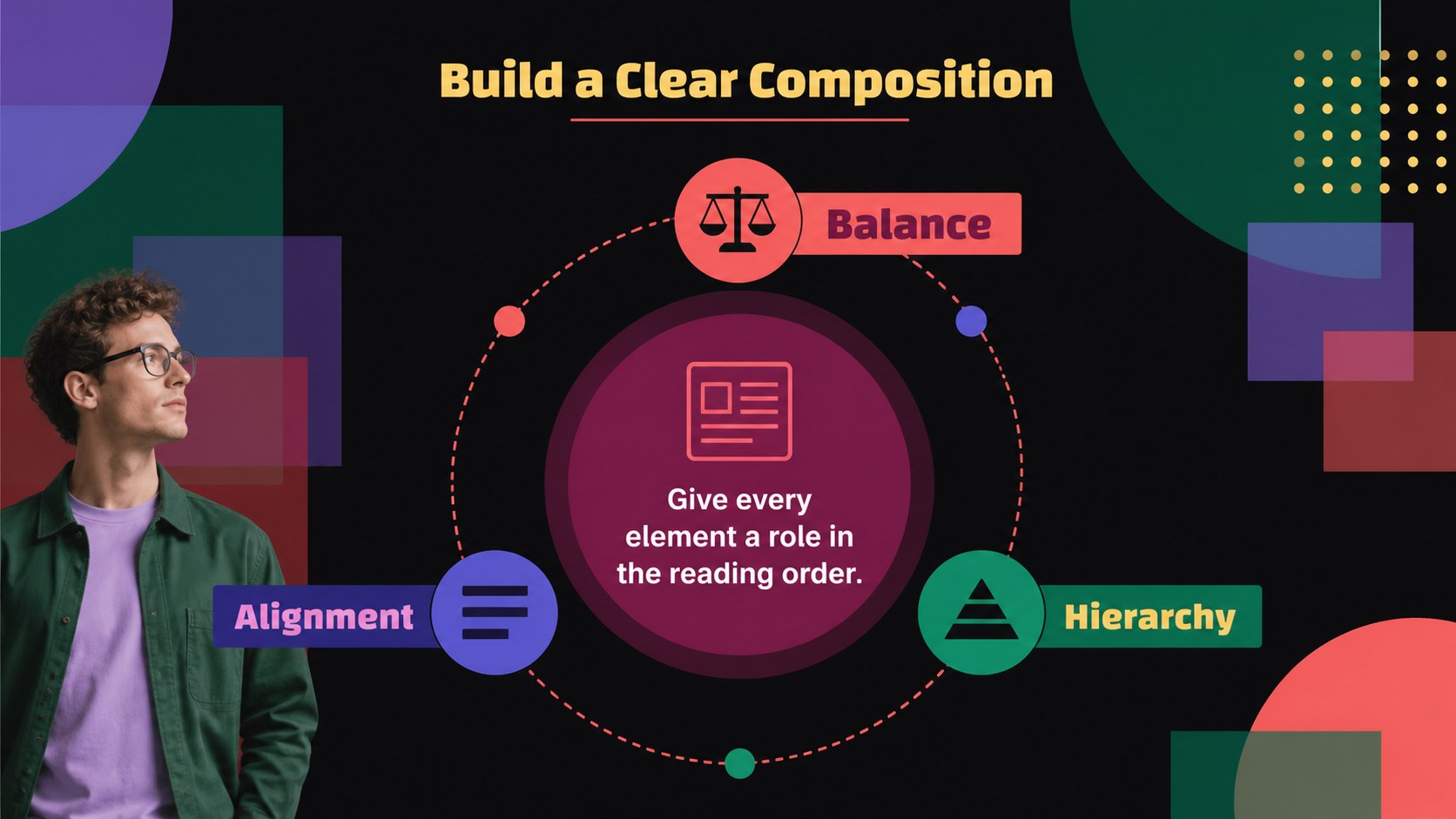
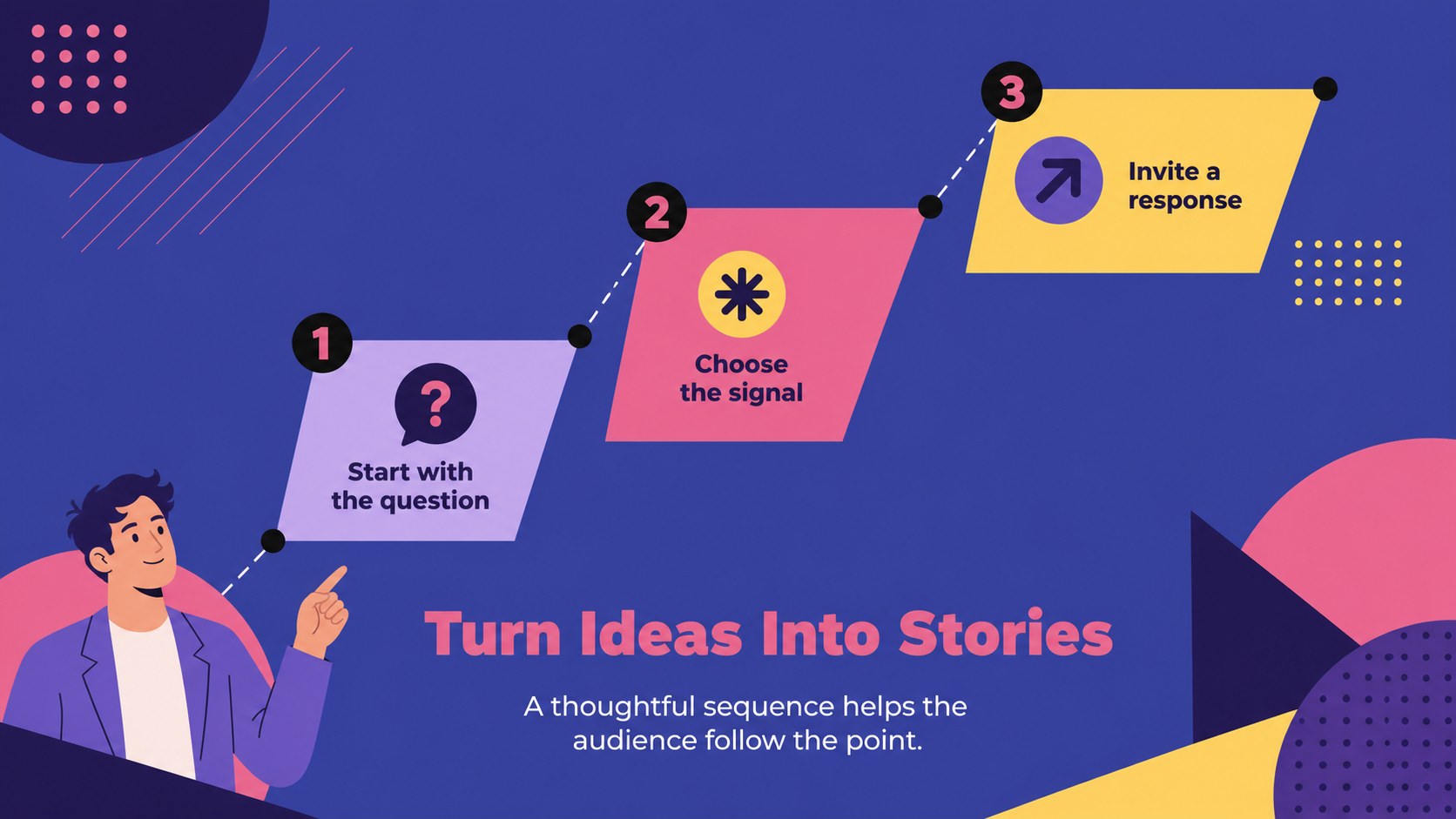
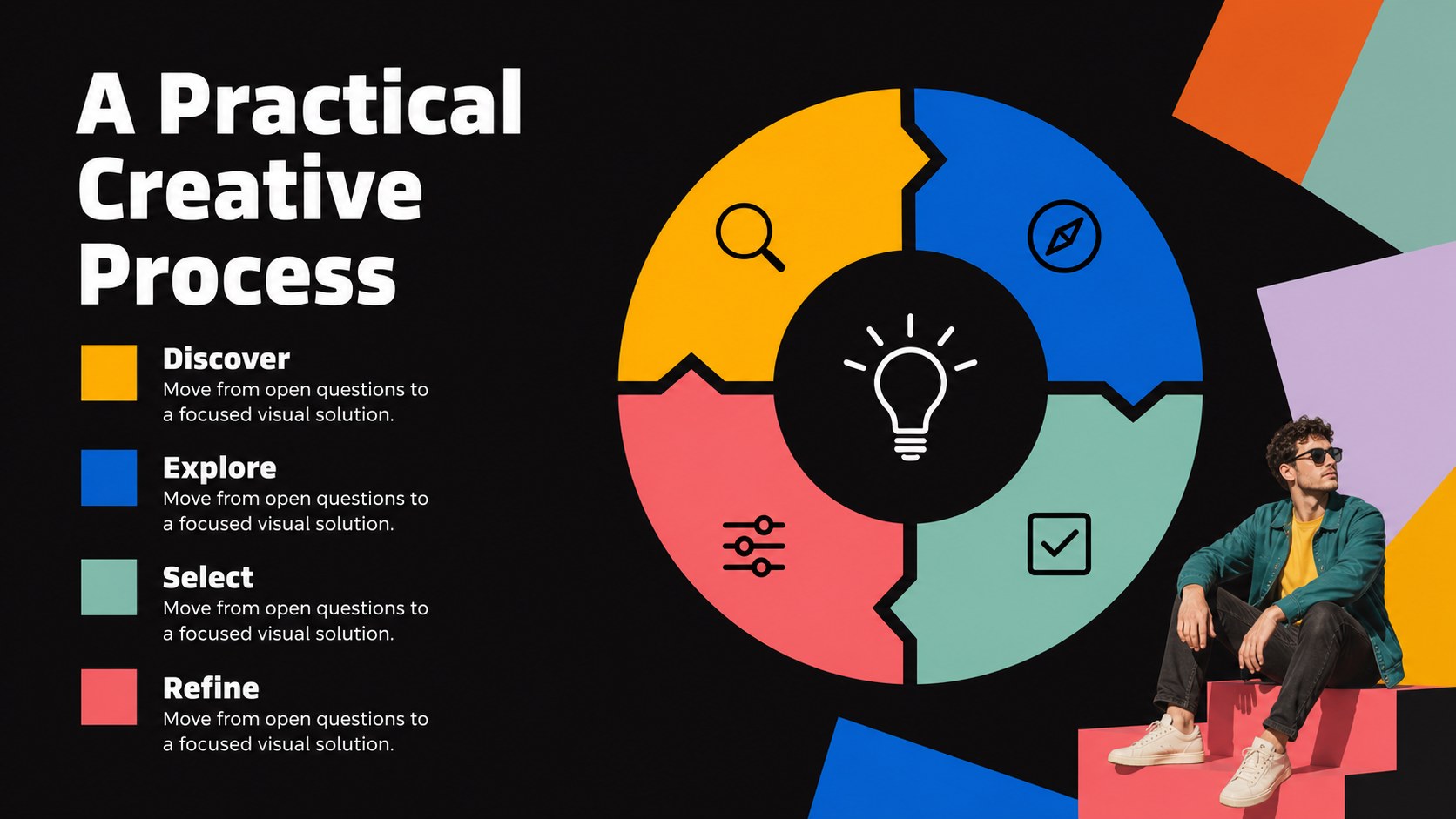
Inside, you will find 16:9 layouts for introducing visual principles, comparing composition choices, presenting a color study, mapping a creative process, reviewing typography, and summarizing key takeaways. Editable charts, diagrams, frames, lines, shapes, and image areas make it simple to adapt the deck to a visual communication presentation, graphic design workshop slides, or a creative agency briefing. Animation and transition options can add movement without distracting from the content.
This template suits design teachers, workshop facilitators, marketing teams, art directors, students, and consultants. Edit the text, switch imagery, adjust the palette, and reorganize sections in PowerPoint or Google Slides. It works well for a beginner design seminar, a client-facing concept review, or an internal session about stronger visual storytelling.
Perfect for: beginner design seminar; creative agency briefing; client concept review; visual communication class; marketing team workshop.
Frequently asked questions
Can I edit this visual thinking workshop slide deck in PowerPoint? Yes. The layouts are designed for PowerPoint editing, including text, colors, shapes, charts, and image areas. You can also export the finished presentation in common formats for sharing.
Practical details
Yes. The layouts are designed for PowerPoint editing, including text, colors, shapes, charts, and image areas. You can also export the finished presentation in common formats for sharing.
Yes, it can be adapted in Google Slides. After importing the presentation, replace the sample text and images, then check fonts, spacing, and transitions before presenting.
Teachers, facilitators, students, creative teams, and marketing professionals can use them. The layouts support lessons, collaborative exercises, creative reviews, and visual storytelling sessions.
Yes. All major color blocks, lines, shapes, and backgrounds are customizable. Keep the black foundation and vivid accents for the original visual character, or adjust them to match your project.
Keep exploring
15Build an engaging World UFO Day session with this flying saucer history lesson deck, featuring retro green-and-brown slides for PowerPoint and Google Slides.
 15
15Plan a lively animal-learning journey with this jungle zoo adventure lesson deck, ready to customize in PowerPoint and Google Slides for young learners.
 16
16Turn environmental research into a clear story with a Watercolor Ecology Presentation Theme for PowerPoint and Google Slides in calming green and blue.
 16
16Build focused fashion, literature, and humanities presentations with the Red Triangle Editorial Theme, editable in PowerPoint and Google Slides.
 15
15Turn streaming stats, favorite tracks, and concert highlights into a bold annual listening recap slide deck for PowerPoint and Google Slides.
 15
15Turn highlights, milestones, and favorite moments into a colorful year in review slide deck with bold 3D graphics for PowerPoint and Google Slides.
 3
3Build a credible endorsement with Standout Colleague Recommendation Letter Slides, featuring colorful prompts for skills, achievements, and team impact.
 4
4Build clear beginner sessions with an ice hockey fundamentals training deck for coaches, PE teachers, and clubs, ready for PowerPoint and Google Slides.