
 15
15presentation
Flying Saucer History Lesson Deck
Build an engaging World UFO Day session with this flying saucer history lesson deck, featuring retro green-and-brown slides for PowerPoint and Google Slides.
Google SlidesPowerPoint
presentation · English
Plan clearer scenes with a Visual Storyboard Workshop Deck featuring pastel notebook layouts for teaching story flow in PowerPoint and Google Slides.
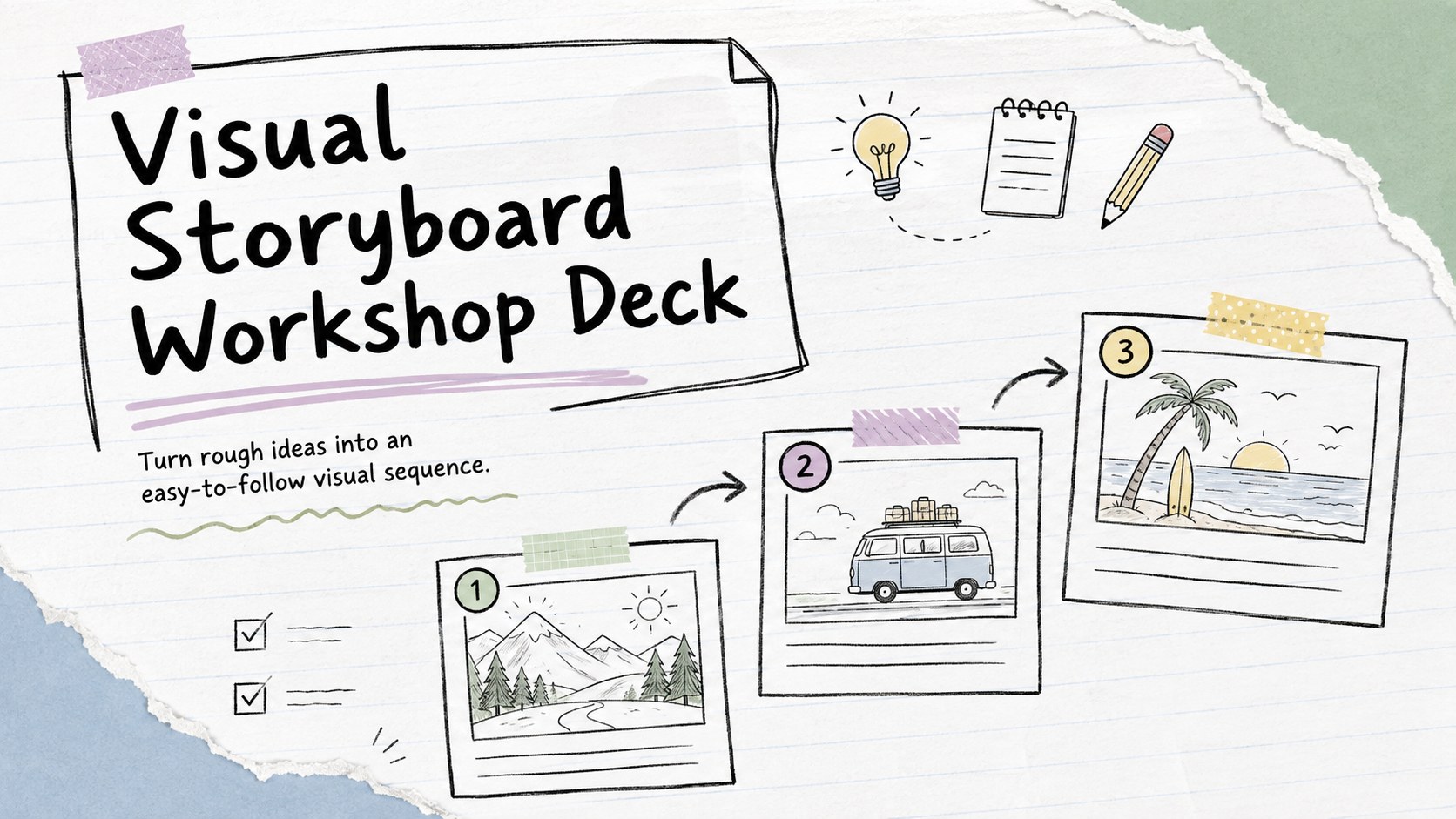
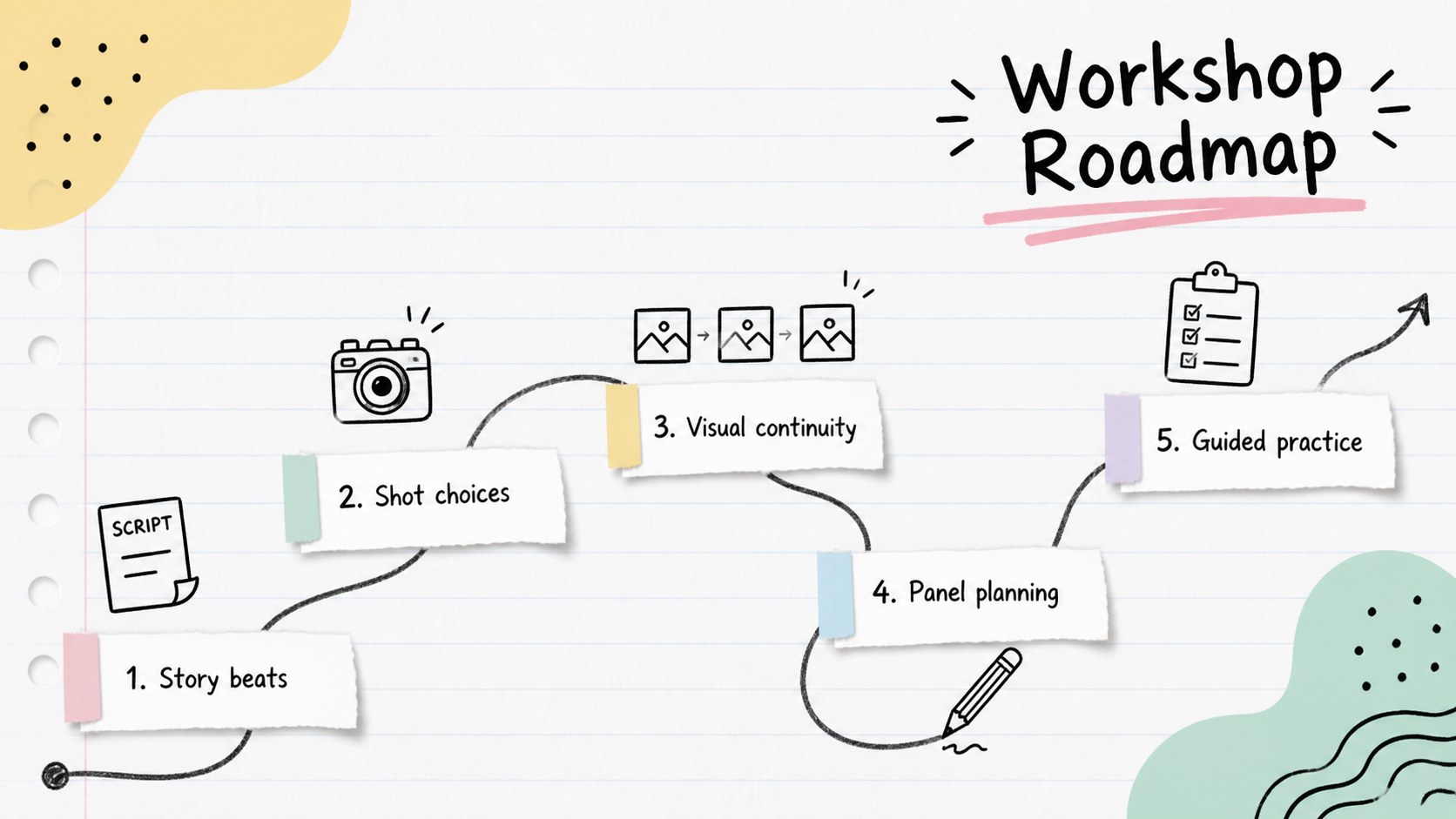
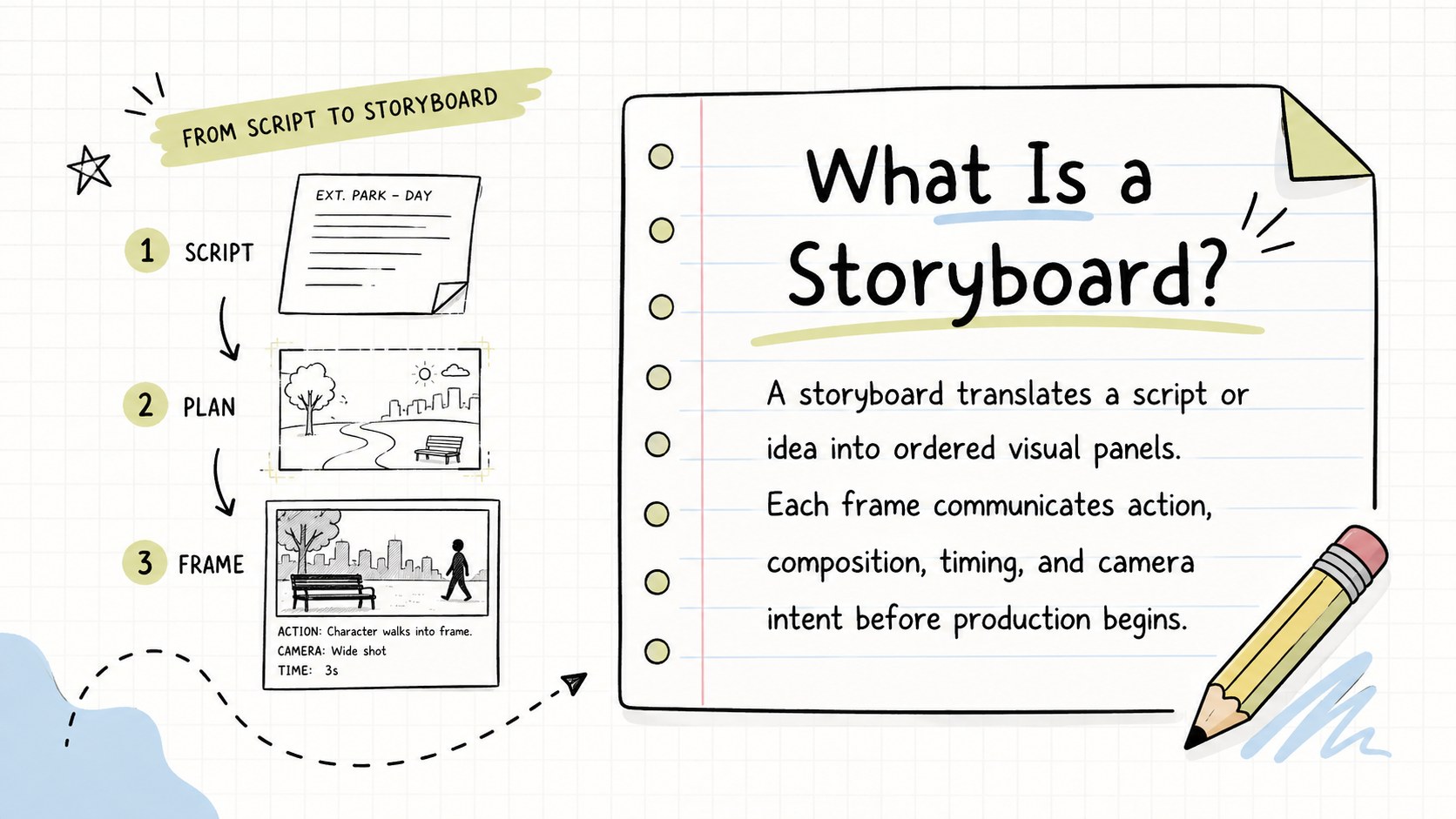
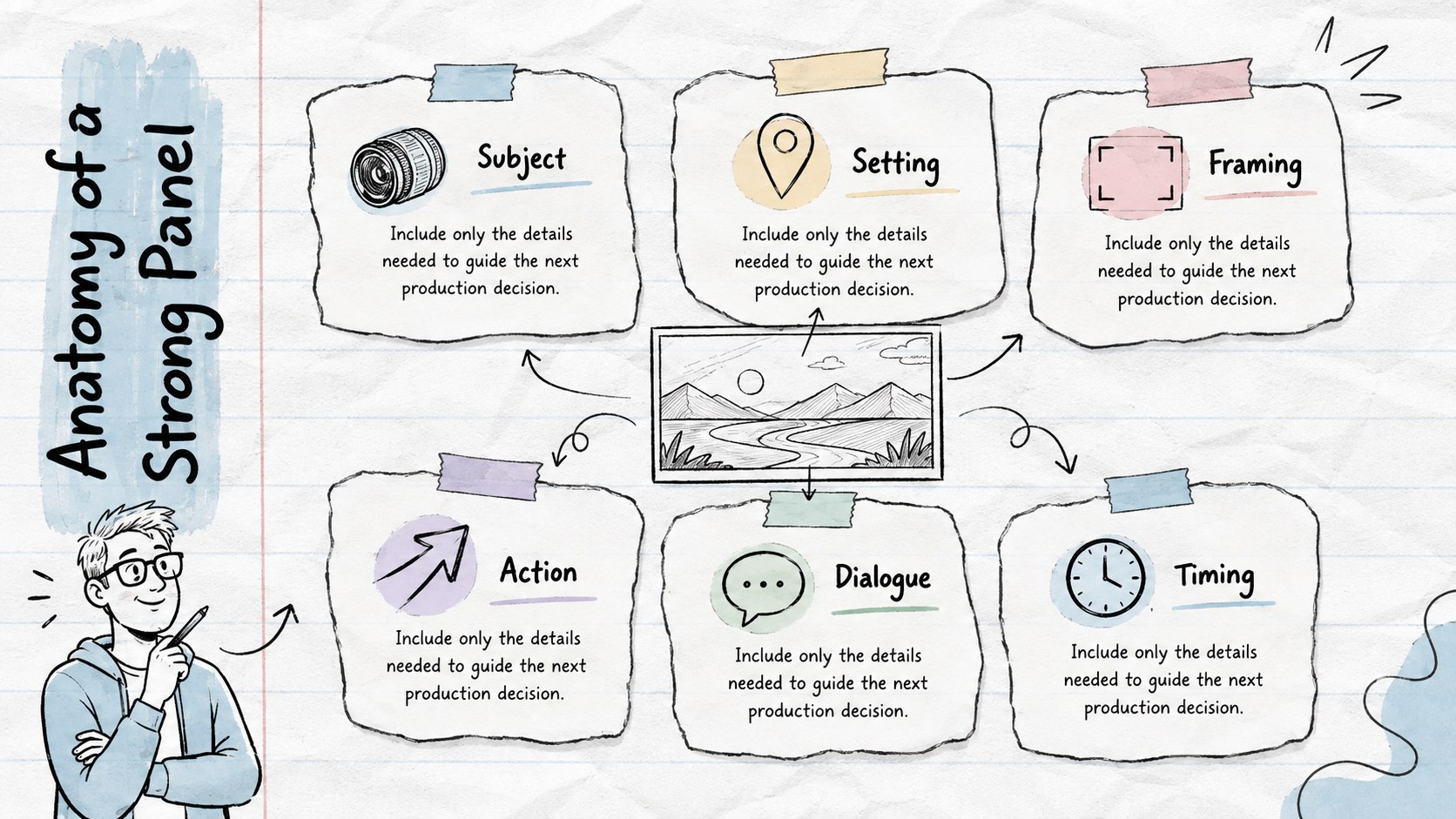
Design notes
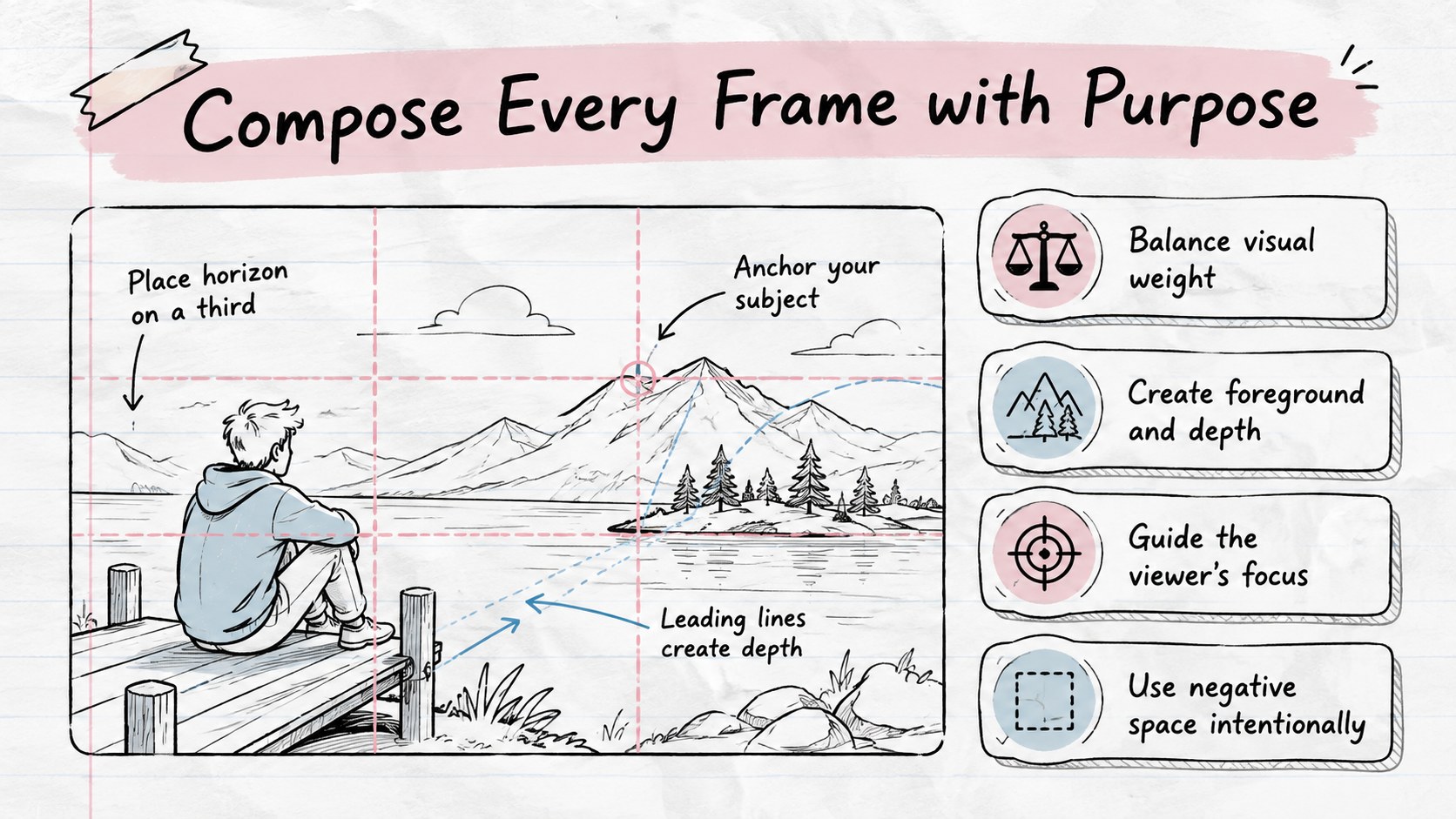
The Visual Storyboard Workshop Deck gives educators, filmmakers, and creative teams a structured way to explain how ideas become clear visual sequences. Its white notebook backgrounds, pastel accents, hand-drawn marks, and informal sketch details create an approachable setting for practical instruction in PowerPoint and Google Slides.
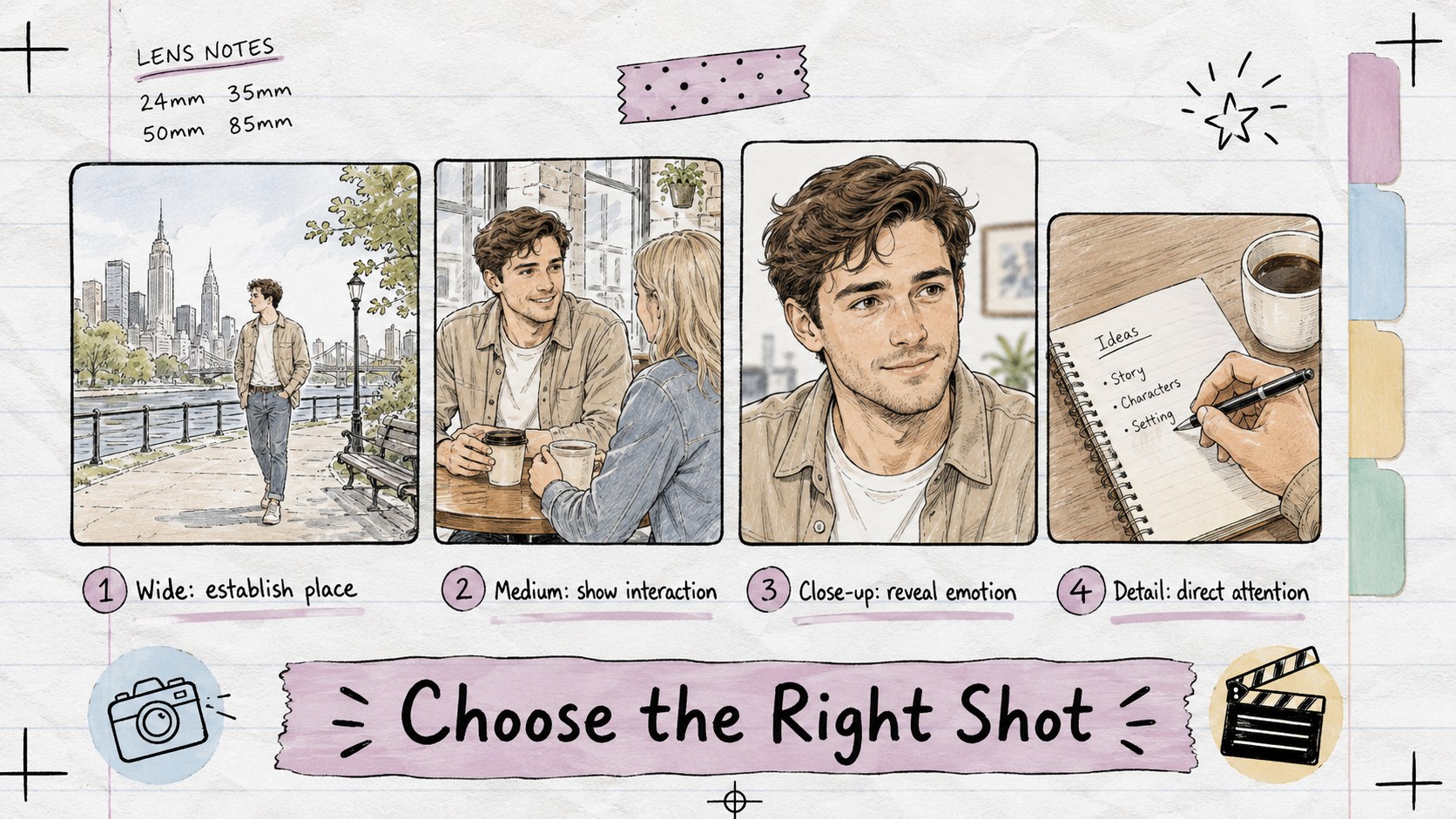
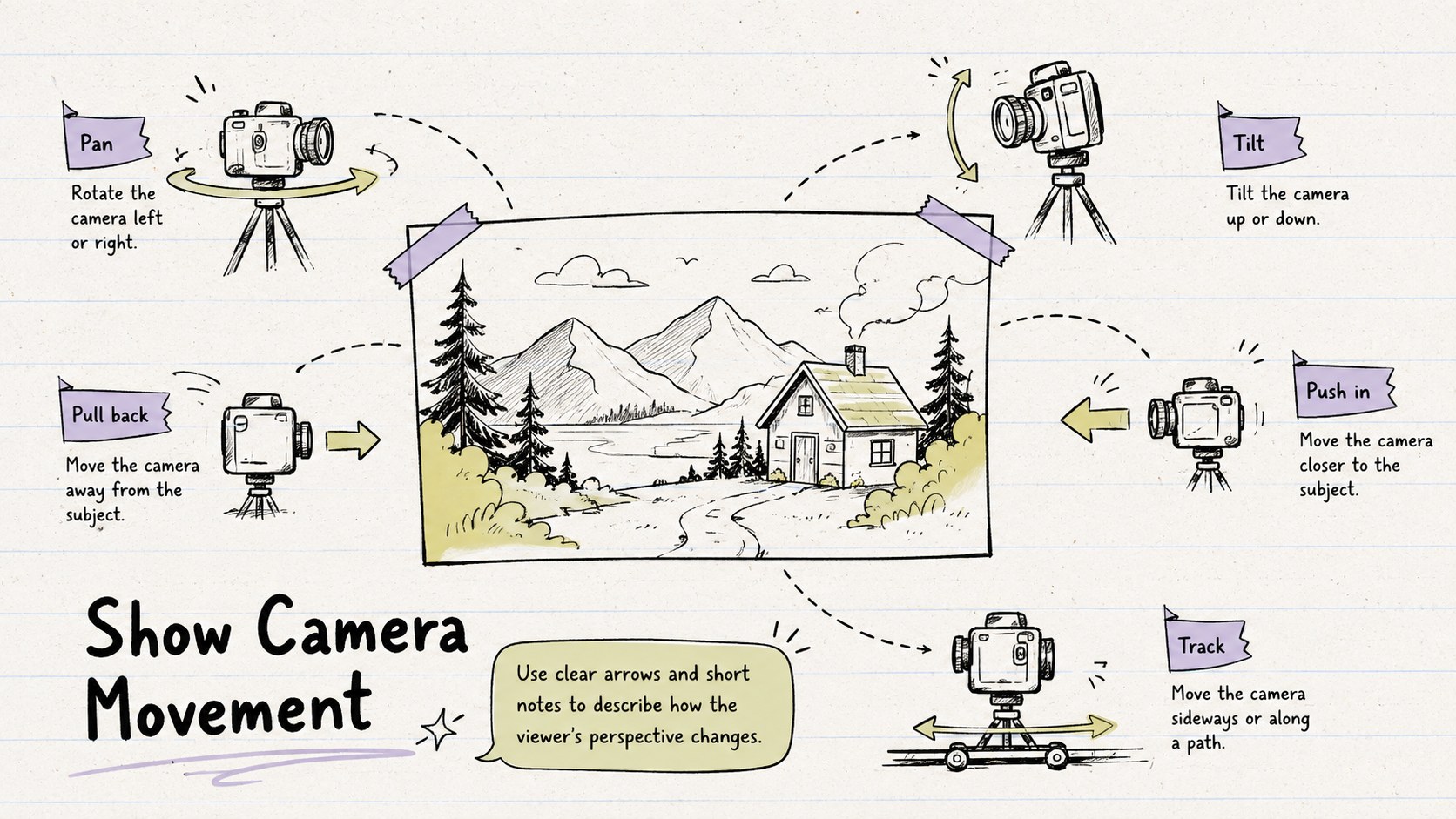
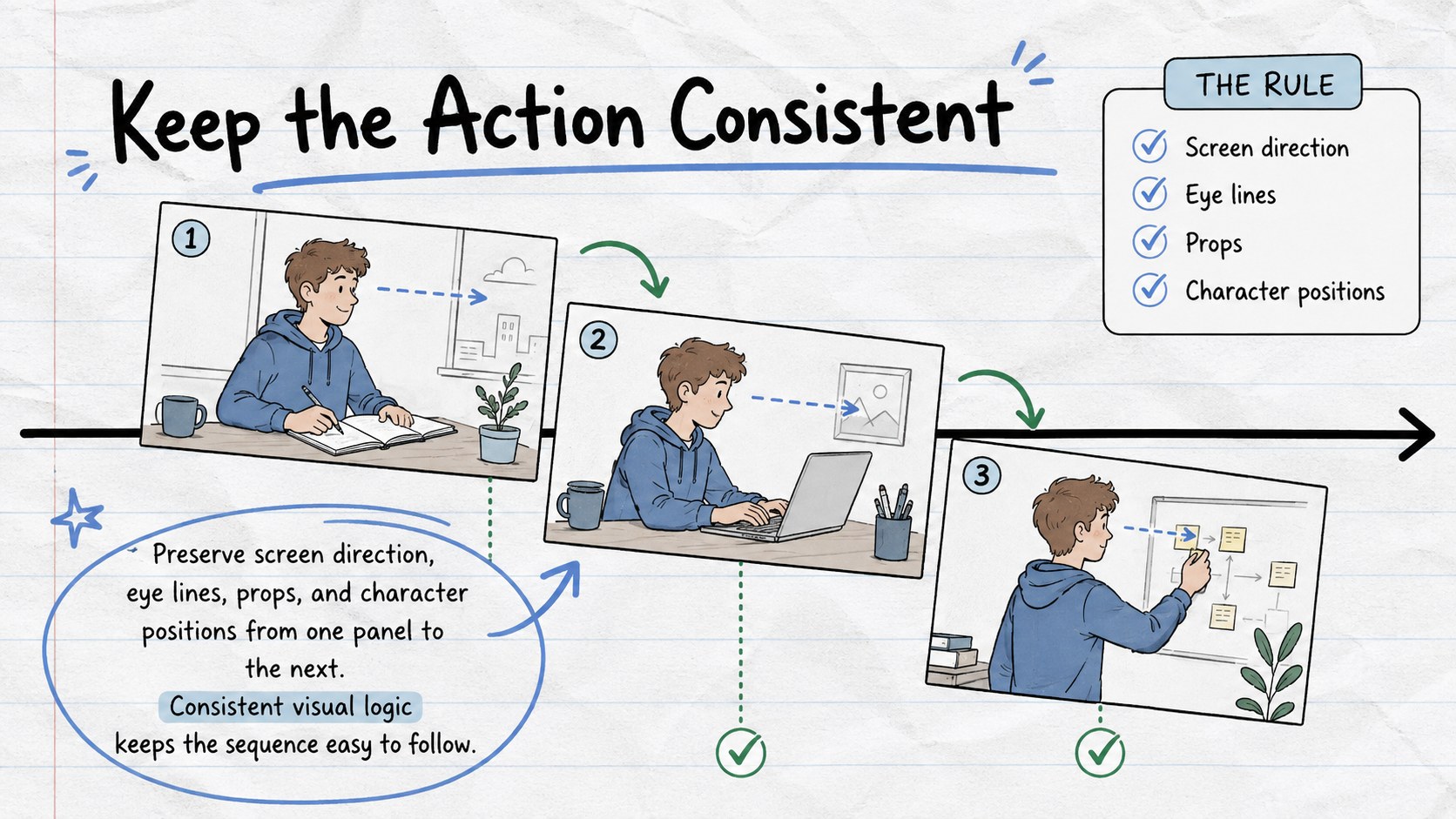
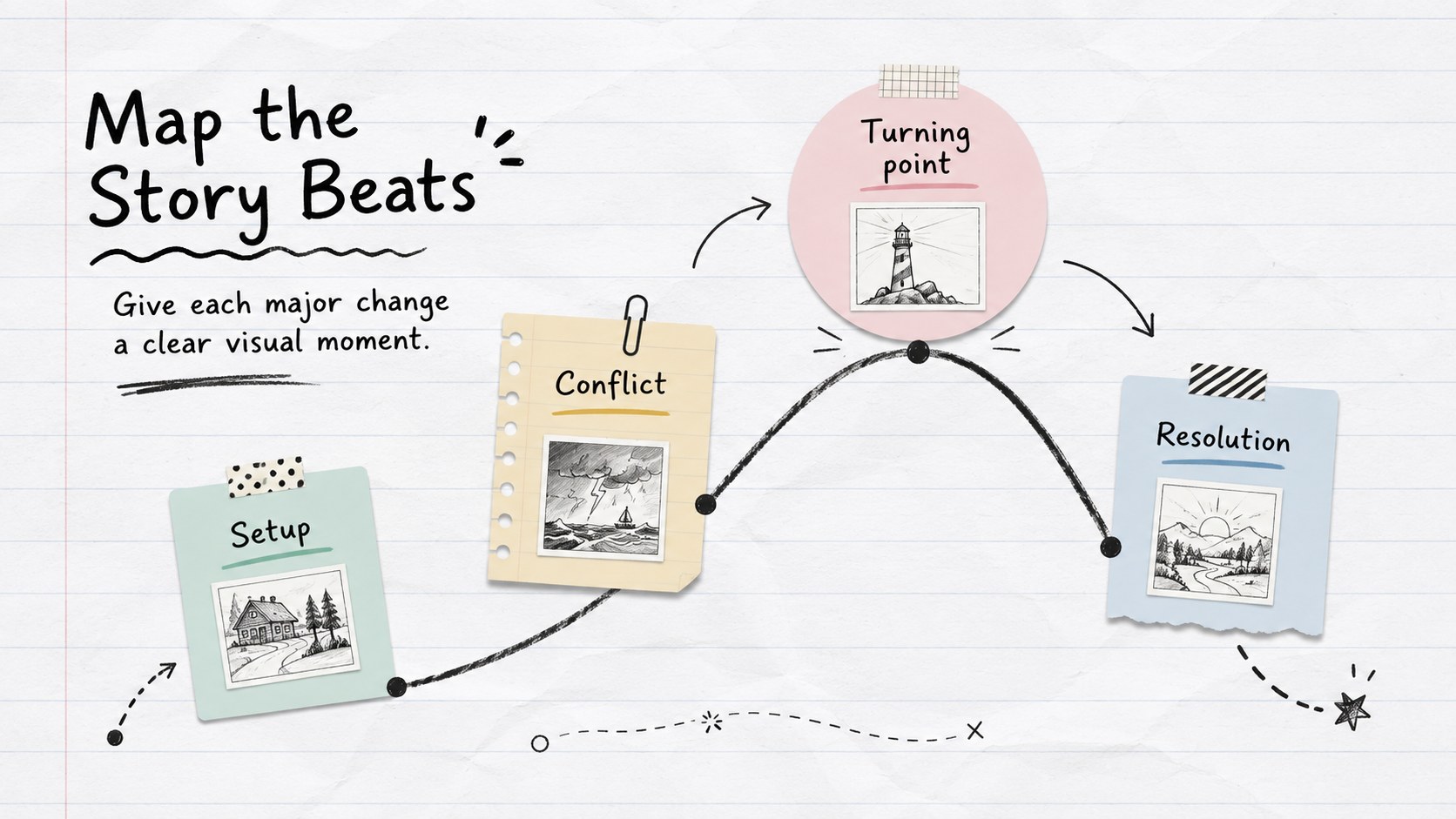
Use the deck to introduce storyboard vocabulary, map a narrative arc, compare shot types, plan camera movement, and demonstrate visual continuity. The included layouts support learning goals, scene breakdowns, panel examples, timelines, class exercises, review questions, and a final production checklist. A visual storytelling lesson template also makes it easier to connect framing and composition choices with mood, pacing, dialogue, and action. Every slide can be adapted with your own text, diagrams, colors, images, and project examples.
This hand drawn storyboard presentation is designed for media studies classes, film workshops, animation courses, marketing teams, and anyone leading a pre-production session. Teachers can use it as a storyboard lesson plan for students, while creative professionals can turn it into a collaborative scene-planning resource. The varied layouts help presenters move naturally from core principles to guided practice without losing the deck's relaxed, sketchbook-inspired character.
Perfect for: media studies lesson; beginner filmmaking workshop; animation pre-production class; marketing video planning; creative team story session.
Frequently asked questions
Can I edit every part of the workshop deck? Yes. You can replace the lesson text, reorder sections, duplicate layouts, and add your own storyboard panels. Shapes, colors, fonts, and supporting visuals can also be adjusted for a specific class or production.
Practical details
Yes. You can replace the lesson text, reorder sections, duplicate layouts, and add your own storyboard panels. Shapes, colors, fonts, and supporting visuals can also be adjusted for a specific class or production.
The deck is designed for Microsoft PowerPoint and Google Slides. Some font spacing or transitions may vary slightly between the two platforms, so review the presentation after importing it.
Yes. Customize the exercise, scene breakdown, and review slides with your project brief and assessment criteria. Students can then use duplicated panel layouts to plan their own sequences.
Replace the accent colors while retaining the white paper backgrounds and hand-drawn details for visual consistency. You can also add project stills, sketches, production notes, or simple diagrams without changing the overall workshop structure.
Keep exploring
15Build an engaging World UFO Day session with this flying saucer history lesson deck, featuring retro green-and-brown slides for PowerPoint and Google Slides.
 15
15Plan a lively animal-learning journey with this jungle zoo adventure lesson deck, ready to customize in PowerPoint and Google Slides for young learners.
 16
16Turn environmental research into a clear story with a Watercolor Ecology Presentation Theme for PowerPoint and Google Slides in calming green and blue.
 16
16Build focused fashion, literature, and humanities presentations with the Red Triangle Editorial Theme, editable in PowerPoint and Google Slides.
 15
15Turn streaming stats, favorite tracks, and concert highlights into a bold annual listening recap slide deck for PowerPoint and Google Slides.
 15
15Turn highlights, milestones, and favorite moments into a colorful year in review slide deck with bold 3D graphics for PowerPoint and Google Slides.
 3
3Build a credible endorsement with Standout Colleague Recommendation Letter Slides, featuring colorful prompts for skills, achievements, and team impact.
 4
4Build clear beginner sessions with an ice hockey fundamentals training deck for coaches, PE teachers, and clubs, ready for PowerPoint and Google Slides.