
 15
15presentation
Flying Saucer History Lesson Deck
Build an engaging World UFO Day session with this flying saucer history lesson deck, featuring retro green-and-brown slides for PowerPoint and Google Slides.
Google SlidesPowerPoint
presentation · English
Build clearer reports with a visual data storytelling deck in modern pink and purple, ready to customize in PowerPoint or Google Slides for any audience.


Design notes
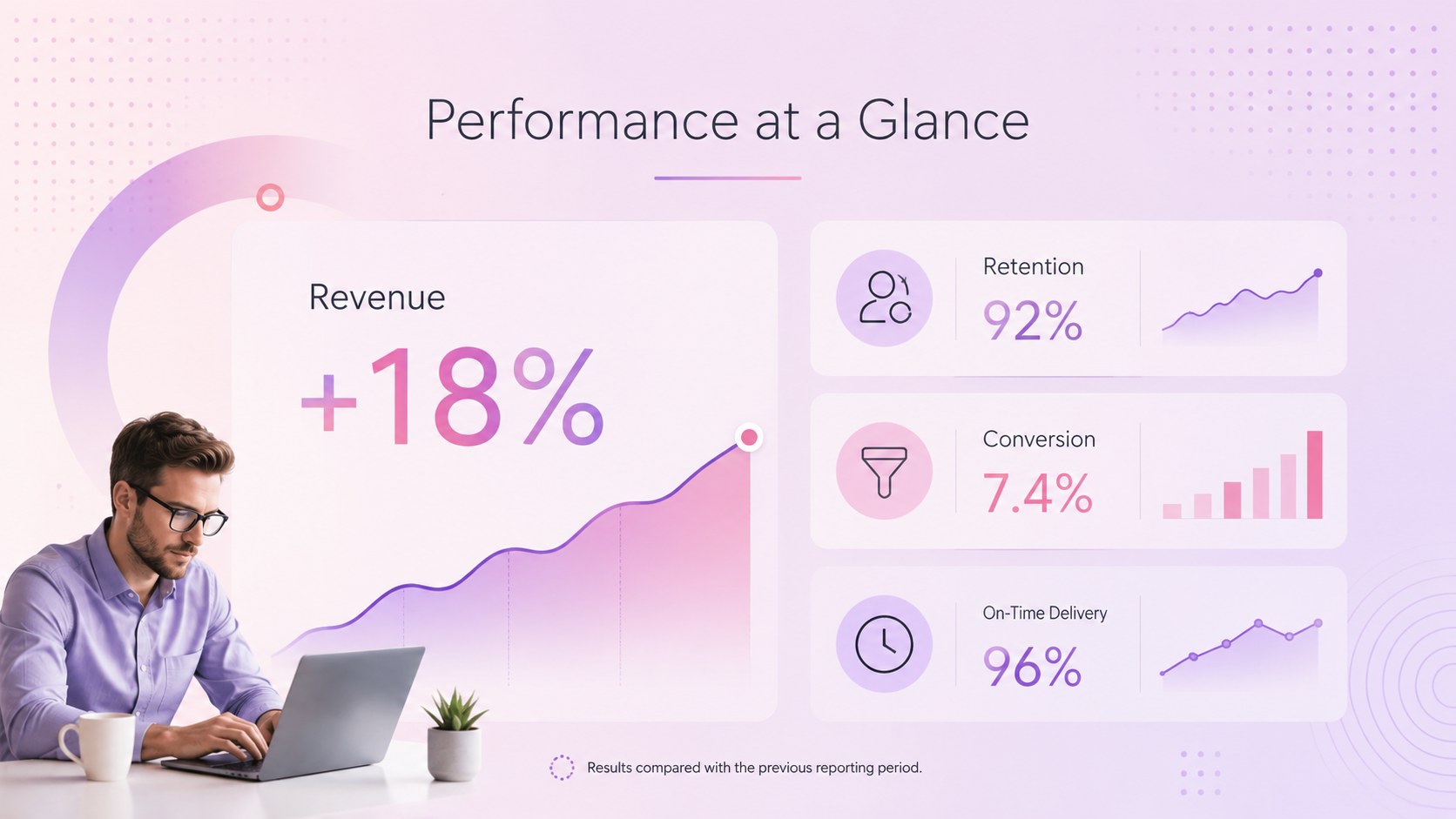
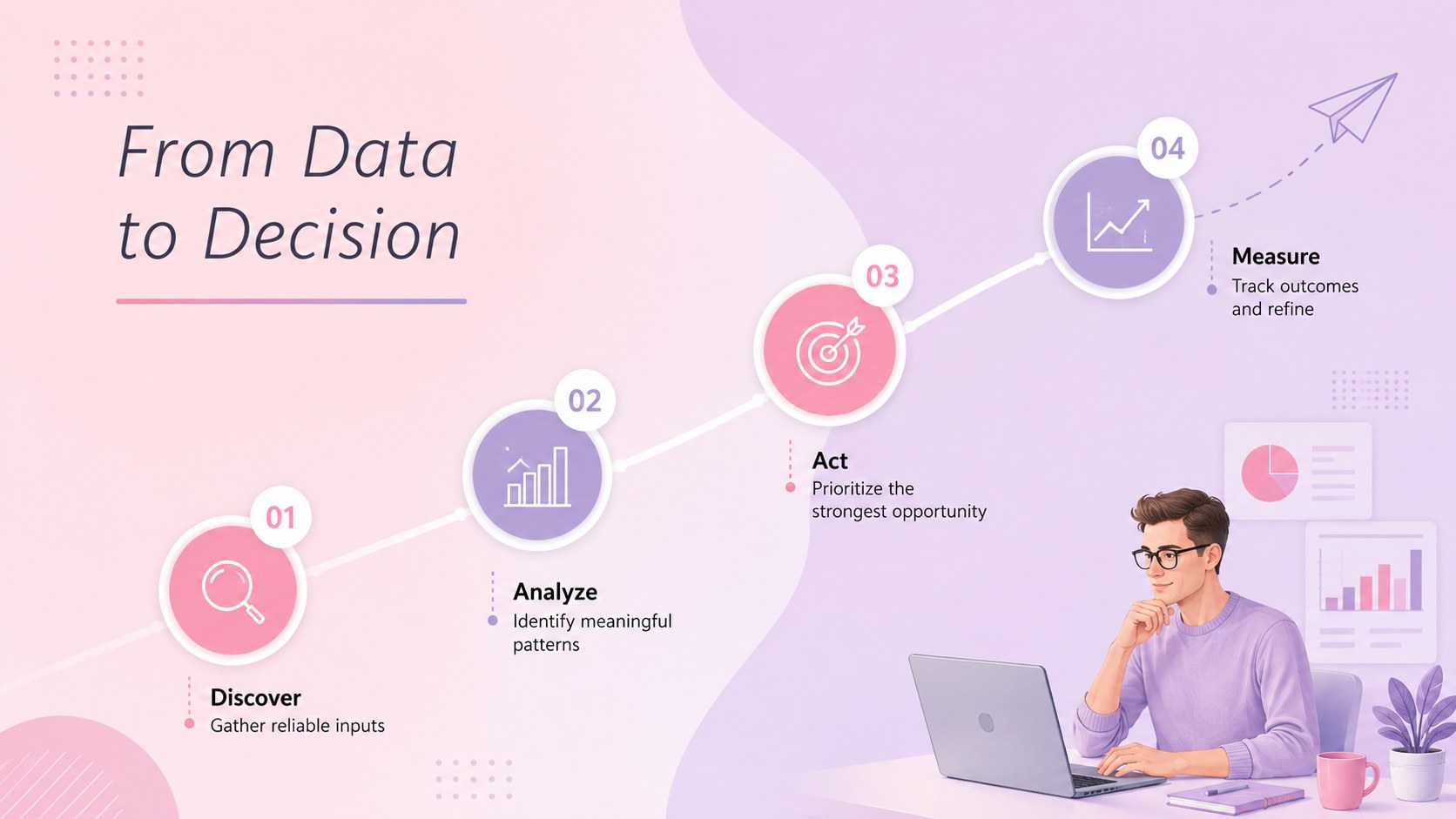
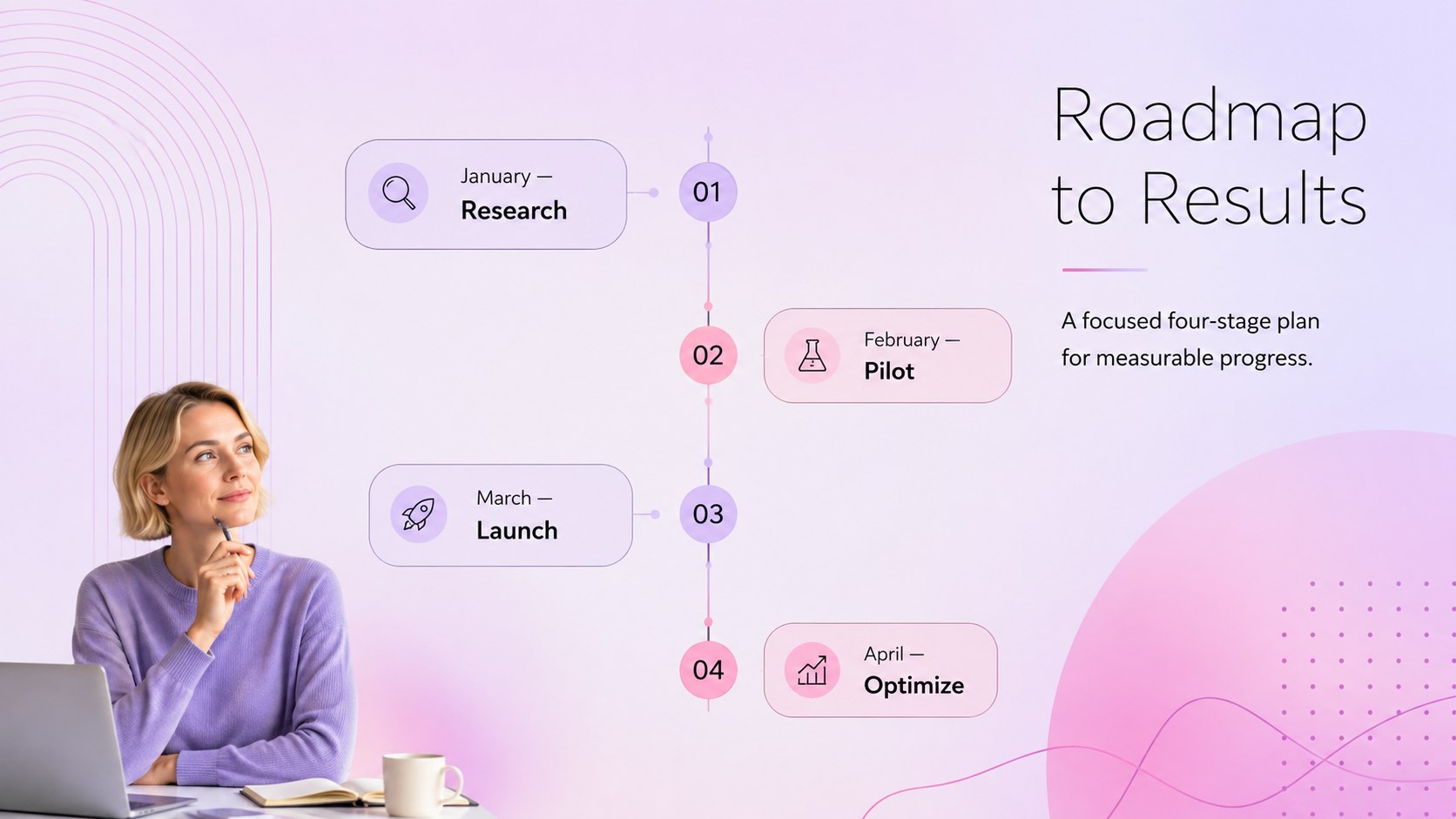
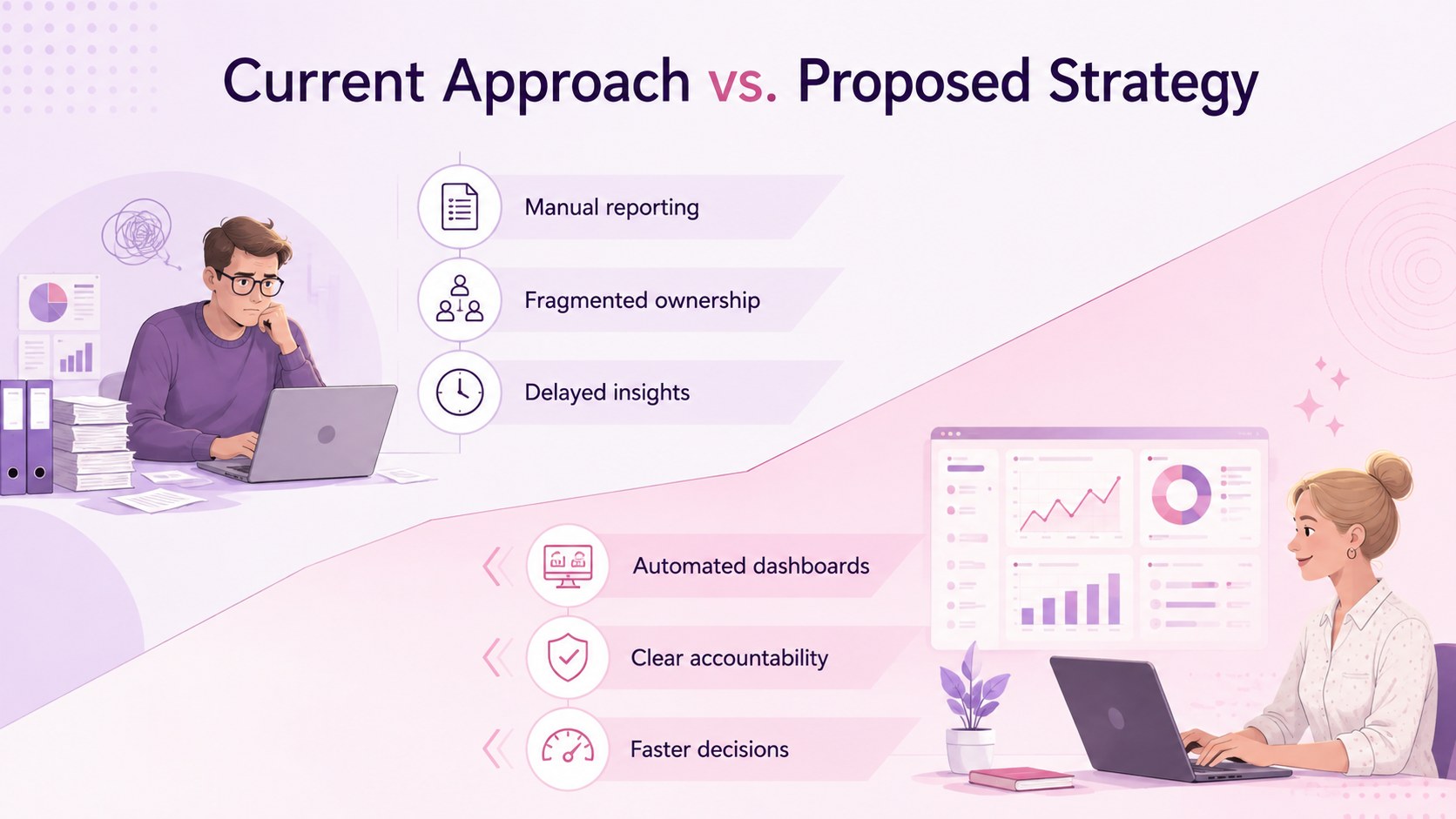
Turn complex information into an engaging narrative with this visual data storytelling deck. Designed for business professionals, consultants, analysts, and project teams, its modern pastel pink and purple aesthetic keeps attention on the facts while giving every presentation a polished, contemporary character. The clean typography and generous spacing make it suitable for both detailed reporting and concise executive briefings.
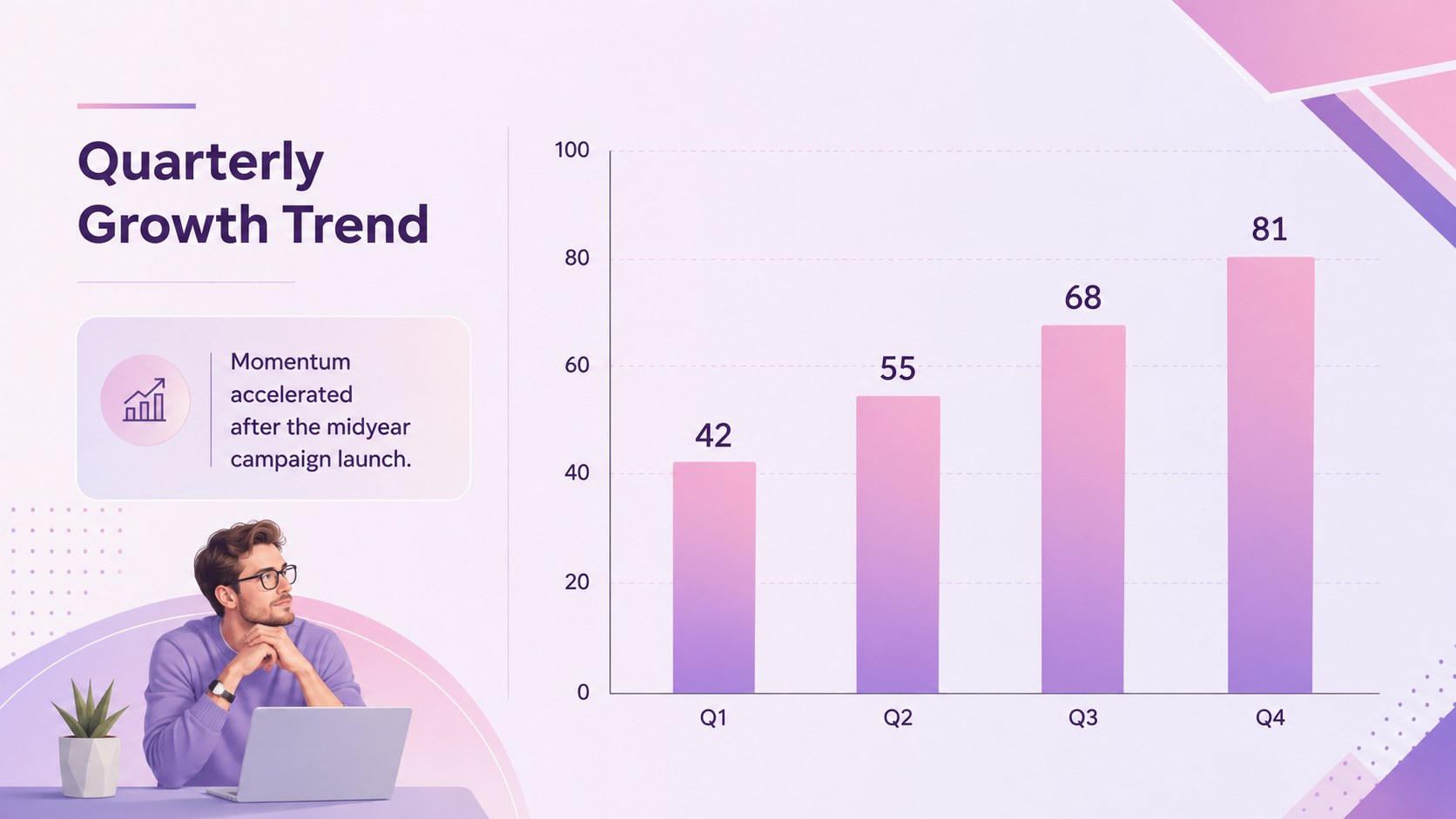
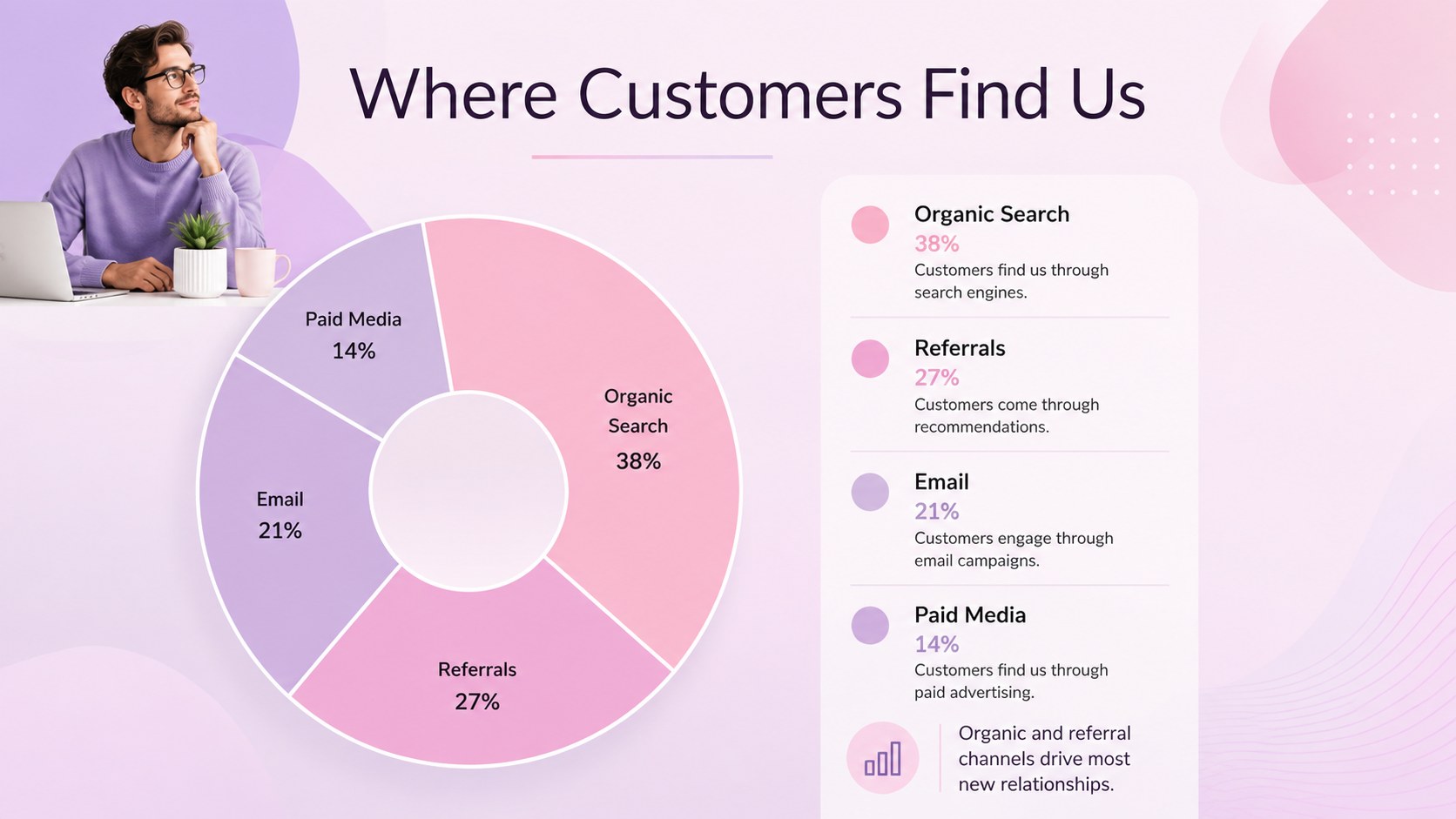
Inside are 16 customizable 16:9 layouts for metrics, comparisons, processes, timelines, organizational structures, and strategic roadmaps. Use the editable business infographic slides to organize research findings, explain performance trends, or transform a dense report into an accessible visual summary. Charts, diagrams, shapes, text blocks, and color accents can be adjusted to match your organization or presentation topic.
This purple data visualization slide deck works particularly well for quarterly reviews, client proposals, campaign analysis, product planning, and internal project updates. The varied layouts help presenters move naturally from context and objectives to evidence, recommendations, and next steps without repeating the same composition.
Edit the deck in PowerPoint or Google Slides, replace the sample wording with your own content, and adapt the colors, fonts, and graphics as needed. Whether you are presenting to leadership, customers, colleagues, or stakeholders, the template provides a structured foundation for making data easier to scan, understand, and remember.
Perfect for: quarterly performance review; client analytics report; project status update; marketing campaign analysis; strategic planning meeting; executive data briefing.
Frequently asked questions
Practical details
The template is designed for PowerPoint and Google Slides. Its text, shapes, charts, diagrams, and color elements can be edited in either platform.
Yes. Update the sample labels, values, percentages, and supporting text with your own information, then resize or reposition visual elements where necessary.
Select the background, shape, chart, or text element you want to change and apply your preferred color. You can also replace the fonts and accent colors to align the slides with an established brand style.
The layouts support performance metrics, comparisons, timelines, workflows, team structures, strategic roadmaps, and recommendations. They can be reordered or duplicated to fit short briefings and longer reports.
Keep exploring
15Build an engaging World UFO Day session with this flying saucer history lesson deck, featuring retro green-and-brown slides for PowerPoint and Google Slides.
 15
15Plan a lively animal-learning journey with this jungle zoo adventure lesson deck, ready to customize in PowerPoint and Google Slides for young learners.
 16
16Turn environmental research into a clear story with a Watercolor Ecology Presentation Theme for PowerPoint and Google Slides in calming green and blue.
 16
16Build focused fashion, literature, and humanities presentations with the Red Triangle Editorial Theme, editable in PowerPoint and Google Slides.
 15
15Turn streaming stats, favorite tracks, and concert highlights into a bold annual listening recap slide deck for PowerPoint and Google Slides.
 15
15Turn highlights, milestones, and favorite moments into a colorful year in review slide deck with bold 3D graphics for PowerPoint and Google Slides.
 3
3Build a credible endorsement with Standout Colleague Recommendation Letter Slides, featuring colorful prompts for skills, achievements, and team impact.
 4
4Build clear beginner sessions with an ice hockey fundamentals training deck for coaches, PE teachers, and clubs, ready for PowerPoint and Google Slides.