
 15
15presentation
Flying Saucer History Lesson Deck
Build an engaging World UFO Day session with this flying saucer history lesson deck, featuring retro green-and-brown slides for PowerPoint and Google Slides.
Google SlidesPowerPoint
presentation · English
Use this product decision framework deck to align teams, compare opportunities, and present clear direction in PowerPoint or Google Slides.
Design notes
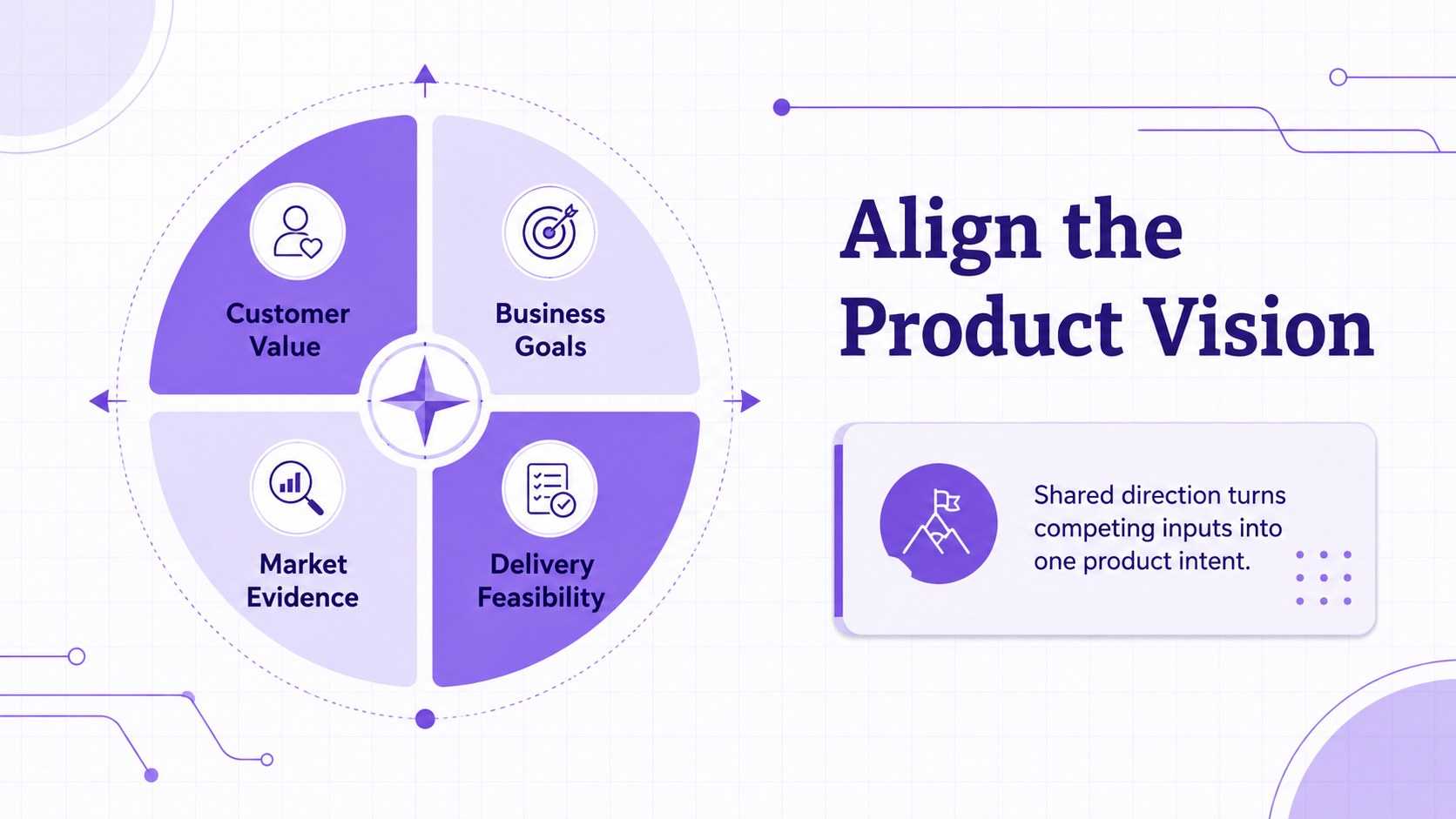
Make complex choices easier to discuss with the Violet Product Decision Framework Deck. Designed for product leaders, founders, consultants, and cross-functional teams, this editable presentation turns strategic reasoning into concise visual stories. Use it to connect customer needs, business objectives, market evidence, and delivery considerations without overwhelming your audience.
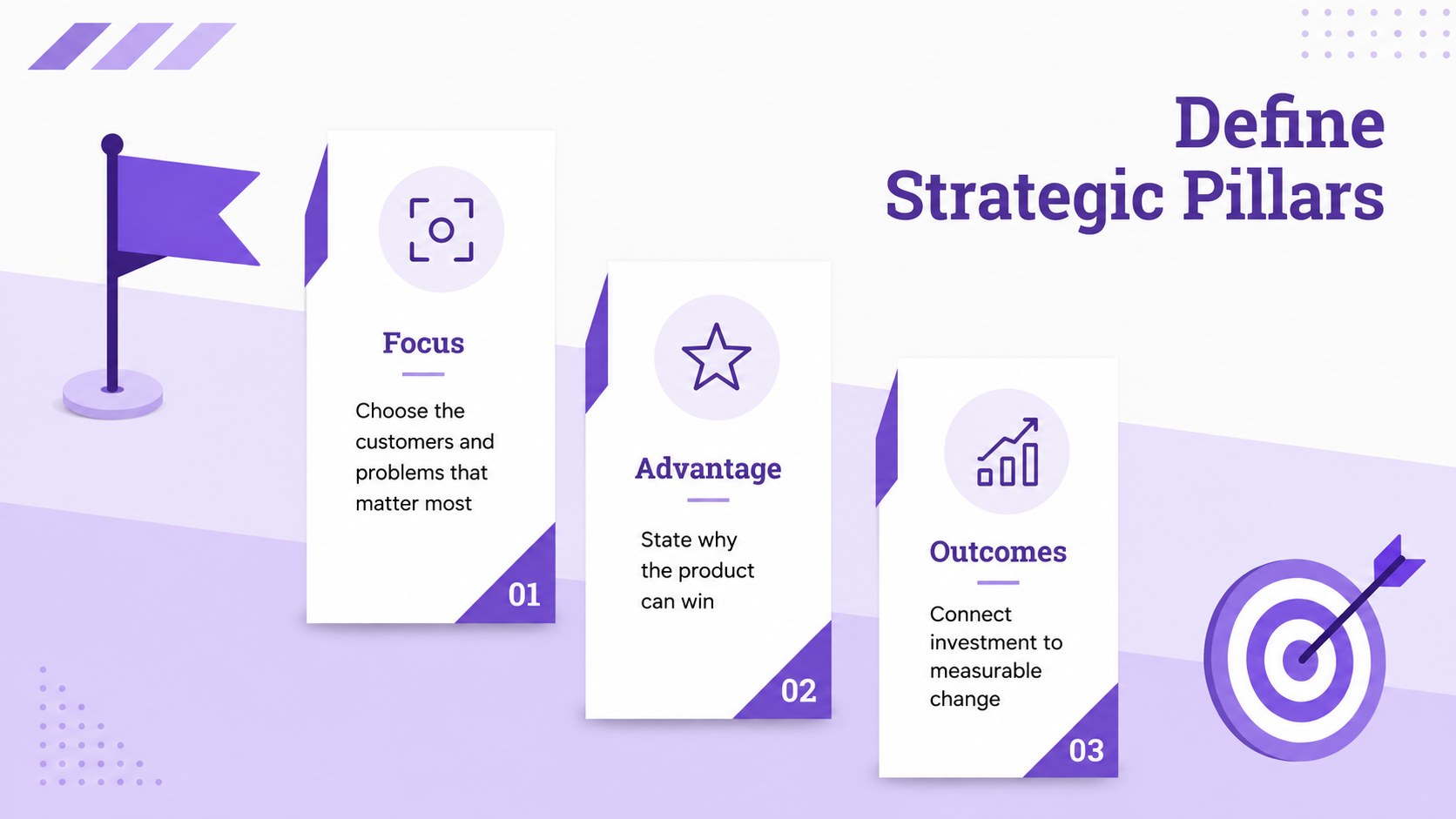
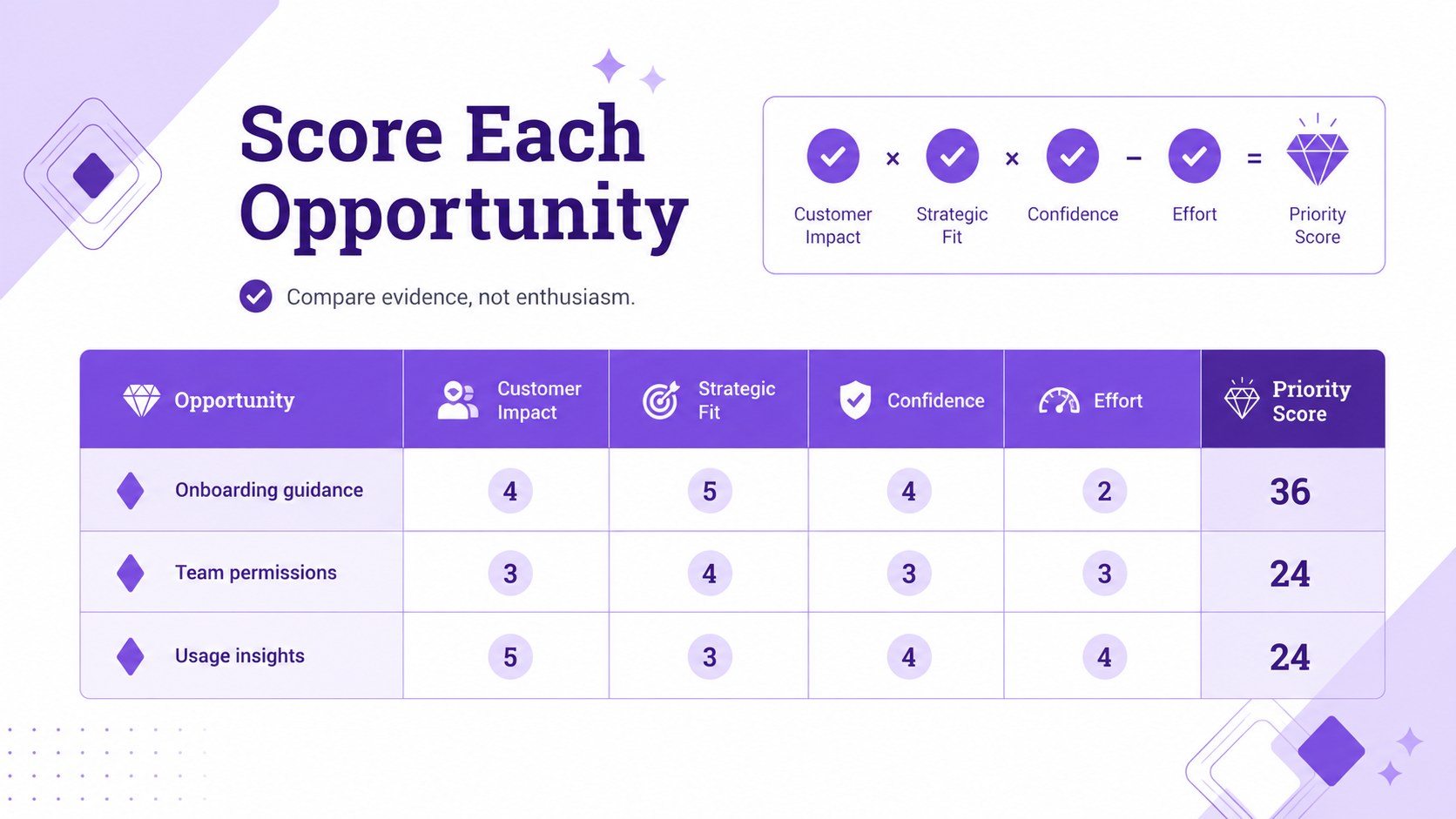
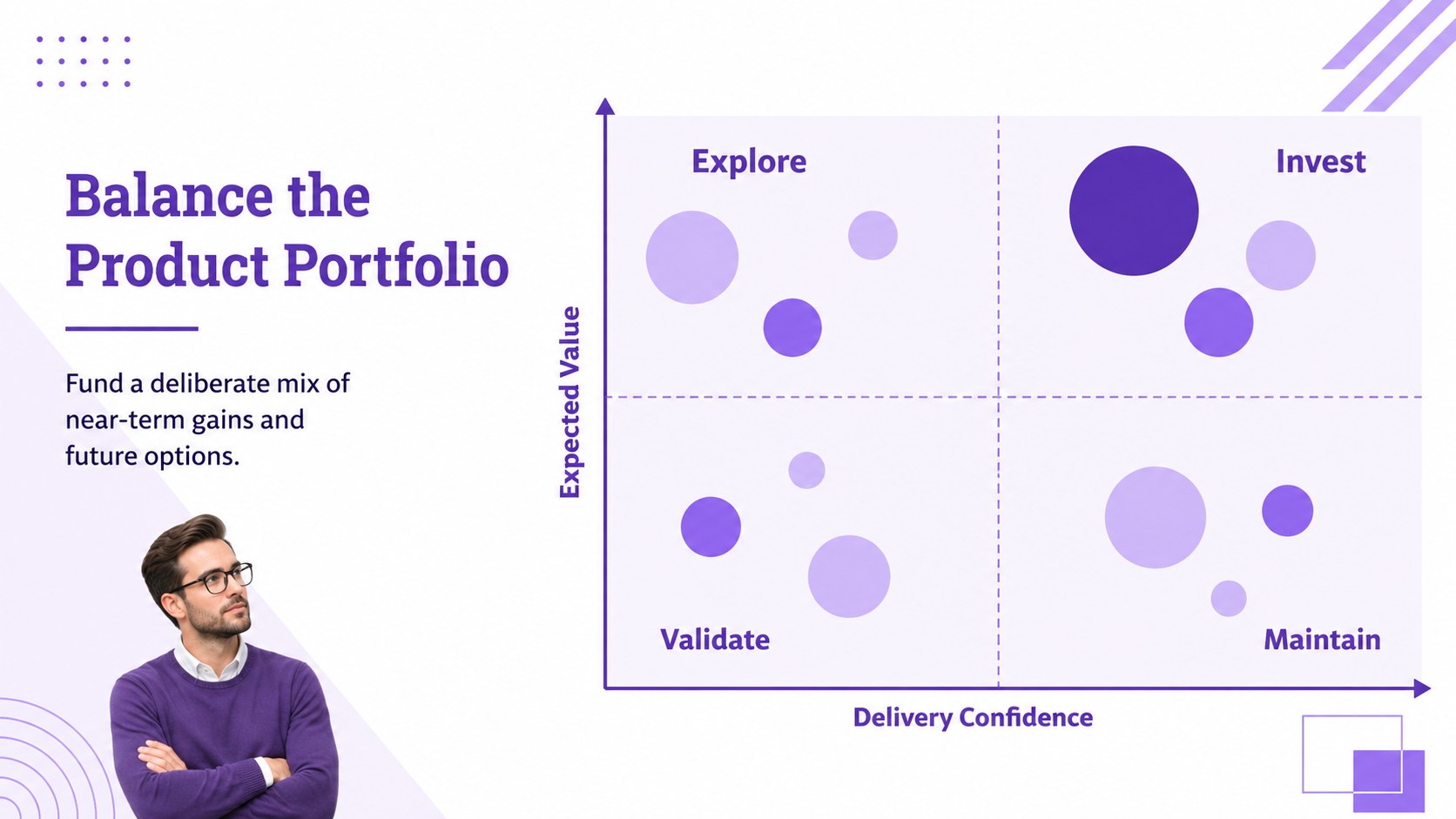
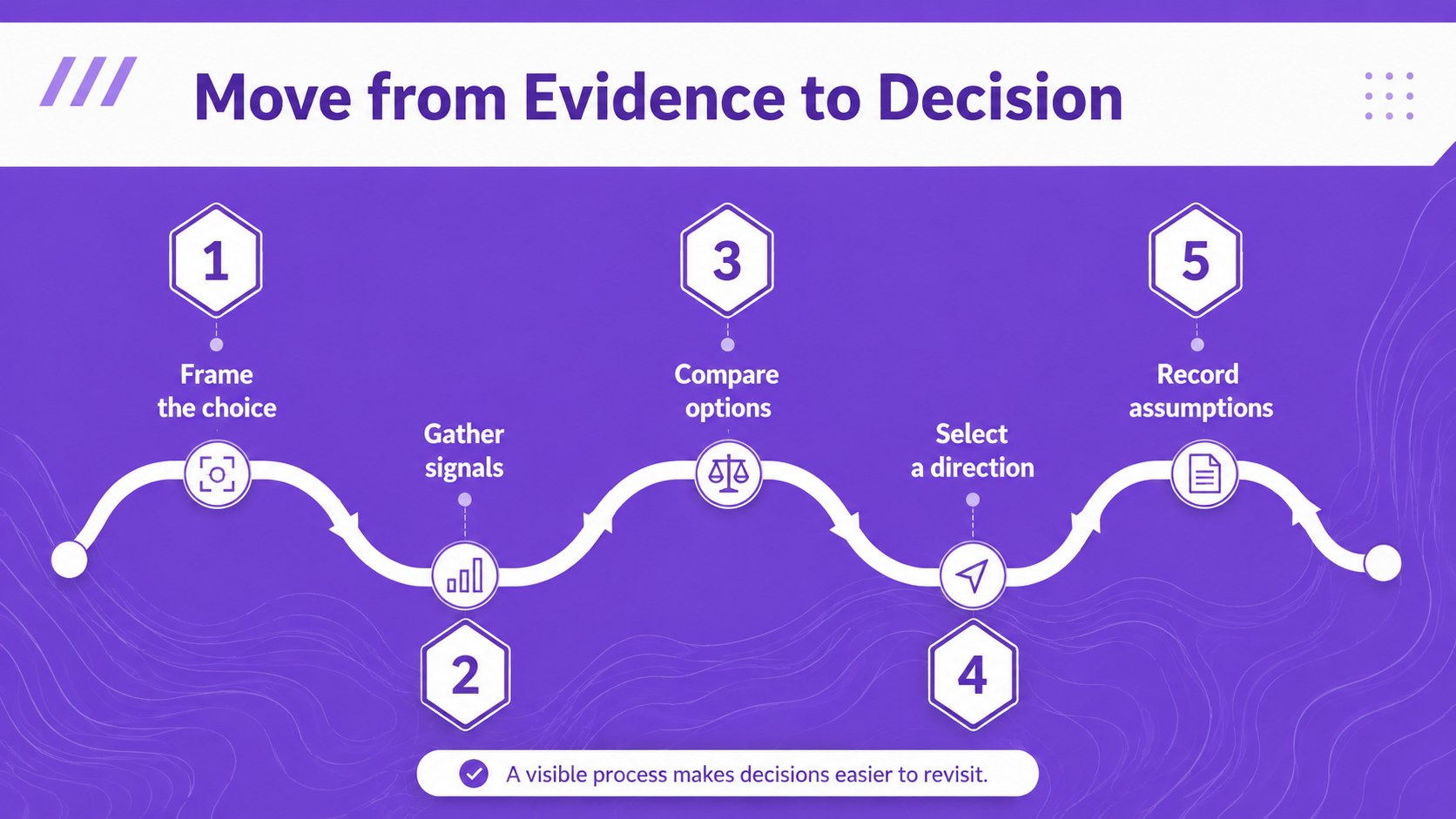
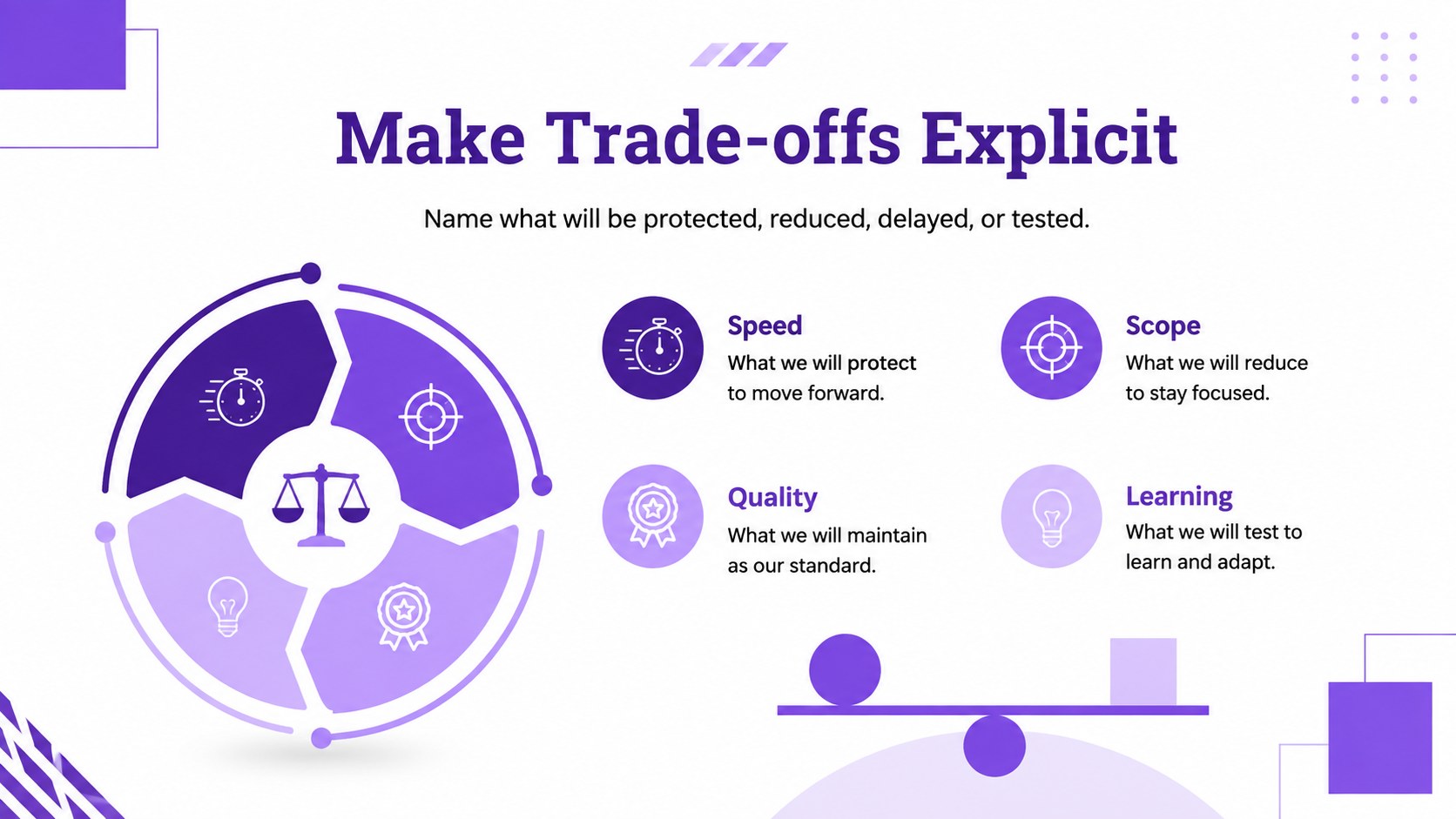
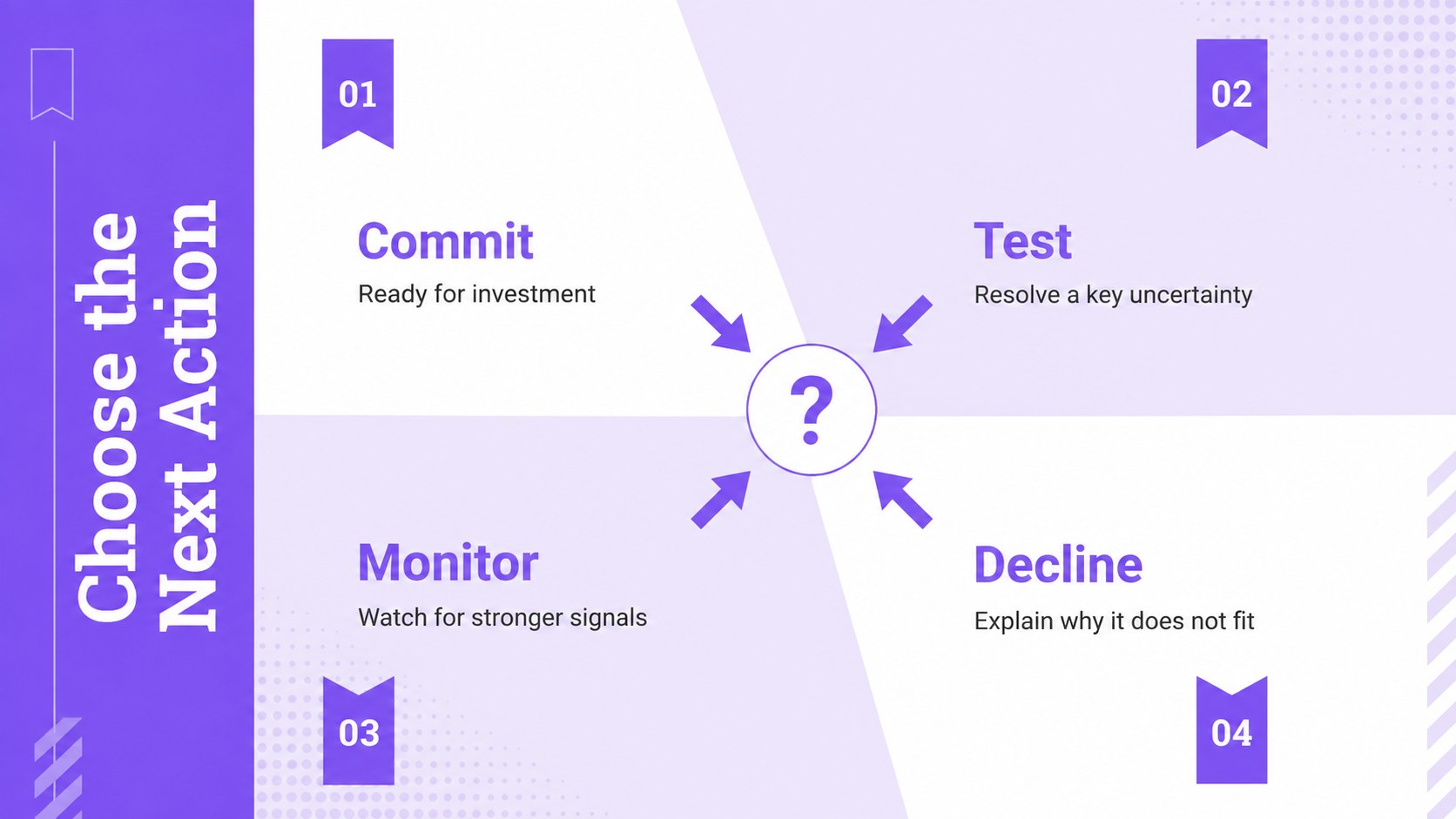
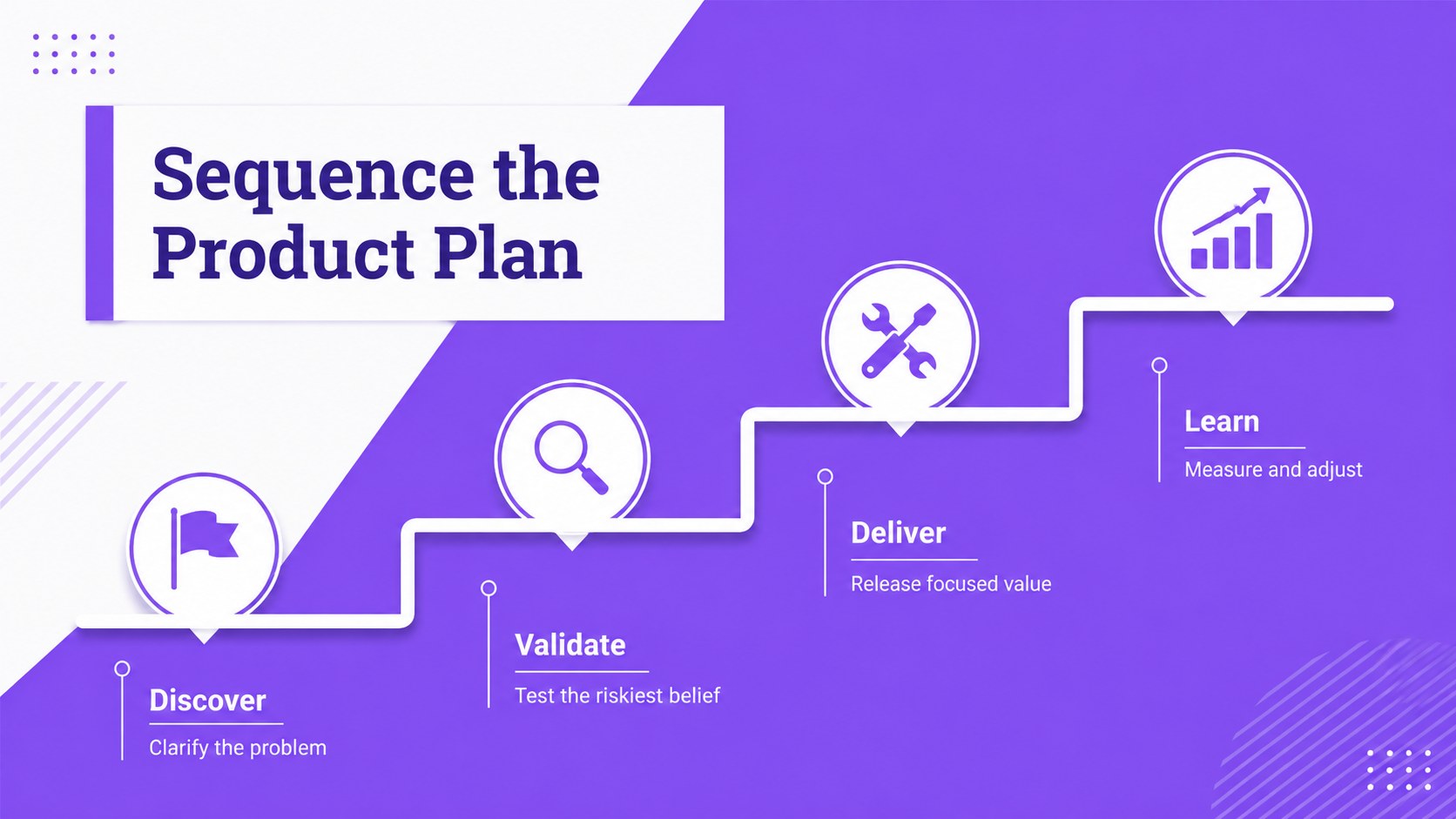
The deck includes layouts for product vision alignment, strategic pillars, opportunity scoring, portfolio balance, prioritization, trade-offs, phased planning, and success measures. Circular diagrams, comparison charts, matrices, timelines, and process graphics create a consistent narrative from initial context to final recommendation. It works as a product vision alignment template, an opportunity prioritization slide deck, or a product portfolio decision matrix for recurring planning sessions.
Every slide in this product decision framework deck uses a simple violet and white palette with clean geometric details, structured typography, and ample space for concise explanations. Edit the text, colors, charts, shapes, and ordering in PowerPoint or Google Slides to match your organization and decision process. The layouts suit quarterly product reviews, leadership workshops, roadmap discussions, client advisory sessions, innovation planning, and internal strategy proposals. Use the full sequence as a guided presentation or select individual infographics for reports, meeting summaries, and stakeholder updates.
Perfect for: quarterly product review; opportunity scoring workshop; portfolio planning meeting; roadmap alignment session; client strategy recommendation; leadership decision briefing.
Frequently asked questions
Can I edit every element in this deck? Yes. The text, colors, diagrams, charts, shapes, and slide order can be adjusted to fit your product process and visual identity.
Practical details
Yes. The text, colors, diagrams, charts, shapes, and slide order can be adjusted to fit your product process and visual identity.
The deck is designed for PowerPoint and Google Slides. Some fonts or transitions may render slightly differently between the two platforms, so review the final presentation before sharing.
Replace the sample labels and measures with factors such as customer value, revenue potential, strategic fit, confidence, effort, or risk. You can also remove sections that do not apply to your evaluation model.
Yes. Its concise diagrams and structured comparison layouts support high-level recommendations, while the supporting slides provide enough detail for follow-up discussion.
Keep exploring
15Build an engaging World UFO Day session with this flying saucer history lesson deck, featuring retro green-and-brown slides for PowerPoint and Google Slides.
 15
15Plan a lively animal-learning journey with this jungle zoo adventure lesson deck, ready to customize in PowerPoint and Google Slides for young learners.
 16
16Turn environmental research into a clear story with a Watercolor Ecology Presentation Theme for PowerPoint and Google Slides in calming green and blue.
 16
16Build focused fashion, literature, and humanities presentations with the Red Triangle Editorial Theme, editable in PowerPoint and Google Slides.
 15
15Turn streaming stats, favorite tracks, and concert highlights into a bold annual listening recap slide deck for PowerPoint and Google Slides.
 15
15Turn highlights, milestones, and favorite moments into a colorful year in review slide deck with bold 3D graphics for PowerPoint and Google Slides.
 3
3Build a credible endorsement with Standout Colleague Recommendation Letter Slides, featuring colorful prompts for skills, achievements, and team impact.
 4
4Build clear beginner sessions with an ice hockey fundamentals training deck for coaches, PE teachers, and clubs, ready for PowerPoint and Google Slides.