
 15
15presentation
Flying Saucer History Lesson Deck
Build an engaging World UFO Day session with this flying saucer history lesson deck, featuring retro green-and-brown slides for PowerPoint and Google Slides.
Google SlidesPowerPoint
presentation · English
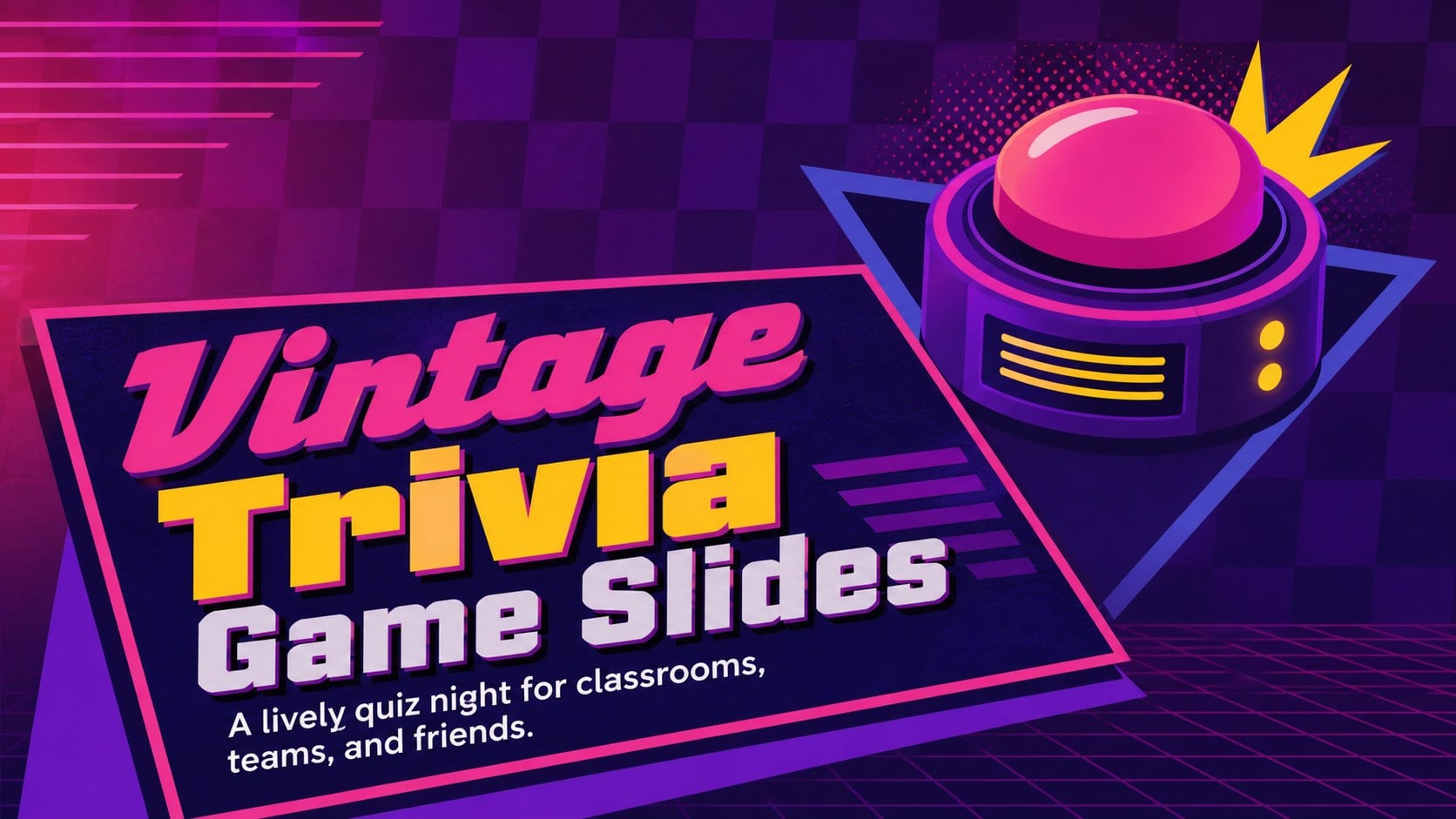
Bring classroom reviews and trivia parties to life with vintage trivia game slides for PowerPoint and Google Slides, built for lively, editable play.


Design notes
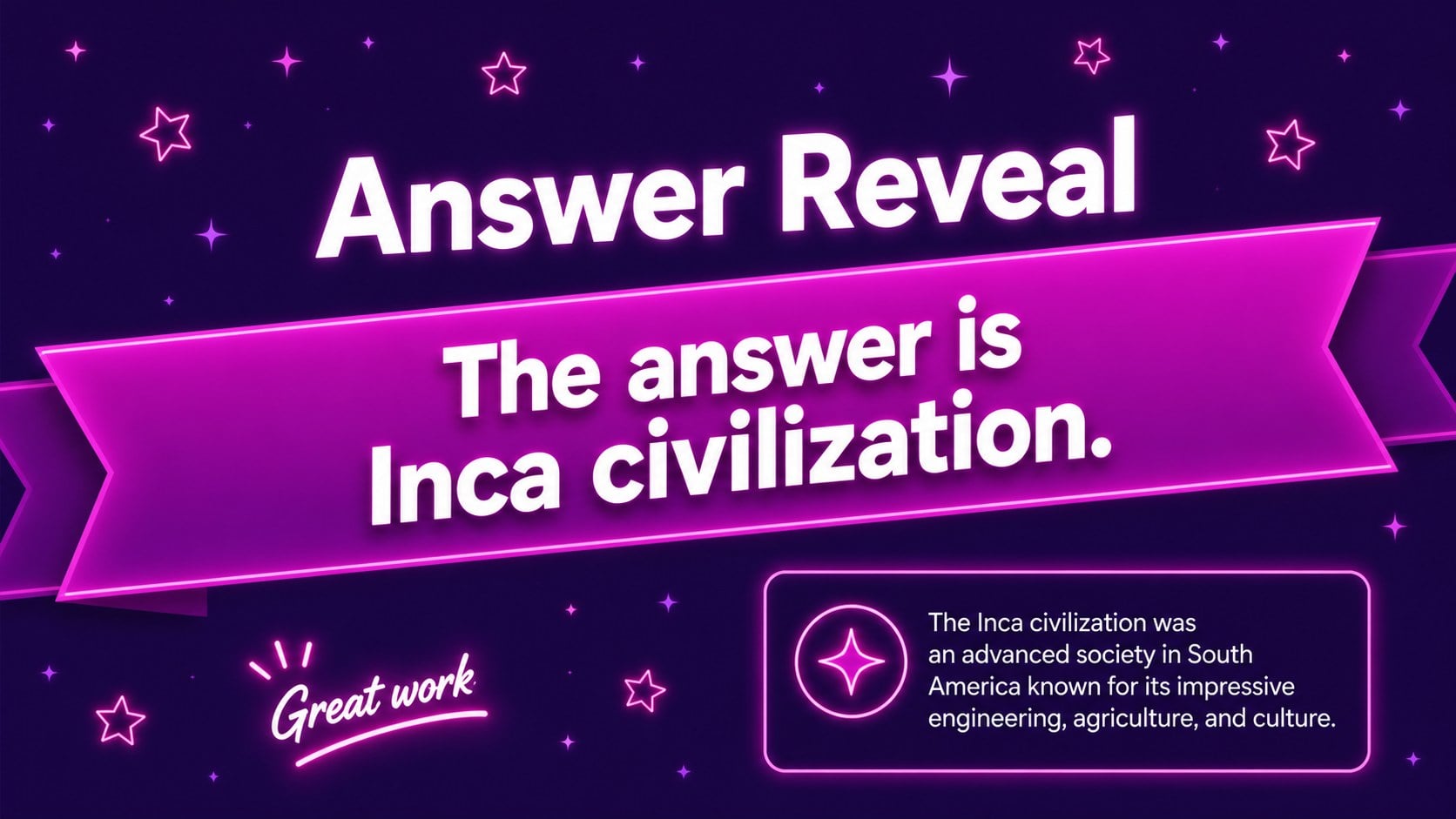
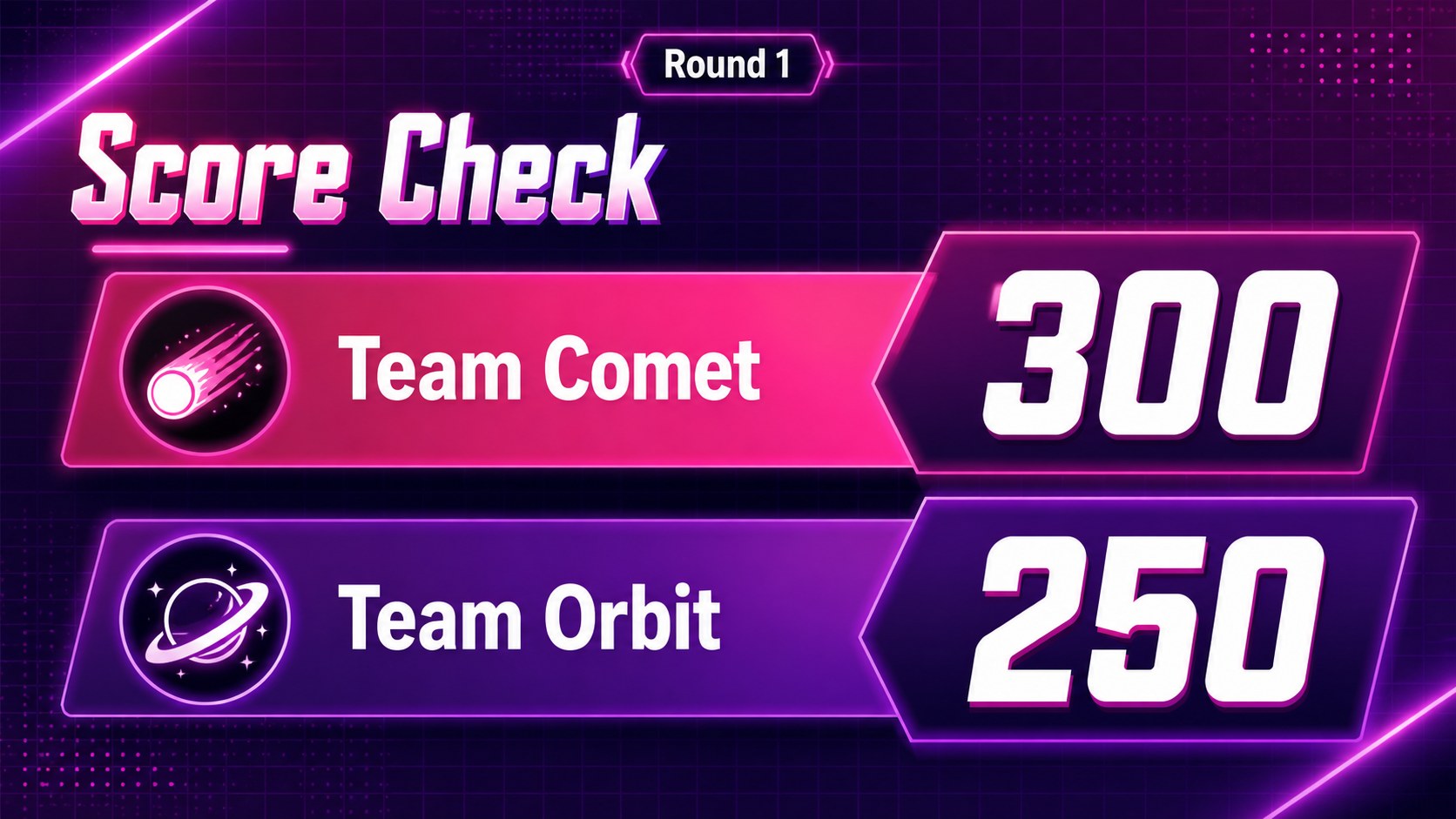
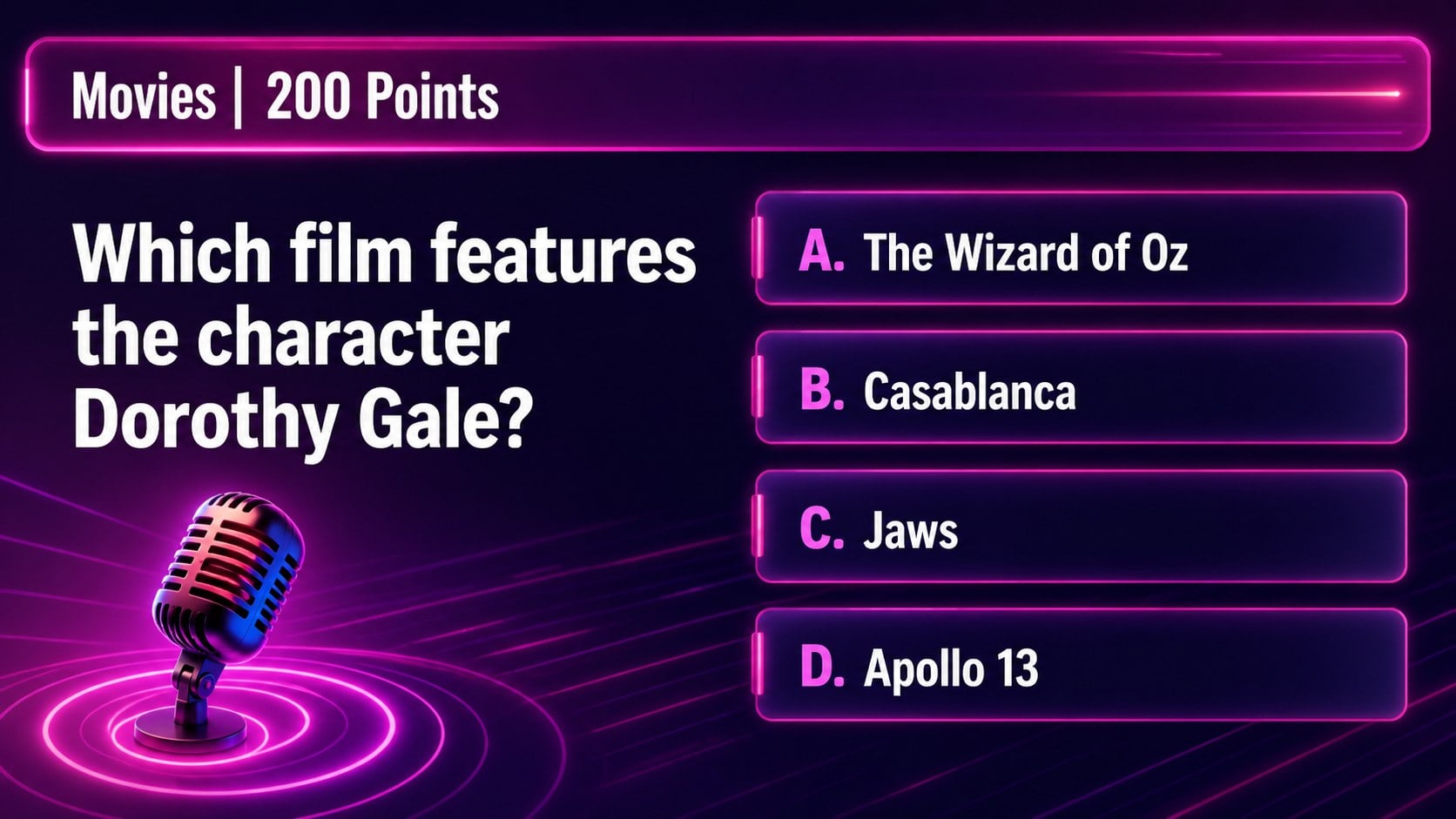
Vintage trivia game slides give classroom reviews, family gatherings, and team quiz nights the energy of a classic television game show. The bright pink-and-purple palette, bold display type, and playful retro details create an inviting atmosphere while keeping questions, answers, and scores easy to follow.
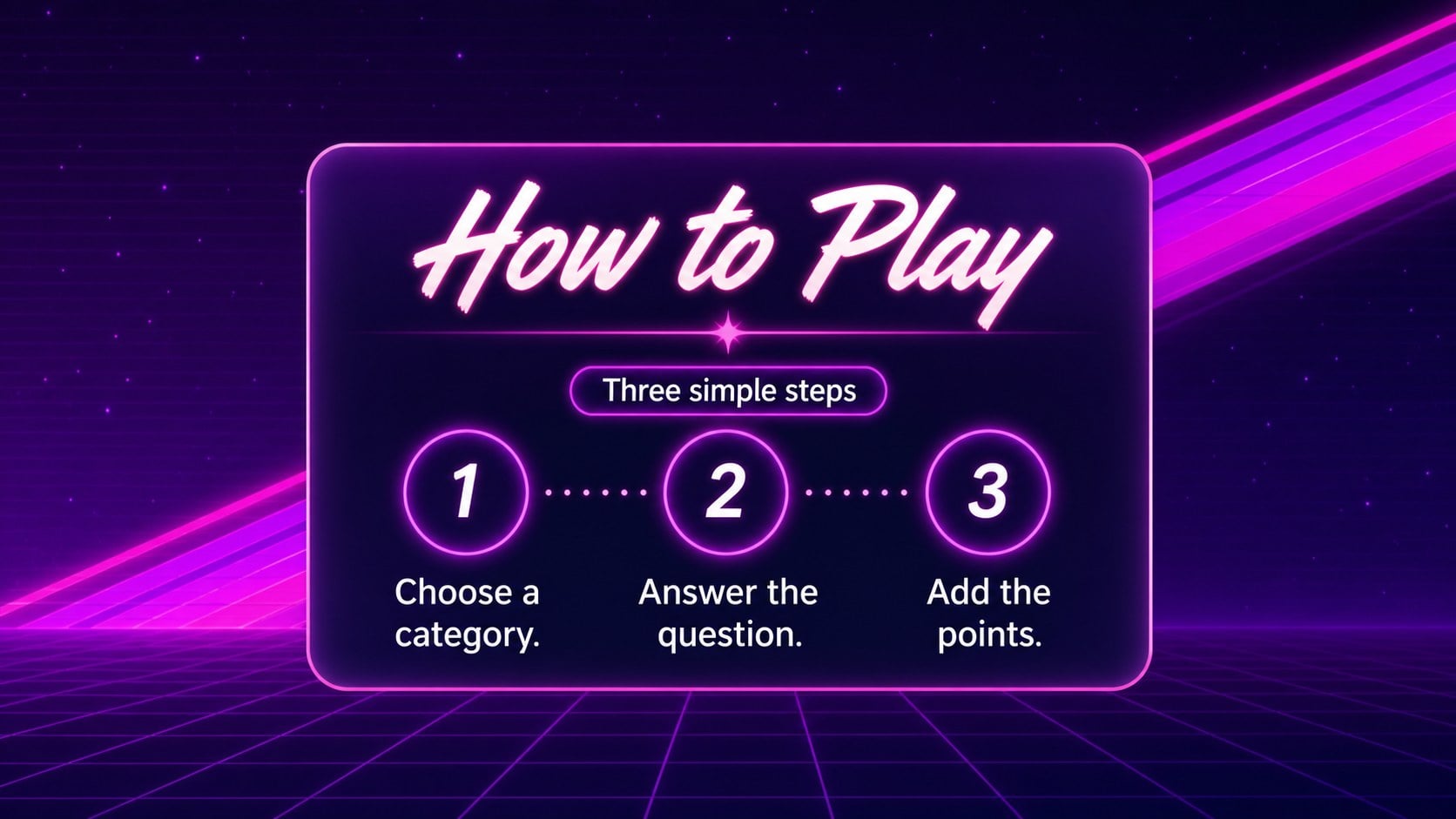
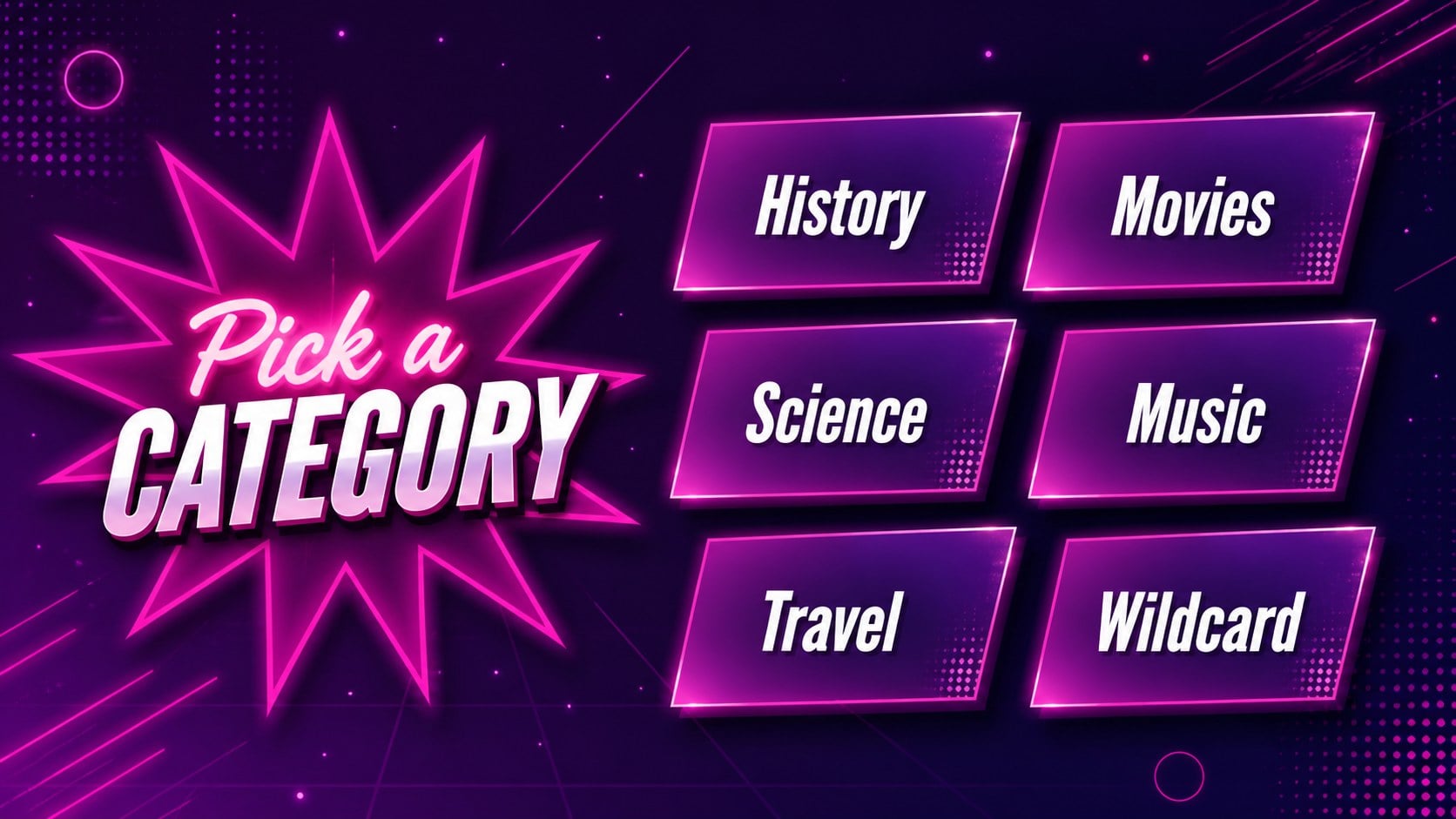
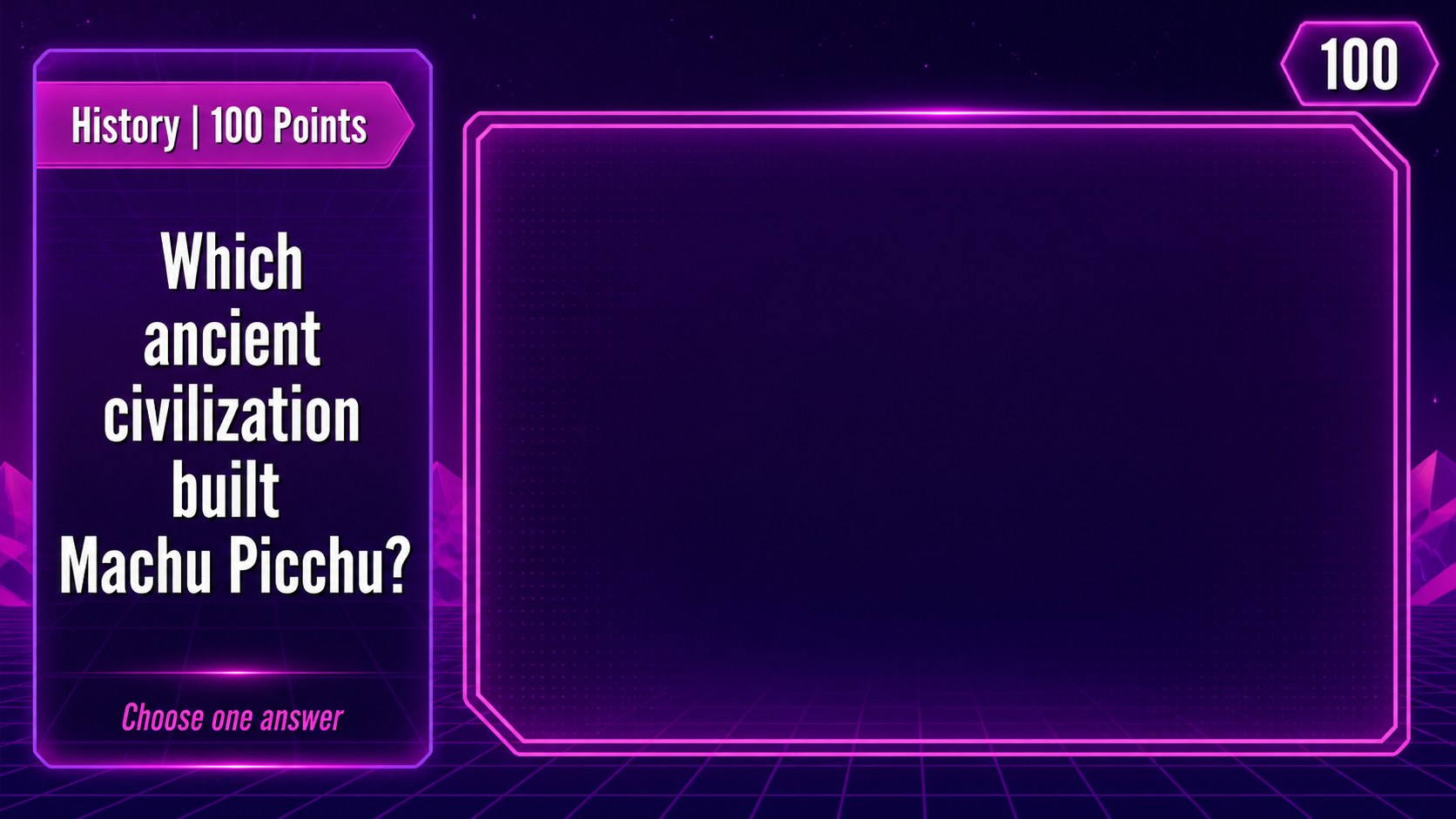
Inside, you’ll find a cover, category selection layouts, question-and-answer screens, scorekeeping views, round dividers, and a final winner slide. The structure works well for a classroom quiz board, a themed party activity, or a friendly workplace knowledge challenge. Reorganize the rounds, replace the prompts, and adjust point values to match your event.
The deck is designed for PowerPoint and Google Slides, with editable text, colors, shapes, and layouts. Use the vintage trivia game slides as a ready-to-run activity or adapt the visual system for a custom quiz presentation. Its compact game flow helps hosts move smoothly from instructions to competition, while the bold contrast makes key information readable on a projector. The included retro quiz presentation layouts also make it simple to build themed rounds around history, pop culture, science, training topics, or general knowledge.
Perfect for: classroom knowledge review; family trivia night; workplace team quiz; birthday party game; club competition.
Frequently asked questions
Can I edit these slides in PowerPoint? Yes. The presentation is designed for PowerPoint, where you can replace questions, answers, scores, fonts, colors, and decorative elements. Edit the deck directly in a PPTX-compatible version of the application.
Practical details
Yes. The presentation is designed for PowerPoint, where you can replace questions, answers, scores, fonts, colors, and decorative elements. Edit the deck directly in a PPTX-compatible version of the application.
Yes. Upload the presentation file to Google Drive and open it with Google Slides. Review fonts, transitions, and animations after importing, since those features can vary between applications.
Yes. Replace the sample categories and prompts with lesson content, then duplicate or reorder question screens for the number of rounds you need. The scoreboard layouts can help students track progress during a review activity.
Yes. All major visual elements can be adjusted to suit your event or subject. Keep the pink-and-purple palette for the intended vintage mood, or use the editable color settings to create a related variation.
Keep exploring
15Build an engaging World UFO Day session with this flying saucer history lesson deck, featuring retro green-and-brown slides for PowerPoint and Google Slides.
 15
15Plan a lively animal-learning journey with this jungle zoo adventure lesson deck, ready to customize in PowerPoint and Google Slides for young learners.
 16
16Turn environmental research into a clear story with a Watercolor Ecology Presentation Theme for PowerPoint and Google Slides in calming green and blue.
 16
16Build focused fashion, literature, and humanities presentations with the Red Triangle Editorial Theme, editable in PowerPoint and Google Slides.
 15
15Turn streaming stats, favorite tracks, and concert highlights into a bold annual listening recap slide deck for PowerPoint and Google Slides.
 15
15Turn highlights, milestones, and favorite moments into a colorful year in review slide deck with bold 3D graphics for PowerPoint and Google Slides.
 3
3Build a credible endorsement with Standout Colleague Recommendation Letter Slides, featuring colorful prompts for skills, achievements, and team impact.
 4
4Build clear beginner sessions with an ice hockey fundamentals training deck for coaches, PE teachers, and clubs, ready for PowerPoint and Google Slides.