
 15
15presentation
Flying Saucer History Lesson Deck
Build an engaging World UFO Day session with this flying saucer history lesson deck, featuring retro green-and-brown slides for PowerPoint and Google Slides.
Google SlidesPowerPoint
presentation · English
Build a memorable introduction with this vintage tattoo artist portfolio deck, featuring editable red-and-white layouts for PowerPoint and Google Slides.

Design notes
This vintage tattoo artist portfolio deck gives artists and creative studios a distinctive way to introduce their work. Its red-and-white palette, traditional flash-inspired illustrations, bold typography, and nostalgic print textures create an expressive visual identity without distracting from the featured projects. Use it as an old school tattoo portfolio presentation for interviews, studio introductions, guest-artist applications, or client consultations.
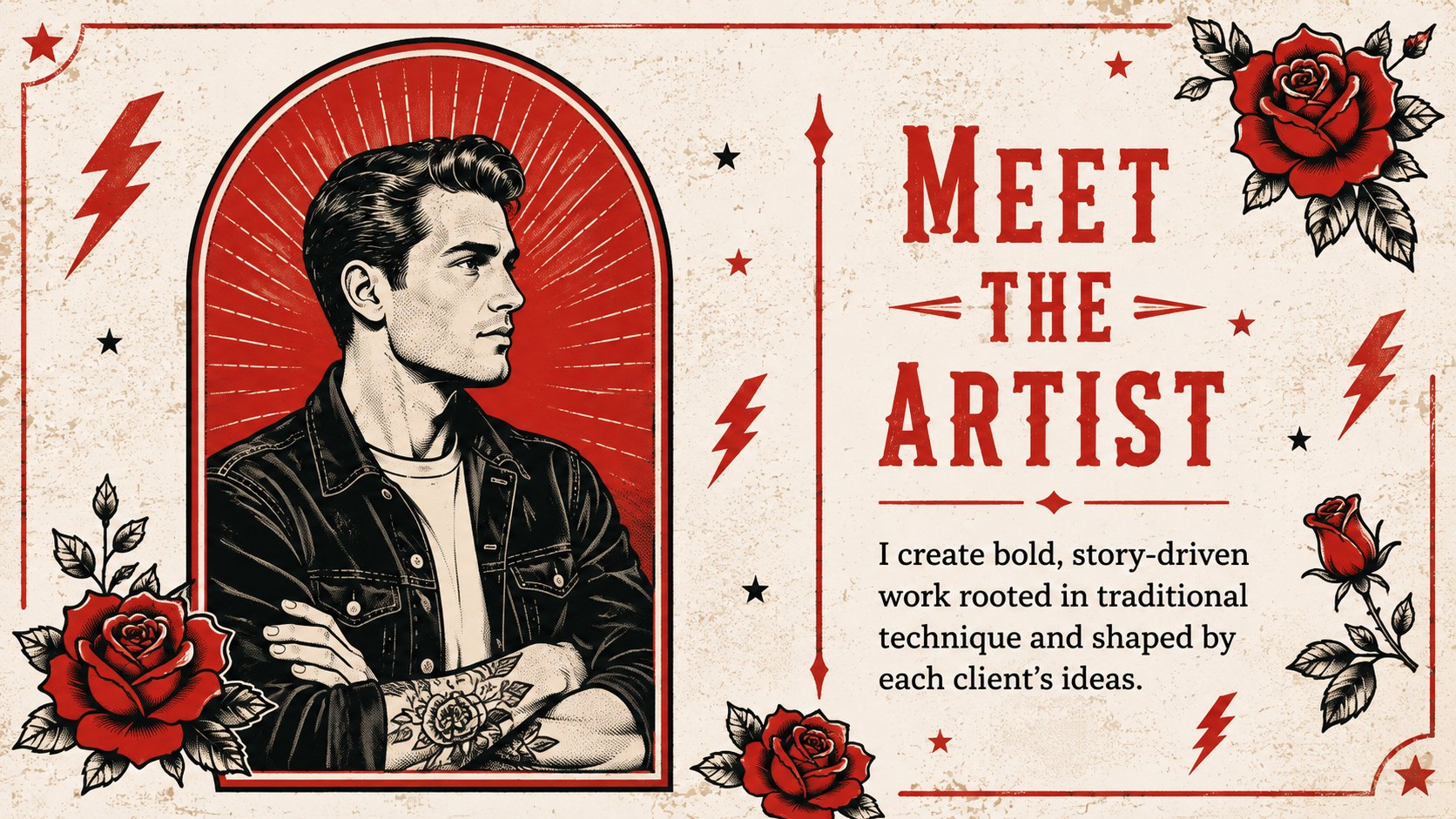
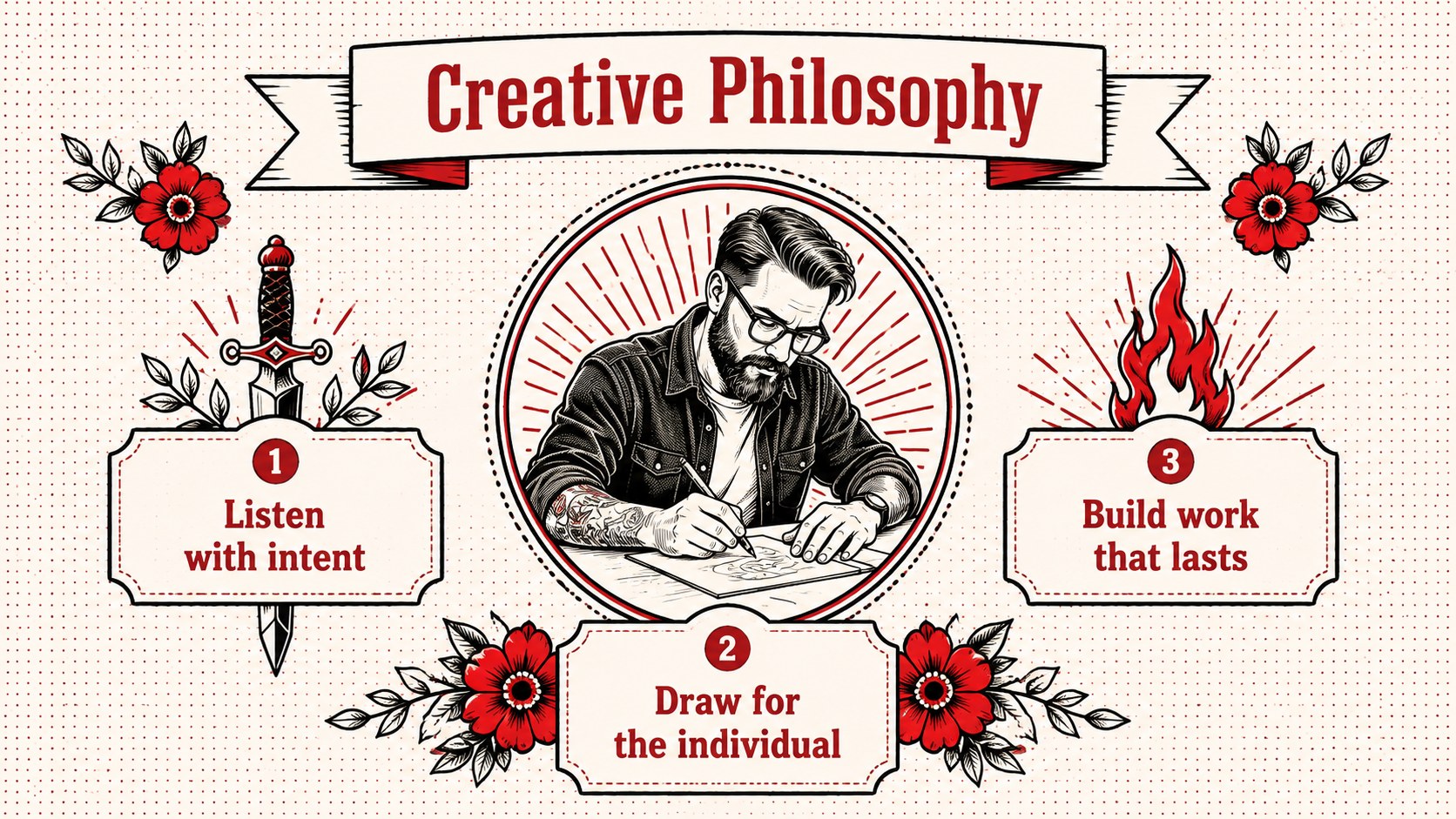
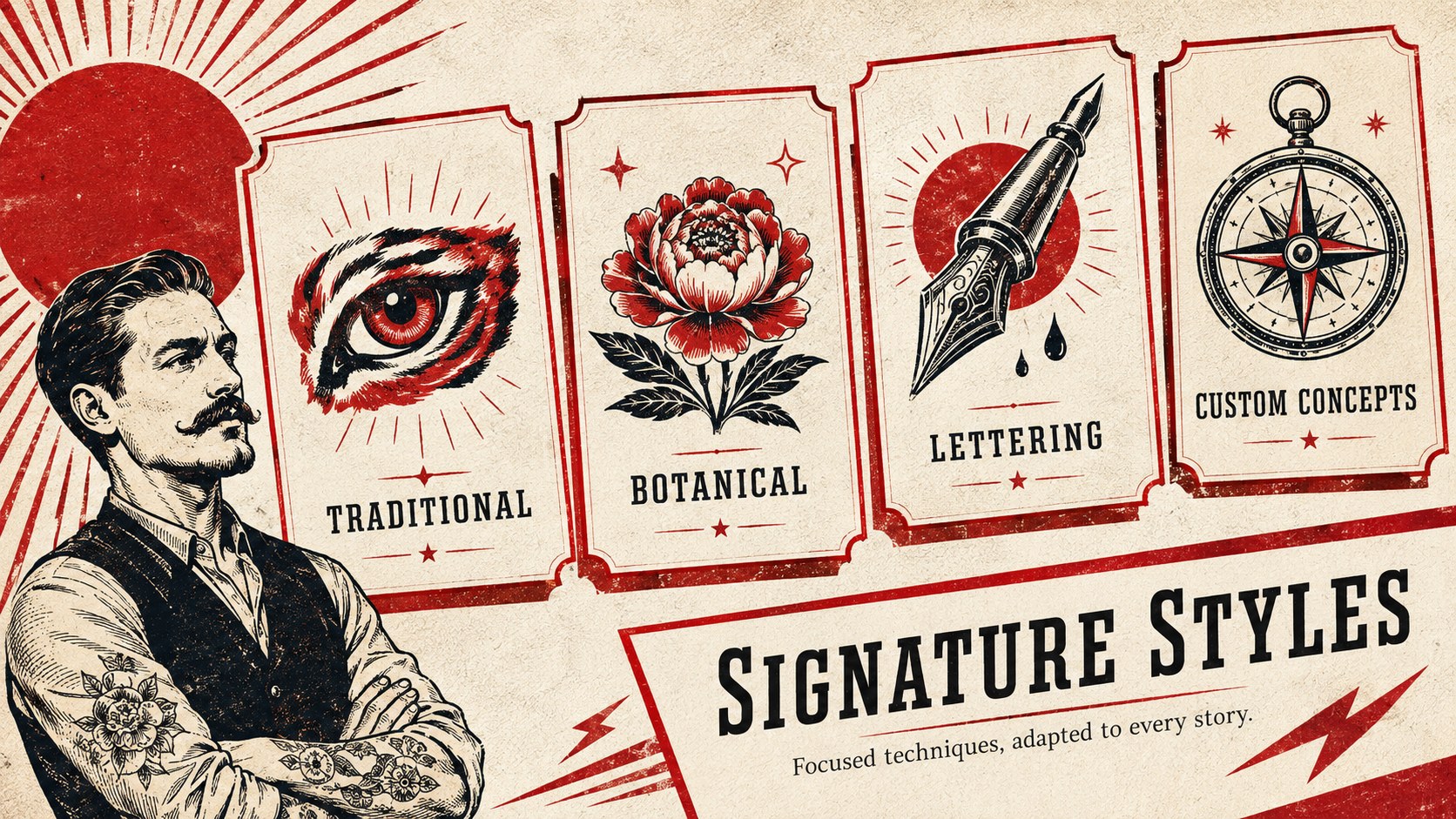
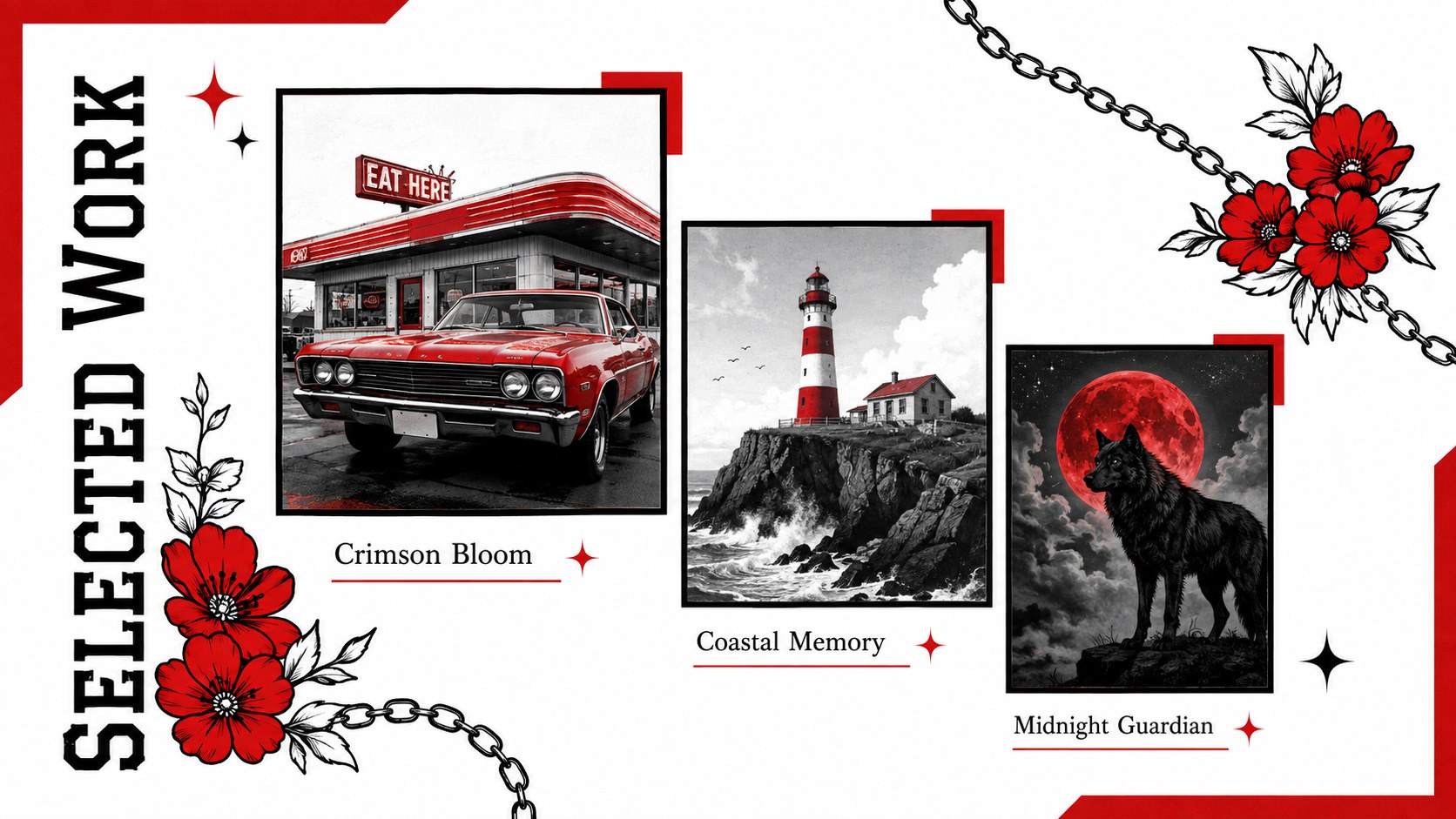
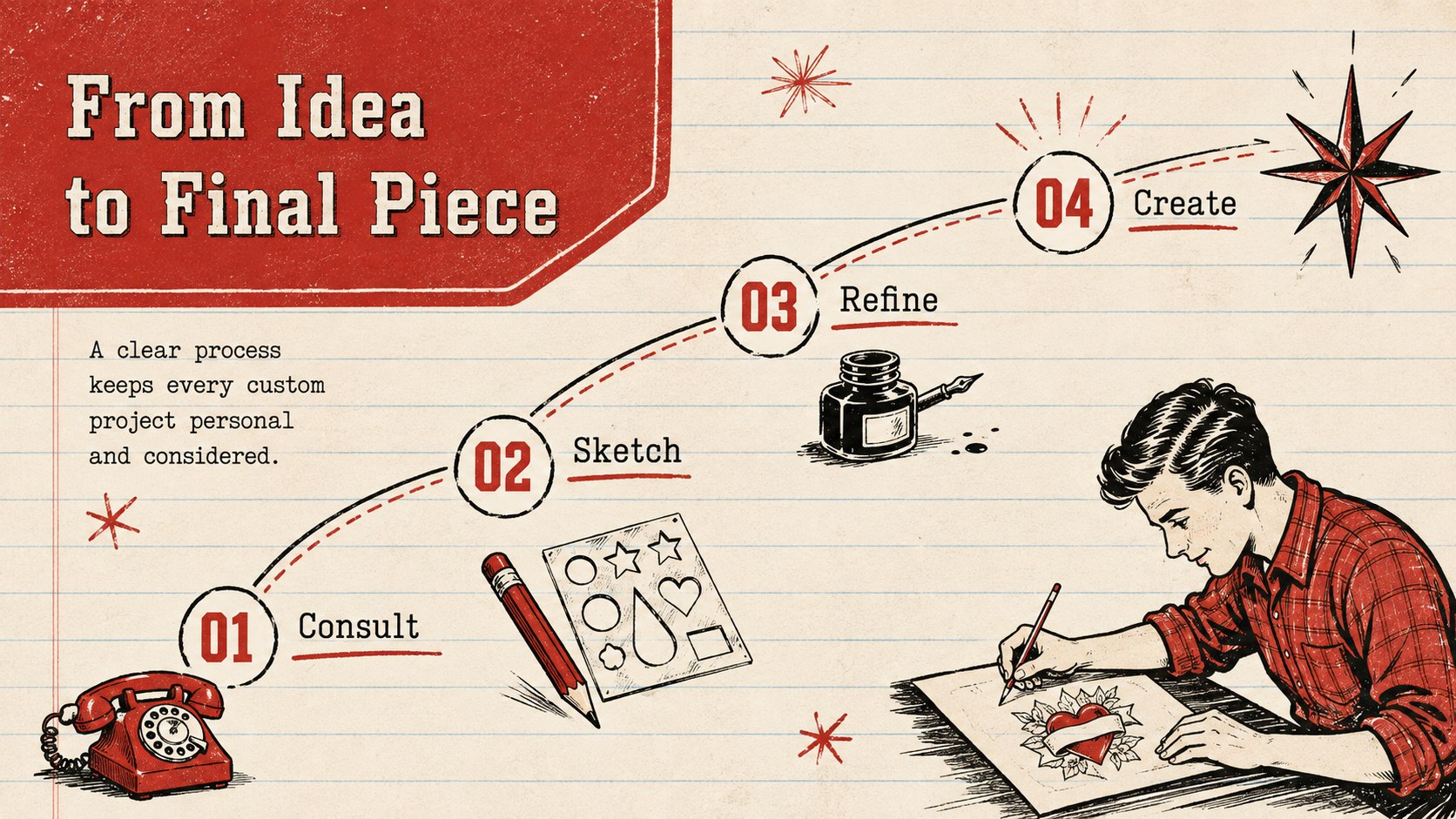
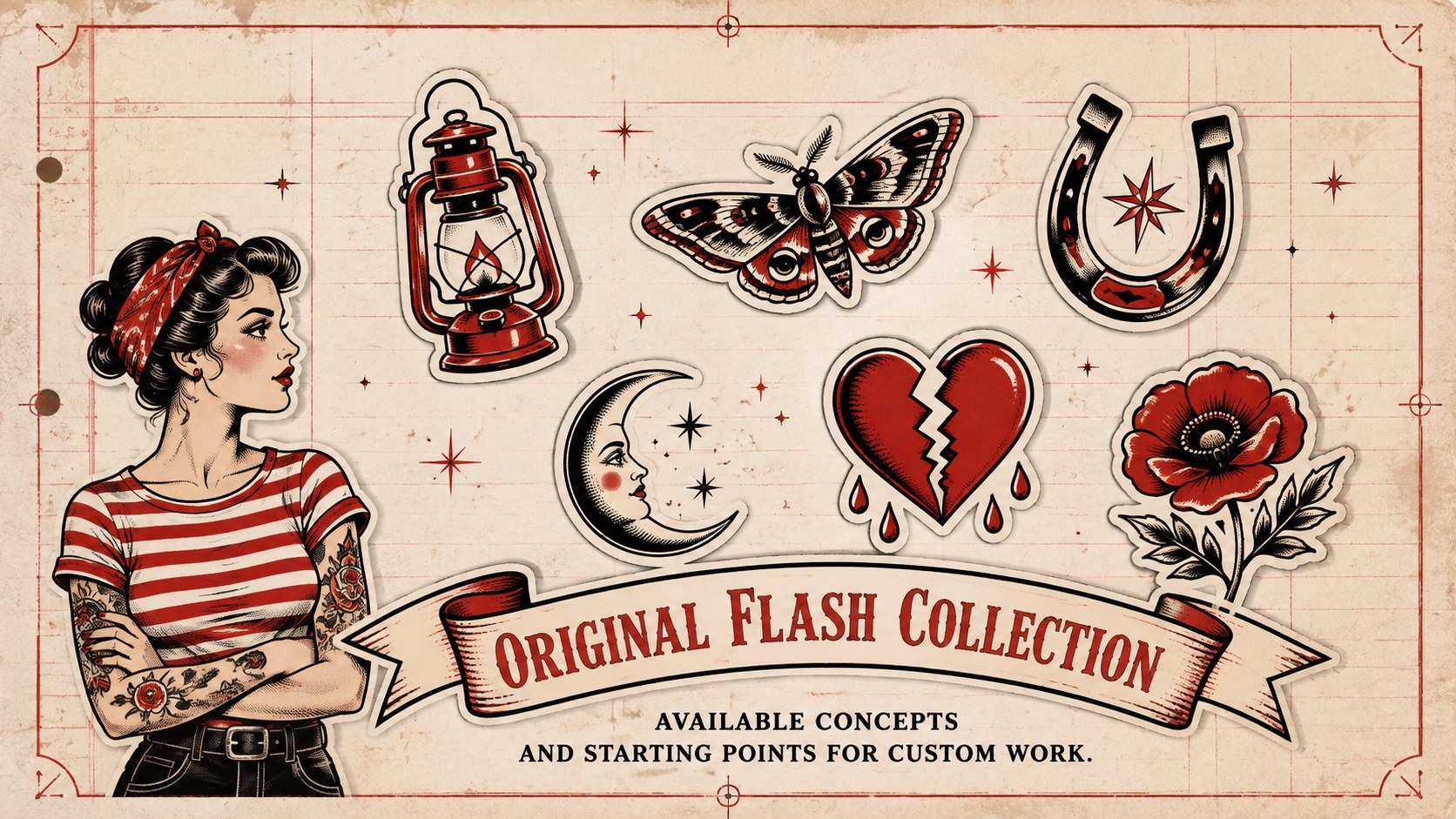
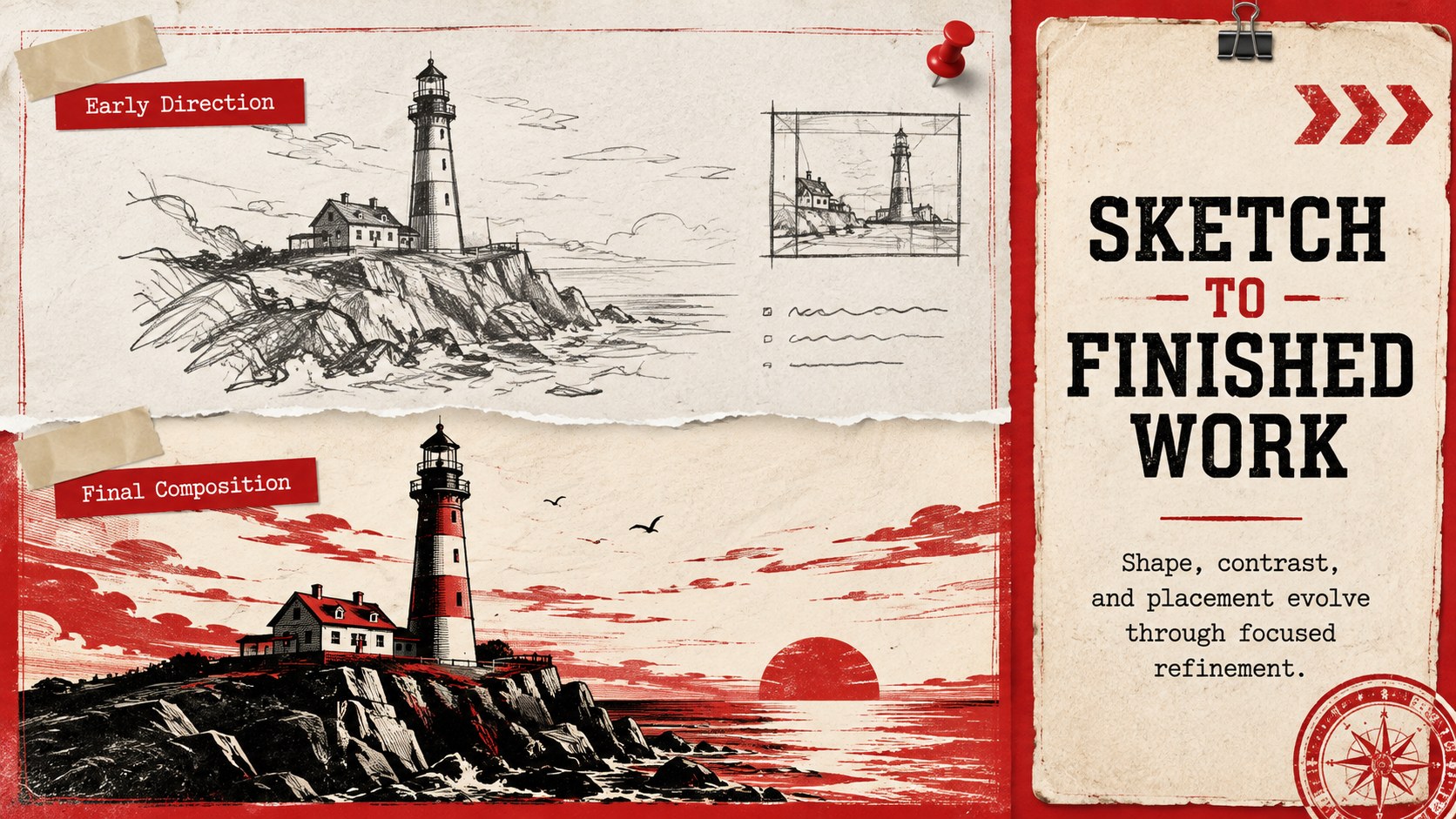
The deck includes layouts for an artist profile, creative philosophy, specialties, selected projects, case studies, process stages, flash designs, testimonials, experience, services, and contact details. Image-led pages make finished artwork the focus, while structured text sections provide room for project context, techniques, and outcomes. Red and white creative portfolio slides can be adapted with personal photography, scanned sketches, custom colors, and preferred typefaces. Charts, timelines, frames, and editable graphic elements help organize information clearly.
Designed for tattoo artists, illustrators, designers, apprentices, and independent creative professionals, this tattoo artist work showcase template is compatible with PowerPoint and Google Slides. Add images, adjust layouts, apply transitions, or include audio and video where supported. The flexible 16:9 format works for live presentations, emailed portfolios, studio screens, and exported PDF leave-behinds.
Perfect for: tattoo studio interview; guest artist application; client consultation; apprenticeship portfolio review; creative work showcase; tattoo convention introduction.
Frequently asked questions
Can I edit this portfolio in PowerPoint and Google Slides? Yes. The text, colors, image areas, and graphic elements can be customized in PowerPoint or Google Slides. Some fonts or transitions may need minor adjustments when moving between platforms.
Practical details
Yes. The text, colors, image areas, and graphic elements can be customized in PowerPoint or Google Slides. Some fonts or transitions may need minor adjustments when moving between platforms.
Replace the sample visuals in the image frames with clear photographs of finished or healed work. Crop each image carefully and add brief notes about the style, placement, technique, or creative brief.
Yes. Update the theme colors to match your studio or personal identity while maintaining strong contrast between text and backgrounds. Recolor decorative illustrations consistently across the deck for a unified result.
Yes. Illustrators, printmakers, designers, and other visual artists can replace the tattoo-specific wording and imagery with their own projects. The profile, case study, process, and contact layouts remain useful across creative disciplines.
Keep exploring
15Build an engaging World UFO Day session with this flying saucer history lesson deck, featuring retro green-and-brown slides for PowerPoint and Google Slides.
 15
15Plan a lively animal-learning journey with this jungle zoo adventure lesson deck, ready to customize in PowerPoint and Google Slides for young learners.
 16
16Turn environmental research into a clear story with a Watercolor Ecology Presentation Theme for PowerPoint and Google Slides in calming green and blue.
 16
16Build focused fashion, literature, and humanities presentations with the Red Triangle Editorial Theme, editable in PowerPoint and Google Slides.
 15
15Turn streaming stats, favorite tracks, and concert highlights into a bold annual listening recap slide deck for PowerPoint and Google Slides.
 15
15Turn highlights, milestones, and favorite moments into a colorful year in review slide deck with bold 3D graphics for PowerPoint and Google Slides.
 3
3Build a credible endorsement with Standout Colleague Recommendation Letter Slides, featuring colorful prompts for skills, achievements, and team impact.
 4
4Build clear beginner sessions with an ice hockey fundamentals training deck for coaches, PE teachers, and clubs, ready for PowerPoint and Google Slides.