
 15
15presentation
Flying Saucer History Lesson Deck
Build an engaging World UFO Day session with this flying saucer history lesson deck, featuring retro green-and-brown slides for PowerPoint and Google Slides.
Google SlidesPowerPoint
presentation · English
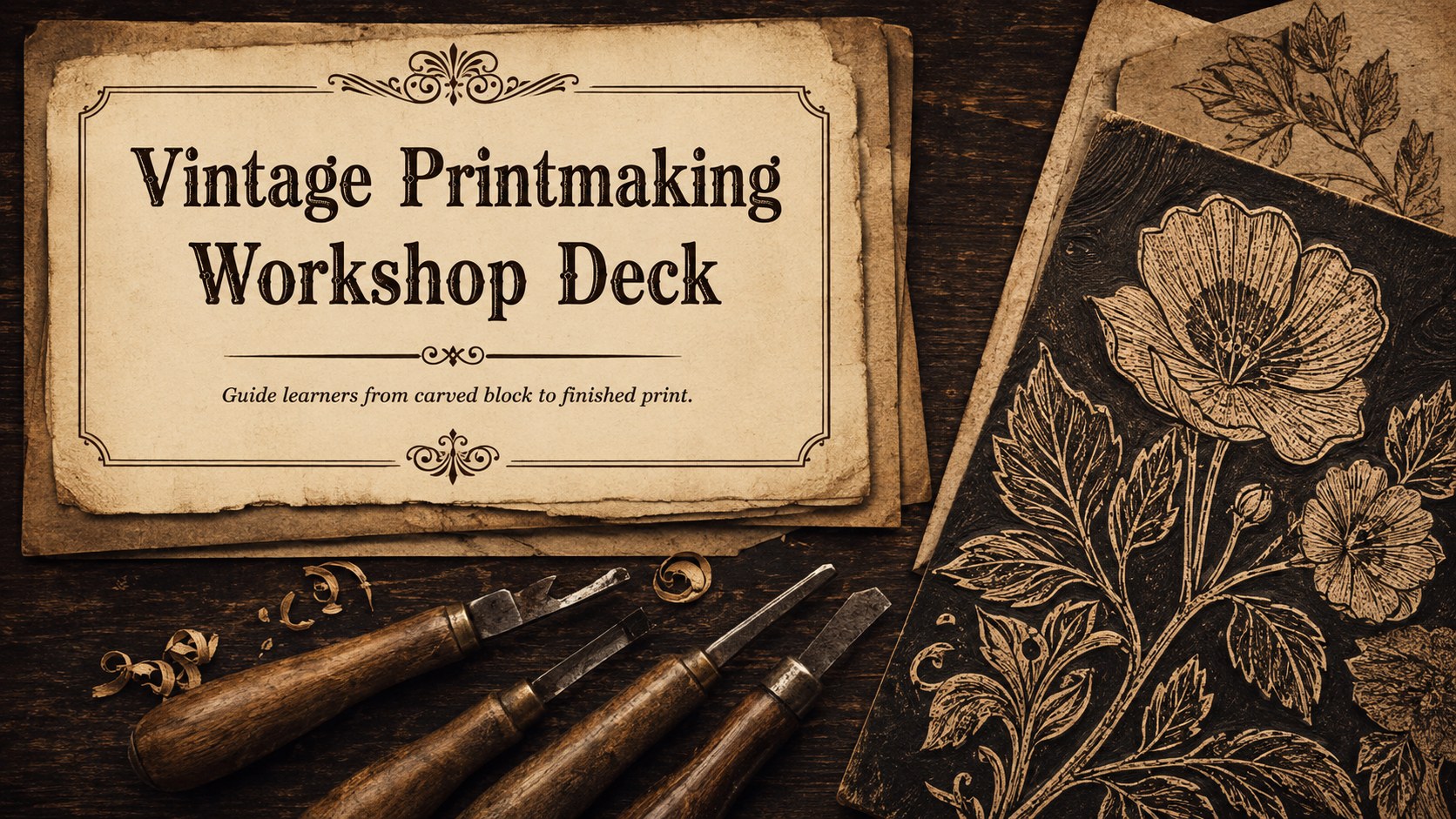
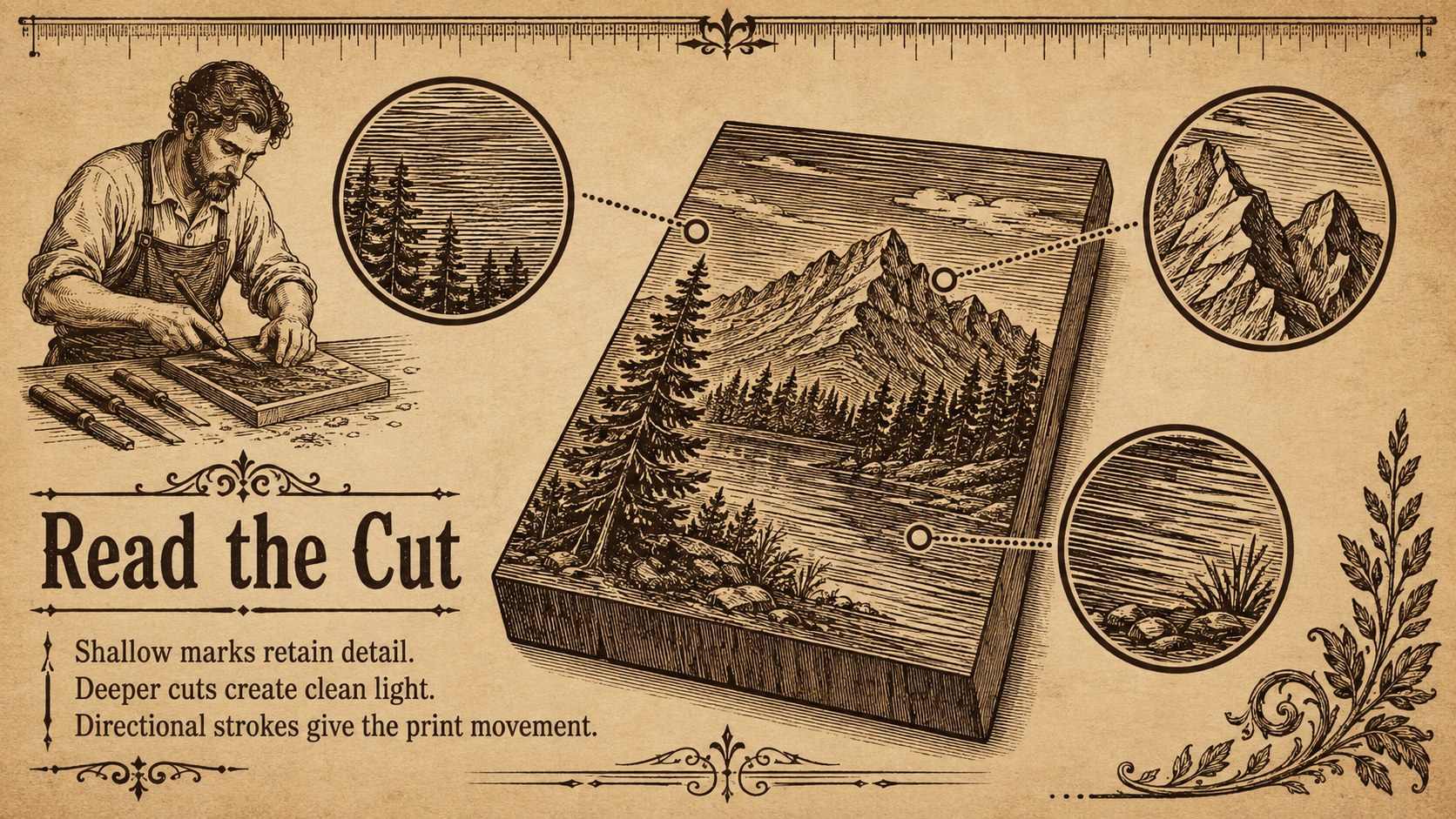
Lead a memorable woodcut session with this vintage printmaking workshop deck for PowerPoint and Google Slides, featuring editable lesson layouts.
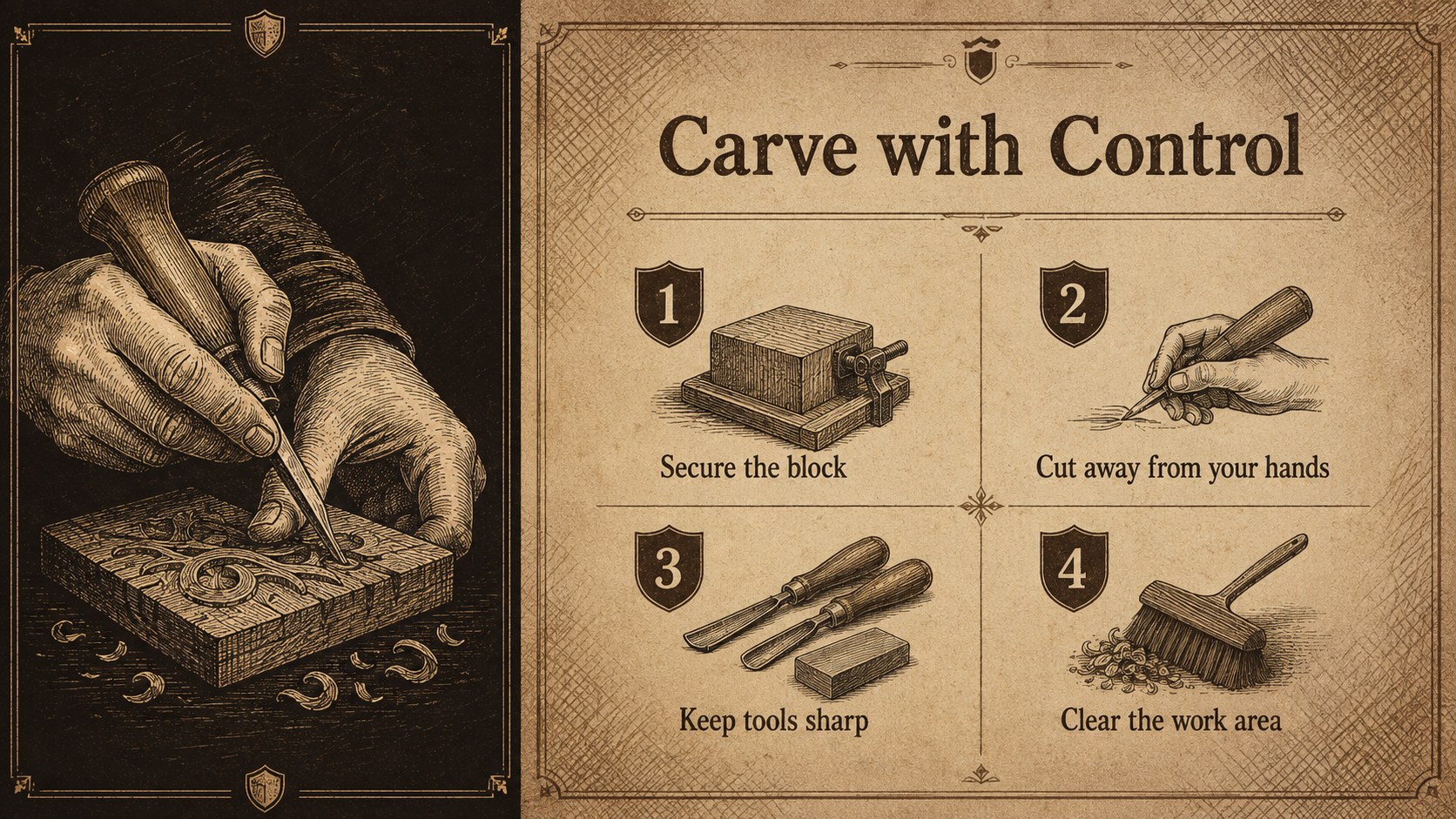
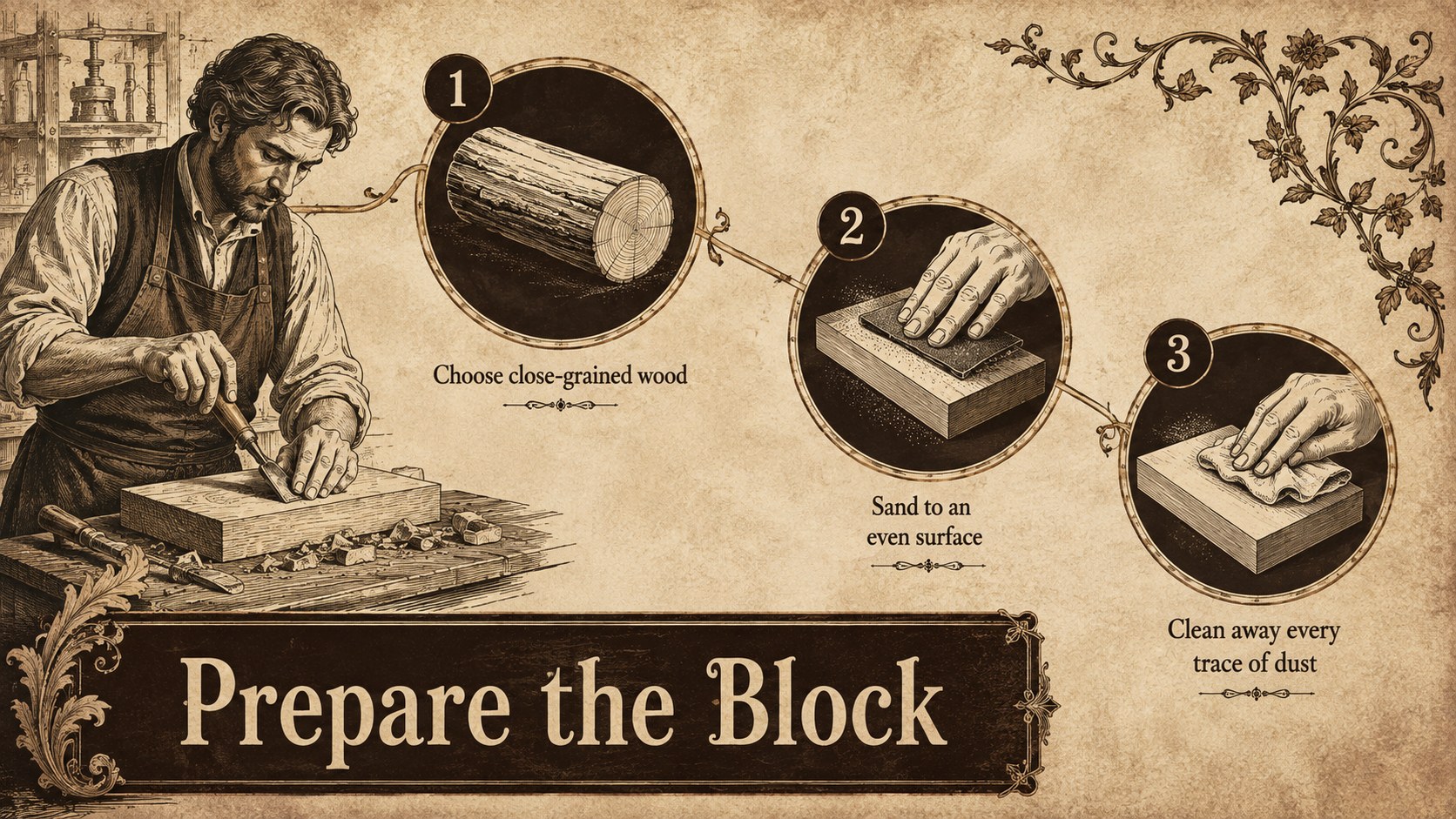
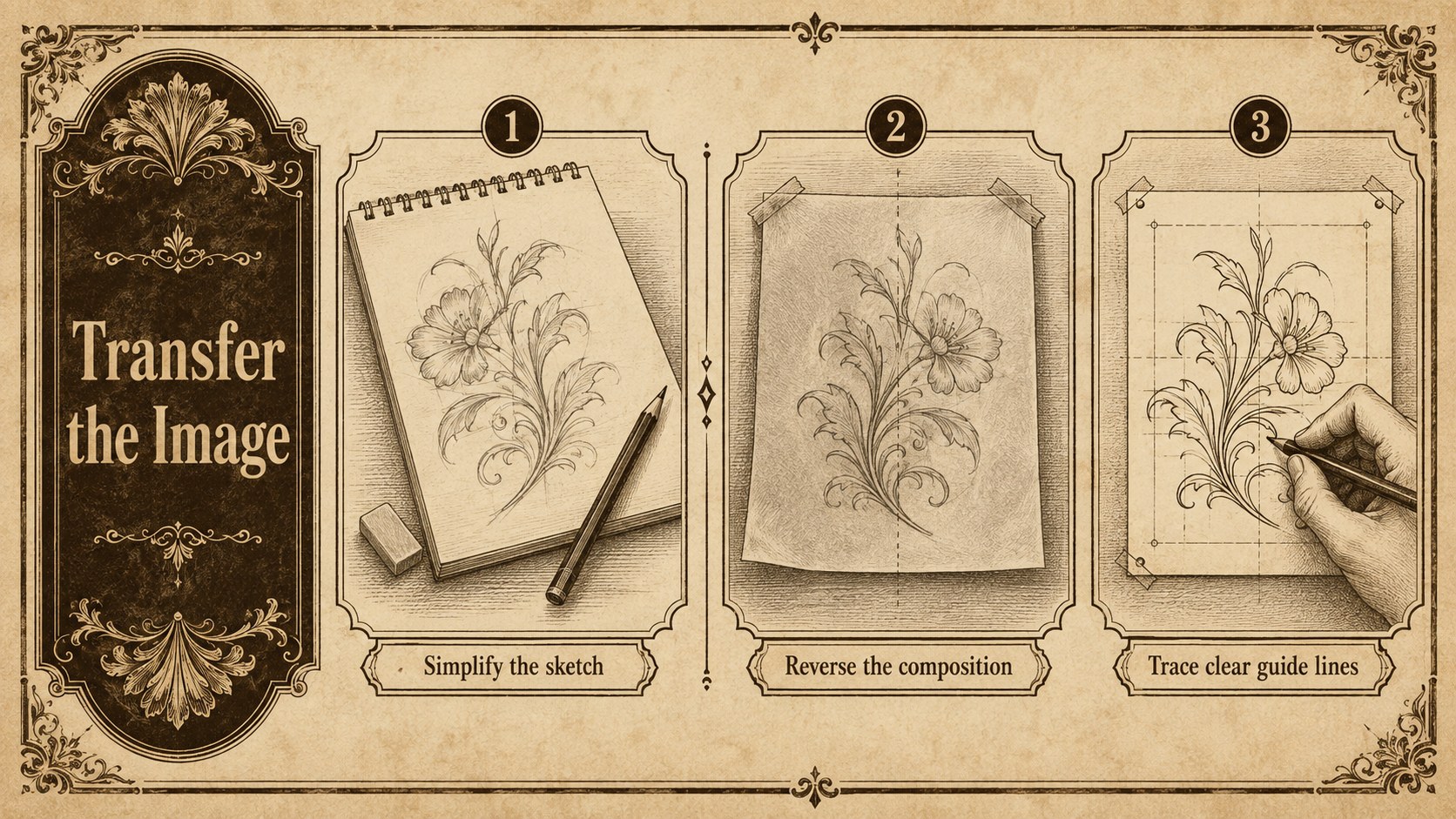
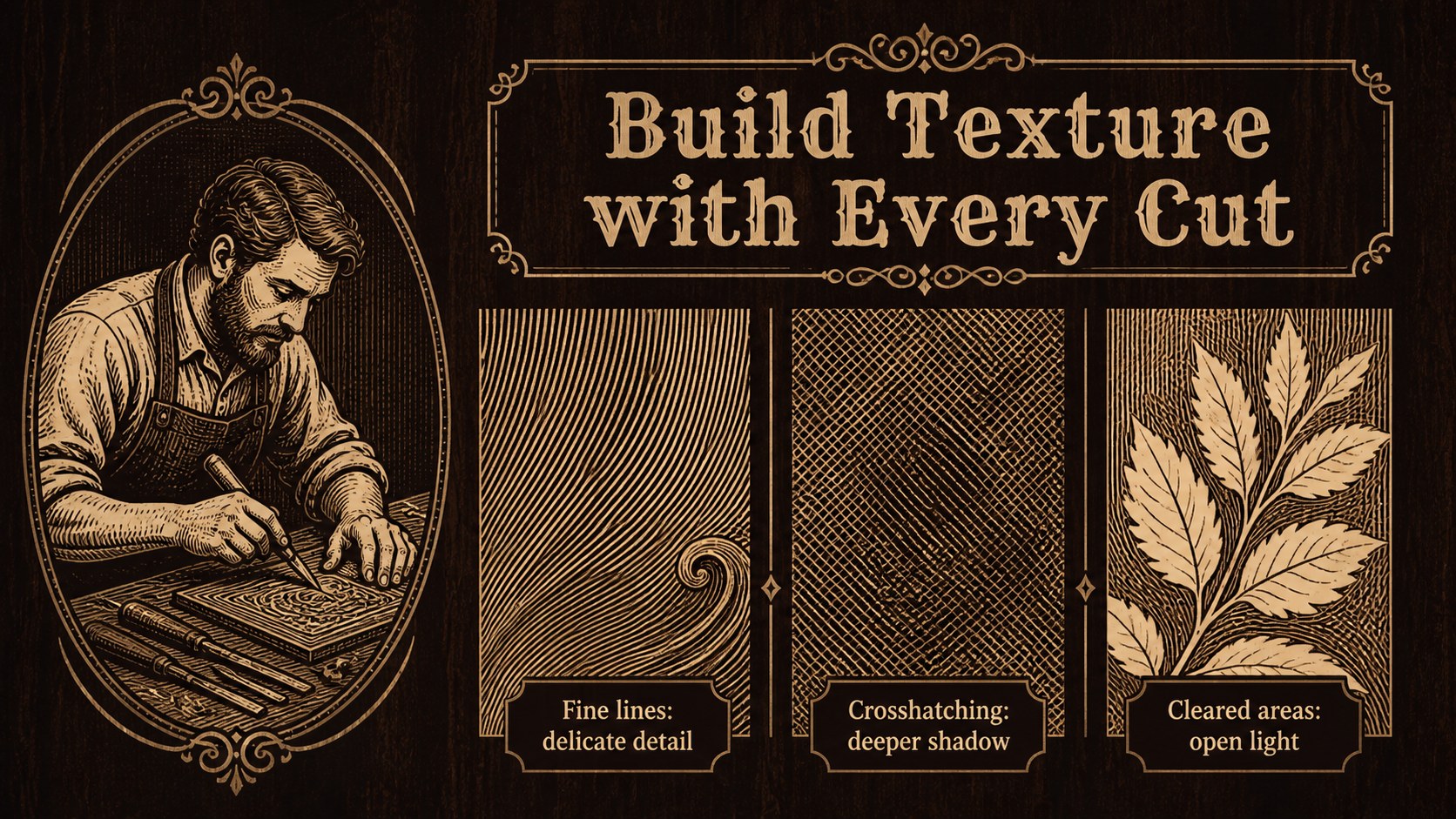
Design notes
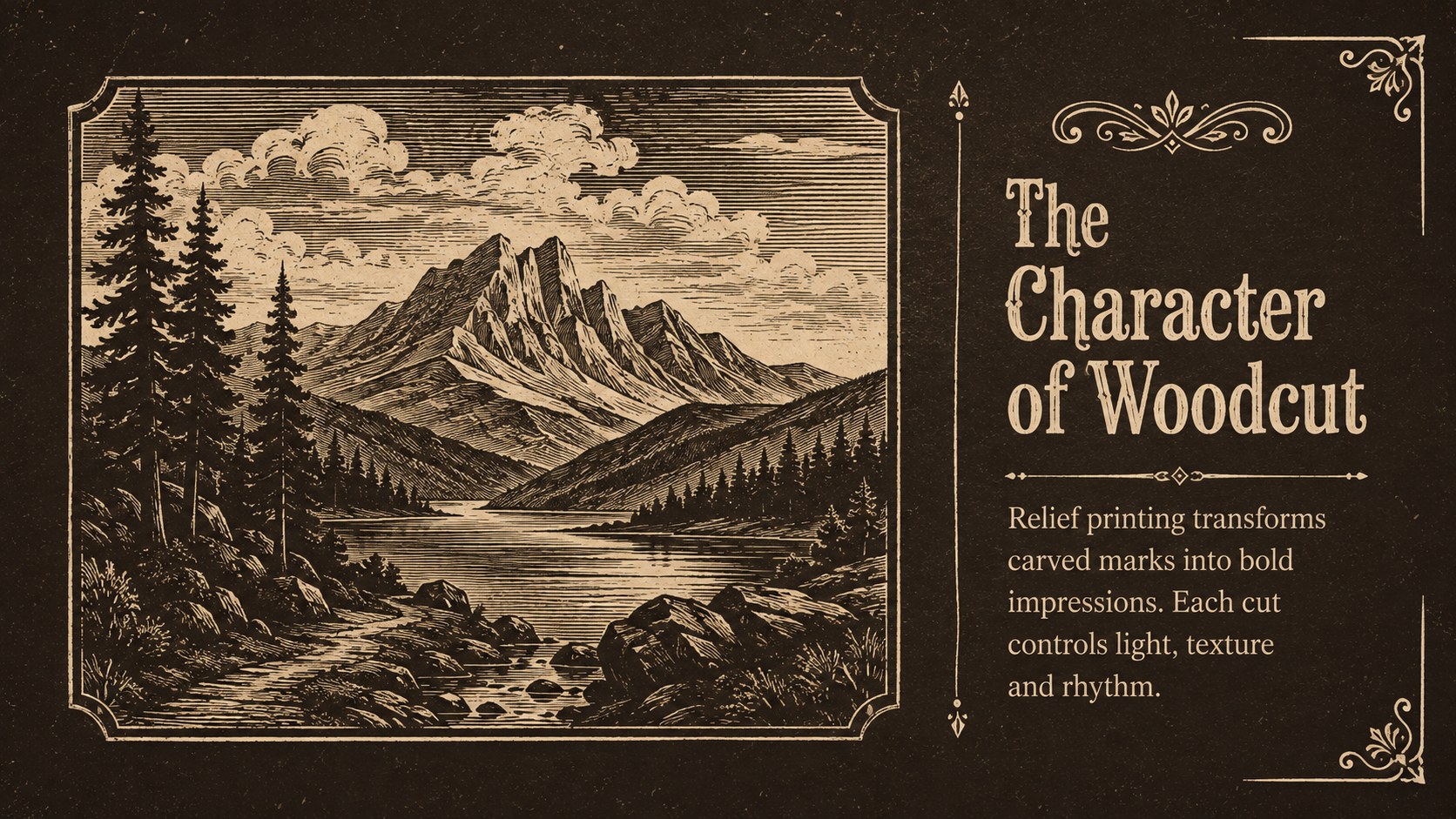
Turn a hands-on craft session into a clear visual journey with the Vintage Printmaking Workshop Deck. Designed around dark brown, warm beige and aged-paper tones, this presentation pairs an antique workshop atmosphere with practical layouts for teaching relief printing. Woodgrain textures, engraved ornaments and archival-style frames create a refined setting without distracting from your material.
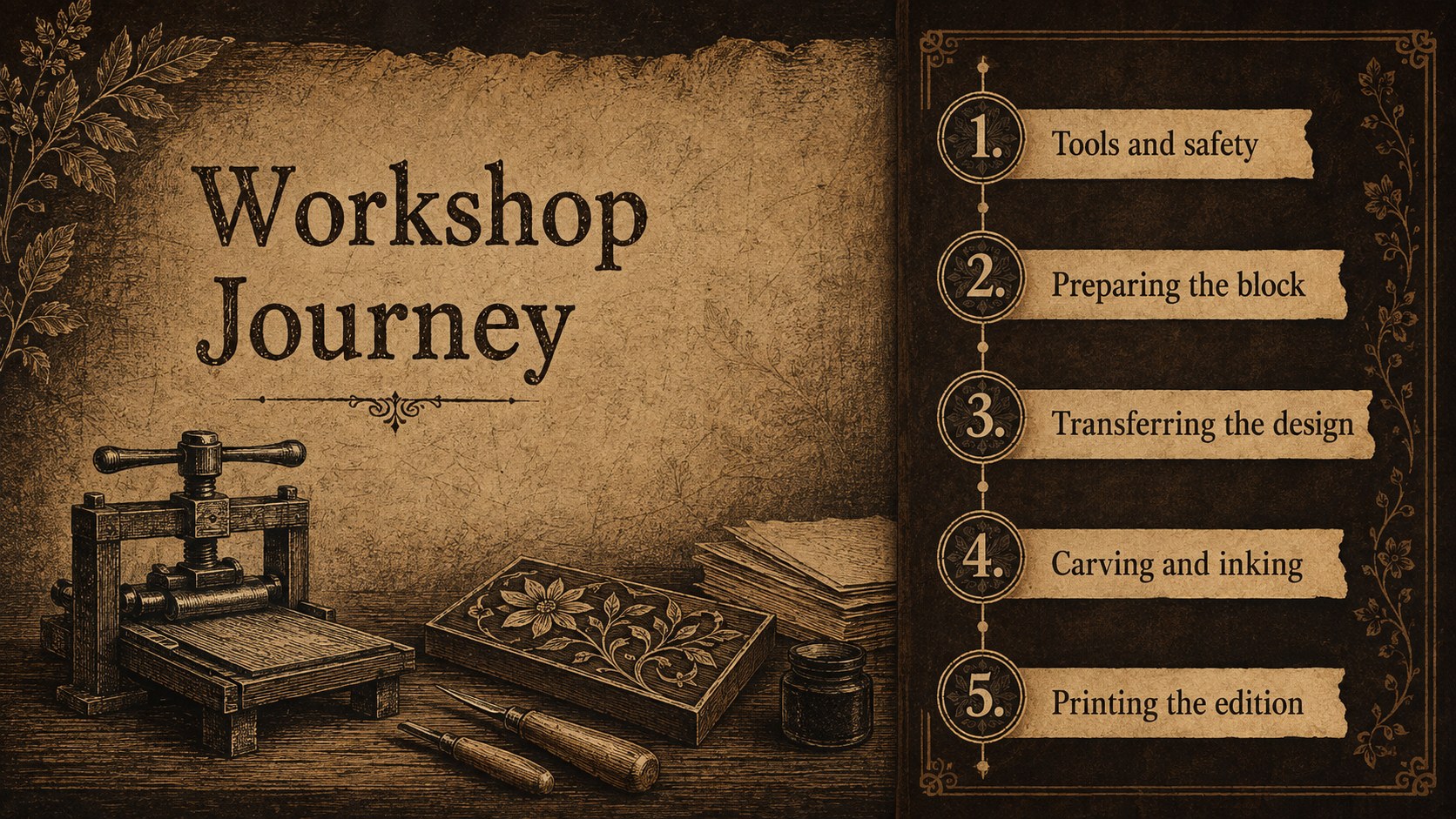
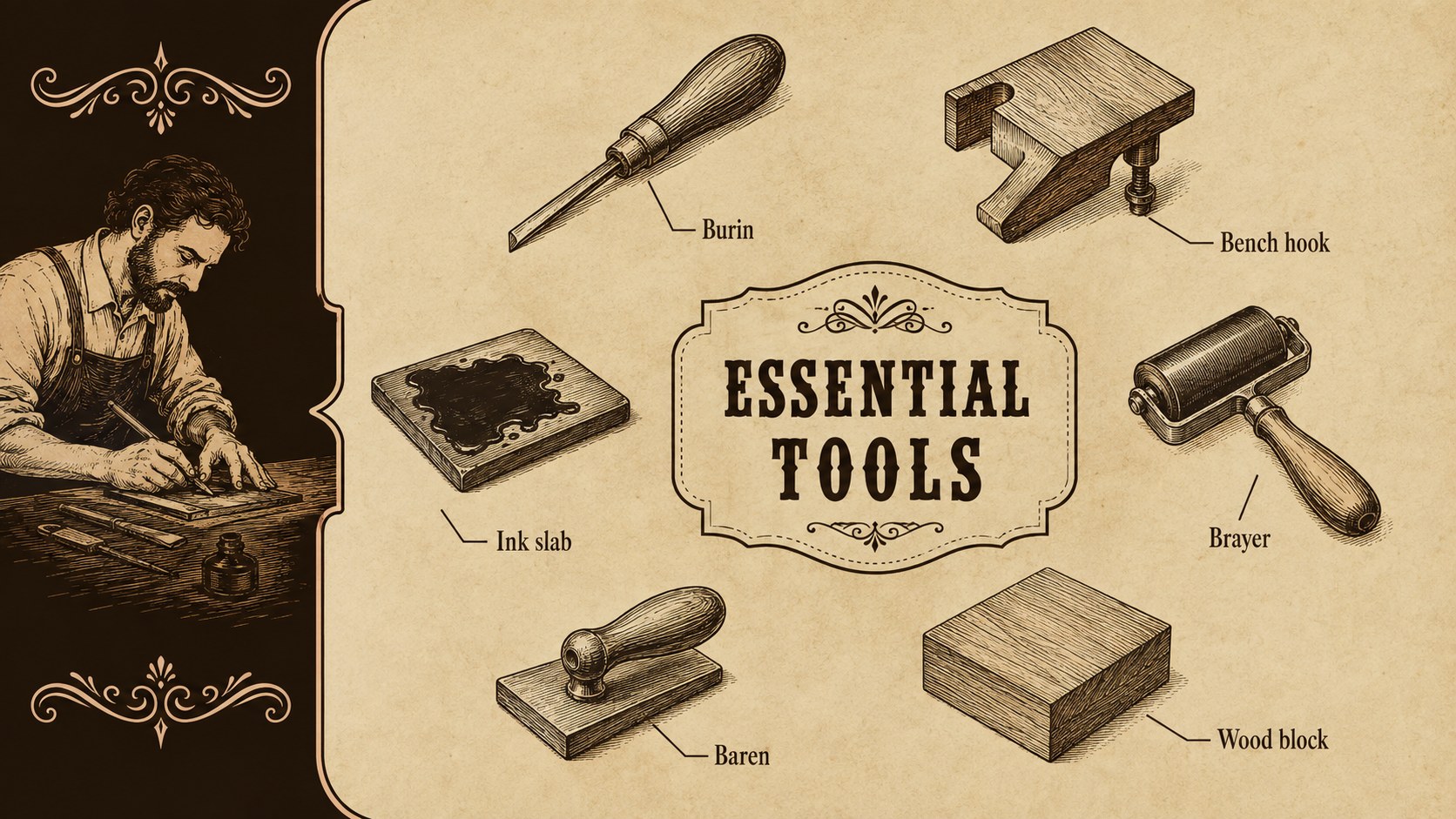
The deck includes layouts for an opening overview, essential tools, workshop safety, woodblock preparation, image transfer, carving techniques, ink application and the final printing process. Use the comparison, timeline and gallery slides to explain technique or showcase completed work. These editable wood engraving lesson slides also provide space for supply lists, instructor notes, project stages and participant reflection.
This vintage woodcut presentation template suits art teachers, museum educators, independent printmakers and creative studios running demonstrations or short courses. It can also support an artisan craft workshop presentation, a printmaking history lecture or a portfolio review. Every page can be adapted in PowerPoint or Google Slides, allowing you to replace text, adjust colors, add photographs and reorganize sections for beginners or experienced makers. Use the deck to introduce traditional methods, guide learners through each stage and present finished impressions with a consistent classical look.
Perfect for: wood engraving class; museum printmaking demonstration; artisan studio workshop; relief printing lecture; woodcut portfolio review.
Frequently asked questions
Can I edit the workshop content? Yes. The headings, instructions, lists and image areas can be changed to match your own wood engraving process, materials and teaching sequence.
Practical details
Yes. The headings, instructions, lists and image areas can be changed to match your own wood engraving process, materials and teaching sequence.
The deck is designed for PowerPoint and Google Slides. Review fonts, image cropping and transitions after importing so the final presentation displays as intended.
Yes. Replace the sample image areas with photographs of carving tools, wooden blocks, proofs or completed impressions while retaining the vintage frames and balanced spacing.
Yes. You can adjust the brown and beige palette, although muted earth tones work best with the historical printmaking style and engraved decorative details.
Keep exploring
15Build an engaging World UFO Day session with this flying saucer history lesson deck, featuring retro green-and-brown slides for PowerPoint and Google Slides.
 15
15Plan a lively animal-learning journey with this jungle zoo adventure lesson deck, ready to customize in PowerPoint and Google Slides for young learners.
 16
16Turn environmental research into a clear story with a Watercolor Ecology Presentation Theme for PowerPoint and Google Slides in calming green and blue.
 16
16Build focused fashion, literature, and humanities presentations with the Red Triangle Editorial Theme, editable in PowerPoint and Google Slides.
 15
15Turn streaming stats, favorite tracks, and concert highlights into a bold annual listening recap slide deck for PowerPoint and Google Slides.
 15
15Turn highlights, milestones, and favorite moments into a colorful year in review slide deck with bold 3D graphics for PowerPoint and Google Slides.
 3
3Build a credible endorsement with Standout Colleague Recommendation Letter Slides, featuring colorful prompts for skills, achievements, and team impact.
 4
4Build clear beginner sessions with an ice hockey fundamentals training deck for coaches, PE teachers, and clubs, ready for PowerPoint and Google Slides.