
 15
15presentation
Flying Saucer History Lesson Deck
Build an engaging World UFO Day session with this flying saucer history lesson deck, featuring retro green-and-brown slides for PowerPoint and Google Slides.
Google SlidesPowerPoint
presentation · English
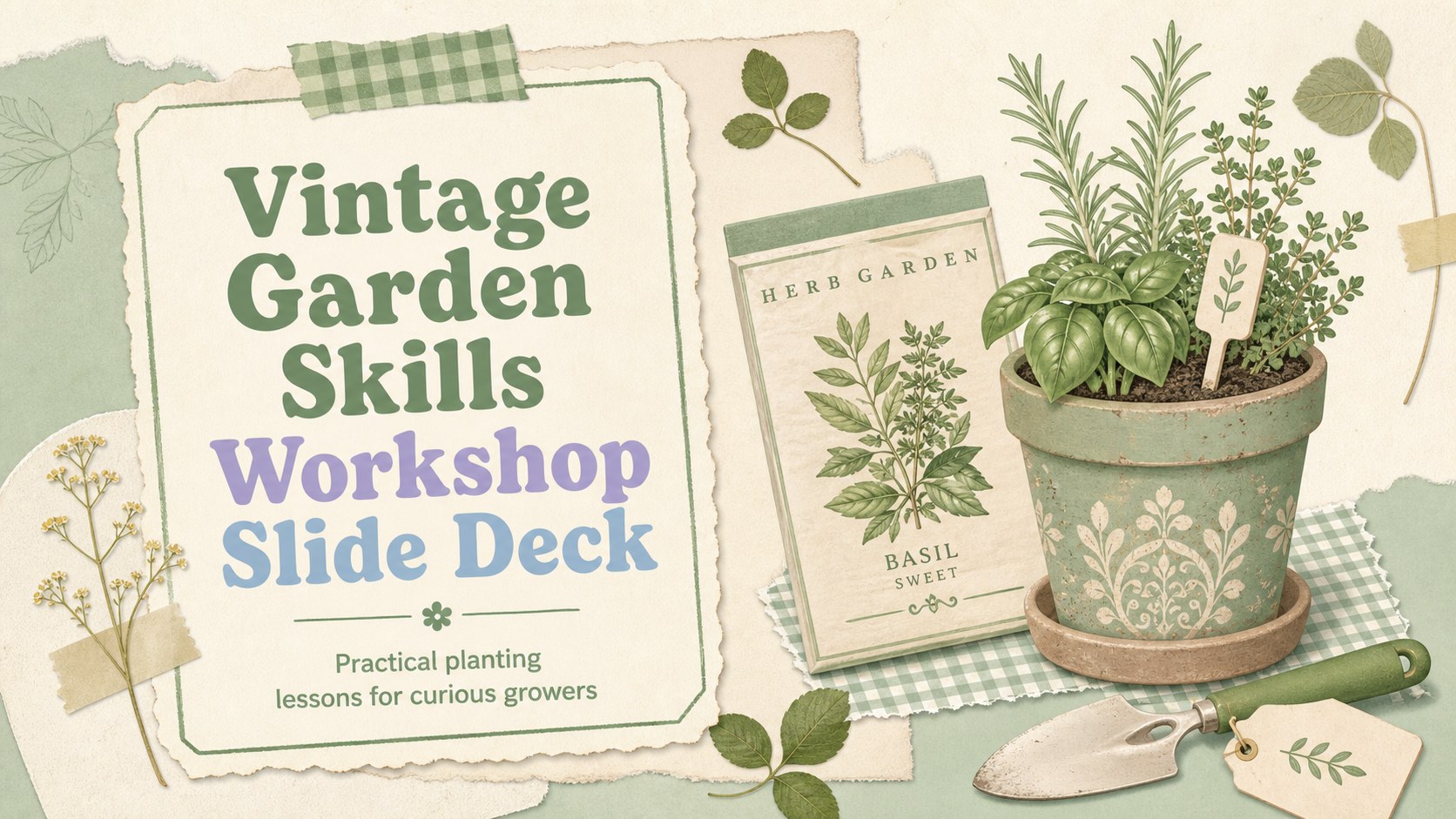
Build a hands-on vintage garden skills workshop with editable PowerPoint and Google Slides pages for planting, soil care, seasonal tasks, and learning.
Design notes
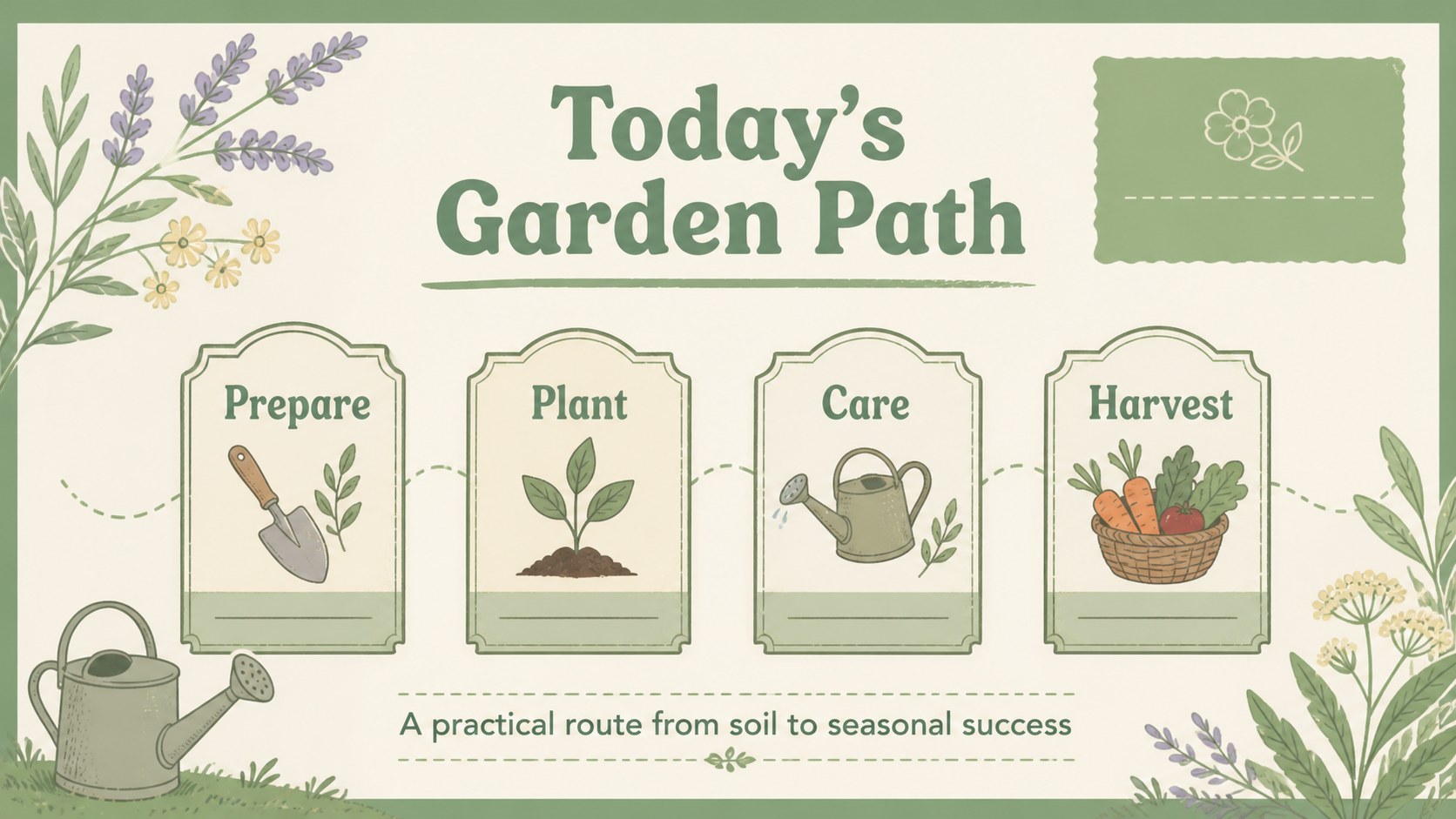
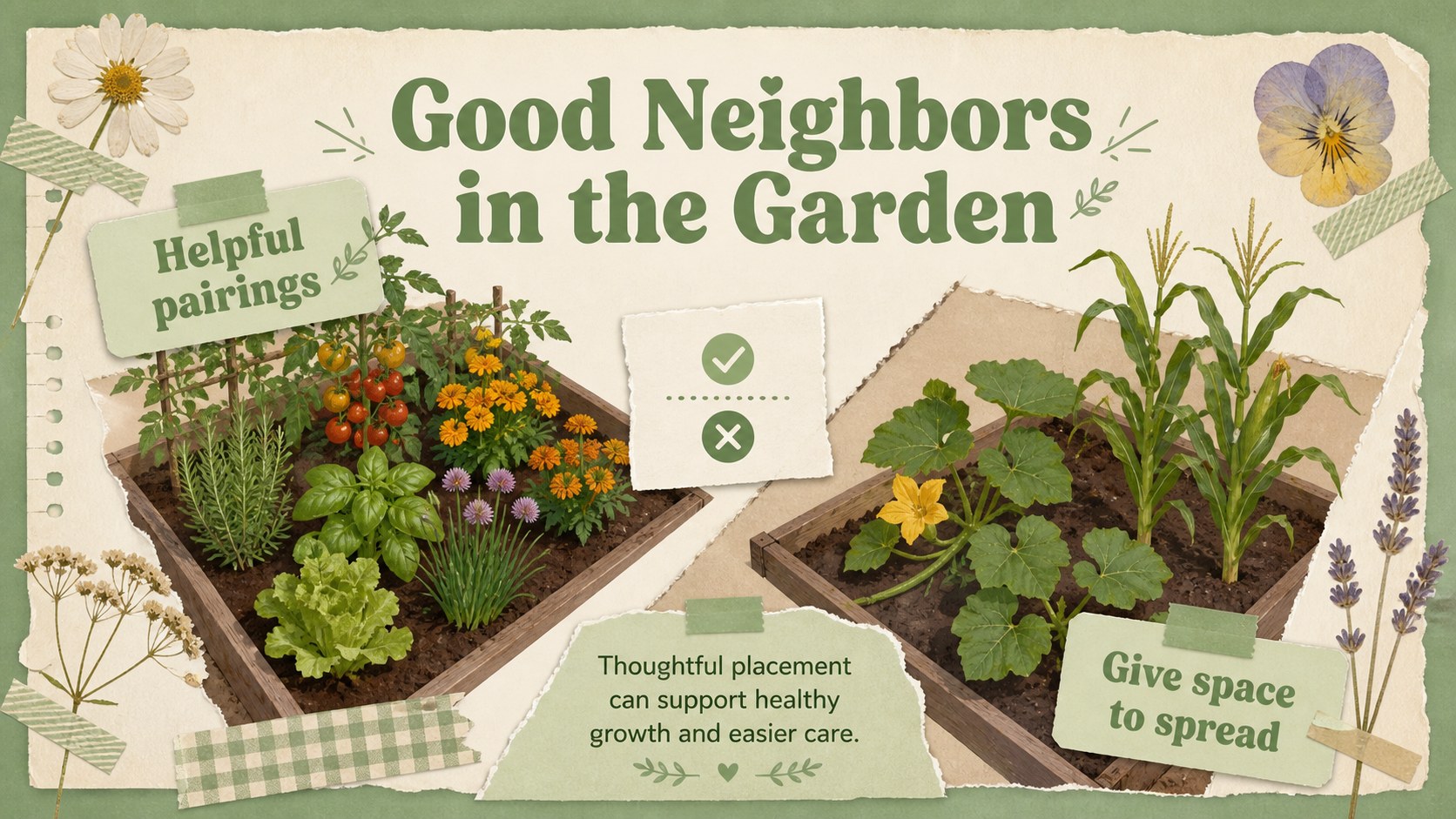
Plan a hands-on learning session with this vintage garden skills workshop presentation. Its pastel green palette, floral details, paper textures, and retro notebook touches create a welcoming setting for introducing planting basics, soil care, seasonal routines, and eco-friendly growing practices. The layout is friendly enough for young learners while remaining polished for community education and sustainability programs.
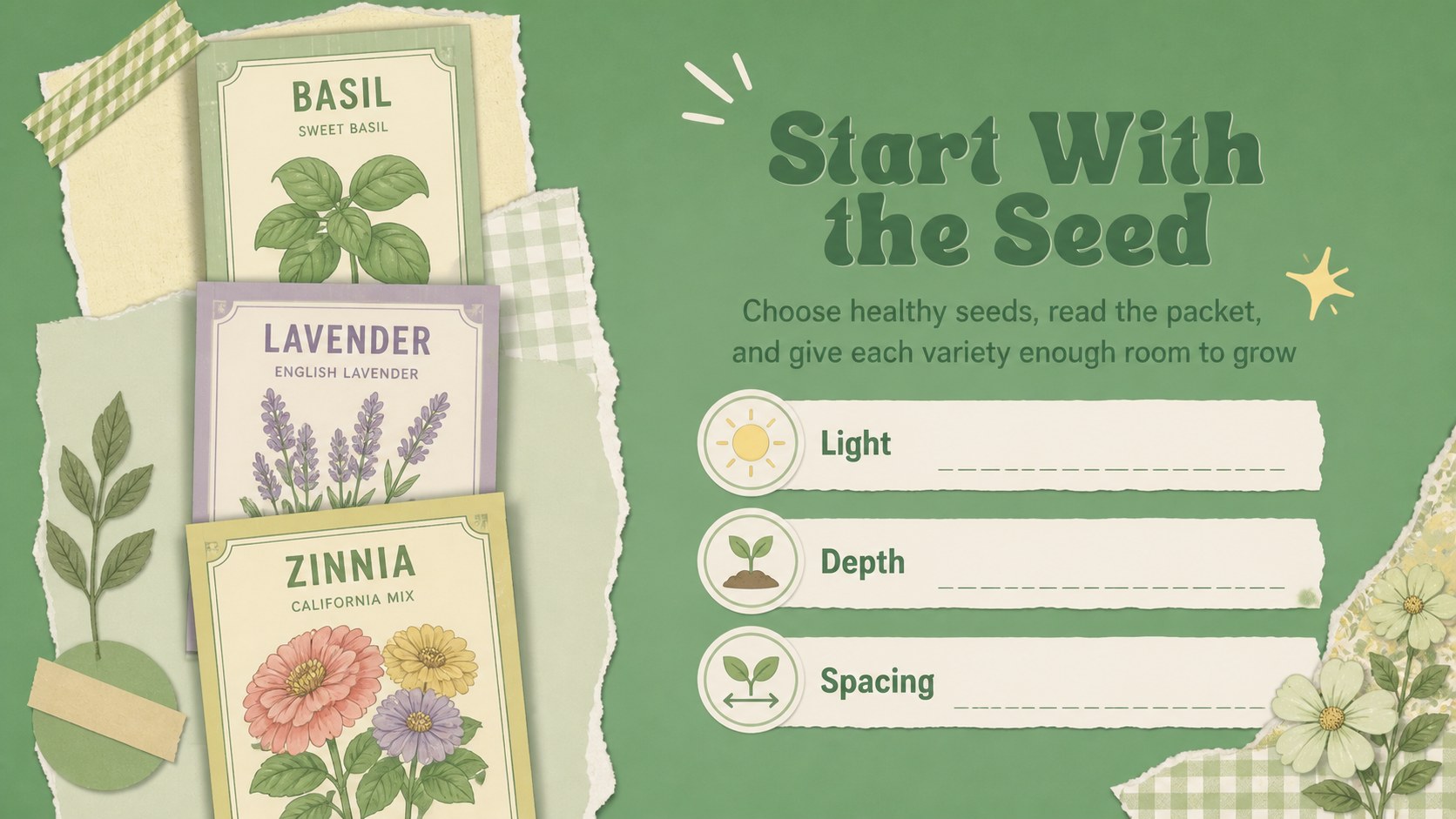
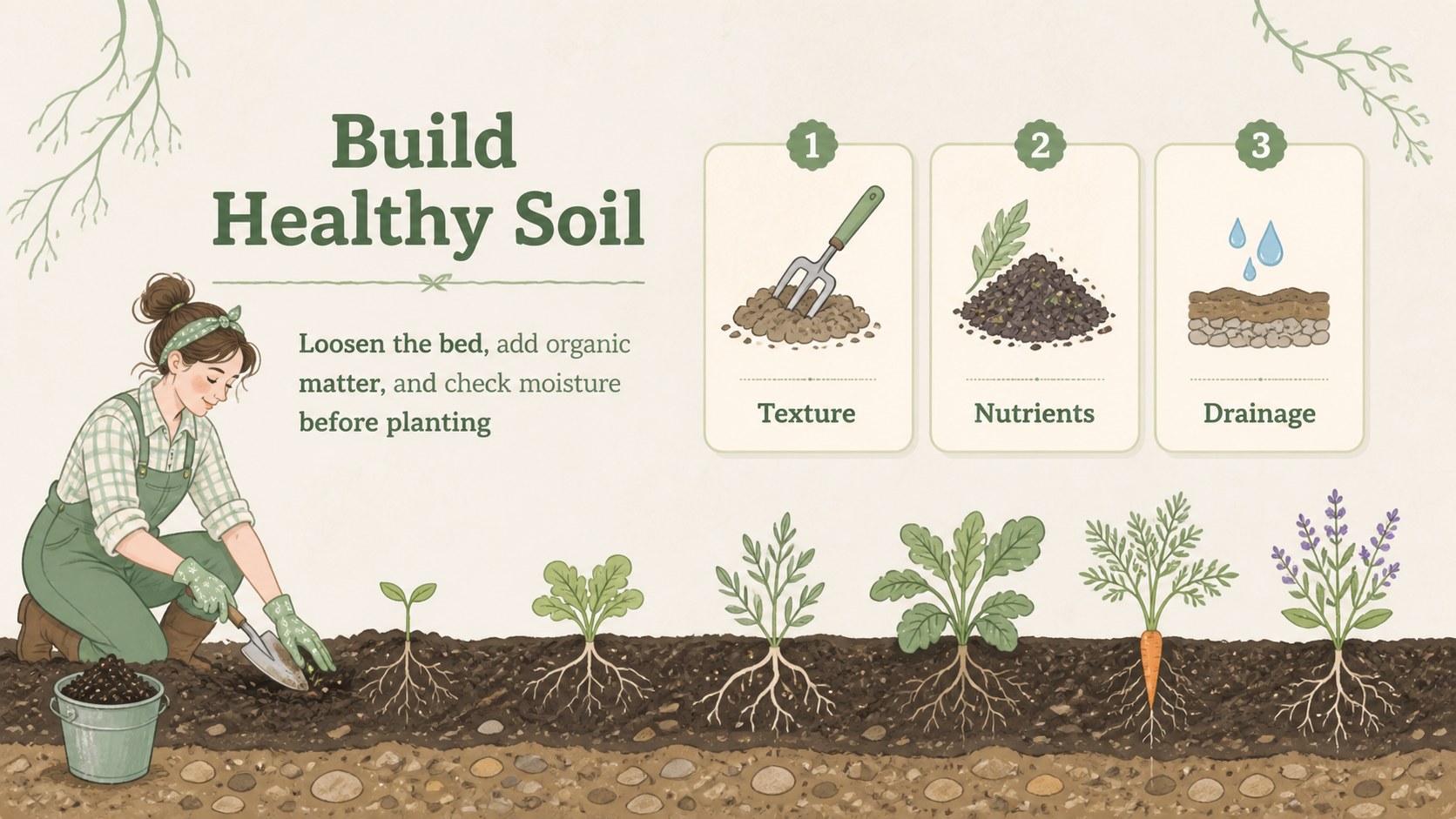
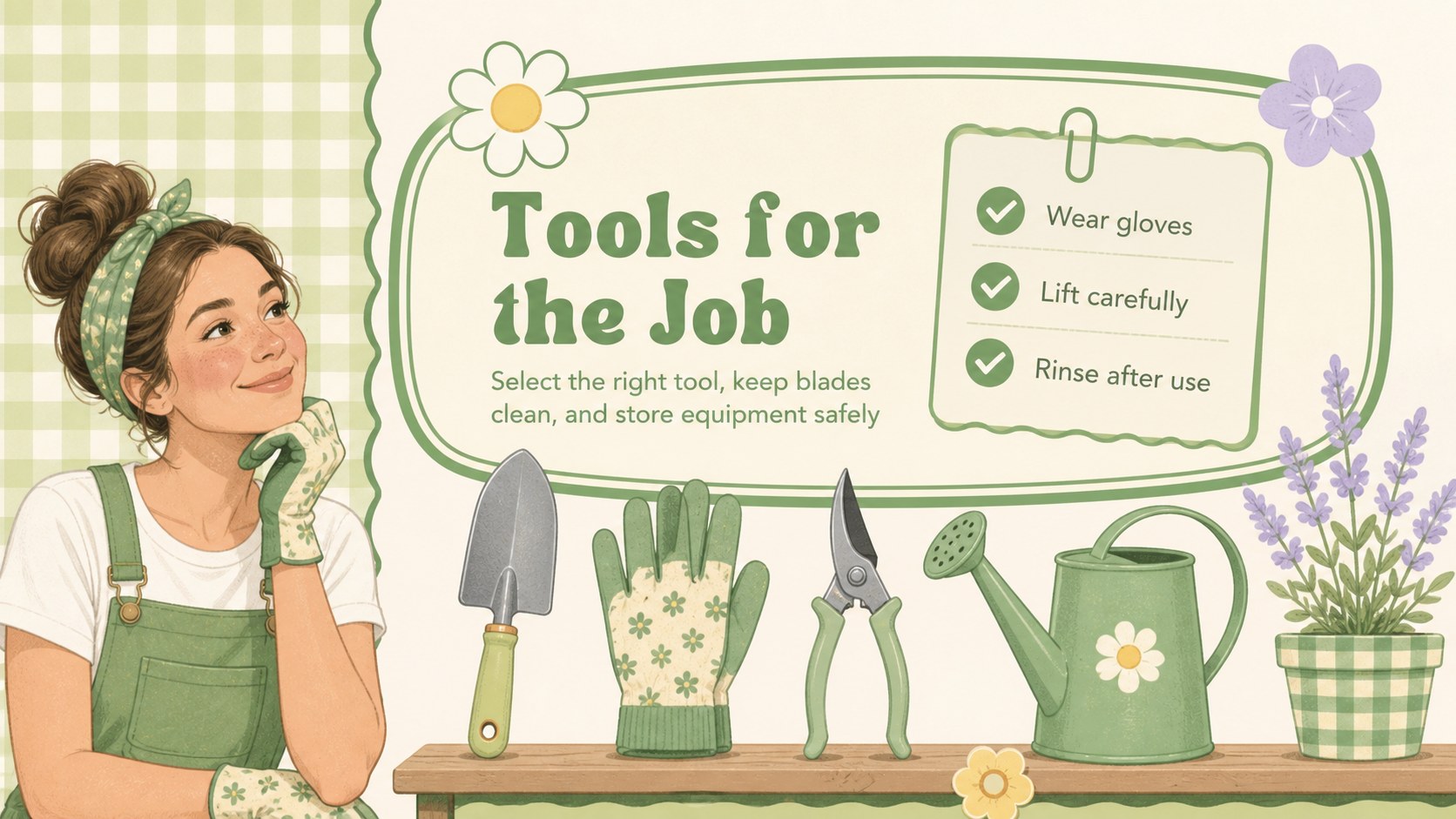
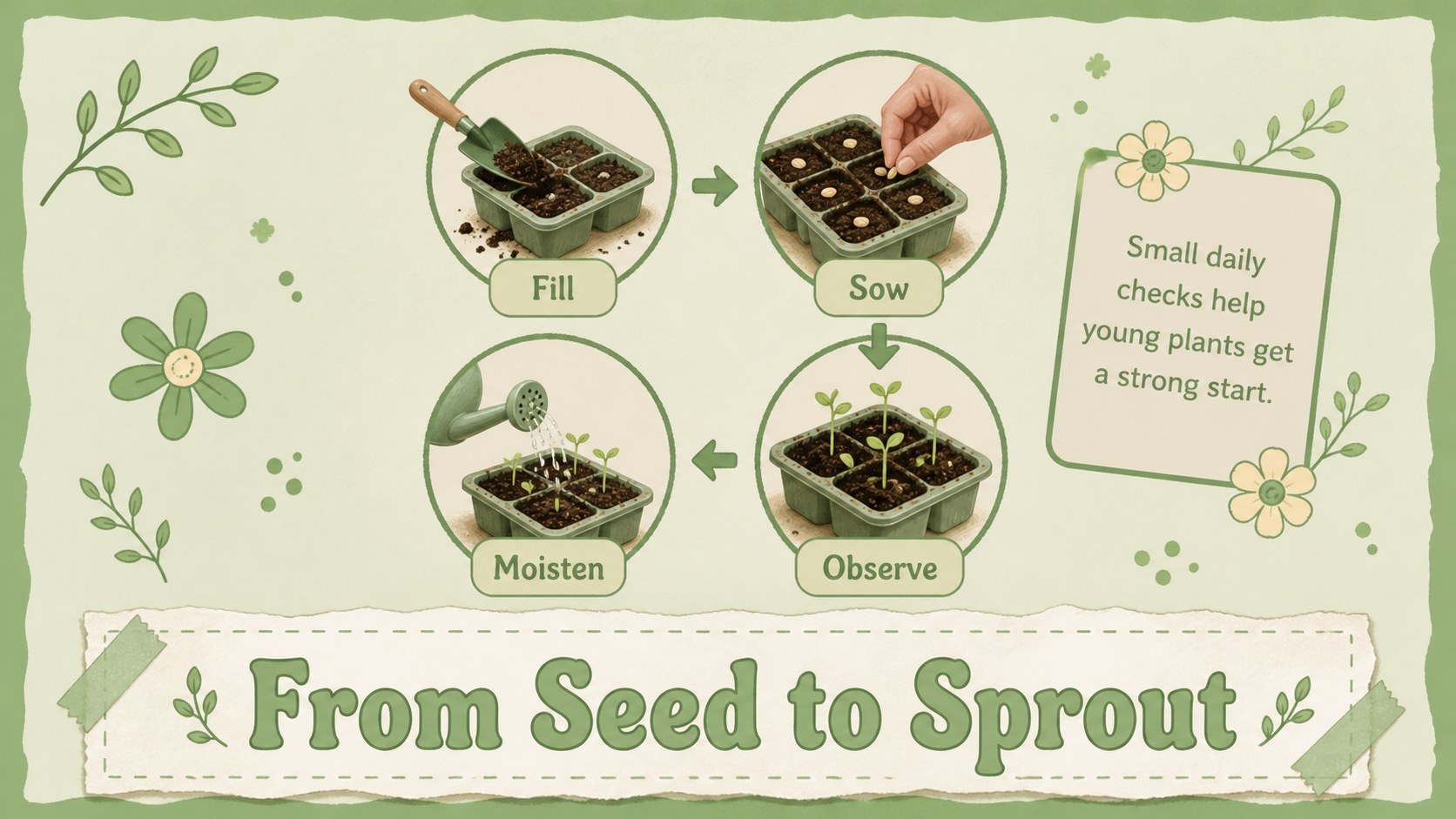
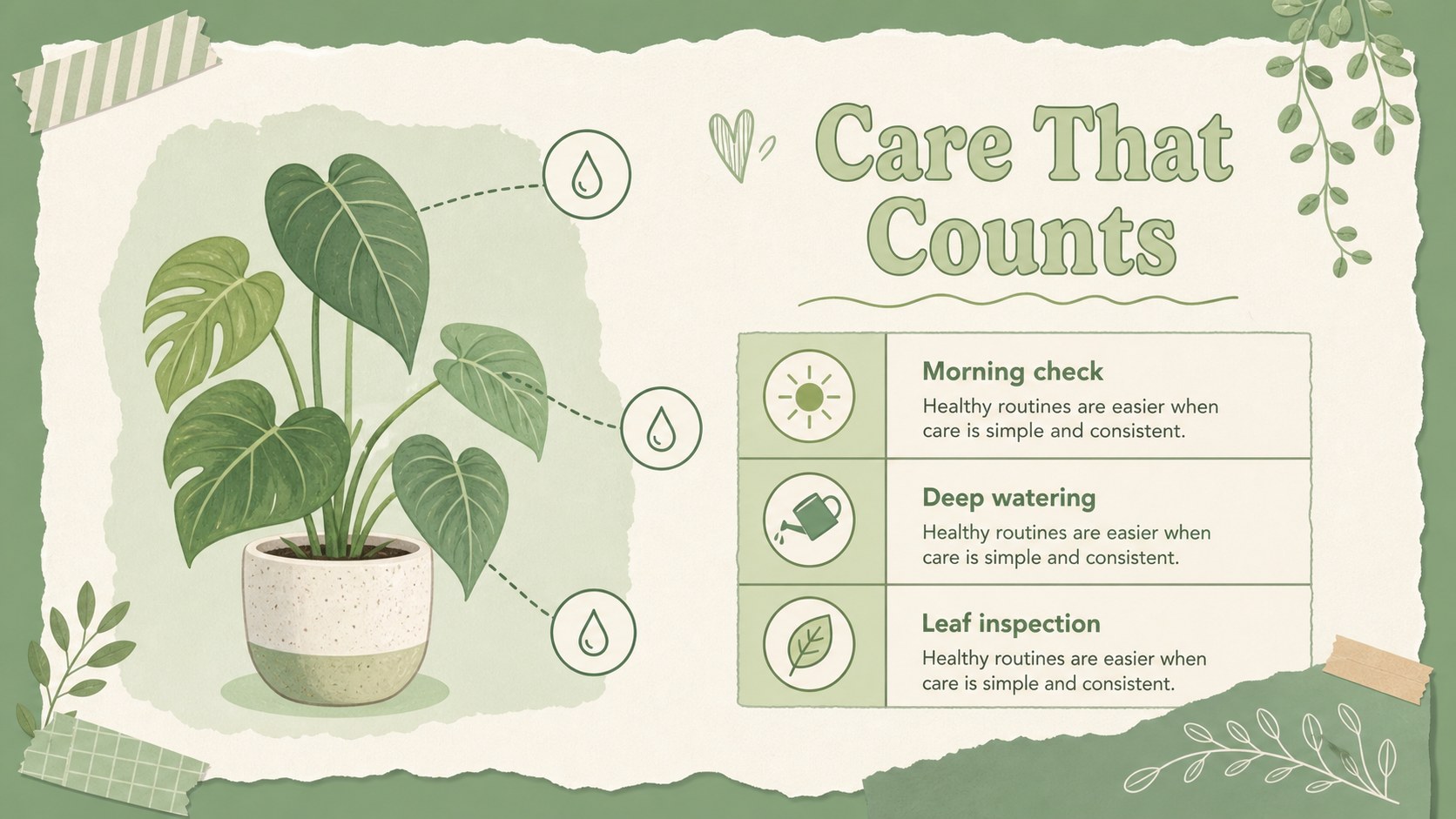
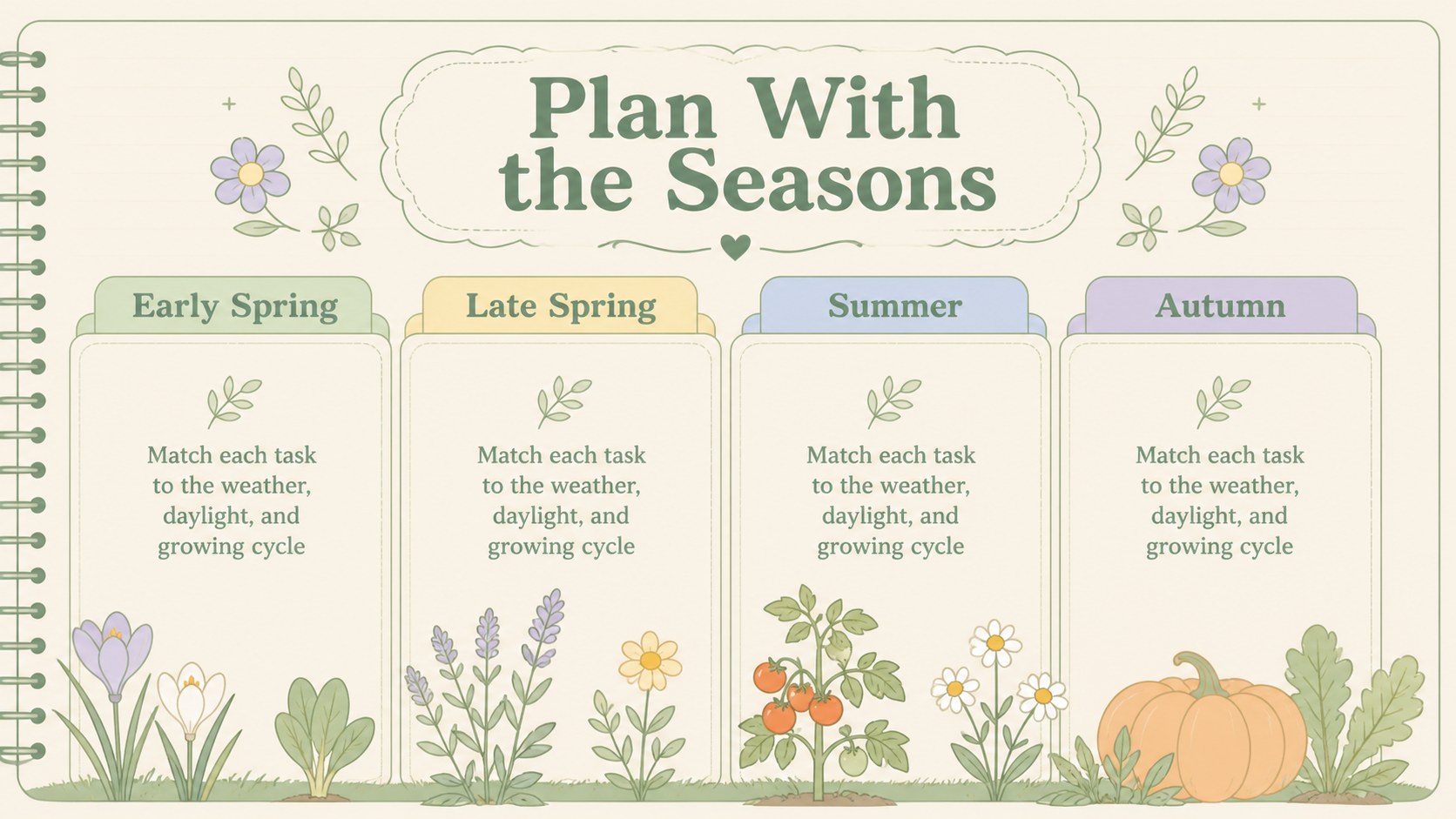
Inside, you will find more than 25 editable slides for an introduction, workshop agenda, garden tool overview, seed-starting steps, soil preparation, plant care checklist, seasonal timeline, comparison layouts, image-led explanations, and a practical closing activity. Use the visual structure to build a school garden lesson plan, community horticulture class, or beginner gardening tutorial. Charts, frames, diagrams, tables, and timeline elements make it easy to organize facts without losing the handmade scrapbook character.
This vintage garden skills workshop is designed for teachers, garden educators, nonprofit teams, sustainability advocates, and local horticulture groups. Edit the text, colors, photos, and illustrations in PowerPoint or Google Slides, then adapt the deck for classroom instruction, volunteer training, or a neighborhood planting event. The 16:9 format works well for projectors, online sessions, and shared presentations.
Perfect for: school garden lesson; community horticulture class; beginner planting tutorial; sustainability volunteer training; neighborhood garden event.
Frequently asked questions
Can I edit this deck in PowerPoint? Yes. The presentation is designed for PowerPoint and can be customized by replacing text, images, colors, charts, and decorative elements. The 16:9 layout is ready for classroom or widescreen display.
Practical details
Yes. The presentation is designed for PowerPoint and can be customized by replacing text, images, colors, charts, and decorative elements. The 16:9 layout is ready for classroom or widescreen display.
Yes, you can open and edit the presentation in Google Slides. Update the lesson content, rearrange sections, and collaborate with instructors or workshop partners online.
The layouts support seed starting, soil preparation, tool safety, watering, seasonal planting, composting, and plant maintenance. You can also adapt the slides for a specific crop, age group, or local growing calendar.
Yes. The friendly scrapbook style works for schools, community gardens, nonprofit programs, and introductory horticulture sessions. Replace the activity examples and terminology to match beginners, volunteers, or adult learners.
Keep exploring
15Build an engaging World UFO Day session with this flying saucer history lesson deck, featuring retro green-and-brown slides for PowerPoint and Google Slides.
 15
15Plan a lively animal-learning journey with this jungle zoo adventure lesson deck, ready to customize in PowerPoint and Google Slides for young learners.
 16
16Turn environmental research into a clear story with a Watercolor Ecology Presentation Theme for PowerPoint and Google Slides in calming green and blue.
 16
16Build focused fashion, literature, and humanities presentations with the Red Triangle Editorial Theme, editable in PowerPoint and Google Slides.
 15
15Turn streaming stats, favorite tracks, and concert highlights into a bold annual listening recap slide deck for PowerPoint and Google Slides.
 15
15Turn highlights, milestones, and favorite moments into a colorful year in review slide deck with bold 3D graphics for PowerPoint and Google Slides.
 3
3Build a credible endorsement with Standout Colleague Recommendation Letter Slides, featuring colorful prompts for skills, achievements, and team impact.
 4
4Build clear beginner sessions with an ice hockey fundamentals training deck for coaches, PE teachers, and clubs, ready for PowerPoint and Google Slides.