
 15
15presentation
Flying Saucer History Lesson Deck
Build an engaging World UFO Day session with this flying saucer history lesson deck, featuring retro green-and-brown slides for PowerPoint and Google Slides.
Google SlidesPowerPoint
spreadsheet · English
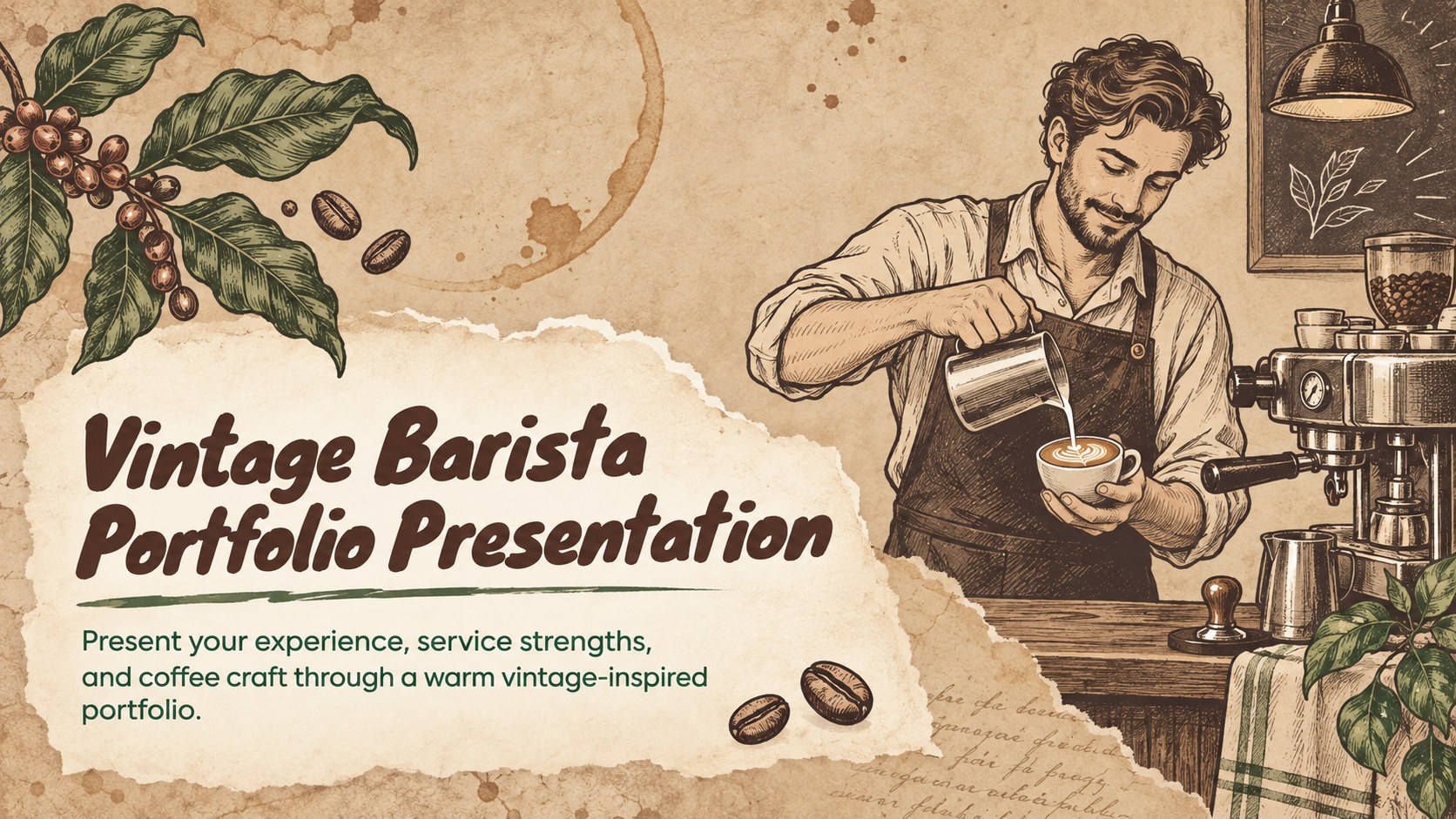
Build a memorable job introduction with this vintage barista portfolio presentation, featuring warm illustrated layouts for skills, experience, and cafe work.

Design notes
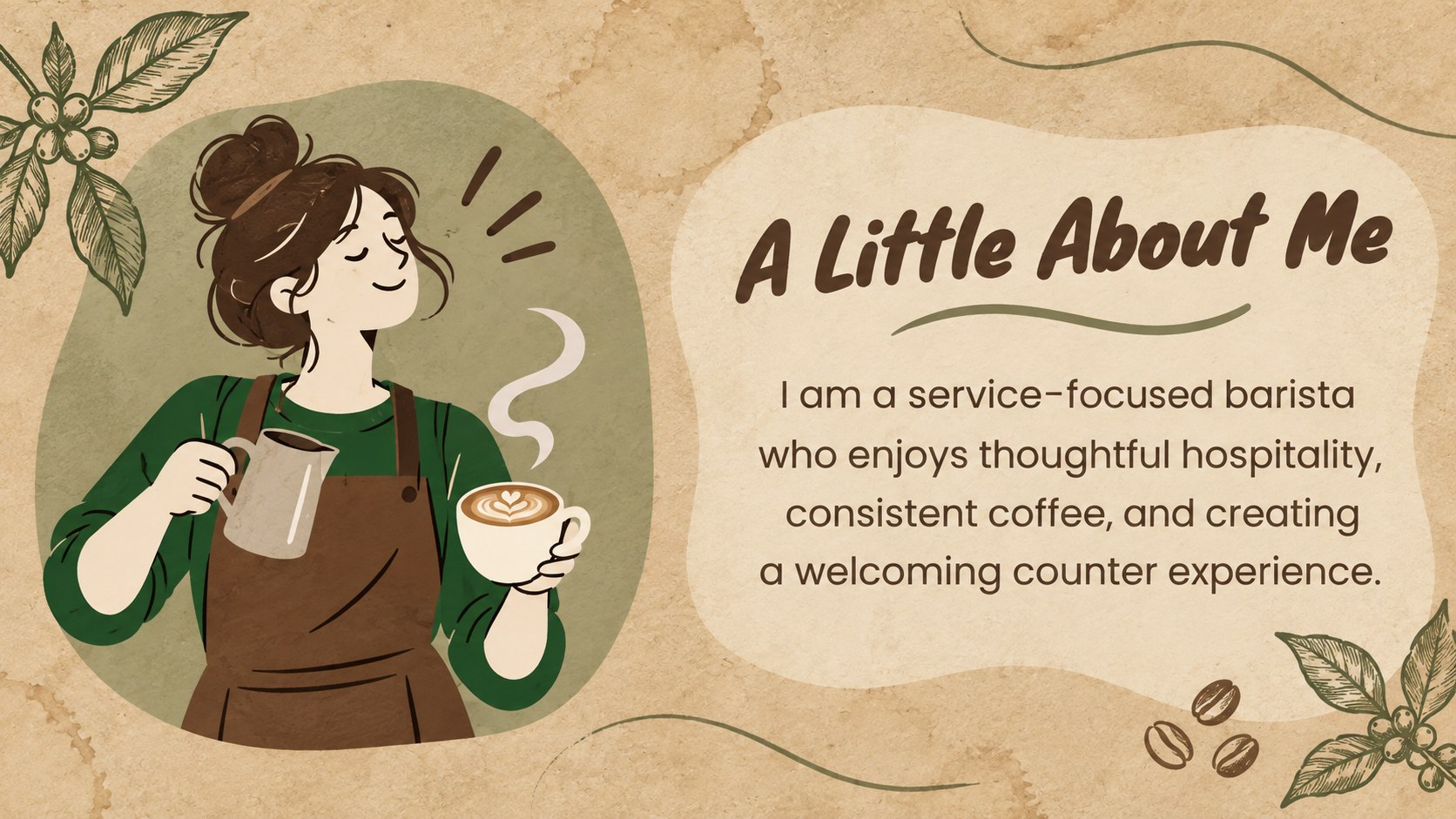
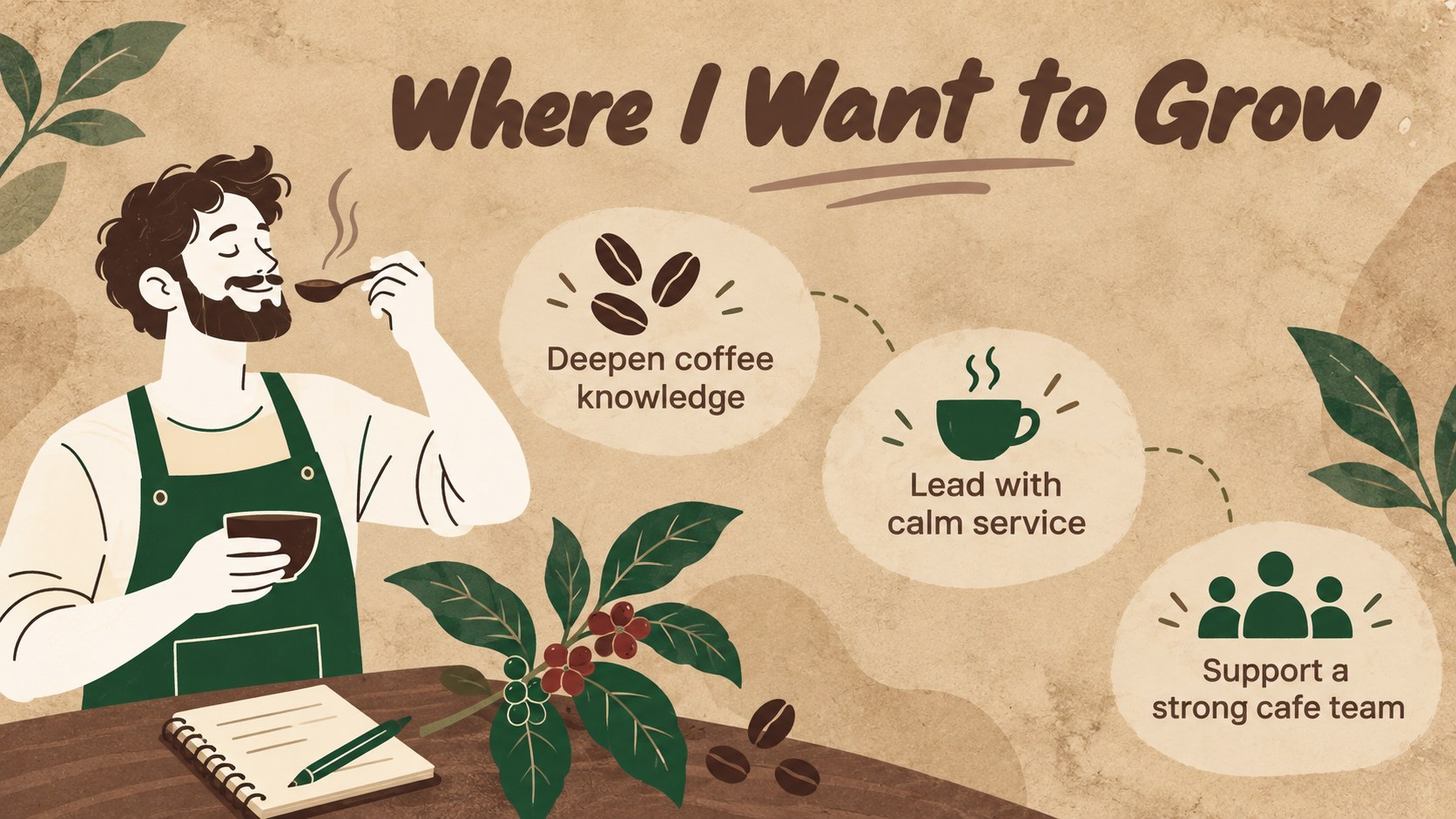
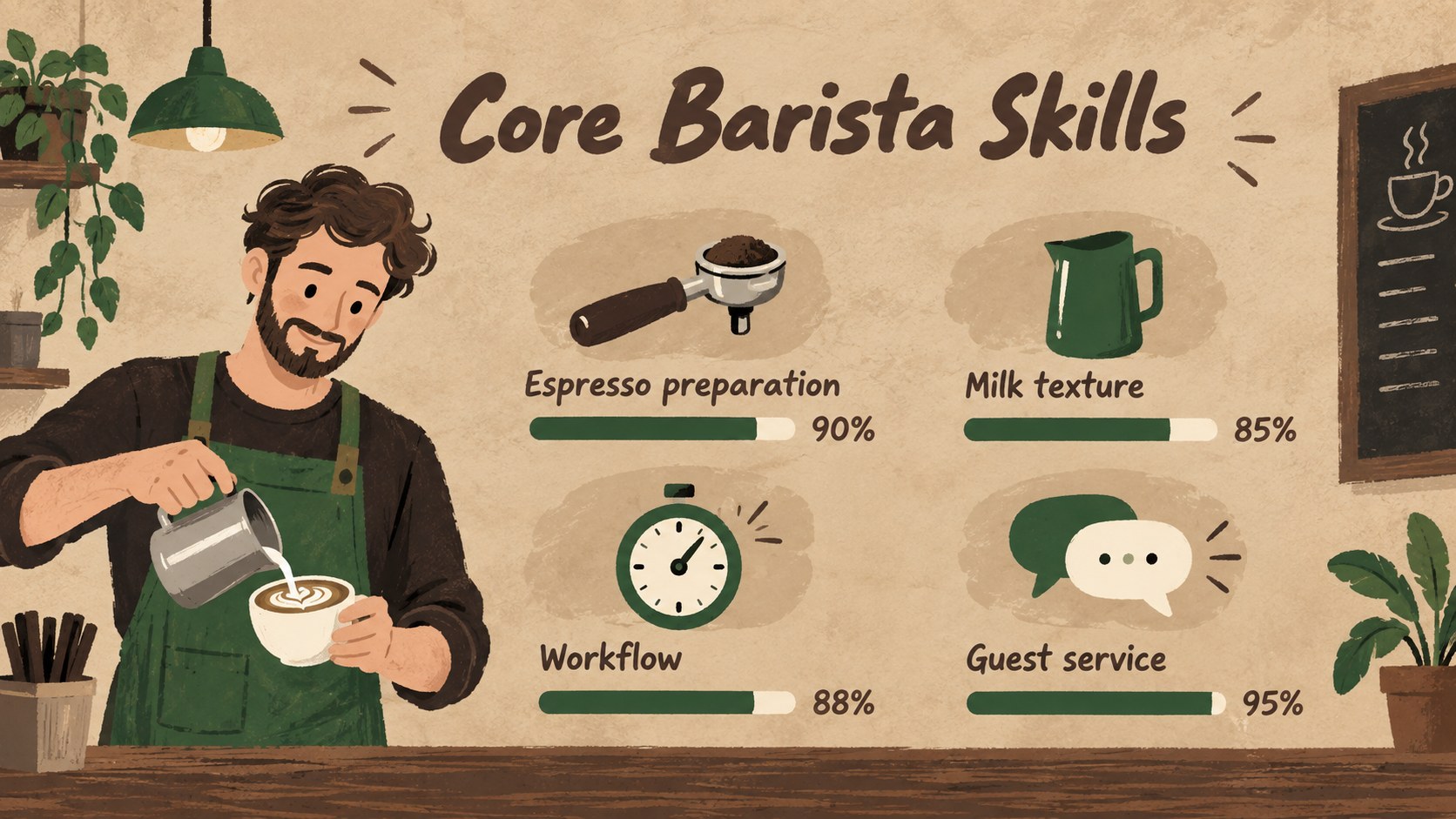
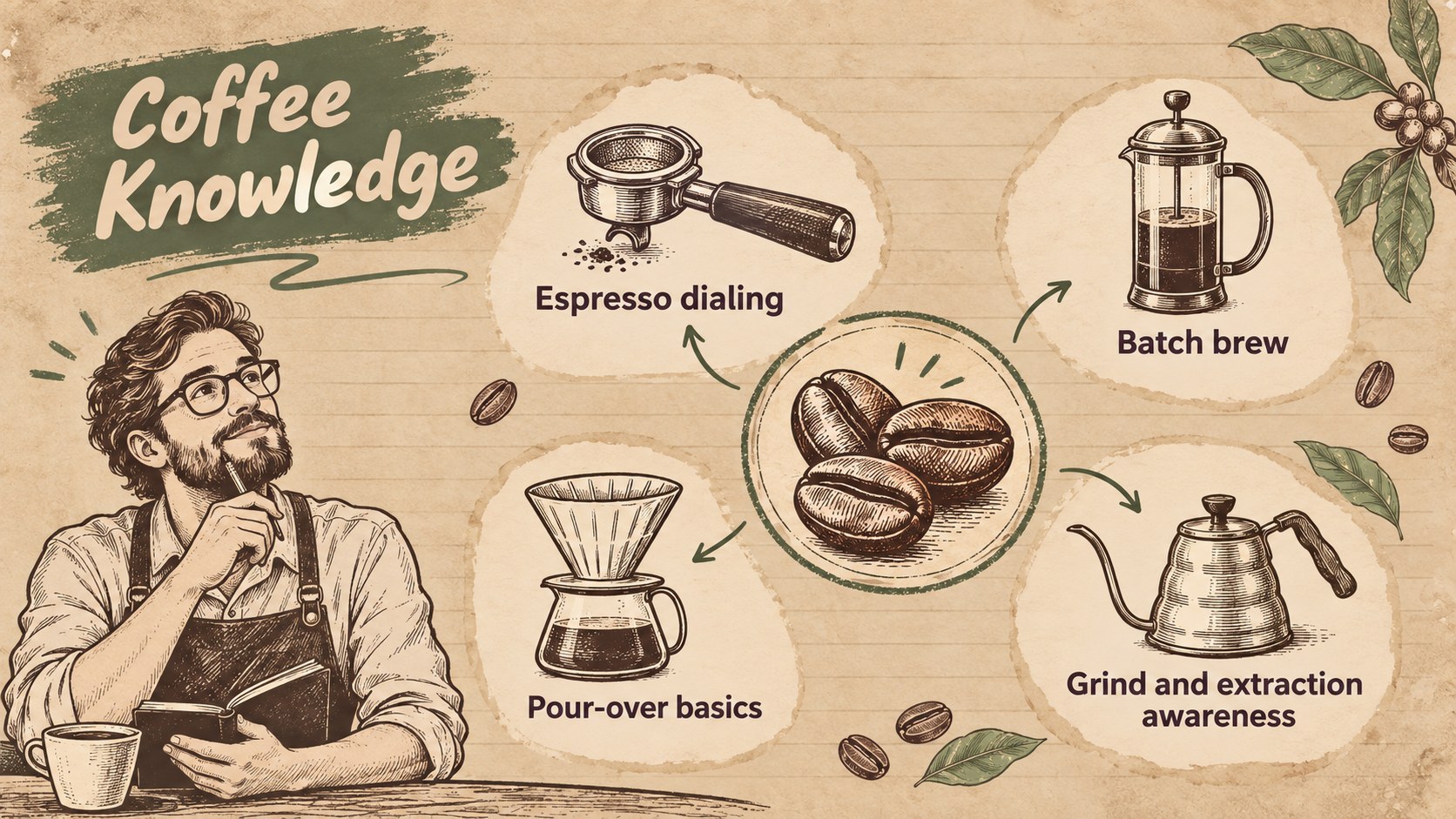
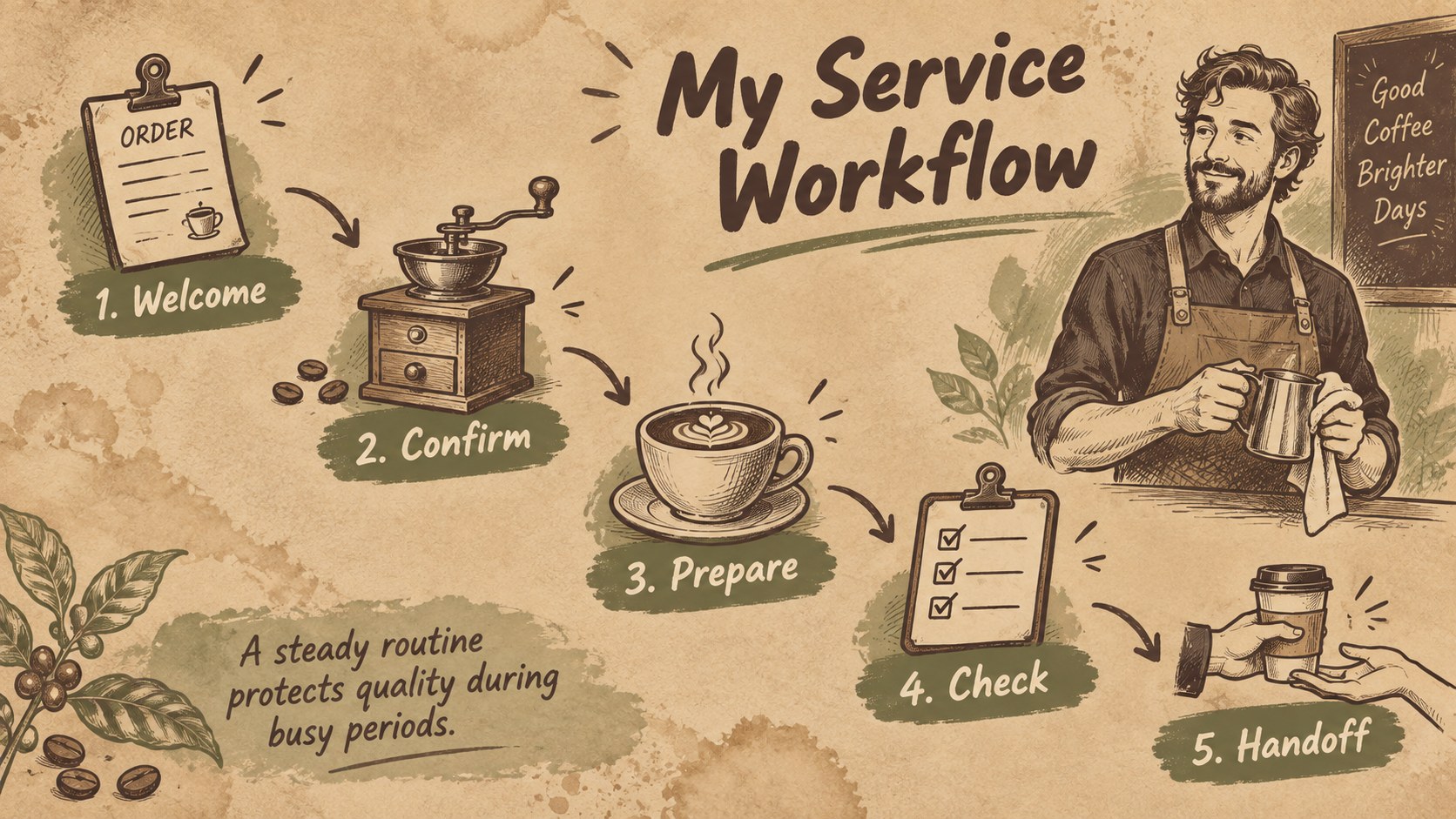
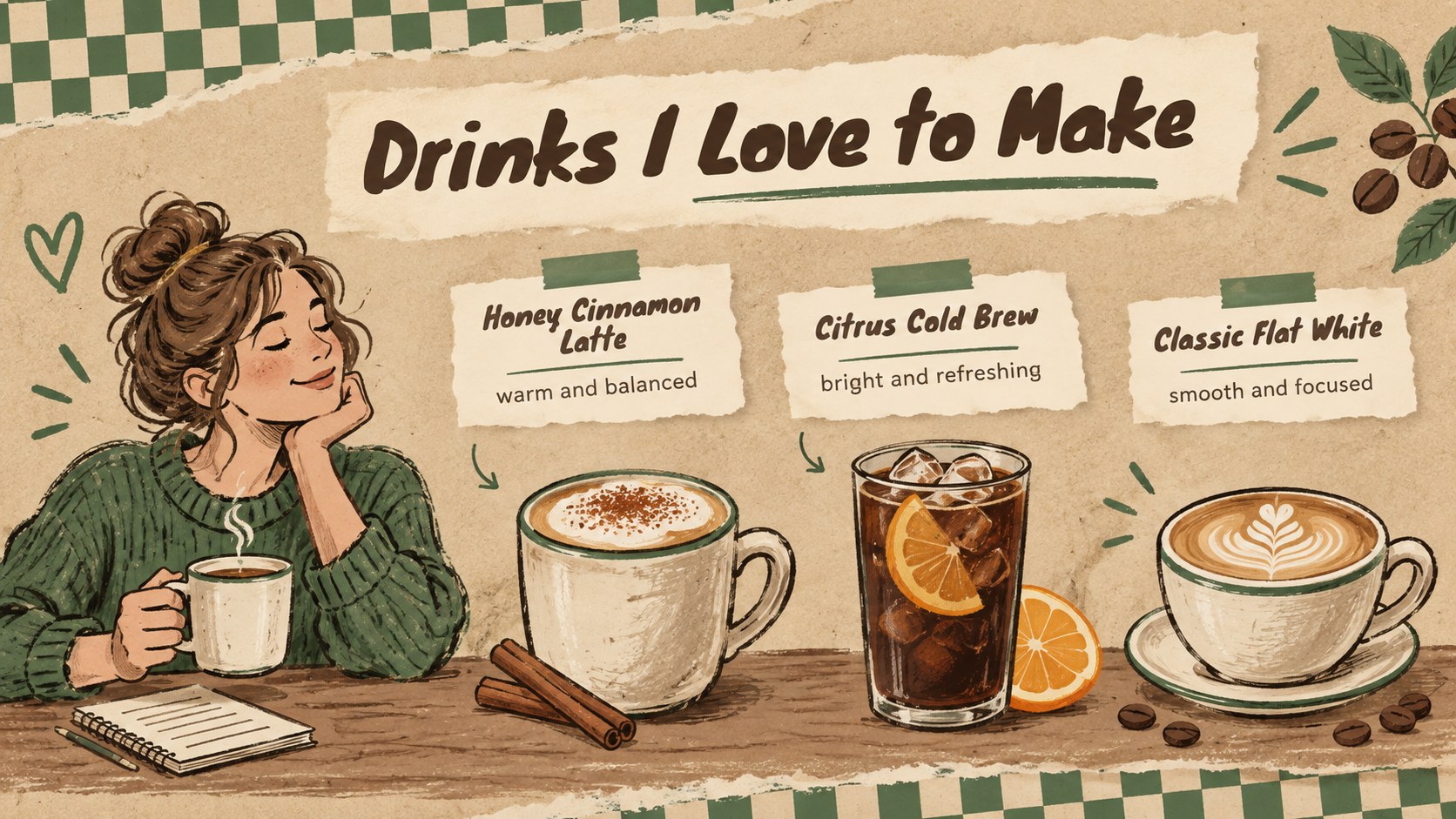
The Vintage Barista Portfolio Presentation helps coffee professionals introduce their background with personality while keeping qualifications clear and organized. Its brown and green palette, hand-drawn details, paper-inspired textures, and relaxed vintage character create a welcoming alternative to a conventional resume. Use it as a barista job interview presentation or send it to hiring managers as a visual companion to your application.
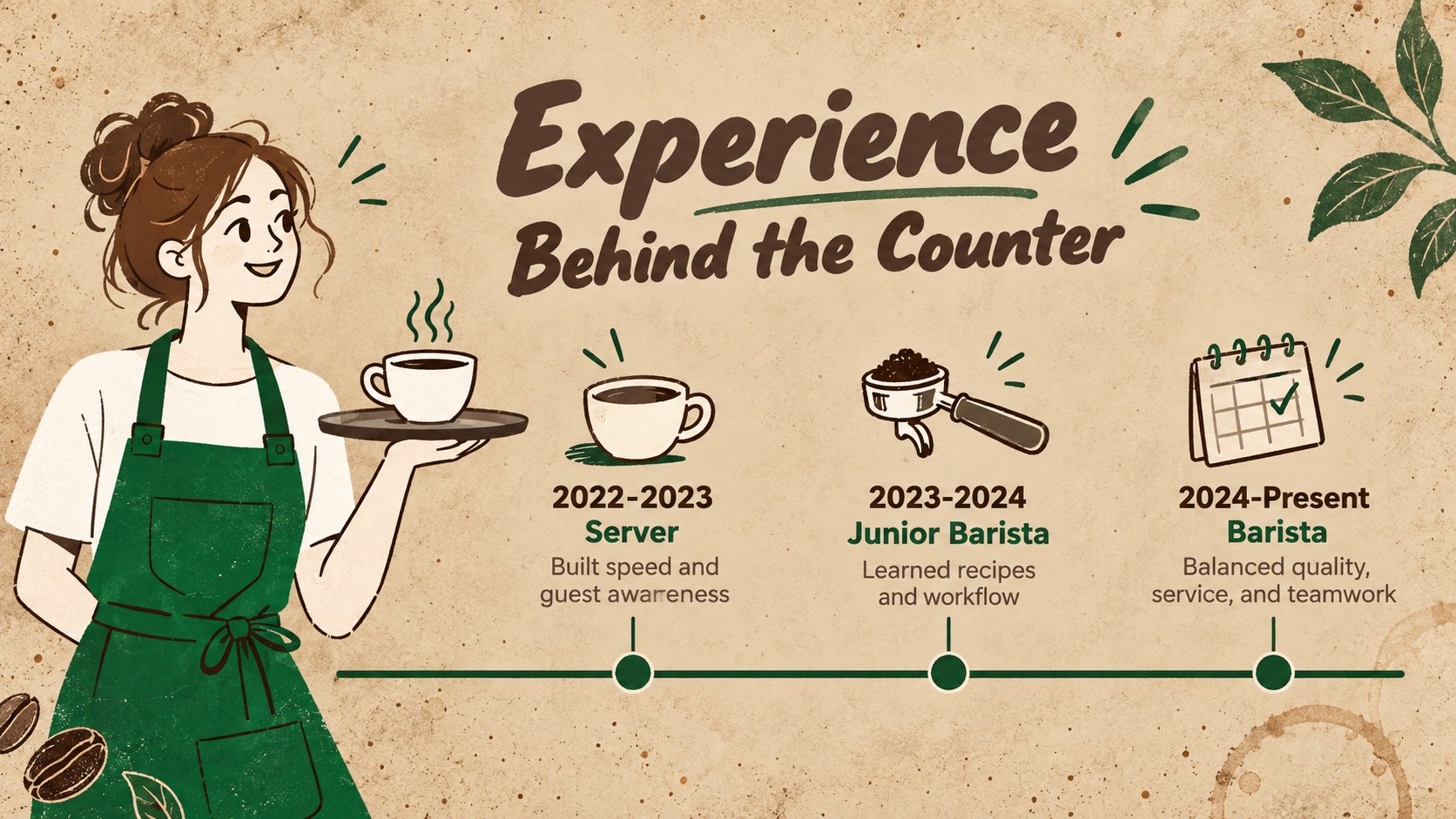
The layout sequence provides space for a personal introduction, career goals, employment history, drink preparation knowledge, customer service strengths, equipment experience, signature beverages, achievements, and contact details. Timelines, skill indicators, menu-style lists, and portfolio pages make information easy to scan. Every section can be edited in PowerPoint or Google Slides, allowing you to replace the sample wording, adjust colors, add photography, and reorganize pages for a shorter or more detailed story.
This coffee professional portfolio template is designed for baristas, servers, cafe supervisors, hospitality students, and career changers entering specialty coffee. It can also support internal promotions, hospitality course assignments, or a cafe staff experience showcase. The illustrated approach feels friendly and creative without losing the practical structure employers need when reviewing skills and experience.
Perfect for: barista job interview; hospitality course assignment; cafe promotion application; coffee skills portfolio; food service career introduction.
Frequently asked questions
Can I edit this barista portfolio in PowerPoint? Yes. You can update the text, colors, illustrations, photographs, and section order in PowerPoint. Duplicate or remove slides to match the length of your professional story.
Practical details
Yes. You can update the text, colors, illustrations, photographs, and section order in PowerPoint. Duplicate or remove slides to match the length of your professional story.
Yes. Upload the presentation to Google Drive and open it with Google Slides for browser-based editing. Review font substitutions and image placement after import to ensure the design remains consistent.
Replace the sample content with measurable achievements, relevant cafe experience, equipment knowledge, and examples of customer service. Add photographs of your latte art or signature drinks only when you have permission to use them.
Yes. Employment sections can be adapted for coursework, certifications, volunteer work, training, or transferable service skills. The project pages can also showcase practical assessments and beverage-making exercises.
Keep exploring
15Build an engaging World UFO Day session with this flying saucer history lesson deck, featuring retro green-and-brown slides for PowerPoint and Google Slides.
 15
15Plan a lively animal-learning journey with this jungle zoo adventure lesson deck, ready to customize in PowerPoint and Google Slides for young learners.
 16
16Turn environmental research into a clear story with a Watercolor Ecology Presentation Theme for PowerPoint and Google Slides in calming green and blue.
 16
16Build focused fashion, literature, and humanities presentations with the Red Triangle Editorial Theme, editable in PowerPoint and Google Slides.
 15
15Turn streaming stats, favorite tracks, and concert highlights into a bold annual listening recap slide deck for PowerPoint and Google Slides.
 15
15Turn highlights, milestones, and favorite moments into a colorful year in review slide deck with bold 3D graphics for PowerPoint and Google Slides.
 3
3Build a credible endorsement with Standout Colleague Recommendation Letter Slides, featuring colorful prompts for skills, achievements, and team impact.
 4
4Build clear beginner sessions with an ice hockey fundamentals training deck for coaches, PE teachers, and clubs, ready for PowerPoint and Google Slides.