
 15
15presentation
Flying Saucer History Lesson Deck
Build an engaging World UFO Day session with this flying saucer history lesson deck, featuring retro green-and-brown slides for PowerPoint and Google Slides.
Google SlidesPowerPoint
presentation · English
Build clearer content plans with a vibrant social campaign planner for PowerPoint and Google Slides, featuring calendars, channel strategy, and KPI layouts.



Design notes
Turn scattered content ideas into a focused campaign story with this vibrant social campaign planner. Its energetic orange palette, playful doodles, hand-drawn accents, and clean typography create a friendly setting for presenting strategy without losing professional clarity. Edit every layout in PowerPoint or Google Slides to match your organization, client, or upcoming launch.
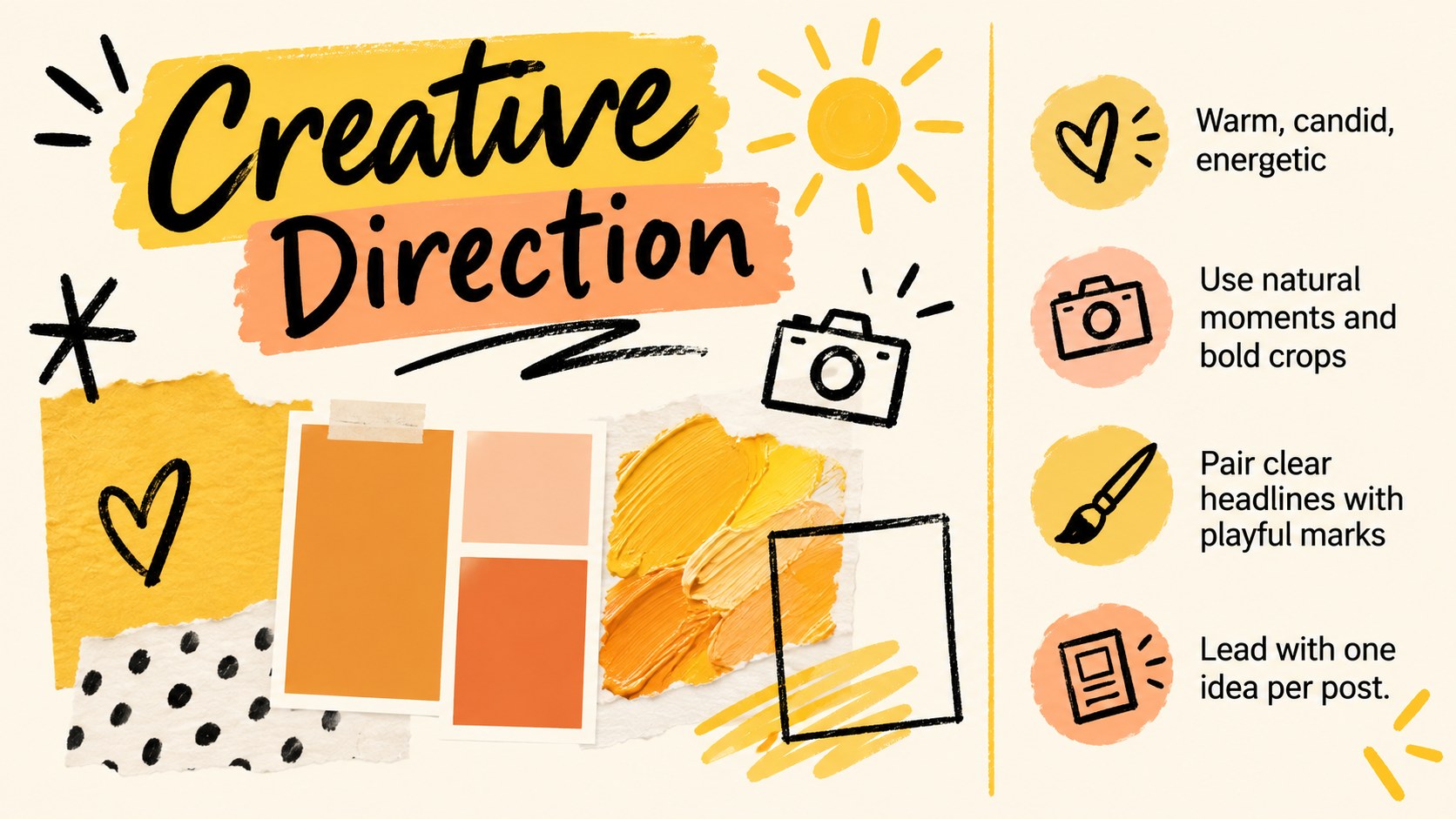
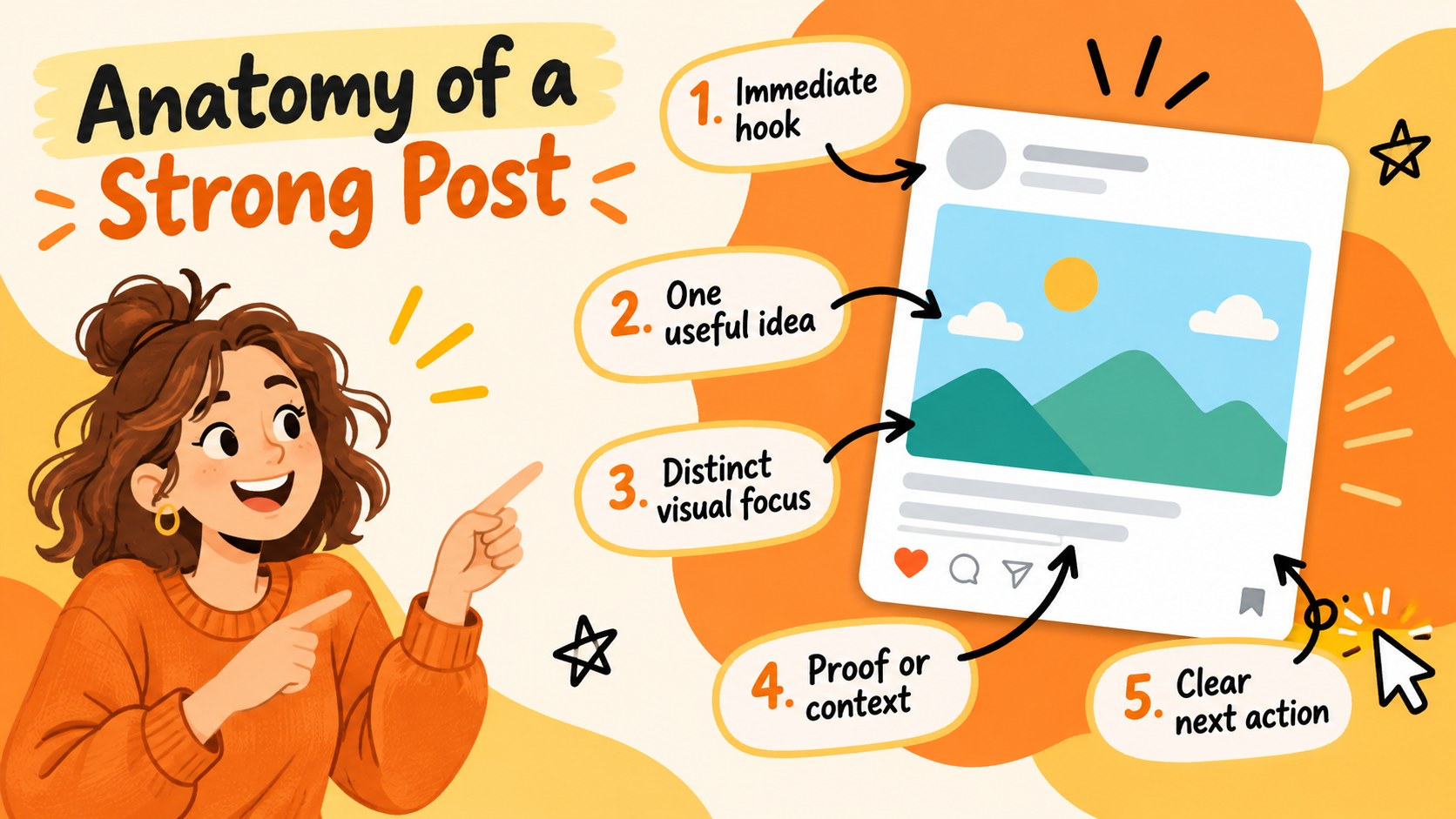
The deck includes layouts for campaign briefs, objectives, audience personas, channel priorities, content pillars, publishing schedules, creative direction, production workflows, experiments, and next steps. Use the content calendar presentation template pages to organize publishing dates, then summarize outcomes with charts, comparison tables, and a social media KPI dashboard template. Flexible image areas, icon arrangements, and data layouts make it simple to replace examples with your own copy, photography, illustrations, and metrics.
This orange doodle marketing deck is designed for social media managers, marketing teams, agencies, freelancers, creators, and small business owners. It works well for monthly planning meetings, client campaign proposals, launch coordination, channel reviews, and performance recaps. Whether you are mapping a multi-channel rollout or preparing creative campaign strategy slides for stakeholders, the cohesive visual system helps audiences understand priorities, responsibilities, and results at a glance.
Perfect for: monthly content planning meeting; client campaign proposal; product launch coordination; social channel performance review; creative team briefing; quarterly marketing recap.
Frequently asked questions
Can I edit this campaign planner in PowerPoint and Google Slides? Yes. The layouts, text, colors, images, icons, and charts can be customized in both PowerPoint and Google Slides. Some font substitutions may occur if a featured typeface is not installed on your device.
Practical details
Yes. The layouts, text, colors, images, icons, and charts can be customized in both PowerPoint and Google Slides. Some font substitutions may occur if a featured typeface is not installed on your device.
Replace the sample colors with your brand palette, add your preferred fonts, and swap the image placeholders for campaign photography or illustrations. Keep the recurring headings and layout hierarchy consistent to maintain a unified deck.
Yes. It provides campaign objectives, personas, channel planning, content pillars, calendar, workflow, timeline, KPI, results, and experiment layouts. You can remove unused pages or duplicate layouts for additional channels.
Yes. Replace the sample values and labels with your own reach, engagement, conversion, publishing, or budget data. Review chart scales and units after editing so every comparison remains accurate.
Keep exploring
15Build an engaging World UFO Day session with this flying saucer history lesson deck, featuring retro green-and-brown slides for PowerPoint and Google Slides.
 15
15Plan a lively animal-learning journey with this jungle zoo adventure lesson deck, ready to customize in PowerPoint and Google Slides for young learners.
 16
16Turn environmental research into a clear story with a Watercolor Ecology Presentation Theme for PowerPoint and Google Slides in calming green and blue.
 16
16Build focused fashion, literature, and humanities presentations with the Red Triangle Editorial Theme, editable in PowerPoint and Google Slides.
 15
15Turn streaming stats, favorite tracks, and concert highlights into a bold annual listening recap slide deck for PowerPoint and Google Slides.
 15
15Turn highlights, milestones, and favorite moments into a colorful year in review slide deck with bold 3D graphics for PowerPoint and Google Slides.
 3
3Build a credible endorsement with Standout Colleague Recommendation Letter Slides, featuring colorful prompts for skills, achievements, and team impact.
 4
4Build clear beginner sessions with an ice hockey fundamentals training deck for coaches, PE teachers, and clubs, ready for PowerPoint and Google Slides.