
 15
15presentation
Flying Saucer History Lesson Deck
Build an engaging World UFO Day session with this flying saucer history lesson deck, featuring retro green-and-brown slides for PowerPoint and Google Slides.
Google SlidesPowerPoint
presentation · English
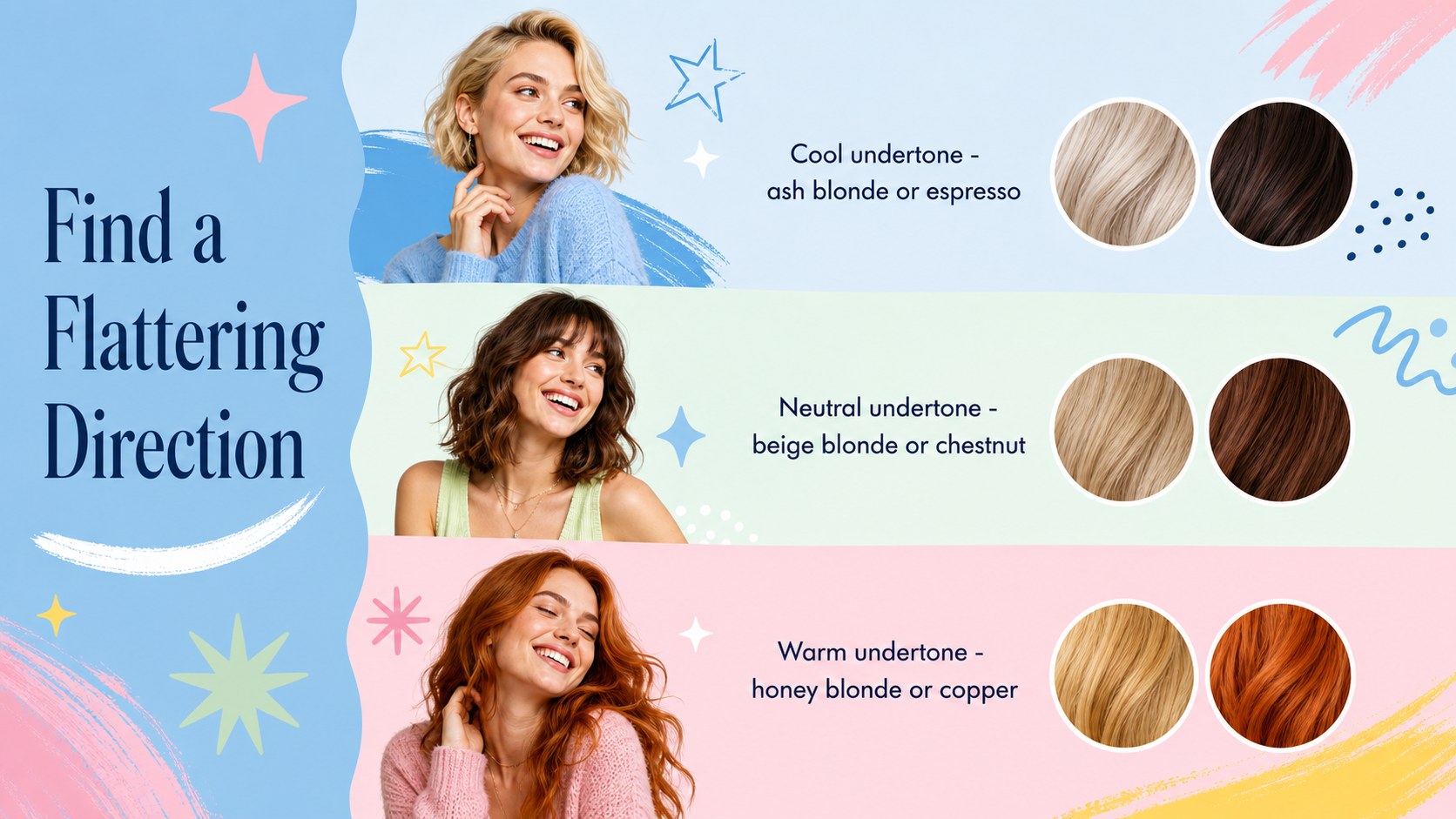
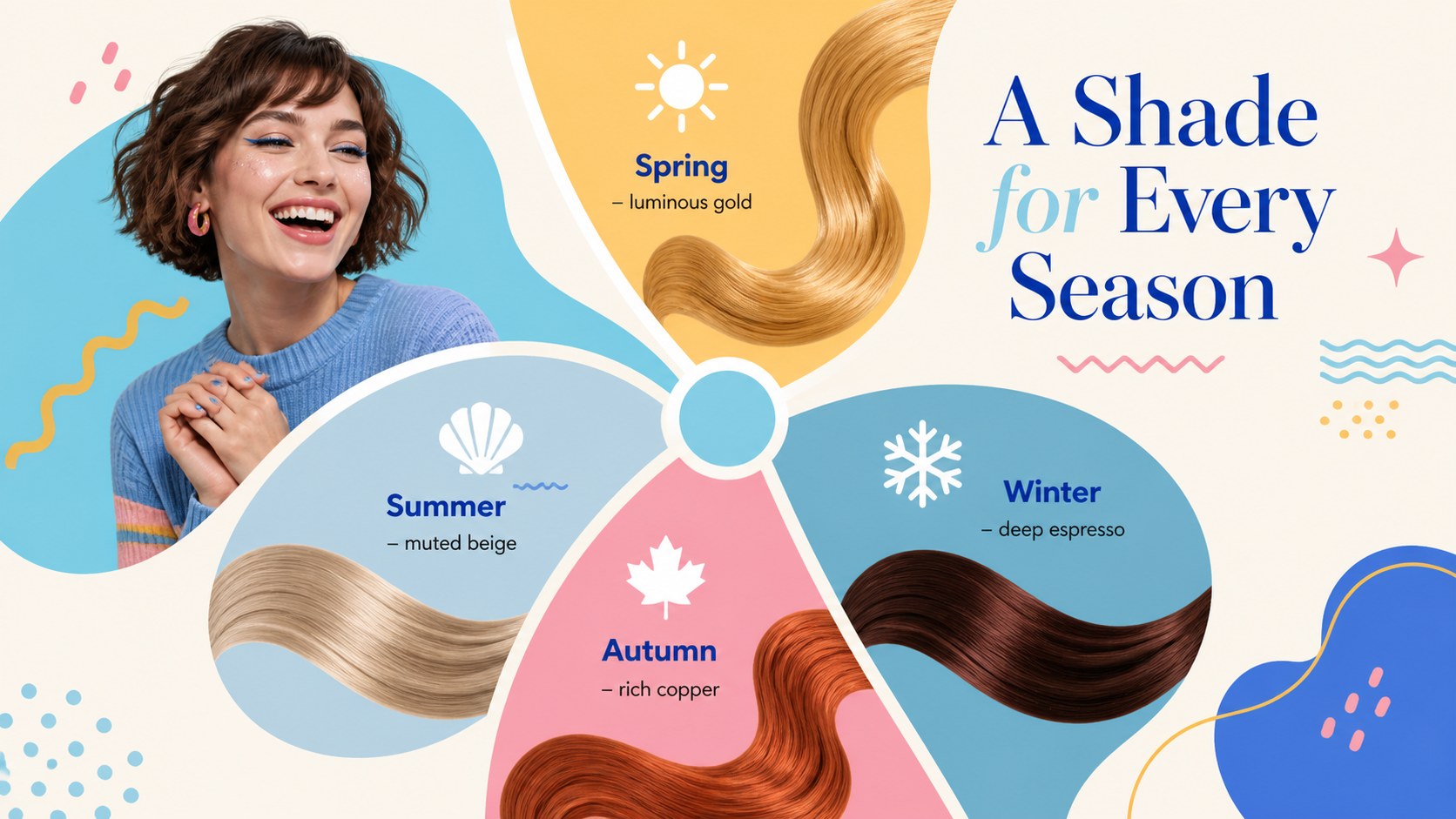
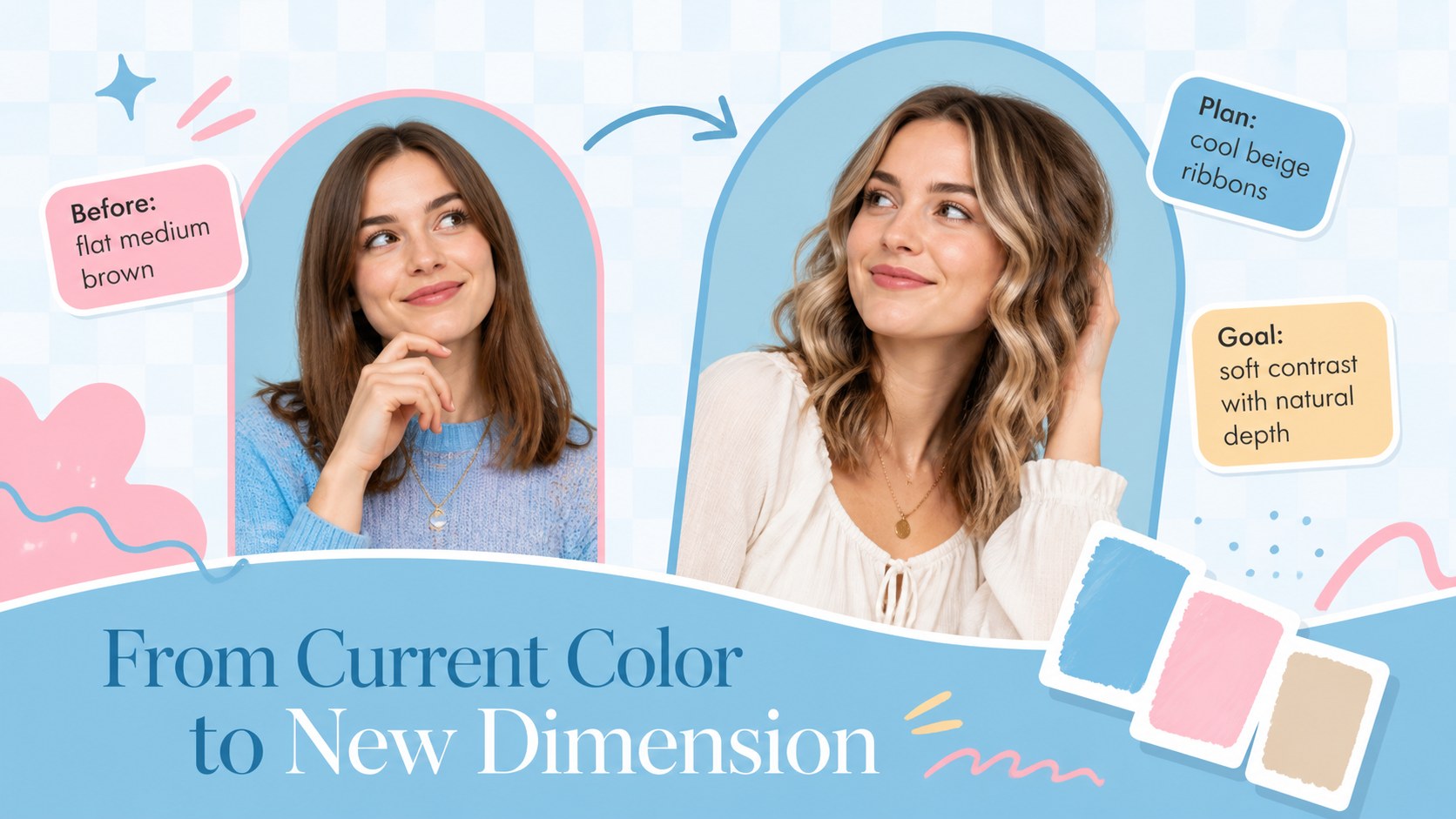
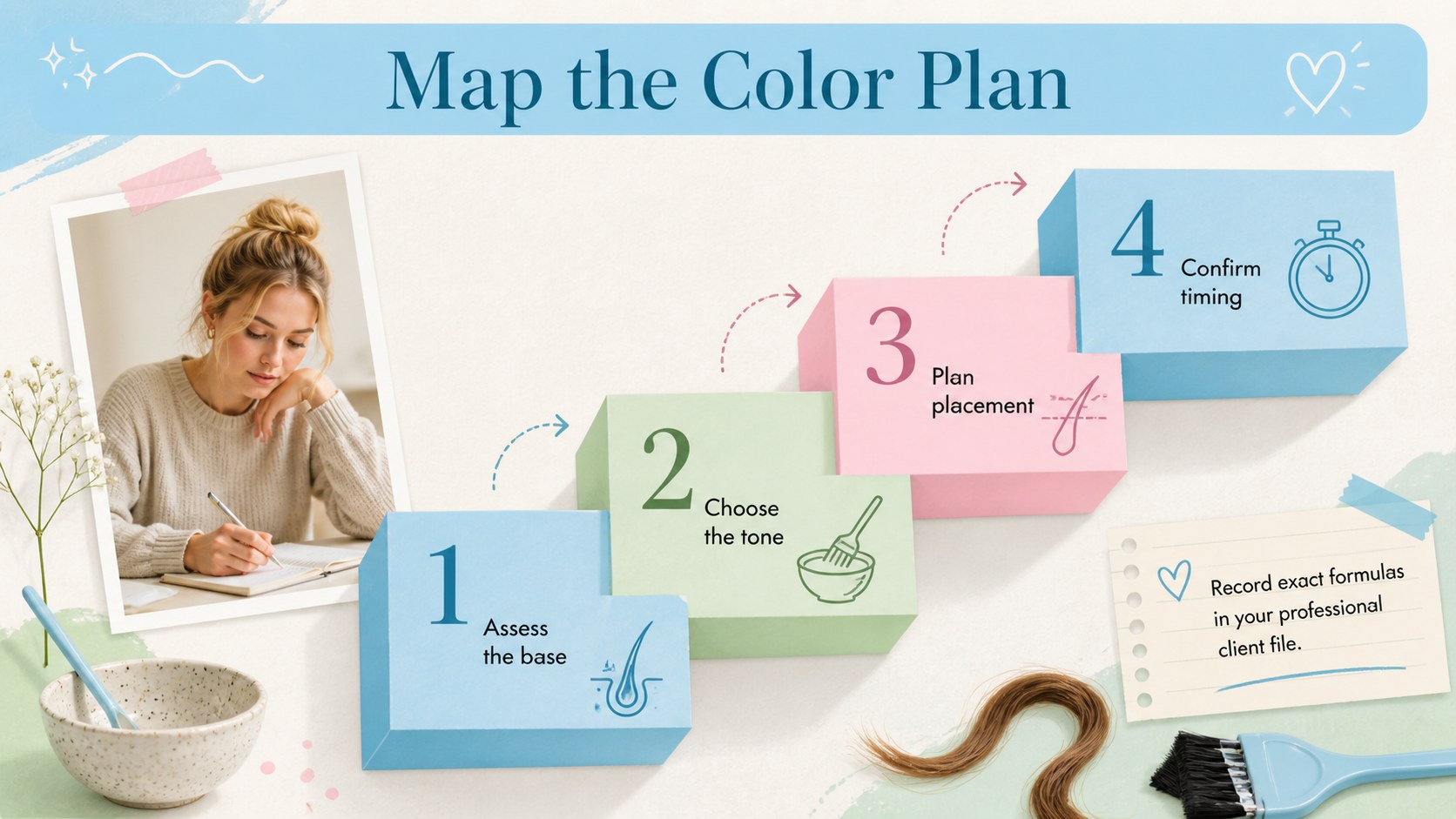
Create confident salon consultations with this Vibrant Hair Shade Guide, a playful blue and pastel deck for comparing tones in PowerPoint and Google Slides.

Design notes
Turn color ideas into a clear visual story with the Vibrant Hair Shade Guide. Designed around a bright blue foundation with playful pastel accents, this presentation helps stylists, educators, and beauty professionals explain shade families without losing the creative energy of the subject. Its refined decorative typography, colorful shapes, and feminine details feel polished enough for client meetings while remaining lively and accessible.
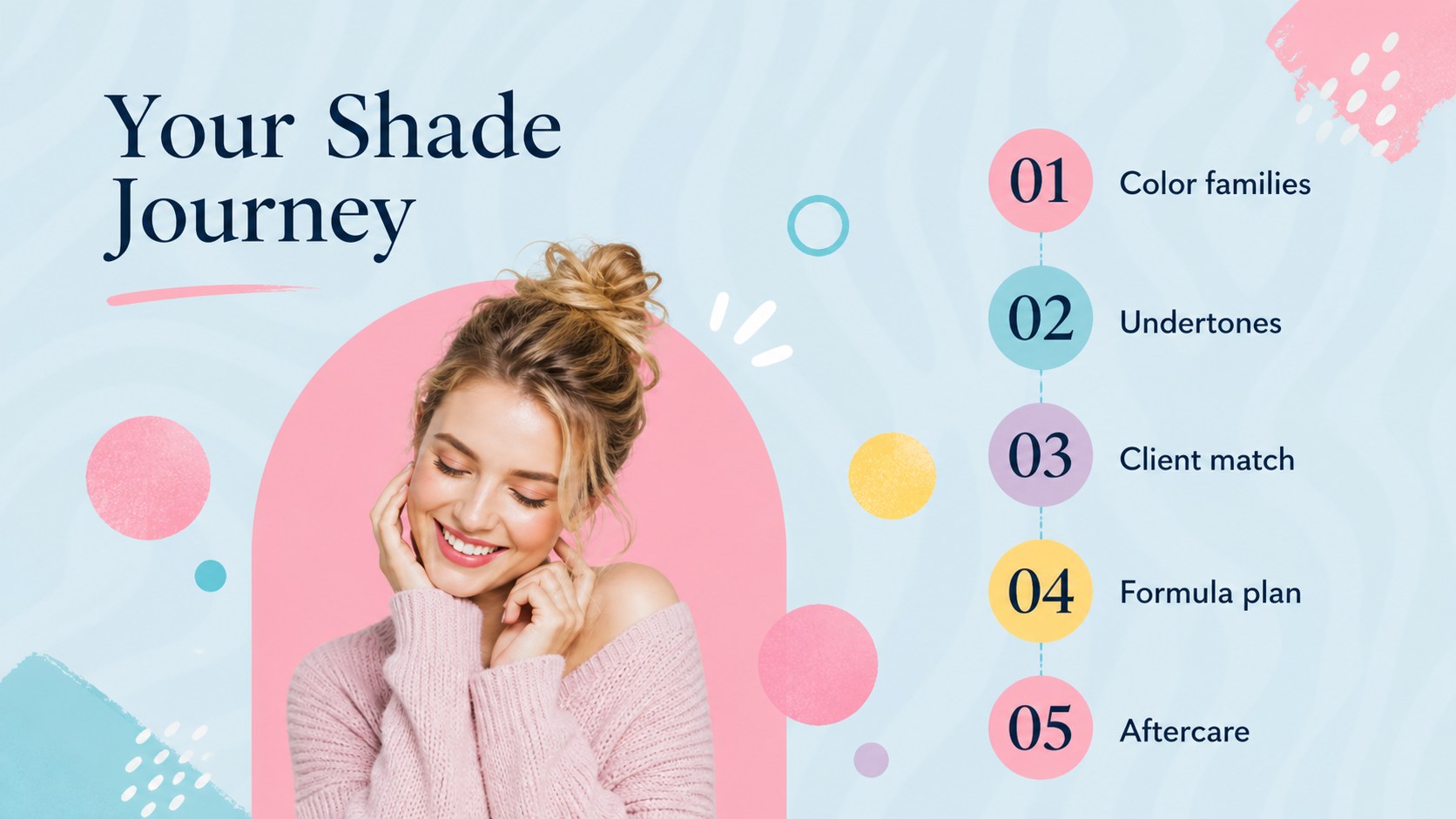
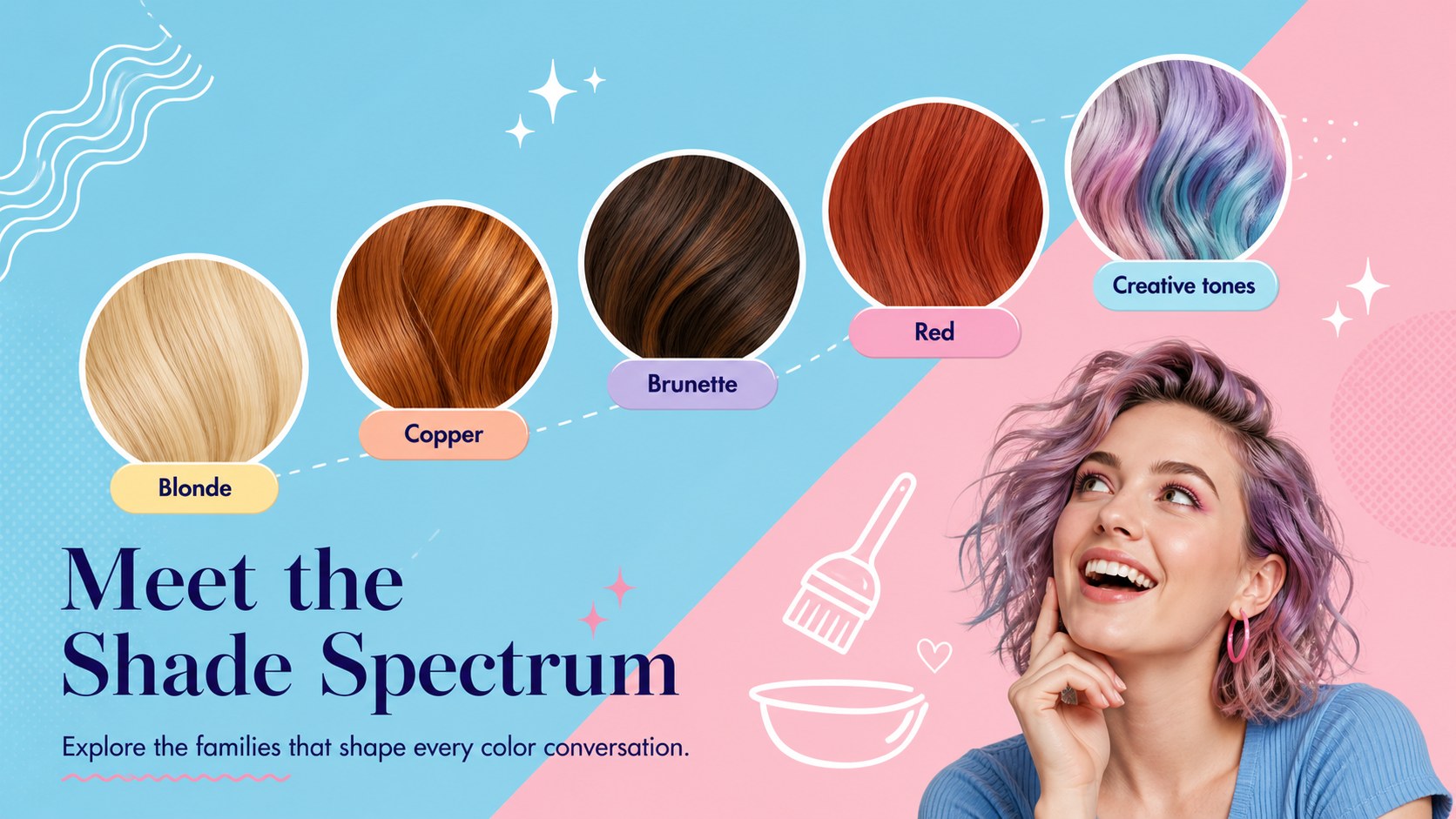
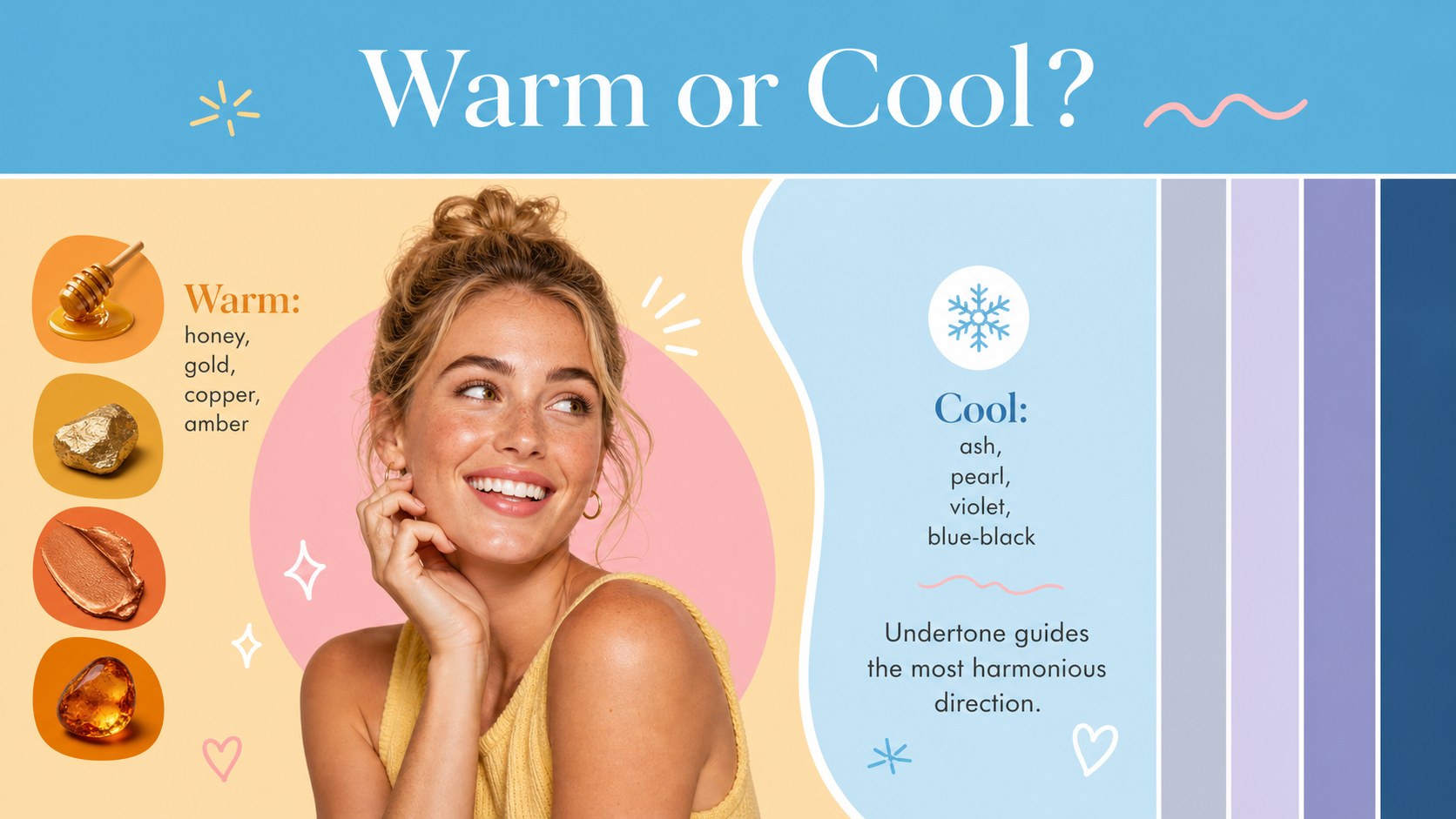
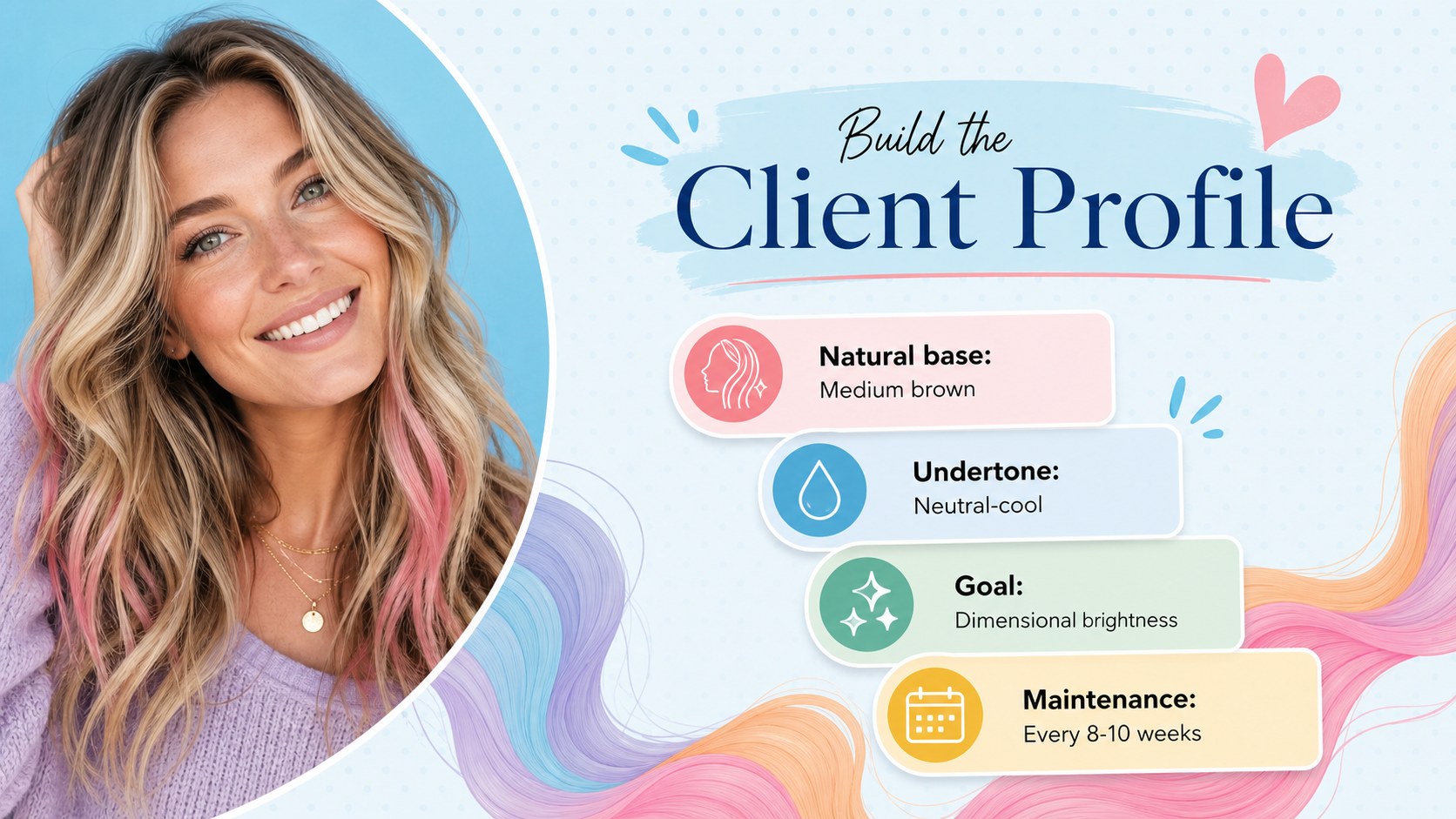
The deck includes 15 adaptable 16:9 layouts for a shade spectrum, warm and cool undertones, seasonal inspiration, client profiles, before-and-after planning, care recommendations, trend comparisons, and a step-by-step color journey. Use it as a hair color consultation presentation, a salon hair color swatch deck, or a visual companion for training sessions. Charts, image frames, comparison panels, timelines, and summary pages make it easy to organize both creative references and practical guidance.
Every slide can be edited in PowerPoint or Google Slides. Replace sample wording, adjust the blue and pastel colors, add salon photography, or tailor the shade examples to a specific service menu. The layouts suit hairstylists presenting recommendations, salon owners introducing seasonal collections, beauty schools teaching color theory, and trend forecasters sharing emerging looks. Whether shown to one client or a full workshop audience, this hair dye undertone guide slides collection keeps complex color choices easy to scan, discuss, and remember.
Perfect for: client hair color consultation; salon seasonal trend briefing; beauty school color theory lesson; stylist shade selection workshop; new color service launch.
Frequently asked questions
Which presentation platforms support this template? The deck is designed for PowerPoint and Google Slides. Its 16:9 format works well for screens, projectors, and online client consultations.
Practical details
The deck is designed for PowerPoint and Google Slides. Its 16:9 format works well for screens, projectors, and online client consultations.
Yes. Edit the color swatches, labels, photographs, and recommendation text to match your services or product range. You can also adjust the blue and pastel theme while preserving the slide layouts.
Yes. The image-based layouts can be updated with your own consultation or portfolio photography. Confirm that you have permission before using identifiable client images.
Yes. The undertone comparisons, shade spectrum, formula-planning layout, and care guidance can support salon training or beauty school lessons. Sample text can be expanded to match the depth of your course.
Keep exploring
15Build an engaging World UFO Day session with this flying saucer history lesson deck, featuring retro green-and-brown slides for PowerPoint and Google Slides.
 15
15Plan a lively animal-learning journey with this jungle zoo adventure lesson deck, ready to customize in PowerPoint and Google Slides for young learners.
 16
16Turn environmental research into a clear story with a Watercolor Ecology Presentation Theme for PowerPoint and Google Slides in calming green and blue.
 16
16Build focused fashion, literature, and humanities presentations with the Red Triangle Editorial Theme, editable in PowerPoint and Google Slides.
 15
15Turn streaming stats, favorite tracks, and concert highlights into a bold annual listening recap slide deck for PowerPoint and Google Slides.
 15
15Turn highlights, milestones, and favorite moments into a colorful year in review slide deck with bold 3D graphics for PowerPoint and Google Slides.
 3
3Build a credible endorsement with Standout Colleague Recommendation Letter Slides, featuring colorful prompts for skills, achievements, and team impact.
 4
4Build clear beginner sessions with an ice hockey fundamentals training deck for coaches, PE teachers, and clubs, ready for PowerPoint and Google Slides.