
 15
15presentation
Flying Saucer History Lesson Deck
Build an engaging World UFO Day session with this flying saucer history lesson deck, featuring retro green-and-brown slides for PowerPoint and Google Slides.
Google SlidesPowerPoint
presentation · English
Create heartfelt messages with Valentine love note slides, featuring playful pink and red doodles for editable PowerPoint and Google Slides keepsakes.
Design notes
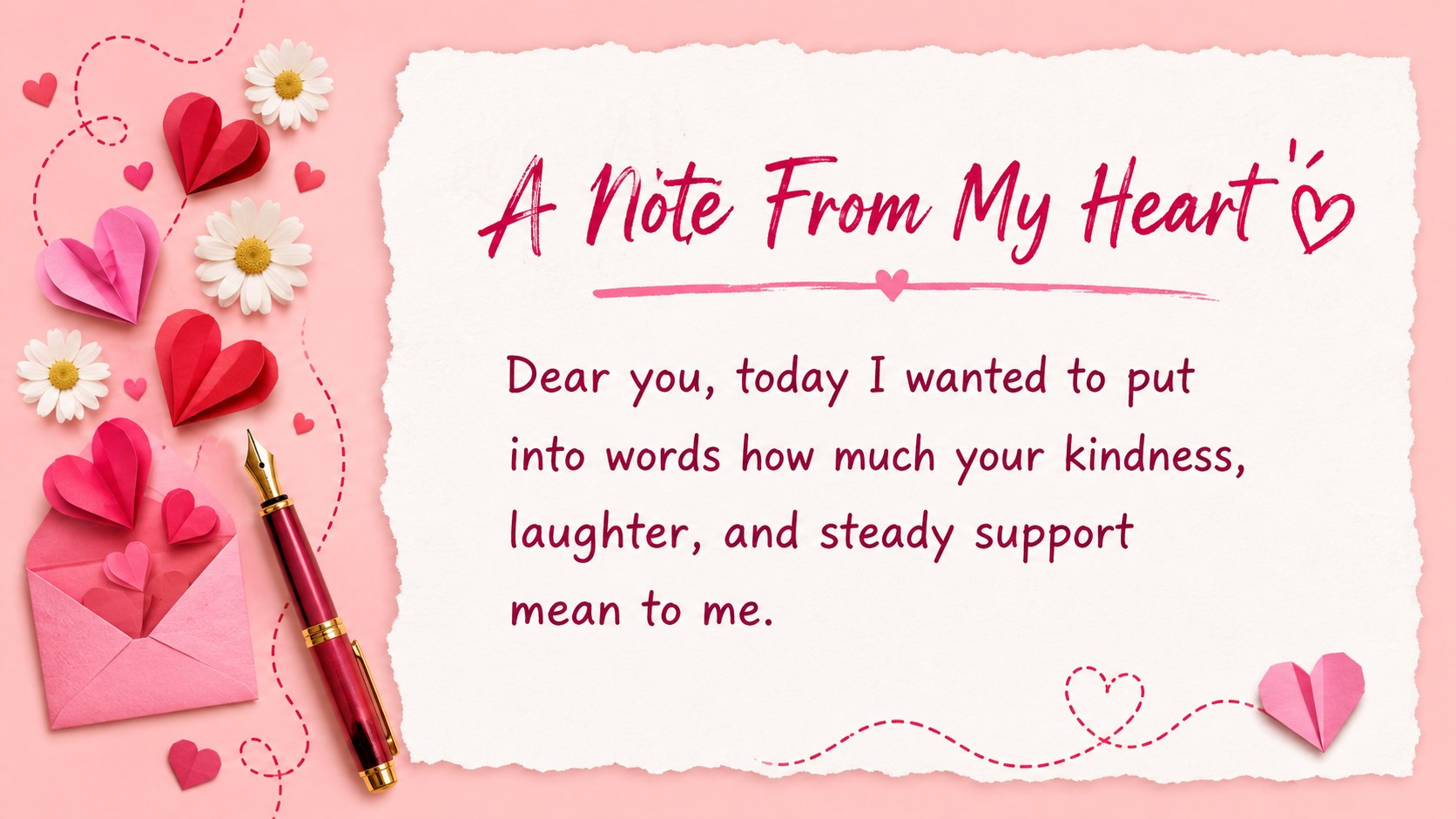
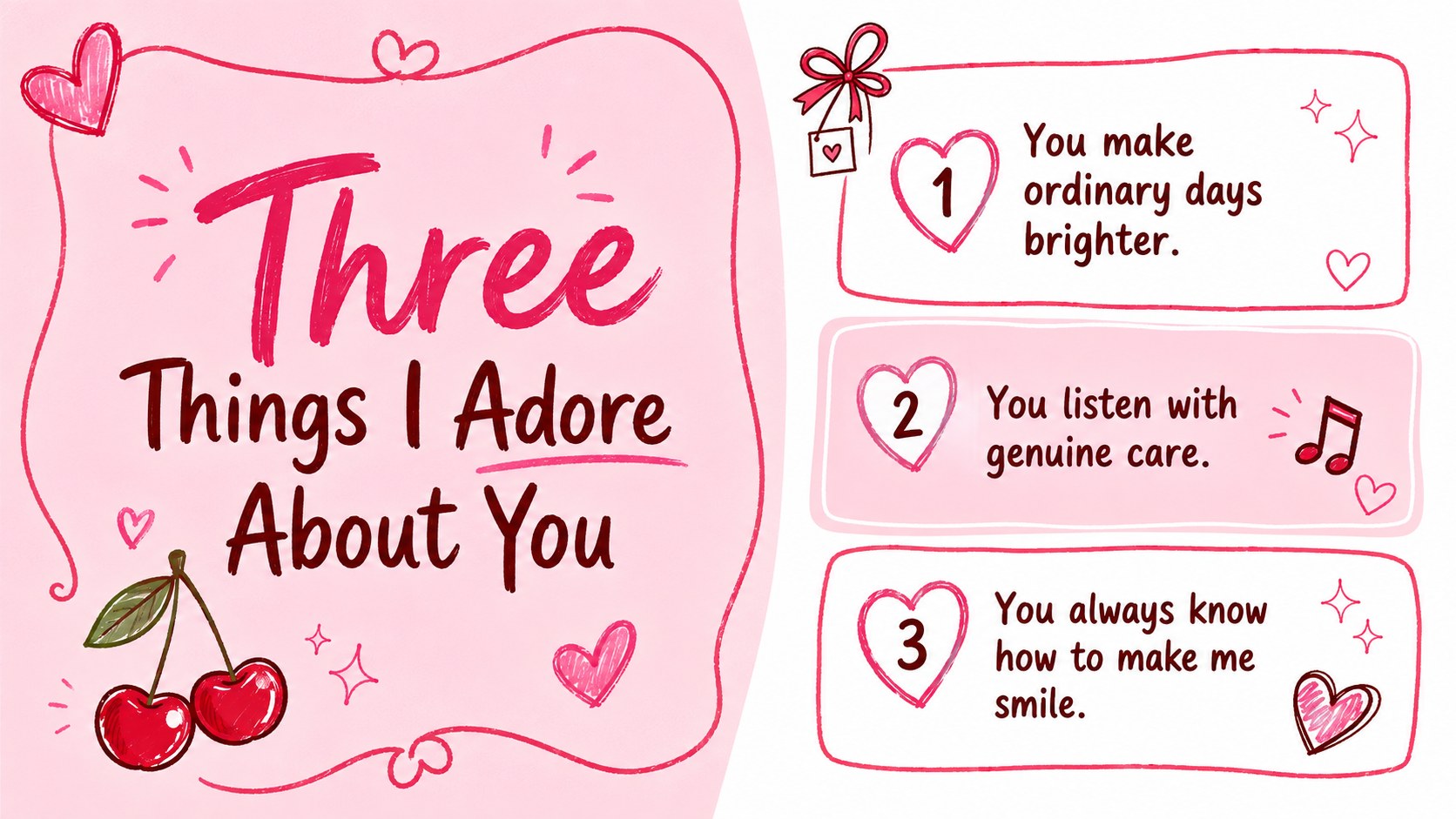
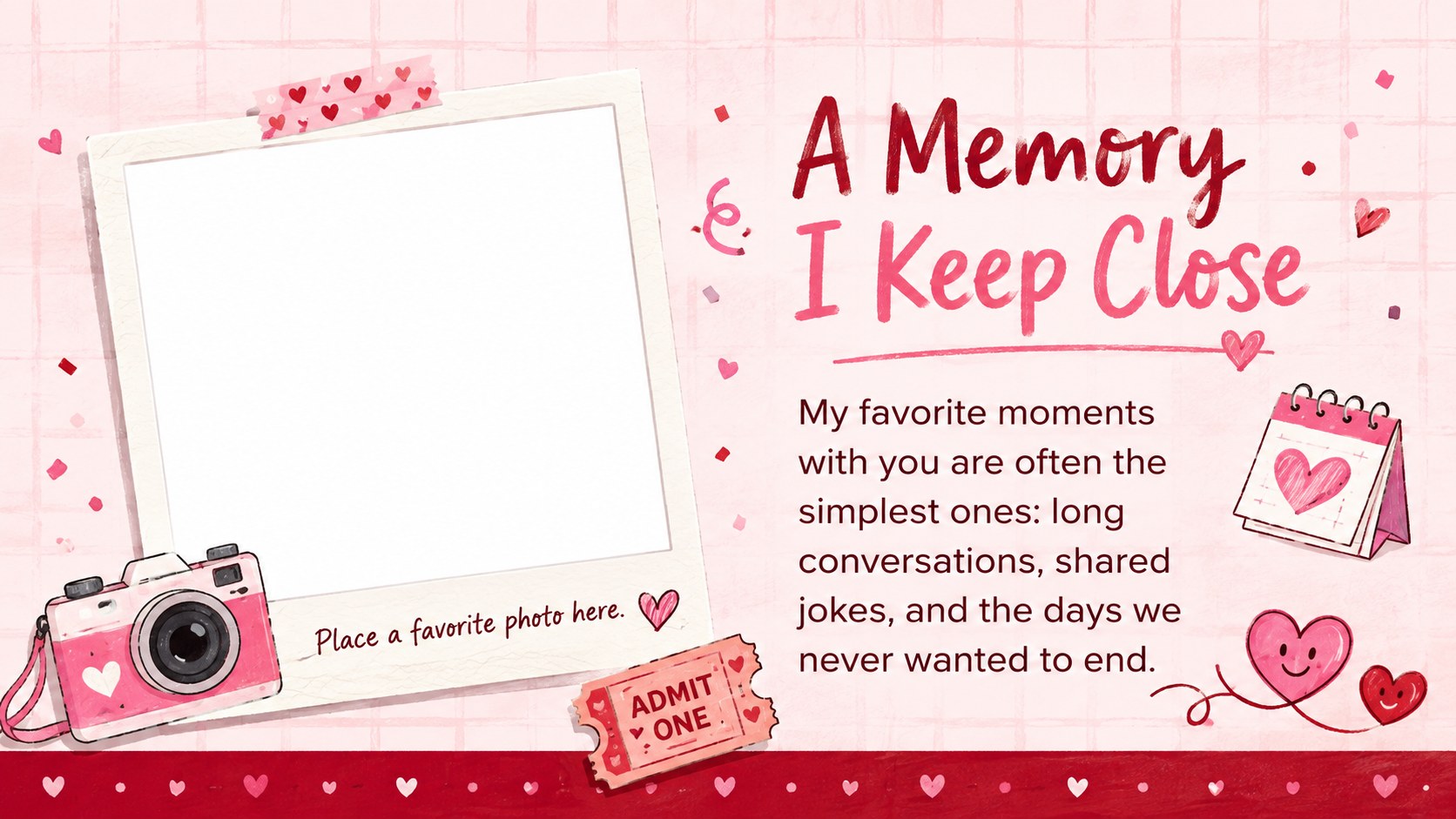
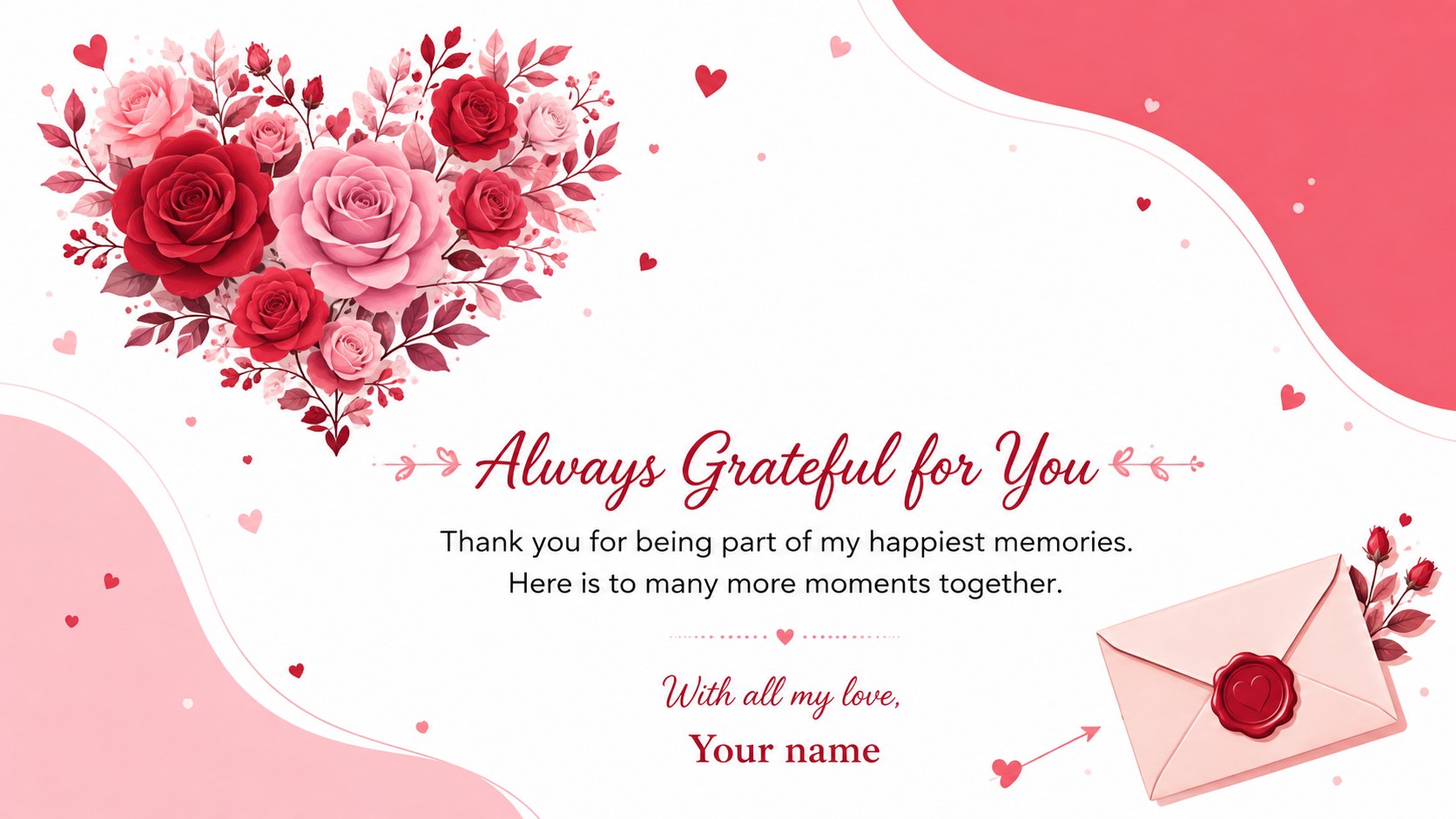
The Valentine love note slides turn personal words into a thoughtful visual keepsake. Playful hearts, envelopes, flowers, and hand-drawn accents bring warmth to the vivid pink and red palette without distracting from your message. Use the layouts to share affection, gratitude, favorite memories, or the qualities you appreciate most about someone special.
Inside are five coordinated 16:9 layouts: a welcoming cover, an opening note, an appreciation list, a favorite-memory page, and a warm closing message. Each page provides clear writing space while leaving room for photos, short quotations, dates, or personal details. This pink red doodle love note template is fully editable in PowerPoint and Google Slides, so you can adjust the wording, fonts, colors, graphics, and slide order to suit your relationship and occasion.
The deck works as romantic letter slides for couples, but it is equally useful for friendship tributes, family messages, classroom kindness activities, and digital Valentine greetings. Present it on screen, share it as an editable file, or export the finished pages as a PDF for a printable gift. Whether your message is sincere, lighthearted, or a little nostalgic, these layouts help you create a polished heartfelt message deck for PowerPoint without losing the personal character of a handwritten note.
Perfect for: romantic Valentine message; partner appreciation keepsake; friendship tribute slideshow; family love letter; classroom kindness activity.
Frequently asked questions
Can I edit these slides in PowerPoint and Google Slides? Yes. The layouts, text, colors, and decorative elements can be edited in both PowerPoint and Google Slides. Some font substitutions may occur if a typeface is not installed or available on your platform.
Practical details
Yes. The layouts, text, colors, and decorative elements can be edited in both PowerPoint and Google Slides. Some font substitutions may occur if a typeface is not installed or available on your platform.
Replace the sample wording with your own message, then add names, meaningful dates, photographs, or a favorite quotation. You can also reorder or duplicate pages to create a longer letter.
Yes. Export the completed slides as a PDF and choose high-quality printing for the clearest results. Check the print preview first because the slides use a 16:9 landscape format.
No. The affectionate but flexible wording also works for close friends, family members, classroom appreciation projects, and kindness activities. Adjust the greetings and closing message to fit the recipient.
Keep exploring
15Build an engaging World UFO Day session with this flying saucer history lesson deck, featuring retro green-and-brown slides for PowerPoint and Google Slides.
 15
15Plan a lively animal-learning journey with this jungle zoo adventure lesson deck, ready to customize in PowerPoint and Google Slides for young learners.
 16
16Turn environmental research into a clear story with a Watercolor Ecology Presentation Theme for PowerPoint and Google Slides in calming green and blue.
 16
16Build focused fashion, literature, and humanities presentations with the Red Triangle Editorial Theme, editable in PowerPoint and Google Slides.
 15
15Turn streaming stats, favorite tracks, and concert highlights into a bold annual listening recap slide deck for PowerPoint and Google Slides.
 15
15Turn highlights, milestones, and favorite moments into a colorful year in review slide deck with bold 3D graphics for PowerPoint and Google Slides.
 3
3Build a credible endorsement with Standout Colleague Recommendation Letter Slides, featuring colorful prompts for skills, achievements, and team impact.
 4
4Build clear beginner sessions with an ice hockey fundamentals training deck for coaches, PE teachers, and clubs, ready for PowerPoint and Google Slides.