
 15
15presentation
Flying Saucer History Lesson Deck
Build an engaging World UFO Day session with this flying saucer history lesson deck, featuring retro green-and-brown slides for PowerPoint and Google Slides.
Google SlidesPowerPoint
spreadsheet · English
Build each day around bookings, routes, and must-see stops with this vacation schedule organizer spreadsheet for Excel and Google Sheets in one practical…
Design notes
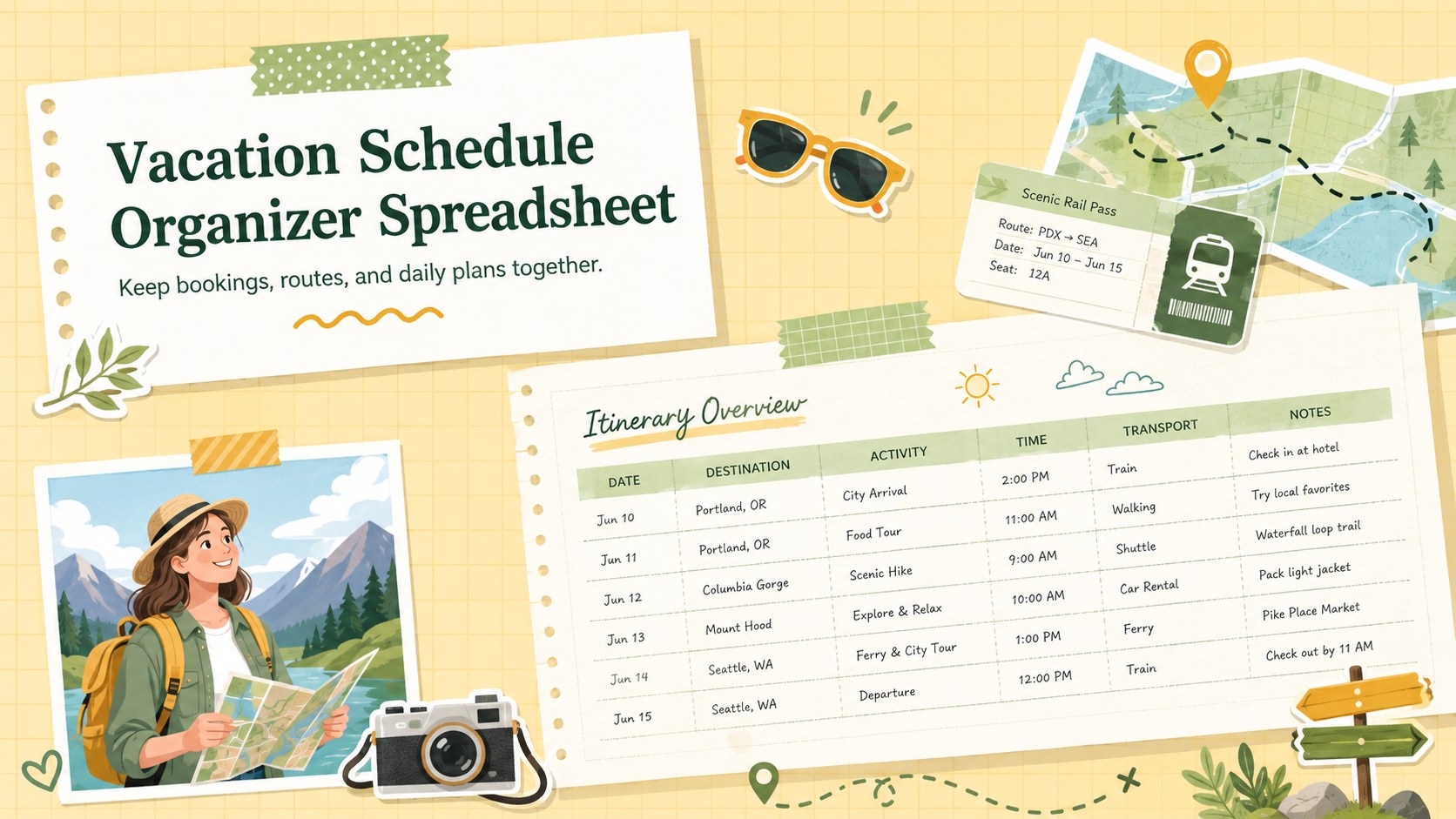
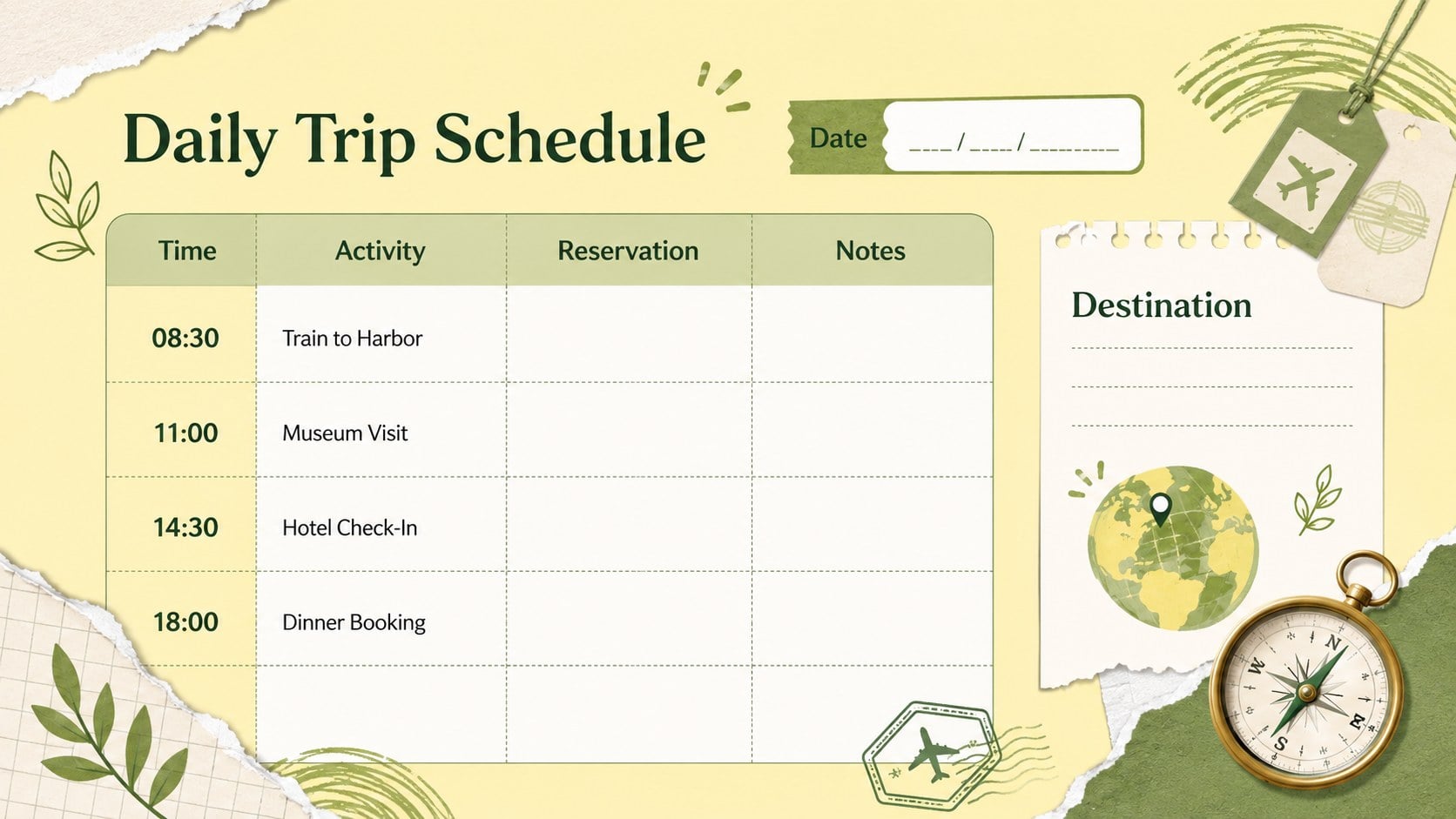
Turn scattered confirmations and destination notes into one clear plan with the Vacation Schedule Organizer Spreadsheet. Its lively yellow and pastel green palette, scrapbook-inspired accents, and playful travel doodles make preparation feel approachable while keeping essential information easy to scan. Use it as a daily trip schedule template for a weekend escape, family holiday, road trip, or longer multi-city journey.
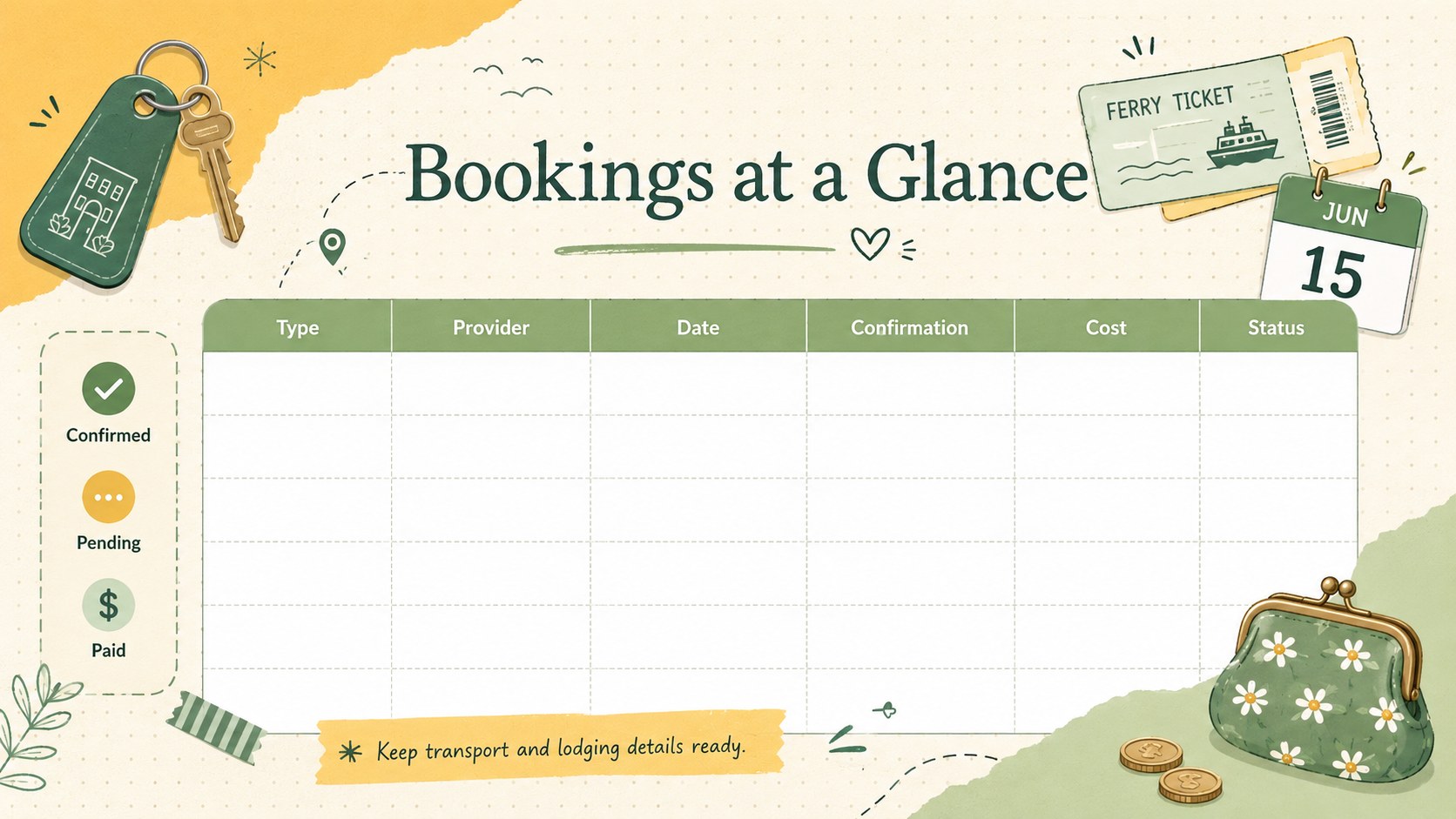
Inside, you can arrange destinations by date, record departure and arrival times, list accommodation details, and note activities or must-see locations. Dedicated spaces help you track booking references, transport plans, estimated costs, contact details, and personal reminders. The layout also works as a travel booking tracker for Excel, allowing reservations and timings to remain visible in one practical file. Colors, labels, rows, and sections can be adjusted to match the length and style of your trip.
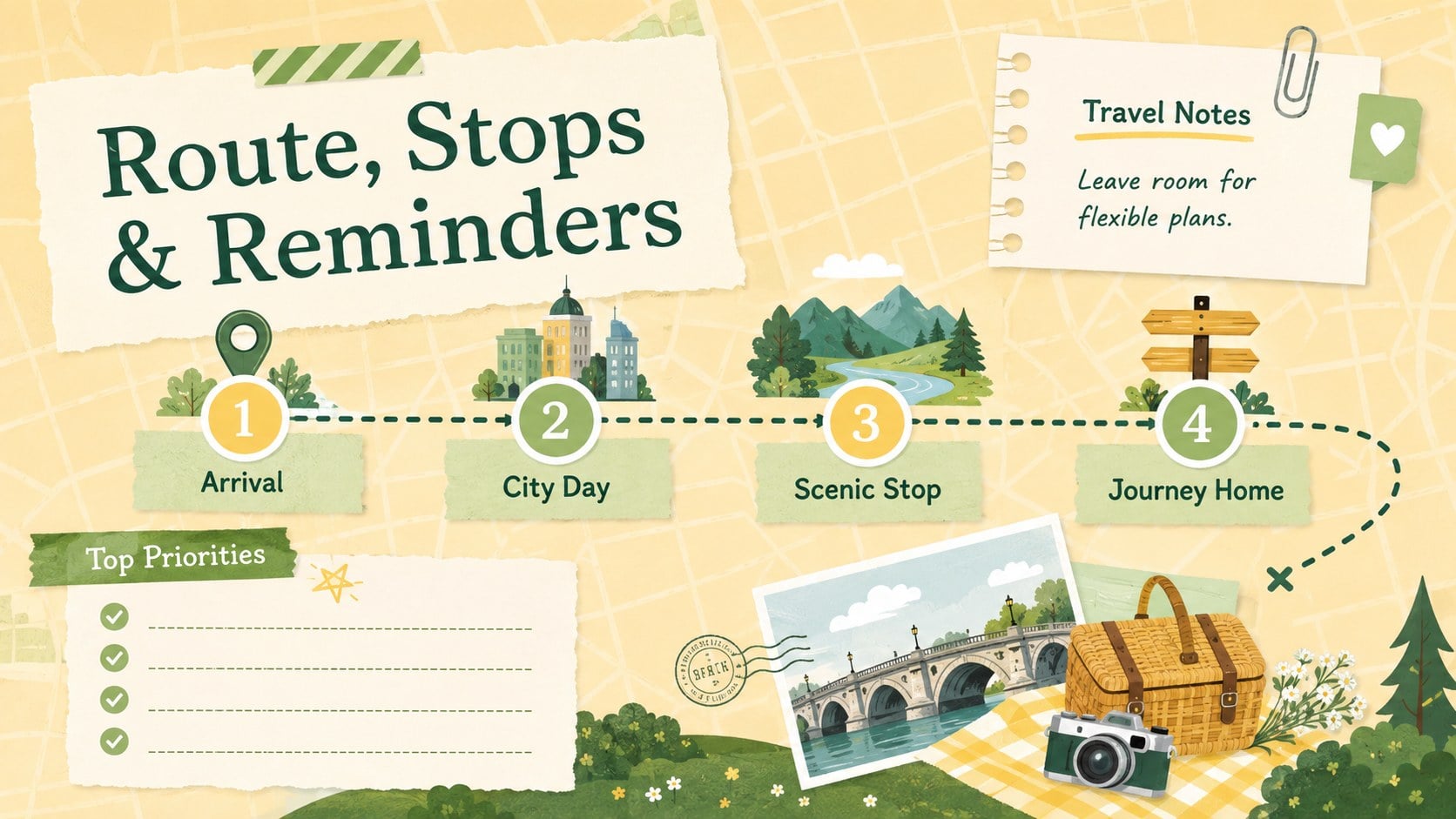
This Google Sheets vacation planner is suitable for solo travelers, couples, families, travel coordinators, and groups sharing responsibilities. Update the spreadsheet as plans change, duplicate daily sections for longer journeys, or print selected pages for offline reference. The organized structure reduces last-minute searching while leaving enough flexibility for spontaneous activities. Whether you are coordinating flights, planning a scenic drive, or balancing sightseeing with rest days, the template provides a bright, dependable overview from departure through the journey home.
Perfect for: family vacation planning; multi-city travel scheduling; weekend getaway coordination; road trip route planning; group booking management.
Frequently asked questions
Can I edit this spreadsheet in Excel and Google Sheets? Yes. You can update the itinerary, booking details, dates, colors, and labels in Microsoft Excel or Google Sheets. Some fonts or formatting may vary slightly between platforms.
Practical details
Yes. You can update the itinerary, booking details, dates, colors, and labels in Microsoft Excel or Google Sheets. Some fonts or formatting may vary slightly between platforms.
Yes. Duplicate the daily planning sections or add rows for extra destinations, reservations, and activities. You can also create separate tabs for different cities or stages of the journey.
Yes. The layouts provide room for transport times, accommodation details, confirmation references, contact information, and notes. Rename or expand these fields to suit your travel arrangements.
Yes. Replace the fill colors, type styles, borders, and decorative accents with a palette that matches your destination or group. Keep strong contrast between headings and data cells so the schedule remains readable.
Keep exploring
15Build an engaging World UFO Day session with this flying saucer history lesson deck, featuring retro green-and-brown slides for PowerPoint and Google Slides.
 15
15Plan a lively animal-learning journey with this jungle zoo adventure lesson deck, ready to customize in PowerPoint and Google Slides for young learners.
 16
16Turn environmental research into a clear story with a Watercolor Ecology Presentation Theme for PowerPoint and Google Slides in calming green and blue.
 16
16Build focused fashion, literature, and humanities presentations with the Red Triangle Editorial Theme, editable in PowerPoint and Google Slides.
 15
15Turn streaming stats, favorite tracks, and concert highlights into a bold annual listening recap slide deck for PowerPoint and Google Slides.
 15
15Turn highlights, milestones, and favorite moments into a colorful year in review slide deck with bold 3D graphics for PowerPoint and Google Slides.
 3
3Build a credible endorsement with Standout Colleague Recommendation Letter Slides, featuring colorful prompts for skills, achievements, and team impact.
 4
4Build clear beginner sessions with an ice hockey fundamentals training deck for coaches, PE teachers, and clubs, ready for PowerPoint and Google Slides.