
 15
15presentation
Flying Saucer History Lesson Deck
Build an engaging World UFO Day session with this flying saucer history lesson deck, featuring retro green-and-brown slides for PowerPoint and Google Slides.
Google SlidesPowerPoint
presentation · English
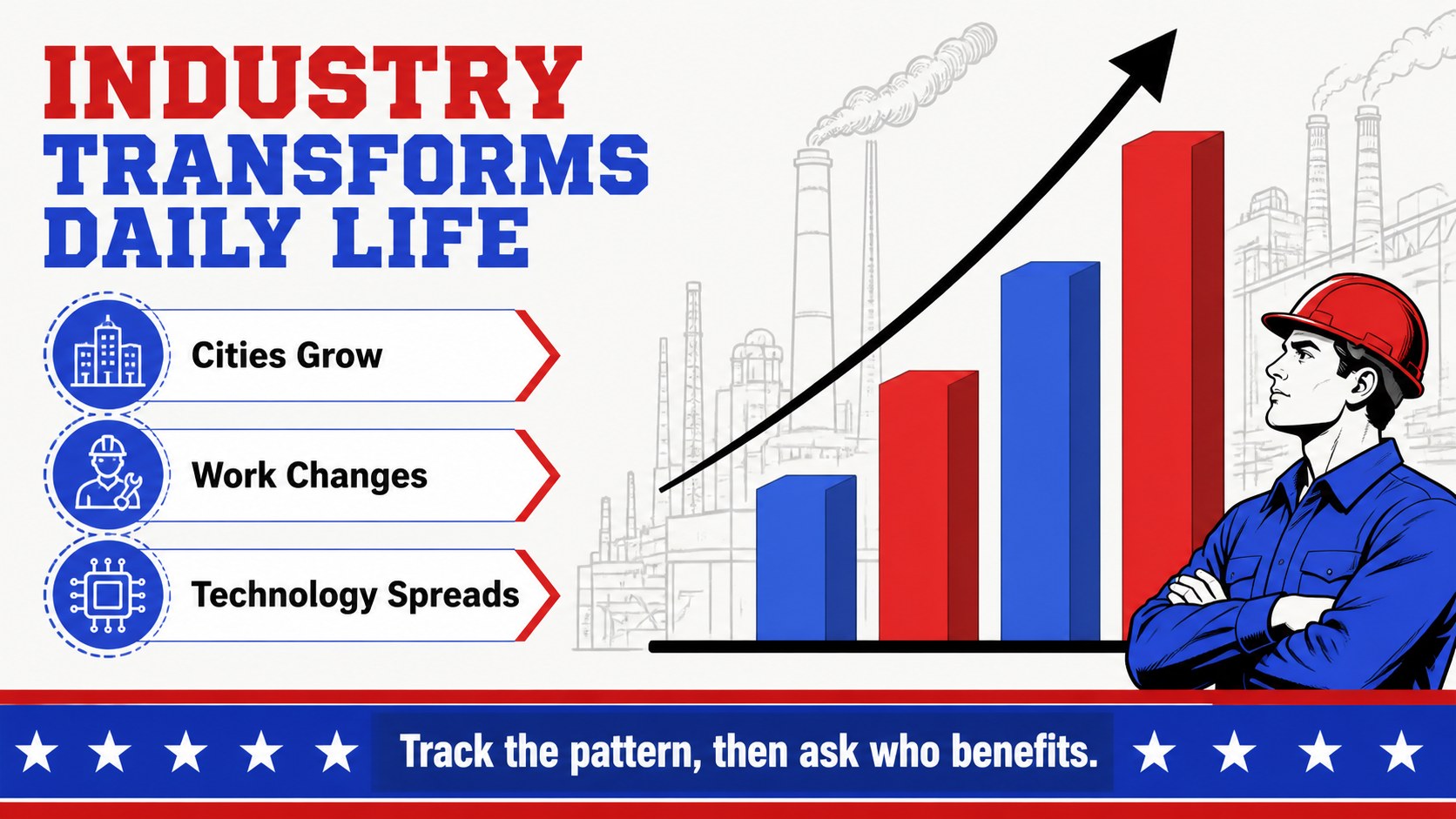
Build engaging US history lessons with a red, blue, and black slide theme for middle school timelines, key events, discussion prompts, and review.
Design notes
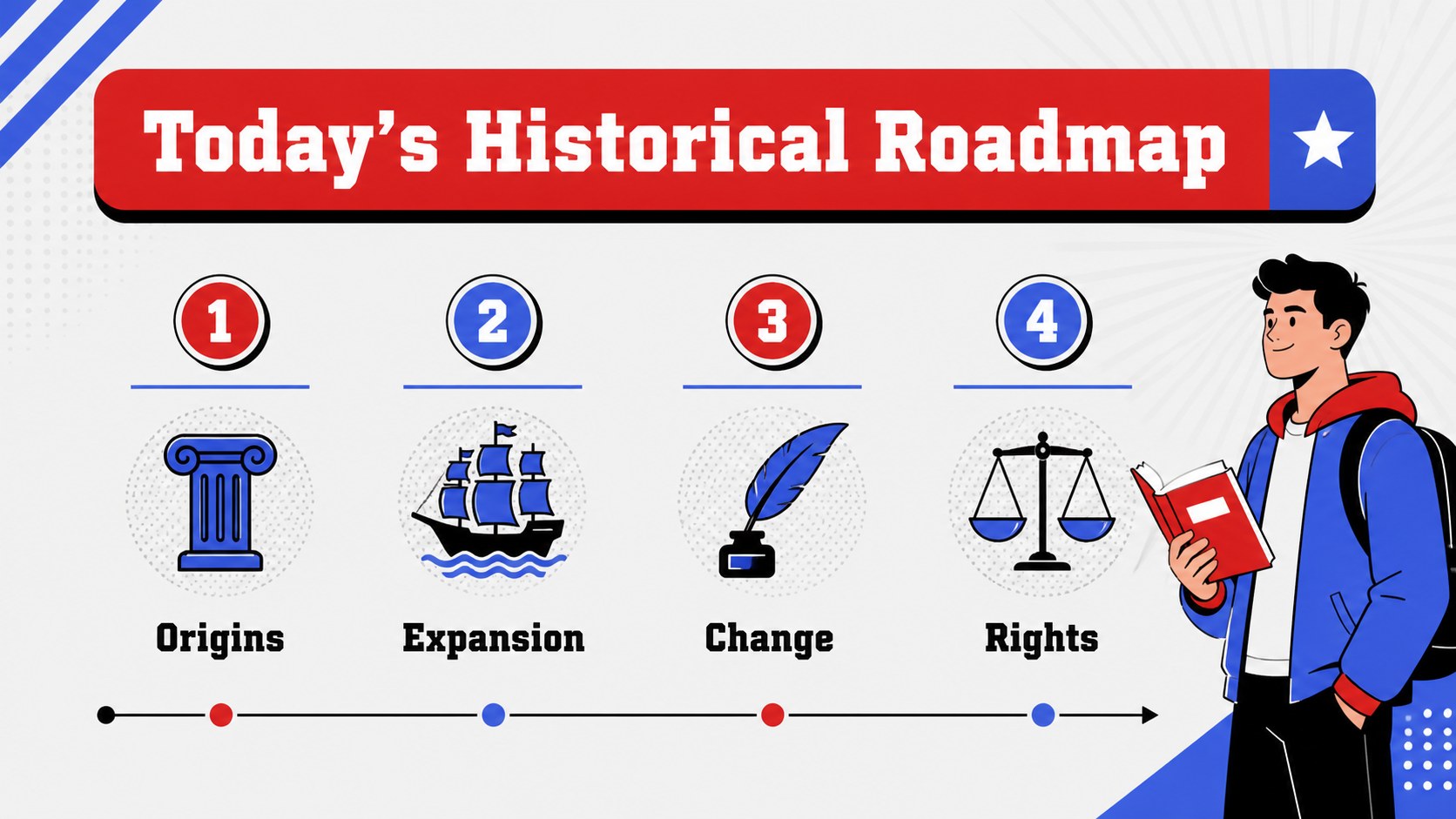
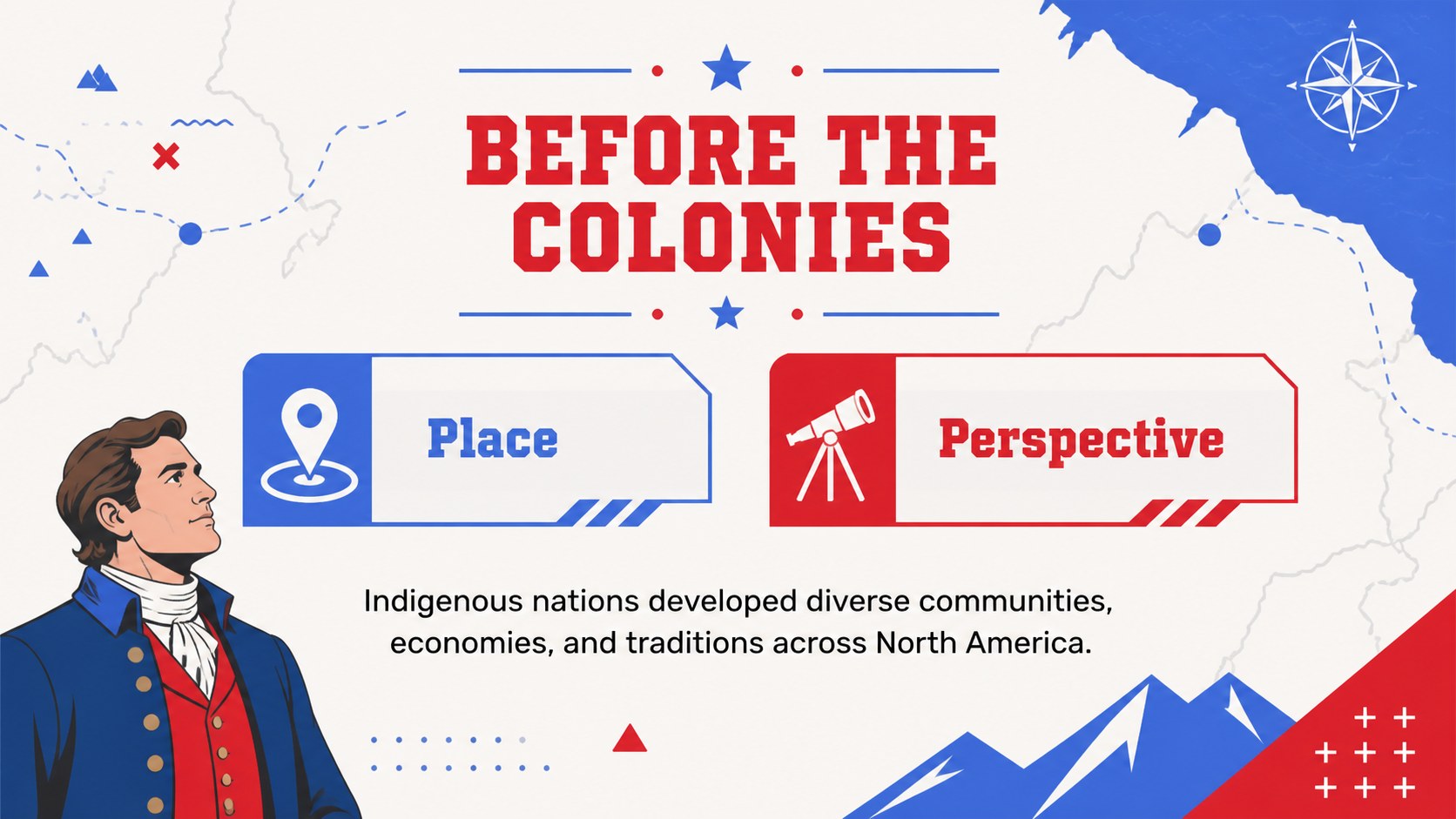
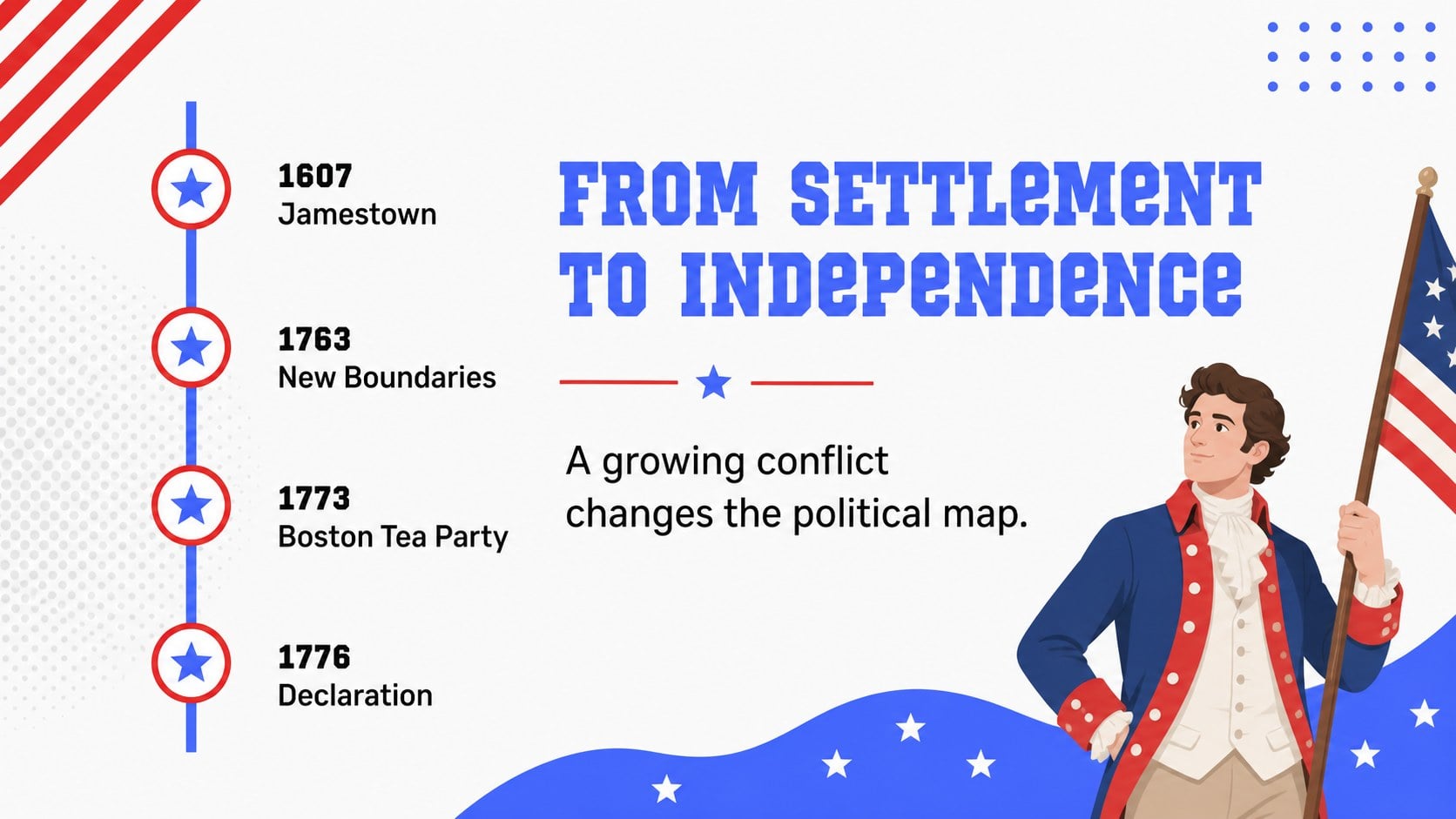
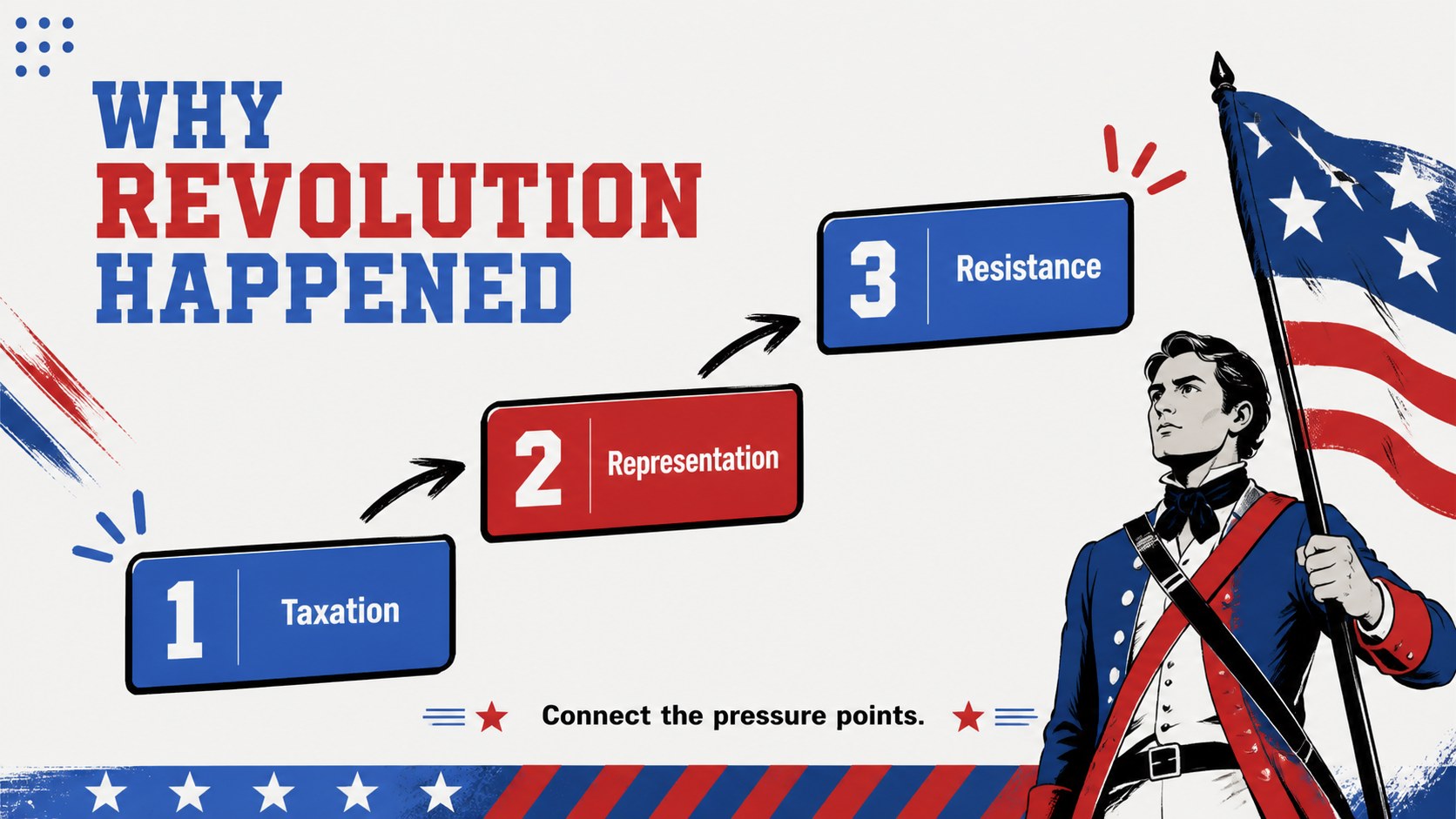
Build context, connect events, and keep every learner engaged with this US history lesson deck for middle school. Its bold red, blue, black, and white palette gives historical topics a clear visual rhythm, while animated transitions and graphic accents help students follow events across time. The layouts are designed for teachers who want a lively classroom presentation without sacrificing structure or readability.
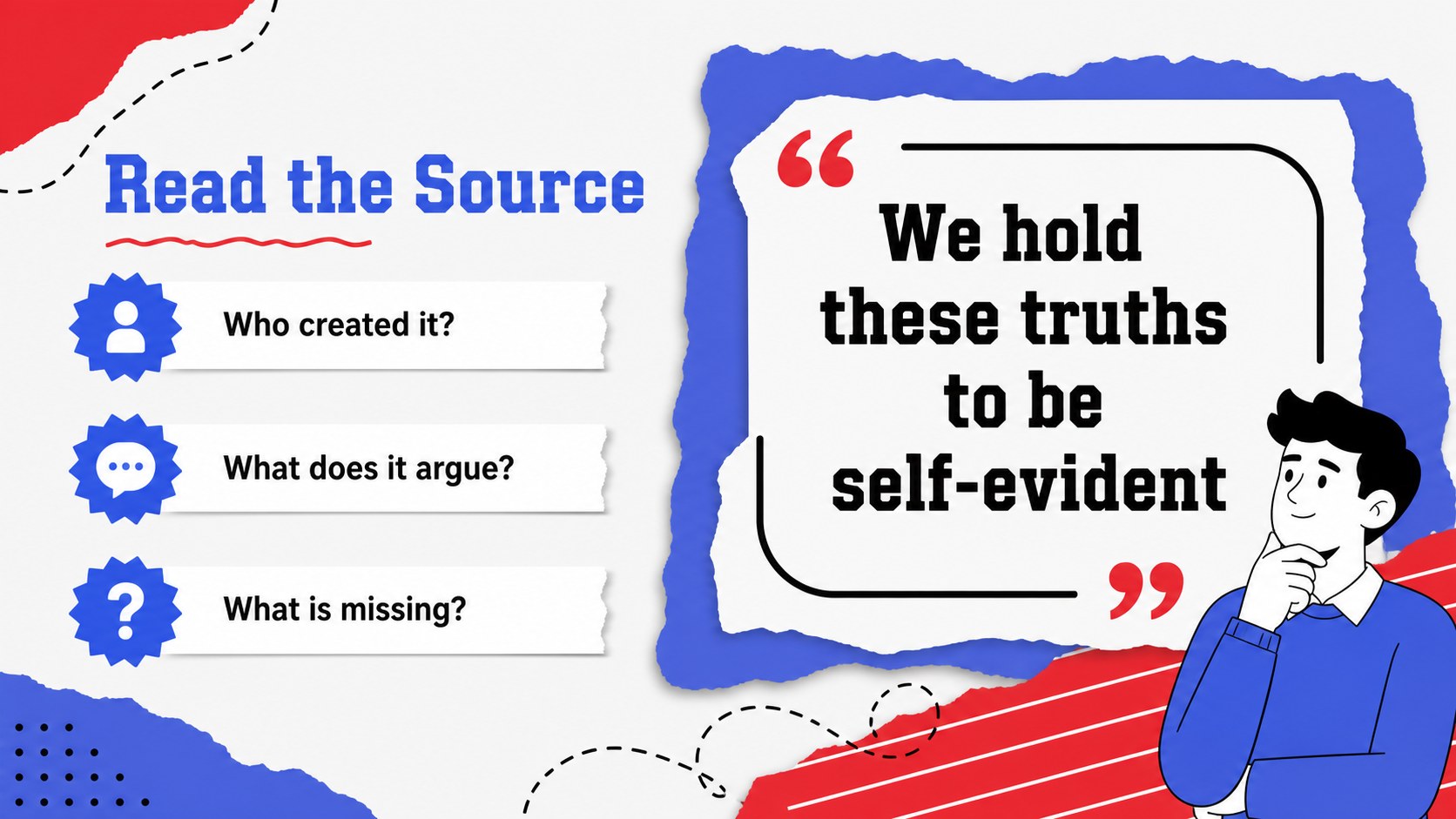
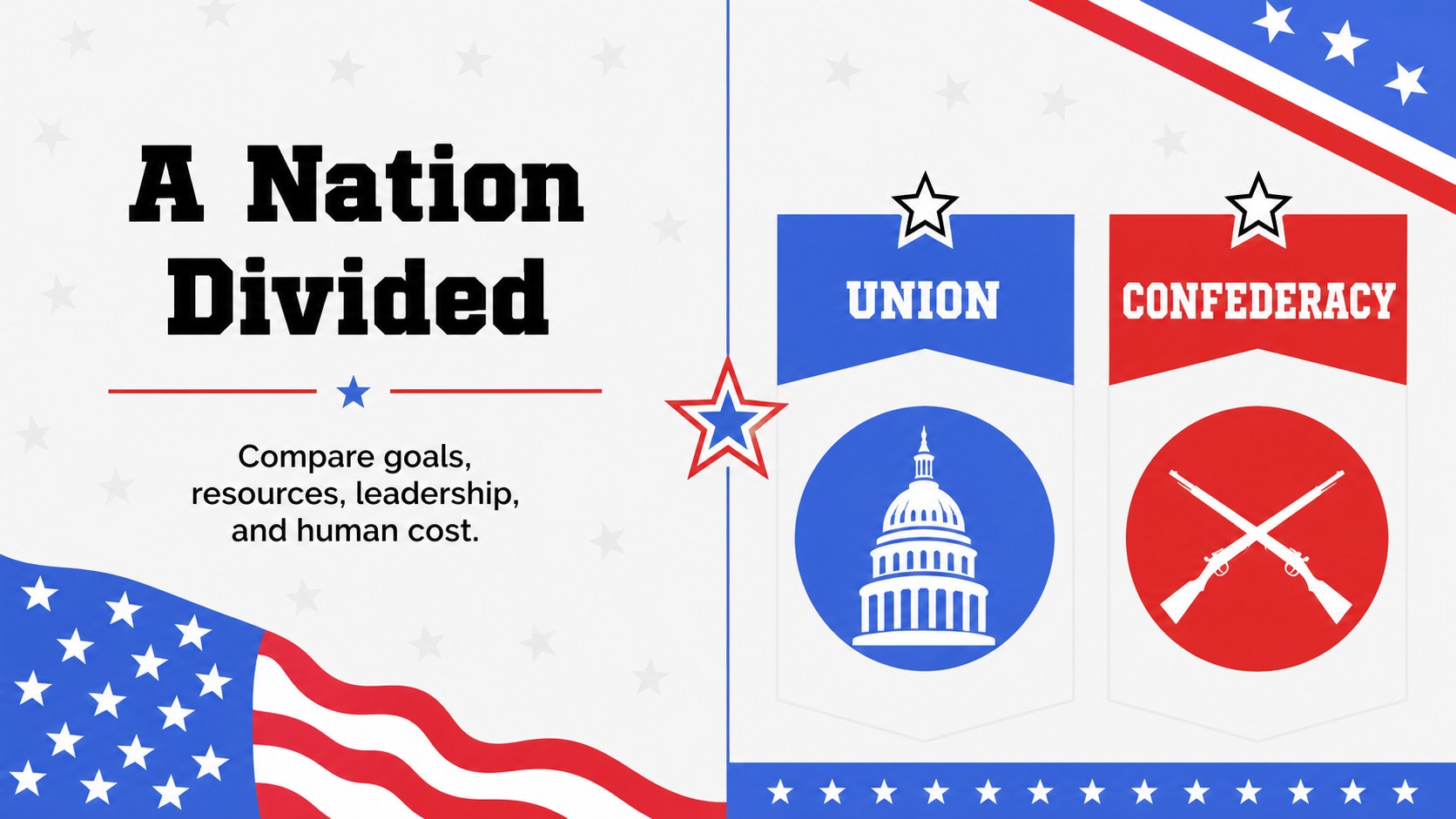
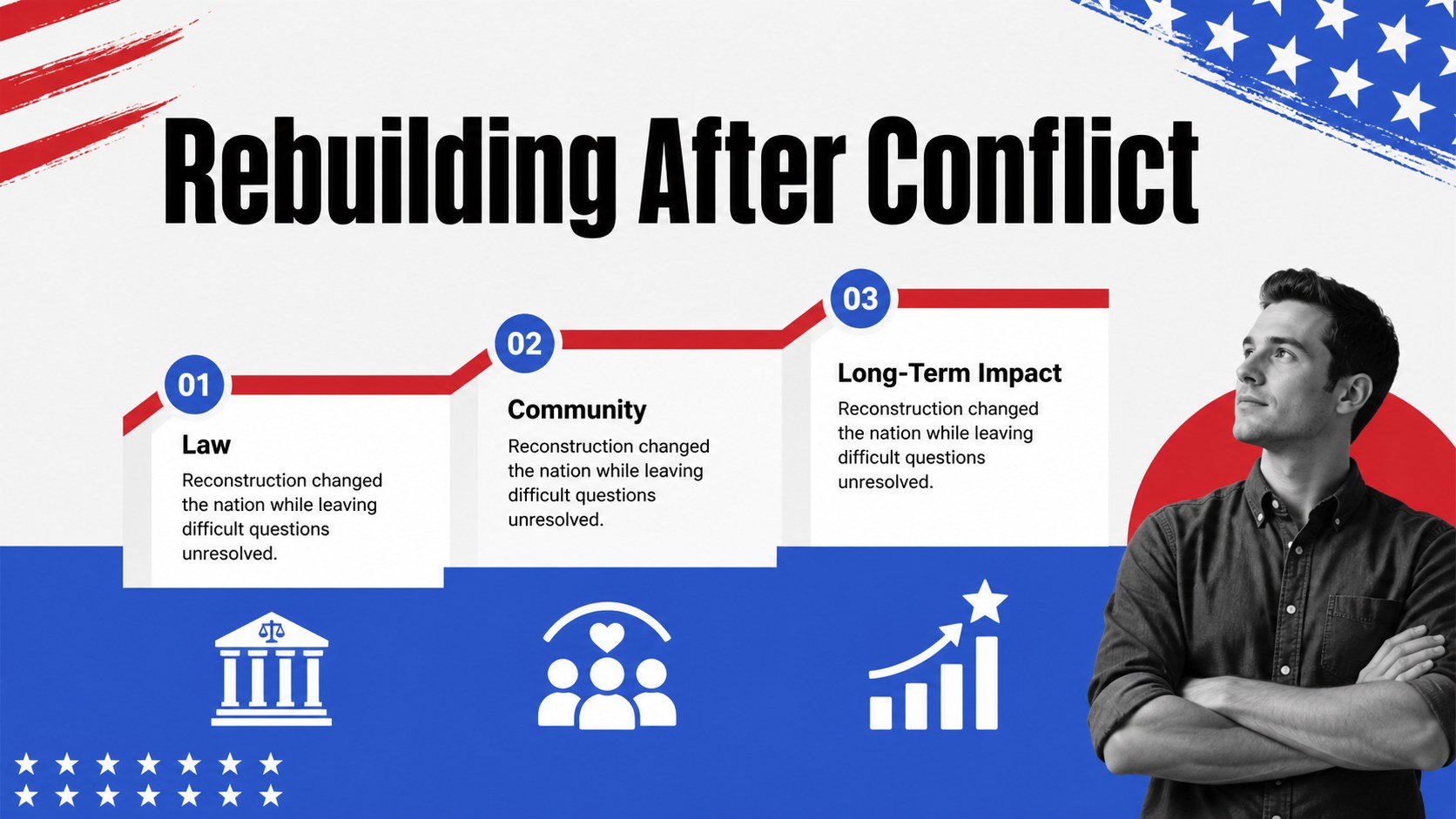
Inside, you’ll find more than 25 editable slides for introducing a unit, organizing a US history timeline lesson, presenting key figures, comparing turning points, highlighting primary-source ideas, and ending with reflection questions. Add maps, archival photos, icons, short quotations, charts, and discussion prompts to match your curriculum. The deck also supports a middle school American history presentation with modular layouts that can be shortened for a quick review or expanded into a full lesson sequence.
Use the template for social studies classes, remote teaching, student research projects, history fair presentations, or exam revision. Every slide is customizable in PowerPoint and Google Slides, with editable text, shapes, colors, images, and transitions. Download the files, replace the sample content with your lesson material, and create a focused visual narrative from early Indigenous societies through modern civil rights milestones.
Perfect for: social studies unit introduction; middle school history review; remote American history lesson; student history fair project; civil rights discussion; exam revision session.
Frequently asked questions
Can I edit this deck in PowerPoint and Google Slides? Yes. The template is designed for both PowerPoint and Google Slides. You can change the text, colors, images, shapes, charts, and transitions in either platform.
Practical details
Yes. The template is designed for both PowerPoint and Google Slides. You can change the text, colors, images, shapes, charts, and transitions in either platform.
Yes. The layouts can support chronological lessons, topic comparisons, biographies, primary-source analysis, and review activities. Replace the sample content with material from your own curriculum.
Yes. Editable color elements let you preserve the bold red, blue, black, and white style or adjust it for your classroom or school identity. Images, icons, quotations, and diagrams can also be replaced.
The deck includes more than 25 editable layouts, while the preview gallery shows 15 representative slides. Use, duplicate, reorder, or remove layouts to create the lesson length you need.
Keep exploring
15Build an engaging World UFO Day session with this flying saucer history lesson deck, featuring retro green-and-brown slides for PowerPoint and Google Slides.
 15
15Plan a lively animal-learning journey with this jungle zoo adventure lesson deck, ready to customize in PowerPoint and Google Slides for young learners.
 16
16Turn environmental research into a clear story with a Watercolor Ecology Presentation Theme for PowerPoint and Google Slides in calming green and blue.
 16
16Build focused fashion, literature, and humanities presentations with the Red Triangle Editorial Theme, editable in PowerPoint and Google Slides.
 15
15Turn streaming stats, favorite tracks, and concert highlights into a bold annual listening recap slide deck for PowerPoint and Google Slides.
 15
15Turn highlights, milestones, and favorite moments into a colorful year in review slide deck with bold 3D graphics for PowerPoint and Google Slides.
 3
3Build a credible endorsement with Standout Colleague Recommendation Letter Slides, featuring colorful prompts for skills, achievements, and team impact.
 4
4Build clear beginner sessions with an ice hockey fundamentals training deck for coaches, PE teachers, and clubs, ready for PowerPoint and Google Slides.