
 15
15presentation
Flying Saucer History Lesson Deck
Build an engaging World UFO Day session with this flying saucer history lesson deck, featuring retro green-and-brown slides for PowerPoint and Google Slides.
Google SlidesPowerPoint
presentation · English
Build a sharper visual system with this urban gradient brand identity deck, featuring editable green-and-pink slides for retail and creative teams.
Design notes
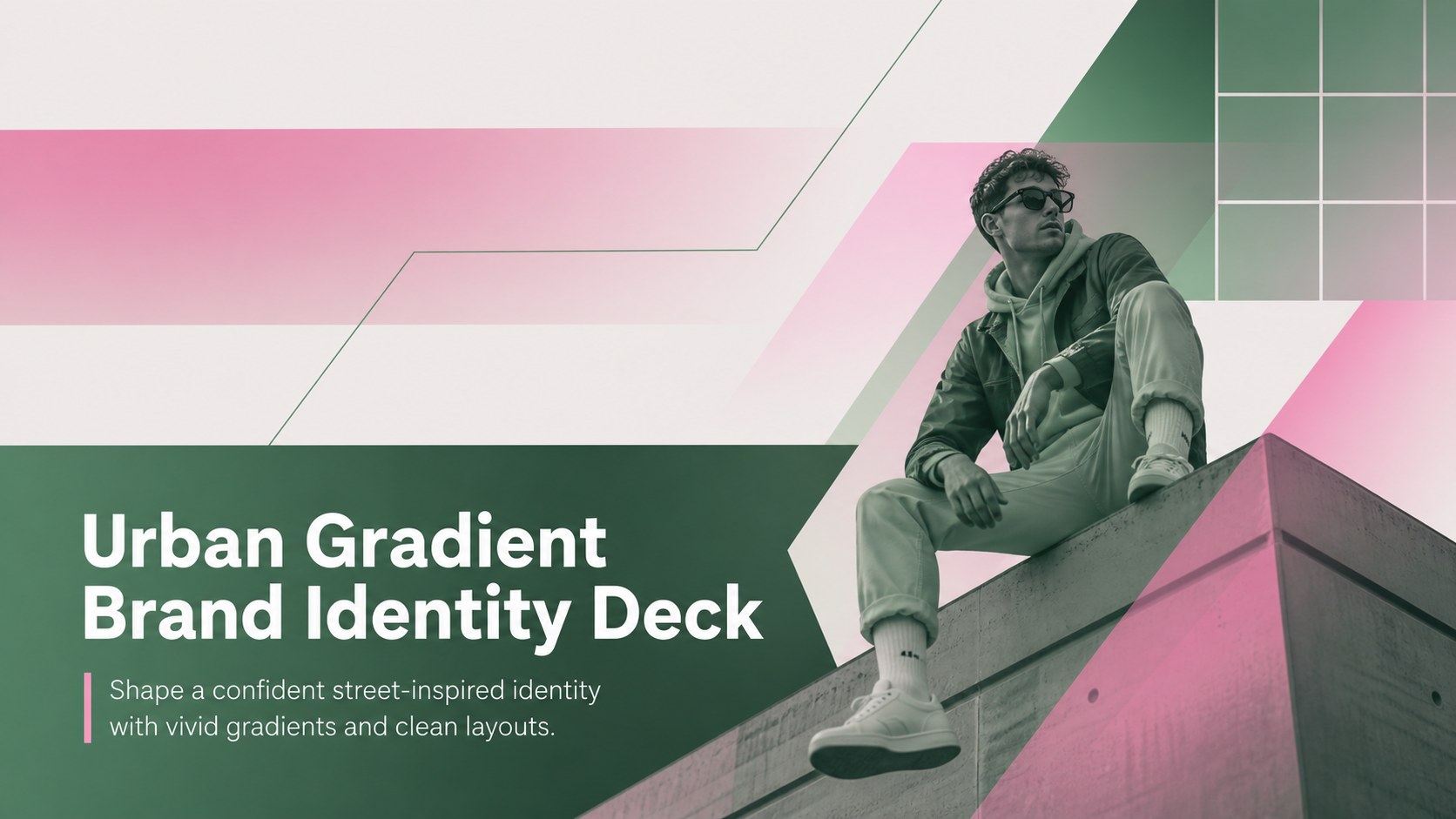
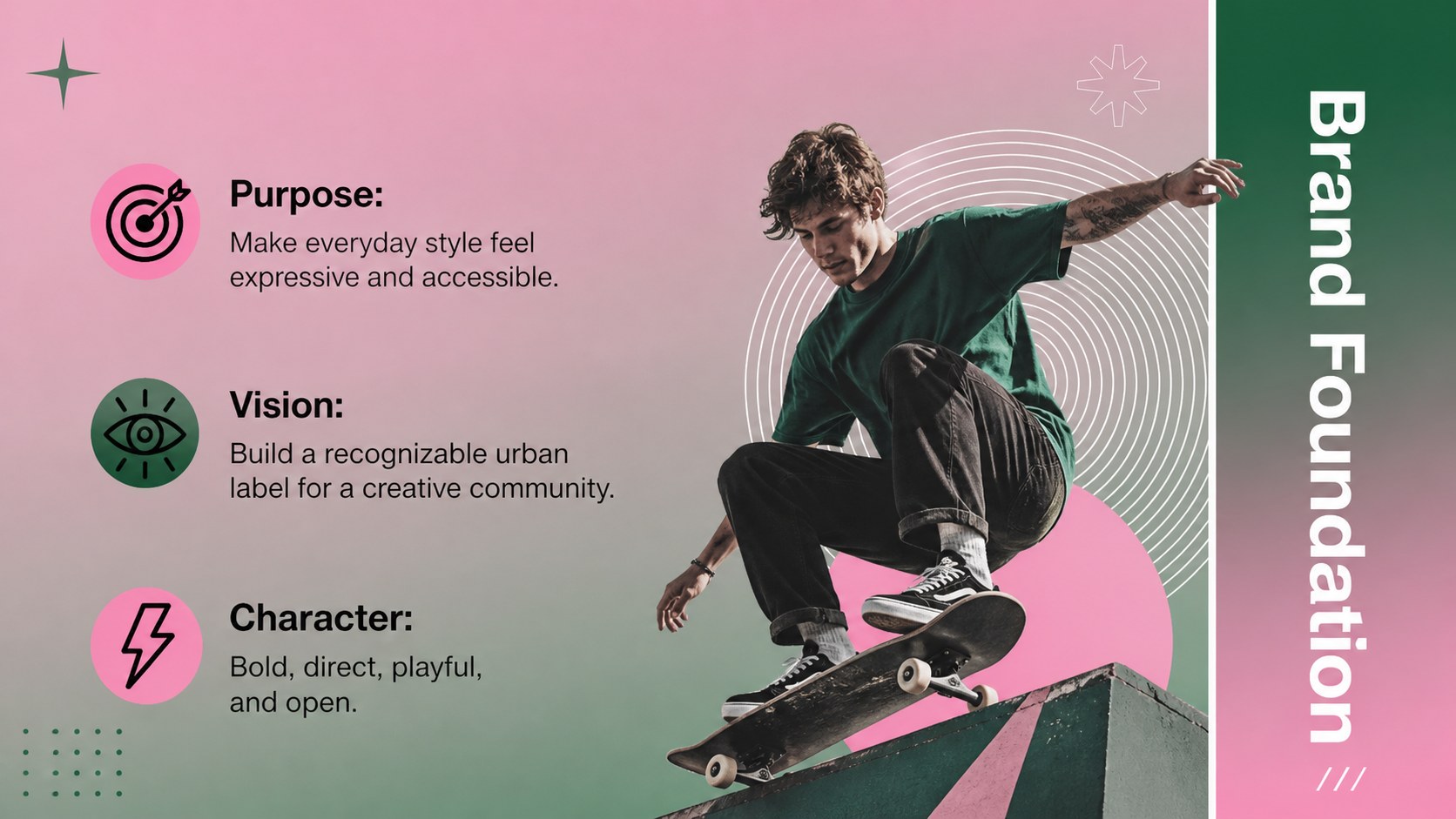
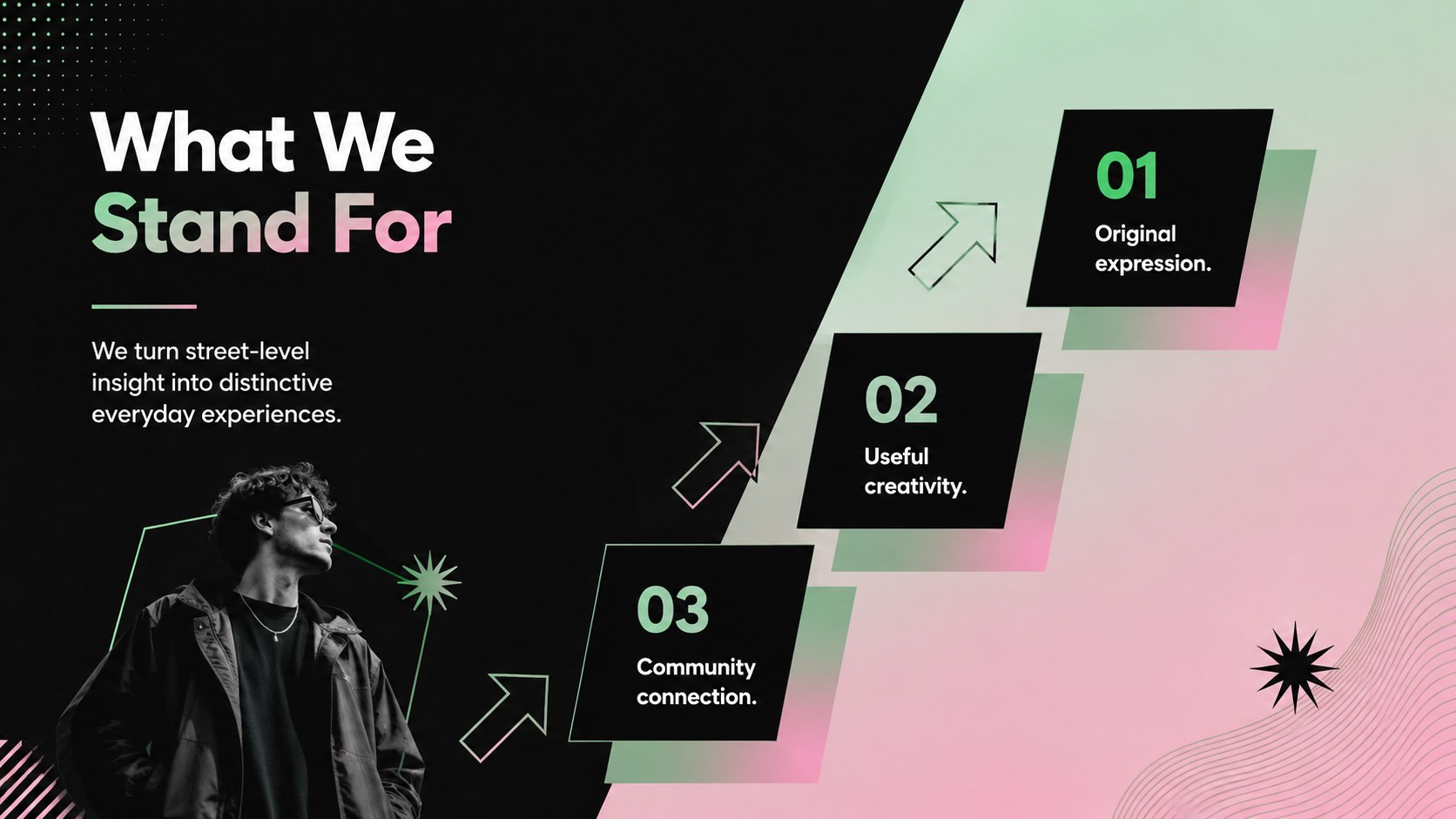
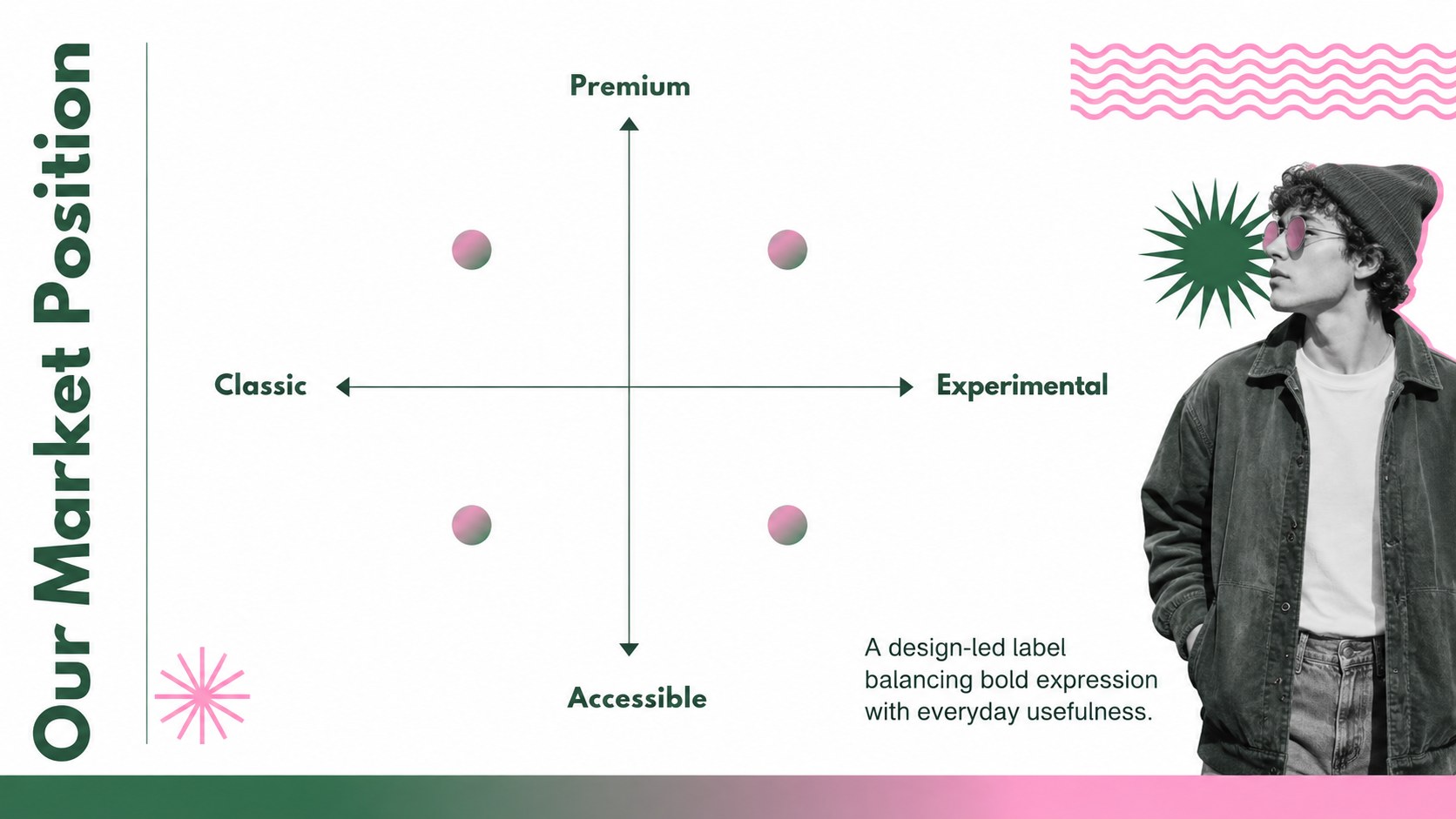
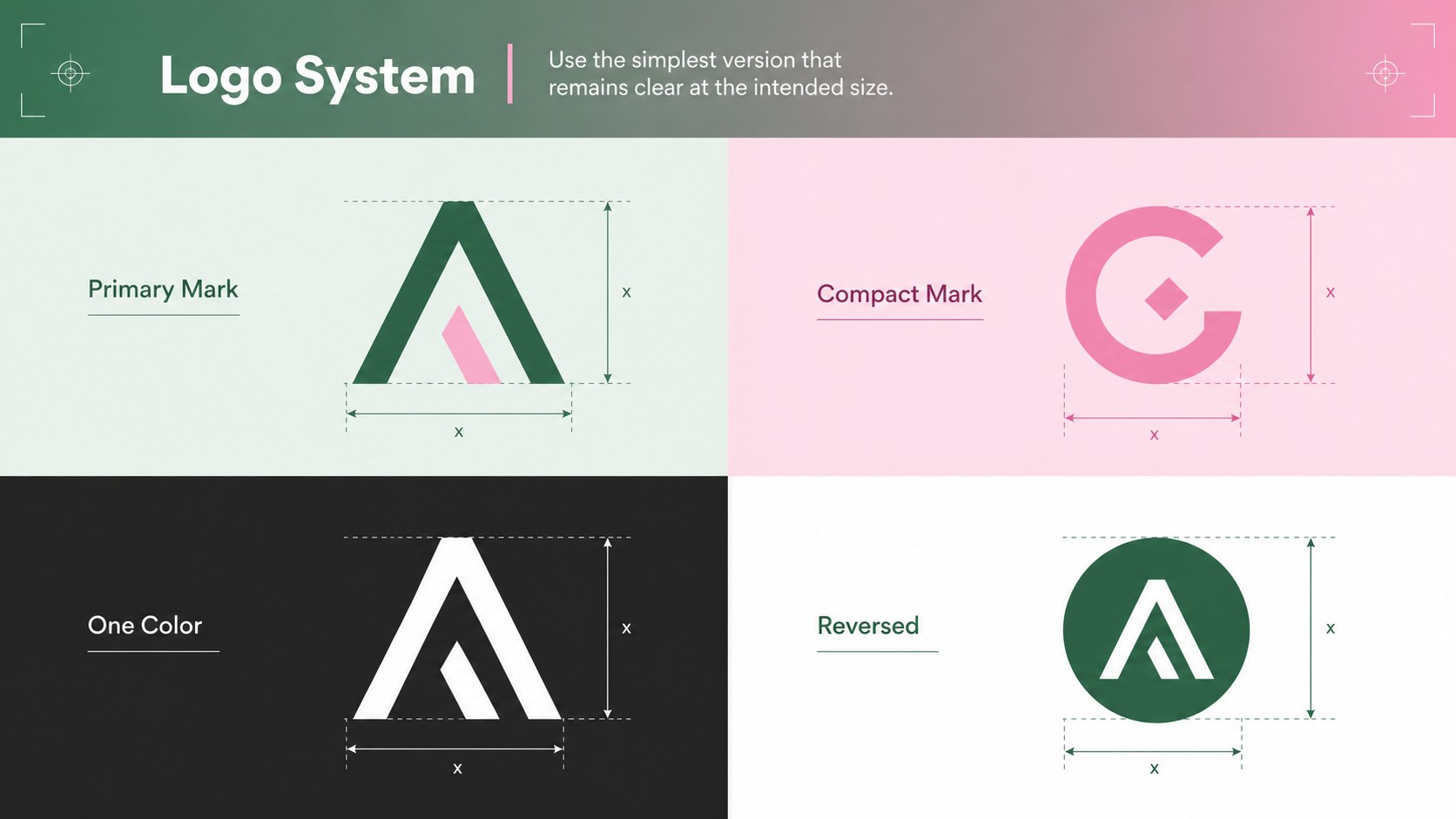
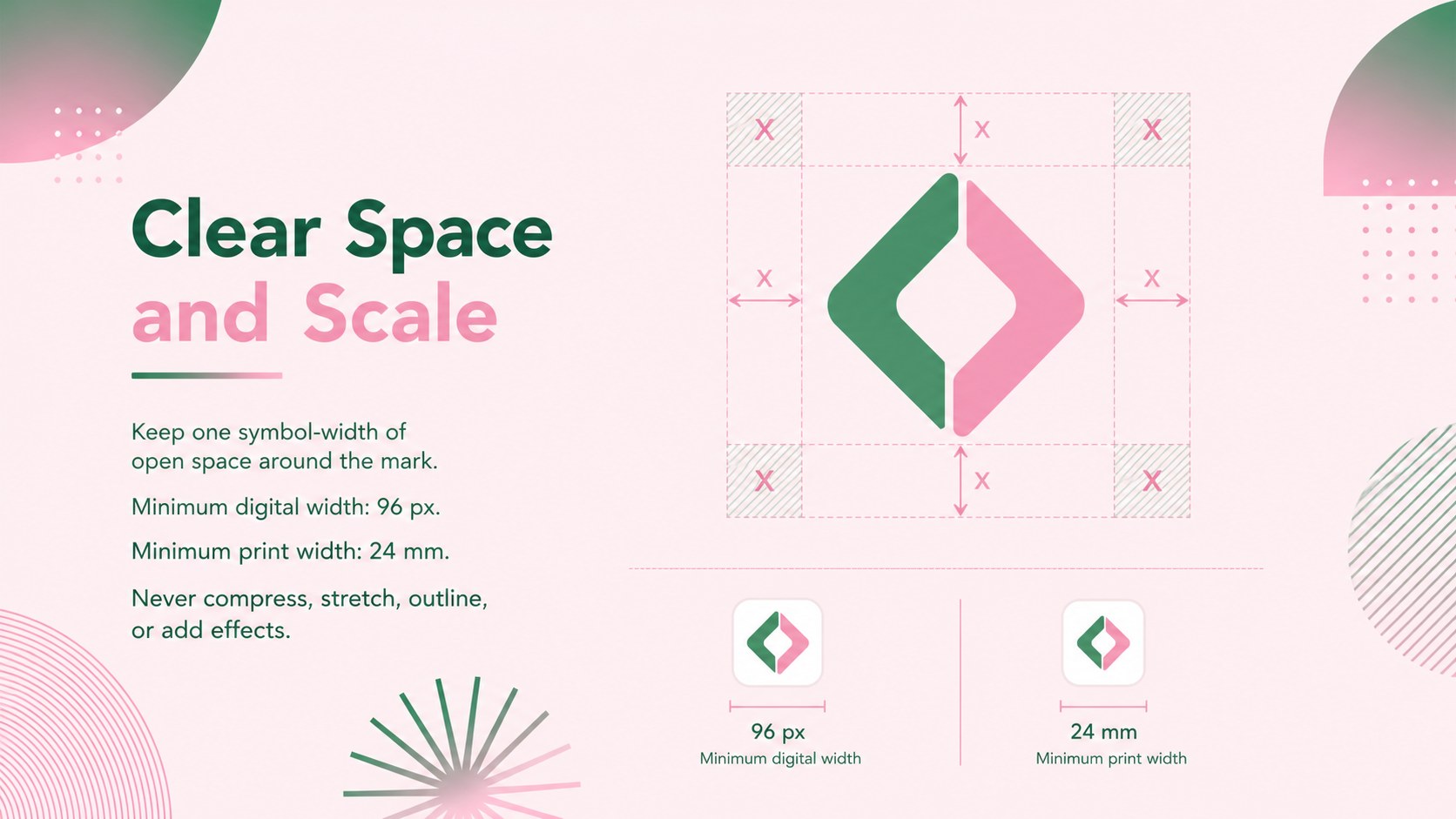
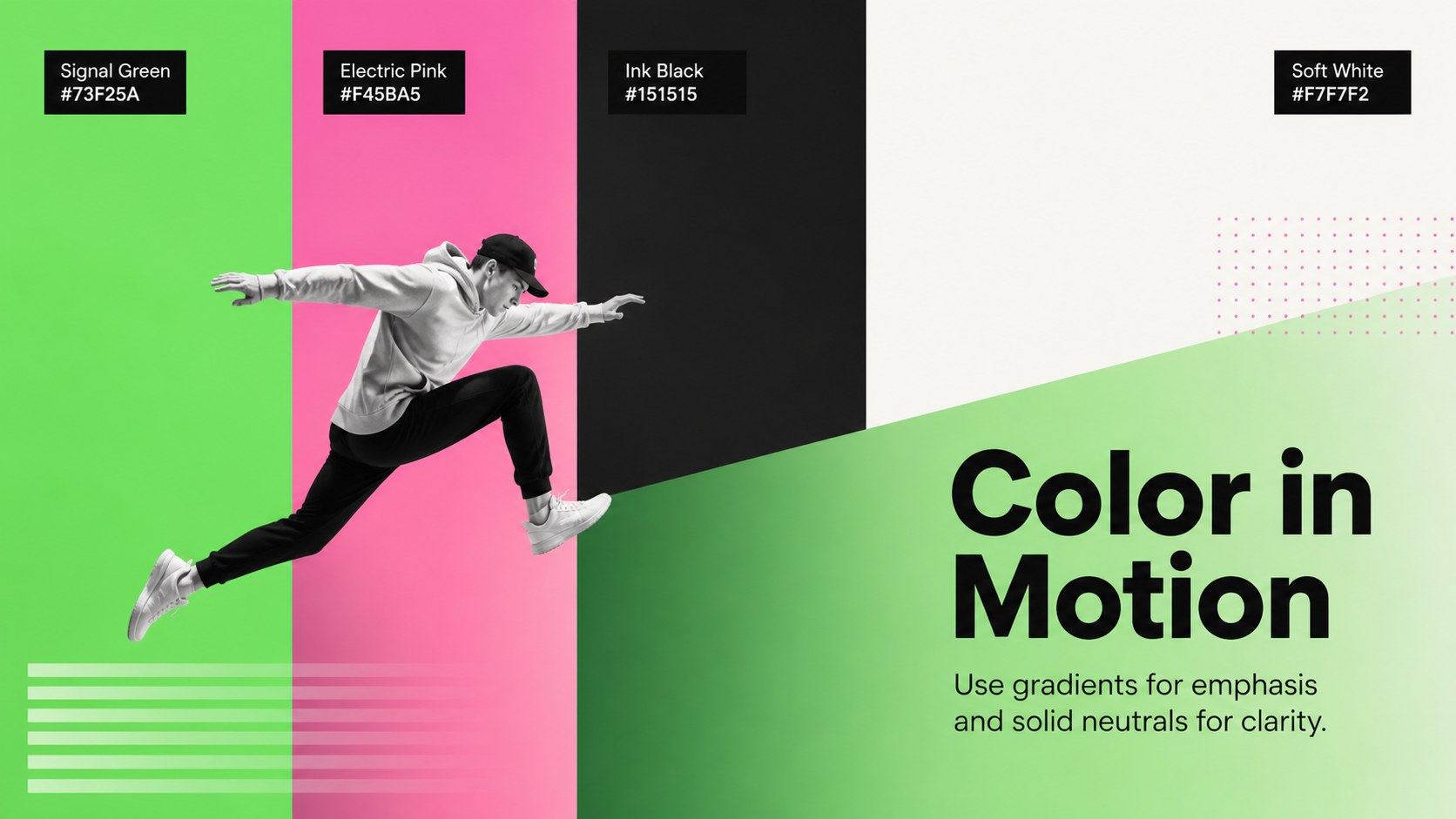
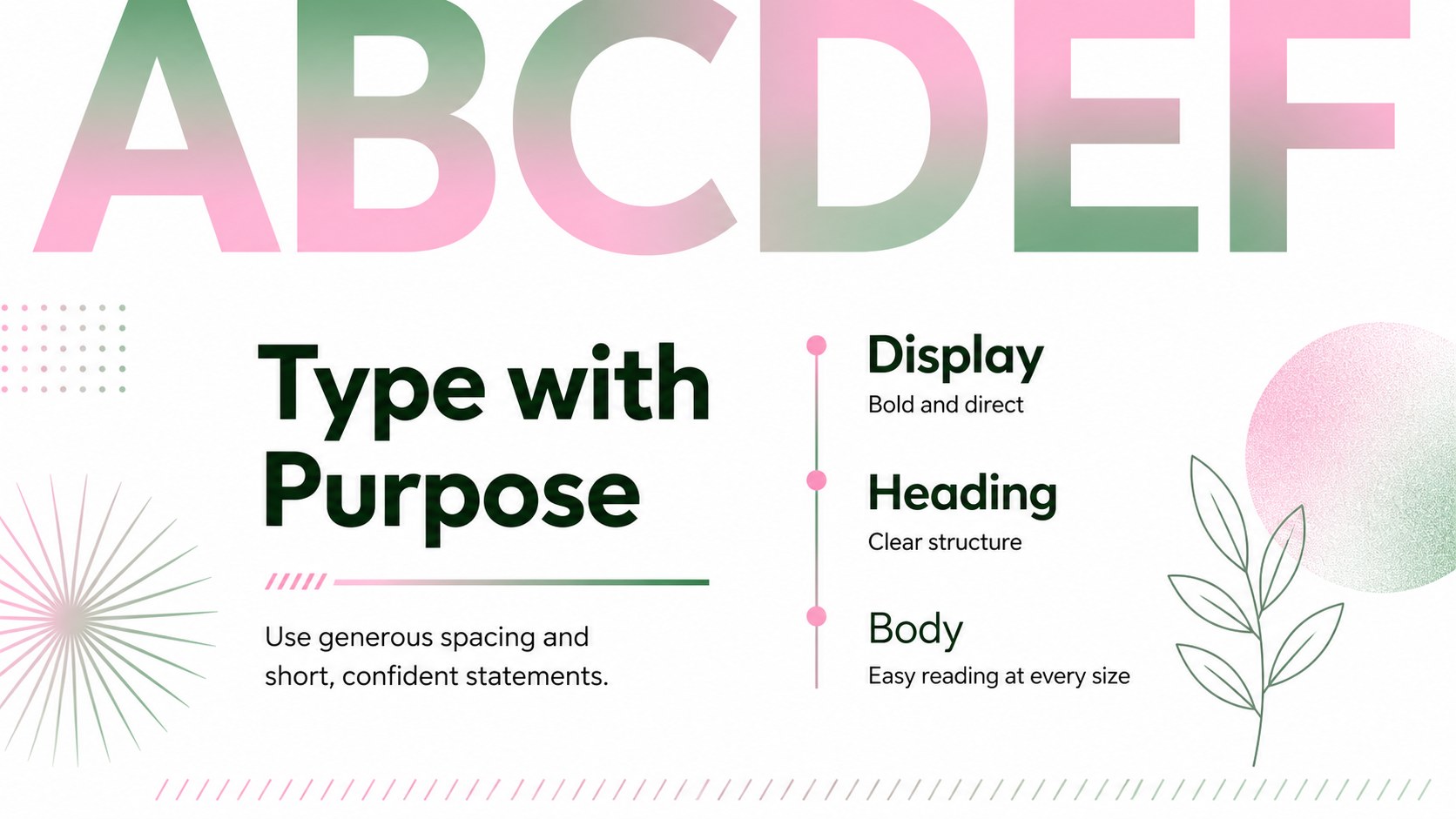
The Urban Gradient Brand Identity Deck helps creative teams turn an emerging concept into a clear, memorable visual system. Vibrant green and pink gradients bring youthful energy to restrained layouts, creating an urban look that feels current without sacrificing readability. Use the deck in PowerPoint or Google Slides to align collaborators around a single brand direction.
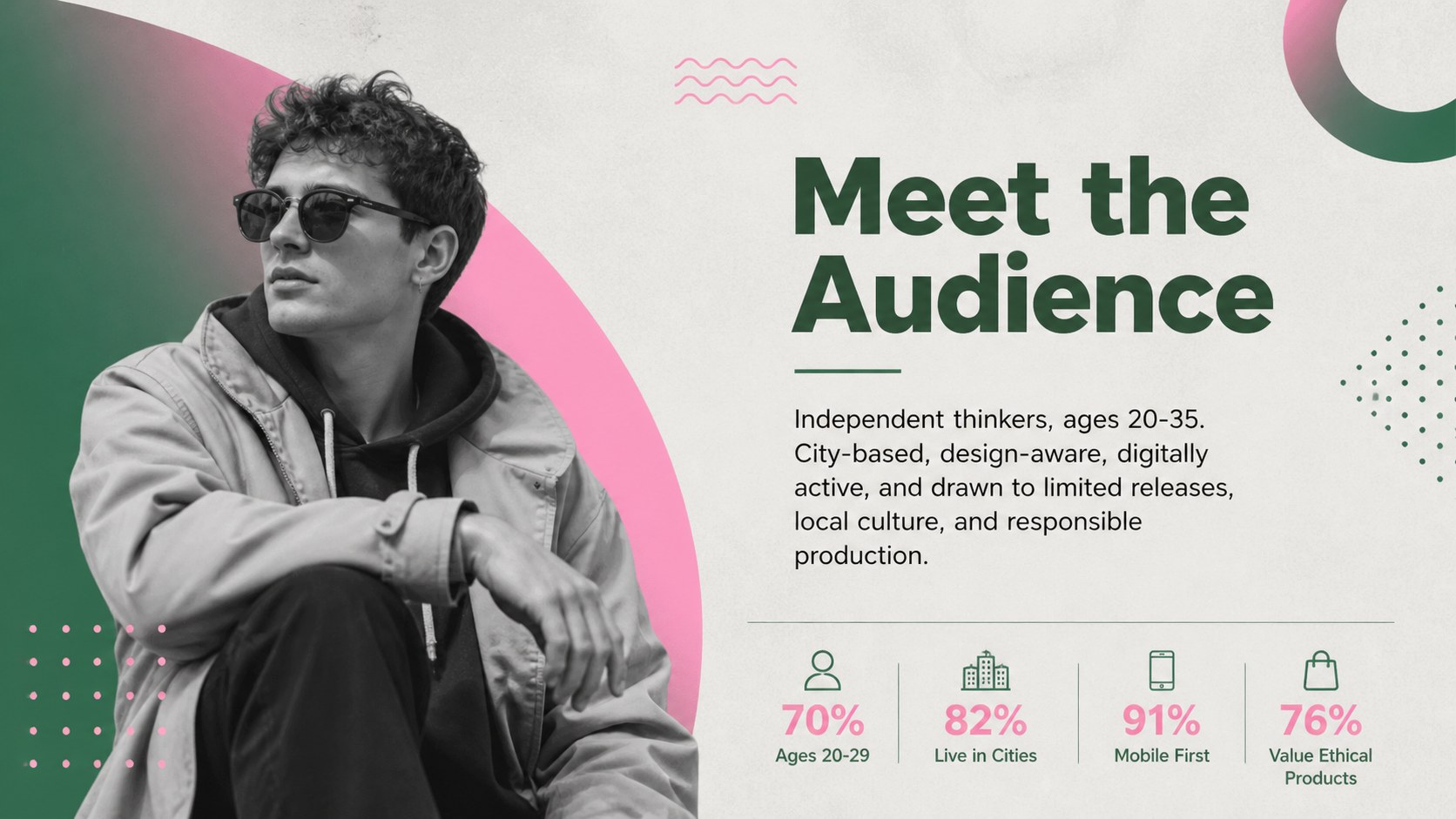
Inside, you will find more than 25 editable layouts for brand positioning, mission statements, logo usage, typography, color specifications, photography direction, audience profiles, and campaign applications. Charts, image frames, diagrams, and structured comparison pages make this green pink brand guidelines template practical for both strategic planning and polished client presentations. Fonts, colors, text, and visual assets can be adjusted to suit an established identity or a completely new launch.
This urban gradient brand identity deck is designed for independent retailers, streetwear labels, lifestyle startups, marketing studios, and in-house design teams. It works especially well as a streetwear visual identity presentation, a creative agency brand proposal, or a set of retail brand strategy slides. Present a rebrand, document standards for future campaigns, review concepts with stakeholders, or hand off an organized identity system to content and production teams.
Perfect for: streetwear label launch; retail brand refresh; creative agency proposal; visual identity handoff; startup branding workshop.
Frequently asked questions
Can I edit this deck in PowerPoint and Google Slides? Yes. Every layout is prepared for editing in PowerPoint and Google Slides, including text, colors, images, and common graphic elements. Minor font or spacing adjustments may be needed if your device substitutes a typeface.
Practical details
Yes. Every layout is prepared for editing in PowerPoint and Google Slides, including text, colors, images, and common graphic elements. Minor font or spacing adjustments may be needed if your device substitutes a typeface.
Replace the theme colors with your approved brand values, then review gradient stops to maintain sufficient contrast. Apply the updated colors consistently to backgrounds, charts, icons, and accent shapes.
Yes. Swap the sample logo areas and image placeholders with your own approved assets. Use high-resolution photography and preserve the established spacing around each logo placement.
Yes. The layouts cover strategy, logo rules, typography, color, imagery, audience, applications, and rollout planning. You can remove unnecessary sections or duplicate layouts to create a longer standards document.
Keep exploring
15Build an engaging World UFO Day session with this flying saucer history lesson deck, featuring retro green-and-brown slides for PowerPoint and Google Slides.
 15
15Plan a lively animal-learning journey with this jungle zoo adventure lesson deck, ready to customize in PowerPoint and Google Slides for young learners.
 16
16Turn environmental research into a clear story with a Watercolor Ecology Presentation Theme for PowerPoint and Google Slides in calming green and blue.
 16
16Build focused fashion, literature, and humanities presentations with the Red Triangle Editorial Theme, editable in PowerPoint and Google Slides.
 15
15Turn streaming stats, favorite tracks, and concert highlights into a bold annual listening recap slide deck for PowerPoint and Google Slides.
 15
15Turn highlights, milestones, and favorite moments into a colorful year in review slide deck with bold 3D graphics for PowerPoint and Google Slides.
 3
3Build a credible endorsement with Standout Colleague Recommendation Letter Slides, featuring colorful prompts for skills, achievements, and team impact.
 4
4Build clear beginner sessions with an ice hockey fundamentals training deck for coaches, PE teachers, and clubs, ready for PowerPoint and Google Slides.