
 15
15presentation
Flying Saucer History Lesson Deck
Build an engaging World UFO Day session with this flying saucer history lesson deck, featuring retro green-and-brown slides for PowerPoint and Google Slides.
Google SlidesPowerPoint
document · English
Create polished society dispatches with an Upper East Side gossip letter theme, featuring editable beige layouts for PowerPoint and Google Slides.
Design notes
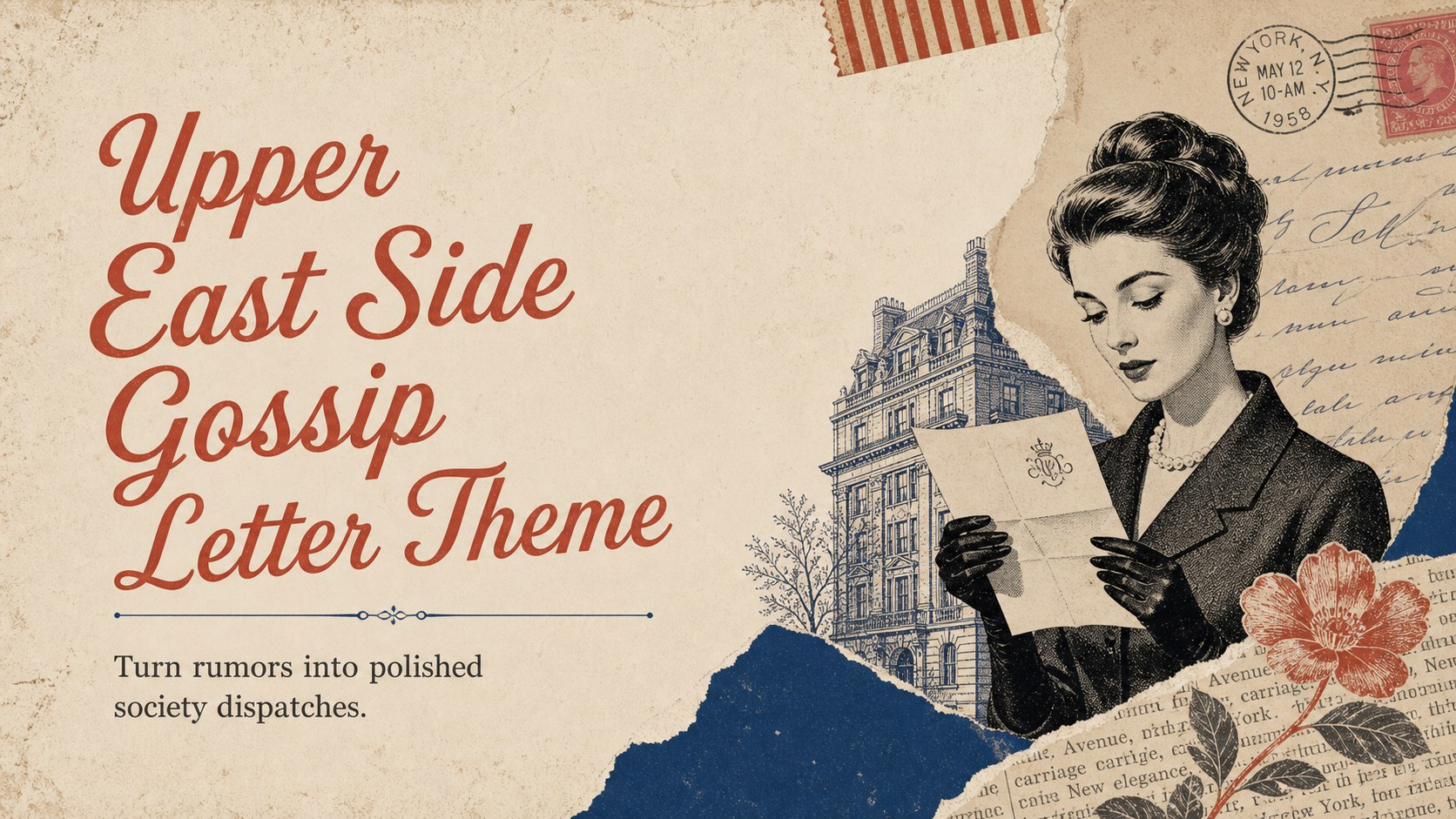
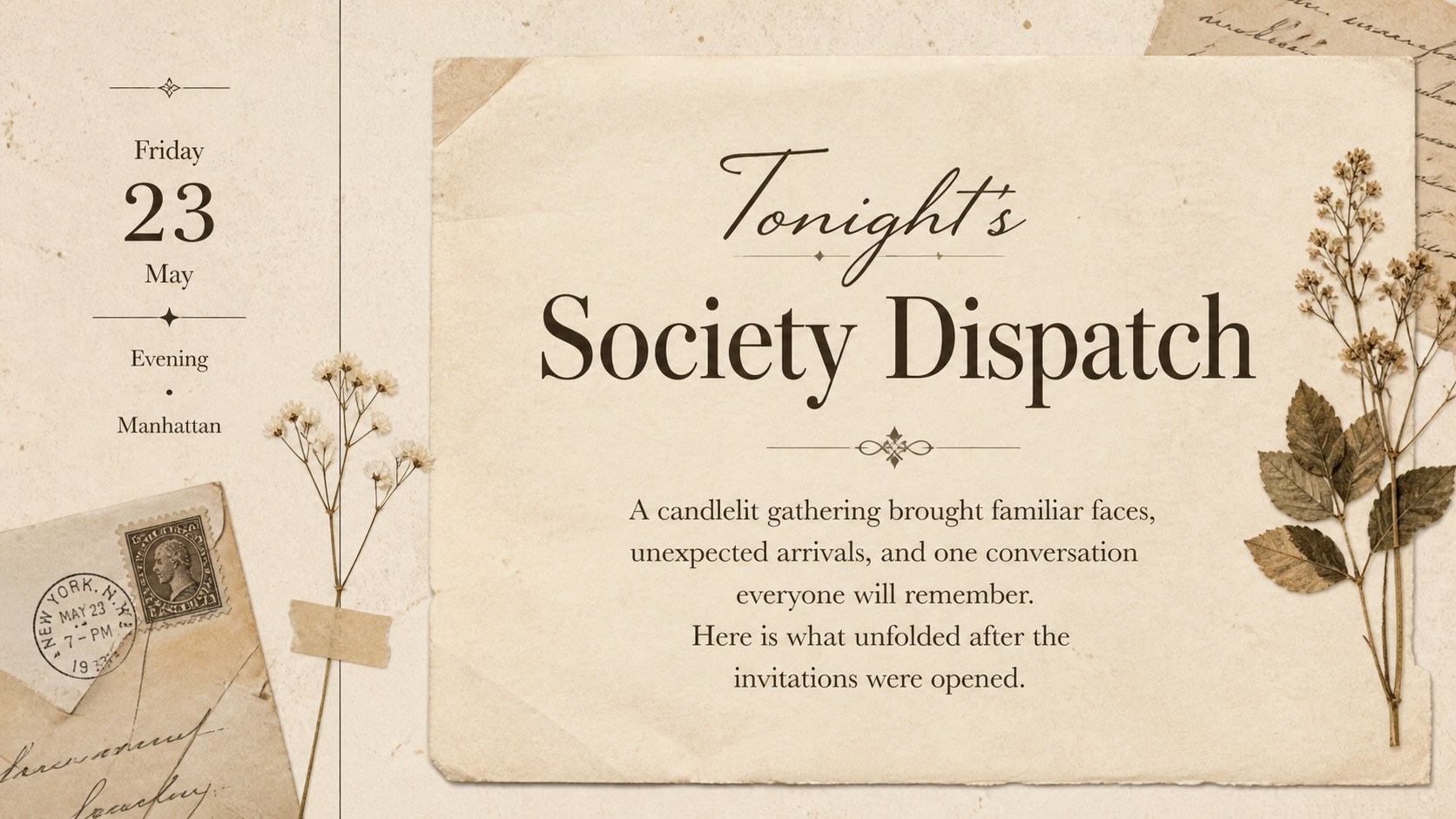
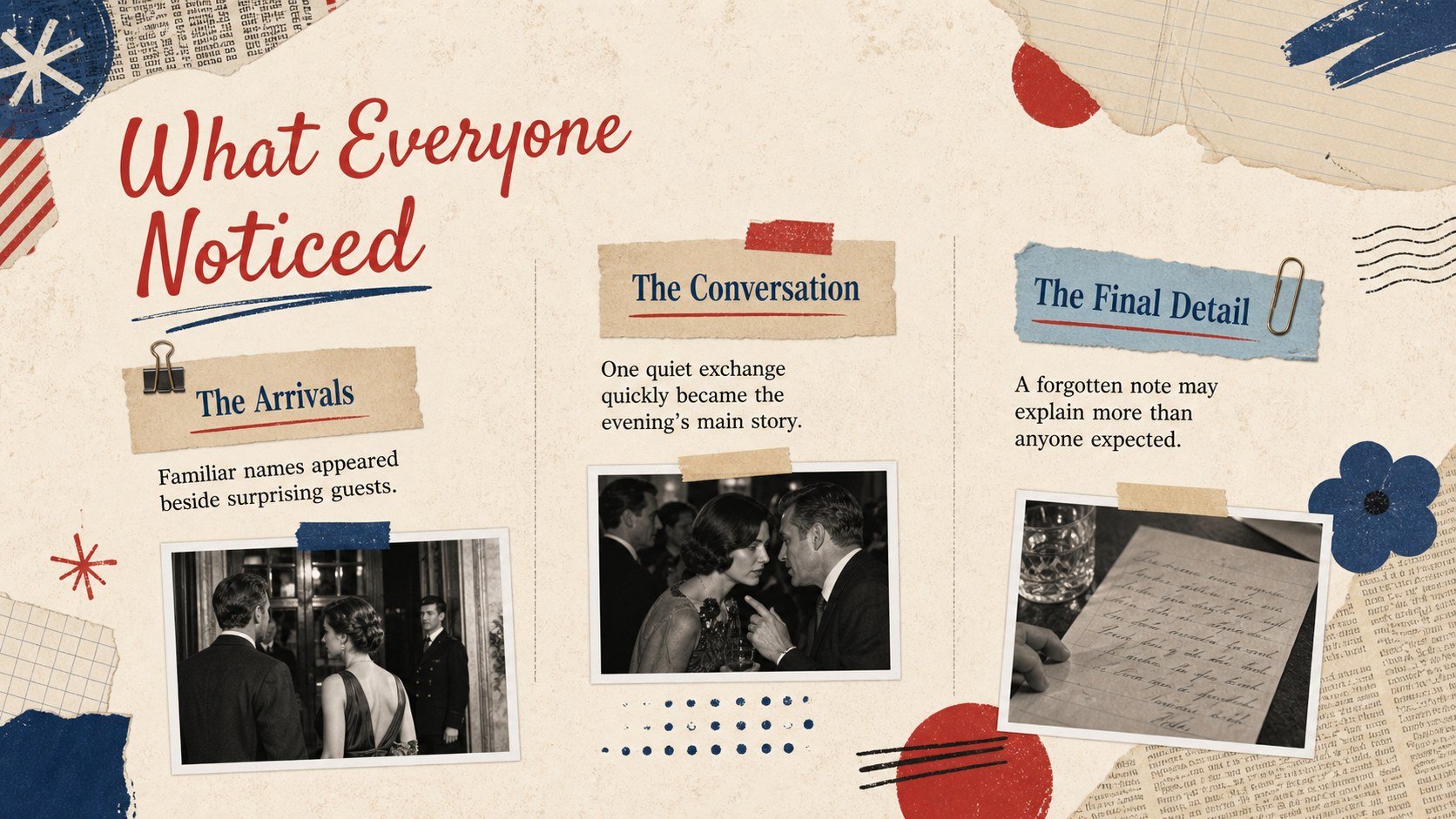
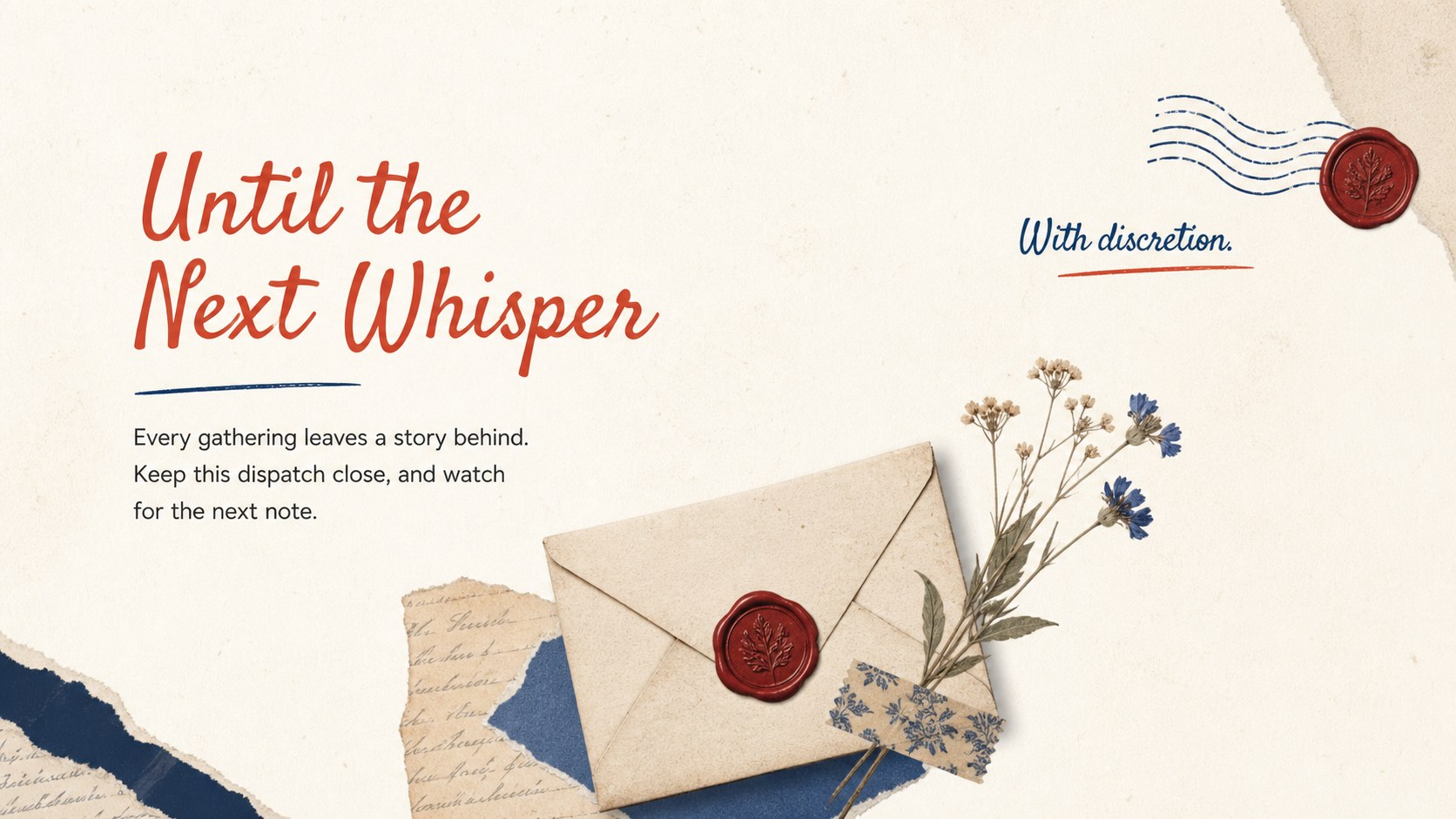
Turn whispered updates into stylish correspondence with the Upper East Side gossip letter theme. Inspired by vintage stationery, society columns, and layered paper ephemera, this warm beige presentation offers an elegant setting for fictional rumors, personal messages, event recaps, or pop-culture storytelling. Its refined collage details create intrigue without distracting from your words.
Inside, you will find a title cover, a structured letter layout, a society highlights page, and a polished sign-off slide. Each layout combines editorial typography, paper textures, ornamental accents, and flexible text areas. Use the vintage society gossip letter slides as a complete narrative or select individual pages for announcements and creative writing projects. The beige collage correspondence theme can be adapted with your own headlines, dates, photographs, quotations, and signature.
This upper east side letter presentation is designed for writers, students, book clubs, event hosts, social groups, and entertainment-focused creators. It works especially well for fictional newsletters, dramatic character messages, themed party updates, reading-club activities, and storytelling exercises. Edit the deck in PowerPoint or Google Slides, then adjust the fonts, colors, images, and wording to suit your audience. The finished slides can be presented on screen, shared digitally, or exported as a PDF for a letter-inspired handout.
Perfect for: fictional society newsletter; themed party recap; creative writing exercise; book club character letter; dramatic event announcement.
Frequently asked questions
Can I edit this gossip letter theme in PowerPoint? Yes. You can replace every headline, paragraph, image, and decorative accent in PowerPoint. Fonts and colors can also be adjusted to match your story or event.
Practical details
Yes. You can replace every headline, paragraph, image, and decorative accent in PowerPoint. Fonts and colors can also be adjusted to match your story or event.
Yes, the layouts can be opened and customized in Google Slides. After importing the file, review font substitutions and image placement before presenting or exporting.
Yes. Change the background tones, paper textures, typography, and collage elements while keeping the editorial structure. For a cohesive result, use a limited palette and repeat the same headline styles throughout.
Yes. Customize a layout, remove any presentation-only elements, and export it as a PDF. Check margins and text size with a test print before distributing copies.
Keep exploring
15Build an engaging World UFO Day session with this flying saucer history lesson deck, featuring retro green-and-brown slides for PowerPoint and Google Slides.
 15
15Plan a lively animal-learning journey with this jungle zoo adventure lesson deck, ready to customize in PowerPoint and Google Slides for young learners.
 16
16Turn environmental research into a clear story with a Watercolor Ecology Presentation Theme for PowerPoint and Google Slides in calming green and blue.
 16
16Build focused fashion, literature, and humanities presentations with the Red Triangle Editorial Theme, editable in PowerPoint and Google Slides.
 15
15Turn streaming stats, favorite tracks, and concert highlights into a bold annual listening recap slide deck for PowerPoint and Google Slides.
 15
15Turn highlights, milestones, and favorite moments into a colorful year in review slide deck with bold 3D graphics for PowerPoint and Google Slides.
 3
3Build a credible endorsement with Standout Colleague Recommendation Letter Slides, featuring colorful prompts for skills, achievements, and team impact.
 4
4Build clear beginner sessions with an ice hockey fundamentals training deck for coaches, PE teachers, and clubs, ready for PowerPoint and Google Slides.