
 15
15presentation
Flying Saucer History Lesson Deck
Build an engaging World UFO Day session with this flying saucer history lesson deck, featuring retro green-and-brown slides for PowerPoint and Google Slides.
Google SlidesPowerPoint
presentation · English
Build a cheerful ugly Christmas sweater celebration deck for office socials, classroom parties, and holiday campaigns in PowerPoint or Google Slides.
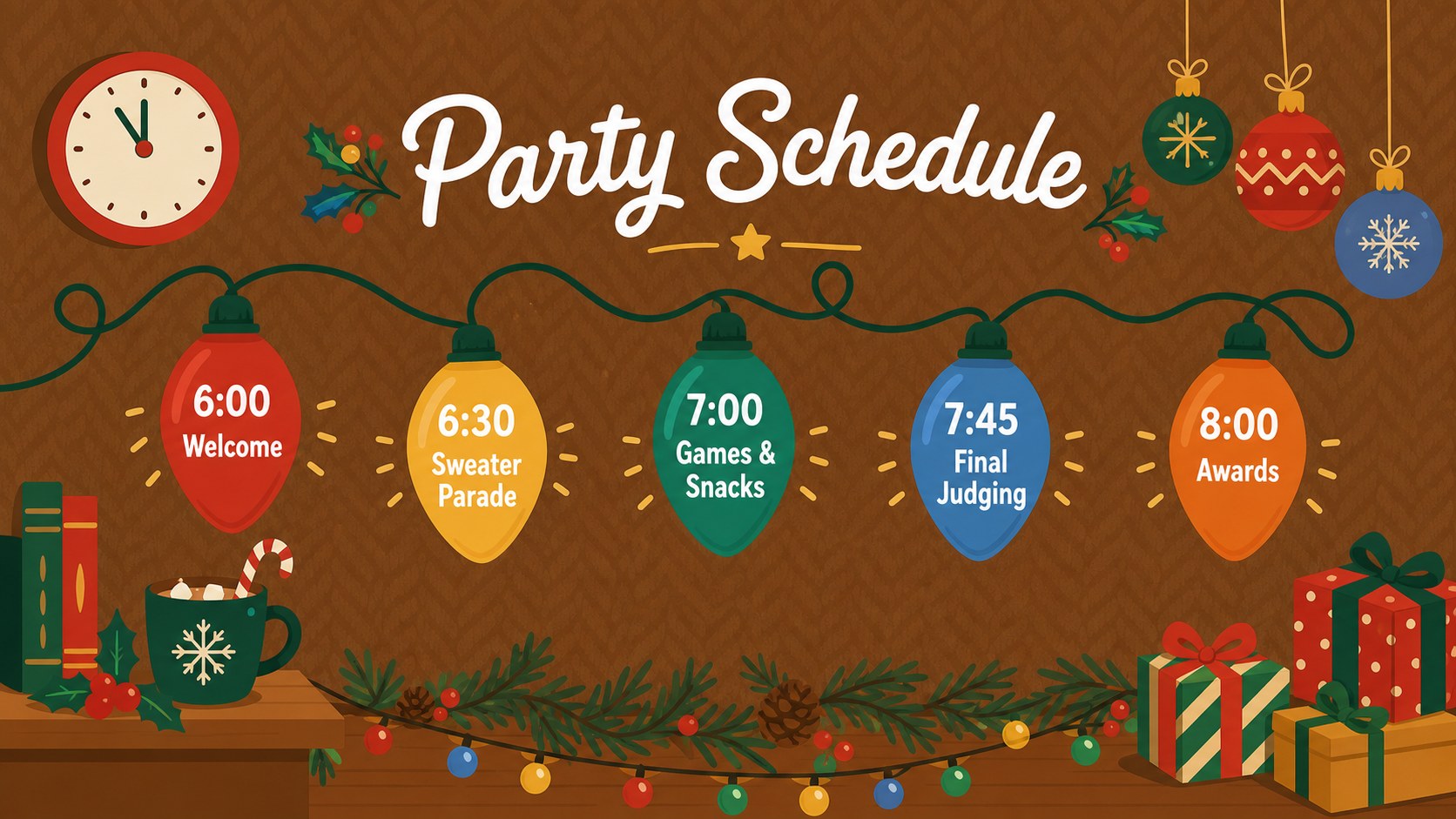
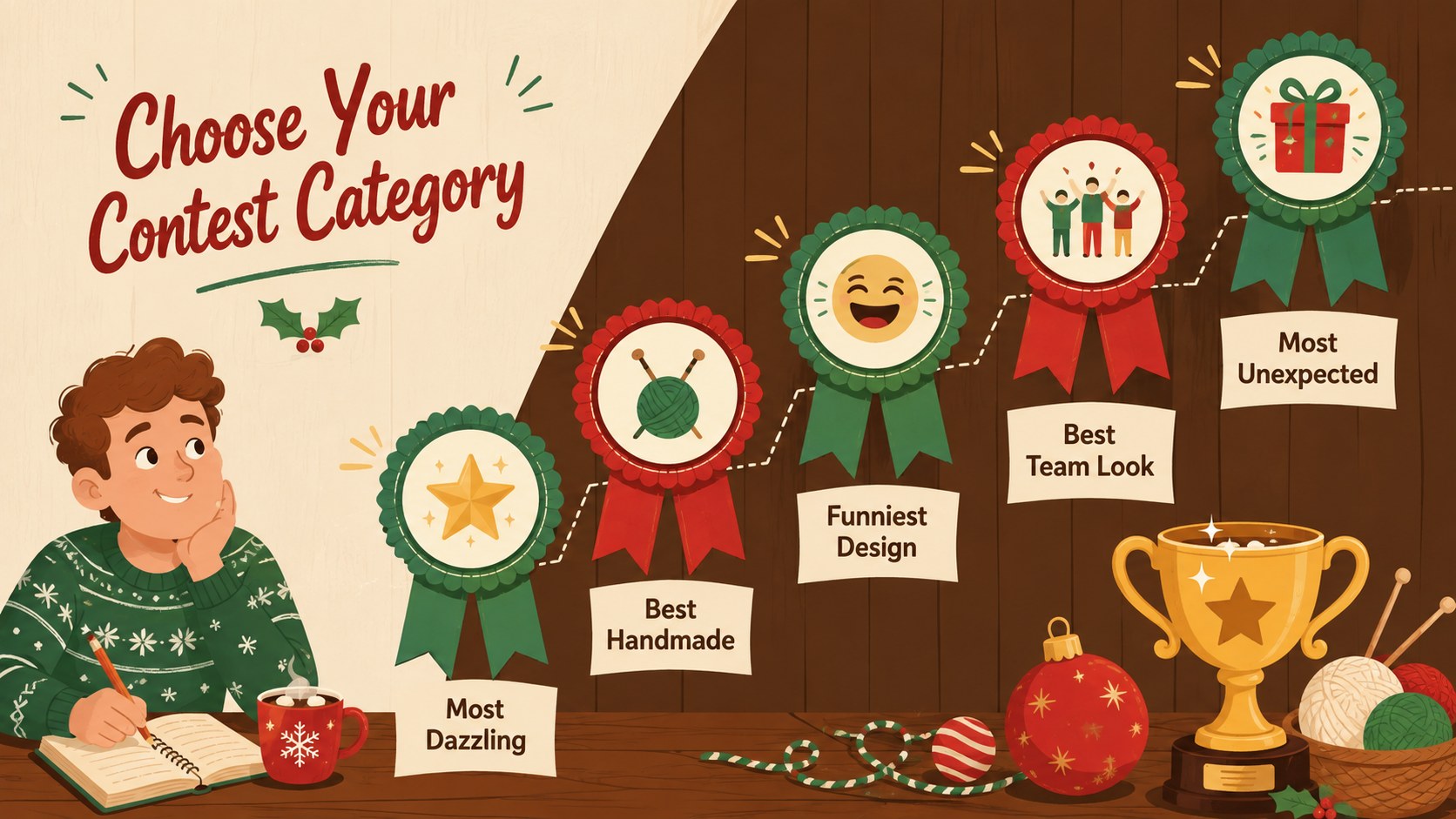
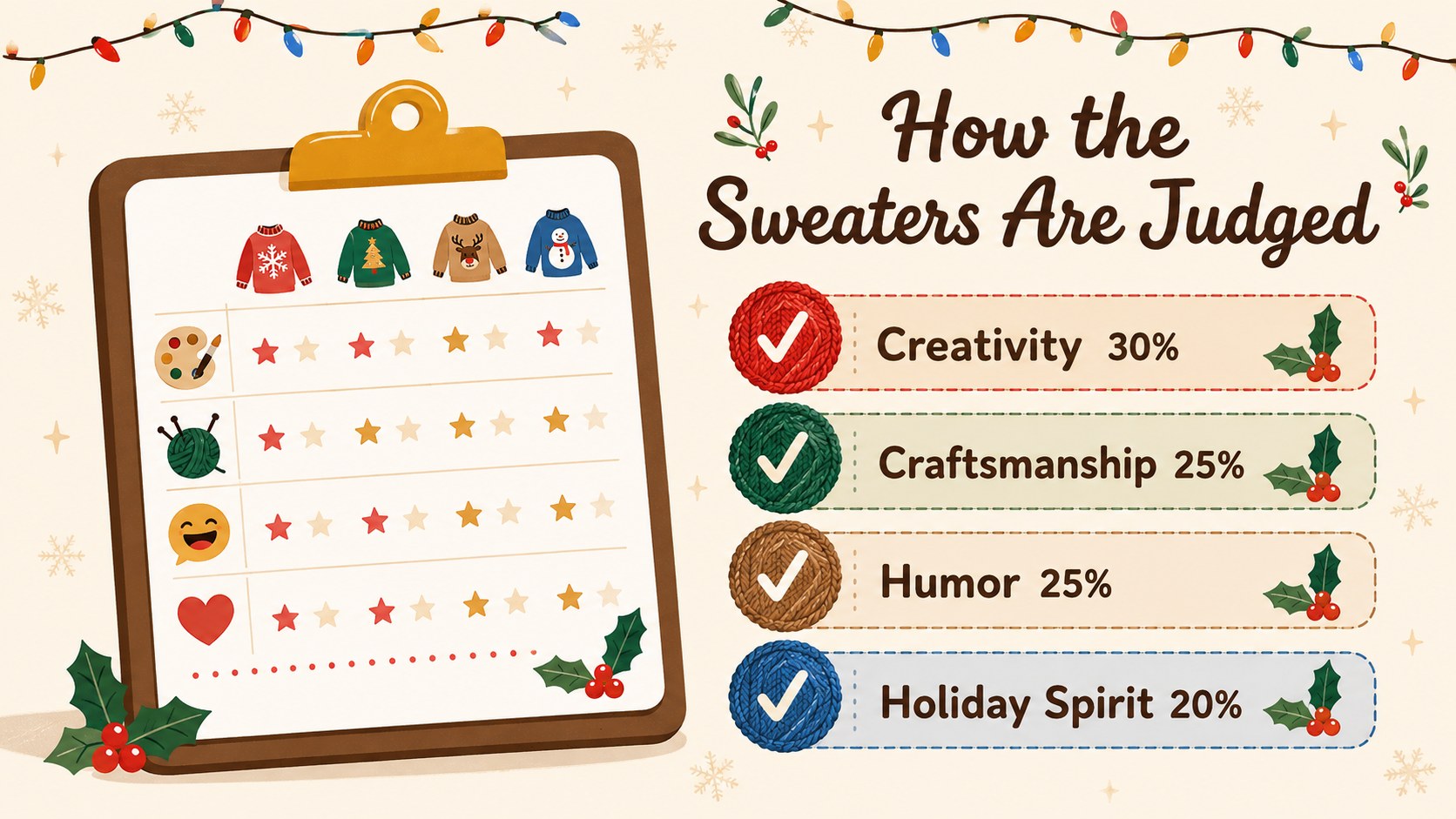
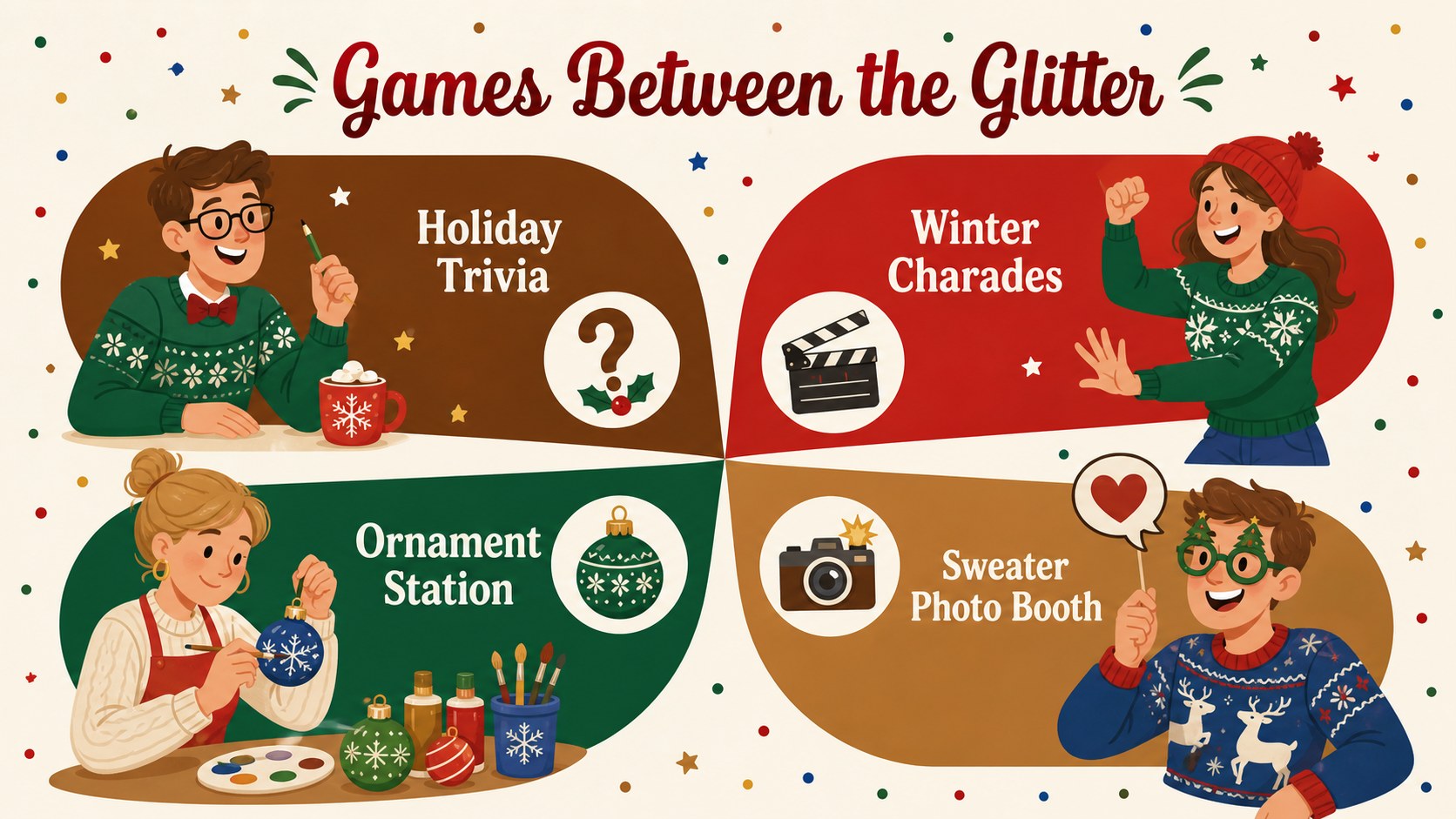
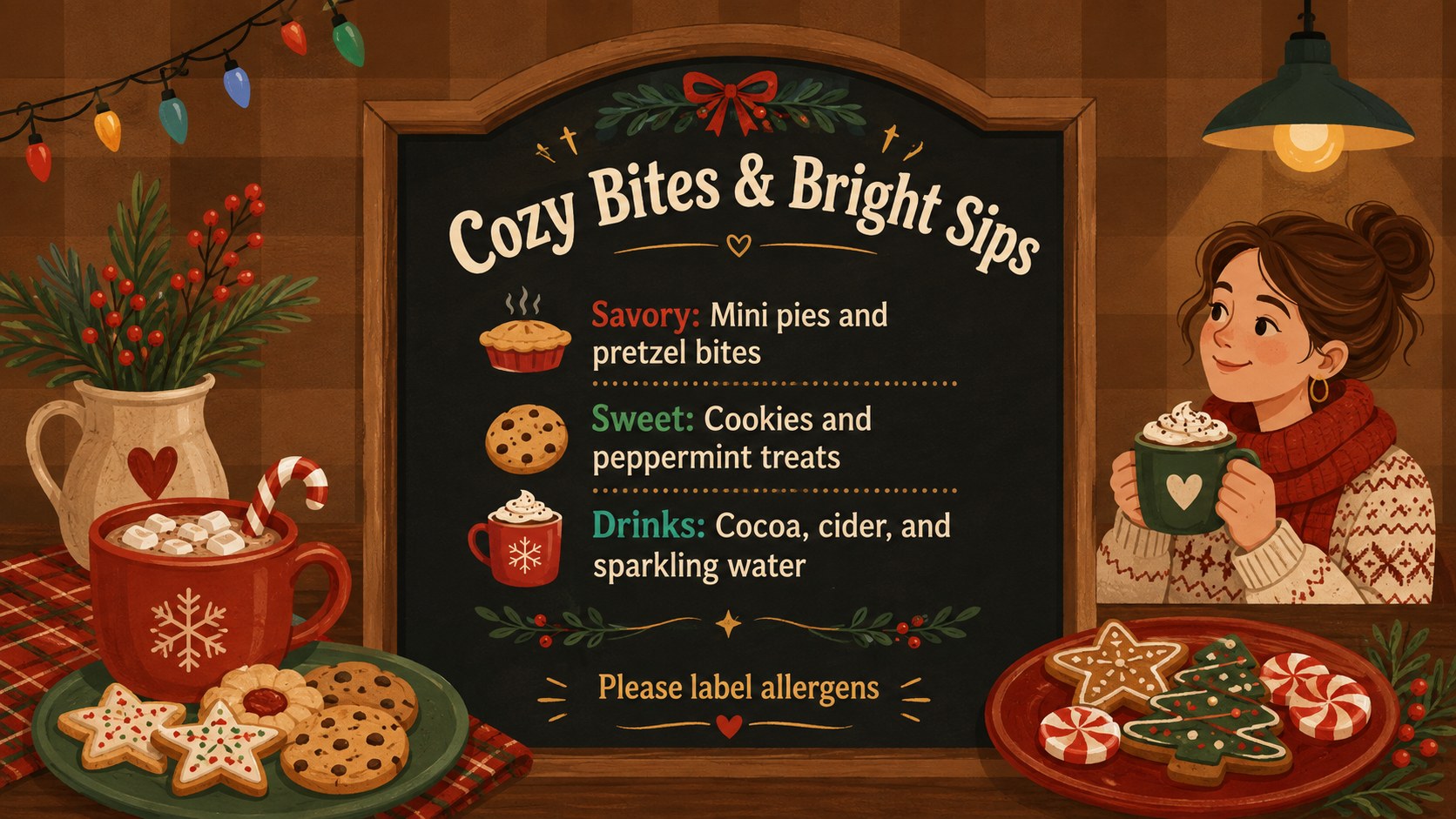
Design notes
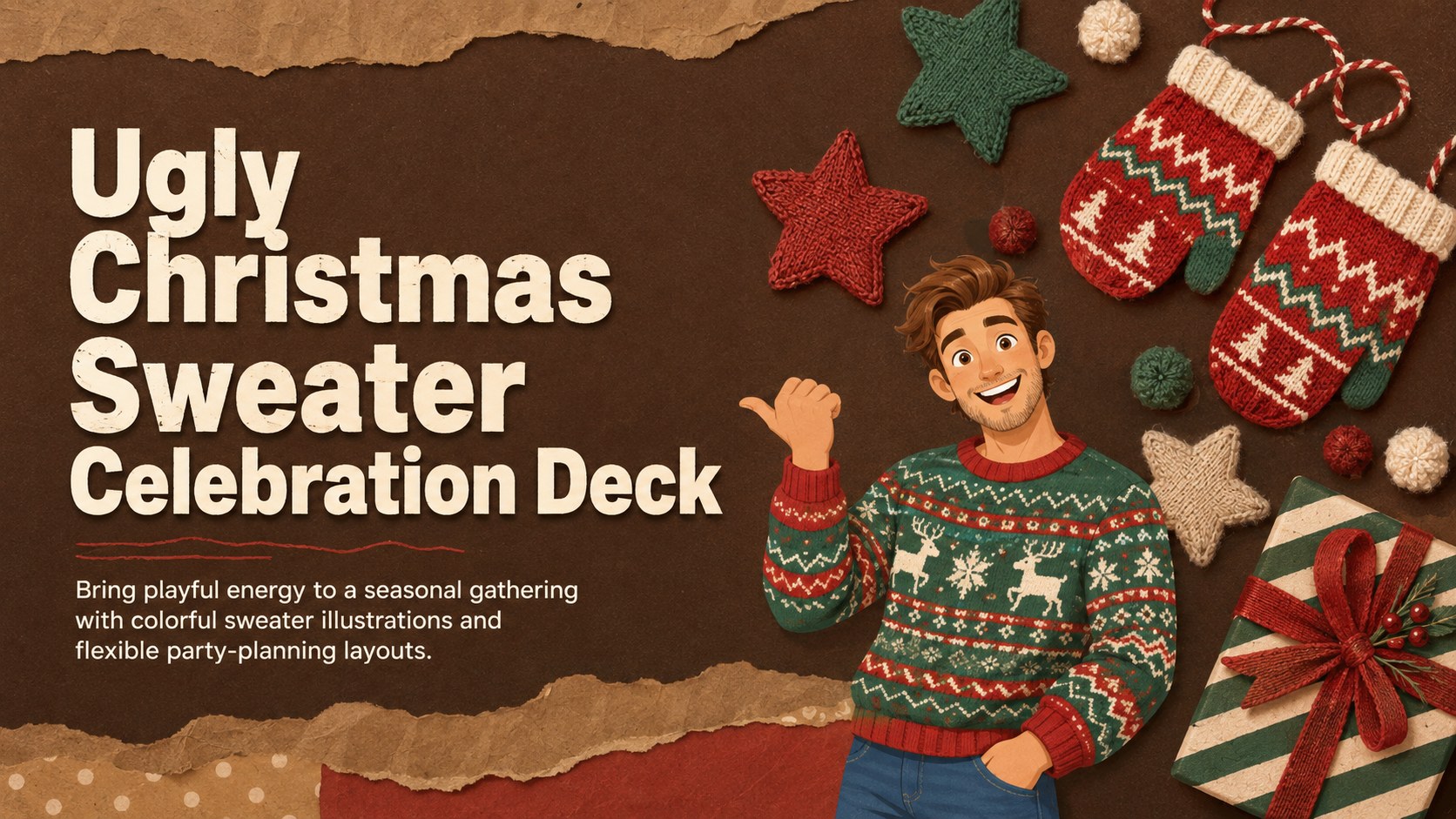
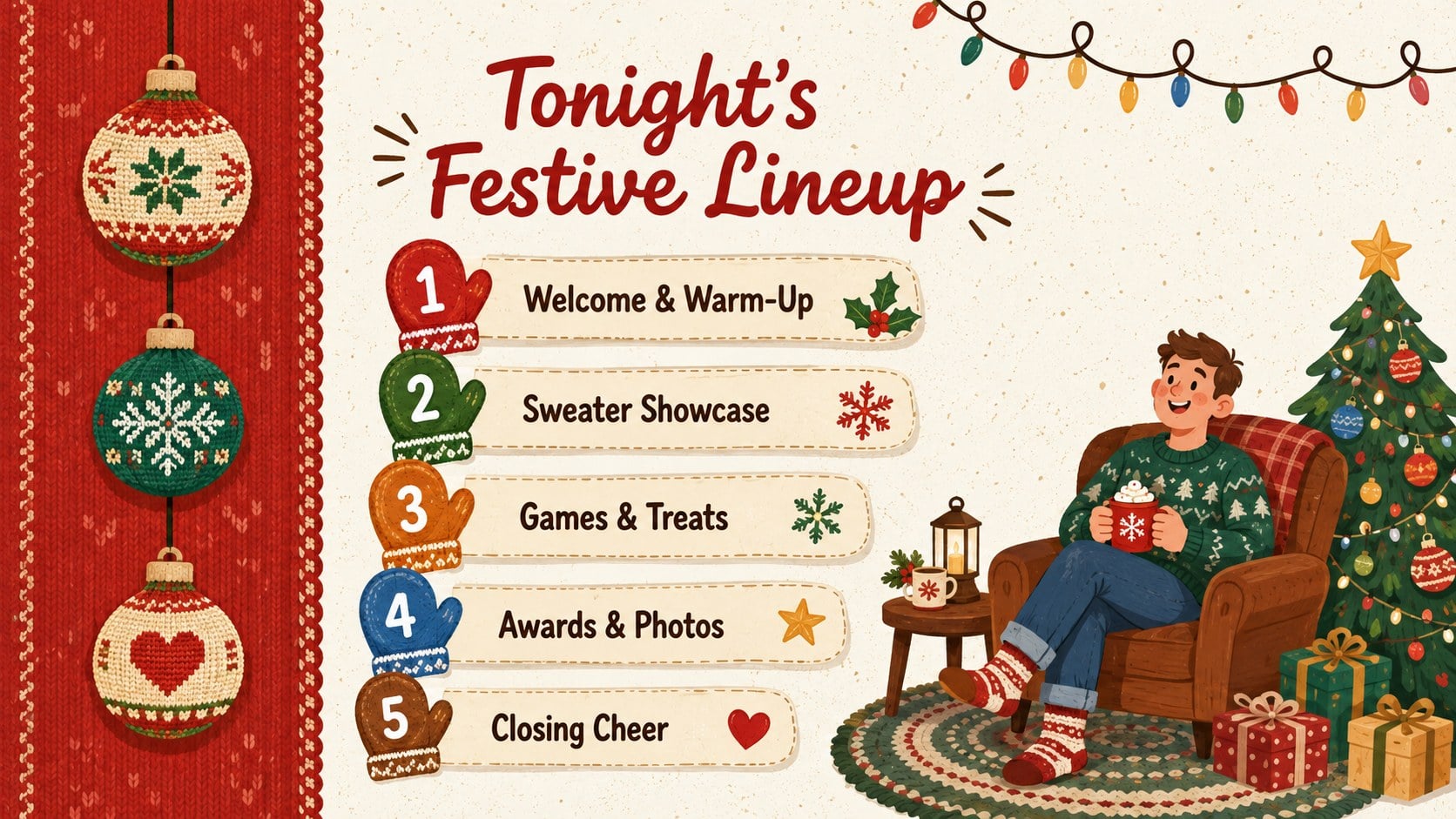
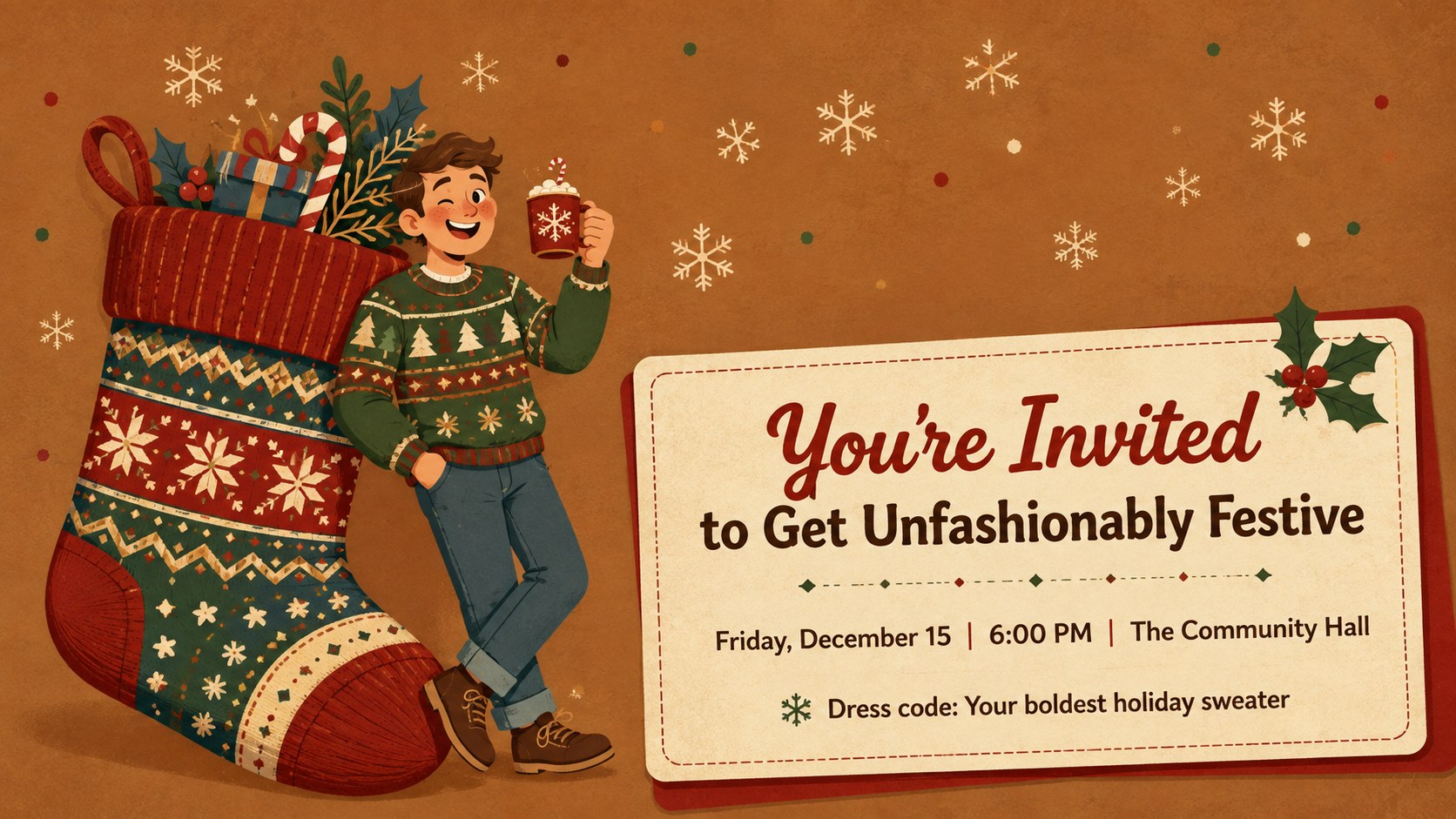
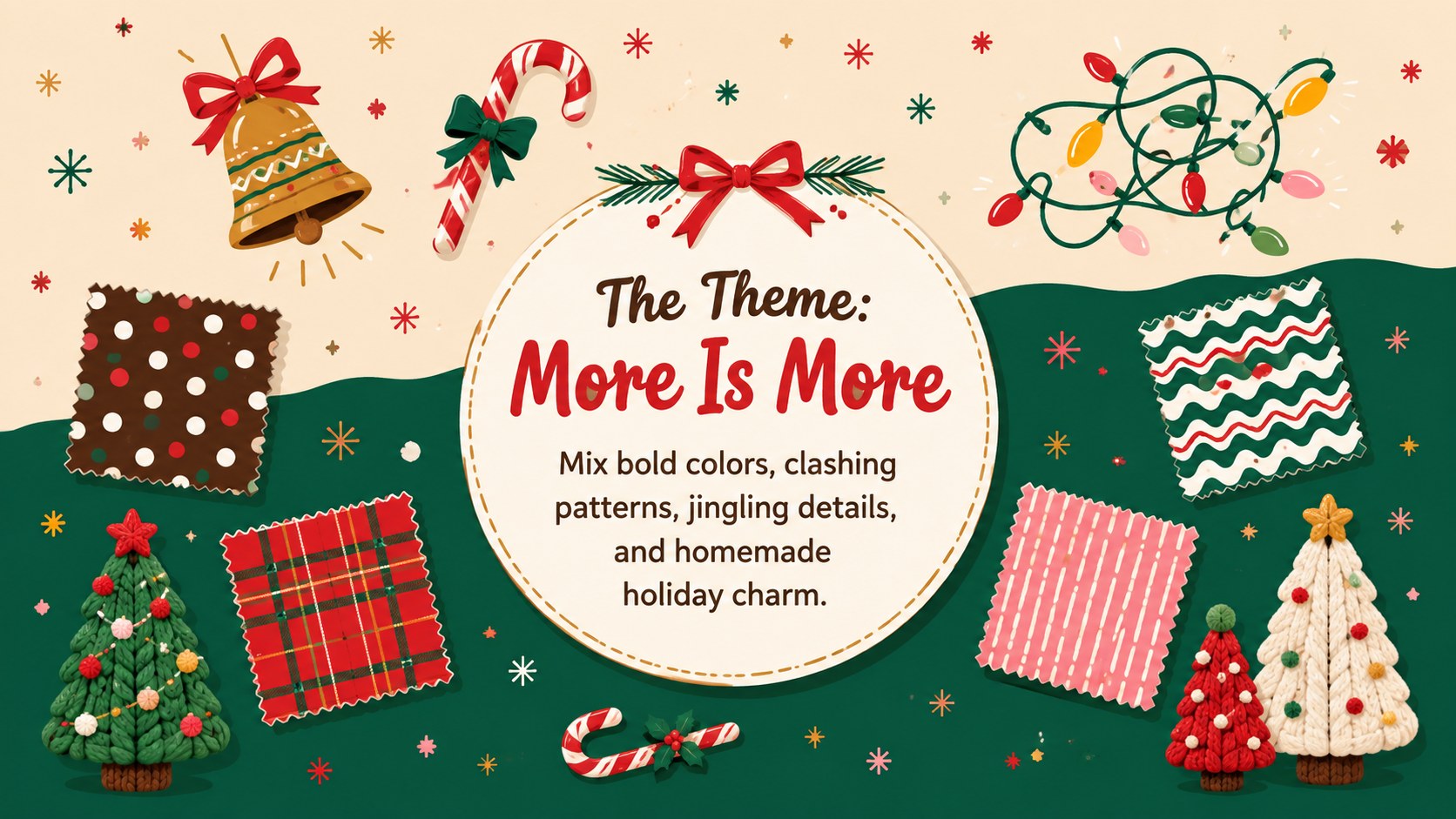
Turn an ordinary seasonal gathering into a memorable event with this ugly Christmas sweater celebration deck. Its playful illustrated style combines warm brown backgrounds, bright red accents, colorful patterns, and cheerful holiday details. Use the layouts to announce a party, introduce a dress-up challenge, share event information, or promote a community celebration.
The deck includes space for invitations, schedules, contest categories, judging criteria, activity lists, food menus, team assignments, prize details, and closing messages. Editable text, shapes, colors, and image areas make it easy to adapt this office ugly sweater party presentation to a company social or neighborhood event. It also works as a festive dress contest template for clubs, charities, and family gatherings. Teachers can customize the classroom Christmas party slides with age-appropriate games, craft stations, snack reminders, and classroom expectations.
Designed for PowerPoint and Google Slides, the template supports quick changes without requiring advanced design experience. Keep the cheerful red, brown, and multicolor palette or adjust the accents to match your organization or event. The friendly illustrations and lighthearted tone suit event organizers, educators, marketing teams, workplace culture committees, and anyone planning a casual holiday celebration. Add your date, venue, rules, and prizes, then present the deck on screen or share it digitally with guests.
Perfect for: office ugly sweater contest; school Christmas celebration; holiday event invitation; community dress-up fundraiser; family party game night.
Frequently asked questions
Can I edit the party details and contest rules? Yes. All headings, schedules, rules, prize descriptions, colors, and layout elements can be edited to fit your event.
Practical details
Yes. All headings, schedules, rules, prize descriptions, colors, and layout elements can be edited to fit your event.
The deck is designed for Microsoft PowerPoint and Google Slides. Some fonts, animations, or spacing may vary slightly between the two platforms.
Yes. You can replace the red, brown, and multicolor accents, move decorative elements, and add your own images or icons while preserving the festive structure.
Yes. The layouts can support classroom activities, staff celebrations, community fundraisers, and family events. Replace the sample copy with rules and activities appropriate for your audience.
Keep exploring
15Build an engaging World UFO Day session with this flying saucer history lesson deck, featuring retro green-and-brown slides for PowerPoint and Google Slides.
 15
15Plan a lively animal-learning journey with this jungle zoo adventure lesson deck, ready to customize in PowerPoint and Google Slides for young learners.
 16
16Turn environmental research into a clear story with a Watercolor Ecology Presentation Theme for PowerPoint and Google Slides in calming green and blue.
 16
16Build focused fashion, literature, and humanities presentations with the Red Triangle Editorial Theme, editable in PowerPoint and Google Slides.
 15
15Turn streaming stats, favorite tracks, and concert highlights into a bold annual listening recap slide deck for PowerPoint and Google Slides.
 15
15Turn highlights, milestones, and favorite moments into a colorful year in review slide deck with bold 3D graphics for PowerPoint and Google Slides.
 3
3Build a credible endorsement with Standout Colleague Recommendation Letter Slides, featuring colorful prompts for skills, achievements, and team impact.
 4
4Build clear beginner sessions with an ice hockey fundamentals training deck for coaches, PE teachers, and clubs, ready for PowerPoint and Google Slides.